

Turn recordings into transcripts and summaries in minutes
Upload audio or video for multilingual transcription, AI notes, and action items
2026 Voice Translation App Comparison: Tinrec vs Google Translate — Which One Turns Meetings into Usable Data?
Many people imagine voice translation apps like this: download one before a trip abroad, speak a sentence into your phone when you meet a foreigner, get a translation, and the problem is solved. That's not wrong, but it only covers the smallest slice of cross-language communication. What really eats up work time is long-form content that 'disappears once spoken': a one-hour international meeting, a forty-minute client interview, a dozen rounds of project discussion.
In procurement and tool evaluation settings, we most often see three misjudgments:
- Looking only at 'how many languages are supported,' not 'what gets output.' A translated sentence is gone once used; later, to confirm what the other party actually committed to, you have only memory.
- Assuming 'has voice translation' equals 'can record meetings.' In practice, meetings mostly happen on computers (Zoom, Google Meet, Microsoft Teams, Webex). Using a phone to capture audio from speakers degrades both sound quality and content completeness.
- Treating 'real-time translation' as 'post-meeting organization.' After translating, summaries, action items, and minutes still need to be filled in manually—time isn't saved.
A more reasonable approach is to break needs into three layers: real-time understanding (translation), post-meeting review (transcript), and follow-up action (summary and action items). This article compares two representative tools: Tinrec and Google Translate.
Tinrec vs Google Translate | Quick Overview
Google Translate is the most familiar general-purpose translation service, handling text, voice, images, documents, and website content, with a focus on 'understanding in the moment.' Tinrec is an AI meeting notes and team collaboration tool focused on 'capturing the entire meeting and organizing it into data you can keep using.'
| Item | Tinrec | Google Translate |
|---|---|---|
| Core positioning | AI meeting notes and team collaboration | General translation service |
| Pricing | Personal plan offers free version, weekly card, Pro monthly and annual cards; team plan USD 29.80 per paid seat per month, annual USD 199 per paid seat per year (about USD 16.58 per month); actual pricing subject to official purchase page | Free |
| Platforms | Web, desktop, mobile | Multiple devices including phone and computer |
| Main outputs | Transcript, summary, chapters, action items, mind map, AI Q&A, documents and tables | Real-time translation, savable words and phrases |
Below is a dimension-by-dimension comparison across five factors that affect actual results.
Dimension 1 | Transcripts for long-form audio: translate a sentence, or keep the whole meeting?
Google Translate's voice feature is a typical 'one sentence in, one sentence out'—great for ordering food, asking directions, or confirming short conversations. It also supports voice input and handwriting, and lets you save words and phrases for access across devices. But for a 60-minute meeting, it won't leave you a complete context, nor chapters or timestamps to review.
Tinrec's real-time recording-to-text turns entire speeches into searchable, reviewable transcripts, with chapters to break up long meetings. Performance suffers with poor recording quality, accents, or overlapping speakers, but 'capturing complete content' is its design premise.
→ This dimension: When you need to preserve long-form content, Tinrec clearly wins.
Dimension 2 | How online meetings get into the system: bot-free desktop capture
To handle an online meeting with Google Translate, in practice you'd need to turn on speakerphone, rely on phone microphone capture, or paste content in segments for translation. Multiple participants, remote setups, and system audio are all hard to handle.
Tinrec's desktop version directly captures computer system audio, handling meeting audio played on computers from platforms like Zoom, Google Meet, Microsoft Teams, and Webex—without an extra meeting bot joining. To be clear: users must actively open Tinrec to start recording; it is not a bot that automatically joins all calendar meetings.
→ This dimension: In workplace scenarios where 'no extra bot can join the meeting,' Tinrec wins.
Stop organizing recordings by hand
Upload audio or video and automatically get a transcript, summary, and action items
Dimension 3 | Post-meeting organization: summaries, chapters, and action items
Google Translate's endpoint is the translation. After translating, meeting minutes, action items, and decisions still need to be reorganized by a person—often the most time-consuming part of cross-language meetings.
Tinrec completes the post-transcription workflow: automatically generating summaries, chapters, and key points, extracting action items from discussions, and even using Agent post-processing to produce reports, tables, and documents. In other words, it doesn't sell 'converting to text' but 'converting to something you can hand off.'
→ This dimension: Tinrec wins, with the gap coming from the completeness of the post-meeting workflow.
Dimension 4 | Bilingual comparison and follow-up questions: ask questions after translating
Google Translate's strengths are immediacy and coverage: text, voice, images, documents, and websites can all be translated, and you can copy text in other apps for instant translation—a convenience hard to replace.
Tinrec lets you switch between original text, translation, or bilingual view during recording, and after the meeting you can ask AI questions about single or multiple meeting datasets—for example, 'What were the client's concerns about pricing?' Note: transcription and translation quality are affected by recording quality, noise, accents, overlapping speakers, and technical terminology. We do not recommend promising fixed accuracy rates externally; important content should still be verified against the original text and recording.
→ This dimension: When discussing 'reusability of meeting content,' Tinrec wins.
Dimension 5 | Team collaboration and governance: who owns the data, who can act on it
Google Translate is essentially for personal use, without a management structure for teams to share meeting data and assign permissions.
Tinrec's team plan is a separate team space, not multiple people sharing one personal account. It distinguishes finely: roles determine who can manage the team, members, and audits; seats determine whether members can record, upload, edit, import, and export; active members without seats can still view, play, and read team data. There are also team hotwords, usage analytics (trends, member rankings, details), audit logs, audio recycle bin (30-day retention), and resource handover when members leave. First-time eligible teams can try 7 days, 1 free seat, 300 minutes of shared import quota; paid seats provide 2,000 minutes of team shared import quota per seat per month, and real-time recording is currently not deducted by minutes under active plans.
→ This dimension: When multiple people and data governance are involved, Tinrec wins.
What unique advantages does each have?
Tinrec's unique advantages
- Bot-free online meeting recording: desktop version captures system audio, no extra account needed in the meeting room.
- From transcript to deliverables: summaries, chapters, action items, reports, tables, and documents.
- Export to existing workflows: results can be taken to Notion, Google Docs, OneNote, Dropbox, and other tools for further processing.
- Complete team governance: spaces, roles, seats, usage, audits, and recycle bin—suitable for organizations that need to account for 'data ownership.'
Google Translate's unique advantages
- Free and readily available, with almost no onboarding cost—most convenient for ad-hoc communication.
- Diverse input forms: text, voice, handwriting, images, documents, and websites, plus instant translation by copying within other apps.
Conclusion: Which should you choose?
- Need to keep a transcript of an entire meeting or interview, searchable and reviewable afterward → Tinrec
- Meetings happen on computers and no extra bot can join Zoom, Meet, or Teams → Tinrec
- Want to know 'who generates post-meeting minutes and action items,' without another round of manual organization → Tinrec
- Multiple team members share meeting data, and you need to manage seats, usage, and activity logs → Tinrec Team Plan
- Just ordering food abroad, asking directions, or translating a sentence on the fly → Google Translate is enough
In one sentence: If you use a voice translation app as 'real-time interpretation,' tools like Google Translate are already competent; but if you want 'something you can deliver after a cross-language meeting ends,' Tinrec's coverage is more complete. A practical evaluation approach: take a real meeting recording from your own team, run it through the free version once, see whether the transcript and summary can be used directly, then decide whether to move to a paid or team plan.
Final reminder: Recording and transcription involve personal data and communication privacy. Before use, confirm local regulations and obtain participant consent when necessary.
References
- 'Instant Voice Translate' App - App Store
- 'Translate - Instant Translation: Voice Translation, Photo Translation, Conversation Translation, Translation Software' App - App Store
- 2026 Top 10 Translation Apps: Travel Without Fear! Real-Time Voice and Phone Camera Translation - iGood
- Google Translate - Your Travel Translator on Phone or Computer
- Vurbo.ai Real-Time Voice Translation and Note-Taking Tool
Turn every recording into actionable outcomes
Get 60 free transcription minutes when you sign in. No credit card required.
Related Reading
You might also like

2026 Online Simultaneous Interpretation Guide: Tinrec Real-Time Translation + Bilingual Transcripts as an Alternative to Traditional Translation Apps
Online simultaneous interpretation is not just about real-time translation—it also depends on whether post-meeting materials are usable. This article addresses common misconceptions and explains how Tinrec uses desktop bot-free recording, real-time transcription, and bilingual translation, combined with summaries, action items, AI Q&A, and team spaces, to turn cross-language meetings into searchable, collaborative records.

How to Use Real-Time Voice Translation in 2026: 5 Steps from Recording to Bilingual Transcript
In cross-language meetings, front-desk reception, and international calls, real-time voice translation needs to solve more than just "understanding in the moment"—it also needs to leave you with usable records afterward. This article breaks down real-time voice translation tools using 5 key selection criteria, compares Tinrec, Transync AI, Vurbo.ai, and JotMe in hands-on testing, and summarizes 4 common pitfalls to help you choose the one that truly works for you.

How to Generate Transcripts with Tinrec in 2026: Bot-Free Recording + AI Summaries and Action Items
Transcript generation isn't just about feeding an audio file into a tool. This guide tackles four common pitfalls and compares Tinrec with Yating Transcription across meeting capture, Chinese recognition, post-meeting organization, AI Q&A, export, and team governance to help you decide which workflow truly saves time.
2026 Comparison of 3 Transcription Tools: Which One Actually Turns Meeting Recordings into Usable Data?
The real difference between transcription tools isn't speed—it's whether the output is ready to use. Starting from the question 'Do you want text or results?', this article outlines 4 key buying criteria, compares Tinrec, Notta, Otter.ai, and Granola on meeting recording, transcript organization, AI Q&A, export, and team collaboration, and includes a pitfalls guide and scenario-based recommendations.

How to Transcribe Audio to Text in 2026: Record Meetings Without Bots + AI Q&A to Find Key Points
How to choose an audio transcription tool? This guide breaks down 5 key factors: meeting capture methods, post-meeting outputs, audio retention, Chinese language experience, and team governance. It also tests and compares Tinrec, Granola, Notta, and TurboScribe to help you decide which fits your meetings and budget.
2026 Comparison of 3 Simultaneous Interpretation Apps: Latency, Bilingual Transcripts, Post-Meeting Organization—Which One Is Really Enough?
The value of a simultaneous interpretation app goes beyond the instant translation in your earphones. Starting from real pain points in cross-language meetings, this article breaks down four key aspects: real-time transcription, bilingual comparison, summary and action items, and team knowledge retention. It also shares five details to consider when choosing an app, based on hands-on experience with Tinrec.
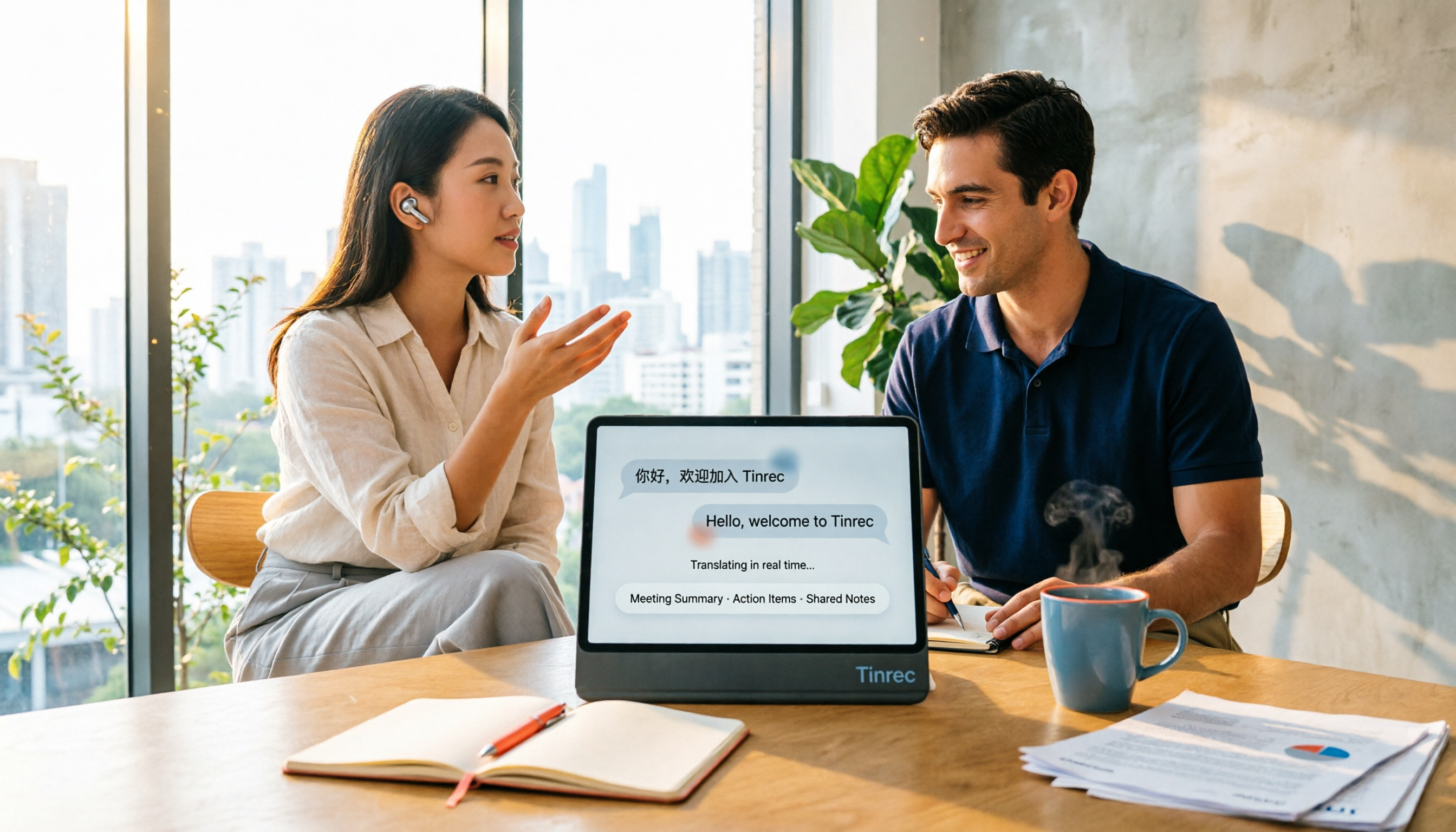
4 Real-Time Translation Apps Compared for 2026: From Travel Conversations to Meeting Notes
Real-time translation apps aren't just about how many languages they support. This article compares Tinrec, Google Translate, Microsoft Translator, and VoiceTra across four angles—travel conversations, multilingual meetings, post-meeting organization, and team collaboration—to help you find the right fit.

5 Real-World Online Translation Scenarios Compared in 2026: Which Needs Bilingual Subtitles Most—Meetings, Classes, or Videos?
Online real-time translation isn't just pasting text into a translation box. This article breaks down five scenarios—international meetings, online courses, foreign-language videos, client interviews, and team collaboration—and uses Tinrec to compare original text, translated text, and bilingual views. It also covers six buying checkpoints and FAQs to help you choose the right tool, not just the cheapest one.
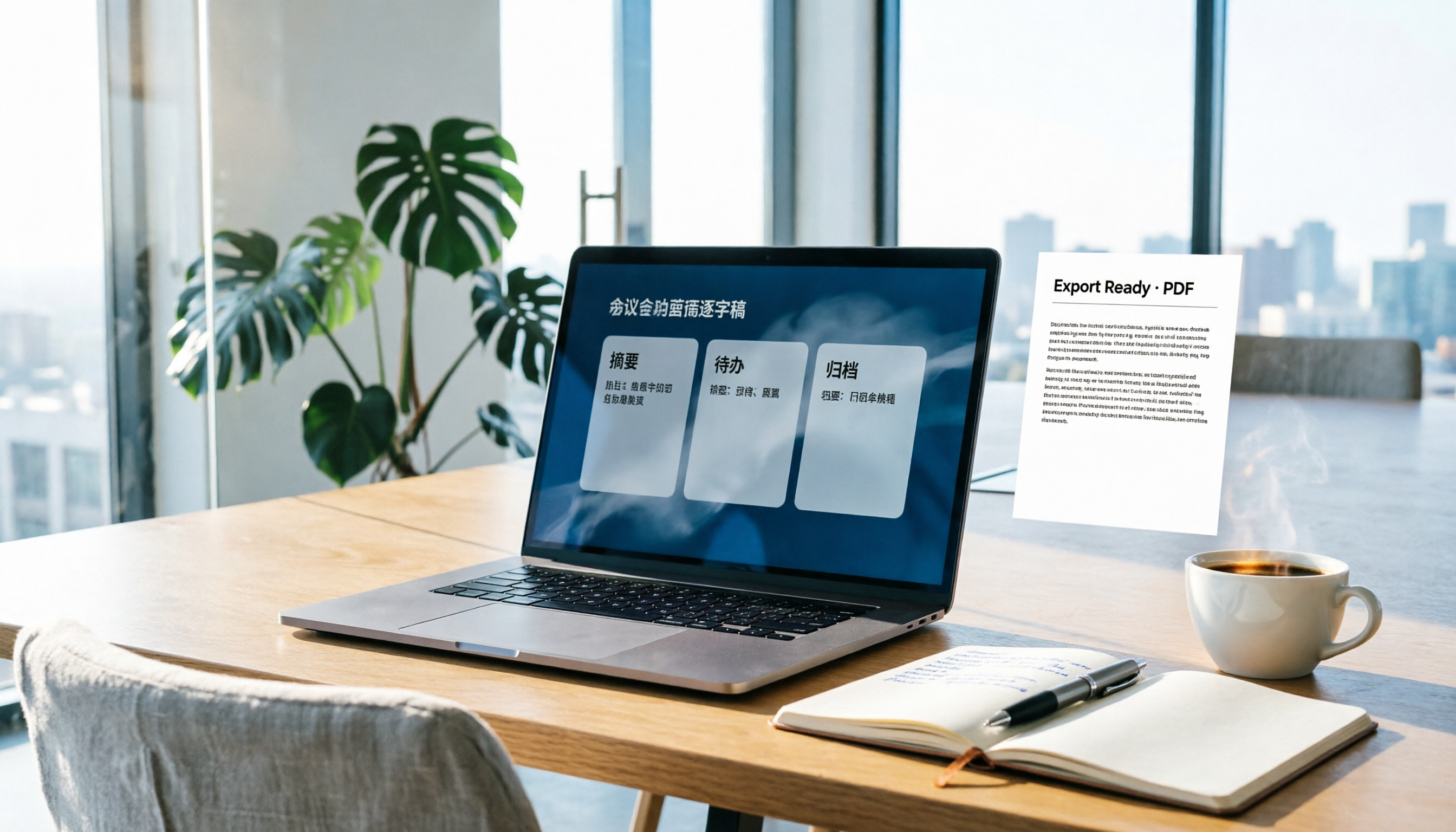
How to Write Meeting Minutes in Word (2026 Workflow): 3-Section Structure + AI-Generated Transcripts
Writing meeting minutes in Word isn't hard—the hard part is where the content comes from. This guide breaks down a three-section Word meeting minutes structure you can hand off directly, and shows how to use Tinrec to generate transcripts, summaries, and action items during the meeting, then export to Word for formatting and archiving—cutting documentation time from two hours to ten minutes.