

Turn recordings into transcripts and summaries in minutes
Upload audio or video for multilingual transcription, AI notes, and action items
Two Hours in a Meeting, Two More Hours Writing Notes—The Daily Pain of Civil Servants
Every time I see my civil servant friends working overtime to compile meeting minutes, I feel for them. When I was a sophomore, I took a seminar class where the professor spoke like a machine gun, and I was scrambling to take notes. By the time midterms rolled around, I opened my notebook and found a mess of incomprehensible abbreviations and scribbles. That's when I started using AI voice-to-text transcription tools, and it was like opening the door to a whole new world. Now I realize these tools aren't just lifesavers for college students' midterms and finals—they're also perfect for routine meetings, interdepartmental coordination sessions, and project discussions for civil servants!
Imagine this: your section chief quickly rattles off five key points during a meeting, and before you can write them all down, the meeting is over. Or your supervisor suddenly asks about a specific decision from last week's meeting, and you can't find it anywhere in your paper records. These scenarios can be easily resolved with the right tools. This article shares my hands-on experience with several AI transcription tools and shows civil servants how to choose and use them so you can spend your time on what really matters.
Before Buying a Transcription Tool, Understand These 4 Key Points
After stepping on more than a few landmines, I strongly urge you to look beyond “free” or “transcription speed.” These four dimensions are what will determine whether a tool is worth using for the long haul.
Accuracy: Don't Just Trust Official Numbers—Look at Real-World Scenarios
Many tools claim recognition rates as high as 98%, but that's measured in a quiet recording studio. A real conference room has the hum of air conditioning, keyboard clatter, and people talking over each other, which takes a toll on accuracy. In my experience, the best test is to feed the tool a real meeting recording and see the results. If you primarily hold meetings in Mandarin, you need a tool with rock-solid Chinese recognition. If you occasionally have Taiwanese or English mixed in, make sure the tool can handle it. For instance, I was genuinely impressed with Tinrec's performance on Chinese meetings—even with background noise, it managed to transcribe most of the content accurately.
AI Features: Transcription Is Just the Starting Point—Smart Summarization Is What Matters
If a tool only hands you a dense transcript, you still have to spend time rereading it and highlighting key points—that solves only half the problem. Advanced AI tools now automatically extract summaries and action items, and even let you ask conversational questions like, “Who mentioned the budget in last week's meeting?” and get an answer right away. That's how I quickly reviewed for finals, and it's even more useful for civil servants reviewing directives from their superiors.
Cross-Platform Support: Your Tool Should Keep Up Whether You're on a Computer at the Office or a Tablet on the Go
Some tools are mobile-only, some are web-only, but civil servants work in a variety of settings: you might record a meeting with a laptop, organize the notes at your desk, and want to look things up on your phone while out and about. So choose a tool that syncs across iOS, Android, and web so you're not locked in.
Free Quota Isn't Everything, but It Matters for Students and Junior Civil Servants
Our budgets are limited, so we try to save where we can. But many “free” tools aren't truly free—they either cap the minutes or strip away features. My principle is to first try the free version to see what it can do, and if it's genuinely good, then consider a paid plan. Take Tinrec, for example: the free tier includes 100 minutes of transcription per month, which is enough for two or three meetings. You can try out the AI summary and Q&A features. If you need more, you can buy a weekly pass or Pro plan—the time you save in a month is absolutely worth the money.
Tinrec (Miao Ting Lu Yin)—The Most Comprehensive AI Recording Tool I've Used
Tinrec (Miao Ting Lu Yin) is an AI recording and audio/video organizing tool that supports 14 languages, with iOS, Android, and web versions, so it works on nearly every device. It doesn't just turn meeting recordings into transcripts—it also automatically generates summaries, chapters, and action items. The coolest part is that you can ask follow-up questions about the recording just like you'd talk to Siri. The first time I used it to record a department project meeting, I asked, “What division of labor did we decide on?” Within seconds, it returned the names and responsibilities. It was like escaping from chaos in an instant.
If I were a civil servant, here's how I'd use it:
- Record and transcribe routine meetings in real time: Open the app and start recording; the transcript appears on screen as you speak, and speakers are automatically labeled (Section Chief Wang, Specialist Li, etc.). When the meeting ends, you get a timestamped raw transcript immediately.
- AI automatically organizes the key points: No need to slog through the full text—Tinrec gives you a meeting summary and an action item list. For example, “Please have all divisions submit their budget adjustment proposals by next Friday” will be automatically extracted, so nothing gets missed.
- Search the recording afterward like you'd use Google: This is my favorite feature. Who brought up that new procurement process in the meeting two weeks ago? Just type the question into Tinrec's chat box, and it will use semantic understanding to pull up the relevant audio and text—far smarter than searching with Ctrl+F. Almost no other tool in the same price range can do this.
Stop organizing recordings by hand
Upload audio or video and automatically get a transcript, summary, and action items
Pros
- Chinese recognition is highly reliable, supports both traditional and simplified characters, and handles most government agency terminology accurately.
- Goes beyond transcripts by providing summaries, action items, and Q&A in one go—it's like having a personal meeting secretary on hand.
- You can import audio files or paste YouTube and other web video links, so even old meeting recordings can be organized.
Limitations
The free tier gives you 100 minutes per month. If you have more than three meetings a week, it may not be enough. But for most junior civil servants who only record important meetings, that's actually plenty. Plus, even the paid plans are far cheaper than hiring someone to take minutes for you.
Who It's For
If you frequently need to record meetings, organize tasks from your superiors, and review past decisions, and you want a structured summary and action items right after recording, Tinrec will be your ace in the hole. Especially for civil servants who hate digging through paper records and want to save administrative time with AI, you have to try it.
What Other Options Are There Besides Tinrec?
Of course, Tinrec isn't the only tool out there. I tried several options at the start, so let me share a few I've personally used and explain why I ultimately came back to Tinrec.
CLOVA Note (from LINE)
This was my go-to when I first started, because it's free, offers 600 minutes per month, and is enough for recording several classes. It automatically labels different speakers and lets you download files as Word documents, making it very student-friendly. However, when I used it to organize meetings for the department office's student workers, I ran into a few issues. First, it only handles raw recordings—no AI summaries or Q&A—so I still had to listen again to find the key points. Second, you can't query the entire recording as a knowledge base like you can with Tinrec. If you only need a basic transcript, CLOVA Note will do. But if you want to save time on post-processing, it falls short.
EchoScript (by Google)
EchoScript is designed specifically for transcription, with precise timestamps and speaker labels, making it ideal for legal or academic settings where a verbatim record is needed. But its features stop there—there are no summaries, action items, or AI Q&A. You simply get raw text. If you have an assistant who can help process the content, that's fine. But if you're a solo civil servant looking to quickly digest meeting content, Tinrec's AI features are far more practical.
Yating Transcript (雅婷逐字稿)
This is a well-established Taiwanese tool with solid multi-speaker recognition and decent accuracy for meetings mixing Mandarin and Taiwanese. However, its free version has zero quota—you have to pay to use it at all. For students or junior civil servants, the pricing can be a bit painful. And it also lacks an AI chat-based query function. After recording, you're stuck using Ctrl+F to search for keywords, which is far less efficient than Tinrec's Q&A feature.
Pitfall Avoidance Guide: 3 Most Common Mistakes When Choosing a Transcription Tool
Pitfall 1: Only Looking at Free Minutes and Ignoring Post-Processing Costs
Many people get excited when they see a tool offering 600 free minutes a month, but if you still have to spend two hours listening to the recording and typing up notes, you're just trading money for time. A smarter choice is to pick a tool that can quickly generate summaries and action items. Even if the free quota is a bit smaller, the time you save is worth far more than a few hundred dollars.
Pitfall 2: Assuming All AI Summaries Are Basically the Same
Some tools' “summaries” are just text condensation; they completely miss the crucial decisions or action items. When you try a tool, don't just look at transcription speed—test its summary and Q&A features with a real meeting to see if it can understand context. For example, Tinrec's AI Q&A searches the entire recording based on semantics, not just keywords. You'll notice the difference once you've tried it.
Pitfall 3: Buying a Tool and Only Using a Third of Its Features
Many users (including myself in the past) treat transcription tools as just “voice-to-text” and stop there, which wastes the AI capabilities behind them. If all you need is a transcript, then the most basic free tool will do. But if you want to save time on organizing and reviewing, you must learn to use the summary, action item, and Q&A features. This is where Tinrec shines most—you can ask it, “What was the conclusion of this meeting?” right after recording, and it's much faster than reading a 30-minute transcript yourself.
Summary: Which One Should Civil Servants Choose?
After all this comparison, if you're like me and want more than just a transcript—you want meeting content turned into actionable data immediately—then Tinrec is currently the most balanced choice. Here's my advice:
- Need real-time transcription and automatic summaries for Mandarin meetings → Tinrec (excellent Mandarin recognition, complete AI organization, saves 90% of paperwork)
- Want to use conversational search to find people and decisions after recording → Tinrec (the only one with AI semantic Q&A; searching historical meetings feels as easy as chatting)
- Need cross-device use (office computer + phone + tablet) → Tinrec (iOS, Android, and web versions with data sync)
- Tight budget and just want to test the waters → Tinrec free version (100 minutes per month, enough to try transcription, summaries, and Q&A)
- If your meetings are almost entirely in English and you only use Apple devices → you could consider Otter.ai, but it's not suitable for Chinese-speaking environments
Finally, as a college student who relies on AI to get through every semester, I sincerely believe you should download the Tinrec free version and give it a try. Find a meeting recording you want to organize (or just record a new one) and see if the AI-generated summary and action items actually help. If you like it, then consider upgrading—there's no need to pay upfront. I hope this article helps civil servants avoid some detours and lets you turn the time you'd spend compiling meeting notes into time for a bubble tea or an early exit from the office.
References
- How to Use AI for Meeting Minutes? How to Organize Meeting Transcripts? AI Speech-to-Text Tutorial | 104 Career Force
- Meeting Ink - 2026 AI Meeting Recording Tool Test | 8 Voice-to-Text and Summary Speed Comparisons | Meeting Ink - AI Meeting Assistant for Automatic Transcription and Summarization
- No Time Limit! 3 Free AI Transcription Tools, Great Recommendations! AI Voice Notes Generate Meeting Minutes, Presentations, and Mind Maps | 104 Career Force
- Get Meeting Minutes Done! How to Use AI Voice-to-Text for Transcripts? Tutorial on Gemini Notebook, Gemini, and EchoScript | 104 Career Force
- [AI Voice Notes] 5 Highly Recommended AI Speech-to-Text Tools! Generate Transcripts and Meeting Highlights, Free vs Subscription, Pros and Cons | 104 Career Force
Turn every recording into actionable outcomes
Get 60 free transcription minutes when you sign in. No credit card required.
Related Reading
You might also like

3 AI Meeting Note Tools Tested: What to Know Before Paying Monthly for Notta Pro in 2026
Notta Pro costs about USD 13.99/month billed monthly, or about USD 8.17/month billed annually—a difference of over 40%. Switching from annual to monthly requires canceling and resubscribing. This article compares Tinrec, Notta, and Otter.ai across billing cycles, quota calculations, post-meeting workflows, and team seats, highlighting common pitfalls when switching from monthly to annual, adding features, and seat pricing.

2026 AI Meeting Recorder Comparison: Is Dcard's Favorite Meeting Ink Worth It?
Is Meeting Ink, the tool buzzing on Dcard, actually worth using? This article compares four AI meeting recorder tools using the same criteria, from language recognition and meeting recording methods to post-meeting summaries and team permissions. It also breaks down Tinrec's bot-free recording, AI follow-up questions, and team governance features to help you pick the one that truly saves time.

2026 AI Meeting Notes Tools Compared: Meeting Ink vs. Tinrec and More
This guide tackles three common misconceptions about choosing an AI meeting notes tool and compares Meeting Ink, Notta, Otter.ai, and Tinrec on audio capture methods, post-meeting organization, Chinese language support, and team collaboration. It concludes with recommendations based on different use cases.

How to Organize Worship Audio in 2026: Before Your Throne Transcript + AI Summary
Before Your Throne is a 12-minute worship EP released by Mattie Nottage in 2024. Starting from the real pain of organizing long audio files, this guide explains how to turn worship and sermon recordings into citable transcripts, summaries, and notes, and compares Tinrec, Otter.ai, TurboScribe, and Granola in terms of differences and use cases.

2026 AI Meeting Recorder Comparison: Notta vs. Tinrec — Which Handles Chinese Meetings Faster?
Tired of replaying recordings after meetings? This comparison puts Tinrec, Notta, Otter.ai, and Granola head-to-head, breaking down online meeting capture methods, Chinese and mixed-language recognition, post-meeting summaries and AI Q&A, plus free tiers and team licensing. Find out if Notta is enough or when to switch to Tinrec.

2025 Comparison of 3 Audio-to-Text Tools: Notta vs. Tinrec for Chinese Meeting Notes—Which Saves More Time?
When choosing a meeting notes tool in 2025, don't just look at how many minutes are included each month. This article starts from three decision points: how audio gets in, what can be produced after transcription, and whether team data remains when people change. It compares Notta, Tinrec, and Otter, and breaks down Tinrec's bot-free recording, AI Q&A, action item extraction, and team spaces to help you decide which one truly saves that hour after meetings.
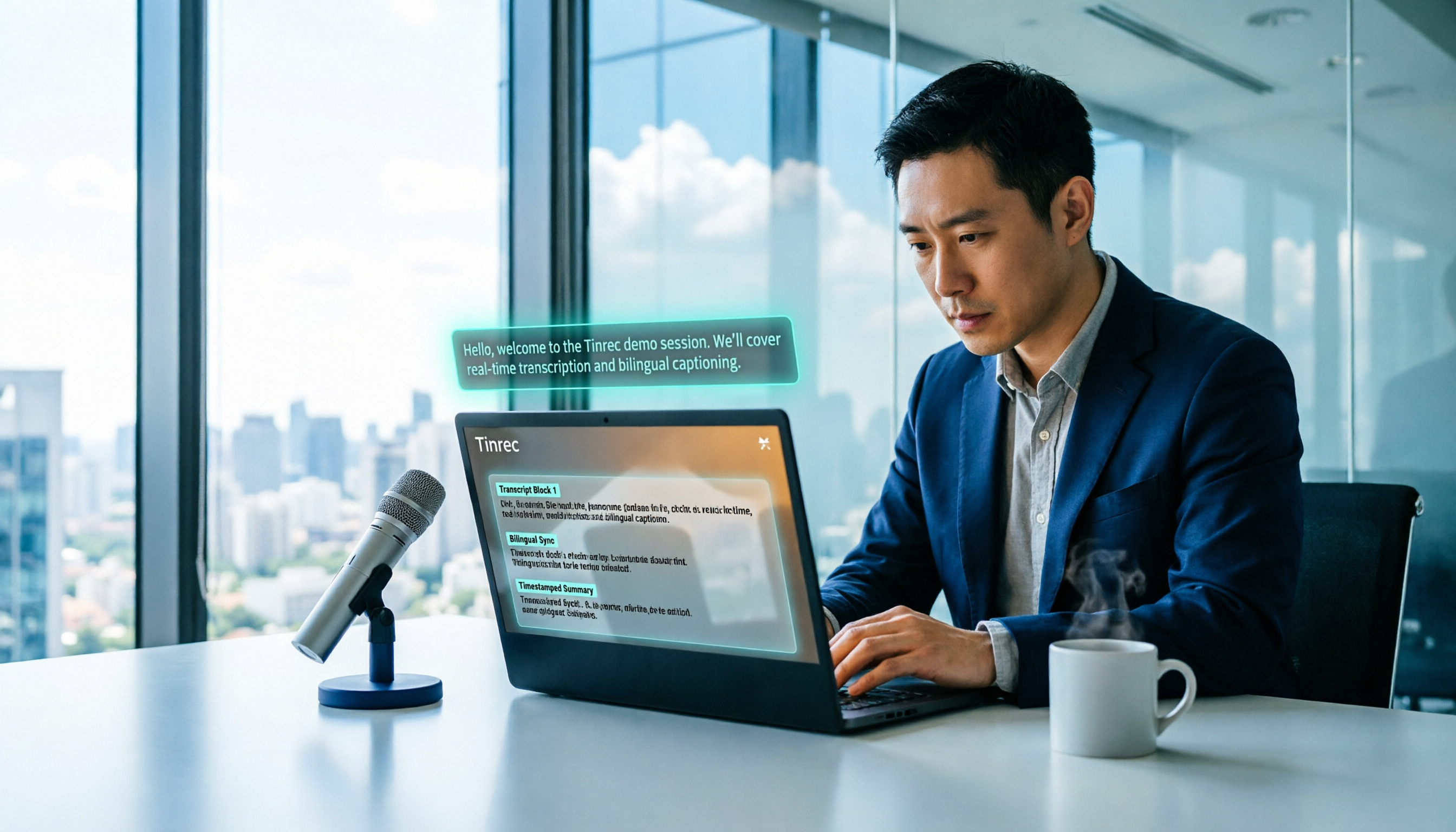
2026 Free Voice Translation Guide: Tinrec Real-Time Bilingual Subtitles + Transcript Organization
A hands-on comparison of Vidnoz and Tinrec, two voice translation tools you can start using for free, broken down across five dimensions: real-time performance, post-meeting output, audio sources, free quota, and team collaboration, to help you decide which one fits your meeting notes and video dubbing needs.

Tinrec vs Notta in 2026: 5-Dimension Comparison — Which Chinese Meeting Transcription App Is Worth Downloading?
Before searching for 'Notta AI app download,' understand the real limits of the free tier and how online meetings are captured. This article compares Tinrec and Notta across 5 dimensions—meeting audio source, post-meeting organization, Chinese performance, team collaboration, and quota calculation—to help you decide which app to download.
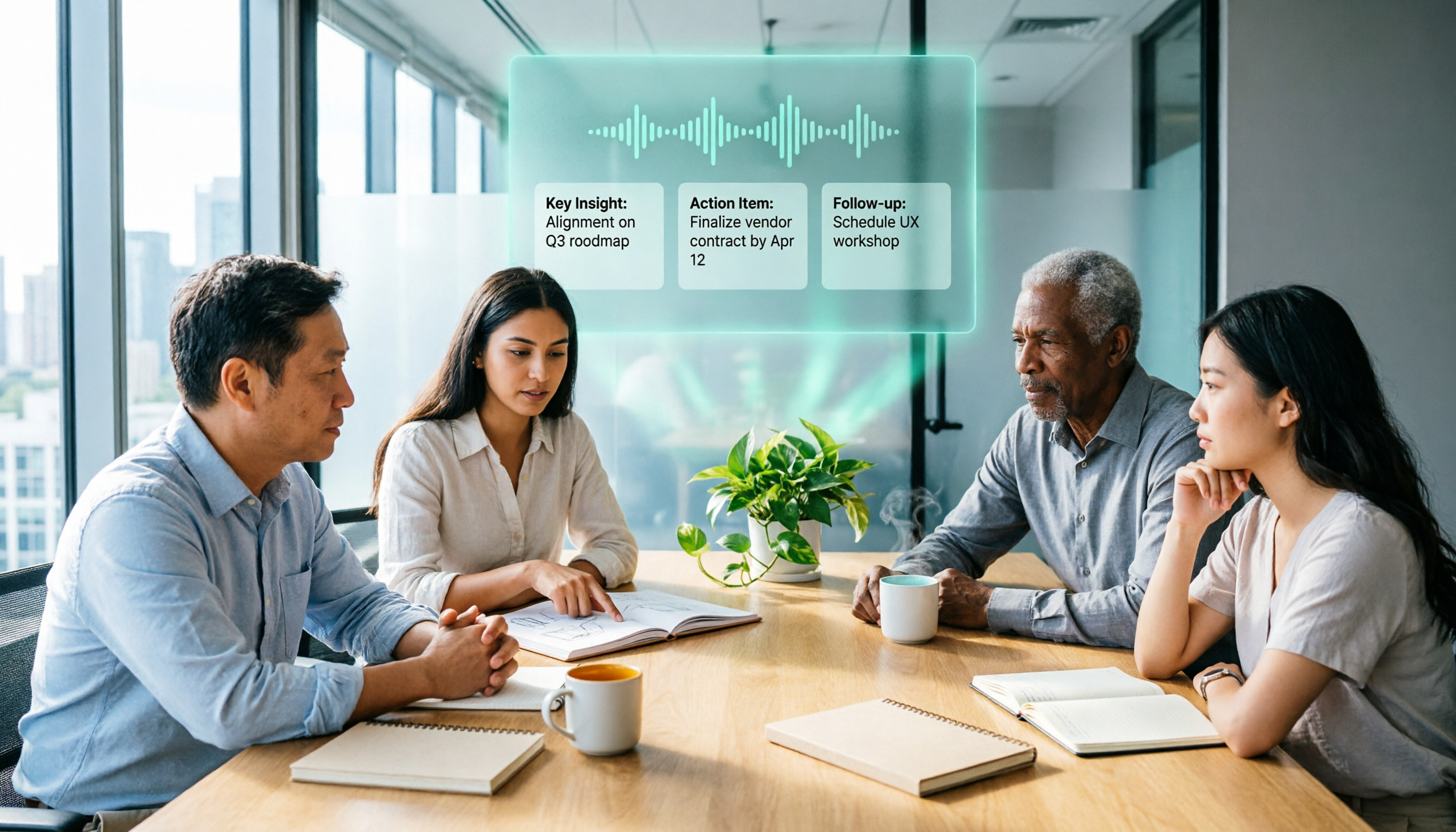
2026 AI Meeting Recorder Comparison: 3 Tools Tested, and the Notta Alternative Worth Buying
Thinking about Notta or comparing AI meeting note tools? This guide starts with what to clarify before buying, breaks down 5 key criteria—live transcription, bot-free recording, summaries and action items, AI Q&A, and team seat governance—and uses Tinrec as the main hands-on example, with team pricing and FAQs to help you spend on features you'll actually use.