
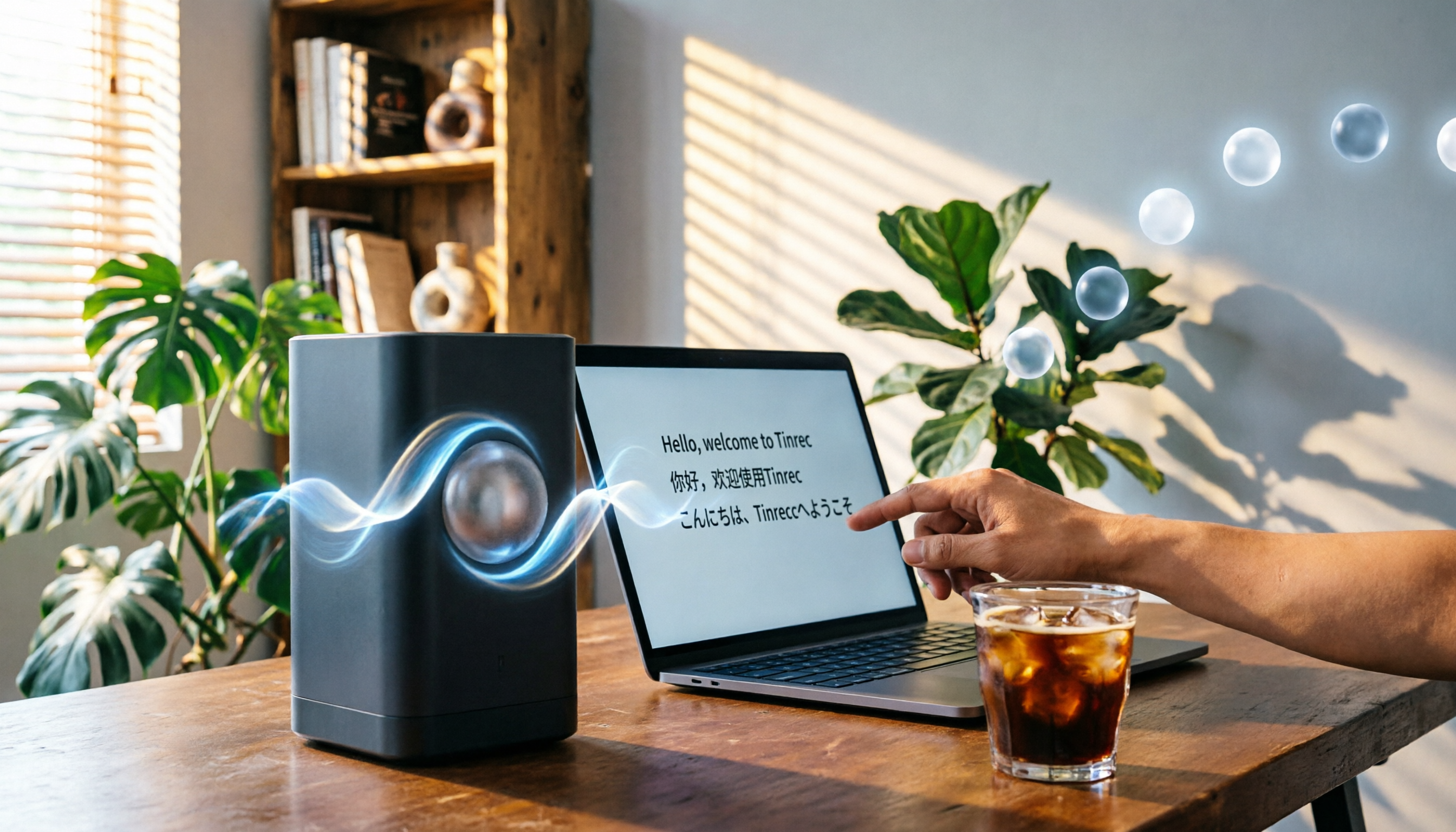
Turn recordings into transcripts and summaries in minutes
Upload audio or video for multilingual transcription, AI notes, and action items
Tinrec vs Plaud Note 2026: A 5-Dimension Comparison — Which Is the Ultimate Meeting Recorder for Remote Workers?
Two Hours in Meetings, Two Hours on Notes — Does That Sound Like You?
Remote work is the new normal, and online meetings just keep coming. Cantonese, Mandarin, and English all mixed into the same conversation—you're already busy enough during the call, and afterward you still need to replay the recording, type up the transcript, and organize action items. It's essentially a second shift.
What's even more frustrating is that many people buy expensive recording hardware for "professionalism," only to find that transcription accuracy doesn't meet expectations—and they still end up doing the follow-up work themselves.
Honestly, what you need isn't just a recorder. You need a solution that takes you from "recording" to "action." In this article, we put two highly talked-about options to the test—Tinrec (Instant Recording) and Plaud Note—to see which one deserves to be your meeting-recording essential.
Before You Choose a Meeting Recorder, Understand These 5 Key Points
1. Accuracy: Don't Just Look at Official Numbers—Real-World Scenarios Tell the Truth
Every vendor claims high accuracy, but that's usually measured in a quiet studio. Real meetings come with keyboard clicking, air-conditioner hum, and all kinds of accents. We tested with a 5-minute Cantonese meeting recording, and that shows which tool has a stronger grasp of Chinese-language environments.
2. Multilingual Support: Does Your Meeting Only Use One Language?
If you frequently handle Cantonese, Mandarin, or mixed Chinese-English content, this is especially important. Some tools are strong only in English and make one mistake after another when faced with Cantonese.
3. AI Post-Processing: Transcription Is Only the Beginning
Once you have the transcript, you still need to find the key points and pull out follow-ups. A good tool will automatically generate summaries and chapters, and even let you ask it directly—like asking a colleague—"Who brought up the budget at the last meeting?" and get an answer.
4. Cross-Platform & Convenience: You Don't Want to Be Tied to One Device
Today you're on a computer meeting; tomorrow you're recording on your phone. If the tool can't sync across all your devices, the experience suffers. More importantly—do you really want to carry extra hardware around?
5. Total Cost: Hardware, Software, and Subscriptions—What's the Real Price?
Some tools cost over a hundred dollars just for the hardware, and then transcription minutes are billed separately. Calculate the long-term cost first so you don't regret it after buying.
Tinrec (Instant Recording) — Our Top Pick After Real-World Testing
Tinrec is an AI recording and audio/video organization tool—not just a meeting recorder. It supports iOS, Android, and web, so whether you record with your phone, join a meeting on your computer, or upload files afterward, you can turn everything into usable text.
Record and Transcribe in Real Time—No Interruption to Your Meeting
When you're in Google Meet or Zoom, open Tinrec and it produces the transcript in real time. As soon as the meeting ends, AI summaries and action items are already generated—who should do what and by when, all clear at a glance.
Ask Your Recording—Get Answers Directly
This is the feature I love most. Say there was a project meeting last month; you just ask Tinrec, "What was the conclusion about the budget adjustment from last time?" and it finds the answer directly from the recording content, instead of just giving you keywords. This is especially useful when you need to revisit long meetings.
More Than Meetings: Videos and Courses Can Be Processed Too
Paste a YouTube or Bilibili link, and Tinrec can turn it into text and a summary. It's also convenient for organizing online courses, interviews, and podcasts.
On pricing, the free plan offers a monthly base transcription allowance so you can experience it fully. If you have frequent meetings, the Pro plan provides more minutes—over the long term, the monthly cost is much lower than hardware-based solutions.
Stop organizing recordings by hand
Upload audio or video and automatically get a transcript, summary, and action items
Pros at a Glance
- Chinese and Cantonese recognition is noticeably more accurate than most tools (in our 5-minute Cantonese test, there were almost no errors or omissions)
- AI chat-style querying saves you time from manually digging through transcripts
- No hardware needed—works on your phone, computer, and browser
- Supports live recording, file uploads, and online video transcription
One thing to note: the free allowance may not be enough for heavy users, but it's generally sufficient if you have 2–3 meetings per week. Also, if your workflow is entirely focused on English meetings, there are more targeted options (which I'll mention below).
Who Is It For?
If you frequently have multilingual meetings, want to quickly pull out the key takeaways after recording, and don't want to carry another device—Tinrec is currently the most worry-free choice.
Beyond Tinrec, Other Options Worth Considering
Plaud Note: Nice Hardware, but the Cost Adds Up
Plaud Note is a beautifully designed AI recording device focused on portability and one-touch recording. But first, you need to spend about $179 for the device, and transcription minutes require a separate annual fee. In our same Cantonese meeting test, its transcription errors were noticeably more frequent than Tinrec's, and it doesn't have the AI chat-query feature—meaning after recording, you can only slowly browse through the transcript yourself. If you love the voice-recorder form factor and have the budget, it's worth considering; but if you want to get it all done simply with software, Tinrec is the better deal.
Otter.ai: The English-Meeting Benchmark, but Weaker in Chinese
Otter.ai is very strong for English business meetings, and its free plan gives 300 transcription minutes per month—pretty generous. However, it doesn't support Cantonese, and its recognition of mixed Chinese content has been criticized by many users. If your meetings are almost entirely in English, Otter might suit you better; for mixed Chinese-English or Cantonese scenarios, Tinrec is more stable.
Pitfall Guide: 4 Common Mistakes When Choosing a Meeting Recording Tool
Pitfall 1: Assuming Hardware Is Risk-Free
Hardware recorders have an edge in portability, but transcription and post-processing still depend on software. Plaud Note, for example, requires an app and paid plans, making it less flexible overall than pure software tools.
Pitfall 2: Only Comparing Transcription Minutes, Not Post-Processing Capabilities
Many tools give you a pile of transcripts and then stop there. You still have to spend time extracting the key points. A tool like Tinrec—with AI chat-query and automatic action-item extraction—is what actually saves you time on post-meeting cleanup.
Pitfall 3: Overlooking Multilingual Scenarios
Remote teams often collaborate across borders, mixing Cantonese, English, and Mandarin. Choosing a tool that's only good in English means your meeting notes are only half done.
Pitfall 4: Buying a Plan Without Trying First
Whether software or hardware, it's best to record an actual meeting with the free version or trial period first. Tinrec's free allowance is enough for 2–3 meetings, so try before you pay—that's the safest approach.
Summary: Which One Should You Choose?
Overall, Tinrec is the most comprehensive and cost-effective choice for remote meeting notes—no extra hardware needed, it handles both Chinese and English meetings, and AI helps you quickly find the key information you need.
Quick decision guide by scenario:
- Multilingual meetings, want AI to organize the highlights → Tinrec (you can try the free version)
- Don't want extra devices, want to save budget → Tinrec
- Must have a voice-recorder feel and don't mind the lack of post-processing features → Plaud Note (but long-term costs are high)
- English-only meetings, team collaboration is the priority → Otter.ai
If you're stuck in the cycle of organizing recordings after every meeting, download the Tinrec free version and give it a try. There's a monthly base allowance—once you've tried it, you'll see that meeting notes really don't have to mean working overtime.
References
- 5 Recommended Online Meeting Software Tools to Boost Remote Meeting Efficiency | On-line to Know
- What Online Recording Tools Should You Use for Remote Meetings and Classes? 6 Best Options - Tinrec Blog
- Meeting Ink - AI Meeting Notes Assistant: Automatic Transcription and Meeting Summaries
- 5 Online Meeting Software Free-Tier Comparison: Chinese Recognition, AI Summaries, and Real-Time Transcription Tested - Tinrec Blog
- Recently, a lot of people have been asking me if there are any AI tools that can take meeting notes. They still type by hand, can't multitask very well, and waste a lot of time. I always give the same answer — SeaMeet. Why do I recommend it? Here are the key points: - Integrates with Google Meet, with real-time transcription for online meetings and instant summaries—super convenient. - No need to reorganize anything; after the meeting ends, it sends an email directly to all participants. - So easy to use that I taught middle-aged and older people who had never used AI tools in 10 minutes. - In-person meetings
Turn every recording into actionable outcomes
Get 60 free transcription minutes when you sign in. No credit card required.
Related Reading
You might also like

3 AI Meeting Note Tools Tested: What to Know Before Paying Monthly for Notta Pro in 2026
Notta Pro costs about USD 13.99/month billed monthly, or about USD 8.17/month billed annually—a difference of over 40%. Switching from annual to monthly requires canceling and resubscribing. This article compares Tinrec, Notta, and Otter.ai across billing cycles, quota calculations, post-meeting workflows, and team seats, highlighting common pitfalls when switching from monthly to annual, adding features, and seat pricing.

2026 AI Meeting Recorder Comparison: Is Dcard's Favorite Meeting Ink Worth It?
Is Meeting Ink, the tool buzzing on Dcard, actually worth using? This article compares four AI meeting recorder tools using the same criteria, from language recognition and meeting recording methods to post-meeting summaries and team permissions. It also breaks down Tinrec's bot-free recording, AI follow-up questions, and team governance features to help you pick the one that truly saves time.

2026 AI Meeting Notes Tools Compared: Meeting Ink vs. Tinrec and More
This guide tackles three common misconceptions about choosing an AI meeting notes tool and compares Meeting Ink, Notta, Otter.ai, and Tinrec on audio capture methods, post-meeting organization, Chinese language support, and team collaboration. It concludes with recommendations based on different use cases.

How to Organize Worship Audio in 2026: Before Your Throne Transcript + AI Summary
Before Your Throne is a 12-minute worship EP released by Mattie Nottage in 2024. Starting from the real pain of organizing long audio files, this guide explains how to turn worship and sermon recordings into citable transcripts, summaries, and notes, and compares Tinrec, Otter.ai, TurboScribe, and Granola in terms of differences and use cases.

2026 AI Meeting Recorder Comparison: Notta vs. Tinrec — Which Handles Chinese Meetings Faster?
Tired of replaying recordings after meetings? This comparison puts Tinrec, Notta, Otter.ai, and Granola head-to-head, breaking down online meeting capture methods, Chinese and mixed-language recognition, post-meeting summaries and AI Q&A, plus free tiers and team licensing. Find out if Notta is enough or when to switch to Tinrec.

2025 Comparison of 3 Audio-to-Text Tools: Notta vs. Tinrec for Chinese Meeting Notes—Which Saves More Time?
When choosing a meeting notes tool in 2025, don't just look at how many minutes are included each month. This article starts from three decision points: how audio gets in, what can be produced after transcription, and whether team data remains when people change. It compares Notta, Tinrec, and Otter, and breaks down Tinrec's bot-free recording, AI Q&A, action item extraction, and team spaces to help you decide which one truly saves that hour after meetings.

2026 Free Voice Translation Guide: Tinrec Real-Time Bilingual Subtitles + Transcript Organization
A hands-on comparison of Vidnoz and Tinrec, two voice translation tools you can start using for free, broken down across five dimensions: real-time performance, post-meeting output, audio sources, free quota, and team collaboration, to help you decide which one fits your meeting notes and video dubbing needs.

Tinrec vs Notta in 2026: 5-Dimension Comparison — Which Chinese Meeting Transcription App Is Worth Downloading?
Before searching for 'Notta AI app download,' understand the real limits of the free tier and how online meetings are captured. This article compares Tinrec and Notta across 5 dimensions—meeting audio source, post-meeting organization, Chinese performance, team collaboration, and quota calculation—to help you decide which app to download.
2026 AI Meeting Recorder Comparison: 3 Tools Tested, and the Notta Alternative Worth Buying
Thinking about Notta or comparing AI meeting note tools? This guide starts with what to clarify before buying, breaks down 5 key criteria—live transcription, bot-free recording, summaries and action items, AI Q&A, and team seat governance—and uses Tinrec as the main hands-on example, with team pricing and FAQs to help you spend on features you'll actually use.