

Turn recordings into transcripts and summaries in minutes
Upload audio or video for multilingual transcription, AI notes, and action items
2026 Test Comparison of 3 AI Transcript Generators: Which One Handles Chinese Best?
After every meeting or class, the most painful part is spending time manually transcribing audio files. Missing important information and overlooking action items are common workplace frustrations. In fact, with AI transcript generators, you can now convert audio files into editable text in minutes, even automatically generating summaries and key points. With so many tools on the market, this article takes a hands-on approach to help you understand how to choose an AI transcript generator, using Tinrec as an example to see how a complete solution can turn your audio and video materials into genuinely usable knowledge.
What Can AI Transcript Generators Do for You?
Many people think speech-to-text is just "turning sound into text," but a good AI transcript generator can do much more. Take Tinrec, for example—it can save you significant time in several key scenarios:
Scenario 1: Meeting minutes right after the meeting ends
Previously, after a two-hour meeting, you might have spent another hour organizing notes. Now, with AI transcript generators like Tinrec, you can get real-time transcription while the meeting is happening, and immediately receive structured summaries, key conclusions, and action items—making it clear who is responsible for what and by when.Scenario 2: Turning class audio into review notes
Many students record lectures, but with audio files often lasting two to three hours, they don't know where to start. Tinrec can automatically divide lecture recordings into chapters, extract core points from each chapter, and pair them with AI summaries to double your review efficiency.Scenario 3: Easily turning interview materials into insights
When conducting user interviews or expert interviews, you often accumulate a large amount of audio. Tinrec not only converts audio to transcripts, but also lets you use AI Q&A to ask questions like "What pain points did the respondents mention?" "What were their reactions to the new feature?"—condensing hours of conversation into quotable material.Scenario 4: One-click conversion of online videos into text material
Want to organize instructional videos on YouTube or Bilibili, but manual dictation is too tiring? Tinrec supports pasting public video URLs and directly converts the video content into text and summaries, making it super convenient for note-taking or content creation.
What Are the Core Capabilities of AI Transcript Generators?
Why can Tinrec do all of the above? The key is that it goes beyond pure transcription, building a complete set of capabilities around "understanding and usage":
Real-time transcription, watch while you record
With Tinrec, you can see text generated synchronously as soon as you start recording, without waiting until the recording is finished. This is especially useful for meetings or classes where you need to verify what was said.AI semantic summaries, structured organization
In the past, some tools only condensed transcripts into a single paragraph, but Tinrec's summaries further break out structures like "meeting topic, discussion conclusions, action items," making it easy to quickly grasp the key points and reducing the effort of re-organizing.Automatic chapter and key point segmentation
For audio files longer than an hour, Tinrec automatically splits the recording into multiple chapters based on semantic content, with each chapter accompanied by key point hints, so you can jump directly to the part you want to hear without listening from start to finish.Action item extraction
During meetings, people often say "we'll handle this later," but it often gets forgotten. Tinrec can automatically extract action items from the conversation—"who should do what"—and list them, so you never miss a task again.AI conversation querying, just like asking an assistant
After transcription is complete, you can directly ask Tinrec in Chinese: "Who mentioned the budget during the meeting?" "When is the deadline from the last discussion?" Tinrec uses semantic understanding to find relevant sections in the recording and answer, greatly enhancing the reusability of historical data.Multi-source input, not just meetings
Tinrec supports real-time recording, uploading audio/video files, and even pasting online video links. Whether it's meeting recordings, class audio, interview material, or public videos, everything can be processed through the same workflow.
Practical Application Scenarios
Different groups have different expectations for AI transcript generators. Below, we use specific scenarios to illustrate how Tinrec addresses each:
Stop organizing recordings by hand
Upload audio or video and automatically get a transcript, summary, and action items
Professionals: meeting minutes and task tracking
Open Tinrec for recording before each meeting; key conversations are instantly converted to text. After the meeting, summaries and to-do lists are automatically generated and can be exported directly to Notion or Google Docs to share with your team, saving time on post-meeting organization.Students and lifelong learners: class notes and review
Upload a full day of lecture recordings to Tinrec; the chapter feature automatically segments by topic, with key point hints for each section. When reviewing before an exam, use AI Q&A to ask about concepts within the course scope—more efficient than flipping through notes.Content creators: repurposing audio/video material
After recording a podcast or video, upload the audio file to Tinrec to get a transcript and subtitles, then use summaries to confirm the key points. If you want inspiration from your previously published videos, simply paste the video link to quickly review it without rewatching.Researchers and interviewers: accelerating qualitative analysis
For recordings from multiple interviews, Tinrec lets you transcribe all of them at once and build a searchable database. Through AI Q&A, you can directly extract high-frequency terms and insights across sessions, speeding up the analysis phase of qualitative research.
4 Things to Note When Choosing an AI Transcript Generator
There are many options on the market. How do you choose without getting burned? Here are several evaluation aspects, using Tinrec's performance as a reference:
Transcription accuracy: don't just look at vendor-claimed numbers
Many factors affect accuracy, including recording quality, accents, background noise, and more. Real-world testing is the best way to evaluate. Tinrec performs steadily in terms of readability and accuracy for Chinese transcription in typical meeting or classroom settings, enough to handle most daily work.Post-transcription organization capabilities
Simply generating a transcript isn't enough; the key is whether you can quickly grasp the important points. Tinrec's AI summaries, chapters, action item extraction, and Q&A features turn lengthy recordings into immediately actionable information—something that pure transcription tools cannot do.Diversity of input sources
Make sure the tool supports the recording methods you commonly use. Tinrec not only supports real-time recording, but also uploading audio/video files and pasting online video URLs, making it applicable to a wider range of use cases compared to tools limited to online meetings.Language support and localized experience
If you mainly handle Traditional Chinese content, a tool's Chinese support is crucial. Tinrec's interface and transcription engine are quite friendly to Traditional Chinese, and can handle conversations mixed with Chinese and English well, making it suitable for users in Taiwan.
Frequently Asked Questions
Q1: Can AI transcript generators achieve 100% accuracy?
A: No tool can currently guarantee perfect accuracy. Accuracy is affected by factors such as recording environment, speaker accents, and specialized terminology. We recommend checking important content against the original recording. In typical good-quality recording conditions, Tinrec can significantly reduce the time spent on manual transcription.
Q2: Is the free version sufficient, or do I need to pay?
A: Tinrec offers a free version with a monthly base transcription allowance, suitable for light use or testing features. If you have weekly meetings, classes, or interview needs, a paid plan (week pass or Pro monthly/yearly) will better match your usage and unlock more advanced organization features.
Q3: Is it privacy-safe to use AI for transcribing meetings?
A: Reputable tools have data encryption and privacy protection mechanisms. Tinrec securely handles user recording data. After transcription, you can manage your files yourself, so there is no need to worry about leaks.
Q4: I only want to organize YouTube videos. Any recommended tool?
A: If you frequently need to extract content from online videos, Tinrec's video link-to-text feature is very convenient. Just paste the URL to get a transcript and summary, without having to download and re-upload the video.
Q5: How is Tinrec different from meeting bots?
A: Some tools focus on automatically joining online meetings and generating minutes, while Tinrec is more of an all-around audio/video organizer. It doesn't just handle meetings—it also suits lecture recordings, interviews, and online videos, and its post-transcription organization and Q&A features are more comprehensive, functioning as your personal audio knowledge base.
Conclusion
AI transcript generators don't just turn sound into text—they turn audio and video materials into searchable, summarizable, reusable knowledge. If you're tired of manual transcription, or want to get organized records immediately after meetings, they're definitely worth trying. Tinrec's integration and post-processing capabilities in Chinese-language scenarios make it a highly practical choice in this evaluation. We recommend starting with the free version, using it to organize a meeting or two or a few classes, and experiencing firsthand the smooth flow from recording to summary before deciding whether to upgrade.
References
- Unlimited Time! 3 Free AI Transcript Tools, Highly Recommended! AI Voice Notes for Meeting Minutes, Slides, Mind Maps | 104 Workplace
- AI Transcript Generator: Convert Audio Files to Transcripts Online for Free - MyEdit
- SoundType AI Ultra-Precise Transcripts, Speech to Text, AI Dictation App - App Store
- Home | Vocol.ai Voice Collaboration Platform
- [AI Voice Notes] 5 Highly Recommended AI Speech-to-Text Tools! Generate Transcripts and Meeting Notes Key Points, Free vs Subscription, Pros and Cons Comparison | 104 Workplace
Turn every recording into actionable outcomes
Get 60 free transcription minutes when you sign in. No credit card required.
Related Reading
You might also like

3 AI Meeting Note Tools Tested: What to Know Before Paying Monthly for Notta Pro in 2026
Notta Pro costs about USD 13.99/month billed monthly, or about USD 8.17/month billed annually—a difference of over 40%. Switching from annual to monthly requires canceling and resubscribing. This article compares Tinrec, Notta, and Otter.ai across billing cycles, quota calculations, post-meeting workflows, and team seats, highlighting common pitfalls when switching from monthly to annual, adding features, and seat pricing.

2026 AI Meeting Recorder Comparison: Is Dcard's Favorite Meeting Ink Worth It?
Is Meeting Ink, the tool buzzing on Dcard, actually worth using? This article compares four AI meeting recorder tools using the same criteria, from language recognition and meeting recording methods to post-meeting summaries and team permissions. It also breaks down Tinrec's bot-free recording, AI follow-up questions, and team governance features to help you pick the one that truly saves time.

2026 AI Meeting Notes Tools Compared: Meeting Ink vs. Tinrec and More
This guide tackles three common misconceptions about choosing an AI meeting notes tool and compares Meeting Ink, Notta, Otter.ai, and Tinrec on audio capture methods, post-meeting organization, Chinese language support, and team collaboration. It concludes with recommendations based on different use cases.
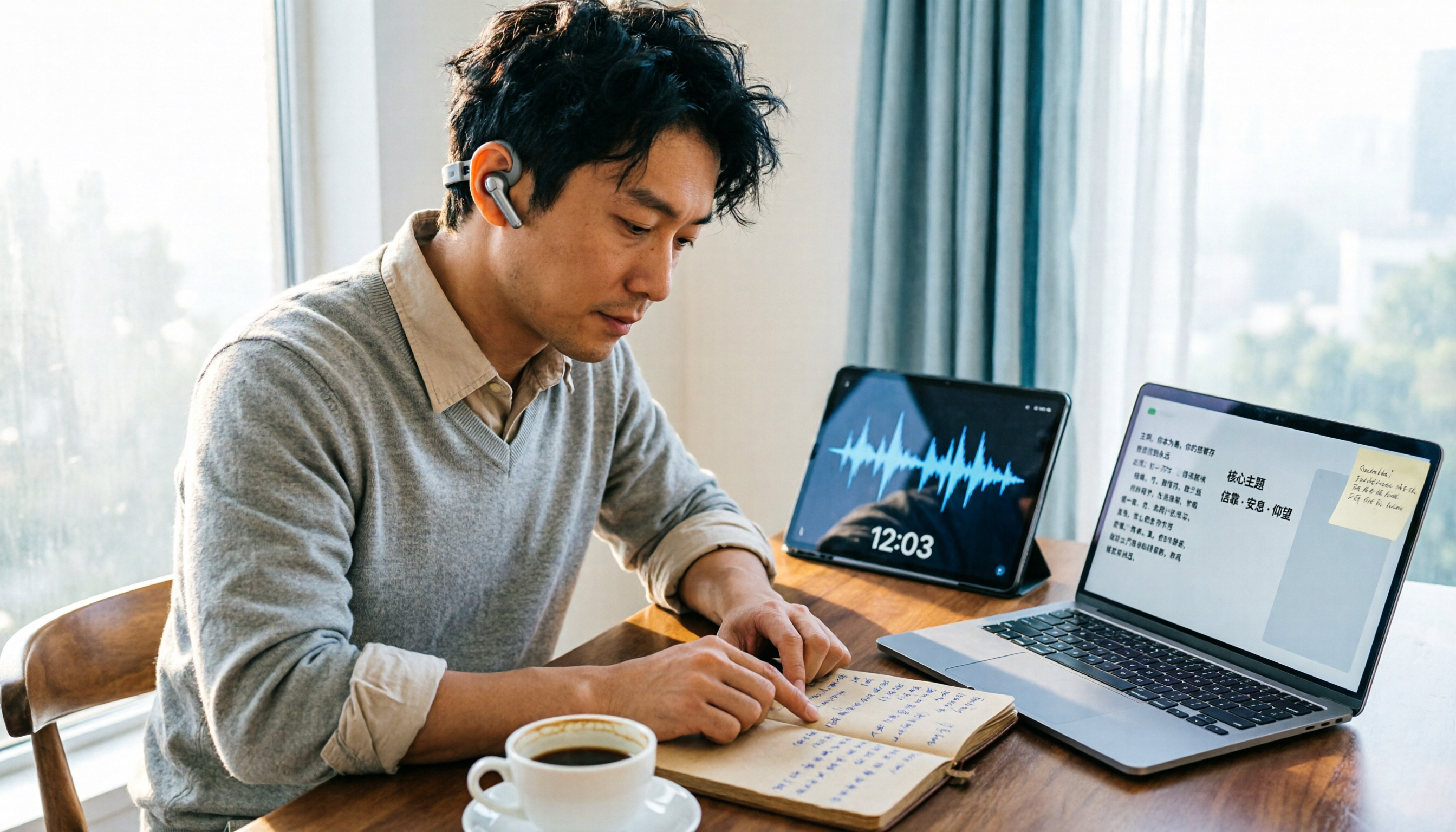
How to Organize Worship Audio in 2026: Before Your Throne Transcript + AI Summary
Before Your Throne is a 12-minute worship EP released by Mattie Nottage in 2024. Starting from the real pain of organizing long audio files, this guide explains how to turn worship and sermon recordings into citable transcripts, summaries, and notes, and compares Tinrec, Otter.ai, TurboScribe, and Granola in terms of differences and use cases.

2026 AI Meeting Recorder Comparison: Notta vs. Tinrec — Which Handles Chinese Meetings Faster?
Tired of replaying recordings after meetings? This comparison puts Tinrec, Notta, Otter.ai, and Granola head-to-head, breaking down online meeting capture methods, Chinese and mixed-language recognition, post-meeting summaries and AI Q&A, plus free tiers and team licensing. Find out if Notta is enough or when to switch to Tinrec.

2025 Comparison of 3 Audio-to-Text Tools: Notta vs. Tinrec for Chinese Meeting Notes—Which Saves More Time?
When choosing a meeting notes tool in 2025, don't just look at how many minutes are included each month. This article starts from three decision points: how audio gets in, what can be produced after transcription, and whether team data remains when people change. It compares Notta, Tinrec, and Otter, and breaks down Tinrec's bot-free recording, AI Q&A, action item extraction, and team spaces to help you decide which one truly saves that hour after meetings.
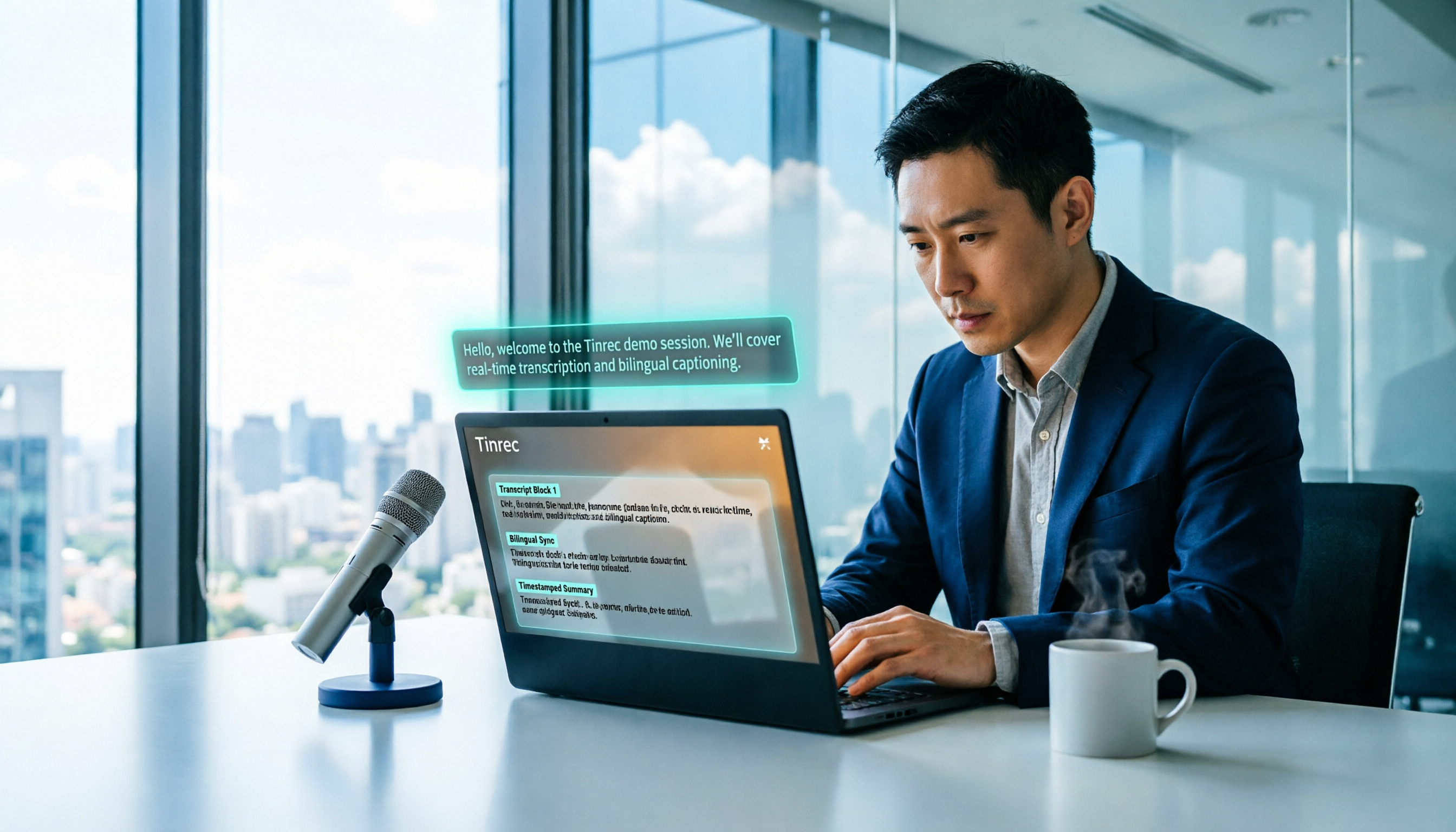
2026 Free Voice Translation Guide: Tinrec Real-Time Bilingual Subtitles + Transcript Organization
A hands-on comparison of Vidnoz and Tinrec, two voice translation tools you can start using for free, broken down across five dimensions: real-time performance, post-meeting output, audio sources, free quota, and team collaboration, to help you decide which one fits your meeting notes and video dubbing needs.

Tinrec vs Notta in 2026: 5-Dimension Comparison — Which Chinese Meeting Transcription App Is Worth Downloading?
Before searching for 'Notta AI app download,' understand the real limits of the free tier and how online meetings are captured. This article compares Tinrec and Notta across 5 dimensions—meeting audio source, post-meeting organization, Chinese performance, team collaboration, and quota calculation—to help you decide which app to download.
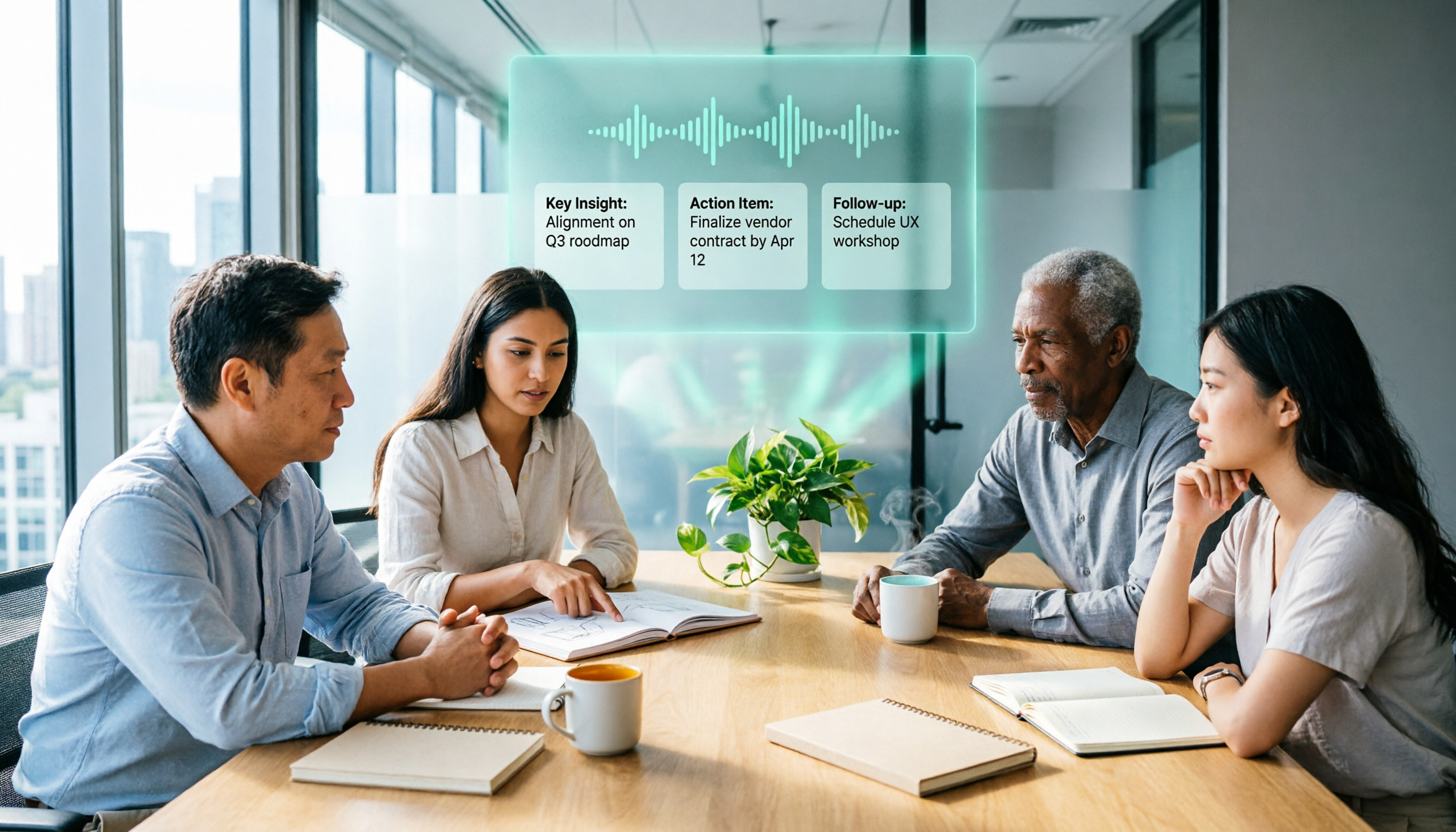
2026 AI Meeting Recorder Comparison: 3 Tools Tested, and the Notta Alternative Worth Buying
Thinking about Notta or comparing AI meeting note tools? This guide starts with what to clarify before buying, breaks down 5 key criteria—live transcription, bot-free recording, summaries and action items, AI Q&A, and team seat governance—and uses Tinrec as the main hands-on example, with team pricing and FAQs to help you spend on features you'll actually use.