
Turn recordings into transcripts and summaries in minutes
Upload audio or video for multilingual transcription, AI notes, and action items
Class Lecture Note-Taking: You Don't Need Another Tool—You Need a Solution
A two-hour lecture can take another two hours to re-listen at home, and handwritten notes never keep up with the professor's pace. Worse, some courses are in English, some in Mandarin, and some even include Taiwanese Hokkien—most transcription tools stumble when they encounter mixed languages.
If you've encountered these issues, this article is for you. We selected 5 AI note-taking tools for lecture recording and tested them with real class recordings—evaluating Chinese accuracy, AI summarization, and the free quotas students care about most—to show you which one is worth your time.
4 Key Factors to Consider Before Choosing a Lecture Recording AI Tool
Accuracy: Don't Just Trust Official Numbers Many tools boast "98% accuracy," but that's measured in a quiet recording studio. Real classrooms have projector fan noise, students chatting, and the professor moving around—background noise can significantly reduce accuracy. For our test, we used an actual class recording: a 5-minute Mandarin general education lecture with slide changes, student questions, and impromptu examples from the professor.
AI Summarization and Organization Transcribing the verbatim transcript is only the first step. What truly saves time for students is the auto-generated chapter summaries, action items, and the ability to ask the AI something like, "What are the key exam points from this lecture?" If you only use the tool as a speech-to-text converter, you're using only half of its capabilities.
Cross-Platform Support and Real-Time Transcription You might record on your phone and then organize on your computer back at the dorm. If the tool doesn't support cross-device sync, just transferring files can wear you down. Also, real-time transcription lets you see the text as the lecture happens, so you have a draft as soon as class ends—much faster than uploading the file when you get home.
Is the Free Tier Enough? Students have tight budgets. Can the free tier's monthly minutes get you through a semester? Most tools offer a free trial, but the terms vary. In our tests, we paid close attention to how long the free version lasts and whether the paid plans are actually worth it.
Tinrec (秒聽錄音)—Our Top Pick After Testing
Tinrec (秒聽錄音) is an AI recording assistant that supports 14 languages, covering iOS, Android, and web. It correctly recognizes both traditional and simplified Chinese.
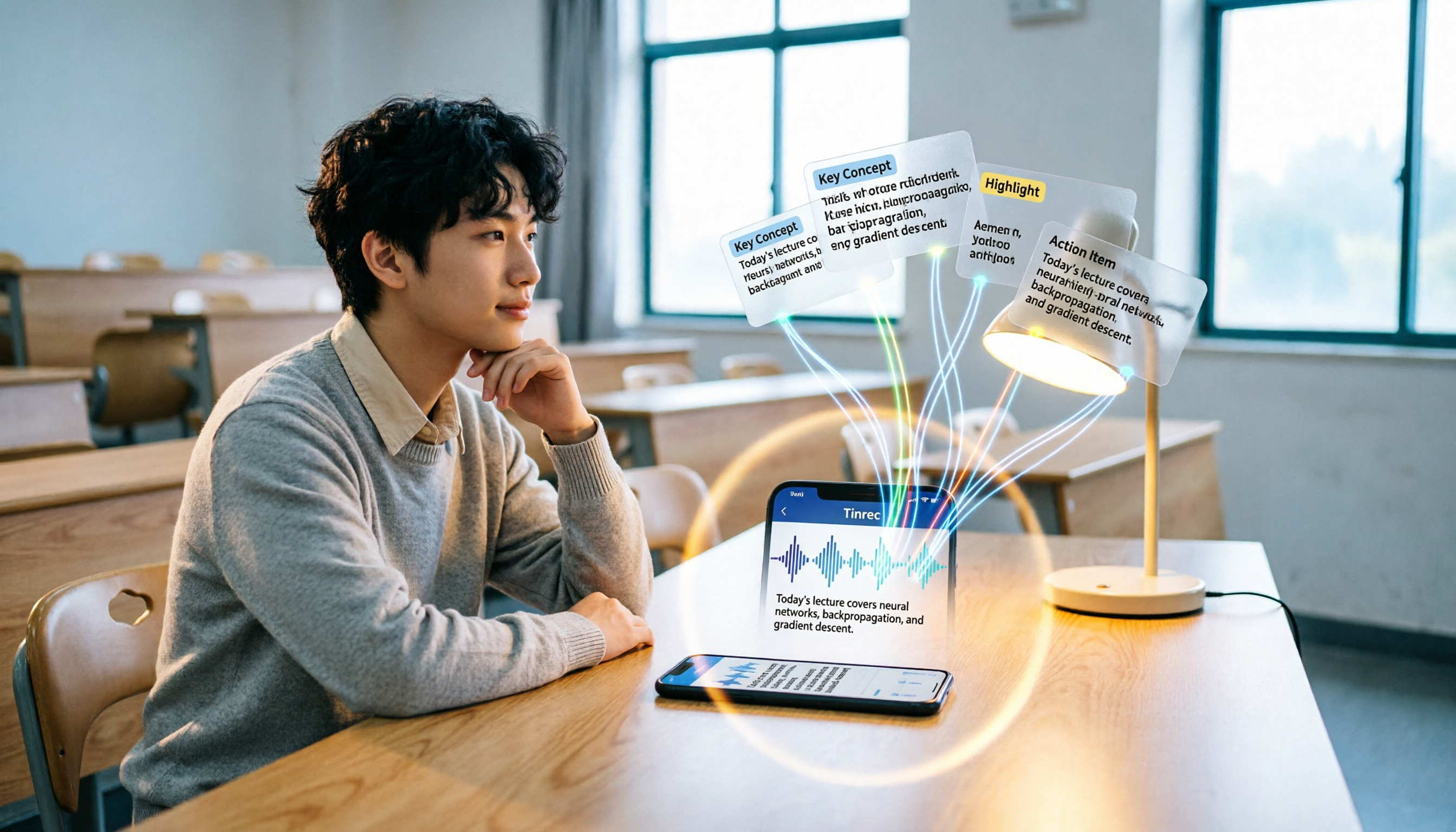
During class, open Tinrec, tap the record button, and it displays a live transcript as it records. You can mark questions or add comments without interrupting the recording. After class, the AI has already generated a summary and structured notes, even turning the professor's assignments and group tasks into a to-do list.
What impressed us most is the "AI Chat Query" function. You can ask it like you would ask a classmate: "What are the three main theories mentioned in this class?" "What are the professor's requirements for the final report?" The system answers based on the recording content and includes timestamps—click to jump back to the original audio to verify. This is especially useful for exam prep, and much faster than manually scanning through two hours of audio.
We tested it with a 5-minute Mandarin lecture recording (iPhone 15, classroom environment, slight air conditioning and page-turning sounds in the background, June 2026). Tinrec had a Chinese character error rate of about 5.8%, and most names and proper nouns were correct. Mixed English content was also transcribed smoothly.
Pros:
- Fast real-time transcription with about 1–2 seconds lag; no pressure to follow along during class.
- Clear AI summaries and chapter organization, accurate exam highlights, and automatic to-do lists.
- AI Q&A works like a personal tutor—you can query across all recordings for the entire semester.
- Seamless cross-platform use: record on your phone, open on your computer, and start organizing right away.
Stop organizing recordings by hand
Upload audio or video and automatically get a transcript, summary, and action items
Cons:
- The free tier gives you only 100 minutes per month, which may not be enough if you have three lectures a week. But you can try it first and, if you find it useful, consider a weekly or Pro monthly plan.
- Recognition accuracy drops with heavy accents or multiple people speaking at once, but this is a common issue for all AI transcription tools.
Who it's for: If you want to review right after recording without spending time re-listening, or you need to organize exam points across chapters, Tinrec is currently the best fit for students.
Other Options Besides Tinrec
Notta Notta is a direct competitor, also focusing on transcription and summarization. Its free tier offers 120 minutes per month, slightly more than Tinrec, but it doesn't support real-time AI Q&A—you can only manually search for keywords after recording. Chinese accuracy is close to Tinrec, but it's slightly less nuanced for Taiwanese Mandarin terms. If you only need a verbatim transcript and basic summaries, Notta is worth considering; but if you want to ask questions about the recording like a teaching assistant, Tinrec is clearly more practical.
Yating Yating is a long-established Taiwanese tool with a unique edge in recognizing mixed Taiwanese Mandarin and Hokkien content. Its downside is that the free version offers no quota at all—you must pay to use it. It also lacks AI Q&A, so you'll have to sift through the transcript yourself. It's suitable for students with a sufficient budget who only handle pure Chinese content, but if you want more AI-powered organization, Yating falls short.
Otter.ai Otter.ai is the go-to choice for English lectures. Its free tier generously offers 300 minutes per month and can automatically distinguish speakers. However, it doesn't support Chinese and can barely handle languages other than English. If your courses are taught entirely in English, Otter.ai is a more cost-effective choice than Tinrec—this is the only scenario where we recommend a competitor in this article.
Pitfall Avoidance: 3 Common Mistakes When Choosing a Lecture Recording Tool
Mistake 1: Relying Only on Official Accuracy Claims Many tools claim "98% accuracy," but that's measured in ideal conditions. Real classrooms have noise, accents, and specialized terminology, so accuracy will inevitably drop. We recommend testing with your own actual lecture recordings rather than trusting the ads.
Mistake 2: Overlooking AI Organization Features Using a tool only for speech-to-text is like buying a smartphone just to make phone calls. AI summaries, chapter highlights, to-do lists, and Q&A features are what truly save you time. Tinrec's AI Q&A is especially worth trying because it becomes your personal study assistant.
Mistake 3: Not Considering Cross-Platform Sync If you record on your phone today and organize on your computer tomorrow, a lack of sync will drive you crazy just transferring files. When choosing a tool, make sure it has a web or desktop version, and that data syncs instantly between your phone and computer.
Conclusion: Which One Should You Choose?
Overall, Tinrec delivers the most balanced performance across most lecture scenarios: real-time transcription + AI organization + cross-platform support, with smooth Chinese experience. Here's our recommendation by scenario:
- Need mixed Chinese/English recognition → Tinrec (14 languages, simplified and traditional Chinese)
- Want to ask AI about key points right after recording → Tinrec (the only one with AI chat query)
- Switch between phone and computer → Tinrec (iOS, Android, web sync)
- Zero budget and all-English classes → Otter.ai (300 free minutes/month, strongest in English)
- Only care about Taiwanese local terms → Yating (paid but good Hokkien-mixed support)
We recommend starting with the free version of Tinrec—the 100-minute monthly quota is enough to try out on two or three lectures. Upgrade when you're sure it works for you; no need to pay upfront.
References
- Convert Lecture Recordings to Notes: A Practical Student Guide | NoteLyn AI
- AI Note Assistant – Generate Notes from Images, Documents, and Audio | Pixno
- Can't Keep Up with Online Course Notes? 2026 Test of 5 AI Tools: Use Tinrec to Auto-Generate Key Points and Action Items – Tinrec Blog
- [AI Voice Notes] 5 Highly Recommended AI Speech-to-Text Tools! Generate Transcripts and Meeting Highlights, Free vs. Subscription, Pros & Cons | 104職場力
- Latest 6 Recommended Lecture Recording Note Tools for 2025: Say Goodbye to Handwriting, AI Auto-Organizes Transcripts and Key Points – Tinrec Blog
Turn every recording into actionable outcomes
Get 60 free transcription minutes when you sign in. No credit card required.
Related Reading
You might also like

3 AI Meeting Note Tools Tested: What to Know Before Paying Monthly for Notta Pro in 2026
Notta Pro costs about USD 13.99/month billed monthly, or about USD 8.17/month billed annually—a difference of over 40%. Switching from annual to monthly requires canceling and resubscribing. This article compares Tinrec, Notta, and Otter.ai across billing cycles, quota calculations, post-meeting workflows, and team seats, highlighting common pitfalls when switching from monthly to annual, adding features, and seat pricing.

2026 AI Meeting Recorder Comparison: Is Dcard's Favorite Meeting Ink Worth It?
Is Meeting Ink, the tool buzzing on Dcard, actually worth using? This article compares four AI meeting recorder tools using the same criteria, from language recognition and meeting recording methods to post-meeting summaries and team permissions. It also breaks down Tinrec's bot-free recording, AI follow-up questions, and team governance features to help you pick the one that truly saves time.

2026 AI Meeting Notes Tools Compared: Meeting Ink vs. Tinrec and More
This guide tackles three common misconceptions about choosing an AI meeting notes tool and compares Meeting Ink, Notta, Otter.ai, and Tinrec on audio capture methods, post-meeting organization, Chinese language support, and team collaboration. It concludes with recommendations based on different use cases.

How to Organize Worship Audio in 2026: Before Your Throne Transcript + AI Summary
Before Your Throne is a 12-minute worship EP released by Mattie Nottage in 2024. Starting from the real pain of organizing long audio files, this guide explains how to turn worship and sermon recordings into citable transcripts, summaries, and notes, and compares Tinrec, Otter.ai, TurboScribe, and Granola in terms of differences and use cases.

2026 AI Meeting Recorder Comparison: Notta vs. Tinrec — Which Handles Chinese Meetings Faster?
Tired of replaying recordings after meetings? This comparison puts Tinrec, Notta, Otter.ai, and Granola head-to-head, breaking down online meeting capture methods, Chinese and mixed-language recognition, post-meeting summaries and AI Q&A, plus free tiers and team licensing. Find out if Notta is enough or when to switch to Tinrec.

2025 Comparison of 3 Audio-to-Text Tools: Notta vs. Tinrec for Chinese Meeting Notes—Which Saves More Time?
When choosing a meeting notes tool in 2025, don't just look at how many minutes are included each month. This article starts from three decision points: how audio gets in, what can be produced after transcription, and whether team data remains when people change. It compares Notta, Tinrec, and Otter, and breaks down Tinrec's bot-free recording, AI Q&A, action item extraction, and team spaces to help you decide which one truly saves that hour after meetings.

2026 Free Voice Translation Guide: Tinrec Real-Time Bilingual Subtitles + Transcript Organization
A hands-on comparison of Vidnoz and Tinrec, two voice translation tools you can start using for free, broken down across five dimensions: real-time performance, post-meeting output, audio sources, free quota, and team collaboration, to help you decide which one fits your meeting notes and video dubbing needs.

Tinrec vs Notta in 2026: 5-Dimension Comparison — Which Chinese Meeting Transcription App Is Worth Downloading?
Before searching for 'Notta AI app download,' understand the real limits of the free tier and how online meetings are captured. This article compares Tinrec and Notta across 5 dimensions—meeting audio source, post-meeting organization, Chinese performance, team collaboration, and quota calculation—to help you decide which app to download.
2026 AI Meeting Recorder Comparison: 3 Tools Tested, and the Notta Alternative Worth Buying
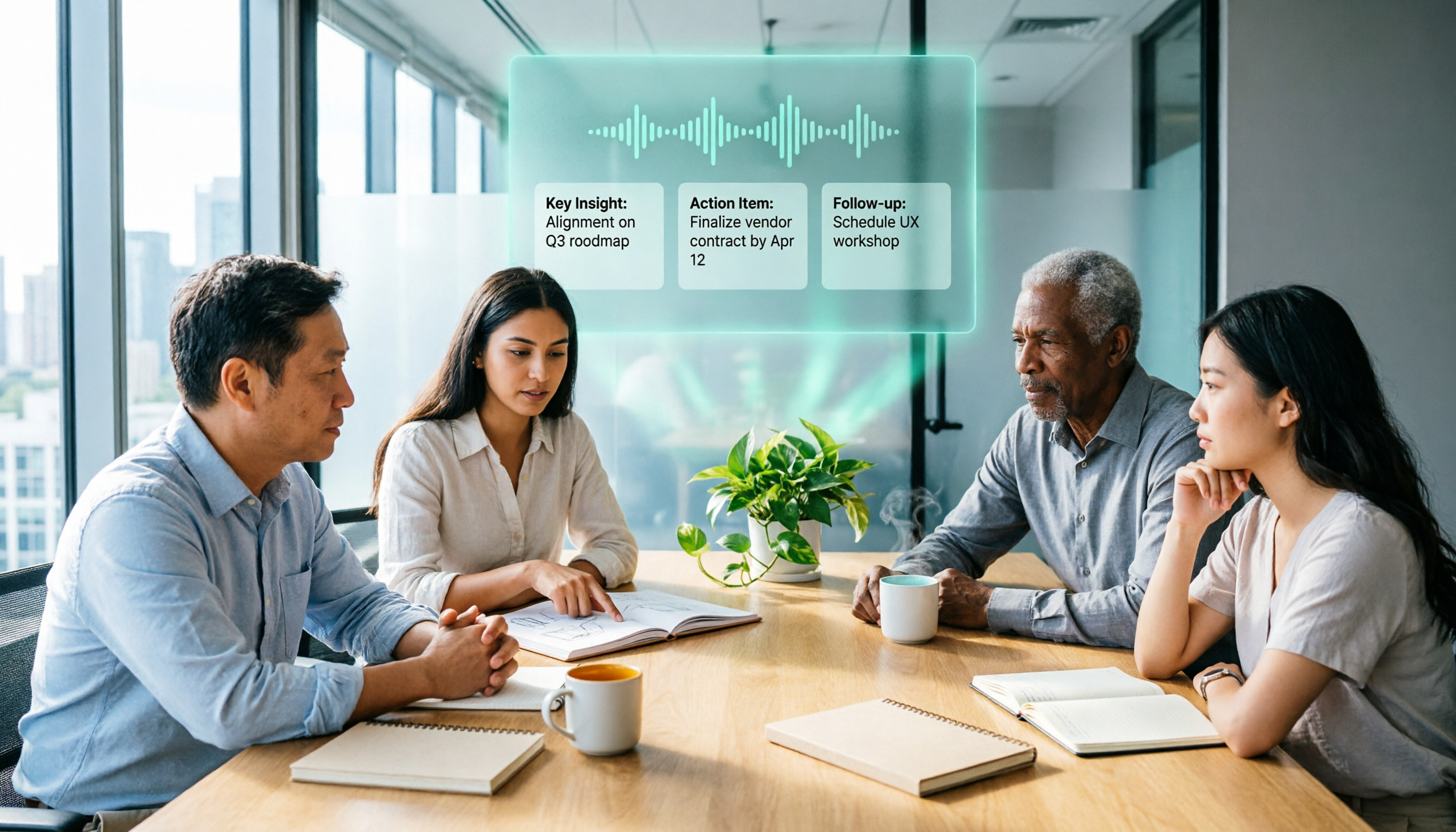
Thinking about Notta or comparing AI meeting note tools? This guide starts with what to clarify before buying, breaks down 5 key criteria—live transcription, bot-free recording, summaries and action items, AI Q&A, and team seat governance—and uses Tinrec as the main hands-on example, with team pricing and FAQs to help you spend on features you'll actually use.