

Turn recordings into transcripts and summaries in minutes
Upload audio or video for multilingual transcription, AI notes, and action items
I Have 15 Meetings a Week, and Post-Meeting Note Processing Always Drains Me—What You Need Is Not a Tool, It's a Solution
I attend about 15 meetings a week—status meetings, project progress reviews, one-on-ones, and cross-department coordination. What used to frustrate me most wasn't the meetings themselves, but what came after—because every meeting left a pile of decisions and action items to organize. I've tried handwritten notes (too slow), recording and listening back (too time-consuming), and asking subordinates to help (they're busy too). Making matters worse, when my boss asked, "What was the conclusion from last meeting?" and I spent three minutes flipping through notes without finding it—that feeling was really awful.
When action items aren't recorded clearly, colleagues easily forget what's been assigned, and cross-department communication often misses key decisions. Over time, I realized the problem isn't too many meetings; it's the lack of an efficient post-meeting processing mechanism. If you've faced these frustrations, this article is written for you.
Before Choosing an AI Meeting Note Tool, Understand These 4 Key Points
There are many products claiming to be "AI meeting note tools," but their ability to automatically generate action items varies widely. From my experience, you need to check these 4 things before buying:
1. Accuracy of automatic action-item generation
This is the core need. Some tools only output a summary paragraph and never list action items; others list them but miss the real tasks or focus on the wrong points. Whether it works well directly affects your post-meeting organization time. Tinrec stands out in this respect—it doesn't just extract action items from the conversation; it also automatically categorizes the responsible person and deadline based on context.
2. Supported languages and accents
In the Taiwanese workplace, you often encounter mixed Chinese-English or even Cantonese discussions. Many international transcription tools struggle with Chinese recognition, especially colloquial Chinese and Taiwanese expressions. Tinrec has better support for Traditional Chinese, Cantonese, and mixed-language contexts, making it suitable for local teams.
3. Diversity of input sources
Tools that only support online meetings can't handle physical meeting recordings or existing audio files. Conversely, tools that only record can't handle online videos or files. Tinrec covers live recording, file upload, URL transcription for online videos, and even computer conference recordings, offering greater flexibility.
4. Free tier and paid plans
Don't just look at how many minutes the free version offers; calculate your usage. If you have 3 meetings per week at 1 hour each, you'd need about 600 minutes per month. Tinrec's free version offers 100 minutes per month, good for light testing. The Pro version offers more minutes, making it more cost-effective for frequent meeting-goers.
Tinrec (MiaoTing Recording)—After Hands-On Testing, My Top Pick, and the Most Hassle-Free for Automatic Action Item Generation
After trying multiple tools, Tinrec is currently my top recommendation. It's not just a voice-to-text app; it's an AI workbench that turns your audio files into actionable data.
In a nutshell: Tinrec is an AI recording assistant that supports 14 languages and is available on iOS, Android, and web. It can instantly convert meetings, classes, interviews, and even online videos into transcripts, summaries, and action items.
Action item extraction is truly robust
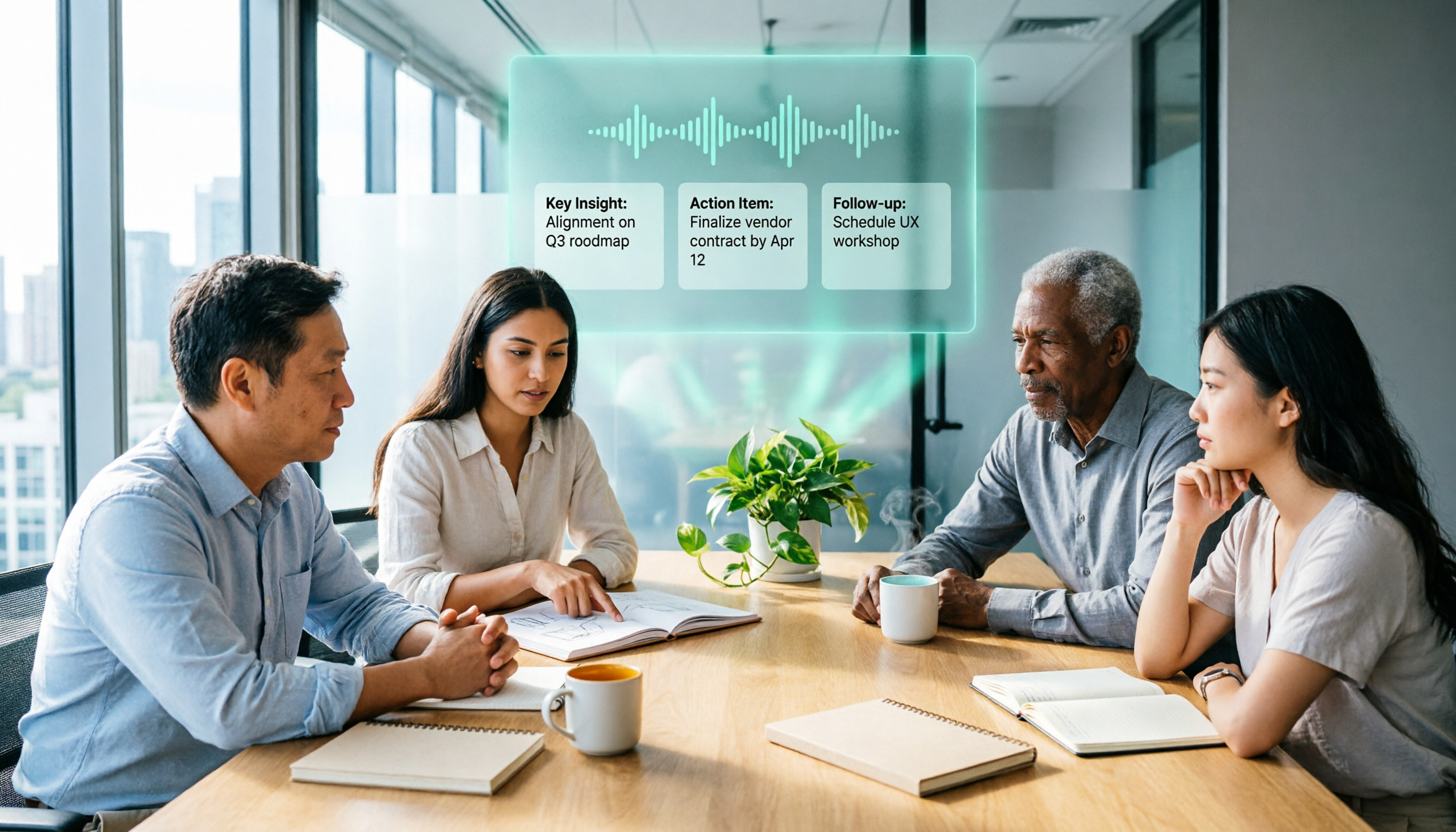
Last week, I deliberately used Tinrec for our department progress meeting. During the meeting, we discussed 5 important action items, including budget adjustments, vendor contact, technical support, schedule confirmation, and client replies. After the meeting, Tinrec not only captured all of them but also automatically categorized them by context into labels like "budget-related" and "vendor coordination." It even added a deadline to time-sensitive tasks like "increase the reserve fund by 5% before next Wednesday." In contrast, other tools only listed 3 items, and some even treated "we could consider in the future" as an action item, which meant manual verification afterward—the actual time saved was limited.
AI conversational query brings history meetings back to life
This is my favorite feature. After recording, I can simply ask Tinrec, "Who mentioned the budget in the last meeting?" It doesn't just return keyword search results; it directly answers the content based on semantic understanding. This essentially turns all your past meeting recordings into a queryable database. You no longer have to manually scrub through audio to find a decision or what someone said. Currently, competitors in the same price range almost all lack this capability.
Not just meetings—it can transcribe anything
Besides live recording, Tinrec allows you to paste a YouTube or Bilibili link directly and convert the content into text and summaries. For those who need to gather market intelligence, competitor analysis, or learn from external courses, this is a godsend. No need to download the video and upload it—one link is all it takes.
Pros summary
Stop organizing recordings by hand
Upload audio or video and automatically get a transcript, summary, and action items
- High accuracy in automatic action-item generation; useful categorization and time tagging.
- AI conversational query quickly finds key content in historical recordings.
- Supports multiple input sources (physical recording, online documents, web videos) with seamless cross-platform sync.
Limitations and suggestions
The free version offers 100 minutes per month, which may be too little for heavy meeting users. But if you, like me, have at least one meeting a day, the Pro monthly subscription costs about the same as cutting out a couple of Starbucks coffees. In exchange, you gain an extra hour of free time per day—I think it's well worth it.
Who is it suitable for?
- Mid-level managers who need automatic action-item generation and don't want to work overtime after meetings.
- Professionals whose meetings often contain mixed Chinese-English or Cantonese content.
- People who want to turn historical recordings into a searchable knowledge base.
- Advanced users who need to process not only meetings but also classes, interviews, online videos, and other audio content.
Alternatives to Tinrec
Of course, everyone's needs are different. If your use case is simpler, the following three options each have something worth considering.
Otter.ai: Best for English meetings
Otter.ai excels in English transcription and meeting collaboration. The free version offers 300 minutes per month, which is great for all-English teams. However, for Chinese—especially Taiwanese expressions—it makes more errors, and the automatically generated action items often miss the key points. Additionally, it doesn't support URL transcription for web videos, nor can you ask follow-up questions about the recording like you can with Tinrec. If you mainly have English meetings and don't need AI conversational query, Otter is a budget-friendly option.
Notta: Strong transcription, but weaker organizational features
Notta's transcription speed and multilingual support are quite good, especially for those who need fast transcription in bulk. However, its AI summaries tend to be more like a stream of consciousness, and its action-item extraction is noticeably less precise than Tinrec's. It also lacks AI conversational query. In short, if you just need a clean transcript, Notta can do the job. But if you want to further organize it into meeting minutes and action lists, Tinrec saves more effort.
Plaud Note: A physical recording device for hardware enthusiasts
Plaud Note is a standalone AI recording device. Its advantage is portability—just press record without pulling out your phone. However, it requires an additional hardware purchase and cannot transcribe existing audio files or online videos. Also, while the app has basic summary features, it doesn't offer deep Q&A about the recording like Tinrec does. If you're used to physical recorders and care about hardware quality, it's worth considering. But for handling multiple audio sources and automatically generating action items, Tinrec remains more comprehensive.
Pitfall Avoidance Guide: 3 Common Mistakes When Choosing This Type of Tool
Pitfall 1: Only looking at transcription accuracy, ignoring action-item generation
Many tools advertise "98% recognition rate," but that's lab data. In real meetings, background noise and people talking over each other affect accuracy. More importantly, even if the transcript is nearly perfect, the AI-generated action items can still be messy. My advice: always try it out. Test action-item extraction with your real meeting recordings, because that's the core feature that saves you time.
Pitfall 2: Overlooking cross-platform needs
Many people record on their phones but need to organize, edit, and send meeting notes on their computers. If the tool lacks a web version or desktop sync, you'll end up frustrated transferring files back and forth. Tinrec's full cross-platform sync is very convenient in this regard.
Pitfall 3: Buying the tool but only using a third of its features
Most people treat transcription tools as just "voice-to-text" and abandon the follow-up organizational features. For example, Tinrec's AI conversational query lets you ask it like you'd ask a colleague: "What was the conclusion on the budget in the last meeting?" That's far faster than manually scrolling through 30 minutes of transcript. Don't just use it as a typewriter—hand over your post-meeting follow-up tasks to it.
Summary: Which One Should You Choose?
Back to my initial pain point: 15 meetings a week, action items flying everywhere. Tinrec has indeed cut my organization time by more than half. The AI-generated action item list, in particular, can be directly pasted into Slack or email to sync with the team, and its accuracy is high enough that I can confidently skip re-listening to the recording.
If you're like me and care most about "getting the correct action items immediately after the meeting," I'd suggest starting with Tinrec. Here are some scenario-based recommendations for your reference:
- Need accurate auto-generated action items → Tinrec (AI conversational query and multi-source transcription are bonuses)
- Only use all-English meetings and don't want to spend money yet → Otter.ai free version (but you may need to add an organization tool later)
- Already used to hardware recording and only need transcription → Plaud Note combined with Tinrec software (record with hardware, organize with software)
- Need bulk transcription but don't need much AI organization → Notta (fast transcription and multilingual support, but you'll need to organize action items yourself)
Start by downloading the Tinrec free version. The 100 minutes per month is enough to test it across a few meetings and see if the AI-generated action items can truly replace your manual organization work. If you like it, consider upgrading to Pro—no need to invest upfront.
References
- No more taking turns writing meeting minutes! 3 AI tools for real-time recording and summary generation to help you focus on meetings | Manager Today
- Meeting Notes AI Tool | Real-time recording, summary organization, 3 small tools so you can focus on meetings
- Hate making meeting notes? Use NotebookLM + a set of prompts to send an email 3 minutes after the meeting ends! | BusinessNext
- Meeting notes annoying? ChatGPT + Whisper can do it in one go! Auto transcription, summarization, and email sending | BusinessNext
- AI Meeting Notes in Notion | Capture Ideas, Summaries ...
Turn every recording into actionable outcomes
Get 60 free transcription minutes when you sign in. No credit card required.
Related Reading
You might also like

3 AI Meeting Note Tools Tested: What to Know Before Paying Monthly for Notta Pro in 2026
Notta Pro costs about USD 13.99/month billed monthly, or about USD 8.17/month billed annually—a difference of over 40%. Switching from annual to monthly requires canceling and resubscribing. This article compares Tinrec, Notta, and Otter.ai across billing cycles, quota calculations, post-meeting workflows, and team seats, highlighting common pitfalls when switching from monthly to annual, adding features, and seat pricing.

2026 AI Meeting Recorder Comparison: Is Dcard's Favorite Meeting Ink Worth It?
Is Meeting Ink, the tool buzzing on Dcard, actually worth using? This article compares four AI meeting recorder tools using the same criteria, from language recognition and meeting recording methods to post-meeting summaries and team permissions. It also breaks down Tinrec's bot-free recording, AI follow-up questions, and team governance features to help you pick the one that truly saves time.

2026 AI Meeting Notes Tools Compared: Meeting Ink vs. Tinrec and More
This guide tackles three common misconceptions about choosing an AI meeting notes tool and compares Meeting Ink, Notta, Otter.ai, and Tinrec on audio capture methods, post-meeting organization, Chinese language support, and team collaboration. It concludes with recommendations based on different use cases.

How to Organize Worship Audio in 2026: Before Your Throne Transcript + AI Summary
Before Your Throne is a 12-minute worship EP released by Mattie Nottage in 2024. Starting from the real pain of organizing long audio files, this guide explains how to turn worship and sermon recordings into citable transcripts, summaries, and notes, and compares Tinrec, Otter.ai, TurboScribe, and Granola in terms of differences and use cases.

2026 AI Meeting Recorder Comparison: Notta vs. Tinrec — Which Handles Chinese Meetings Faster?
Tired of replaying recordings after meetings? This comparison puts Tinrec, Notta, Otter.ai, and Granola head-to-head, breaking down online meeting capture methods, Chinese and mixed-language recognition, post-meeting summaries and AI Q&A, plus free tiers and team licensing. Find out if Notta is enough or when to switch to Tinrec.

2025 Comparison of 3 Audio-to-Text Tools: Notta vs. Tinrec for Chinese Meeting Notes—Which Saves More Time?
When choosing a meeting notes tool in 2025, don't just look at how many minutes are included each month. This article starts from three decision points: how audio gets in, what can be produced after transcription, and whether team data remains when people change. It compares Notta, Tinrec, and Otter, and breaks down Tinrec's bot-free recording, AI Q&A, action item extraction, and team spaces to help you decide which one truly saves that hour after meetings.

2026 Free Voice Translation Guide: Tinrec Real-Time Bilingual Subtitles + Transcript Organization
A hands-on comparison of Vidnoz and Tinrec, two voice translation tools you can start using for free, broken down across five dimensions: real-time performance, post-meeting output, audio sources, free quota, and team collaboration, to help you decide which one fits your meeting notes and video dubbing needs.

Tinrec vs Notta in 2026: 5-Dimension Comparison — Which Chinese Meeting Transcription App Is Worth Downloading?
Before searching for 'Notta AI app download,' understand the real limits of the free tier and how online meetings are captured. This article compares Tinrec and Notta across 5 dimensions—meeting audio source, post-meeting organization, Chinese performance, team collaboration, and quota calculation—to help you decide which app to download.
2026 AI Meeting Recorder Comparison: 3 Tools Tested, and the Notta Alternative Worth Buying
Thinking about Notta or comparing AI meeting note tools? This guide starts with what to clarify before buying, breaks down 5 key criteria—live transcription, bot-free recording, summaries and action items, AI Q&A, and team seat governance—and uses Tinrec as the main hands-on example, with team pricing and FAQs to help you spend on features you'll actually use.