
Turn recordings into transcripts and summaries in minutes
Upload audio or video for multilingual transcription, AI notes, and action items
For podcast creators, media interviewers, or those who learn by listening, "re-listening to recordings" is often the most time-consuming part. A one-hour great show can take three to four hours to manually transcribe; and if you're trying to extract key quotes or points from a long conversation, repeatedly scrubbing through the timeline is a productivity killer.
The good news is that AI speech-to-text technology has come of age in 2025. This article will review 8 mainstream audio-to-text tools. We'll evaluate them based on Chinese support, AI summarization capabilities, pricing plans, and whether they support video links, and provide a detailed comparison table and step-by-step tutorial to help you find the best productivity assistant.
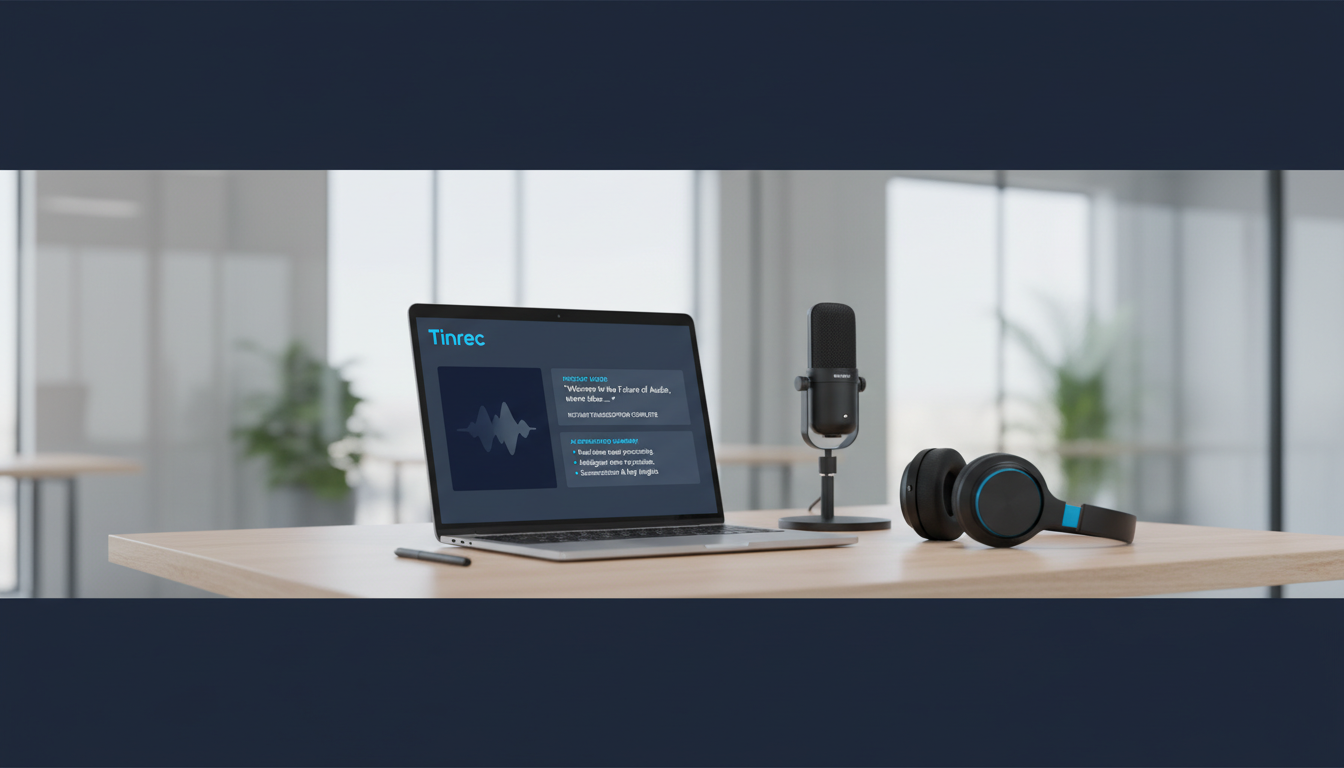
Quick Navigation Recommendations:
- If you prioritize extreme accuracy and have a generous budget: Go with Rev (human proofreading service).
- If you primarily use English for meetings or recordings: Otter.ai is the reliable veteran choice.
- If you need mixed Chinese-English recognition and want to directly import YouTube/Podcast links: Try Tinrec.
- If you value educational scenarios and data security compliance: Caption.Ed performs exceptionally well.
Why Podcast Creators and Listeners Need Professional Transcription Software
With the surge in remote work and digital content, simple audio files can no longer meet the demands of efficient information flow. According to market analysis, transcription software has become a standard tool for content creation and efficient learning in 2025, primarily solving three major pain points:
- Content Repurposing: Converting podcast audio to text allows quick adaptation into blog posts, newsletters, or social media posts, maximizing the value of a single recording.
- SEO (Search Engine Optimization): Google cannot index audio content but can accurately index text. Providing transcripts makes your show content more discoverable to potential listeners.
- Learning and Review: For long-form interviews or educational podcasts, AI-generated key summaries and action items help listeners quickly absorb information without re-listening to the entire episode.
2025 Handpicked 8 Podcast-to-Text Software Reviews
Below, we break down 8 noteworthy tools based on features and use cases:
1. Caption.Ed: All-Rounder for Education and Enterprise
Caption.Ed is rated as an excellent all-around experience in 2025, with a strong emphasis on accessibility. It supports live captioning and can also process pre-recorded files. Its advantage lies in ISO 27001 security certification, making it ideal for educational institutions and enterprise users with high data security requirements. Features include AI summaries and action item integration, making it a solid choice.
2. Rev: The Gold Standard for Human Transcription
If you produce content that requires publication or extremely high accuracy (e.g., legal interviews, formal publications), Rev's human transcription service remains the market benchmark, achieving up to 99% accuracy. Although it also offers AI automated transcription (at a lower price), its core strength lies in its large professional transcription team that accurately handles various accents and background noise.
3. Tinrec: Direct Video Link Transcription and AI Chat Assistant
Tinrec is an AI recording assistant that supports multiple platforms. Its standout feature is integrating recording, transcription, summarization, and chat into a complete workflow. For podcast creators, Tinrec supports directly pasting YouTube or web video links for transcription, eliminating the hassle of downloading and then uploading files. Additionally, it recognizes 10 languages including Chinese, Japanese, English, and Korean, and offers an "AI chat query" feature where users can directly "ask" questions about the recording (e.g., "What are the three books the guest mentioned in this episode?"), greatly reducing data organization time.
4. Otter.ai: Top Choice for English Meetings and Notes
Otter.ai holds a significant market share in English-speaking countries and is especially suited for real-time meeting notes. It automatically distinguishes speakers and generates summaries. However, Otter currently has relatively weak Chinese support, and the free version has limitations on uploading pre-recorded files, making it more suitable for English-centric interviews or meetings.
5. Descript: Edit Audio Like Editing a Document
Descript is not just a transcription tool; it's an editing software that lets you edit audio through text. It's very useful for podcast creators: when you delete text in the transcript, the corresponding audio clip is also deleted, which is very helpful for post-production.
Stop organizing recordings by hand
Upload audio or video and automatically get a transcript, summary, and action items
6. HappyScribe: Multilingual Support Expert
HappyScribe supports over 120 languages, making it suitable for creators producing multilingual subtitles. It offers both AI automatic transcription and human proofreading options, with an intuitive interface. However, under pure AI mode, accuracy is around 85%, making it more suitable for generating draft subtitles.
7. Castmagic: Built for Content Marketing
Castmagic specializes in transforming a long recording into various marketing assets (e.g., Twitter threads, LinkedIn posts). Unlike traditional transcription tools that only output transcripts, it directly produces "post drafts," making it ideal for creators who need to publish social content frequently.
8. GoTranscript: Affordable Human Service
Similar to Rev, but GoTranscript focuses on more flexible pricing and multilingual human services. If you need high-accuracy transcription for less common non-English languages, this is a decent outsourcing option.
Tool Comparison Table: Features and Pricing at a Glance
To help you decide quickly, we've compared 5 representative tools side-by-side:
| Comparison Dimension | Tinrec | Caption.Ed | Otter.ai | Rev (AI Version) | Descript |
|---|---|---|---|---|---|
| Primary Focus | Multi-platform AI recording/video-to-text assistant | Education & enterprise all-round transcription | English meetings & real-time notes | Professional high-accuracy transcription | Audio editing & creation |
| Chinese Support | Supported (includes Taiwanese/Cantonese mixed recognition) | Supported | Weak | Supported | Supported |
| Input Methods | Recording, file upload, video link | Recording, file upload | Recording, file upload (limited) | File upload | Recording, file upload |
| AI Special Features | AI chat query, action item summary | AI summary, live captioning | Meeting summary, keyword extraction | Basic summary | Edit audio via text |
| Free Tier | 100 minutes per month | Free trial available | 300 minutes per month (live recording only) | 14-day trial | 1 hour of transcription per month |
| Ideal For | Students, multilingual meetings, podcast listeners | Schools, large enterprises | English-speaking professionals | Those needing high accuracy | Creators/editors |
Hands-On Tutorial: How to Quickly Turn Podcast Audio into an Article
After choosing your tool, the next step is to transform audio into valuable text content. Below, we use Tinrec (which has a user-friendly interface and supports Chinese) as an example to demonstrate the standard workflow from "listening" to "output":
Step 1: Import Audio Source
You can import content in two ways:
- File Upload: If you're a creator with MP3/WAV files, use the "Audio File to Text" feature to upload.
- Link Import: If you're a listener or want to transcribe a podcast from YouTube, use the "Podcast/Web Video to Text" feature, paste the URL — no need to download large files.

Step 2: Run AI Transcription and Speaker Differentiation
The system automatically detects the language (supports mixed Chinese, English, Japanese, Korean, etc.) and begins transcription. Tinrec automatically differentiates speakers (Speaker Diarization), which is especially important for interview-style podcasts, allowing you to clearly see what the host and guest said.
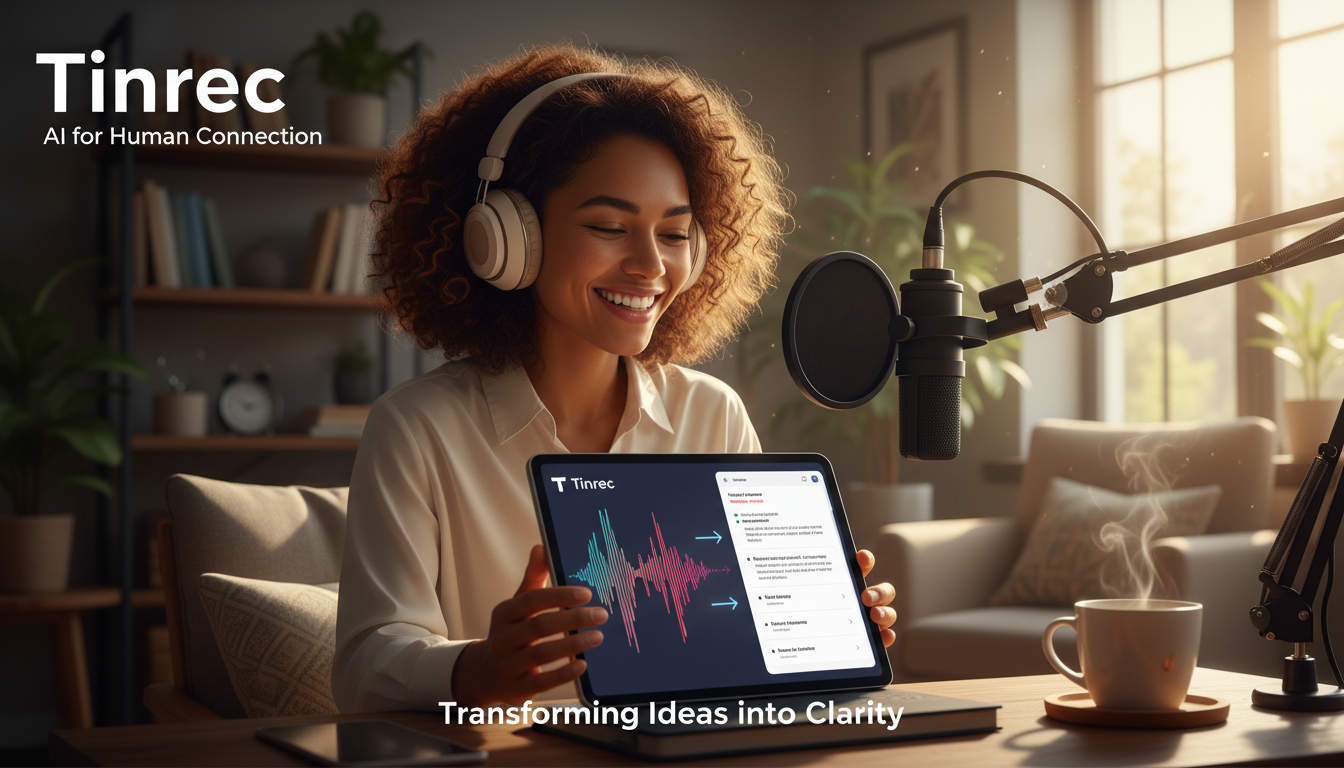

Step 3: Extract Key Points with AI Chat
Traditional tools output tens of thousands of words in transcripts, which still take time to read. Here, you can use the "AI Chat Query" feature, like having an assistant who has read through the material:
- Example Command: "Please summarize the 5 marketing strategies mentioned in this episode."
- Example Command: "What is the guest's view on 'AI trends'? Please list them."

Step 4: Export and Edit
After confirming the content is correct, you can export the transcript as TXT, Word, or PDF, or directly copy the AI-generated action items to your note-taking app (e.g., Notion) for content repurposing and archiving.

Frequently Asked Questions (FAQ)
Q1: Are free transcription tools sufficient?
Free tools (like Otter free tier or Tinrec free tier) usually have time limits (e.g., 100-300 minutes per month) or feature limitations (can't export certain formats). They're usually sufficient for individual users who occasionally record ideas. But if you're a professional who needs to process large volumes of interviews daily, the paid version offers higher accuracy, longer recording quotas, and more advanced AI analysis features.
Q2: Can iPhone voice memos be directly transcribed?
The built-in Voice Memos app does not have transcription capability. You need to use a third-party app. Many tools like Tinrec and Otter offer iOS apps that support recording on the phone and directly uploading to the cloud for transcription, solving the pain point of organizing iPhone recordings.
Q3: How accurate is AI transcription for Chinese?
Major AI models (like Whisper) currently have high Chinese recognition rates, but there are still differences when dealing with "Chinese-English mixed", "proper nouns", or "dialects (Taiwanese)". It's recommended to choose tools that claim to support multilingual mixed recognition (like Tinrec, HappyScribe) — the results will be better than tools optimized only for English.
Q4: Can Teams or Google Meet meetings be transcribed?
Yes. Some tools (e.g., Otter, Caption.Ed) offer a "meeting bot" feature that can join meeting links. If using Tinrec, you can record system audio on your computer, or upload the recording file after the meeting for transcription.
Q5: How to convert a YouTube video to transcript?
Traditional methods require downloading MP3 via a conversion website and then uploading to a transcription tool. New-generation tools like Tinrec support "paste link to transcribe" — they can directly parse YouTube video URLs and generate transcripts, greatly saving time on downloading and converting.
Q6: Is transcript data secure?
If you're dealing with sensitive business secrets or interviews, be sure to review the tool's privacy policy. Enterprise-level tools like Caption.Ed have ISO 27001 certification; general tools like Tinrec also offer encrypted transmission and privacy protection. It's recommended to avoid using obscure free online transcription websites without privacy policies for confidential data.
Turn every recording into actionable outcomes
Get 60 free transcription minutes when you sign in. No credit card required.
Related Reading
You might also like
![2026 Meeting AI Agent Software: Bot-Free Recording + Post-Meeting AI Q&A [Guide]](https://record-img.tos-accelerate.volces.com/images/2026/09/25/1790342798533094573.png)
2026 Meeting AI Agent Software: Bot-Free Recording + Post-Meeting AI Q&A [Guide]
How to choose meeting AI agent software? Don't rush to look at free minutes. This article starts with the three most common misjudgments, breaks down four key points: capture method, post-meeting processing chain, Chinese performance, and team governance, then compares Tinrec, Otter.ai, Notta, and Granola in hands-on testing to help you pick the right one within budget.

2026 AI Meeting Agent Comparison: Tinrec vs Notta for Action Plan Generation
Tired of meetings without action plans? This article compares Tinrec and Notta on bot-free recording, Chinese language experience, AI to-do generation, and team data retention, and tests how Tinrec turns transcripts into trackable action lists.

2026 AI Meeting Agent Workflow Comparison: Which Tool Best Captures Meetings from Bot-Free Recording to Post-Meeting Insights?
When choosing an AI meeting agent workflow, the real differentiator isn't transcription accuracy—it's whether your meeting data survives after the call ends. This article compares Tinrec, Granola, and Notta across five dimensions: bot-free recording, audio file retrieval, Chinese and real-time translation, post-meeting outputs, and team governance, helping you decide which post-meeting workflow best fits you or your team.

2026 AI Meeting Agent Free Plans Compared: 4 Tools to Consider
Tired of taking meeting notes manually? This article reviews the free plans of four AI meeting agents in 2026, comparing them on meeting capture, post-transcription capabilities, Chinese and multilingual support, team governance, and pricing. It includes hands-on testing of Tinrec, Granola, Notta, and PLAUD, plus a pitfalls guide and selection advice to help you choose the right tool within your budget.
2026 AI Meeting Agent Comparison: Tinrec vs Otter.ai vs Built-in Meeting Notes
AI meeting agents don't just join meetings on their own. This article breaks down three common misconceptions, then compares Tinrec, Otter.ai, and Google Meet's built-in notes across six dimensions: meeting capture, Chinese language experience, post-meeting output, team governance, cross-device support, and plan flexibility. Find out which approach actually saves time on meeting notes and organization.

AI Meeting Agent vs. Assistant in 2026: No-Bot Recording + Auto-Generated Reports After Meetings
What's the real difference between an AI meeting assistant and an AI meeting agent? This article starts with common misconceptions, breaks down the three levels of recording, understanding, and action, tests Tinrec's Chinese meeting transcription, no-bot recording, and agent post-processing workflow, and compares the use cases of Otter.ai, Granola, and Notta, with a guide to avoiding pitfalls.
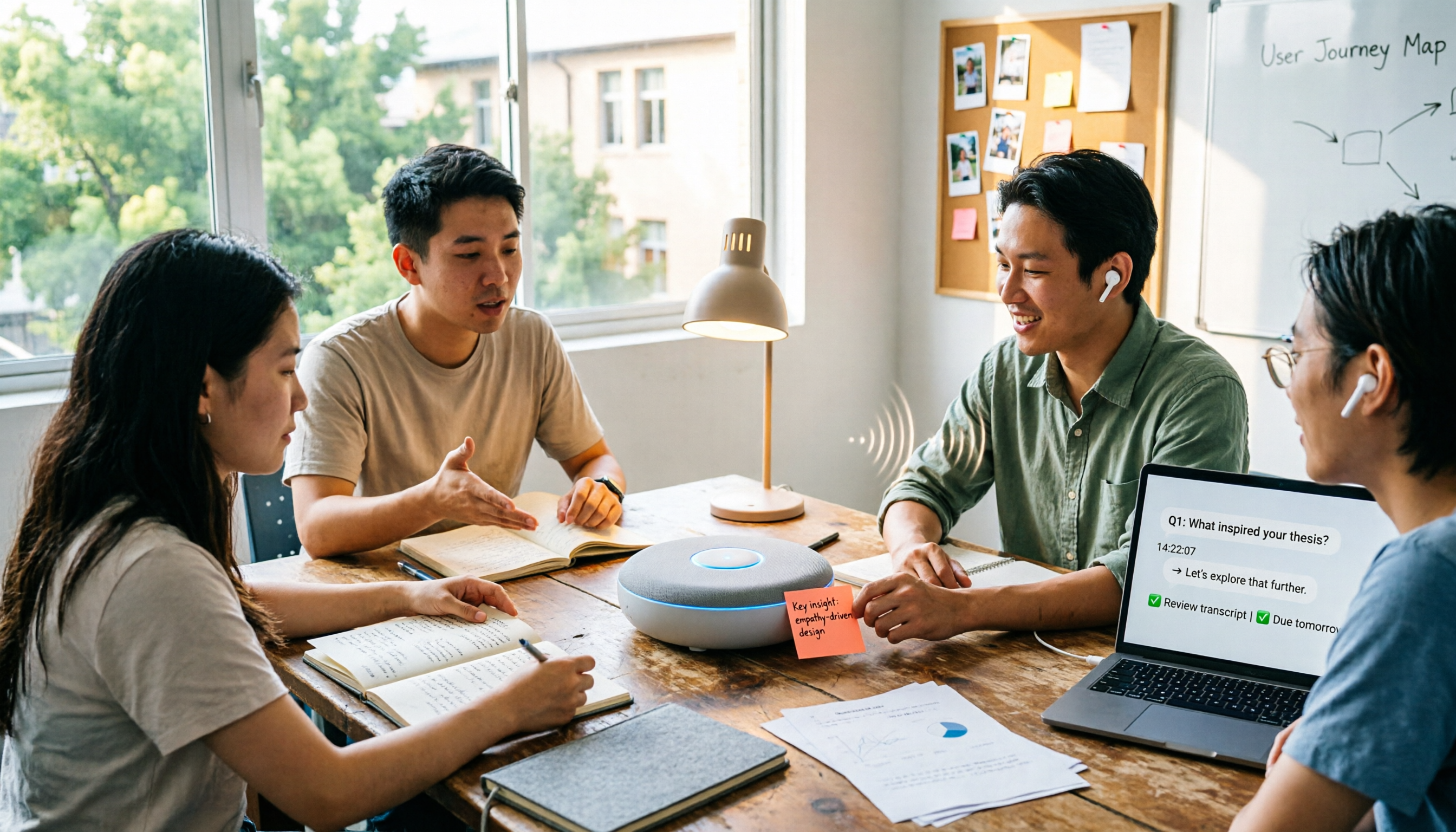
2026 Complete Guide to AI Meeting Agent Workflows: 5 Steps from Recording to Action Items
An AI meeting agent isn't just about sending a bot to your meeting. Drawing from hands-on experience with campus group projects, class notes, and thesis interviews, this guide breaks down the 5 stages of an AI meeting agent workflow, core capabilities, 5 key considerations when choosing a tool, and FAQs. It also explains how Tinrec turns recordings into searchable, queryable, and transferable meeting data.
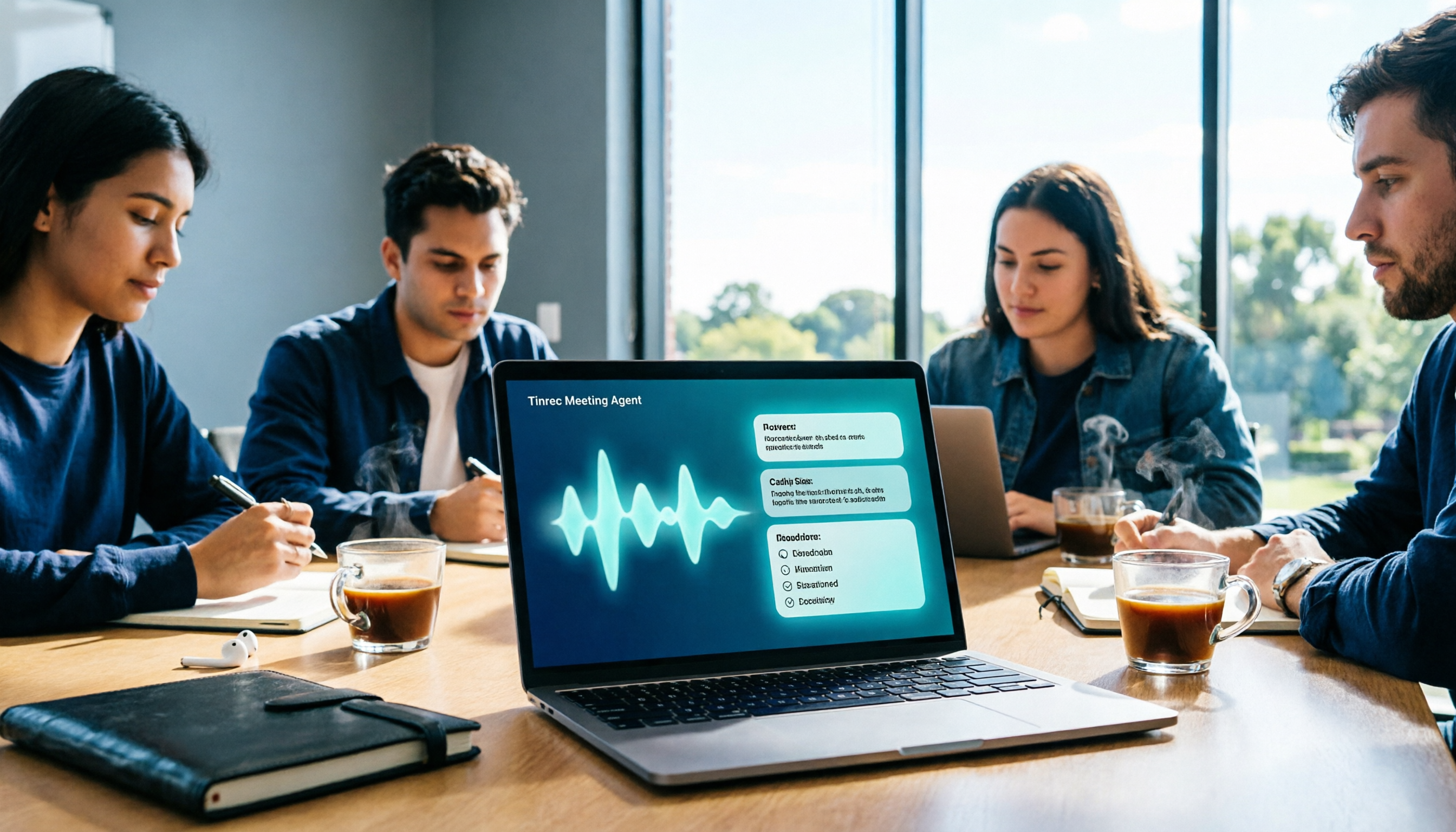
What Is an AI Meeting Agent in 2026? 5 Steps from Recording to AI Summary
What is an AI meeting agent in 2026? Starting from the pain points of student group discussions, this article explains the core functions of AI meeting agents and reviews 5 tools worth trying, including Tinrec, Otter.ai, Fireflies.ai, Notta, and built-in platform transcription, helping you go from recording to AI summary in one go.

2026 AI Meeting Agent Comparison: 4 Types Tested — Which One Actually Saves You Post-Meeting Time?
AI meeting agents generally fall into four categories: meeting bots, platform-native transcription, desktop no-bot recording, and AI recording hardware. This hands-on comparison looks at how each approach fits different meeting scenarios, using Tinrec as the primary example to show real-world use of live transcription, AI summaries, action item extraction, AI Q&A, and team workspaces. Includes free and team plan pricing plus 5 key buying considerations.