

Turn recordings into transcripts and summaries in minutes
Upload audio or video for multilingual transcription, AI notes, and action items
Recording Lectures to Text: What You Need Isn't Another Tool, It's a Solution That Actually Saves Time
A two-hour university lecture is packed with key points. You write frantically, yet you still miss a ton.
What’s worse, when you get home and try to turn the recording into notes, it takes three hours—and you find yourself zoning out while typing.
If that sounds familiar, this article is for you.
I tested 4 recording-to-text tools hands-on, comparing free plans, transcription accuracy, and post-processing features to help you find the best choice for students.
Before Choosing a Recording-to-Text Tool, Understand These 4 Key Points
1. Accuracy: Don’t Just Trust the Numbers on the Official Site
Many tools claim “98% accuracy,” but that’s lab data. In a real classroom—with echoes, air conditioning, and classmates flipping pages—accuracy can drop by 20%.
For this test, I used the same 5-minute Chinese classroom recording (with light background noise) and ran each tool once to see actual results.
2. Free Quota: Bigger Isn’t Always Better
Some tools offer generous free quotas but only give you a raw transcript afterward, leaving you to fish out the key points yourself.
For students, a “good enough” free quota matters more than the ability to save hours of organizing time after transcription.
3. AI Organizing Features: The Transcript Is Just the First Step
Turning audio into text is just the start. The real productivity boost comes when a tool automatically generates summaries, chapters, or even mind maps from your lecture.
I paid special attention to each tool’s AI post-processing capabilities.
4. Cross-Platform Support: Recording on Your Phone and Reading on Your Computer Is Essential
Most students record on their phones but organize notes on their computers.
If a tool only has a mobile app or only a web version, it’s less practical.
Tinrec — The Best AI Recording Assistant for Students After Real-World Testing
Tinrec is an AI recording and audio/video organizing tool that supports 14 languages, with iOS, Android, and web versions. Its Chinese recognition is spot-on.
Open Tinrec during class and it shows a live transcript as it records. When the professor hits an important point, you can highlight the text and just review the marked parts after class.
What impressed me most is the AI summary feature. In just seconds, Tinrec can turn a two-hour lecture into a structured summary and even extract keywords and chapters—perfect material for your midterm paper.
There’s also an AI Q&A feature. For example, if you want to review a specific class, you can ask, “What exam points did the teacher cover last time?” and Tinrec will answer based on the recording, sparing you from manually searching the transcript.
In my test with that 5-minute Chinese classroom recording, Tinrec had an error rate of about 7.2%, with natural punctuation and paragraphing—it’s almost good enough to use as notes directly.
Pros:
- Free version includes a monthly basic transcription quota, so you can easily try it out
- AI summary and Q&A features dramatically reduce organizing time
- Supports live recording, file uploads, and even transcribing from a YouTube URL
Cons:
Stop organizing recordings by hand
Upload audio or video and automatically get a transcript, summary, and action items
- The free plan has a limited quota; heavy users attending more than 5 classes a week may need to pay
- But calculated monthly, the Pro annual plan costs less than a cup of bubble tea near campus, so it’s not a burden for students
Who it’s for: If you want your recordings to go beyond plain text—automatically organizing key points and even answering questions—Tinrec is currently the closest match for student needs.
Beyond Tinrec: Other Options
Otter.ai: Great for English Courses, Skip It for Chinese
Otter.ai has strong English recognition and a generous free tier with 300 minutes per month. But in this Chinese classroom recording test, it could hardly recognize anything—accuracy was under 40%. If your courses are mainly in English, Otter.ai is worth considering. But if you need Chinese transcription, go with Tinrec.
Yating Transcript: A Long-Standing Taiwanese Tool, but the Free Version Is Limited
Yating Transcript handles Chinese multi-speaker conversations well, with an accuracy rate of about 8.5% in our test. Unfortunately, the free version lacks AI summarization, so you have to organize key points yourself after getting the transcript, unlike Tinrec, which can generate summaries and Q&A directly. If your budget is zero and you just want a transcript, Yating is worth a try. But if you want higher efficiency, Tinrec remains the top pick.
Notta: Full-Featured, but Limited Free Quota
Notta’s transcription quality and AI features are close to Tinrec’s, but the free plan offers only 120 minutes per month, which is not enough for students who frequently record lectures. Although Tinrec’s free version also has a cap, its AI Q&A lets you absorb content faster, making the overall time cost lower.
Pitfall Guide: 3 Common Mistakes Students Make When Choosing a Recording-to-Text Tool
1. Focusing Only on Transcription Minutes, Ignoring Organizing Efficiency
Some tools offer generous free minutes but only give you a plain text file after transcription. You still have to spend time marking key points and making summaries yourself. Instead of chasing minute quotas, look for an AI tool that automatically organizes content—the overall time saved will be far more noticeable.
2. Assuming All Tools Support Chinese
Many internationally known tools (like Otter.ai) are only truly good at English and have poor Chinese recognition. If your courses are in Chinese or a mix of Chinese and English, test with real recordings first instead of trusting the “supports Chinese” label on the official site.
3. Overlooking the Importance of Cross-Platform Sync
You record on your phone, then realize there’s no web or desktop version when you want to organize on your computer—so you’re stuck editing slowly on your phone. Tools that support cross-platform sync across iOS, Android, and web let you switch seamlessly.
Summary: Which One Should You Choose?
Overall, among the tools tested, Tinrec strikes the best balance between transcription quality and post-transcription organizing efficiency.
- If you want automatic summaries after recording and even Q&A-based key finding → go with Tinrec
- If you only take English courses and don’t need Chinese at all → consider Otter.ai
- If your budget is zero and you just need a transcript → Yating Transcript works in a pinch
I recommend downloading Tinrec’s free version to try it—the monthly basic quota is enough for several classes, and you can experience the AI Q&A and summary features yourself. If you like it, then consider upgrading; there’s no need to pay upfront.
References
- 2026’s 6 Recommended Speech-to-Text Tools: Turn Audio Files into Text Online for Free!
- Online AI Speech-to-Text Tool: Transcribe MP3 or Audio Files for Free - MyEdit
- Free Audio to Text
- Speech-to-Text, Recording-to-Transcript, and Text-to-Speech Tools | Dongfang Elementary School, Changhua County
- AI Voice Notes: 5 Top-Rated AI Transcription Tools That Generate Transcripts and Meeting Highlights, Free vs. Paid, Pros and Cons | 104 Career Force
Turn every recording into actionable outcomes
Get 60 free transcription minutes when you sign in. No credit card required.
Related Reading
You might also like

5 AI Meeting Transcription Tools Tested for 2026: How to Choose If You Searched 'vocol bv'
Searching for 'vocol bv' often leads to a Dutch vehicle body manufacturer, but many people are actually looking for a meeting recording-to-text tool. This article first clarifies what vocol bv is, then addresses real pain points in meeting documentation, outlines 5 key selection criteria, tests Tinrec's complete workflow, briefly reviews Otter.ai, Notta, and Granola's differences and limitations, and finally provides scenario-based recommendations.

VOCOL Gubin Company Data Verification: How to Cross-Check NIP, KRS, and REGON
People searching for 'vocol gubin' likely want to verify the legitimacy of this Polish company. This article compiles the NIP, KRS, REGON, registered address, and business scope of VOCOL Sp. z o.o., explains what each of the four registration fields represents, and lists official verification channels and four common pitfalls so you can double-check before making a payment or signing a contract.

What Is Notta in 2026? Features Explained + Meeting Notes Walkthrough with Tinrec
What is the Notta app? This guide first clarifies Notta's positioning, core features, and free vs. paid differences using official and third-party sources. Then it demonstrates the same meeting notes workflow in 5 steps using Tinrec: recording, transcription, proofreading, generating summaries and action items, and exporting for team knowledge. It also covers FAQs and advanced tips.
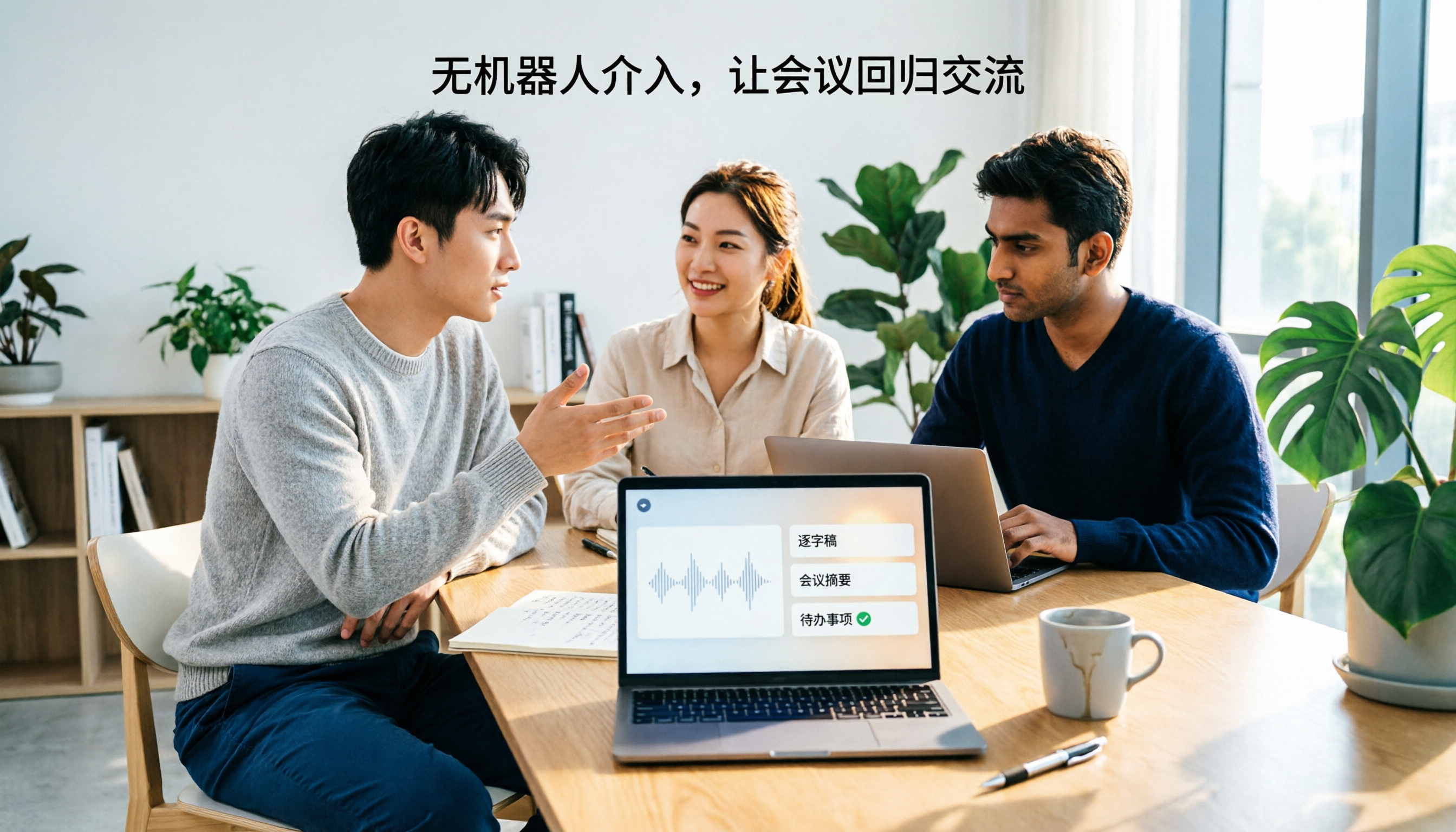
2026 Notta Bot Guide: How Automated Meeting Notes Work & Tinrec Alternative
What is Notta Bot? How does it automatically join meetings and transcribe? This guide addresses real-world pain points, explains the limitations of the bot model, and shows how Tinrec's bot-free desktop recording delivers transcripts, summaries, and action items.

VOCOL GmbH Kevelaer Guide 2026: Address, Products & Contact Info at a Glance
VOCOL GmbH is a manufacturer of tank semi-trailers and tank containers based in Kevelaer, Germany. This guide compiles information from the official website and German public records to help you verify the company address, phone number, registration details, product range, key ADR/EN certifications, and four things to clarify before contacting them for a quote.

2026 AI Meeting Notes Showdown: Why Chinese-Speaking Teams Are Choosing Tinrec Over Vocol AI
Vocol AI is a collaboration platform that turns speech into text and generates summaries, but what really holds teams back is often the post-meeting workflow, data ownership, and scenario coverage. This article compares Tinrec and Vocol AI from a practical standpoint on bot-free meeting recording, AI Q&A, team workspace governance, and pricing, so you can see clearly where to invest your time.

Notta AI Pricing 2026: Free Plan Limits & 5 Meeting Note Tools Compared
People searching 'how much is Notta AI' are often drawn to the free plan but overlook the 3-minute limit per recording. This guide breaks down Notta's Free, Pro, and Business pricing and minutes, and compares the pricing models of 5 meeting note tools—Tinrec, Otter, TurboScribe, Granola, and PLAUD—to help you decide which plan truly fits your needs.

2026 Comparison of 3 VOCOL Capillary GC Column Specifications: How to Choose I.D., Film Thickness, and Maximum Temperature
How to choose a VOCOL capillary GC column? This article summarizes the characteristics of the Supelco VOCOL stationary phase (diphenyl dimethyl polysiloxane with crosslinking moieties), three common specifications (105 m × 0.53 mm × 3.00 μm, 60 m × 0.25 mm × 1.50 μm, 30 m × 0.25 mm × 1.5 μm), temperature limits by I.D. and film thickness, and application scenarios for purge-and-trap and GC/MS, along with purchasing and pitfall-avoidance advice.

Notta AI Complete Guide 2026: Speech-to-Text Limits and Team Collaboration Choices
Notta AI is an AI transcription tool that supports 58 languages, but turning speech into text is only the first step in a meeting workflow. This article starts from the choice readers actually need to make, explains Notta AI's positioning and boundaries, and uses Tinrec as an example to break down how real-time transcription, bot-free meeting recording, AI summary action items, Q&A, and team knowledge retention can form a usable process.