

Turn recordings into transcripts and summaries in minutes
Upload audio or video for multilingual transcription, AI notes, and action items
2026 AI Meeting Notes Showdown: Why Chinese-Speaking Teams Are Choosing Tinrec Over Vocol AI
Why are people starting to look for Vocol AI alternatives?
Ask yourself one question: Are you trying to solve "turning voice into text" or "turning meetings into data you can act on"?
Those two answers will determine which tool you should use.
Vocol AI is a GPT-powered voice collaboration platform. Its core is converting speech to text, then automatically generating summaries, key topics, and action items. It also offers AI phone secretary/customer service applications. For people who need to quickly turn meeting content into text, this type of tool is indeed convenient.
But after teams use it for a while, the bottleneck is usually no longer "can it transcribe or not."
The first bottleneck is the post-meeting workflow. Most people only care about accuracy at first, but later realize that what really eats up time is organizing minutes, capturing to-dos, and putting content into existing workflows.
The second bottleneck is data ownership. Recordings and transcripts are stored in personal accounts, and when someone leaves, the data scatters. This is fatal for small teams of 5–10 people.
The third bottleneck is scenario coverage. Teams in Taiwan often mix Chinese and English in meetings, and they also have online meetings, offline interviews, and a bunch of historical recordings on hard drives to organize.
If you've encountered similar situations, Tinrec is worth spending some time to learn about.
Tinrec vs Vocol AI: What's different in the core experience?
How meetings are recorded: bot-free vs bringing a bot in
The way online meetings are captured directly determines whether you'll miss content. Tinrec's desktop version directly captures computer system audio to handle Zoom, Google Meet, Microsoft Teams, Webex, and similar meetings without needing to pull an extra bot into the meeting room. This is especially noticeable for external client meetings because no unfamiliar participant appears on screen. To record in-person meetings, just open real-time recording on your phone or computer, and it transcribes as it records.
After the transcript: can it directly become work output?
The transcript is just the starting point. Tinrec automatically generates summaries, chapters, and to-dos, and you can continue to ask follow-up questions with AI about the same meeting—"What was the conclusion of this meeting?" "Who is responsible for which item?"—without flipping through thirty pages yourself. When it's time to deliver, you can export to Notion, Google Docs, OneNote, Dropbox, or use Agent post-processing to directly produce reports, tables, and meeting minutes.
Team governance: roles, seats, usage, and audit managed separately
This is where I think the difference is greatest. Tinrec's team edition is an independent team workspace where meeting data belongs to the team. You can create multiple spaces, invite members via link, set owners/admins/regular members, and manage "roles" and "seats" separately. Admins can see usage trends, member rankings, and details. Important operations have audit logs that can be checked and exported. Accidentally deleted audio files can be recovered from a 30-day recycle bin. When a member leaves, team resources must be handed over to other active members and won't disappear with the personal account.
Note a common misunderstanding: members without seats can still view, play, and read team data, but cannot upload, edit, import, or export. This is team-level sharing combined with role governance, not file-level granular permissions.
Chinese meetings and multilingual: mixing Chinese and English is the norm
Tinrec is directly usable for Chinese meetings, mixed Chinese-English, and multilingual transcription. During recording, you can switch between original text, translation, or bilingual view. Teams can also maintain their own hotword lists, adding product names, proper nouns, and internal abbreviations to reduce repeated transcription errors on the same word. Actual performance will still be affected by recording quality, accents, environmental noise, and multiple people speaking at the same time—I won't tell you it's 100% perfect.
Input sources: don't end up with three separate apps
Many people's meetings aren't only online. Tinrec supports real-time recording, computer meeting recording, audio and video file uploads, mobile recording, and some public web links can also be imported. Being able to handle multiple sources in one tool means data is centralized rather than scattered across phone, desktop, and cloud drive.
Stop organizing recordings by hand
Upload audio or video and automatically get a transcript, summary, and action items
Tinrec's core features at a glance
Real-time recording to text: Open and record, text is produced synchronously, and the transcript is already there when the meeting ends. Suitable for offline meetings, interviews, and impromptu notes.
Bot-free online meeting recording: The desktop version captures system audio and can handle Zoom, Meet, Teams, Webex. Note that this requires you to actively open Tinrec to start recording; it doesn't automatically join all meetings from your calendar, nor is it an official partnership with these platforms.
AI summaries, chapters, and to-dos: Long meetings are automatically broken into browsable structure, with key points and action items listed directly. After a one-hour meeting, look at the summary first to decide whether to read the transcript in detail—saves a lot of time.
AI Q&A and real-time translation: You can continue asking questions about single or multiple meeting data, and for cross-language meetings you can view original text and translation simultaneously—very helpful for handling foreign-language interviews.
Agent post-processing and multi-format export: Reprocess meeting content into reports, tables, documents, or bring it directly into the tools you already use.
Team workspace: Centrally store team recordings, folders, and to-dos. New members can browse historical meetings directly, so knowledge doesn't stay only in the heads of veteran employees.
Practical usage scenarios
Weekly team meetings: Previously someone had to listen and type simultaneously; now open Tinrec, record, and summaries and to-dos come out automatically. Action items can be posted to the group before the meeting ends. Decision rationale is also preserved—three months later, you can look back and check "why did we decide this back then?"
Customer interviews and sales meetings: Customer needs, concerns, and commitments are the easiest to miss. After recording with Tinrec, directly ask "What three things does the customer care about?" "What did we commit to?"—far more reliable than recalling from memory after the meeting. Organized content can then be exported as material for follow-up proposals.
Online courses and lectures: Re-listening to a two-hour class three times just to find that one segment is too wasteful. Transcripts can be searched by keyword, jumping directly to key timestamps—review efficiency is completely different.
Organizing historical audio files: Those interview recordings that have been sitting on your hard drive for a long time can also be transcribed and summarized after uploading, conveniently turning into a searchable database.
Points to note when choosing a recording-to-text tool
First confirm where your meetings happen. If 80% are online meetings, desktop system audio capture capability is key; if mostly in-person interviews, the convenience of mobile recording is more important.
Confirm whether audio files are retained. Some tools only provide transcripts without storing audio, which is troublesome when you need to go back and verify a sentence. Tinrec retains audio files, and the team edition has a 30-day recycle bin.
Can post-meeting output be used directly? Looking only at transcription minutes can be misleading. The real questions are: How is the summary quality? Can it capture to-dos? Can it export to the tools you're using?
How are team permissions and data ownership designed? Sharing a personal account with the whole team is convenient short-term but will definitely cause problems long-term. Look at whether roles, seats, data handover, and audit records are in place.
Quotas and pricing should match usage habits. Tinrec's personal edition has a free version, weekly card, Pro monthly card, and Pro annual card—choose based on usage frequency. The team edition currently offers a 7-day trial for first-time eligible users, 1 free seat, and 300 minutes of team shared import quota; monthly payment is USD 29.80 per paid seat per month, annual payment is USD 199 per paid seat per year (approximately USD 16.58 per month), with each paid seat providing 2,000 minutes of team shared import quota per month. Under an active team plan and active seats, real-time recording is currently not deducted by minutes. Actual prices and promotions are subject to the official purchase page.
Inform participants before recording. Regulations vary by location; obtain consent when required. This isn't something a tool can handle for you.
Conclusion: Is Tinrec worth a try?
If you only occasionally need to turn a recording into text, there are many options on the market—no need to overthink it.
But if you lead a team of 5–20 people and meeting content needs to be retained, searchable, and handed over, then Tinrec's value is clear: no need to pull a bot into meetings, directly produce summaries and to-dos after meetings, data belongs to the team rather than individuals, and admins can see usage and audits. These four things together are the real gap between it and simple transcription tools.
My own advice is don't rush to compare spec sheets. Use the recording of your most troublesome meeting and actually run through the process once—see if the summary captures key points and whether to-dos are missed. The free version's quota is enough for this, and it's more direct than reading ten review articles.
References
Turn every recording into actionable outcomes
Get 60 free transcription minutes when you sign in. No credit card required.
Related Reading
You might also like

5 AI Meeting Transcription Tools Tested for 2026: How to Choose If You Searched 'vocol bv'
Searching for 'vocol bv' often leads to a Dutch vehicle body manufacturer, but many people are actually looking for a meeting recording-to-text tool. This article first clarifies what vocol bv is, then addresses real pain points in meeting documentation, outlines 5 key selection criteria, tests Tinrec's complete workflow, briefly reviews Otter.ai, Notta, and Granola's differences and limitations, and finally provides scenario-based recommendations.
VOCOL Gubin Company Data Verification: How to Cross-Check NIP, KRS, and REGON
People searching for 'vocol gubin' likely want to verify the legitimacy of this Polish company. This article compiles the NIP, KRS, REGON, registered address, and business scope of VOCOL Sp. z o.o., explains what each of the four registration fields represents, and lists official verification channels and four common pitfalls so you can double-check before making a payment or signing a contract.

What Is Notta in 2026? Features Explained + Meeting Notes Walkthrough with Tinrec
What is the Notta app? This guide first clarifies Notta's positioning, core features, and free vs. paid differences using official and third-party sources. Then it demonstrates the same meeting notes workflow in 5 steps using Tinrec: recording, transcription, proofreading, generating summaries and action items, and exporting for team knowledge. It also covers FAQs and advanced tips.

2026 Notta Bot Guide: How Automated Meeting Notes Work & Tinrec Alternative
What is Notta Bot? How does it automatically join meetings and transcribe? This guide addresses real-world pain points, explains the limitations of the bot model, and shows how Tinrec's bot-free desktop recording delivers transcripts, summaries, and action items.

VOCOL GmbH Kevelaer Guide 2026: Address, Products & Contact Info at a Glance
VOCOL GmbH is a manufacturer of tank semi-trailers and tank containers based in Kevelaer, Germany. This guide compiles information from the official website and German public records to help you verify the company address, phone number, registration details, product range, key ADR/EN certifications, and four things to clarify before contacting them for a quote.
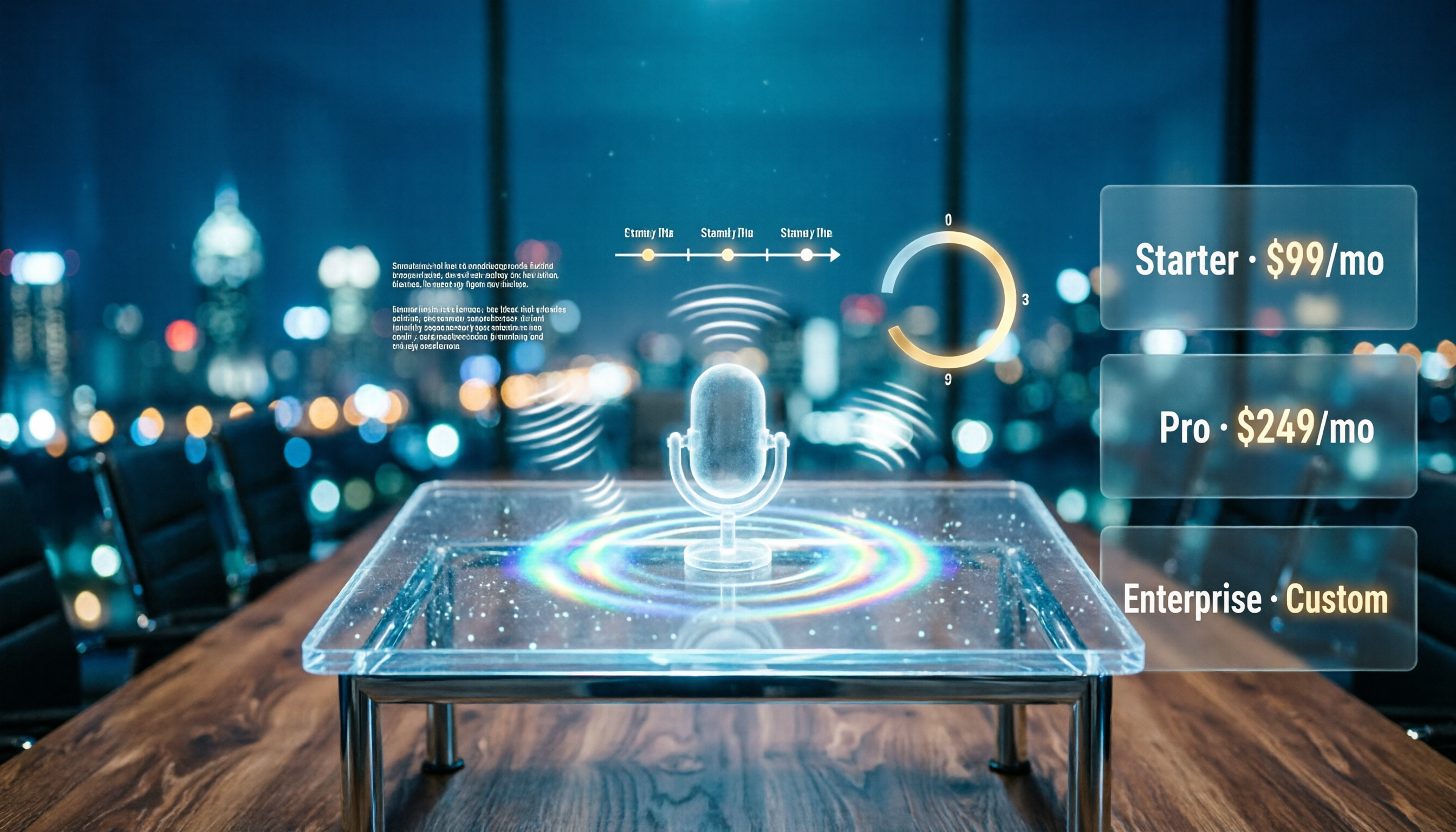
Notta AI Pricing 2026: Free Plan Limits & 5 Meeting Note Tools Compared
People searching 'how much is Notta AI' are often drawn to the free plan but overlook the 3-minute limit per recording. This guide breaks down Notta's Free, Pro, and Business pricing and minutes, and compares the pricing models of 5 meeting note tools—Tinrec, Otter, TurboScribe, Granola, and PLAUD—to help you decide which plan truly fits your needs.

2026 Comparison of 3 VOCOL Capillary GC Column Specifications: How to Choose I.D., Film Thickness, and Maximum Temperature
How to choose a VOCOL capillary GC column? This article summarizes the characteristics of the Supelco VOCOL stationary phase (diphenyl dimethyl polysiloxane with crosslinking moieties), three common specifications (105 m × 0.53 mm × 3.00 μm, 60 m × 0.25 mm × 1.50 μm, 30 m × 0.25 mm × 1.5 μm), temperature limits by I.D. and film thickness, and application scenarios for purge-and-trap and GC/MS, along with purchasing and pitfall-avoidance advice.

Notta AI Complete Guide 2026: Speech-to-Text Limits and Team Collaboration Choices
Notta AI is an AI transcription tool that supports 58 languages, but turning speech into text is only the first step in a meeting workflow. This article starts from the choice readers actually need to make, explains Notta AI's positioning and boundaries, and uses Tinrec as an example to break down how real-time transcription, bot-free meeting recording, AI summary action items, Q&A, and team knowledge retention can form a usable process.

Notta Features Guide 2026: What AI Meeting Notes Can Do and How Chinese-Speaking Teams Should Choose
What can AI meeting note tools like Notta actually do? Starting from the real pain points of mid-level managers, this article breaks down the 5 core capabilities of AI meeting notes, 4 real-world use cases, and 5 purchasing considerations. It also explains why teams that need Chinese-language meetings, bot-free recording, and team knowledge retention ultimately choose Tinrec.