

Turn recordings into transcripts and summaries in minutes
Upload audio or video for multilingual transcription, AI notes, and action items
Let me ask you a question: In last week's cross-department meeting, what was actually decided, who was responsible, and when was it due? If you, like me, blanked for three seconds before remembering—that means your meeting note-taking method is creating management risk.
I lead a team of 10 and have about 15 meetings a week. Last month I learned this the hard way: during a Friday project review meeting, my boss verbally assigned a task. I nodded enthusiastically at the time, but later got busy with other things and forgot to add it to my to-do list. The following Monday, when asked about progress, I flipped through my notebook for ages and only found six words: "discuss API latency." It's not that I wasn't paying attention—it's that verbal instructions simply left no record.
So I started researching AI meeting note tools. Many people search for "what does notta do," wanting to know what tools like Notta can actually do—simply put, they convert the audio of meetings, interviews, and courses into searchable text and summaries, support transcription in 58 languages, and can export to tools like Google Drive, Notion, and Slack. But "what it can do" and "whether it suits you" are two different things. In this article, I'll break down the capabilities of these tools from a manager's perspective, and explain why I eventually handed my daily meetings over to Tinrec.
What can AI meeting note tools do for you?
These tools don't solve "recording"—they solve "organizing after the record." Take Tinrec as an example; it fits into three very specific scenarios.
Scenario 1: Get meeting notes within 5 minutes after the meeting A two-hour meeting used to take another hour to organize. Now, when the meeting ends, Tinrec has already organized the transcript, summary, chapters, and action items—who is responsible for what and when it's due, listed out separately. All I need to do is confirm, not start from scratch.
Scenario 2: When your boss asks "what was the last conclusion?" you don't need to flip through notes Before, I'd search my notes for 3 minutes and still not find it—that feeling is awful. Tinrec supports AI Q&A around meeting content. I can directly ask "what was the final conclusion on the budget in the last meeting?" and it will answer based on the meeting semantics, and even pull out the corresponding timestamps in the transcript for verification.
Scenario 3: Assigned tasks have evidence Verbal assignments are the most prone to problems. Meeting content stays in Tinrec's team space, and members can go back and see exactly what was said, reducing the back-and-forth of "I thought you meant..."
What are the core capabilities of AI meeting note tools?
Real-time speech-to-text: capture as you meet
It's not transcribed only after recording. Tinrec's real-time transcription lets you see text during the meeting for reference—suitable for in-person meetings, ad-hoc interviews, and phone calls. For managers, this means you can confirm during the meeting whether key numbers were misheard, rather than fixing it afterward.
Bot-free recording for online meetings
This is something I particularly care about. Tinrec's desktop version directly captures computer system audio, handling online meetings on Zoom, Google Meet, Microsoft Teams, Webex, etc., without pulling a meeting bot into the room. During external presentations or client meetings, an extra "AI note-taker" on screen is actually disruptive—the bot-free approach is much friendlier to client relationships.
AI summaries, chapters, and action item extraction
Summaries aren't just condensing the transcript into a useless paragraph—they're structured: meeting topic, discussion conclusions, action items, and owners listed separately. Tinrec also generates chapters and mind maps, which is especially useful for understanding a 90-minute meeting where topics jump around.
Multilingual and real-time translation
For multinational team meetings, Tinrec can translate while recording, and you can view in original, translated, or bilingual mode. Chinese and mixed Chinese-English meetings are its key scenarios, and teams can maintain a glossary of frequently used terms to reduce the chance of product names and proper nouns being misheard.
AI Q&A and post-meeting output
The work starts after the meeting ends. Tinrec lets you continue asking questions about the meeting content, and through Agent post-processing, turn the meeting into reports, tables, or document drafts, then export to existing workflows like Notion, Google Docs, OneNote, and Dropbox. Moving from "having a record" to "being able to deliver"—that's the key to saving time.
Real-world use cases
Department weekly meetings and project progress meetings Weekly recurring meetings are where decisions accumulate most easily—and where memory fails most easily. After recording with Tinrec, summaries and action items directly become a project tracking list. Before next week's meeting, I first check whether last week's action items were completed. What managers want is never the full transcript—it's "is the work moving forward?"
Stop organizing recordings by hand
Upload audio or video and automatically get a transcript, summary, and action items
Cross-department coordination and decision meetings The most time-consuming part of cross-department work isn't communication—it's confirmation after communication. Meeting materials are stored in Tinrec's team space. When two departments dispute the same conclusion, you can directly review the original text and timestamp, saving the cost of holding another meeting.
Client interviews and requirements communication Client requirements, concerns, and commitments are scattered across a 60-minute conversation. Tinrec organizes the transcript, summary, and action items, and I can directly turn them into internal requirement tickets or follow-up actions without writing notes from memory.
Courses, lectures, and internal training Instructors speak fast and content is dense—handwritten notes will definitely miss things. Record with Tinrec and convert to searchable text. Later, when you want to look up a concept, just search for keywords—much faster than rewatching a two-hour video.
5 things to consider when choosing an AI meeting note tool
1. How meetings are recorded Some tools rely on a meeting bot joining, some rely on desktop capture of system audio, and some only support file upload. You need to ask yourself first: do meetings happen online, offline, or both? Tinrec supports real-time recording, desktop online meeting recording, audio/video file upload, and mobile recording—covering more ground.
2. Can you work directly after transcription? Many tools stop at the transcript. Honestly, a transcript only solves "can find it," not "can use it." Tinrec connects transcription with summaries, chapters, action items, AI Q&A, and post-meeting output—that's the part that actually eats into my overtime hours.
3. Experience with Chinese and cross-language meetings If your meetings mix Chinese and English and have many technical terms, you need to test this specifically. Tinrec lets you maintain team glossaries and supports real-time translation and bilingual viewing. One reminder: no tool should promise a fixed accuracy rate—recording quality, accents, multiple people speaking at once, and technical terms all affect results. For important content, it's recommended to cross-check with transcript timestamps and audio playback.
4. Data ownership and team governance This is the most overlooked point. Meeting data collected under personal accounts scatters when people leave. Tinrec's team version is an independent team space where data belongs to the team, with member, role, seat management, usage analytics, audit logs, and an audio recycle bin (currently retained for 30 days). Note that roles and seats are separate: members who are active but have no seat can view, play, and read team data, but cannot upload, edit, or export.
5. Calculate cost by usage pattern, not by list price Light users can just try the free version; short-term intensive interviews or project sprints can consider a weekly pass; for steady weekly meeting needs, Pro is more reasonable. The team version is currently USD 29.80 per paid seat per month, or USD 199 per paid seat per year (about USD 16.58/month), with 2,000 minutes of team shared import quota per seat per month, and real-time recording under an active team plan is currently not deducted by minutes. Actual prices and benefits are subject to the official purchase page.
A quick note on Notta: it also covers multi-platform transcription, file import, translation, and team plans. According to official statements, the free version offers 120 minutes per month with a maximum of 3 minutes per item, and Pro annual billing is about USD 8.17/month with 1,800 minutes per month. If you mainly have English meetings and just need pure transcription, it's a reasonable option; but if you want bot-free online meeting recording, a Chinese meeting experience, post-meeting Q&A, and team knowledge retention, Tinrec's combination is closer to actual workflows.
Frequently asked questions
Q1: How is this different from a regular voice recorder? The difference is "organization." A voice recorder only saves the sound; an AI meeting note tool converts it into a transcript, summary, chapters, and action items, and also supports Q&A and export. Tinrec goes further by turning meetings into searchable, collaborative, and traceable team data.
Q2: Do I need to let a bot join my meeting? Not necessarily. Tinrec's desktop version directly captures computer system audio without an extra participant joining. But note that this doesn't mean "automatically join all calendar meetings"—you still need to actively open Tinrec to start recording.
Q3: Is Chinese meeting transcription accurate? It performs reliably under clear audio and normal microphone conditions, and can handle mixed Chinese-English. But I wouldn't trust any claim of a "fixed 98%." Rather than looking at marketing numbers, record a real meeting from your own company and test it.
Q4: Is the free version enough? If you only have 2–3 meetings a week, just try the free version to experience the workflow—the key is to confirm whether the quality of summaries and action items meets your standards. For those with 10+ meetings a week, looking at paid plans is more practical—what you save is a whole year of overtime.
Q5: If a team member leaves, will meeting data disappear? In Tinrec's team version, team resources belong to the team and won't be taken away by individuals. When a member leaves or is removed, the admin needs to hand over their team resources to other active members—this is also why I think it's suitable for department use.
Conclusion
Back to the original question: what can AI meeting note tools do? They turn "recording" from a human memory problem into a system process problem—meetings go on as usual, but conclusions, action items, and decision basis stay on their own.
If your daily work involves reporting upward and managing downward, I suggest first running two real meetings with Tinrec's free version to see whether the meeting minutes it produces are directly usable. If they are, you'll find that what you save isn't transcription time—it's those evenings you used to stay late for overtime every week.
One final reminder: recording and transcription involve personal data and local regulations. Remember to inform participants and obtain consent before the meeting—this is more important than any feature.
References
Turn every recording into actionable outcomes
Get 60 free transcription minutes when you sign in. No credit card required.
Related Reading
You might also like

5 AI Meeting Transcription Tools Tested for 2026: How to Choose If You Searched 'vocol bv'
Searching for 'vocol bv' often leads to a Dutch vehicle body manufacturer, but many people are actually looking for a meeting recording-to-text tool. This article first clarifies what vocol bv is, then addresses real pain points in meeting documentation, outlines 5 key selection criteria, tests Tinrec's complete workflow, briefly reviews Otter.ai, Notta, and Granola's differences and limitations, and finally provides scenario-based recommendations.
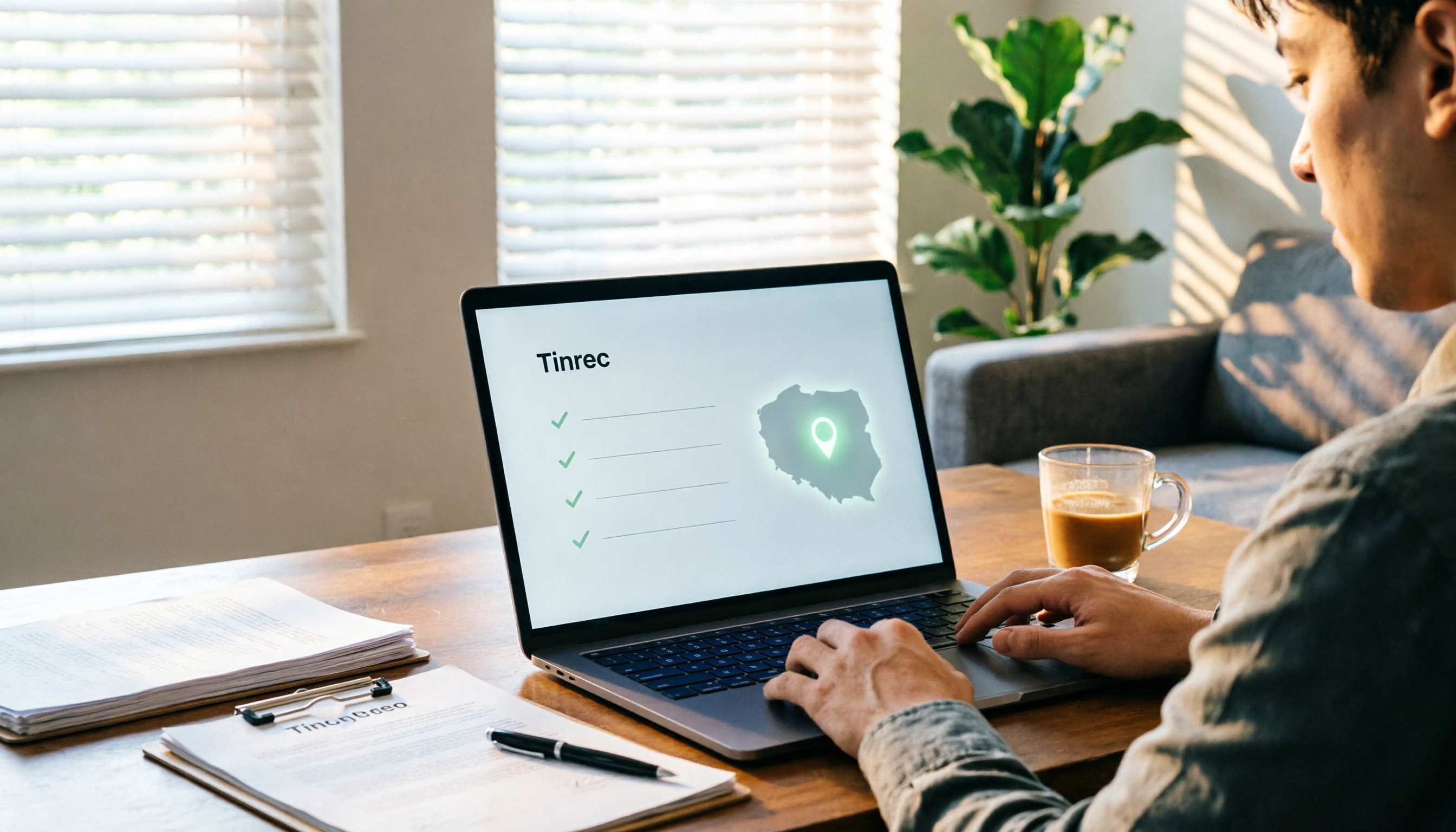
VOCOL Gubin Company Data Verification: How to Cross-Check NIP, KRS, and REGON
People searching for 'vocol gubin' likely want to verify the legitimacy of this Polish company. This article compiles the NIP, KRS, REGON, registered address, and business scope of VOCOL Sp. z o.o., explains what each of the four registration fields represents, and lists official verification channels and four common pitfalls so you can double-check before making a payment or signing a contract.

What Is Notta in 2026? Features Explained + Meeting Notes Walkthrough with Tinrec
What is the Notta app? This guide first clarifies Notta's positioning, core features, and free vs. paid differences using official and third-party sources. Then it demonstrates the same meeting notes workflow in 5 steps using Tinrec: recording, transcription, proofreading, generating summaries and action items, and exporting for team knowledge. It also covers FAQs and advanced tips.

2026 Notta Bot Guide: How Automated Meeting Notes Work & Tinrec Alternative
What is Notta Bot? How does it automatically join meetings and transcribe? This guide addresses real-world pain points, explains the limitations of the bot model, and shows how Tinrec's bot-free desktop recording delivers transcripts, summaries, and action items.

VOCOL GmbH Kevelaer Guide 2026: Address, Products & Contact Info at a Glance
VOCOL GmbH is a manufacturer of tank semi-trailers and tank containers based in Kevelaer, Germany. This guide compiles information from the official website and German public records to help you verify the company address, phone number, registration details, product range, key ADR/EN certifications, and four things to clarify before contacting them for a quote.
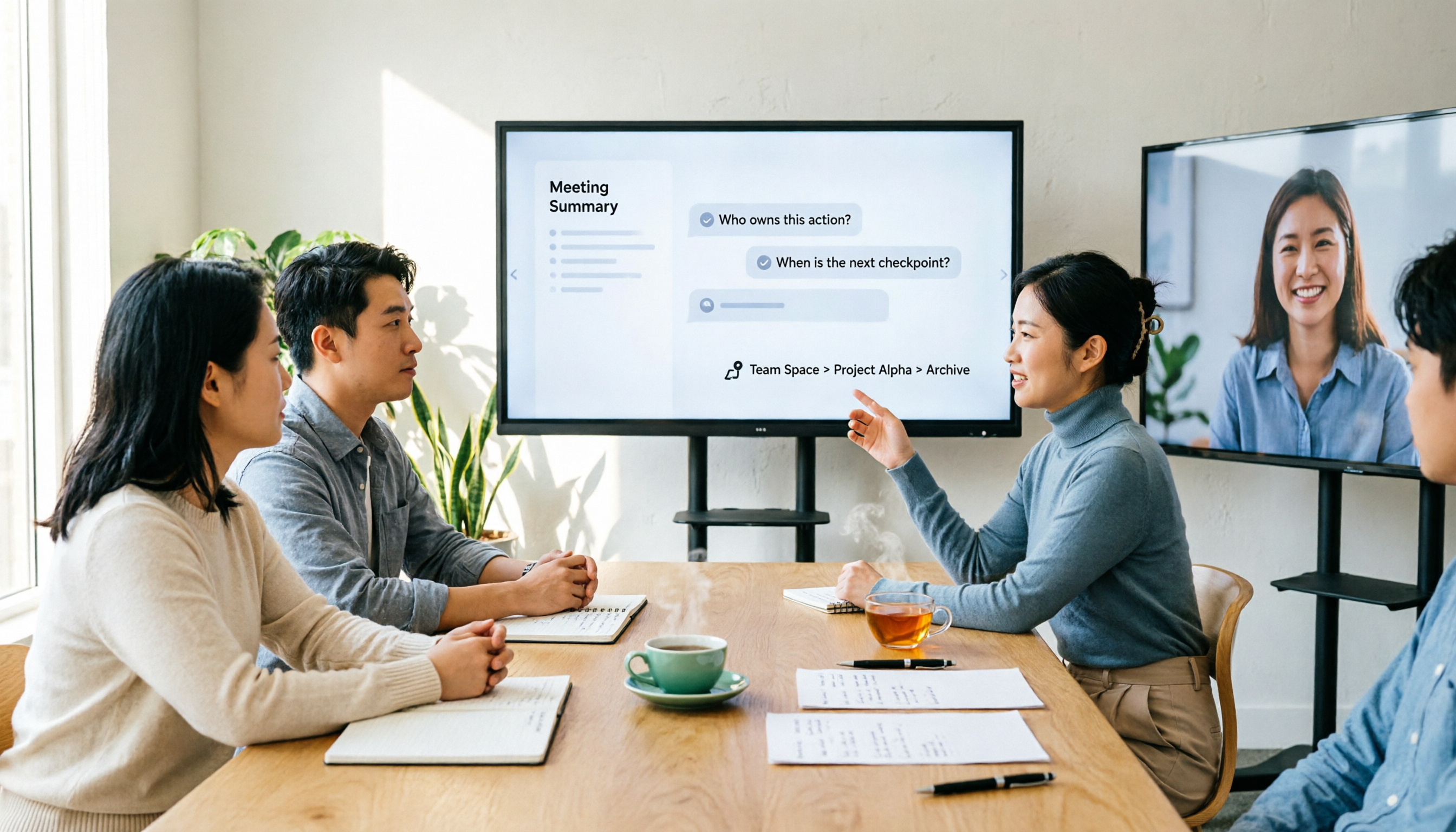
2026 AI Meeting Notes Showdown: Why Chinese-Speaking Teams Are Choosing Tinrec Over Vocol AI
Vocol AI is a collaboration platform that turns speech into text and generates summaries, but what really holds teams back is often the post-meeting workflow, data ownership, and scenario coverage. This article compares Tinrec and Vocol AI from a practical standpoint on bot-free meeting recording, AI Q&A, team workspace governance, and pricing, so you can see clearly where to invest your time.
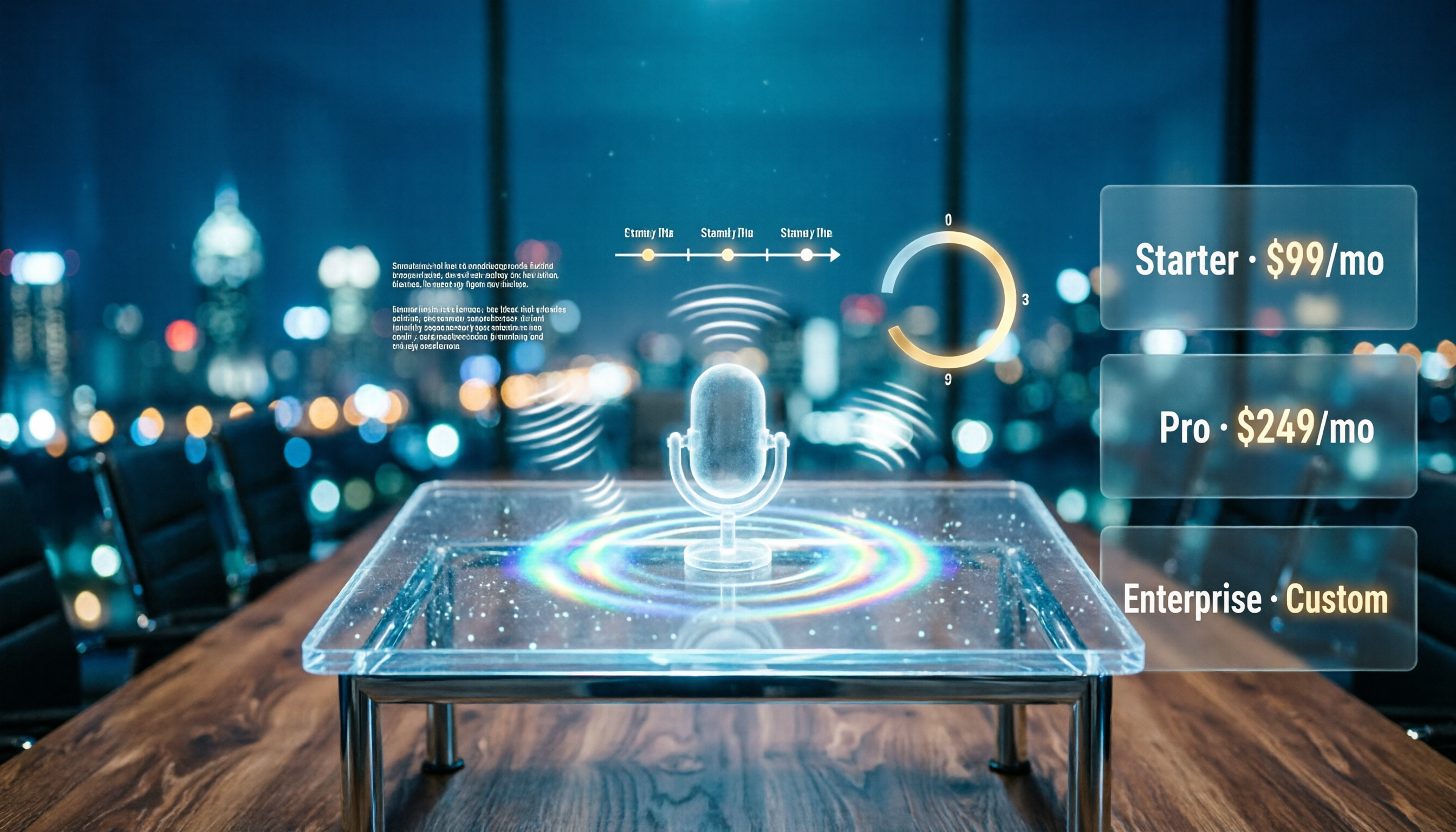
Notta AI Pricing 2026: Free Plan Limits & 5 Meeting Note Tools Compared
People searching 'how much is Notta AI' are often drawn to the free plan but overlook the 3-minute limit per recording. This guide breaks down Notta's Free, Pro, and Business pricing and minutes, and compares the pricing models of 5 meeting note tools—Tinrec, Otter, TurboScribe, Granola, and PLAUD—to help you decide which plan truly fits your needs.

2026 Comparison of 3 VOCOL Capillary GC Column Specifications: How to Choose I.D., Film Thickness, and Maximum Temperature
How to choose a VOCOL capillary GC column? This article summarizes the characteristics of the Supelco VOCOL stationary phase (diphenyl dimethyl polysiloxane with crosslinking moieties), three common specifications (105 m × 0.53 mm × 3.00 μm, 60 m × 0.25 mm × 1.50 μm, 30 m × 0.25 mm × 1.5 μm), temperature limits by I.D. and film thickness, and application scenarios for purge-and-trap and GC/MS, along with purchasing and pitfall-avoidance advice.

Notta AI Complete Guide 2026: Speech-to-Text Limits and Team Collaboration Choices
Notta AI is an AI transcription tool that supports 58 languages, but turning speech into text is only the first step in a meeting workflow. This article starts from the choice readers actually need to make, explains Notta AI's positioning and boundaries, and uses Tinrec as an example to break down how real-time transcription, bot-free meeting recording, AI summary action items, Q&A, and team knowledge retention can form a usable process.