

Turn recordings into transcripts and summaries in minutes
Upload audio or video for multilingual transcription, AI notes, and action items
Notta AI Complete Guide 2026: Speech-to-Text Limits and Team Collaboration Choices
The real decision you need to make isn't actually "What is Notta AI?"
It's this: Do you want a transcription tool that turns recordings into text, or a workflow that turns meetings into data your team can keep using?
Those two answers will lead you to completely different choices.
Notta AI's positioning is clear: it's an AI transcription tool that supports 58 languages, offers real-time translation, speaker labels, and AI summaries, and can handle meetings, interviews, and uploaded audio/video files. The free plan gives you 120 minutes per month. Pro billed annually works out to about USD 8.17/month for 1,800 minutes per month. Business billed annually is about USD 16.67/seat/month. Actual prices and benefits are subject to the official pricing page.
I've seen the same situation too many times when coaching teams.
Everyone spends time comparing "whose transcription is more accurate" and "who gives more free minutes," but rarely asks the next question:
After transcription, where does this transcript go?
So this article won't stack up specs. I want to talk about the order of judgment: first figure out what's missing in your meeting process, then decide on the tool.
What Is Notta AI? Understanding Its Positioning and Boundaries First
Notta AI solves the "audio in, text out" part.
You give it meeting, interview, or class recordings, and it gives you a transcript, speaker labels, translation, and a summary. For people who need to process a lot of multilingual material, this part really does save effort.
But that's also where its boundaries are.
After the text is produced, who organizes the chapters? Who turns "provide a quote by next Wednesday" into an action item? Three months later, when you want to ask "what were the client's concerns about pricing at the time," how do you search for that? After team members leave, who owns these recordings?
These aren't transcription problems. They're data governance problems.
Take Tinrec as an example. It connects the process after that point: once transcription is done, AI automatically generates summaries, chapters, and action items. You can ask questions directly about the meeting content, export results to your existing workflow, or save them to a team space so others can take over.
The difference isn't "who transcribes faster."
The difference is "how much more you have to do after transcription."
What Can Speech-to-Text Do for You?
Scenario 1: The meeting ends, and the notes are already there
Before, a two-hour meeting meant another hour of organizing afterward.
Now the approach is: while the meeting is happening, the transcript grows on screen. With Tinrec, for example, by the time the meeting ends, the summary, chapters, and action items are already organized. You can directly see who's responsible for what and when it's due.
What you save isn't typing time. It's the time spent "recalling after the meeting."
Scenario 2: Online meetings without adding another bot
The most awkward moment in a group meeting is when a "Notetaker" account appears on the participant list and someone asks, "Sorry, who is this?"
Tinrec's desktop version takes a different path: it directly captures your computer's system audio.
The steps are simple—open the desktop app, select the system audio source, and start recording. It can handle audio played from Zoom, Google Meet, Microsoft Teams, and Webex, without inviting anyone extra to join the meeting.
Scenario 3: Interview and class recordings become searchable data
An interview recording sitting in a folder is as good as nonexistent.
After uploading to Tinrec, it becomes searchable text you can follow up on. You can directly ask: "How many times did the interviewee mention budget issues?" "What was he most dissatisfied with in the current process?"
This is the most underrated use case, in my opinion.
Not for writing reports, but so you can still find that sentence three months later.
Scenario 4: Cross-language meetings, understood in real time
In meetings that mix Chinese and English, the worst thing is when the key sentence happens to be in English.
Tinrec supports real-time translation, and you can switch between original text, translated text, or bilingual view. You don't need to wait for post-meeting translation—you can confirm on the spot whether what the other person said matches your understanding.
What Are the Core Capabilities of Speech-to-Text Tools?
Real-time transcription, not transcribing after recording
Latency is the dividing line in experience. When words appear as you speak, you have a chance to confirm in the meeting whether "that last sentence was misheard."
Tinrec's real-time recording-to-text is suitable for in-person meetings, interviews, and on-site note-taking.
Bot-free online meeting capture
This point deserves its own section.
The meeting bot model requires platform authorization, host consent, and permission for that account to enter. Tinrec's desktop version captures system audio, bypassing this layer of friction.
Note one distinction: this is "the user actively opens the desktop version to record," not "automatically joining all meetings on the calendar." These are two different things, and you need to be clear about them when choosing a tool.
AI summaries and chapters make long meetings short
It's not about condensing the transcript into one paragraph, but structured breakdown: meeting topics, discussion flow, conclusions, action items.
Stop organizing recordings by hand
Upload audio or video and automatically get a transcript, summary, and action items
Tinrec's chapter feature divides a one-hour meeting into several sections, so you can jump directly to the "budget discussion" part.
Action item extraction makes meetings actually conclude
Meetings end but things don't move, usually because no one pulls the "actions" out of the conversation.
Tinrec organizes action items from the discussion. This is the key step that moves a meeting from "record" to "execution."
AI Q&A: keep asking questions around your data
This is the type of feature I've recommended most often in the past two years.
Transcripts are linear, but people's questions aren't. What you want to know is "what was the decision," "who opposed it," "what was the reason." Tinrec's AI Q&A lets you ask directly without re-listening to the recording.
Export and post-processing: connect back to your existing workflow
If organized content can't get out, it's just another silo.
Tinrec supports multi-format export to tools like Notion, Google Docs, and OneNote, and can also use Agent post-processing to generate reports, tables, and meeting minutes.
Practical Application Scenarios
Team weekly meetings and project meetings
For regular weekly meetings, what's most needed is "traceability."
Use Tinrec to record the meeting, generate summaries and action items, and save them to the team space. Before next week's meeting, ask AI "which action items from last time were completed"—much faster than scrolling through message history.
Client interviews and requirements communication
What clients say is often more detailed than meeting notes.
Upload interview recordings to Tinrec. The transcript preserves the original words, and the summary captures requirements and objections. When writing a proposal, find the most precise quote directly from the transcript.
Courses and lectures
For a two-hour class, the most painful part of reviewing afterward is finding the right timestamp.
The chapter feature divides the course into segments, so you can jump directly to the topic you want to review.
Content creation and material organization
The best sentences are often hidden in recordings.
Tinrec's transcripts are searchable and snippets can be copied, so you don't have to re-listen to two hours of audio when writing an article.
5 Things to Watch When Choosing a Speech-to-Text Tool
1. How meetings are recorded
Does it send a bot into the meeting, or capture system audio? This determines whether you'll have to explain yourself to the host before every meeting. Tinrec takes the latter approach—the user just opens it actively.
2. Can you use it after transcription
The transcript is raw material, not a finished product. Confirm whether the tool can produce summaries, chapters, and action items. Tinrec is more complete in this area, which is also its biggest difference from pure transcription tools.
3. Handling Chinese and mixed Chinese-English
If your meetings naturally mix in English terms, confirm the tool supports bilingual view. Tinrec supports real-time translation and bilingual comparison, and you can also set team hotwords to handle technical terms.
4. Team governance capabilities
This is the item where problems are most likely to surface six months after adoption.
Tinrec's team version separates "roles" and "seats": roles determine who can manage members and audit, seats determine who can record, upload, and edit. Members without seats can still view and play team data, but cannot edit. Usage analytics, audit logs, and audio recycle bin are also included.
5. Are quota rules clearly explained
Free quotas usually have a single-session length limit, and paid plans' "minutes" may also have usage conditions. Tinrec's team version states: each paid seat provides 2,000 minutes of team shared import quota per month, and real-time recording under an active team plan is currently not deducted by minutes.
Frequently Asked Questions
Is Notta AI's free version enough?
The free version gives 120 minutes per month with a 3-minute limit per item, which is more suitable for testing transcription quality first. If you have meetings every week, this quota will run out quickly.
What's the difference between Notta AI and Tinrec?
Notta's strength is multilingual transcription and file processing; Tinrec focuses on post-meeting organization and team knowledge retention—bot-free recording, summary chapters and action items, AI Q&A, export, and team space. The key to choosing is: is your pain point "can't get text out" or "text comes out but no one uses it"?
Does Tinrec need a meeting bot to join?
No. The desktop version directly captures computer system audio, handling meeting audio played from platforms like Zoom, Google Meet, Teams, and Webex.
Can team members without a seat still see meeting data?
Yes, they can view, play, and read, but cannot upload, edit, or export. This is the design of "seats control usage, roles control governance."
Can transcription accuracy be guaranteed?
We don't recommend promising a fixed number. Actual results are affected by recording quality, ambient noise, accents, overlapping speakers, and technical terms. For important content, we recommend cross-checking with the original audio using transcript timestamps.
Conclusion
Back to the judgment question from the beginning.
If you only need to turn a few recordings into text, any transcription tool on the market can do that.
But if you have meetings every week, need to organize after every meeting, and someone will still need to find this content three months later—then what you need isn't a transcription tool, but a method for making meetings last.
That's also why I recommend Tinrec: it connects "record → understand → act → collaborate" into one line, rather than stopping at the transcript.
Quick start checklist:
- Start with the free version and record a meeting you actually need notes for
- After the meeting, look only at the summary and action items to test whether it captures the key points
- Use AI Q&A to follow up on an answer you would otherwise have to re-listen to the recording to find
- Upload a historical interview audio file to test file transcription quality
- When you need multiple people to share, create a team space, invite members, and assign seats
- Before member changes, confirm the data handover process
No process is set up perfectly the first time. Start with one meeting, test gradually, and you'll slowly figure out what works for your team.
Before recording, don't forget: depending on local regulations, you should obtain participant consent when necessary.
References
Turn every recording into actionable outcomes
Get 60 free transcription minutes when you sign in. No credit card required.
Related Reading
You might also like

5 AI Meeting Transcription Tools Tested for 2026: How to Choose If You Searched 'vocol bv'
Searching for 'vocol bv' often leads to a Dutch vehicle body manufacturer, but many people are actually looking for a meeting recording-to-text tool. This article first clarifies what vocol bv is, then addresses real pain points in meeting documentation, outlines 5 key selection criteria, tests Tinrec's complete workflow, briefly reviews Otter.ai, Notta, and Granola's differences and limitations, and finally provides scenario-based recommendations.
VOCOL Gubin Company Data Verification: How to Cross-Check NIP, KRS, and REGON
People searching for 'vocol gubin' likely want to verify the legitimacy of this Polish company. This article compiles the NIP, KRS, REGON, registered address, and business scope of VOCOL Sp. z o.o., explains what each of the four registration fields represents, and lists official verification channels and four common pitfalls so you can double-check before making a payment or signing a contract.

What Is Notta in 2026? Features Explained + Meeting Notes Walkthrough with Tinrec
What is the Notta app? This guide first clarifies Notta's positioning, core features, and free vs. paid differences using official and third-party sources. Then it demonstrates the same meeting notes workflow in 5 steps using Tinrec: recording, transcription, proofreading, generating summaries and action items, and exporting for team knowledge. It also covers FAQs and advanced tips.
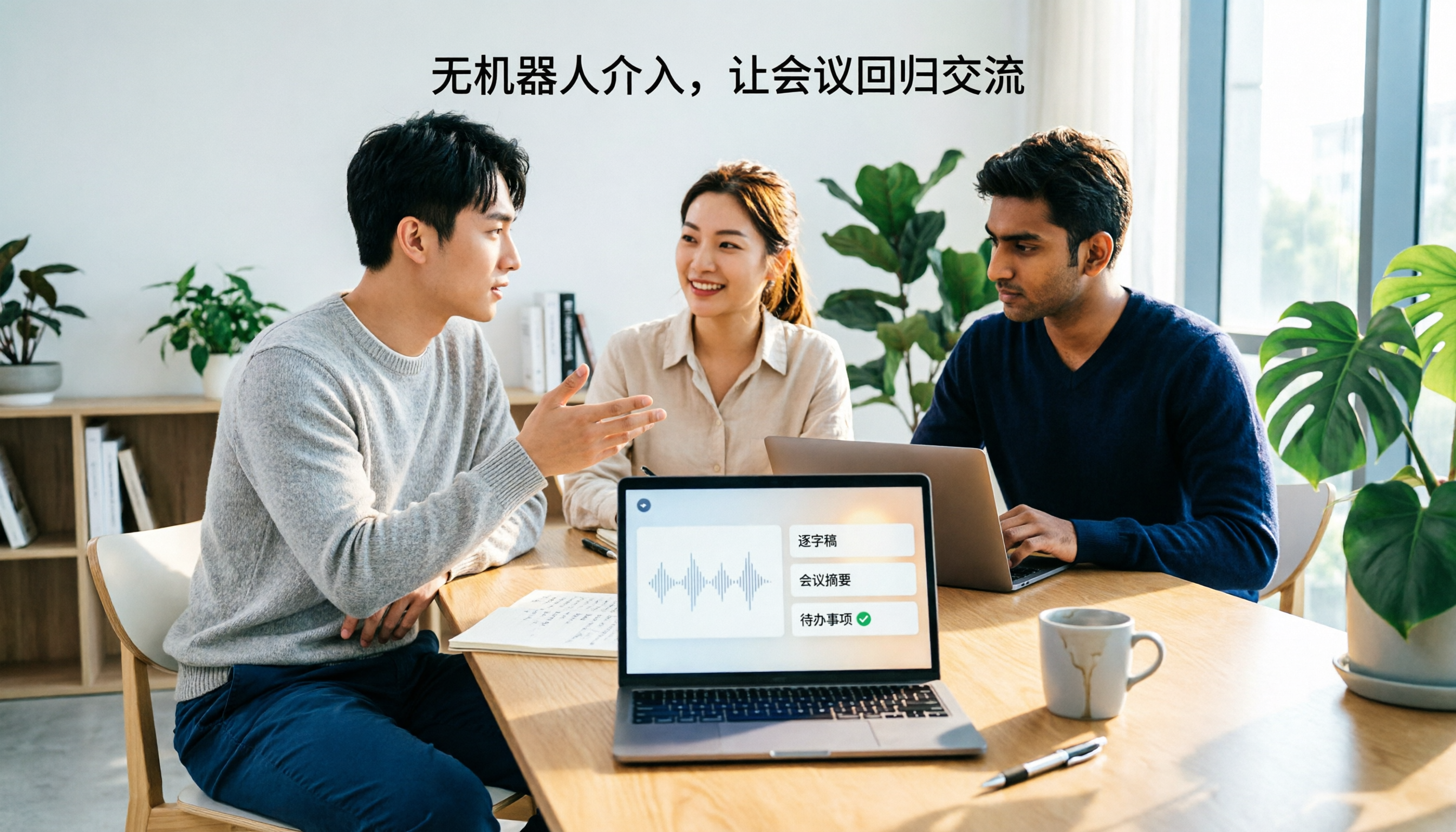
2026 Notta Bot Guide: How Automated Meeting Notes Work & Tinrec Alternative
What is Notta Bot? How does it automatically join meetings and transcribe? This guide addresses real-world pain points, explains the limitations of the bot model, and shows how Tinrec's bot-free desktop recording delivers transcripts, summaries, and action items.

VOCOL GmbH Kevelaer Guide 2026: Address, Products & Contact Info at a Glance
VOCOL GmbH is a manufacturer of tank semi-trailers and tank containers based in Kevelaer, Germany. This guide compiles information from the official website and German public records to help you verify the company address, phone number, registration details, product range, key ADR/EN certifications, and four things to clarify before contacting them for a quote.
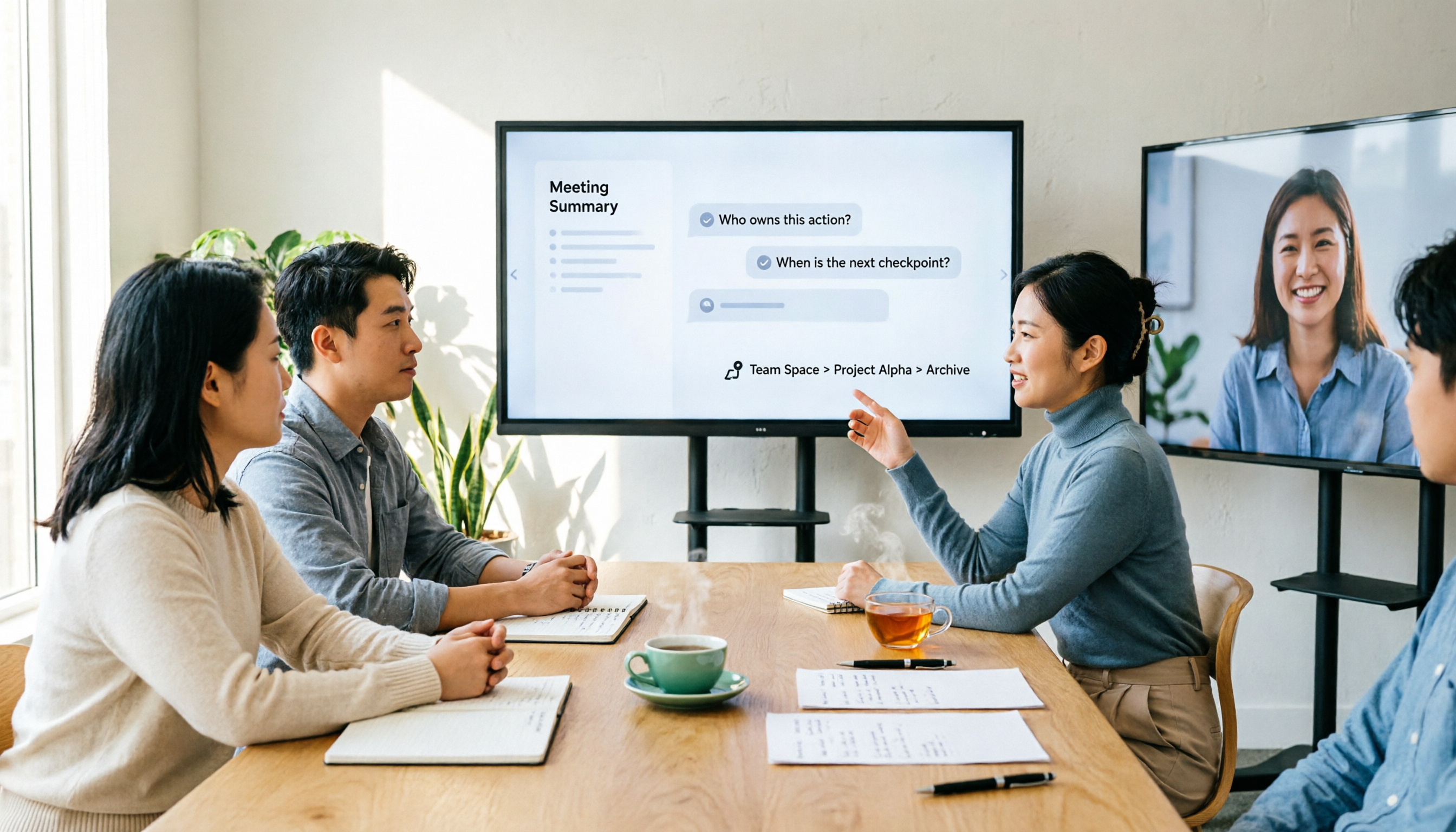
2026 AI Meeting Notes Showdown: Why Chinese-Speaking Teams Are Choosing Tinrec Over Vocol AI
Vocol AI is a collaboration platform that turns speech into text and generates summaries, but what really holds teams back is often the post-meeting workflow, data ownership, and scenario coverage. This article compares Tinrec and Vocol AI from a practical standpoint on bot-free meeting recording, AI Q&A, team workspace governance, and pricing, so you can see clearly where to invest your time.
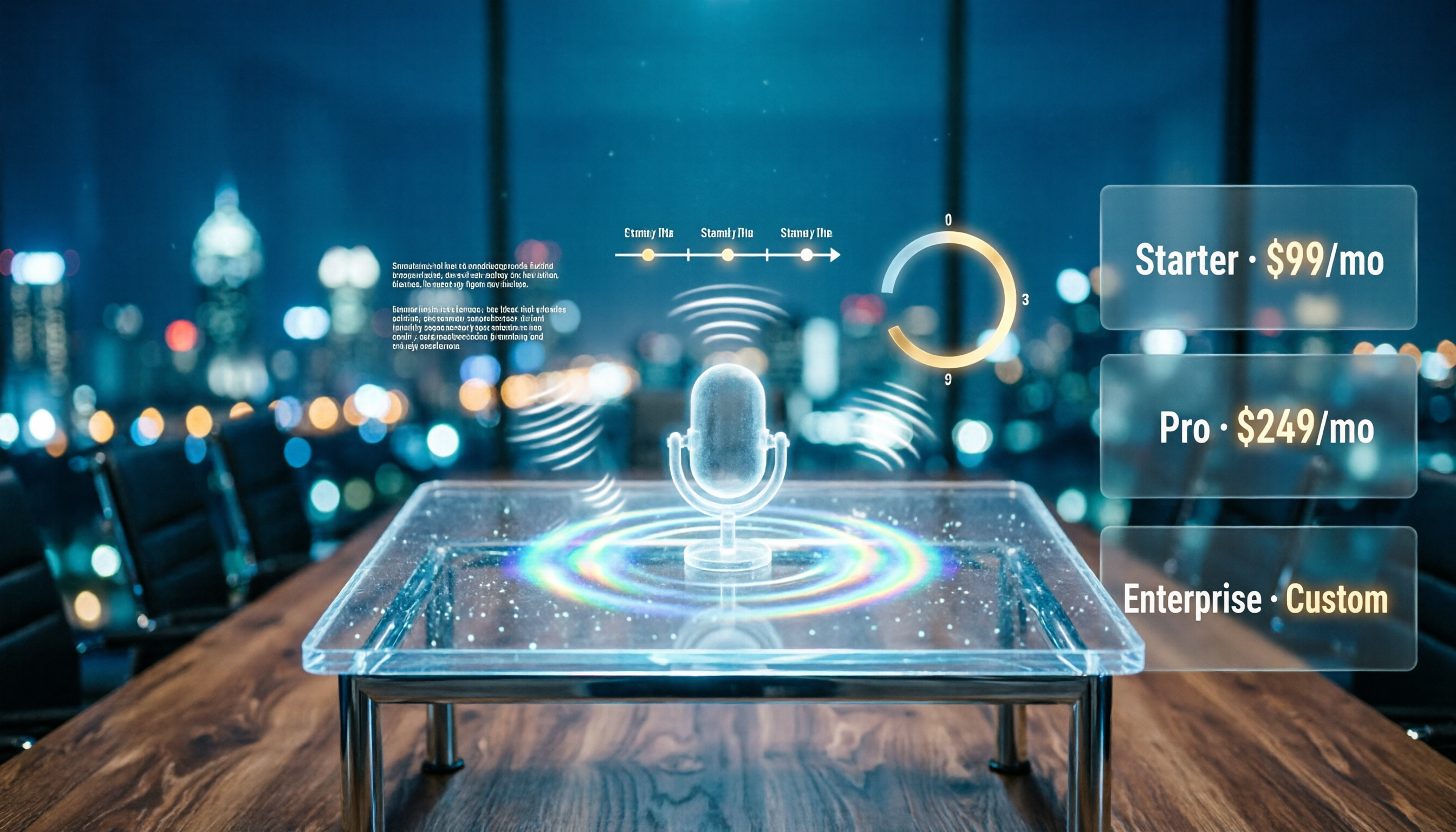
Notta AI Pricing 2026: Free Plan Limits & 5 Meeting Note Tools Compared
People searching 'how much is Notta AI' are often drawn to the free plan but overlook the 3-minute limit per recording. This guide breaks down Notta's Free, Pro, and Business pricing and minutes, and compares the pricing models of 5 meeting note tools—Tinrec, Otter, TurboScribe, Granola, and PLAUD—to help you decide which plan truly fits your needs.

2026 Comparison of 3 VOCOL Capillary GC Column Specifications: How to Choose I.D., Film Thickness, and Maximum Temperature
How to choose a VOCOL capillary GC column? This article summarizes the characteristics of the Supelco VOCOL stationary phase (diphenyl dimethyl polysiloxane with crosslinking moieties), three common specifications (105 m × 0.53 mm × 3.00 μm, 60 m × 0.25 mm × 1.50 μm, 30 m × 0.25 mm × 1.5 μm), temperature limits by I.D. and film thickness, and application scenarios for purge-and-trap and GC/MS, along with purchasing and pitfall-avoidance advice.

Notta Features Guide 2026: What AI Meeting Notes Can Do and How Chinese-Speaking Teams Should Choose
What can AI meeting note tools like Notta actually do? Starting from the real pain points of mid-level managers, this article breaks down the 5 core capabilities of AI meeting notes, 4 real-world use cases, and 5 purchasing considerations. It also explains why teams that need Chinese-language meetings, bot-free recording, and team knowledge retention ultimately choose Tinrec.