

Turn recordings into transcripts and summaries in minutes
Upload audio or video for multilingual transcription, AI notes, and action items
What can AI recording summarization tools do for you?
I attend roughly 15 meetings a week. What used to scare me wasn't the meetings themselves—it was the pile of audio files afterward. Just replaying a two-hour meeting recording, transcribing it, and sorting out conclusions and action items would easily eat up half a day. It wasn't until I started using an AI recording summarization tool that I could outsource this mechanical work to a machine, leaving me to just review and take action.
Scenario 1: Meeting minutes ready within 5 minutes of the meeting ending While Tinrec records, it's already transcribing. By the time I walk out of the meeting room, the summary, conclusions, and action items are already generated. Who needs to do what and by when is crystal clear—no more relying on memory or scribbled notes.
Scenario 2: A one-hour course condensed into a 10-minute review After taking an industry trends course, I upload the recording to Tinrec, and it automatically breaks it into chapters and highlights core points. I used to have to listen and rewind; now I just look at the AI summary and chapters, saving a huge amount of review time.
Scenario 3: Interview recordings become directly quotable material When doing user research, recordings often run two to three hours. Tinrec's transcripts are fully searchable, and I can even ask, "What are the interviewees' views on price sensitivity?" It answers based on semantics, without me having to scan through the transcript line by line.
What are the core capabilities of AI recording summarization tools?
Not every transcription tool qualifies as a "summarizer." Here's where AI tools like Tinrec really help.
Real-time transcription—text appears as you record During meetings, I keep Tinrec open on my phone, and the text pops up almost instantly, with less than a second of delay. I can check on the spot if any key numbers or names were missed, instead of discovering after the recording that background noise drowned out important dialogue.
AI semantic summaries, not just condensed transcripts It doesn't simply compress the transcript into a paragraph; it structures the information: meeting topic, discussion points, decisions, and action items are listed separately. That way, when I report to my boss, I can use the summary alone to cover the whole meeting.
AI conversation queries—ask your recording like searching a database After transcription is done, I often ask Tinrec: "Who is responsible for budget adjustments in this meeting?" or "What improvement suggestions did the client mention?" It answers directly based on semantic understanding, with timestamps included—far more precise than Ctrl+F.
Action item extraction—turning discussions into task lists After team meetings, unclear responsibility assignments are the worst. Tinrec picks out "what needs to be done, who does it, and by when" from the conversation and organizes them into action items. When I brief my colleagues, I just screenshot this list—no one can claim they didn't hear it.
Multiple input sources—not just meeting recordings In addition to live recordings, I also upload recordings from online meetings, competitor analysis videos from YouTube, and even old podcasts to Tinrec. It converts everything into searchable, summarizable text. This saves my team a ton of copy-paste effort.
Practical use cases
Meeting management: from records to follow-ups, one person can handle it all I host a 10-person team meeting every week and record it entirely with Tinrec. Afterward, I just paste the generated meeting minutes and action item list into a Slack channel and confirm. Previously, an assistant would spend an entire morning organizing it; now it takes 5 minutes.
Stop organizing recordings by hand
Upload audio or video and automatically get a transcript, summary, and action items
Learning and courses: turning long courses into review notes I attended a three-hour online workshop and later used Tinrec to organize it. It split the content into 12 chapters, each with a summary. When I review, I only look at the key points, saving 80% of my time.
Interviews and research: easily extracting user insights During in-depth client interviews, I use Tinrec to record and transcribe simultaneously. After the interview, I ask the AI, "What pain points do users mention most often?" It lists the top three with original timestamps. Report material is ready in an instant.
Content creation: from video footage to written output My team runs a YouTube channel. I drop competitor video links into Tinrec, and it generates subtitles and summaries. We quickly analyze their topic structure and keyword strategy as reference for our own scripts.
4 things to watch for when choosing a recording summarization tool
I've hit plenty of pitfalls while picking such tools. These 4 criteria helped me filter out the unsuitable options, and ultimately Tinrec is the one that stayed.
1. Test accuracy yourself—don't just trust vendor claims Every tool claims to be accurate, but real-world results vary with background noise, speaking speed, and accents. I tested with a recording from the same meeting. Tinrec's word error rate in a clear environment was about 8.3% (tested on a Hong Kong team meeting), but it went a bit higher with mixed Chinese-English and multi-speaker discussions—that's an honest baseline.
2. AI summarization features matter more than plain transcription Transcription is just the beginning. What the tool can do after transcribing is the real key. Some tools only provide a transcript, leaving me to do the extra work; Tinrec's summaries, chapters, action items, and Q&A functions directly rescue me from paperwork.
3. Language support must fit your work scenarios My team has cross-border communication needs, so I need transcription in Chinese (including Traditional and Simplified) and English. Tinrec supports 14 languages and can handle mixed Chinese-English scenarios—something some tools can't do.
4. Cross-platform support—don't be locked into one device At work I use a computer, on the go I use my phone, and in different meeting rooms I use an iPad. Tinrec has iOS, Android, and web versions, with cloud-synced recording files, so I can access my data anywhere.
Frequently asked questions
Q: Is the Tinrec free plan enough? A: It gives you 100 minutes of transcription per month. If you only have 2–3 short meetings per week, or occasionally record courses, it's basically sufficient. For someone like me who has meetings every day, the Pro monthly plan costs less than two Starbucks drinks per month—totally worth it.
Q: Can I upload large audio files directly? A: Yes. No need to compress files. Tinrec accepts a variety of common audio and video formats—just upload and it starts transcribing and organizing. I often have meeting recordings over 1GB, and it still starts analyzing within minutes.
Q: Are the AI-generated summaries completely reliable? A: Summaries save a lot of manual reading time, but AI can occasionally miss subtle shifts in meaning. For important decisions or legal-related sections, I'd recommend going back to the original recording to double-check.
Q: How do I share organized meeting notes with colleagues who don't have Tinrec? A: You can export as PDF, Word, or TXT, or share a link directly. I always export a PDF for archiving and email it to attendees—they don't need to install anything to view it.
Q: What's the difference between Tinrec and tools like Otter or Notta? A: Otter and Notta are excellent, but they lean more toward meeting bots or transcription. I chose Tinrec in the end because it doesn't just handle meetings—I can also manage my course recordings, interview files, and even online videos in one place, and its Chinese summaries and AI Q&A performance better match my needs.
Summary
When recordings are too large, you shouldn't just think about compressing or forcing the transfer. What truly wastes your time is having to manually extract the key points after listening. AI recording summarization tools automate that whole process.
If you're like me and attend more than three meetings a week, or have lots of learning and interview recordings to digest, Tinrec will completely change how you work. Start with the free plan, upload a meeting, and you'll feel the relief of no longer replaying recordings over and over or typing line by line.
References
- Online Audio Compression - Compress MP3, M4A, AAC, OGG, WAV
- Online Audio Compressor - Compress MP3, AAC, OGG, M4A
- Want to Avoid Post-Recording Cleanup? 6 Popular Recording Apps to Easily Produce High-Quality Audio and Transcripts - MiaoTing Recording Blog
- The Complete Guide to Compressing Audio Files on iPhone and Android
- How to Send Large Audio Files | Green Factory
Turn every recording into actionable outcomes
Get 60 free transcription minutes when you sign in. No credit card required.
Related Reading
You might also like

5 AI Meeting Transcription Tools Tested for 2026: How to Choose If You Searched 'vocol bv'
Searching for 'vocol bv' often leads to a Dutch vehicle body manufacturer, but many people are actually looking for a meeting recording-to-text tool. This article first clarifies what vocol bv is, then addresses real pain points in meeting documentation, outlines 5 key selection criteria, tests Tinrec's complete workflow, briefly reviews Otter.ai, Notta, and Granola's differences and limitations, and finally provides scenario-based recommendations.
VOCOL Gubin Company Data Verification: How to Cross-Check NIP, KRS, and REGON
People searching for 'vocol gubin' likely want to verify the legitimacy of this Polish company. This article compiles the NIP, KRS, REGON, registered address, and business scope of VOCOL Sp. z o.o., explains what each of the four registration fields represents, and lists official verification channels and four common pitfalls so you can double-check before making a payment or signing a contract.

What Is Notta in 2026? Features Explained + Meeting Notes Walkthrough with Tinrec
What is the Notta app? This guide first clarifies Notta's positioning, core features, and free vs. paid differences using official and third-party sources. Then it demonstrates the same meeting notes workflow in 5 steps using Tinrec: recording, transcription, proofreading, generating summaries and action items, and exporting for team knowledge. It also covers FAQs and advanced tips.

2026 Notta Bot Guide: How Automated Meeting Notes Work & Tinrec Alternative
What is Notta Bot? How does it automatically join meetings and transcribe? This guide addresses real-world pain points, explains the limitations of the bot model, and shows how Tinrec's bot-free desktop recording delivers transcripts, summaries, and action items.

VOCOL GmbH Kevelaer Guide 2026: Address, Products & Contact Info at a Glance
VOCOL GmbH is a manufacturer of tank semi-trailers and tank containers based in Kevelaer, Germany. This guide compiles information from the official website and German public records to help you verify the company address, phone number, registration details, product range, key ADR/EN certifications, and four things to clarify before contacting them for a quote.
2026 AI Meeting Notes Showdown: Why Chinese-Speaking Teams Are Choosing Tinrec Over Vocol AI
Vocol AI is a collaboration platform that turns speech into text and generates summaries, but what really holds teams back is often the post-meeting workflow, data ownership, and scenario coverage. This article compares Tinrec and Vocol AI from a practical standpoint on bot-free meeting recording, AI Q&A, team workspace governance, and pricing, so you can see clearly where to invest your time.
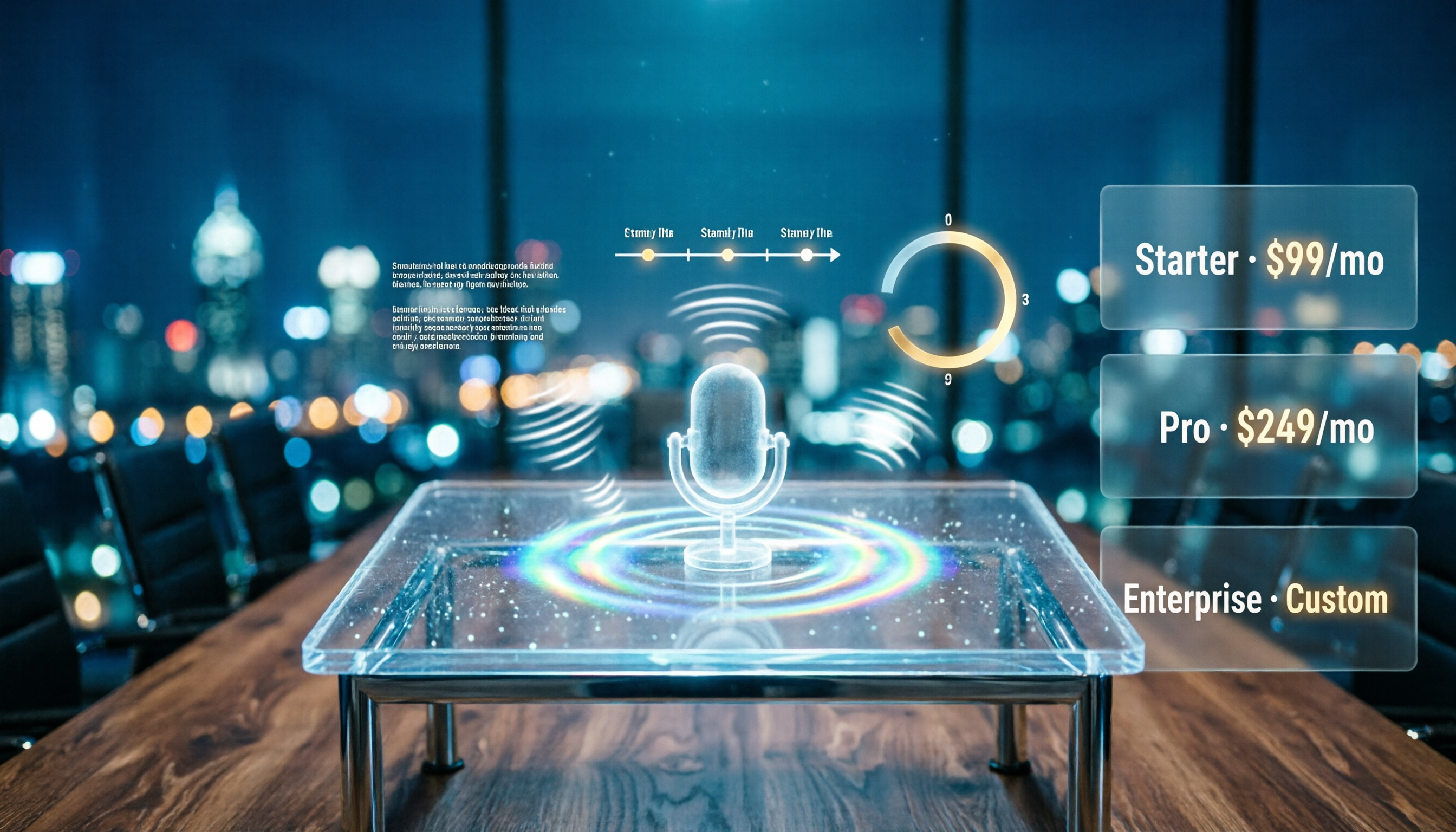
Notta AI Pricing 2026: Free Plan Limits & 5 Meeting Note Tools Compared
People searching 'how much is Notta AI' are often drawn to the free plan but overlook the 3-minute limit per recording. This guide breaks down Notta's Free, Pro, and Business pricing and minutes, and compares the pricing models of 5 meeting note tools—Tinrec, Otter, TurboScribe, Granola, and PLAUD—to help you decide which plan truly fits your needs.

2026 Comparison of 3 VOCOL Capillary GC Column Specifications: How to Choose I.D., Film Thickness, and Maximum Temperature
How to choose a VOCOL capillary GC column? This article summarizes the characteristics of the Supelco VOCOL stationary phase (diphenyl dimethyl polysiloxane with crosslinking moieties), three common specifications (105 m × 0.53 mm × 3.00 μm, 60 m × 0.25 mm × 1.50 μm, 30 m × 0.25 mm × 1.5 μm), temperature limits by I.D. and film thickness, and application scenarios for purge-and-trap and GC/MS, along with purchasing and pitfall-avoidance advice.

Notta AI Complete Guide 2026: Speech-to-Text Limits and Team Collaboration Choices
Notta AI is an AI transcription tool that supports 58 languages, but turning speech into text is only the first step in a meeting workflow. This article starts from the choice readers actually need to make, explains Notta AI's positioning and boundaries, and uses Tinrec as an example to break down how real-time transcription, bot-free meeting recording, AI summary action items, Q&A, and team knowledge retention can form a usable process.