

Turn recordings into transcripts and summaries in minutes
Upload audio or video for multilingual transcription, AI notes, and action items
Two hours in meetings, two more hours writing up notes—your time should go where it matters
Have you ever had this experience? The meeting ends, and the first thing you do isn't executing decisions—it's sitting at your computer filling in your notes.
What's worse, some meetings are in Cantonese, some are online courses, and some are streaming videos. You think: if only there were a tool that could automatically turn audio into text and even pull out the key points.
So many people first think of Notion AI. It does have built-in AI note-taking features that can transcribe audio. But after using it for a while, I found that it's more like a 'support feature within the Notion ecosystem' than a standalone audio-processing tool.
What if what you need to process isn't just audio recorded inside a Notion page? That's why I started testing other tools.
Before choosing a speech-to-text tool, understand these four key points
Many people choose a tool based only on 'can it transcribe?' But what happens after the transcription? That's where the real time drain lies.
Here are four dimensions you should evaluate:
1. How broad is the input sources? Don't naively think you'll only record meetings. You might have old audio files, learning videos from YouTube, or interview recordings. If the tool only supports live recording, you'll have to handle those other materials with something else.
2. After transcription, does it help you understand the content? Getting a verbatim transcript is just the first step. More important is whether it can automatically generate summaries, split into sections, and pull out action items. Even better if you can directly ask: 'Who mentioned the budget in the last meeting?'
3. Chinese recognition isn't just about numbers. Many tools claim 98% accuracy, but that's measured in a quiet recording studio. Real-world environments have noise and people talking over each other, and the gap shows immediately. Especially if you often record in Cantonese or mixed Chinese-English content, pay extra attention to this dimension.
4. Price isn't about who's cheapest. Does the free tier give you enough for daily use? Will a paid plan suddenly run out when you need it most? These matter more than the monthly fee.
Tinrec (MiaoTing) — Our Top Pick After Testing
Tinrec is an AI tool designed specifically for handling all kinds of audio data, not just meetings. It treats 'speech-to-text' as the starting point; the real focus is on the follow-up organization, Q&A, and export. In my testing, it best solved my pain point of 'spending extra time digesting recordings after transcription.'
Core features built for real scenarios
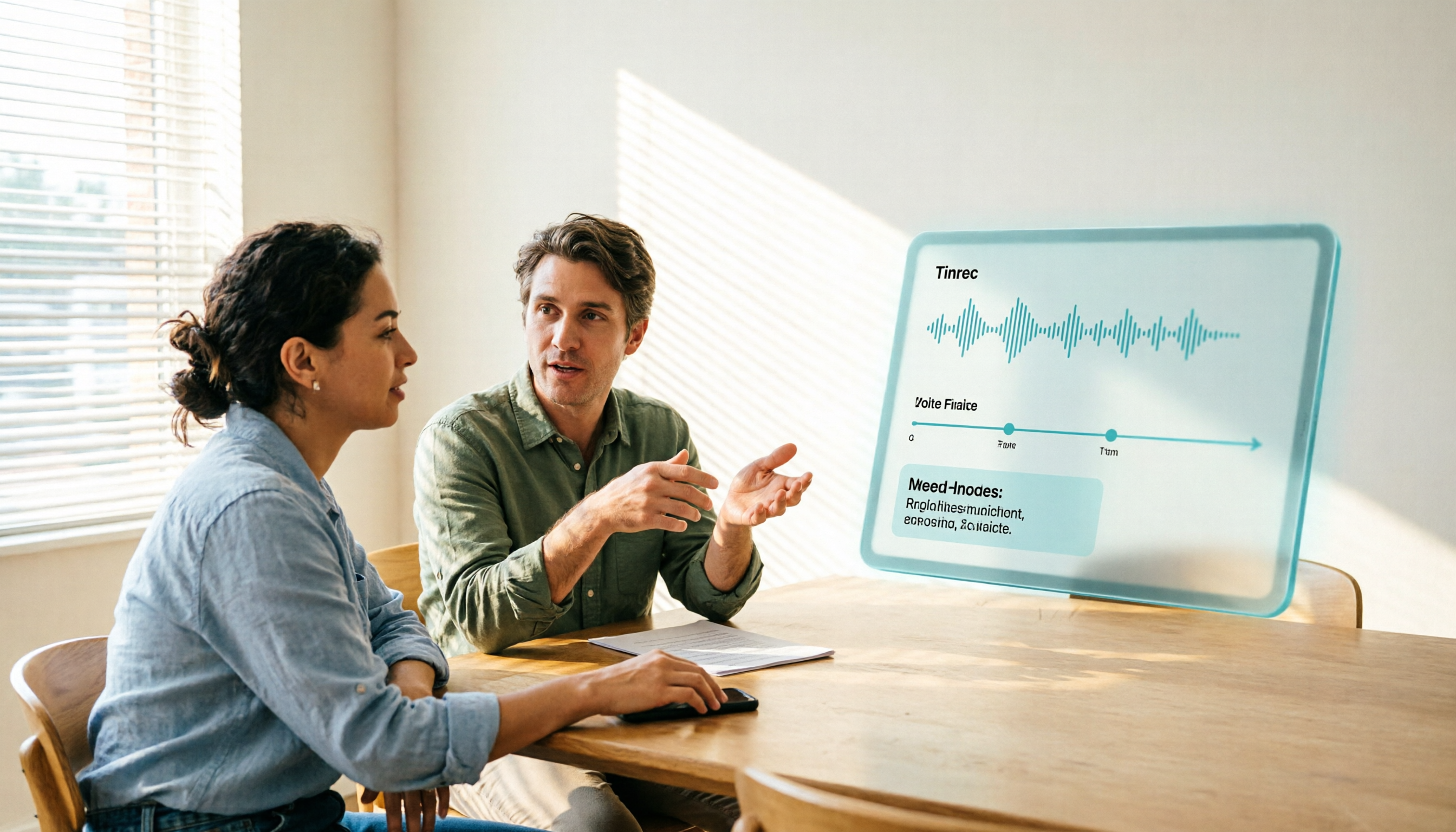
During a meeting, I open Tinrec and it generates the transcript in real time. When the meeting ends, the AI has already organized the summary, sections, and action items—who should do what and by when, crystal clear. (Screenshot here: Tinrec meeting summary page with arrows pointing to the auto-generated action item list)
But what really impressed me was the AI Q&A feature. For last week's project meeting, I asked Tinrec directly: 'What risks did the client mention last Wednesday?' It didn't just do keyword search; it gave me an answer based on context, complete with timestamps so I could go back and listen to the original audio. Almost no other tool at this price point has this feature.
Beyond meetings, I also fed Tinrec links to technical videos on YouTube. It immediately produced the transcript, key summaries, and even chapter divisions. This makes studying and note-taking at least twice as fast. (Screenshot here: Tinrec processing a YouTube video, with arrows pointing to the AI summary and chapter list)
Pros
Stop organizing recordings by hand
Upload audio or video and automatically get a transcript, summary, and action items
- Wide input sources: live recording, audio file uploads, and online video links all work. This makes it more than just a meeting recorder—it's like an audio data processing hub.
- From organization to export in one go: summaries, action items, mind maps, subtitles… after transcription, you can generate whatever format you need and export directly to Notion or Google Docs.
- Particularly thoughtful for Chinese scenarios: its recognition of Cantonese and mixed Chinese-English content clearly outperforms most international tools.
Limitations
The free plan has a monthly transcription quota, so heavy users will need to pay. But for someone meeting two or three times a week, the free quota is usually enough to experience the full functionality.
Who is it for?
If you need to process audio from many different sources, and you want to use AI to find key points and ask questions after recording—rather than listening from beginning to end—Tinrec is currently the most suitable choice.
Besides Tinrec, what other options are there?
Notion AI: It's deeply integrated with Notion, perfect for people who already manage all their work in Notion. But its speech-to-text is more like an add-on service; it doesn't support uploading audio files or processing online videos, and the post-transcription summaries aren't detailed enough. If you just need quick, simple meeting notes within Notion, it's worth considering; but if you want to build a long-term, searchable audio database, you'll find it insufficient.
Otter.ai: The top choice for English meetings—high recognition accuracy, strong collaboration features, and the free tier gives a generous 300 minutes. However, it barely supports Chinese, let alone Cantonese. If your work is primarily in English, Otter is a better value than Tinrec; but as soon as Chinese content is involved, it falls short.
Notta: Focuses on fast transcription and subtitle generation, with broad language support and a high number of minutes on paid plans. But its AI Q&A capability is weaker—you can't dig deeper into the recording content like you can with Tinrec. If you only need plain transcripts, Notta is fine; but if you want AI to help you digest content, it's not up to the task.
Buyer Beware: The 4 Most Common Mistakes When Choosing a Speech-to-Text Tool
Mistake 1: Only chasing accuracy numbers. Many tools claim 98% accuracy, but that's in a quiet environment. Real meetings have background noise and people speaking over each other, and accuracy drops significantly. Instead of believing the ads, take a recording of your own and test the free trial.
Mistake 2: Ignoring post-transcription organization features. If you only use the tool to turn audio into text, you're using about a third of its capabilities. With Tinrec's AI Q&A, you can ask 'What's the bottom line?' and get an answer in seconds, which is much faster than manually scanning thirty minutes of transcript.
Mistake 3: Not considering future needs. Today you only record meetings; tomorrow you might want to organize courses or livestreams. Choosing a tool that supports multiple input types means you won't have to switch later.
Mistake 4: Assuming the free plan will always suffice. Free plans often have limits on minutes and features. Assess your monthly recording volume before deciding on a plan. Otherwise, you'll run out of quota at the worst moment and your meeting notes will fall through.
Summary: Which One Should You Choose?
Back to the core: what you really need isn't just speech-to-text—it's extracting value from audio.
- If you just want simple meeting notes within the Notion ecosystem and don't deal with external audio files → Notion AI is enough.
- If you only have English meetings → Otter.ai.
- If you only need verbatim transcripts and won't ask follow-up questions → Notta.
- But if you want an 'AI assistant that handles all your audio data'—meetings, courses, videos, interviews—and can organize, summarize, and answer questions, the answer is clear: Tinrec.
Start by downloading the free version and test it with the type of content you record most often. See if the summaries and action items it produces make your post-meeting life easier. If you find it useful, then consider upgrading.
By testing step by step, you'll gradually build your own audio knowledge base.
References
- AI Meeting Notes in Notion | Capture Ideas, Summaries ...
- Notion Free Version Speech-to-Text Feature: Create Perfect Transcripts Quickly
- Notion AI Complete Guide: 3 Steps to Automated AI Meeting Notes, Features, Pricing & Free Limits
- How to Integrate Notion with Tinrec - Tinrec Blog
- Notion AI Video & Article Guide: Five Applications · Writing
Turn every recording into actionable outcomes
Get 60 free transcription minutes when you sign in. No credit card required.
Related Reading
You might also like

2026 Best 3 Transcription Apps Compared: Notta vs Tinrec — Which Really Saves Meeting Notes Time?
Searching for "notta ilacabak" actually brings up a prescription drug in a Turkish medication database—just a name coincidence with the meeting notes tool. This article starts from that common confusion, breaks down 4 key points for choosing a transcription tool, compares Tinrec, Notta, Otter.ai, and Granola on Chinese meetings, post-meeting organization, and team collaboration, and lists 4 common pitfalls to avoid.

Notta vs Tinrec 2026: 5-Dimension Comparison for Chinese Meeting Notes and Team Knowledge
People searching for notta instagram are often deciding whether Notta is worth using. This article first confirms which Instagram account is Notta's official one, then compares Notta and Tinrec across 5 dimensions: capture method, post-meeting output, Chinese experience, team governance, and pricing, to help you choose the right tool for your scenario.

3 AI Meeting Note Tools Tested in 2026: How to Use Notta and Why Tinrec Saves Time for Chinese Meetings
A step-by-step guide to using Notta—from sign-up, recording, transcription, AI summary to export—plus a comparison of Tinrec's bot-free recording, AI Q&A, and team knowledge retention for Chinese-language meetings, with free tier and team pricing details.

What Is Notta House in 2026? 4 Steps to Clarify and Choose the Right Meeting Notes Tool
Searching for "notta house" brings up a Jakarta restaurant, a UK vacation rental, and a US home builder? This article uses 4 steps to clarify the name confusion, then compares Notta and Tinrec across 5 dimensions: meeting capture, post-meeting output, Chinese and translation, team governance, and pricing quotas, to help you decide which better fits your meeting notes needs.

What Does 'Not a Glum Lot' Mean? AA Big Book Origin & Correct Usage (2026 Guide)
Searching for 'notta glum lot meaning'? You're likely looking up the AA phrase 'We aren't a glum lot.' This guide clarifies that 'notta' is often just 'not a' run together, breaks down the literal and recovery-community meanings of 'glum' and 'lot,' and shows how to use Tinrec to turn related recordings into searchable, queryable terminology notes.

2026 Free Audio-to-Text Options Compared: 5 Tools at a Glance
A 2026 roundup of free audio-to-text options, including hands-on notes on Notta's free plan limits (3 minutes per recording, 120 minutes per month) and a comparison of free quotas and best-fit scenarios for Tinrec, Otter.ai, TurboScribe, and Granola.

2026 Comparison of 2 Audio-to-Text Tools: Notta Pricing Figures vs. Tinrec — Which Is Better?
Searching for 'notta figures' might mean you're looking for Notta's pricing numbers or Notta action figures. This article focuses on audio-to-text tools, comparing Notta and Tinrec on free quotas, meeting recording methods, post-meeting organization, team collaboration, and Chinese-language experience. It also shares real-world use cases and buying advice to help small and medium teams in Taiwan make a decision.

How to Use Notta's Free Trial in 2026: 5 Steps to Avoid Renewal Traps, with a Side-by-Side Test of Tinrec
Notta's 3-day free trial is not the same as the free plan, and not every account can apply. This article addresses the three most common misconceptions and walks you through 5 steps to confirm trial eligibility, stress-test transcription quality with real recordings, set a cancellation reminder, and compare with Tinrec side by side. It concludes with clear criteria for deciding whether to keep, upgrade, or switch tools.
2026 Notta Free Plan Review: 5 AI Meeting Note Tools Compared
Notta's free plan offers 120 minutes per month with a 3-minute limit per recording, suitable for short audio and testing. This article compares 5 AI meeting note tools—Notta, Tinrec, Otter, Fireflies, and TurboScribe—to help you determine if the free tier is enough and when to upgrade.