

Turn recordings into transcripts and summaries in minutes
Upload audio or video for multilingual transcription, AI notes, and action items
The Pain of Cantonese Voice-to-Text: Two Hours in a Meeting, Two More Hours Writing It Up
You've probably been there: after a meeting, your boss asks, "What were the key points discussed?" You stare at the 45-minute Cantonese recording on your phone and think, "Listening to that again would take the whole afternoon." Worse, the recording is a mix of Chinese and English—one moment it's "this project's deadline is next Monday," the next it's "the client wants to change the UI." You have to listen and type out the transcript in Word, and also turn casual speech into written form (like changing "係咪" to "是否"). Just thinking about it gives you a headache.
Employees, students, and content creators across Hong Kong face this daily challenge: turning Cantonese recordings into useful text. Many search online for "voice-to-text apps," only to find that the free version gives you just a few minutes and then immediately asks for payment, or the app supports only English and mangles Cantonese recognition.
So today's article is here to help you find the best AI tool for Cantonese recordings in the least amount of time. We tested 4 voice-to-text services that support Cantonese on the market and will tell you directly which one is the most useful.
4 Key Things to Know Before Choosing a Recording-to-Text Tool
Many tools claim "high accuracy" and "powerful AI," but are they really right for you? The following four points are the most important evaluation criteria we found during our hands-on testing, to help you avoid pitfalls:
1. Cantonese Recognition Ability (Not Just Understanding Cantonese, But Handling Mixed Chinese-English)
Hong Kong people excel at mixing Chinese and English, e.g., "We need to review the scope of the project again." Generic speech recognition tools often misrecognize or simply skip the English parts. When choosing a tool, make sure it has been trained specifically for Cantonese and performs well with colloquial expressions (such as "搞掂" [gau dim], "唔該" [m goi], "係咁先" [hai gam sin]). In our tests, we use real workplace recordings, not studio-quality audio.
2. Not Just a Transcript—Does It Have AI to Help Organize?
Transcription is only the first step. What you really need may be: automatically generating meeting summaries, finding out who said what, extracting action items, or even producing a formal meeting record directly. When picking a tool, check whether it has these "post-processing" capabilities—that's what truly saves time. In this area, Tinrec (秒聽錄音) is quite comprehensive, as detailed below.
3. Cross-Platform Support (Record on Phone, Continue on Computer)
You'll likely record on your phone but prefer to edit on your computer. If the tool only has a mobile app or is web-only, that's inconvenient. Ideally, it should cover iOS, Android, and web, with all recordings automatically synced.
4. Does the Free Tier Have Enough Credit?
Most tools have a free version, but the credits may run out quickly. You should estimate how much audio you need to transcribe each month before deciding whether to upgrade. But remember: "free" doesn't mean best—if the output is riddled with errors, the time you spend fixing it will cost more than a subscription fee.
Tinrec (秒聽錄音)—Our Top Pick After Testing
Tinrec (秒聽錄音) is a versatile tool that combines recording, transcription, and AI organization, with support for iOS, Android, and the web. What impressed us most is that it doesn't just understand Cantonese—it turns your recording into genuinely usable information, not just a pile of text.
Why Is It So Suitable for Hong Kong Users?
Real-world scenario test: We used a 5-minute meeting recording (colleagues discussing a new product launch, with a bit of air conditioning and keyboard noise in the background), mixed with Cantonese, English, and Mandarin). Tinrec's recognition speed is very fast, generating words almost in real time, and the error rate on mixed Chinese-English segments is noticeably lower than other tools. After recording, the AI automatically generated a 150-word summary and listed 3 action items (who is responsible, deadlines), which could be directly pasted into Slack or emailed to colleagues.
AI Conversation Query—A New Way to Search Recording Content: This feature is Tinrec's killer app. You can ask the AI directly within your recording library: "Who mentioned the budget issue at the last meeting?" or "During which part of the recording did the client say they wanted to change the design?" It finds answers through semantic understanding rather than keyword matching. Compared with other tools that force you to listen back segment by segment or rely on keyword search, this feature saves a huge amount of time. At the current price point, almost no competitor offers this.
Multiple Input Sources—Deals with Any Recording: Tinrec isn't just for live recording; it also supports uploading audio files (MP3, WAV, M4A), videos (MP4, MOV), and even pasting public YouTube or Bilibili video links for direct transcription. This is extremely practical for content creators, students, and researchers.
Stop organizing recordings by hand
Upload audio or video and automatically get a transcript, summary, and action items
Tinrec's Advantages
- Strong Cantonese recognition with stable performance on mixed Chinese-English speech. The official accuracy figures aren't disclosed, but in actual use the fluency and error rate were better than the other tools we tested.
- The most complete AI post-processing: not only summaries and action items, but also automatic chaptering, mind map generation, and export to Word / PDF / Notion.
- Seamless cross-platform sync: record on your phone, then immediately continue organizing on your computer—no need to transfer files back and forth.
- The free version includes 100 minutes of credit, which is enough for a regular employee attending two or three meetings a month.
Tinrec's Limitations
- If you're a heavy user (e.g., needing to transcribe several hours of meetings daily), the free tier won't be enough, and you'll need to upgrade to the Pro monthly or annual plan.
- Although the AI summary saves time, it can sometimes oversimplify discussion details; for important matters, it's recommended to double-check against the transcript.
Who Is It Suitable For?
- Working professionals who frequently need to organize Cantonese meeting minutes.
- Students or researchers who need to turn classroom audio or interviews into notes.
- YouTubers / podcasters who want to quickly generate subtitles and transcripts.
- People who don't want to buy extra recording hardware and want everything done in one app.
Apart from Tinrec, What Other Options Are There?
Notta
Notta is a multilingual transcription tool that also supports meeting notes and document-to-text conversion, with 120 free minutes per month. Its interface design is polished, and transcription speed is fast. However, in our Cantonese recognition tests, we found the error rate on mixed Chinese-English sentences was slightly higher than Tinrec's, and its post-processing capabilities are mainly centered on subtitles and translation, lacking Tinrec's AI conversation query feature. If you need bulk document transcription and translation, Notta is a viable choice; but if you want to ask AI to find key points straight after recording, Tinrec suits you better.
Otter.ai
Otter.ai is a powerhouse for English meetings, offering 300 free minutes per month and extremely high English recognition accuracy. Unfortunately, it doesn't support Cantonese. If you mainly record in English, Otter is a more cost-effective choice than Tinrec; but when it comes to Cantonese, it's completely useless. That's another reason we say Tinrec is better suited to Hong Kong workplaces.
PLAUD NotePin
PLAUD NotePin is an AI recording hardware device—small enough to clip onto your collar with strong battery life, suitable for those who need long-duration portable recording. However, you need to buy the device separately (about $169 USD), and the monthly transcription minutes are limited (roughly 1,200 minutes on the Pro Plan). In comparison, Tinrec works right on your phone, requires no extra hardware purchase, and can handle audio/video from different sources. If you have a strong need for a dedicated recorder, PLAUD is worth considering; otherwise, Tinrec offers better cost-effectiveness.
Pitfall Avoidance Guide: The 3 Biggest Mistakes When Choosing a Cantonese Voice-to-Text Tool
Pitfall 1: Only looking at the official "98% accuracy" claim. Many tools tout high accuracy, but those tests are usually conducted in quiet recording studios. Real-world recordings come with air conditioning noise, keyboard typing, and even multiple people talking at once, so accuracy drops significantly. The best approach is to try the free version with your own audio and judge the actual results before deciding.
Pitfall 2: Ignoring the importance of cross-platform sync. You might record today on your iPhone, but tomorrow you want to edit the transcript on your office computer. If the tool doesn't sync across platforms, you'll end up sending files back and forth, and you'll quickly give up. Tinrec offers real-time sync across iOS, Android, and web, which earns extra points.
Pitfall 3: Buying a tool but only using it for transcription, wasting its AI features. Many users assume a voice-to-text tool is just for producing a transcript, but the post-transcription organization is actually the biggest time saver. For example, Tinrec's AI conversation query lets you ask directly, "What was the meeting's decision?" - that's more than 10 times faster than slogging through a 20-page transcript to find it. So when choosing a tool, make sure its AI post-processing is strong.
Summary: Which One Should You Actually Choose?
After our testing and analysis, the conclusion is clear: for Hong Kong users who need to handle Cantonese recordings, Tinrec (秒聽錄音) is currently the most comprehensive and practical choice. It not only understands Cantonese, but also helps you turn recordings into useful meeting minutes, notes, and action lists—and you can even ask AI directly for answers.
Here are our recommendations based on different scenarios:
- Need to process large volumes of Cantonese meetings and mixed Chinese-English recordings → Tinrec (strong recognition, most complete AI post-processing)
- Want to use AI to find key points after recording, rather than manually digging through a transcript → Tinrec (only one with AI conversation query)
- Need to work across devices—record on phone, organize on computer → Tinrec (iOS + Android + Web sync)
- Zero budget and only recording English content → Otter.ai (large free allowance, but no Cantonese support)
- Need portable recording hardware and are willing to buy an extra device → PLAUD NotePin (but mind the transcription minute limits)
We suggest you start by downloading the Tinrec free version to try it out—you get 100 minutes per month, enough for two or three meetings to feel the impact. Only consider upgrading if you find it useful; no need to rush into paying.
The above review is based on actual usage experience in July 2026. Tool features and prices may change with updates; please refer to official websites.
References
- Online AI Speech, Video, and Audio File Auto-Transcription - Free Trial - cSubtitle
- Free + Cantonese OK: How to Use Google AI Studio to Turn Your Recordings into Text — Finding a usable transcript app is painful; have you tried different voice-to-text apps? Either they're fake free, charging big money after the first few minutes, or they only support English, not Cantonese, or they require a lengthy API setup // I recently discovered Google Gemini is world-class in this area: - [Really free] No subscription charge after a few uses - [Cantonese-friendly] Gemini accurate...
- AI Cantonese Speech-to-Text, Professional Cantonese Recognition
- [Free Tool] Cantonese Voice-to-Text! Just Upload Files or a YouTube Link. Up to 96% Accuracy - YouTuber AI | Spend time on creativity, leave the AI to do the hustle work.
- 2026 Latest 4 Cantonese Voice-to-Text Tool Recommendations: Solving Mixed Chinese-English and Meeting Note Pain Points - 秒聽錄音Blog
Turn every recording into actionable outcomes
Get 60 free transcription minutes when you sign in. No credit card required.
Related Reading
You might also like
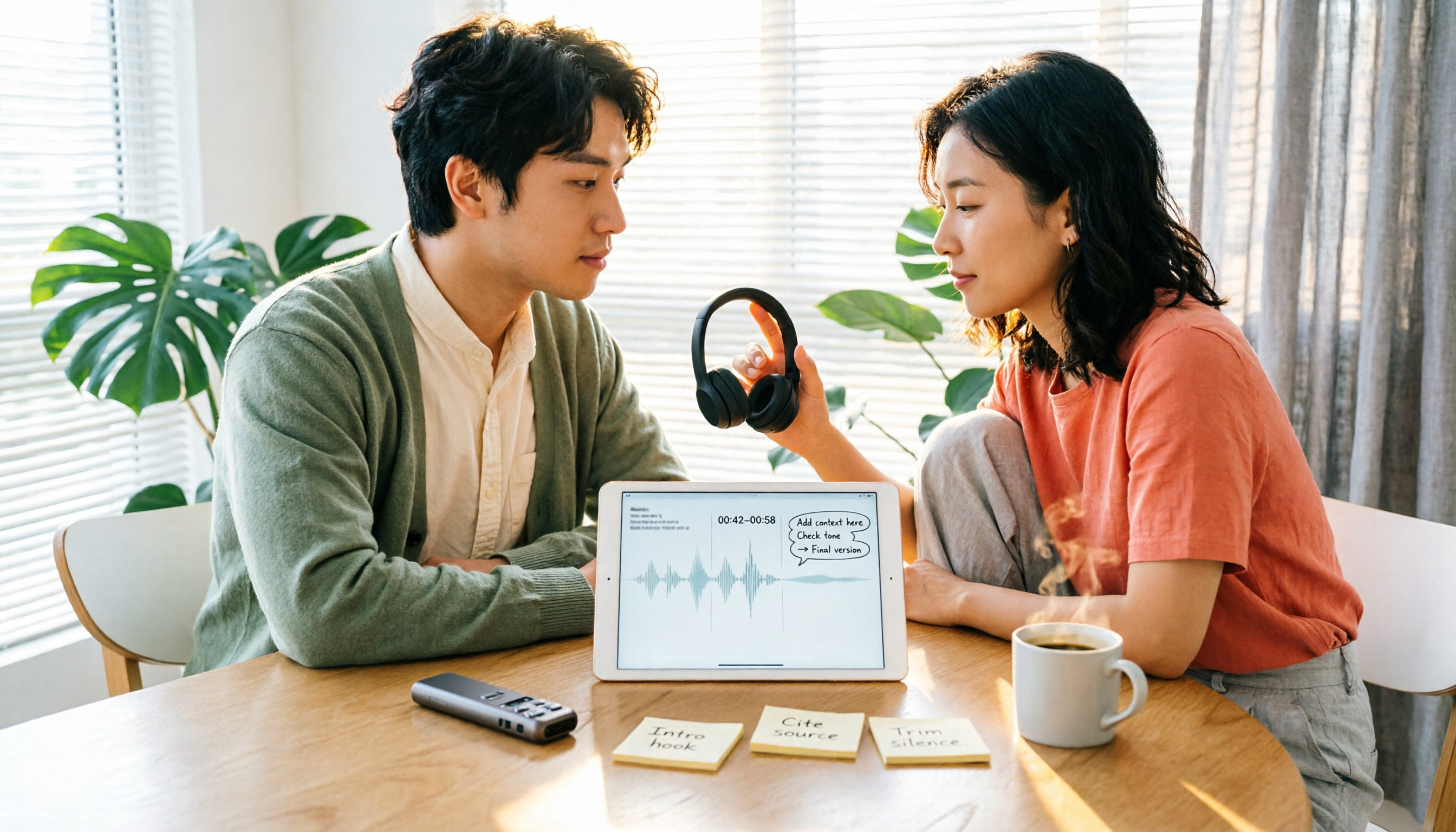
2026 Comparison of 5 Speech-to-Text Tools: Yating Transcribe Latest News and Free Quotas — Which Is Most Sufficient?
Many people only compare recognition accuracy when choosing a transcription tool, but overlook export, editing, and team sharing. This article compiles the latest updates for Yating Transcribe (including iOS 3.12.0 and an explanation of the Studio progress bar at 99%), and compares the positioning, free quotas, and suitable scenarios of Tinrec, Otter.ai, Notta, and TurboScribe, helping you choose the right tool based on your needs.
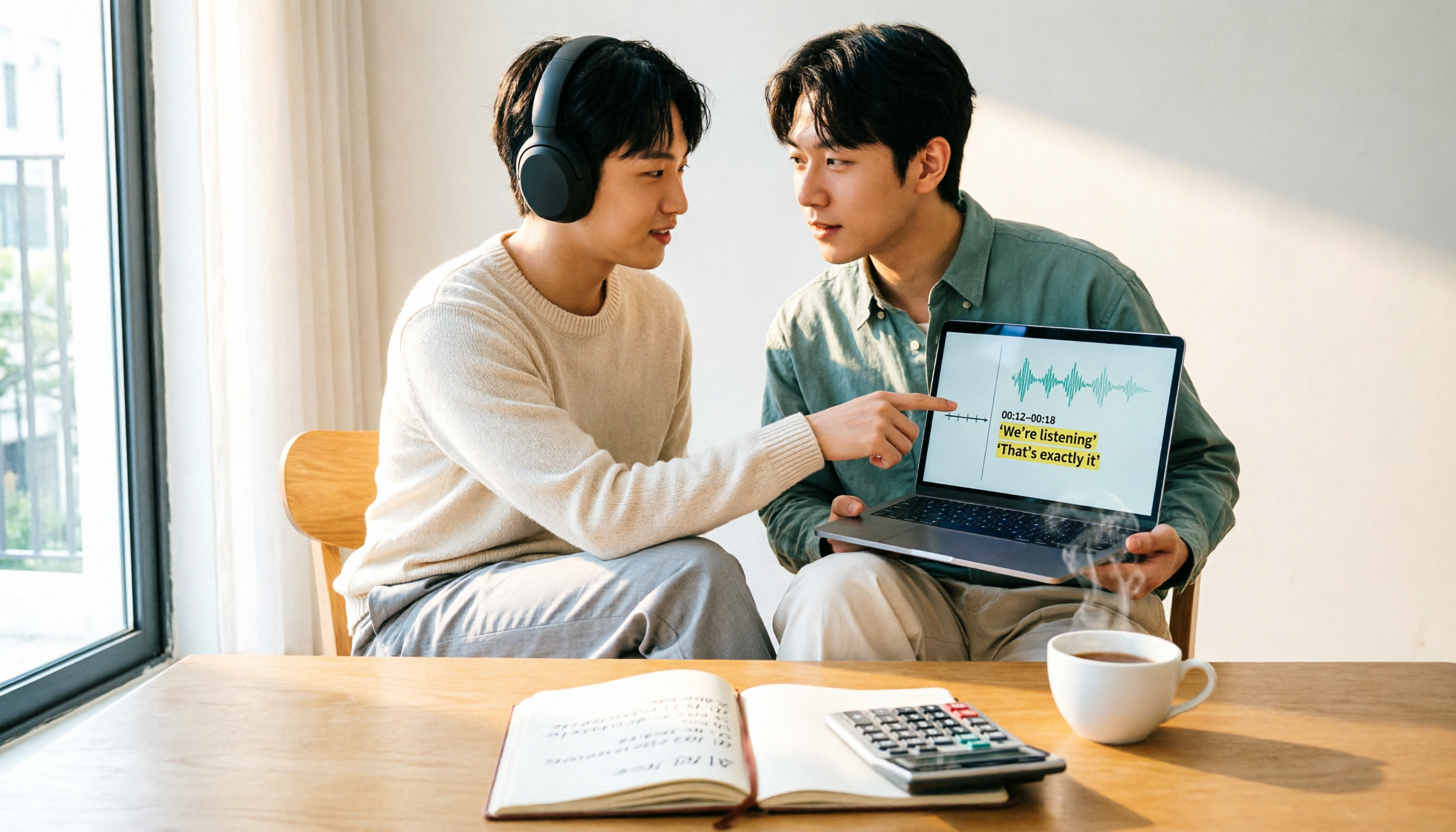
How Much Does Yating Transcription Cost in 2026? 5-Step Test and Pricing Breakdown
Does Yating transcription cost money? This article starts with the actual pricing model and walks you through 5 steps to calculate the real cost of free quotas, queue times, and hour top-ups. It also compares tools like Tinrec, Otter.ai, and TurboScribe to help you decide which plan fits your usage.

Yating Transcript Pricing Explained: 2026 Test of 4 Transcription Tools, How to Get the Best Value at $100 per Hour
Yating Transcript charges by audio length: $100 per hour, 10% off for 3 hours at $270, and hours can be used within 3 years from purchase. This article breaks down Yating Transcript's latest pricing structure, free quota, and billing pitfalls, and compares Tinrec, Otter.ai, and Notta in post-meeting organization and team collaboration, so you can justify your purchase in a procurement meeting.

2025 Comparison of 4 Transcription Tools: Is Yating's Free Quota Enough?
Is Yating Transcription's free quota enough? This article tests Yating, Tinrec, Otter.ai, and Notta using the same 10-minute Mandarin meeting recording and a 25-minute English interview audio file. It compares free rules, pricing, post-meeting summaries, and AI Q&A differences, with buying decision points and pitfalls to help you decide whether to pay.

6 Best Transcription Tools in 2026: Yating Pricing, Free Tiers & Alternatives Compared
Many people on Dcard ask how Yating transcription pricing works. This guide covers Yating's pricing, free quota, and limitations, and compares 6 transcription tools including Tinrec, Otter.ai, Notta, TurboScribe, and Granola to help you choose based on meeting type and budget.

2025 Comparison of 4 Transcription Tools: Which Offers Better Chinese Recognition and Post-Meeting Organization—Yating or Tinrec?
How to choose a transcription tool in 2025? This article starts with common misconceptions and compares Yating Transcript, Tinrec, Notta, and Otter.ai on accent recognition, post-meeting organization, online meeting recording methods, and pricing. It also summarizes 4 key purchasing factors and 3 pitfalls to avoid, helping you choose the one that fits your workflow.
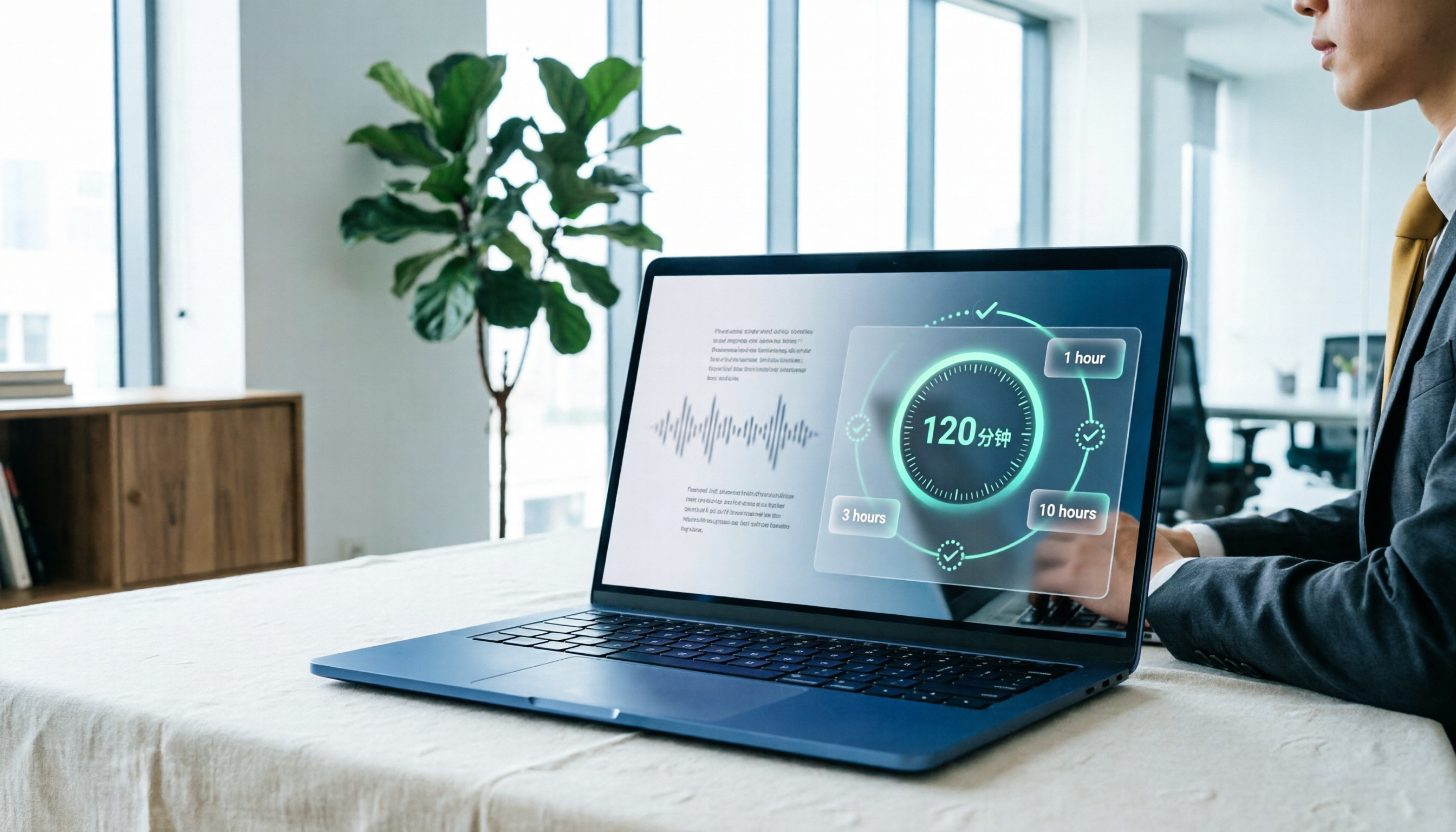
Yating Transcript Pricing in 2026: Free 120 Minutes + Hourly Plans Explained
How does Yating Transcript pricing work? Is the free 120 minutes enough? Should you buy the 1-hour, 3-hour, or 10-hour package? This guide breaks down Yating's pricing logic and free-tier limits, and compares Tinrec, Notta, and Otter.ai on cost and post-meeting organization, so you can choose based on actual usage—not buy hours you'll never use.
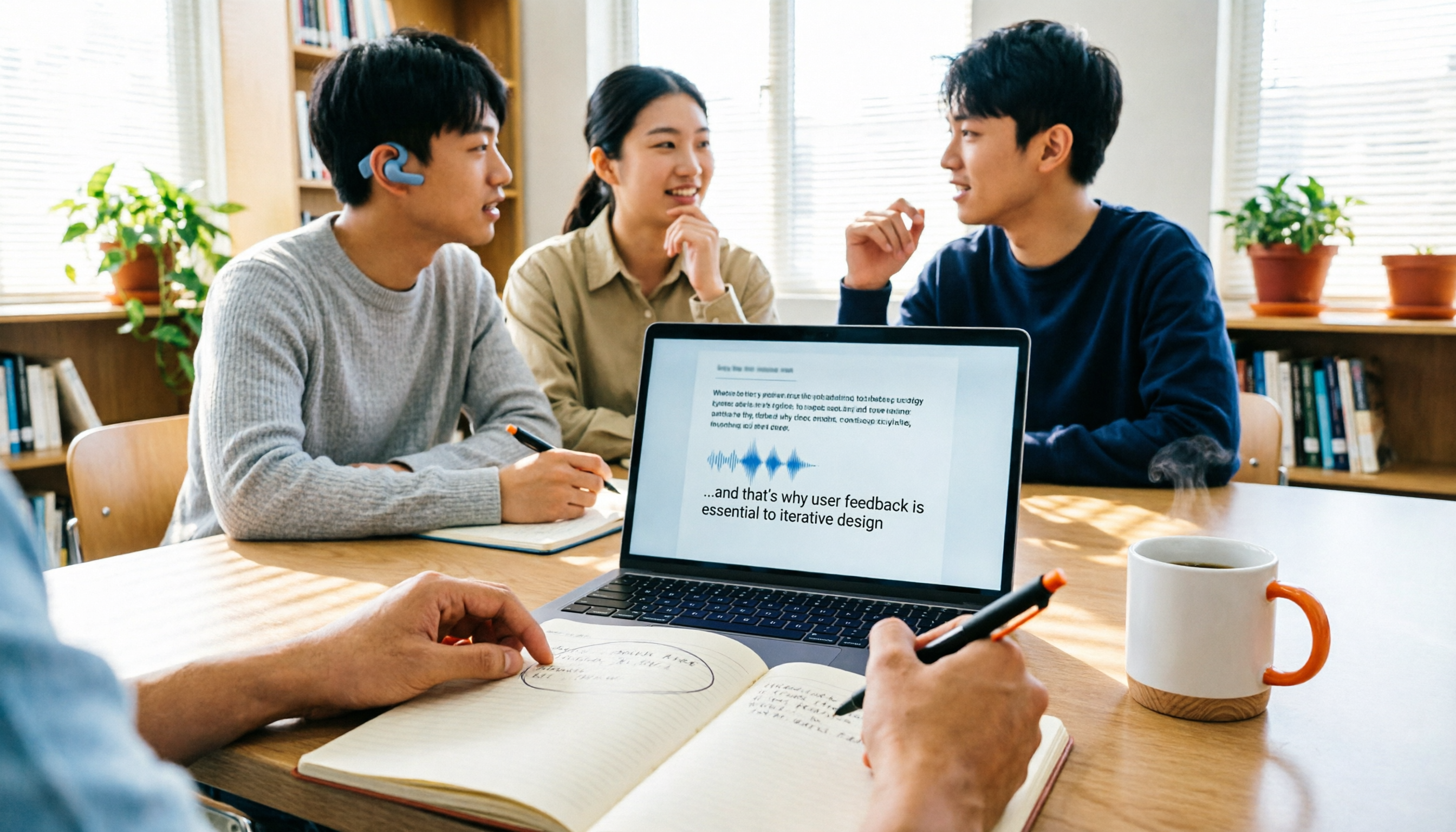
5 Best Transcription Tools in 2026: Yating vs. AI Meeting Assistants
What's new in the latest Yating transcription tool? How does it compare to Tinrec, Notta, TurboScribe, and Granola? This guide uses real student scenarios—a class, a group discussion, and an interview recording—to compare the positioning, core features, free tiers, and pricing of 5 transcription tools, and provides a selection framework to help you choose the one you'll actually use within your budget.

2026 Comparison of 6 Transcription Tools: Yating Pricing, Free Quotas, and Alternatives
Based on hands-on testing and pricing structure of Yating Transcription, we compare free quotas, pricing models, and use cases of Tinrec, Notta, TurboScribe, Granola, and built-in platform transcription to help you calculate the truly cost-effective choice.