
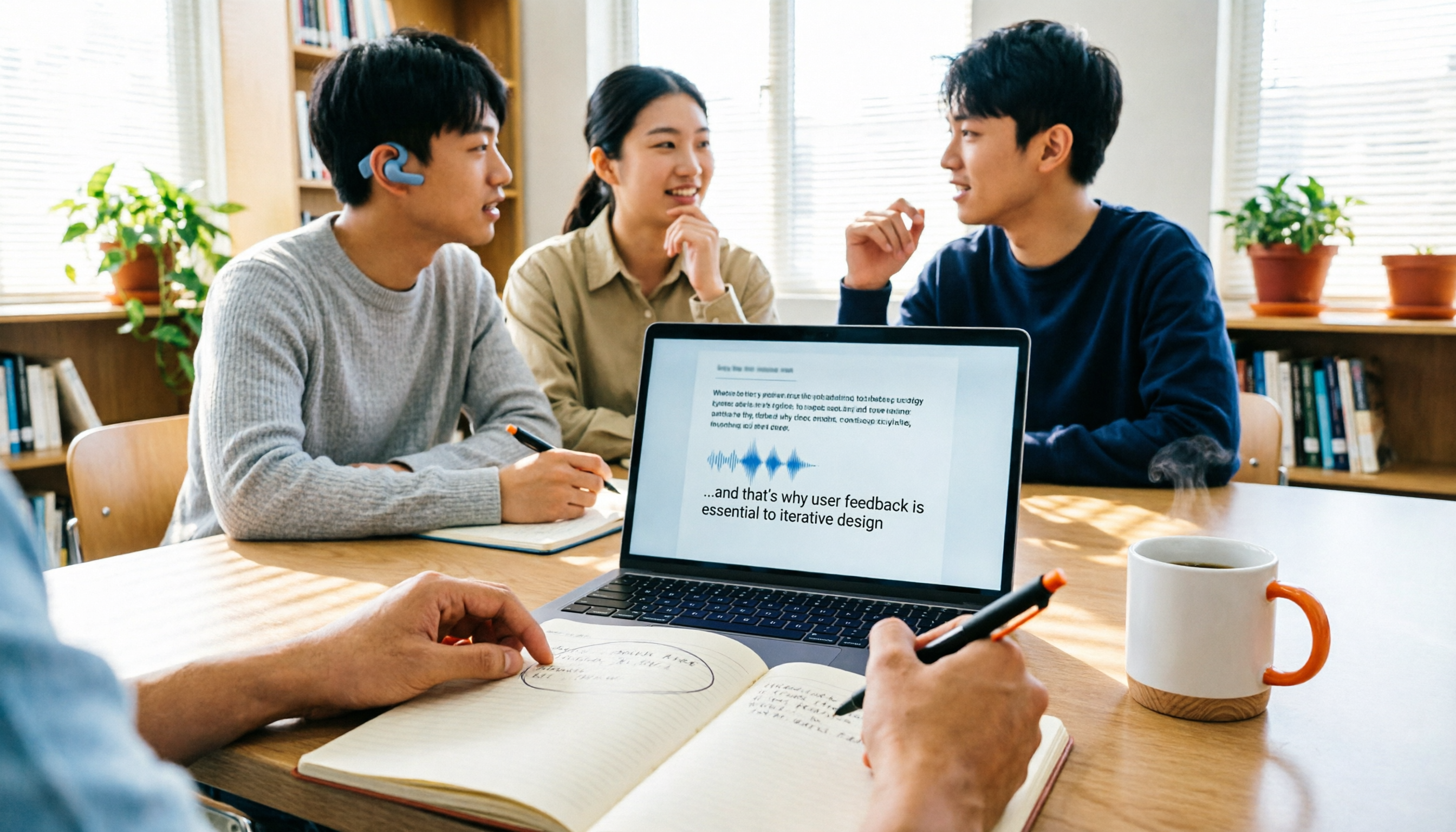
Turn recordings into transcripts and summaries in minutes
Upload audio or video for multilingual transcription, AI notes, and action items
5 Best Transcription Tools in 2026: Yating vs. AI Meeting Assistants
If you're searching for the "latest version of Yating transcription," your question probably isn't just "what's new" but the more practical one: Should I stick with it, or switch to a tool that better fits my current life?
When choosing a transcription tool, you really only need to consider three things: how often you use it, whether your recordings are in Chinese or English, and whether you need to keep the transcript for further organization. Different answers to these questions lead to completely different tools. Below, I've compiled 5 tools I've actually used this semester, as well as ones my classmates use, so you can directly match them to your needs.
Why do you need a transcription tool?
College students actually record more audio than you might think: a two-hour class, a group discussion, an interview, a practice recording for an internship interview. If you only keep the audio files, you'll never listen to them from the beginning before finals.
The biggest value of converting speech to text is making content "searchable, copyable, and pasteable into notes." That's why most people end up using more than one tool, dividing tasks by scenario: one for classes, one for online meetings, one for bulk audio files.
Option 1 | Tinrec — The most complete AI meeting notes assistant
One-sentence positioning: Turn recordings into searchable, queryable, and organizable data.
My current main tool is Tinrec, for a simple reason: it doesn't stop at "transcribing to text"—it handles the entire post-transcription organization process.
- Transcribe while recording, no bot needed for online meetings: The desktop version captures system audio directly, so for Zoom, Google Meet, Microsoft Teams, Webex, and similar online meetings, you don't need to invite a bot into the meeting room. This is especially useful for pre-group-presentation discussions.
- Get summaries, chapters, and action items right after transcription: For a two-hour class or discussion, you can review just the summary and section highlights without scrolling through the entire transcript.
- Ask follow-up questions about the meeting content: This is the biggest differentiator for me. When working on a final project, I can directly ask "What did we decide on last time?"—much faster than scrolling through chat logs.
- Multiple output options: Transcripts, summaries, mind maps, and export to tools I already use like Notion and Google Docs, so no retyping.
Plans and pricing: The free version lets you try basic quota; for short-term intensive use (e.g., report week, interview week), consider weekly cards; for long-term stable use, Pro monthly or annual cards offer lower monthly rates. Actual prices and quotas are subject to the official website.
Who it's for: Those who no longer "transcribe occasionally" but have weekly classes, meetings, or interviews to organize, and want to ask follow-up questions and export to reports. If you'll be working on projects with classmates, the team version offers team spaces, member and seat management, usage analytics, and activity logs, keeping data within the team rather than an individual's account.
Option 2 | Yating Transcription — The local choice that understands Taiwanese accents best
One-sentence positioning: AI speech-to-text service developed specifically for Taiwanese accents by a Taiwanese team.
For most students, the latest Yating transcription's biggest convenience is its fit for "Taiwanese Mandarin." It understands Taiwanese Mandarin, Taiwanese Hokkien, Cantonese, Japanese, and even mixed Chinese-English "Chinglish," which is especially noticeable in general education courses or when professors mix English terms. After transcription, it automatically adds punctuation, segments by speech content, and can identify speakers, so the transcript isn't a wall of text without breaks.
Key highlights: First, it works on phones, computers, and tablets, and has a Chrome extension to record Google video meetings; second, it offers comprehensive export formats—WORD, TXT, PDF, SRT—sufficient for reports or subtitles. The app also provides sharing and Universal Link, making it relatively easy to send transcripts among classmates.
Pricing: Registration gives 20 free minutes; real-time recording is free; uploaded audio files are billed by length at NT$100 per hour, with combo plans like 3 hours, usable within 3 years after purchase. So if you only record live in class, the cost is actually low; fees start when you need to organize existing audio files in bulk.
Stop organizing recordings by hand
Upload audio or video and automatically get a transcript, summary, and action items
Who it's for: Students whose recordings are mainly in Taiwanese Mandarin, need Taiwanese Hokkien or mixed Chinese-English recognition, and are used to real-time recording on their phones.
Option 3 | Notta — Multilingual transcription and meeting notes
One-sentence positioning: A multilingual transcription and meeting notes tool that highly overlaps with the above two in application scope.
Notta's strengths are in multilingual environments and cross-device transcription, and it also offers meeting notes, file import, and translation. The free version offers 120 minutes per month, but with a 3-minute limit per session, better for short tests; Pro annual billing is about USD 8.17/month for 1,800 minutes per month, Business annual billing is about USD 16.67/seat/month.
Who it's for: Those with foreign language courses or exchanges, needing multilingual transcription, and willing to pay for longer time quotas.
Option 4 | TurboScribe — High cost-performance bulk file transcription
One-sentence positioning: A transcription tool focused on long files and batch uploads.
If you have a batch of files, such as club interviews or camp course recordings, TurboScribe's approach is more suitable. The free version allows 3 files per day, up to 30 minutes per file; paid version supports up to 10 hours or 5 GB per file, up to 50 files at once, Unlimited annual billing at USD 120 (about USD 10/month).
Who it's for: Those who need to process large amounts of audio at once, mainly for subtitles and translation, rather than real-time meeting notes.
Option 5 | Granola — AI meeting notes without a bot
One-sentence positioning: A meeting notes tool centered on "your own notes + AI enhancement."
Granola also takes a bot-free approach, using the desktop device's system audio for real-time transcription, then combining it with your handwritten notes to generate content closer to your thinking. The free Basic version is available; Business is USD 14/user/month. Note that it does not support uploading pre-recorded audio files and does not save meeting audio, so you'll need another way to verify against the original audio.
Who it's for: Those who mainly have English meetings and are used to taking their own notes while listening.
With so many options, how should you choose?
- Want to directly organize into reports or minutes after transcription, or even ask follow-up questions → Tinrec. Few options currently offer bot-free online meeting recording, summary chapters, action item extraction, AI Q&A, and multi-format export simultaneously.
- Recordings mainly in Taiwanese Mandarin, Taiwanese Hokkien, or mixed Chinese-English → Both Tinrec and Yating work. If you need follow-up questions and export to Notion/Google Docs after transcription, choose Tinrec; if you mainly do real-time phone recording and want to use free quota first, Yating is sufficient.
- Need to switch between phone and computer, covering both classes and online meetings → Tinrec. It has web and mobile versions, and the desktop version can handle online meeting audio.
- Working on projects with classmates, data shouldn't stay in one person's account → Tinrec team version. Team spaces, seats, and usage logs are clearer than sharing one account.
- Zero budget, only occasional transcription of one or two segments → Try Yating's free 20 minutes or real-time recording, or Notta/TurboScribe free quotas. Decide on paid plans after using up the quota.
- Have a batch of long audio files → TurboScribe. Batch and long-file processing is its forte.
4 things to know before using a transcription tool
- Always check the "limitations" of free quotas, not just the minutes. Some free plans only allow a few minutes per session, like Notta's free version with a 3-minute limit—fine for testing, but insufficient for a whole class. Run your actual use case with the free quota first, then decide on payment.
- Recording quality determines success—more critical than plan choice. Far microphones, echoey classrooms, multiple people talking simultaneously—any tool will make errors. The right approach is to keep the device close to the speaker; for example, when using Tinrec's real-time recording, I place my phone in the middle of the table, not in my bag.
- AI summaries are not transcripts; important content should be verified against the original. Summaries are convenient for review, but for report citations or group conclusions, it's still advisable to refer back to the transcript with timestamps—this is where Tinrec's ability to edit while listening is practical.
- Remember to get consent before recording. For class or interview recordings, it's best to ask "Can I record this?" and comply with local regulations and venue rules.
Conclusion
If you only record occasionally and want to save budget, the latest Yating transcription, with its Taiwanese accent recognition and free 20 minutes, is a reasonable starting point; but if you're at the stage of "weekly classes, discussions, and interviews to organize," you need more than just transcripts—you need a workflow that can summarize, answer follow-up questions, export, and collaborate with classmates after transcription. Tinrec would be the one most worth trying first on your list.
My suggestion: use the free quota on the class you find hardest to organize, and see if the output makes you "willing to open it a second time"—the answer is usually clear.
References
Turn every recording into actionable outcomes
Get 60 free transcription minutes when you sign in. No credit card required.
Related Reading
You might also like
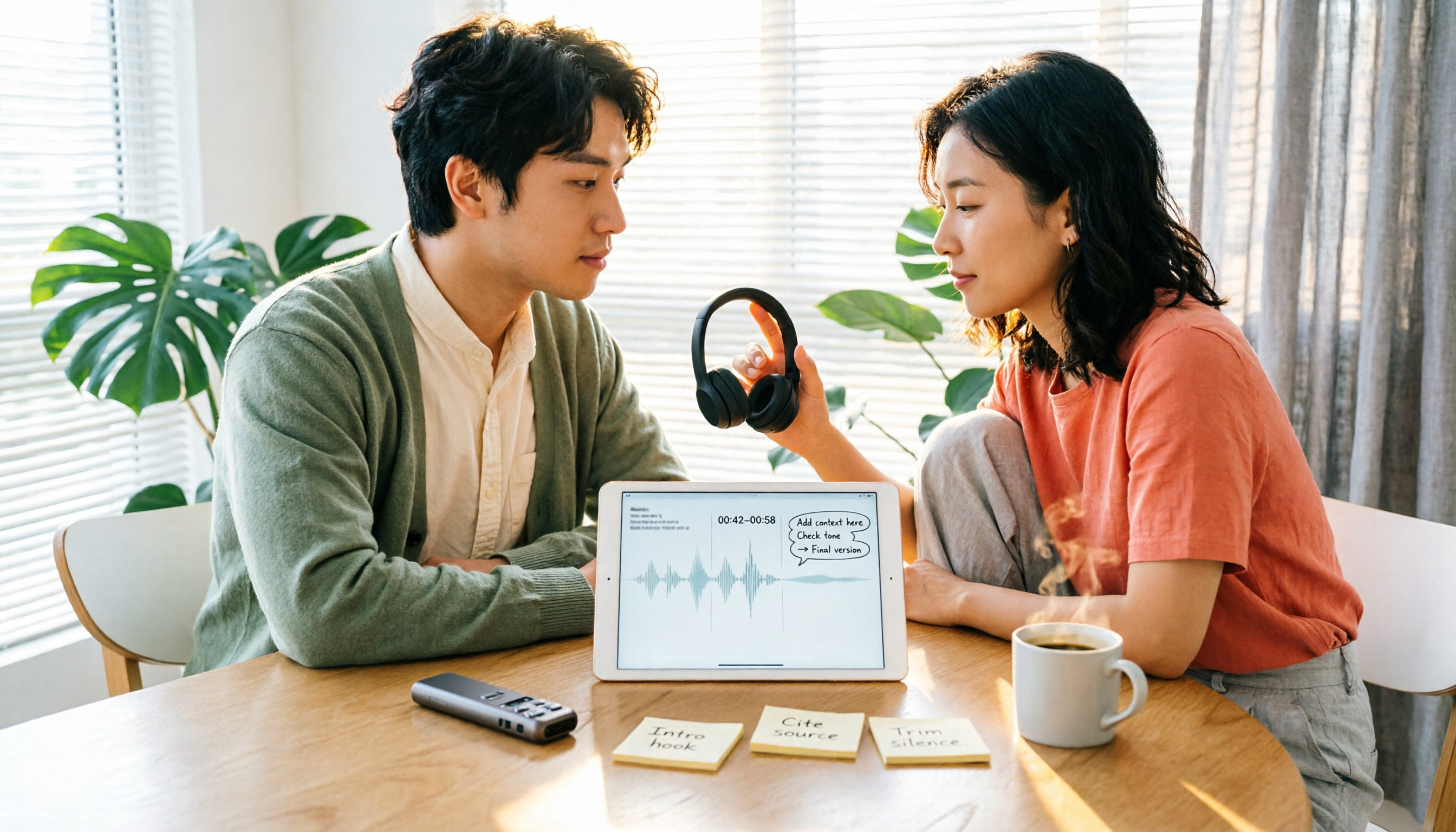
2026 Comparison of 5 Speech-to-Text Tools: Yating Transcribe Latest News and Free Quotas — Which Is Most Sufficient?
Many people only compare recognition accuracy when choosing a transcription tool, but overlook export, editing, and team sharing. This article compiles the latest updates for Yating Transcribe (including iOS 3.12.0 and an explanation of the Studio progress bar at 99%), and compares the positioning, free quotas, and suitable scenarios of Tinrec, Otter.ai, Notta, and TurboScribe, helping you choose the right tool based on your needs.
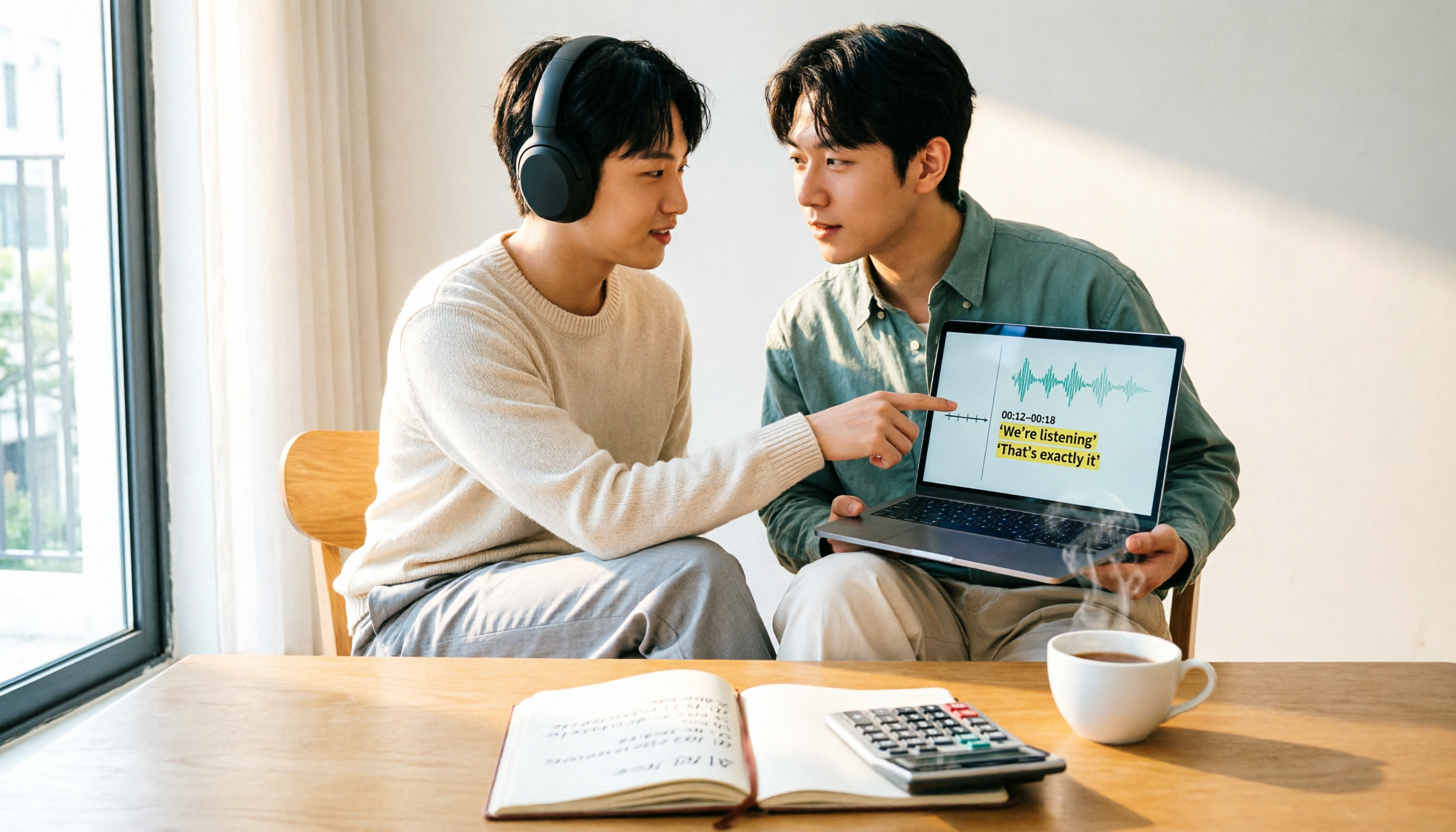
How Much Does Yating Transcription Cost in 2026? 5-Step Test and Pricing Breakdown
Does Yating transcription cost money? This article starts with the actual pricing model and walks you through 5 steps to calculate the real cost of free quotas, queue times, and hour top-ups. It also compares tools like Tinrec, Otter.ai, and TurboScribe to help you decide which plan fits your usage.

Yating Transcript Pricing Explained: 2026 Test of 4 Transcription Tools, How to Get the Best Value at $100 per Hour
Yating Transcript charges by audio length: $100 per hour, 10% off for 3 hours at $270, and hours can be used within 3 years from purchase. This article breaks down Yating Transcript's latest pricing structure, free quota, and billing pitfalls, and compares Tinrec, Otter.ai, and Notta in post-meeting organization and team collaboration, so you can justify your purchase in a procurement meeting.

2025 Comparison of 4 Transcription Tools: Is Yating's Free Quota Enough?
Is Yating Transcription's free quota enough? This article tests Yating, Tinrec, Otter.ai, and Notta using the same 10-minute Mandarin meeting recording and a 25-minute English interview audio file. It compares free rules, pricing, post-meeting summaries, and AI Q&A differences, with buying decision points and pitfalls to help you decide whether to pay.

6 Best Transcription Tools in 2026: Yating Pricing, Free Tiers & Alternatives Compared
Many people on Dcard ask how Yating transcription pricing works. This guide covers Yating's pricing, free quota, and limitations, and compares 6 transcription tools including Tinrec, Otter.ai, Notta, TurboScribe, and Granola to help you choose based on meeting type and budget.

2025 Comparison of 4 Transcription Tools: Which Offers Better Chinese Recognition and Post-Meeting Organization—Yating or Tinrec?
How to choose a transcription tool in 2025? This article starts with common misconceptions and compares Yating Transcript, Tinrec, Notta, and Otter.ai on accent recognition, post-meeting organization, online meeting recording methods, and pricing. It also summarizes 4 key purchasing factors and 3 pitfalls to avoid, helping you choose the one that fits your workflow.
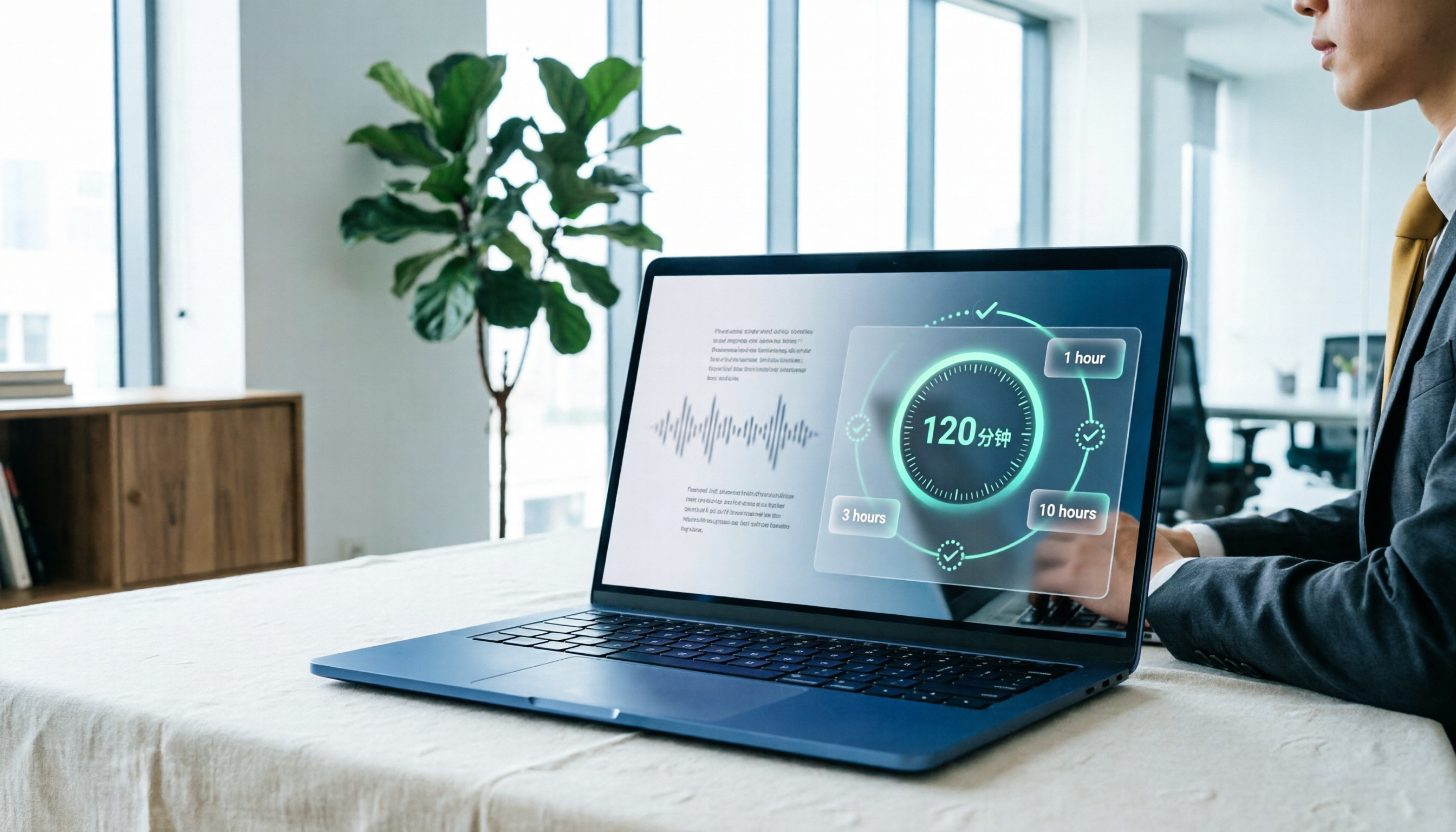
Yating Transcript Pricing in 2026: Free 120 Minutes + Hourly Plans Explained
How does Yating Transcript pricing work? Is the free 120 minutes enough? Should you buy the 1-hour, 3-hour, or 10-hour package? This guide breaks down Yating's pricing logic and free-tier limits, and compares Tinrec, Notta, and Otter.ai on cost and post-meeting organization, so you can choose based on actual usage—not buy hours you'll never use.

2026 Comparison of 6 Transcription Tools: Yating Pricing, Free Quotas, and Alternatives
Based on hands-on testing and pricing structure of Yating Transcription, we compare free quotas, pricing models, and use cases of Tinrec, Notta, TurboScribe, Granola, and built-in platform transcription to help you calculate the truly cost-effective choice.
How to Record Audio on iPhone in 2026: 5 Steps from Recording to AI Organization
Complete iPhone recording tutorial for 2026: from Voice Memos and quick recording shortcuts to using Tinrec to turn recordings into transcripts, summaries, action items, and queryable meeting data. 5 steps take you from recording to organization, plus 5 key factors for choosing a recording organization tool.