

Turn recordings into transcripts and summaries in minutes
Upload audio or video for multilingual transcription, AI notes, and action items
The pain point of transcription is usually not "can't transcribe," but what happens after transcription
Most people first try a transcription tool because they're attracted by the promise of "saving typing time." After using it for a month or two, they realize the bottleneck isn't transcription at all.
The bottleneck is segmentation, punctuation, who said what, where the conclusions are, and who is responsible for action items. A 60-minute meeting recording turns into roughly ten thousand words of text. Without structure, it's almost the same as not transcribing at all.
There are also two very common but actually less efficient approaches.
The first is using a phone recording app plus manual typing. After the meeting, you transfer the audio file to a computer, listen and type simultaneously—spending three hours organizing a one-hour recording. No matter how cheap the tool is, that time won't disappear on its own.
The second is transcribing and then dumping the text into a chatbot for summarization. It seems smart at the moment, but next time you need to find "that sentence where the client mentioned the budget last month," you still have to upload the file again.
In 2025, transcription tools are no longer just about "recording to text." The real difference lies in whether the output can directly become usable data. This is also the origin of the following purchasing considerations.
Before choosing a transcription tool, understand these 4 key points
First, recognition of accents and mixed Chinese-English speech. Meetings in Taiwan rarely use standard Mandarin throughout; mixing Chinese and English, technical terms, and names of people and places is the norm. Rather than looking at the official accuracy rate, it's better to test with a real recording of your own, especially one with background noise.
Second, what can be done after transcription. A tool that only provides text is essentially handing the organization work right back to you. Whether it offers automatic summaries, chapters, and action item extraction makes a big difference.
Third, how to record online meetings. One way is to invite a meeting bot into the meeting as a participant; the other is to have a desktop program directly capture the computer's system audio. The former is convenient but will appear on the participant list; the latter doesn't disturb the meeting but requires you to start recording actively.
Fourth, who ultimately holds the data. Data under a personal account follows the person; data under a team account stays with the team. This becomes especially noticeable when someone leaves.
Tinrec — the one I would currently recommend first
Tinrec is an AI meeting notes and collaboration tool for individuals and teams. It supports real-time recording, online meeting transcription, audio/video file import, and real-time translation, and can automatically generate summaries, chapters, action items, and mind maps.
No bot needed for online meetings. The desktop version directly captures computer system audio, handling meetings on Zoom, Google Meet, Microsoft Teams, and Webex without requiring an extra bot account to join the participant list. When meeting with external parties, this matters more than you might think.
Real-time translation during meetings. During recording, you can switch between original text, translated text, or bilingual view. When meeting with overseas contacts, you don't have to wait until after the meeting to translate—you can compare while listening.
Post-meeting is where it shines. After the meeting ends, the transcript, summary, chapters, and action items are already generated. Even better, you can ask questions directly about the meeting content, such as "What was the conclusion about the budget in this meeting?" It answers based on semantics rather than dumping a bunch of keyword search results on you. Currently, few tools in the same price range have this capability.
The organized content can be exported to common file formats and brought into tools like Notion, Google Docs, and OneNote for further use, or processed with an Agent to generate reports, tables, and meeting minutes.
About the team version. If your department or project team shares meeting data, the team version provides an independent team space where meeting data belongs to the team, and you can set owners, admins, and regular members. Note that roles and seats are two different things: roles determine who can manage the team, seats determine who can record, upload, edit, and export. Members without a seat can still view, play, and read team data but cannot perform resource-consuming operations.
Stop organizing recordings by hand
Upload audio or video and automatically get a transcript, summary, and action items
The team version is currently USD 29.80 per paid seat per month for monthly billing, or USD 199 per paid seat per year for annual billing (about USD 16.58 per month). Each paid seat provides 2,000 minutes of team shared import quota per month; eligible teams can try it free for 7 days with 1 free seat and 300 minutes of shared import quota. Under an active team plan, real-time recording currently does not deduct minutes, while file and web imports consume the team shared quota.
Limitations that need honest mention. The personal version has a free version, weekly card, Pro monthly card, and Pro annual card; actual quotas and prices are subject to the official website. Also, it is not a calendar-based meeting bot and will not automatically join every meeting on your calendar—you need to start recording yourself. Recognition performance is also affected by recording quality, accents, multiple people talking over each other, and technical terminology; for important content, it's recommended to replay and verify against transcript timestamps.
Who it's for. People who frequently hold Chinese meetings, need to write minutes and action items afterward, and want meeting data to be retained for search and follow-up questions. If meeting data needs to be shared among multiple people and there is staff turnover, the team version is more suitable than the personal version.
Besides Tinrec, what other options are there?
Yating Transcript is a veteran service developed by a Taiwanese team with clear strengths: Taiwanese accents, Taiwanese Hokkien recognition, and it handles mixed Mandarin-Taiwanese Hokkien or "Chinglish" to a certain level. It also supports automatic punctuation, speaker identification, and export to WORD, TXT, PDF, SRT formats, plus a Chrome extension for recording Google video meetings, with data stored in Taiwan. Its pricing is based on audio length, starting at NT$100 per hour; free quotas for real-time recording and audio file upload vary by plan and promotion—please refer to the official website. If you have a large number of Taiwanese Hokkien interviews or oral histories from elders, its recognition advantage is worth prioritizing. However, based on currently public information, its output is still primarily transcripts; post-meeting Q&A, action item extraction, and team data governance are areas where Tinrec is relatively more complete.
Notta overlaps significantly with Tinrec, offering multi-platform transcription, file import, translation, and team plans. The free version offers 120 minutes per month with a 3-minute limit per item; Pro annual billing is about USD 8.17 per month. Its multilingual and subtitle handling perform well; if what you need is desktop bot-free recording plus complete team space and usage management, Tinrec's design is closer to that.
Otter.ai is a mature choice for English meetings. The free version offers a generous 300 minutes per month, with summaries, AI Chat, and team management all available. But its focus is mainly on English business meetings; if your meetings are primarily in Chinese or mixed Chinese-English, Tinrec will be smoother in Chinese experience and real-time translation.
Pitfall guide: The 3 most common mistakes when choosing a transcription tool
Pitfall 1: Only looking at the officially advertised accuracy rate. That number is usually measured in a quiet environment with standard pronunciation. Real meeting rooms have air conditioning noise, keyboard sounds, and multiple people talking over each other—performance will drop noticeably. It's recommended to run a free trial with your noisiest meeting recording, not just look at ads.
Pitfall 2: Ignoring how online meetings are recorded. If your meetings often include external clients, inviting a bot account to the list can sometimes be inappropriate. First confirm whether the tool joins via a bot or captures system audio from the desktop, then decide whether to use it.
Pitfall 3: Treating "has a free version" as "free is enough." Free quotas are usually for experiencing the workflow, not for long-term work. Rather than nitpicking over minutes, first figure out roughly how many hours you'll record per month, then compare plans.
Pitfall 4: Only buying the personal version and ignoring data ownership. Meeting data stored in personal accounts is hard to handle once the person leaves. When the team has more than two or three people and needs to share historical meetings, using a team space from the start will save a lot of trouble.
Conclusion: Which one should you choose?
In one sentence: If your meetings are primarily in Chinese and you need minutes and action items afterward, Tinrec has the most complete workflow among these options.
Breakdown by scenario:
- Chinese meetings, need summaries and action items afterward → Tinrec (transcript, summary, action items, Q&A all in one)
- Online meetings without inviting a bot → Tinrec (desktop version captures system audio)
- Need bilingual Chinese-English comparison → Tinrec (real-time translation during meetings, bilingual view)
- Team sharing of meeting data, need to manage members and usage → Tinrec team version (roles, seats, usage analytics, audit logs)
- Large number of Taiwanese Hokkien interviews or elder oral histories → Yating Transcript (Taiwanese Hokkien recognition is its signature)
- Pure English meetings, zero budget → Otter.ai (free 300 minutes per month)
The recommended approach is simple: don't rush to pay. Use a real meeting recording of your own to run the free version once and see if you can directly use the transcript. If yes, continue; if not, try the next one. This is more accurate than reading ten reviews.
One final reminder: recording and transcription involve others' privacy, and local regulations may require obtaining participants' consent in advance. Remember to confirm before use.
References
- Yating Transcript
- Yating Text-to-Speech User Guide and Alternatives [2026] - Edimakor
- Yating Transcript
- "Yating is my savior!" Hearing-impaired Ximing: Thanks to Yating Transcript, I walked out of the silent world - Taiwan AILabs
- Yating Transcript: Online Speech-to-Text Service, Pricing Introduction at a Glance! | Comprehensive AI Tools Introduction - Future Commerce
Turn every recording into actionable outcomes
Get 60 free transcription minutes when you sign in. No credit card required.
Related Reading
You might also like
2026 Comparison of 5 Speech-to-Text Tools: Yating Transcribe Latest News and Free Quotas — Which Is Most Sufficient?
Many people only compare recognition accuracy when choosing a transcription tool, but overlook export, editing, and team sharing. This article compiles the latest updates for Yating Transcribe (including iOS 3.12.0 and an explanation of the Studio progress bar at 99%), and compares the positioning, free quotas, and suitable scenarios of Tinrec, Otter.ai, Notta, and TurboScribe, helping you choose the right tool based on your needs.
How Much Does Yating Transcription Cost in 2026? 5-Step Test and Pricing Breakdown
Does Yating transcription cost money? This article starts with the actual pricing model and walks you through 5 steps to calculate the real cost of free quotas, queue times, and hour top-ups. It also compares tools like Tinrec, Otter.ai, and TurboScribe to help you decide which plan fits your usage.

Yating Transcript Pricing Explained: 2026 Test of 4 Transcription Tools, How to Get the Best Value at $100 per Hour
Yating Transcript charges by audio length: $100 per hour, 10% off for 3 hours at $270, and hours can be used within 3 years from purchase. This article breaks down Yating Transcript's latest pricing structure, free quota, and billing pitfalls, and compares Tinrec, Otter.ai, and Notta in post-meeting organization and team collaboration, so you can justify your purchase in a procurement meeting.

2025 Comparison of 4 Transcription Tools: Is Yating's Free Quota Enough?
Is Yating Transcription's free quota enough? This article tests Yating, Tinrec, Otter.ai, and Notta using the same 10-minute Mandarin meeting recording and a 25-minute English interview audio file. It compares free rules, pricing, post-meeting summaries, and AI Q&A differences, with buying decision points and pitfalls to help you decide whether to pay.

6 Best Transcription Tools in 2026: Yating Pricing, Free Tiers & Alternatives Compared
Many people on Dcard ask how Yating transcription pricing works. This guide covers Yating's pricing, free quota, and limitations, and compares 6 transcription tools including Tinrec, Otter.ai, Notta, TurboScribe, and Granola to help you choose based on meeting type and budget.
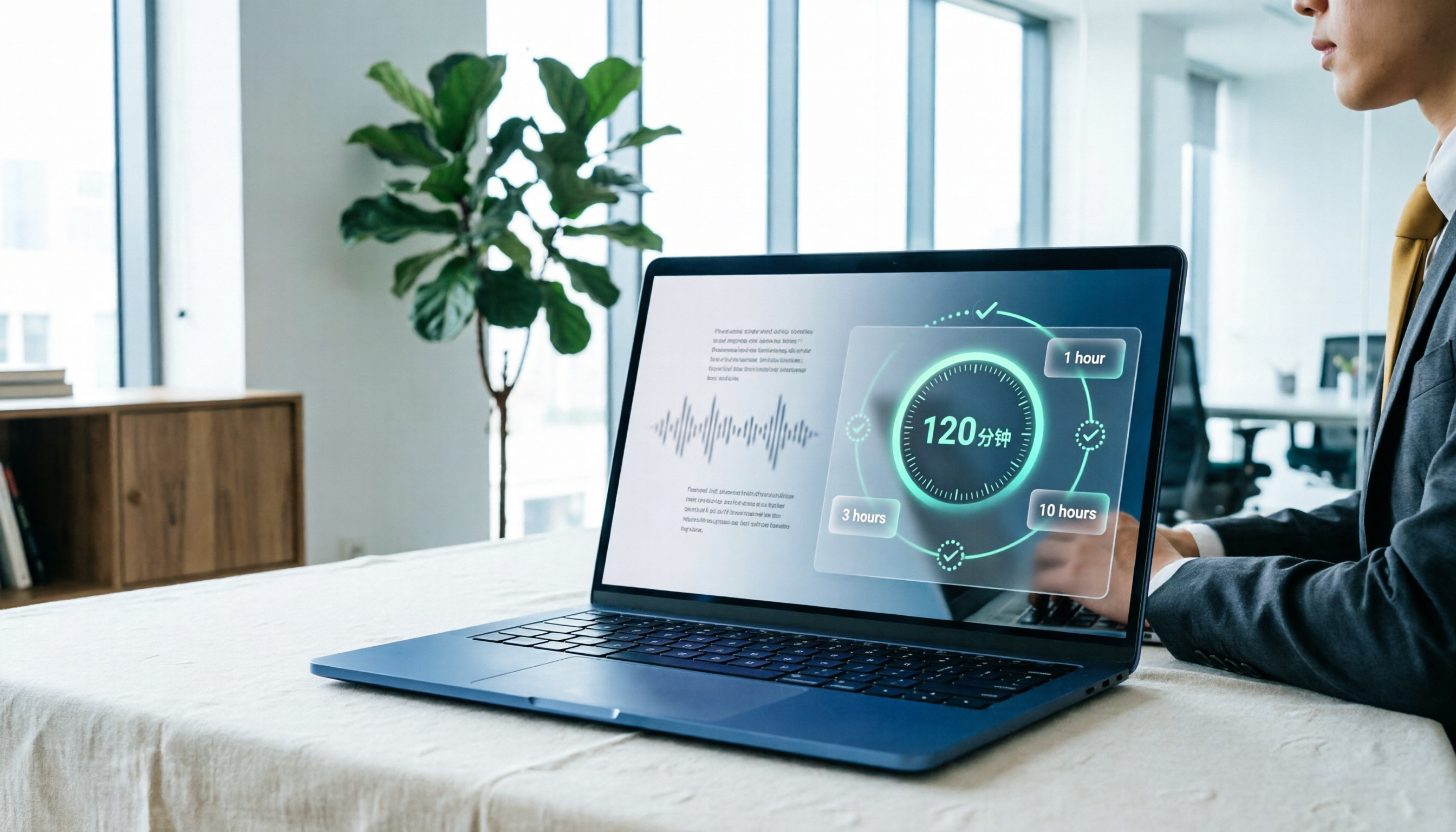
Yating Transcript Pricing in 2026: Free 120 Minutes + Hourly Plans Explained
How does Yating Transcript pricing work? Is the free 120 minutes enough? Should you buy the 1-hour, 3-hour, or 10-hour package? This guide breaks down Yating's pricing logic and free-tier limits, and compares Tinrec, Notta, and Otter.ai on cost and post-meeting organization, so you can choose based on actual usage—not buy hours you'll never use.
5 Best Transcription Tools in 2026: Yating vs. AI Meeting Assistants
What's new in the latest Yating transcription tool? How does it compare to Tinrec, Notta, TurboScribe, and Granola? This guide uses real student scenarios—a class, a group discussion, and an interview recording—to compare the positioning, core features, free tiers, and pricing of 5 transcription tools, and provides a selection framework to help you choose the one you'll actually use within your budget.

2026 Comparison of 6 Transcription Tools: Yating Pricing, Free Quotas, and Alternatives
Based on hands-on testing and pricing structure of Yating Transcription, we compare free quotas, pricing models, and use cases of Tinrec, Notta, TurboScribe, Granola, and built-in platform transcription to help you calculate the truly cost-effective choice.
How to Record Audio on iPhone in 2026: 5 Steps from Recording to AI Organization
Complete iPhone recording tutorial for 2026: from Voice Memos and quick recording shortcuts to using Tinrec to turn recordings into transcripts, summaries, action items, and queryable meeting data. 5 steps take you from recording to organization, plus 5 key factors for choosing a recording organization tool.