
Turn recordings into transcripts and summaries in minutes
Upload audio or video for multilingual transcription, AI notes, and action items
Two Hours in a Meeting, Two More to Write It Up? We Understand the Pain of Cantonese Speakers
You know the scenario: after a Cantonese meeting, your hand cramps from note-taking and you still miss plenty of details. Worse, most speech-to-text tools on the market have inconsistent support for Cantonese—transcripts come out garbled or full of errors.
If you've ever stayed late organizing Cantonese recordings, this article is for you. We tested 5 AI tools that support Cantonese and put together the best free and paid options for users in Hong Kong, Guangzhou, and beyond—without spending a fortune on hardware. All you need is a phone or computer.
4 Key Points to Understand Before Buying a Speech-to-Text Tool
Accuracy: Don't Just Look at Official Numbers
Many tools claim "98% accuracy," but that's measured in a quiet recording studio. In real-world settings—air conditioner noise, keyboard clatter, people talking over each other—accuracy usually drops. We recommend testing the free version with audio files you'd actually record to see how it performs, rather than relying on ads.
AI Features: What Happens After the Text Is Ready?
The transcript is just the first step. A good tool should help you auto-summarize, extract action items, and even let you ask questions about the recording like you would with ChatGPT. If you can only search keyword by keyword, you'll waste a lot of time.
Cross-Platform: Record on Your Phone, Organize on Your Computer
You might record an on-the-street interview on your phone and then head back to the office to organize it on your computer. The tool should support iOS, Android, and a web version, with data syncing across devices.
Free Allowance: Try Before You Buy—Don't Get Ripped Off
Almost every provider offers a free trial, but the limits vary: some give only 30 minutes, others give a few hundred minutes per month. Heavy users may burn through it quickly, but for those who only transcribe occasionally, the free version is often enough.
Tinrec (秒聽錄音) — Our Top Pick After Testing
Tinrec is an AI recording and audio/video organizer that supports 14 languages, available on iOS, Android, and the web. It pays special attention to Chinese content, including Cantonese transcription and organization. It's not just "recording to text"—it's a complete workstation that turns meetings, classes, interviews, and even online videos into usable data.
When you open Tinrec in a meeting, it generates a transcript in real time. The moment the meeting ends, AI summaries and action items are already generated—who's responsible for what, and deadlines, all at a glance. Our favorite feature is the AI conversation query: after recording a 30-minute Cantonese interview, you can ask, "What were the interviewee's main opinions about product pricing?" and it gives you the answer based on meaning, not just keyword search results. Currently, few competitors at the same price point offer this capability.
In our test, we uploaded a 5-minute Hong Kong news recording (with slight background noise, iPhone 15, June 2026). Tinrec's transcript required almost no edits, correctly transcribing conversational Cantonese into written Traditional Chinese. Although the company doesn't publish an absolute accuracy number, based on our daily use, its Cantonese recognition is the most balanced among the 5 tools we tested—whether it's pure conversation, mixed Chinese-English, or regional accents, performance is consistent.
Tinrec's strengths are clear:
- Not just transcription—it helps you organize: AI summaries, chapters, to-do lists, and Q&A save a lot of post-meeting effort.
- Very wide input sources: In addition to live recording, you can upload audio files or paste links to online videos like YouTube, Bilibili, or Xiaohongshu, turning video content into text and summaries.
- The free version is genuinely useful: Monthly basic transcription allowance is enough for light users (e.g., two meetings per week) to avoid paying anything.
Stop organizing recordings by hand
Upload audio or video and automatically get a transcript, summary, and action items
Of course, it's not perfect: the free version has limits, heavy users need to upgrade, and the AI Q&A feature is fully available only in the Pro version. However, if you regularly process large amounts of recordings, the monthly equivalent cost of the Pro annual plan is more cost-effective than comparable plans from other tools.
Who is it for? If you frequently record Cantonese meetings or lectures, want AI to pull out the key points after recording, or switch between phone and computer, Tinrec is the most comprehensive choice right now.
Beyond Tinrec: Other Cantonese Speech-to-Text Tools
CantoSubAI: Designed Specifically for Cantonese, Accurate but Feature-Limited
CantoSubAI specializes in Cantonese speech-to-text, supporting various accents from Hong Kong, Guangzhou, and Dongguan, and automatically converts colloquial Cantonese into written Traditional Chinese. New users get a 30-minute free trial. However, it offers almost no AI summary or Q&A features—it's pure transcription. If you just need an accurate transcript, it works well, but if you want further content organization, you'll have to do it manually.
SoundType AI: Affordable, Multilingual, but Cantonese Is Occasionally Unstable
SoundType AI has good ratings on Google Play, supports over 90 languages, transcribes quickly, and boasts 98% accuracy for Mandarin. The developer mentions around 85-90% success for Cantonese, but user experiences show more errors with background noise or mixed Chinese-English. Its free trial is only 8 minutes, which isn't enough for a thorough test. It's suitable for price-sensitive users who can tolerate occasional errors.
Monica: Feature-Rich, Friendly Interface, Good for Students and Individuals
Monica is an AI productivity tool where speech-to-text is just one feature; it also integrates real-time collaboration, online editing, and search. Its Cantonese support is decent, the interface is simple, and new users get a 30-minute free trial. However, post-transcription organization is weak—no AI Q&A, and it can't directly parse web video links. If you need cross-platform and a lightweight tool, Monica is worth considering, but if you want automatic meeting minutes right after recording, it falls short.
Guide to Avoiding Pitfalls: 3 Common Mistakes When Choosing Cantonese Speech-to-Text
Pitfall 1: Only Looking at Price, Ignoring Organization Features Many people compare prices and pick the cheapest option, only to find that after transcription, they still have to edit word by word. Spending a bit more time researching "what can it do after transcription" can save more costs overall. Tools like Tinrec's auto-summaries and AI Q&A can save at least 30 minutes of organization time per meeting.
Pitfall 2: Ignoring Cross-Platform Needs Today you record on an iPhone, tomorrow you edit on a Windows PC—if the tool doesn't sync across platforms, you'll be stuck in a loop of transferring files back and forth. Choose a tool that supports iOS, Android, and the web, so you won't want to give up within a short time.
Pitfall 3: Treating Speech-to-Text as a One-Time Task If you only have a couple of recordings to handle, the free version is fine. But if you regularly attend meetings, take classes, or do interviews, we recommend treating these recordings as a "personal knowledge base." Pick a tool that allows searching, asking questions, and long-term archiving—you'll find information much faster than flipping through notes.
Summary: Which One Should You Choose?
Based on our testing, Tinrec stands out in terms of feature completeness, cross-platform capability, and post-transcription organization, especially for Cantonese users who want to save time. If your situation matches the following, here's our recommendation:
- Need dual-language transcription in Cantonese and Mandarin, and want meeting minutes generated automatically after recording → Tinrec (strongest AI summary and Q&A features)
- Only need accurate Cantonese transcripts, no AI organization → CantoSubAI (focused on Cantonese, good transcription quality, but basic features)
- Very limited budget and can tolerate occasional errors → SoundType AI (low price, but short free trial)
- Student or light user looking for a simple tool for note-taking → Monica (user-friendly, but no AI Q&A)
We suggest starting with Tinrec's free version—the monthly basic allowance should be enough for two or three meetings to see how it works. Upgrade only if you find it useful; there's no need to pay from day one.
References
- Text to Speech Cantonese
- AI Cantonese Speech-to-Text Professional Cantonese Recognition
- Hong Kong's 5 Top Speech-to-Text Tools: Accurate Cantonese Recognition, Boosting Meeting and Interview Efficiency!
- SoundType AI - Ultra-Accurate Transcripts, Speech-to-Text, AI Dictation - Google Play App
- AI Speech-to-Text Fast Audio Transcription, Transcripts and Video Subtitles - Free Trial - cSubtitle
Turn every recording into actionable outcomes
Get 60 free transcription minutes when you sign in. No credit card required.
Related Reading
You might also like
2026 Comparison of 5 Speech-to-Text Tools: Yating Transcribe Latest News and Free Quotas — Which Is Most Sufficient?
Many people only compare recognition accuracy when choosing a transcription tool, but overlook export, editing, and team sharing. This article compiles the latest updates for Yating Transcribe (including iOS 3.12.0 and an explanation of the Studio progress bar at 99%), and compares the positioning, free quotas, and suitable scenarios of Tinrec, Otter.ai, Notta, and TurboScribe, helping you choose the right tool based on your needs.
How Much Does Yating Transcription Cost in 2026? 5-Step Test and Pricing Breakdown
Does Yating transcription cost money? This article starts with the actual pricing model and walks you through 5 steps to calculate the real cost of free quotas, queue times, and hour top-ups. It also compares tools like Tinrec, Otter.ai, and TurboScribe to help you decide which plan fits your usage.

Yating Transcript Pricing Explained: 2026 Test of 4 Transcription Tools, How to Get the Best Value at $100 per Hour
Yating Transcript charges by audio length: $100 per hour, 10% off for 3 hours at $270, and hours can be used within 3 years from purchase. This article breaks down Yating Transcript's latest pricing structure, free quota, and billing pitfalls, and compares Tinrec, Otter.ai, and Notta in post-meeting organization and team collaboration, so you can justify your purchase in a procurement meeting.

2025 Comparison of 4 Transcription Tools: Is Yating's Free Quota Enough?
Is Yating Transcription's free quota enough? This article tests Yating, Tinrec, Otter.ai, and Notta using the same 10-minute Mandarin meeting recording and a 25-minute English interview audio file. It compares free rules, pricing, post-meeting summaries, and AI Q&A differences, with buying decision points and pitfalls to help you decide whether to pay.

6 Best Transcription Tools in 2026: Yating Pricing, Free Tiers & Alternatives Compared
Many people on Dcard ask how Yating transcription pricing works. This guide covers Yating's pricing, free quota, and limitations, and compares 6 transcription tools including Tinrec, Otter.ai, Notta, TurboScribe, and Granola to help you choose based on meeting type and budget.

2025 Comparison of 4 Transcription Tools: Which Offers Better Chinese Recognition and Post-Meeting Organization—Yating or Tinrec?
How to choose a transcription tool in 2025? This article starts with common misconceptions and compares Yating Transcript, Tinrec, Notta, and Otter.ai on accent recognition, post-meeting organization, online meeting recording methods, and pricing. It also summarizes 4 key purchasing factors and 3 pitfalls to avoid, helping you choose the one that fits your workflow.
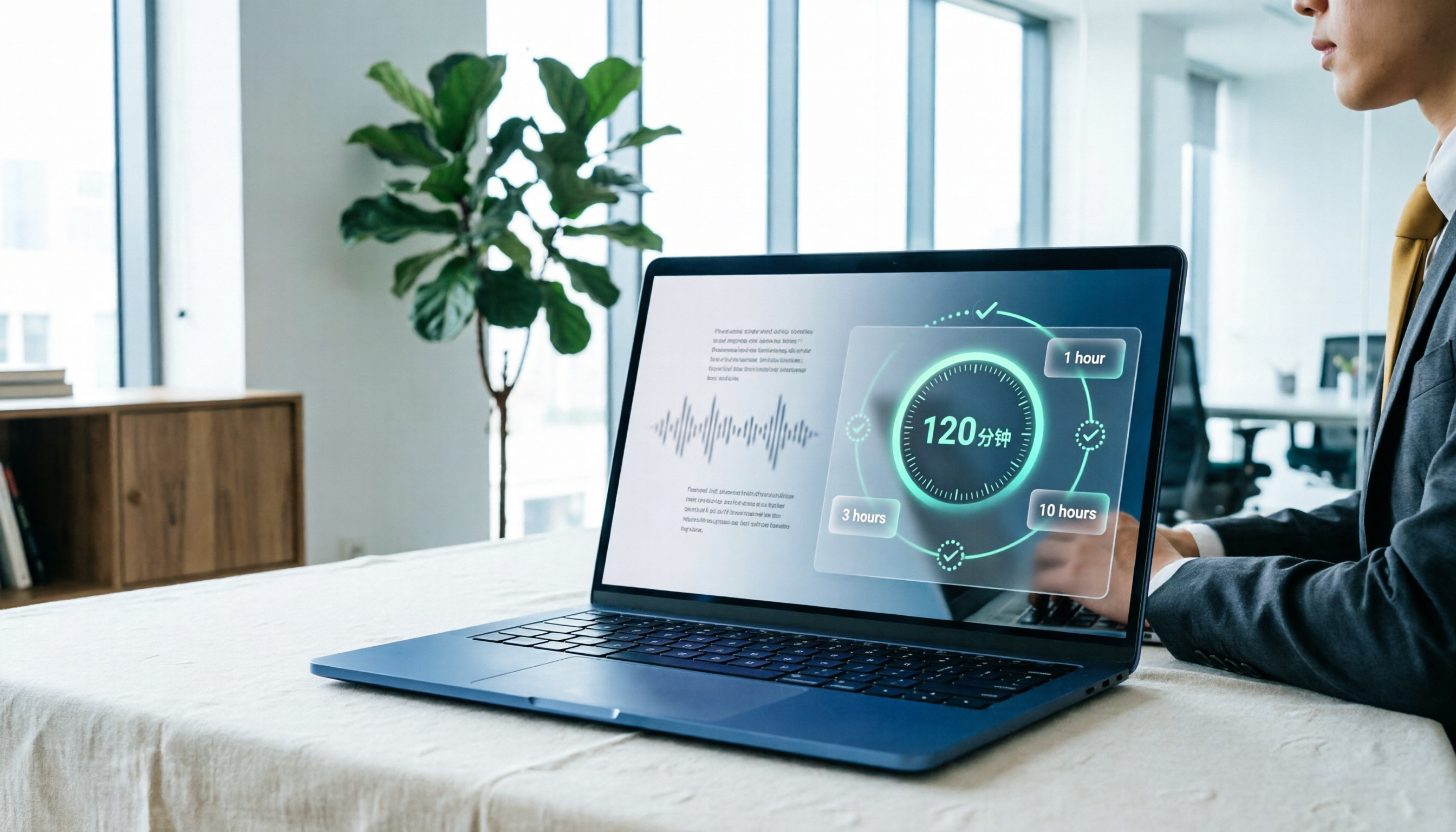
Yating Transcript Pricing in 2026: Free 120 Minutes + Hourly Plans Explained
How does Yating Transcript pricing work? Is the free 120 minutes enough? Should you buy the 1-hour, 3-hour, or 10-hour package? This guide breaks down Yating's pricing logic and free-tier limits, and compares Tinrec, Notta, and Otter.ai on cost and post-meeting organization, so you can choose based on actual usage—not buy hours you'll never use.
5 Best Transcription Tools in 2026: Yating vs. AI Meeting Assistants
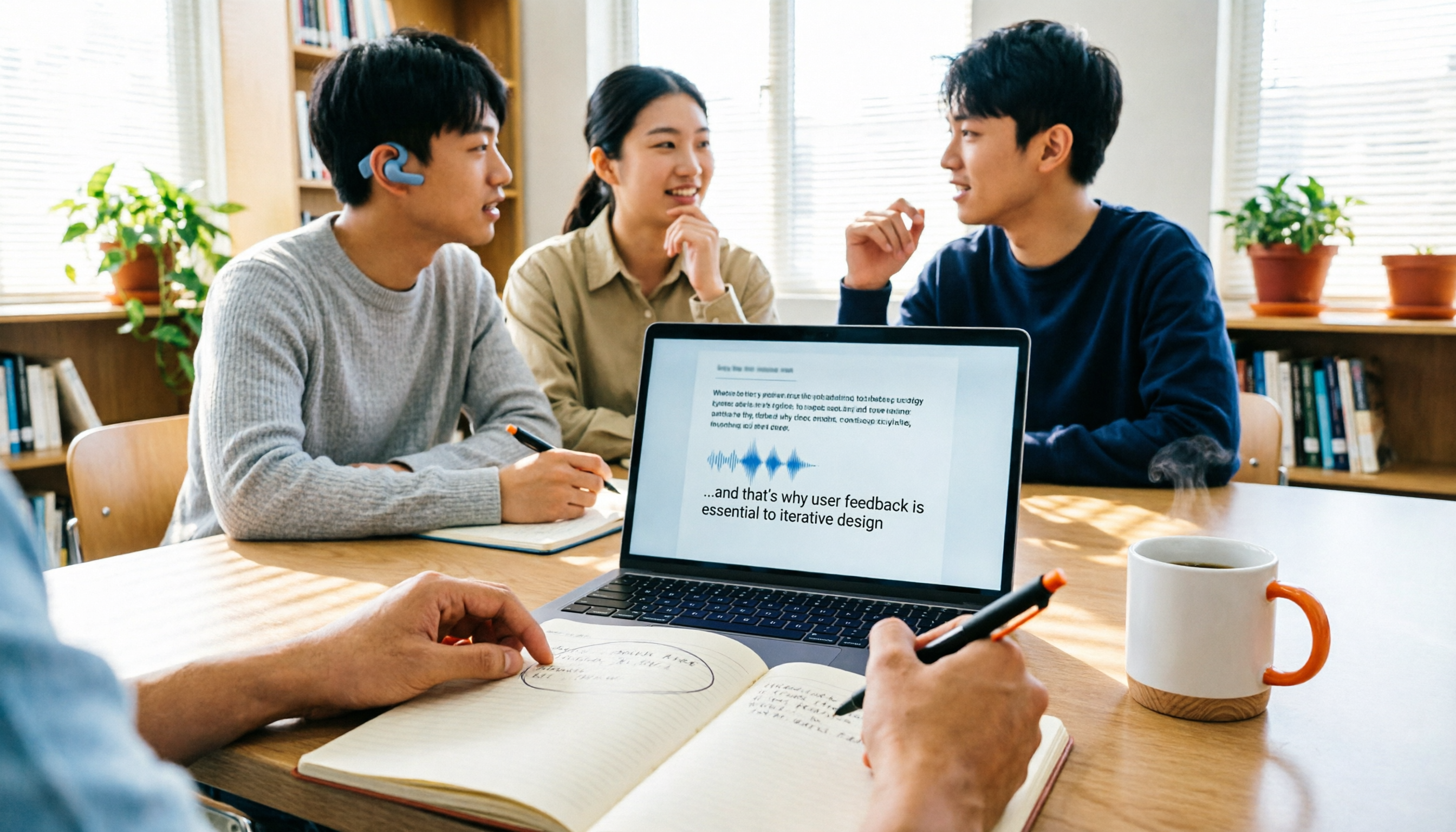
What's new in the latest Yating transcription tool? How does it compare to Tinrec, Notta, TurboScribe, and Granola? This guide uses real student scenarios—a class, a group discussion, and an interview recording—to compare the positioning, core features, free tiers, and pricing of 5 transcription tools, and provides a selection framework to help you choose the one you'll actually use within your budget.

2026 Comparison of 6 Transcription Tools: Yating Pricing, Free Quotas, and Alternatives
Based on hands-on testing and pricing structure of Yating Transcription, we compare free quotas, pricing models, and use cases of Tinrec, Notta, TurboScribe, Granola, and built-in platform transcription to help you calculate the truly cost-effective choice.