

Turn recordings into transcripts and summaries in minutes
Upload audio or video for multilingual transcription, AI notes, and action items
Tinrec vs. Otter.ai | Quick Overview
After every meeting, do you find yourself stressing over how to organize the recordings? There are plenty of AI meeting notes tools on the market, but only a few really fit your needs. In this post, we put Tinrec (秒听录音) head-to-head with longtime rival Otter.ai, focusing on the points people care about most, so you can skip the trial-and-error phase.
- One-line positioning: Tinrec is an AI workspace that “turns audio and video into actionable knowledge”; Otter.ai is an AI assistant focused on online meeting notes.
- Pricing: Both offer free plans. Tinrec also provides weekly, monthly, and annual passes, while Otter uses a subscription model with Pro starting at about $8.33 USD/month when billed annually.
- Key difference: Tinrec covers meetings, lectures, interviews, online videos, and other audio/video sources, and focuses on summaries, Q&A, and exporting afterward. Otter excels at real-time meeting transcription and team collaboration.
Below are the five dimensions we focused on for this comparison.
Dimension 1 | Chinese Speech Recognition and Multilingual Support
Although Otter supports Chinese, it is still fundamentally an English-first tool, and both the interface and AI summaries often default to English. If your team often meets in Chinese or uses a mix of Chinese and English, Otter’s summary may miss some context, and its recognition accuracy can also be more easily affected by accents or speaking speed.
Tinrec is clearly designed with Chinese-speaking users in mind. Not only does the interface offer full Traditional Chinese support, but its transcription and summaries also handle Chinese meetings, lectures, and interviews better. When we actually fed a mixed Chinese and English meeting recording into both tools, Tinrec produced transcripts and summaries that stayed closer to the original meaning and was less likely to force the content into an “English-thinking” framework.
→ Verdict: Tinrec is better for Chinese-first meeting scenarios, while Otter is better for English-only teams or multinational companies.
Dimension 2 | Beyond Meeting Notes: Handling Audio and Video Sources
Otter’s strength is automatically joining online meetings. Its integrations with Zoom, Google Meet, and Teams are well done, so you get a transcript and summary as soon as a meeting ends. However, if you have recordings from in-person meetings on your phone, podcast audio files, or public videos on YouTube, Otter’s support is more limited: file uploads have caps, and you can’t paste video links directly.
Tinrec, by contrast, positions itself as more than just a meeting tool—it’s more like an “audio/video knowledge hub.” It can record live audio, upload audio files, paste online video links, and even organize old recordings from your computer all at once. For anyone who needs to handle lecture recordings, interview files, and online meetings at the same time, Tinrec is clearly more flexible.
→ Verdict: Tinrec supports a wider range of input sources; Otter suits users who only need online meetings.
Dimension 3 | AI Summaries and Post-Processing Capabilities
Both tools automatically generate meeting summaries, but what matters is “what can you do after the summary?”
Otter’s AI provides meeting highlights and keywords, and it lets you ask questions about the transcript (Otter Chat). But overall, it feels more like a “meeting-specific notes app.” If you want to turn the summary into a to-do list or report draft, you have to organize it manually.
Tinrec, on the other hand, puts “post-processing” at the core of its product. In addition to summaries, it can automatically split content into chapters, pull out action items, and even let you ask the AI questions about your recording library as if querying a database—for example, asking, “What was the budget cap we discussed with the client last time?” Even better, you can export these results to Notion or Google Docs, or ask the AI to generate a formal meeting minutes document. This “transcribe → understand → reuse” workflow saves far more time than just receiving a transcript.
→ Verdict: Tinrec offers more complete organization and reuse options, while Otter’s AI interaction is relatively simple.
Dimension 4 | Pricing Plans and Free Allowance
First, let’s look at the free plans. Otter gives you 300 free transcription minutes per month, which is enough for people who only meet occasionally and don’t have long meetings. Tinrec’s free plan also includes basic credits, so you can try live recording, file transcription, and online video processing.
The paid plans are structured differently. Otter uses annual subscriptions: the Pro plan costs about $8.33 USD per month and includes 1,200 minutes and 10 file uploads. Tinrec offers weekly, monthly, and annual passes, so you can buy according to short-term needs—like a project period or exam week—without committing to a full year. In the long run, Tinrec’s annual pass has a similar monthly cost to Otter, but the extra flexibility of a weekly pass is very practical for users in Taiwan.
Stop organizing recordings by hand
Upload audio or video and automatically get a transcript, summary, and action items
→ Verdict: It’s a tie. Otter suits users who prefer a fixed subscription with steady meeting volume; Tinrec’s plans are more flexible for people with unpredictable usage.
Dimension 5 | Cross-Platform and Mobile Experience
Otter is available on iOS, Android, and the web. Its interface is clean, and the mobile experience is smooth. Tinrec also supports iOS, Android, and a desktop web version. Since it combines recording and post-transcription organization in a single app, you don’t need to switch between a separate recorder and transcription tool—the experience is more intuitive.
In my hands-on test on iPhone, both apps support background recording and real-time transcription. But Tinrec immediately shows the summary and chapter breakdown after recording, which is better for quickly reviewing key points.
→ Verdict: It’s a tie. Both work smoothly on mobile and desktop, but Tinrec offers a more integrated workflow.
What Unique Advantages Does Each Tool Have?
Tinrec’s Unique Strengths
- Online video-to-text: Paste a public video URL from YouTube, Bilibili, or another platform, and get a transcript and summary directly. Creators and researchers will love this.
- AI chat over your recording library: Instead of going through recordings one by one, you can ask questions in natural language and the AI will find answers from your past recordings.
- Agent-based post-processing: After transcription, you can export the results, or have the AI automatically generate meeting minutes, tables, or report drafts based on the content to speed up follow-up work.
- More diverse input sources: Live recording, file upload, video links, and online meetings are all supported—one tool handles all your audio/video needs.
Otter’s Unique Strengths
- Team collaboration and integrations: Otter’s team features are mature: you can share meeting notes, assign action items, and integrate with tools like Slack and Salesforce. It’s great for teams that collaborate frequently.
- English-first meeting ecosystem: If more than 90% of your meetings are in English, Otter’s recognition accuracy and meeting AI—such as capturing presentation slides—perform especially well in that context.
Summary: Which One Should You Choose?
- If you need fast, accurate transcription and organization for Chinese meetings and lecture recordings → Tinrec (better at handling mixed Chinese/English and Traditional Chinese context).
- If you don’t only attend meetings but also want to organize online videos, podcasts, or old recordings → Tinrec (Otter’s input sources are too limited).
- If you want to ask AI about key points right after recording and automatically generate to-dos and reports → Tinrec (complete post-processing workflow).
- If your team communicates entirely in English and needs deep collaboration features → Otter.ai (team integrations are still Otter’s strength).
- If you just want to try an AI meeting notes tool without paying right away → Both free plans are enough, but Tinrec’s flexible plan options are more suitable for users in Taiwan.
In short, for most people who deal with Chinese meetings and want to organize all kinds of audio and video files, Tinrec is the more complete choice. We genuinely recommend downloading the Tinrec free version and testing it on one of your own meeting recordings to experience the smooth flow from recording to action list.
FAQ
Q1: Which one has higher accuracy, Tinrec or Otter.ai?
A: In Chinese-language settings, Tinrec’s design and training data prioritize Chinese, so recognition accuracy and summary quality are usually better. However, in pure English, quiet business meetings, Otter also performs very well. Accuracy can be affected by recording quality, accents, and multiple people speaking at once, so it’s best to test with your own actual recordings.
Q2: Does Tinrec have a free plan? How many minutes of transcription do you get?
A: Yes. Tinrec offers basic free credits with usable minutes every month, so you can try live recording, file upload, and online video transcription. If you need more, the weekly or monthly pass is a good fit.
Q3: Is Otter.ai’s free 300 minutes enough?
A: That depends on your meeting frequency and length. If you have 1–2 meetings per week at 30 minutes each, 300 minutes might be just enough. But if you also need to transcribe lectures or interviews, you’ll run out quickly. We suggest tracking your total monthly audio time before choosing a plan.
Q4: Can Tinrec automatically join and record Zoom or Google Meet meetings?
A: Tinrec is not currently a “meeting bot” that joins meetings automatically. However, you can record a meeting on your computer and upload it, or use its browser-based recording feature. The upside is that you don’t need to grant a bot access to your meeting room, which gives you more control over privacy.
Q5: If my team uses English for all meetings, which tool should we choose?
A: If your team works entirely in English and needs shared meeting notes or task assignment, Otter’s collaboration and integrations will feel smoother. But if you’re an individual or small team that still has cross-Chinese needs, Tinrec is definitely worth trying.
Q6: Where can I export meeting notes after processing?
A: Tinrec supports exporting to Notion, Google Docs, OneNote, Dropbox, and other common note-taking and cloud tools. You can also generate PDF or Word files. Otter can export to TXT, PDF, or DOCX, or share a link directly. Both tools let you bring the content into your existing workflow.
References
- 2026’s Best AI Meeting Minutes Tools: A Must-Have for Time-Saving Meetings
- AI Meeting Notes Software Recommendations: 5 Apps Tested with Auto Transcription for Easier Meetings
- How to Use AI for Meeting Minutes and Organizing Transcripts | AI Speech-to-Text Tutorial | 104 Workplace
- Meeting Ink — 2026 AI Meeting Notes Tools Tested: 8 Speech-to-Text and Summarization Tools Compared | Meeting Ink — AI Meeting Minutes Assistant
- I Built an AI Meeting Notes Tool in Four Hours for Less Than NT$10 | WenHao Yu
Turn every recording into actionable outcomes
Get 60 free transcription minutes when you sign in. No credit card required.
Related Reading
You might also like

iPhone Call Recording in 2026: Do You Still Need Tinrec? 3 Reasons to Convince You
iPhone's built-in call recording in iOS 18.1 is handy, but organizing recordings still takes time. This article shows how Tinrec turns call recordings into searchable notes, summaries, and to-dos to boost learning and work efficiency.

2026 Hands-On Comparison of 4 Computer Recording Tools: More Than Just Recording, They Help You Organize Key Points
Struggling to organize your computer recordings after capturing them? This test of 4 computer recording tools — from free options to AI-powered organization — helps you find the most suitable solution.

2026 Complete Guide to AI Meeting Minutes: Auto-Generated Transcripts and Action Items to Double Meeting Efficiency
Still wasting time on meeting minutes? This article shows how to use AI recording tools to auto-generate transcripts, summaries, and action items, with hands-on comparisons of Tinrec, Notta, Otter.ai and more to help you pick the best solution.

2026 iPhone Screen Recording with Audio: 2 Methods Compared — Is the Built-in Feature Good Enough?
Can iPhone screen recording capture audio? This hands-on comparison tests the built-in screen recorder against two third-party apps, showing how to record system sounds and ambient sound, and explains the common causes of no-audio issues and how to fix them.

2026 Hands-On Comparison of 2 PC Screen Recording Audio Fixes: Tinrec vs. QuickTime Player – Which One Saves You Effortlessly?
Silent screen recordings are a common headache. This article compares Tinrec, an AI recording and media organizer, with Mac's built-in QuickTime Player across four dimensions—recording capabilities, post-processing, cross-platform support, and pricing—to help you find the best audio-video sync solution.

2026 Free Speech-to-Text Tools Compared: 4 Apps Reviewed
Is it legal to record conversations? There are legal restrictions, but the bigger challenge is managing your recordings. We tested 4 speech-to-text tools, compared their free plans, and shared practical insights to help you choose the right one without wasting time.
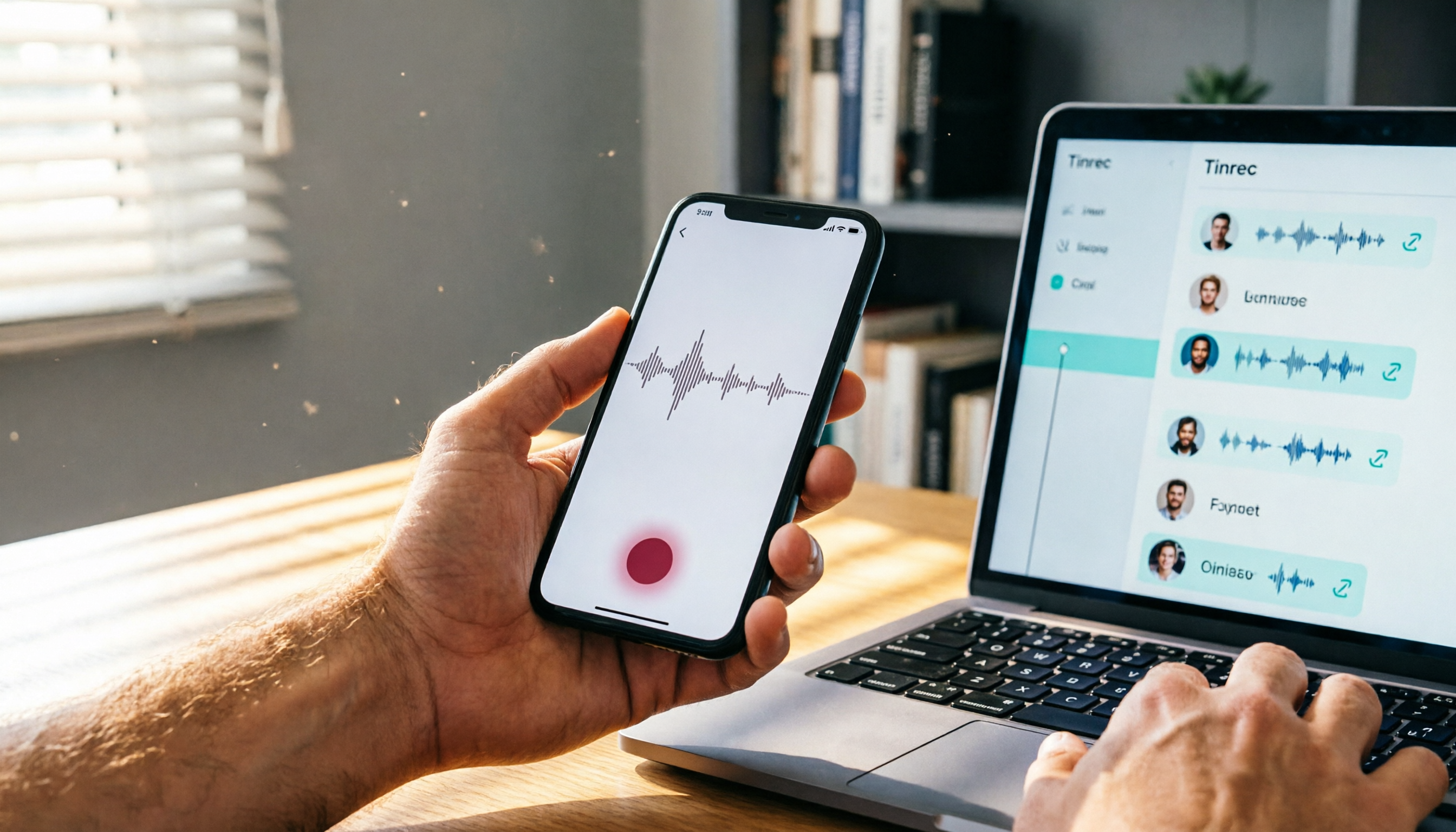
Where Are iPhone Voice Recordings in 2026? 5-Step Guide and a Better Alternative
Can't find your iPhone recordings? This article walks you through 5 steps to record, export, and share with Voice Memos, and offers an in-depth comparison with the AI tool Tinrec to show why Tinrec is a more complete audio/video organization solution for most users.

2026 Web Recording Tools Comparison: Which One Organizes Online Audio More Efficiently?
Want to record audio from web meetings, courses, or videos? This article compares Tinrec and Otter.ai in real-world tests, covering online video transcription, AI summaries, Chinese support, and pricing, to help users in Taiwan find the best web recording tool for organizing online audio.

2026 Free AI Meeting Notes Tools: 3 Options at a Glance
2026 AI Meeting Notes Free Plan Roundup: hands-on tests of Chinese support and core features of tools like Tinrec and Notta to help you choose the most suitable meeting note AI for users in Taiwan. Includes a full comparison of free allowances, speech-to-text, AI summaries, and Q&A.