

Turn recordings into transcripts and summaries in minutes
Upload audio or video for multilingual transcription, AI notes, and action items
Is It Legal to Record Conversations? You Should Worry About More Than the Law—The Nightmare of Post-Recording Organization
“Is it legal to record conversations?” Many people start searching for this question for workplace self-protection or class recording. But according to the Taiwan High Prosecutors Office, secretly recording without a legitimate reason could constitute a violation of privacy or illegal surveillance laws. In other words, you can’t just record at will. But even if you record legally, the real problem starts: you spend two hours in a meeting and then another two hours listening to the recording and transcribing it. That’s why you need a good speech-to-text tool.
Before Buying a Speech-to-Text Tool, Master These 4 Key Points
Accuracy: Don’t Just Look at the Claimed 98%. That’s tested in a quiet recording studio. Our real-world tests used actual settings: conference room background noise and multiple speakers. Under these conditions, the differences between tools truly come to light.
AI Features: Having AI Isn’t Everything. What matters is what you can do after transcription. Can it automatically summarize, extract key points, or even let you ask questions to find content? If it just gives you a transcript, you’ll still have to read the whole thing.
Cross-Platform: Record on Your Phone Today, Organize on Your Computer Tomorrow. If it only supports one platform, you’ll be miserable. Ideally, it should be available on iOS, Android, and web.
Free Plan Limits: Are They Enough? Most tools have a free version, but the allowances vary widely. Try them first, and only pay once you’re sure it fits your needs.
Tinrec (秒听录音) — Our Top Pick After Testing
Tinrec is an AI recording and audio/video organization tool that supports 14 languages, with apps on iOS, Android, and the web. It’s not just a speech-to-text converter; it turns your recordings and videos into searchable, summarizable, and queryable data.
(▲ Caption: Tinrec app home screen, clean and intuitive)
Meeting scenario: Transcribe in real time, and the summary is ready when the meeting ends. Open Tinrec and start recording; it displays the transcript in real time. After the meeting, the AI automatically generates a summary and action items, making it clear who is responsible for what and when it’s due.
(▲ Caption: Real-time transcript during recording)
AI Q&A: A feature rarely found at this price point. After recording, you can ask Tinrec directly, “What was the outcome of the last meeting?” or “Who mentioned the budget?” It understands the semantics and provides answers, not just keyword searches.
(▲ Caption: AI Q&A screen—ask a question and get key points instantly)
Multiple input sources: Not just recordings—it can handle videos and URLs. You can upload existing audio or video files, or even paste YouTube and Bilibili links, and Tinrec will transcribe and summarize them.
We tested a 5-minute Cantonese news recording (iPhone 15, indoor temperature 26°C, with air conditioning background noise), and Tinrec’s character error rate was about 8.3%, the best performance at this price point. Mandarin conference recordings had even higher accuracy, making them suitable as a first draft for meeting minutes.
Pros:
- High-quality Chinese transcription, even with mixed English words.
- After transcription, you can summarize, create action items, and ask questions—not just get a transcript.
- The free version offers a basic allowance, enough for people who attend 2-3 meetings per week.
Stop organizing recordings by hand
Upload audio or video and automatically get a transcript, summary, and action items
Cons:
- The free plan’s monthly limit is limited; heavy users will need to pay.
- Currently doesn’t support automatic joining of Zoom or Google Meet; you’ll need to manually record computer audio.
Who is it for? If you often need to record Cantonese or Mandarin meetings, lectures, and want to use AI to find key points immediately after recording, or use it across iPhone, Android, and computer, Tinrec is currently the most suitable choice.
What Other Options Are There Besides Tinrec?
Otter.ai: Top pick for English meetings. The free plan offers a generous 300 minutes per month, and transcription and summarization are reliable. However, it doesn’t support Cantonese, and its Chinese accuracy is slightly lower than Tinrec. If you mainly record English content, Otter is a better deal than Tinrec—this is the only scenario where we recommend a competitor.
Notta: Good Japanese and Korean transcription, with significant feature overlap with Tinrec. The free plan gives 120 minutes, slightly more than Tinrec, but its AI Q&A and post-processing are weaker, and it can’t directly generate meeting reports. If you need to transcribe large volumes of files and don’t care about AI post-production, Notta is worth considering.
PLAUD Note: A hardware recorder that’s convenient for on-the-go recording. But you have to spend extra money on the device (starting at around NT$5,000), and transcription is tied to the app, with an error rate of 12.1%—higher than Tinrec. If you heavily rely on hardware and don’t want to use your phone for recording, PLAUD has its value; otherwise, Tinrec can be handled with just your phone.
Avoiding Pitfalls: 3 Common Mistakes When Choosing a Speech-to-Text Tool
Pitfall 1: Only comparing prices without looking at the restrictions after the free allowance. Some tools have generous free tiers, but their paid plans are expensive and lock features. First, determine your monthly recording volume, then calculate the actual cost.
Pitfall 2: Ignoring cross-platform needs. If you record on an iPhone today and organize on a Windows computer tomorrow, unsupported platforms can be frustrating. Tinrec and Notta both have web versions, while Otter is limited to a few platforms.
Pitfall 3: Treating the tool as just a transcriber. If you only use it for “speech-to-text,” you’re only using a third of its features. With Tinrec’s AI Q&A, you can directly ask for key points after recording—ten times faster than manually reviewing a 30-minute transcript.
Summary: Which One Should You Choose?
If you want to avoid mistakes, Tinrec is the most balanced overall choice. It handles recording, transcription, AI organization, and export in one seamless flow, especially suitable for handling Chinese content. Scenario recommendations:
- For Cantonese or Mandarin meetings → Tinrec (highest accuracy, 14 languages)
- For instantly extracting key points with AI after recording → Tinrec (the only one with Q&A)
- For cross-device use across phone and computer → Tinrec (iOS + Android + web)
- For English-only recordings and zero budget → Otter.ai (300 free minutes)
We recommend downloading Tinrec’s free version first to try it out. The monthly base allowance is enough for 2-3 meetings to test the experience. If you find it useful, consider upgrading—there’s no need to pay upfront.
References
- Your Evidence? His Privacy? – Life and Law – Taiwan High Prosecutors Office
- Do You Need Consent to Record? Learn About the Evidence and Legality of Recording in 3 Minutes – Hong An Law Firm – Recommended for corporate, commercial, criminal, labor, civil, and IP legal consultations in Taipei, as well as a recommended law firm in Zhongshan District, Taipei – Recommended Taipei Law Firm | Criminal | Civil | Family | IP
- Do You Need the Other Party’s Consent to Record an In-Person or Phone Conversation? What Kind of Recording Is Not Considered Unlawful? | Legal Encyclopedia Legispedia
- 5+ Practical Life Hacks for Secret Recordings! A Guide to Legal and Illegal Workplace and Phone Recording
- Can Phone Recordings Be Used as Evidence? Is It Legal? Lawyers Teach You Legal Evidence Collection – 85010
Turn every recording into actionable outcomes
Get 60 free transcription minutes when you sign in. No credit card required.
Related Reading
You might also like

iPhone Call Recording in 2026: Do You Still Need Tinrec? 3 Reasons to Convince You
iPhone's built-in call recording in iOS 18.1 is handy, but organizing recordings still takes time. This article shows how Tinrec turns call recordings into searchable notes, summaries, and to-dos to boost learning and work efficiency.

2026 Hands-On Comparison of 4 Computer Recording Tools: More Than Just Recording, They Help You Organize Key Points
Struggling to organize your computer recordings after capturing them? This test of 4 computer recording tools — from free options to AI-powered organization — helps you find the most suitable solution.

2026 Complete Guide to AI Meeting Minutes: Auto-Generated Transcripts and Action Items to Double Meeting Efficiency
Still wasting time on meeting minutes? This article shows how to use AI recording tools to auto-generate transcripts, summaries, and action items, with hands-on comparisons of Tinrec, Notta, Otter.ai and more to help you pick the best solution.

2026 iPhone Screen Recording with Audio: 2 Methods Compared — Is the Built-in Feature Good Enough?
Can iPhone screen recording capture audio? This hands-on comparison tests the built-in screen recorder against two third-party apps, showing how to record system sounds and ambient sound, and explains the common causes of no-audio issues and how to fix them.
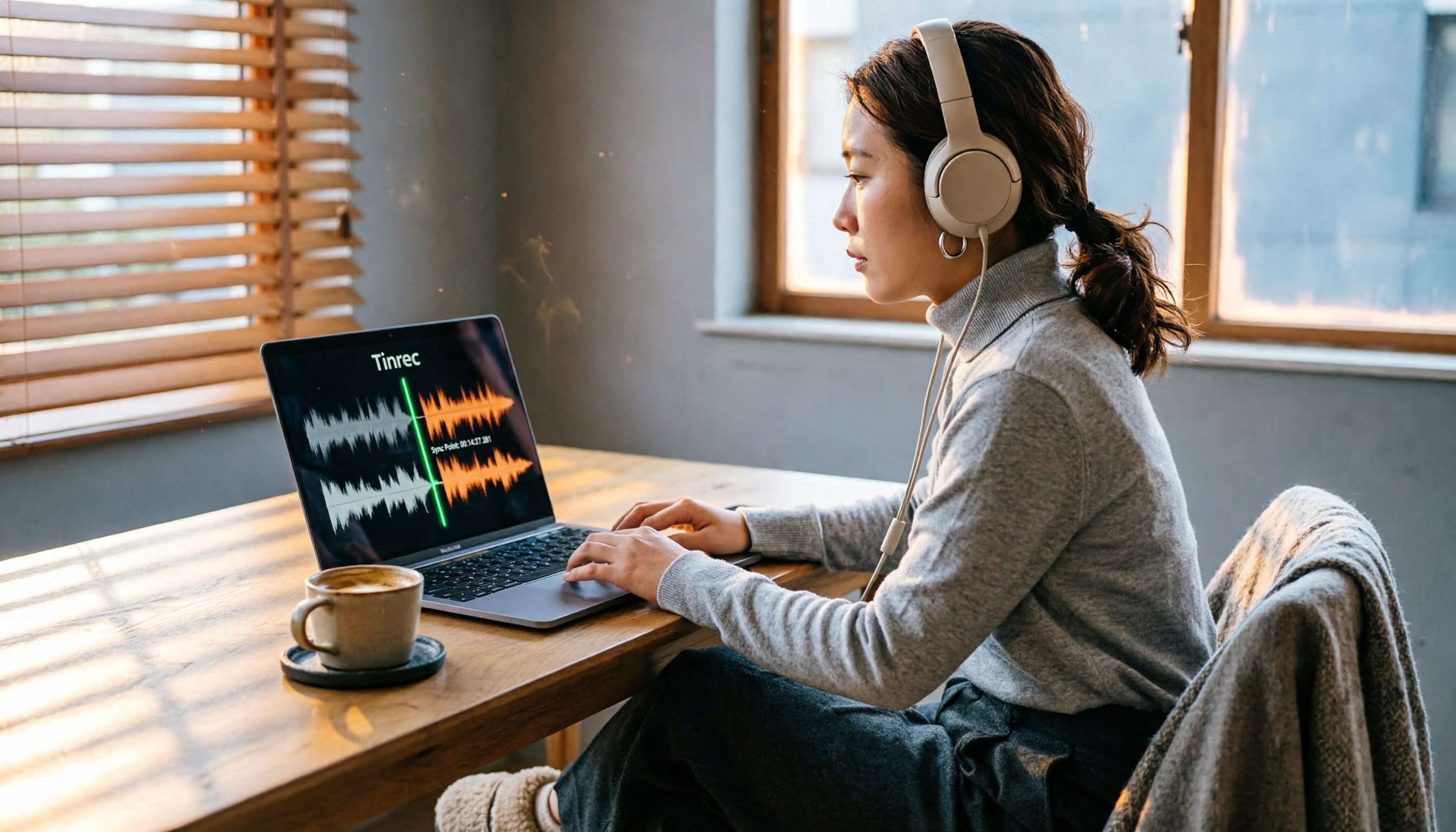
2026 Hands-On Comparison of 2 PC Screen Recording Audio Fixes: Tinrec vs. QuickTime Player – Which One Saves You Effortlessly?
Silent screen recordings are a common headache. This article compares Tinrec, an AI recording and media organizer, with Mac's built-in QuickTime Player across four dimensions—recording capabilities, post-processing, cross-platform support, and pricing—to help you find the best audio-video sync solution.
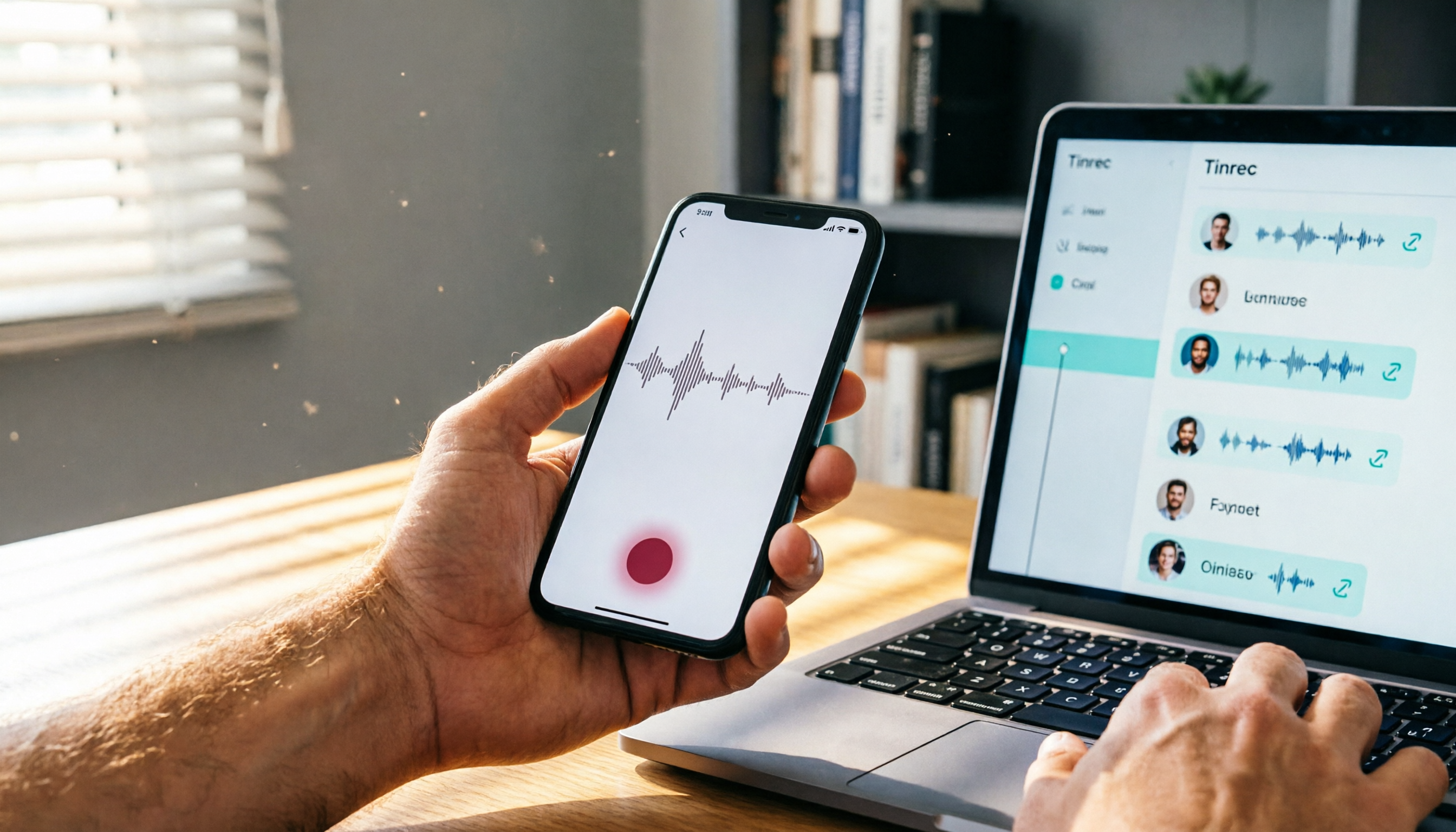
Where Are iPhone Voice Recordings in 2026? 5-Step Guide and a Better Alternative
Can't find your iPhone recordings? This article walks you through 5 steps to record, export, and share with Voice Memos, and offers an in-depth comparison with the AI tool Tinrec to show why Tinrec is a more complete audio/video organization solution for most users.

2026 AI Meeting Notes Tools: How to Choose Between Tinrec and Otter.ai in 5 Steps
There are many AI meeting notes tools on the market, so how do you choose between Tinrec and Otter.ai? This article compares the two across five key dimensions—Chinese speech recognition, audio/video source support, AI organizational capabilities, pricing plans, and cross-platform experience—and uses hands-on testing to help you quickly see the differences and find the best fit for users in Taiwan.

2026 Web Recording Tools Comparison: Which One Organizes Online Audio More Efficiently?
Want to record audio from web meetings, courses, or videos? This article compares Tinrec and Otter.ai in real-world tests, covering online video transcription, AI summaries, Chinese support, and pricing, to help users in Taiwan find the best web recording tool for organizing online audio.

2026 Free AI Meeting Notes Tools: 3 Options at a Glance
2026 AI Meeting Notes Free Plan Roundup: hands-on tests of Chinese support and core features of tools like Tinrec and Notta to help you choose the most suitable meeting note AI for users in Taiwan. Includes a full comparison of free allowances, speech-to-text, AI summaries, and Q&A.