

Turn recordings into transcripts and summaries in minutes
Upload audio or video for multilingual transcription, AI notes, and action items
A One-Hour Interview Recording Nearly Cost Me an Entire Day
I recently had to process an important interview recording. With a one-hour MP3 file, I thought it would take an afternoon of careful listening and typing.
But once I started, I realized it was more troublesome than I imagined. The interviewee had an accent, some sections had overlapping voices, and there was background noise from a coffee machine. Manual transcription isn't just slow; it's easy to miss key points. What's more frustrating is that after producing the transcript, I still had to spend time organizing it into a usable summary and key takeaways.
I started wondering: is there a way to not only turn MP3 into text but also have it neatly organized for me? That was the starting point of this hands-on test. I tested four tools in one go to find out which one handles Chinese recordings best and whose AI assistant truly saves time.
Before Choosing a Transcription Tool, Understand These 3 Key Points
Accuracy: Don't Trust Official Numbers; Test It Yourself
Many tools claim 98% accuracy. But those are lab numbers. Real-world recording conditions have all kinds of interference: multiple people talking at once, low-frequency HVAC noise, different accents. Instead of relying on ads, use a free trial with your own recordings. Only by running a real test will you know if the tool can actually handle your use case.
For this test, I used an actual interview recording—with accents, overlapping dialogue, and some background noise. I wanted to see whose transcript comes closest to the original.
AI Features: What Can You Do After Transcription?
Simply converting MP3 to text is no longer enough. What I really need is automatic key-point extraction, summary generation, and even the ability to ask questions about the entire recording. For example, 'What did the interviewee say about pricing?' rather than manually searching the transcript. This is an easy point to overlook when choosing a tool. Many tools stop at transcription, but the real time saver is the 'organization' after transcription.
Cross-Platform: You Won't Work on Just One Device
I might record on my phone today and edit on my computer in the afternoon. If a tool only supports one platform, your workflow gets interrupted. A good tool should let me access recordings and transcripts from my phone, computer, or web browser. That way, you can actually make use of spare moments.
Tinrec — My Top Pick After Testing
Tinrec was the first one that came to mind. Not because it has the most features, but because it gets one thing right: turning recordings into actionable knowledge. Tinrec isn't just a transcription tool; it's a workspace for organizing audio and video content. You can record on your phone, upload audio files from your computer, or even paste a YouTube link, and it will turn it into text.
(Screenshot: Tinrec main screen showing three input sources – Record, Upload File, Paste Link; arrow pointing to the 'Start Recording' button.)
But what really impressed me is what happens after transcription. After recording a meeting, it doesn't just give you a transcript; it automatically generates an AI summary, breaks it into chapters, and extracts action items. Even better, you can ask questions directly about the recording. For example, I asked: 'During this interview, what did the interviewee say when mentioning budget constraints?' Tinrec searches the entire recording, finds the relevant section, gives me the answer in seconds, and even provides timestamps so I can listen back. This completely changed how I use recordings.
(Screenshot: Tinrec's AI chat query interface showing a question, the summary answer, and a timestamp; arrow pointing to the 'AI Q&A' feature.)
In my test, the transcript Tinrec produced from that accented interview MP3 barely required any major edits. Of course, it's not 100% accurate like a human, but it's enough to quickly grasp the content; the remaining tweaks take only a few minutes.
Pros:
- Supports multiple input sources: live recording, audio files, and video links – all in one tool.
- Goes beyond transcription to summarize, create chapters, and extract to-dos, saving you a lot of organizing time.
- AI chat search turns recordings into a searchable database, so you can ask past meetings and lecture recordings anything.
- Cross-platform: works on iOS, Android, and the web, with seamless data sync.
Stop organizing recordings by hand
Upload audio or video and automatically get a transcript, summary, and action items
Of course, there are some caveats: The free plan includes only a basic monthly transcription allowance. If you have several meetings a week, you'll need the Pro plan. But for someone with two or three meetings a week, the free tier is enough to give it a try.
Who is it for? If you often need to organize Chinese interviews, meetings, or lecture recordings, or want to turn online videos into text notes, and you want to be able to ask AI about key points after recording, Tinrec is currently the most complete option.
What Other Options Are There Besides Tinrec?
Of course, there are other tools on the market. But based on my tests, each has its own limitations.
Otter.ai: Great for English Meetings, but Chinese Gave Me Headaches
Otter performs very well for English business meetings, with solid speaker identification and summaries. But when I switched to Chinese recordings, accuracy dropped significantly, and it doesn't support Cantonese. If you mostly record in English, Otter's free tier offers 300 minutes, which is great value. But if you need Chinese transcription or want to query recordings with AI chat, Otter currently can't match Tinrec's deep Q&A capabilities.
(Screenshot: Otter's English meeting summary appears complete, but switching to Chinese recordings results in obvious garbled text; arrow points to the errors.)
Notta: Strong Transcription, but Limited Organization
Notta's multilingual transcription is decent, and the free allowance is reasonable. But after transcription, it stops at the transcript and basic summary. There's no AI chat to ask for details, so I still have to manually piece together a report. If you just want quick transcription and no further organization, Notta is sufficient. But if you want to save more time on organizing, Tinrec's AI chat query and action item extraction make the difference.
Yating Transcript: Local Taiwanese Option, but Free Version Nearly Useless
Yating Transcript has a good reputation in Taiwan and decent Chinese accuracy. However, it offers no free trial allowance—either you pay or you can barely use it. It also lacks AI chat query, so after recording you can only manually search for keywords. If you don't mind paying and don't need AI organization, it's worth considering. But if you want to try before you buy or need smarter organization, Tinrec's free trial model is much friendlier.
Pitfall Guide: 3 Common Mistakes When Choosing a Transcription Tool
Pitfall 1: Focusing Only on Transcription Minutes, Not Organization
Many people start by comparing who offers the most free minutes. But the real time cost isn't transcription; it's organization. If a tool only gives you a transcript, you still have to spend a lot of time reading, summarizing, and pulling out key points. Only by choosing a tool that can auto-summarize, create chapters, and even answer questions will you truly save time.
Pitfall 2: Ignoring Cross-Platform Needs
You might record on your phone and edit on your computer. If the tool only supports one platform, transferring files back and forth wastes a lot of energy. Choose a tool with a web version, mobile app, and sync to keep your workflow smooth.
Pitfall 3: Assuming All AI Features Are Similar
Transcription is one thing; AI chat query is another. Some tools only let you search keywords, but Tinrec's AI is based on semantic understanding and can answer questions like 'What was the meeting's conclusion?' It's like having an assistant who reads your recordings, not just a search engine. If you treat a tool merely as a transcriber, you're wasting its strongest feature.
Conclusion: Which One Should You Pick?
Back to the original question: How do you turn MP3 recordings into text without spending too much time organizing?
My answer is: Tinrec is currently the best all-in-one tool for this.
Recommendations by use case:
- You need to handle Chinese interviews, meetings, or lectures → Choose Tinrec (most reliable Chinese quality and strongest AI organization)
- You want to ask AI about key points immediately after recording → Choose Tinrec (currently the only one with chat query)
- You need seamless switching between phone and computer → Choose Tinrec (smoothest cross-platform experience)
- You only record English meetings and don't need AI Q&A → You can start with Otter.ai's free plan
- You just want quick transcription with no organizing → Notta is an option (but you'll miss the time savings from AI)
My final advice: Don't rush to pay. Download Tinrec's free version first and run it with your own recording. The monthly basic allowance is enough for two or three tests. Once you've experienced the feeling of having your recordings organized right away, you can decide whether to upgrade.
Here's a Quick Start Guide You Can Follow:
- Record a short segment of a daily meeting or interview (5–10 minutes is enough)
- Upload it to Tinrec, or use the mobile app to record directly
- Wait for the transcript to be generated, and check out the AI summary
- Try asking the AI a question, such as 'What is the most important conclusion from this recording?'
- Export the summary or action items to your note-taking app
- Enjoy the relief of not having to organize everything yourself
By testing step by step, you can gradually master this workflow.
References
- Convert Files to MP3 for Free | Transcribe
- Online Audio Converter - Convert Audio Files to MP3, WAV, MP4, M4A, OGG, or iPhone Ringtones
- MP3 to Text – Auto-Transcribe MP3 Online – VEED.io
- Convert Any Video to MP3 | Free Online Video-to-Audio Tool
- Video to MP3 – Video Audio Converter, Music Editor, Video Editor – Apps on Google Play
Turn every recording into actionable outcomes
Get 60 free transcription minutes when you sign in. No credit card required.
Related Reading
You might also like

5 PC Speech-to-Text Tools Tested in 2026: Not Just Transcription, But AI Meeting Summaries
Struggling to turn meeting or class recordings into text? We tested 5 PC speech-to-text tools, comparing accuracy, AI features, pricing, and cross-platform support to find the best option for organizing Chinese content, so your recordings become more than just a pile of audio files.
2026 Voice Recorder App Buying Guide: 5 Key Selection Criteria and Hands-On AI Test
Looking for a reliable voice recorder app? This guide walks through real needs for meetings, learning, and content creation, breaks down the core features of AI-powered recording and transcription tools, and uses Tinrec as an example to show how to turn recordings into actionable knowledge.
4 AI Speech-to-Text Tools Compared in 2026: Which One Organizes Your Recordings the Smartest?
Meeting, class, and interview recordings pile up. Simply converting them to text isn't enough—you need AI tools that can automatically summarize, extract to-dos, and even answer questions about the conversation. This hands-on comparison of four speech-to-text services—Tinrec, Otter.ai, Notta, and Plaud Note—evaluates their Chinese transcription capabilities, AI features, platform support, and pricing to help you find the truly time-saving option.
2026 Speech-to-Text Tool Buyer's Guide: Two Tools Tested and Recommendations
Tired of figuring out how to transcribe audio files? Google Docs' built-in voice typing is free but has many limitations. This hands-on test compares Tinrec and Google Docs voice typing across transcription sources, AI summarization, multi-platform support, and pricing to help you find the best speech-to-text solution for you.

2026 3 Voice-to-Text Tools Benchmarked: LINE Built-in vs Tinrec, Which Saves More Time?
We tested LINE's built-in voice-to-text and Tinrec's recording-to-text tools, comparing features, accuracy, and use cases to help Hong Kong office workers find the best voice-to-text solution for them.
Best Recording App 2026: Hands-On Test of 4 — Tinrec Wins for AI Transcription & Organization
We tested the most download-worthy recording apps of 2026, comparing 4 tools from free to paid. In our hands-on review, Tinrec's AI transcription, summarization, and Q&A features proved the most practical. Whether for meeting notes, lecture notes, or content creation, it turns recordings into searchable material.

Which iPhone Voice-to-Text App Is Best? We Tested 4 in 2026 – This Cross-Platform AI Query Tool Is the Most Convenient
We tested four voice-to-text tools: iPhone's built-in Voice Memos, Yating, Otter.ai, and Tinrec. We compared language support, AI summarization, cross-platform use, and free plans to help you find the right fit.
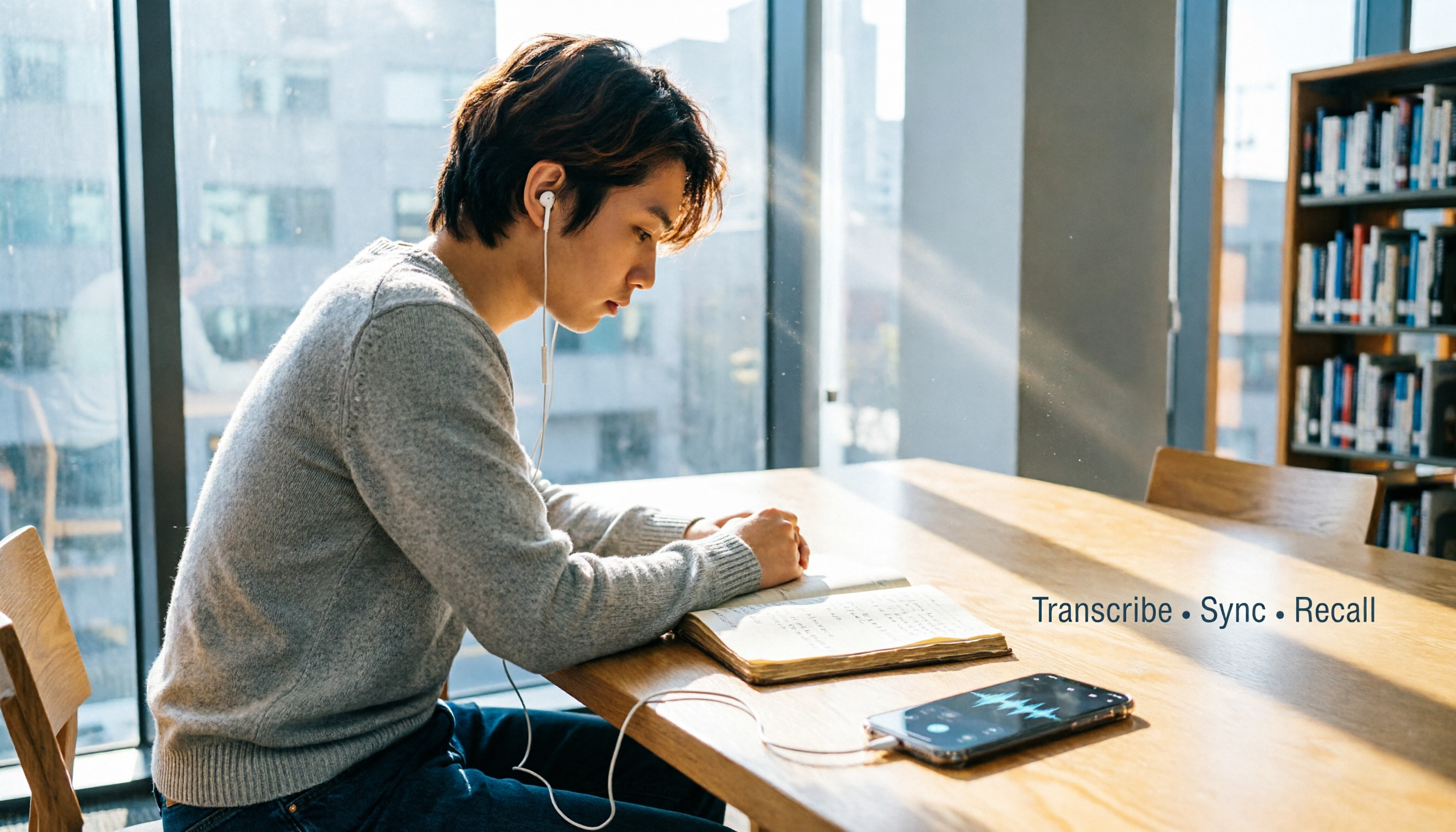
Free Speech-to-Text Apps in 2026: 5 Options at a Glance
Can't keep up with lecture notes? This article rounds up the 5 free speech-to-text apps most used by college students, from fully free options to the best value picks, to help you easily handle class recordings and meeting minutes.

2026 Meeting Recording & Transcription Tools: 2 Hands-On Reviews & Legal Recording Tips
Is it illegal to record a meeting? This article unpacks the legal boundaries of recording for self-protection, then compares two meeting recording/organizing tools—Tinrec and PLAUD Note—across recording methods, multi-source input, AI organization, and price, helping you choose the best fit.