
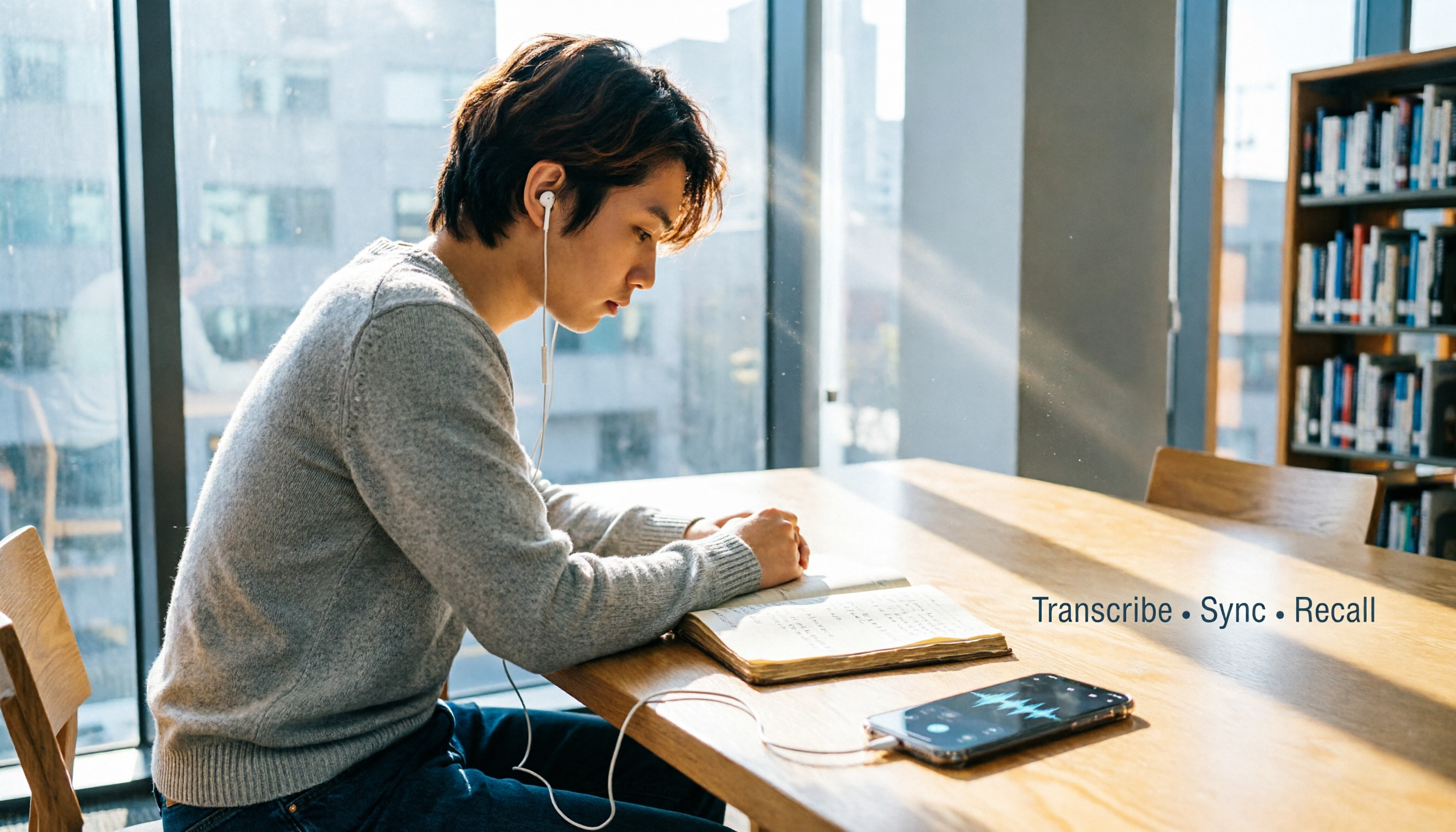
Turn recordings into transcripts and summaries in minutes
Upload audio or video for multilingual transcription, AI notes, and action items
Why do you need a speech-to-text tool?
Last semester, I took a class where the professor talked like a Gatling gun and slides flashed by one after another. My handwritten notes couldn’t keep up. When I opened my notebook before the final, I couldn’t even understand the formulas I’d written. So I started using a speech-to-text app to convert lecture recordings into transcripts. When exams came, I used AI summaries to review, and it honestly saved my life.
If you’re a student like me who often needs to organize lecture recordings, group discussions, or want to pull key points from online course videos, this article covers 5 free solutions I’ve tested that truly work for students, from completely free options to ones that are worth a little budget.
Tinrec (秒聽錄音) – The most complete AI recording assistant
Tinrec doesn’t just convert recordings to text; it turns class sessions, meetings, and even YouTube videos into a searchable database where you can ask questions. I used it to organize links to online course videos. It not only generated a transcript but also automatically pulled out chapters, highlights, and action items. Final exam review turned into an open-book test.
What impressed me most is the “AI conversation query” feature – you can ask it, “What final exam points did this class mention?” or “What was Group 3’s conclusion?” It answers based on the recording content, like a personal teaching assistant. For students juggling multiple courses, this is a time-management lifesaver.
The price is student-friendly too: the free version gives you a monthly transcription quota, which was enough for me to record my most important classes. If you have a week with extra meetings or interviews, you can also buy a weekly pass. In the long run, a Pro monthly plan is cheaper than buying a bubble tea every week, and it’s ideal for users like me who want to record every class.
Who it’s for: college and grad students who need to organize multiple sources (recordings, files, video links) and want AI-powered summaries and Q&A. If you don’t just want a transcript but want to turn recordings into reviewable notes, start with the free version.
雅婷逐字稿 – Best for Taiwanese accents and 100% free
雅婷逐字稿 is a speech-to-text app developed specifically for Taiwanese users. It handles Taiwanese Mandarin, Taiwanese Hokkien, and even mixed Chinese-English speech very well. A classmate of mine switched to Hokkien mid-presentation to explain something, and it still transcribed it accurately – that really blew my mind.
It’s completely free with no hidden fees, and it supports importing audio files from other apps. The downside is that it’s simpler in functionality – it gives you a transcript without much AI organization. You’ll need to manually segment and tidy up the text. But for students with zero budget, it’s more than enough.
Who it’s for: students with no budget who only need basic transcription, or who often use Hokkien or Taiwanese Mandarin.
MyEdit – 3 free minutes every day, lightweight online transcription
MyEdit is an online tool from CyberLink. You don’t need to install anything. It supports common formats like WAV and MP3, and after transcription, you can edit the text and add timestamps directly in the web browser. Logging in every day gives you 3 free minutes, which is enough for a class highlight or a discussion summary.
It’s perfect for those “I suddenly need to transcribe a short clip” situations – for example, when a classmate sends a 2-minute voice note in a group chat. You don’t need to download an app; just open the webpage and the audio becomes text. But if you need to transcribe a full 2-hour class, the free tier won’t cut it. Paid plans start at NT$120 per month.
Stop organizing recordings by hand
Upload audio or video and automatically get a transcript, summary, and action items
Who it’s for: minimalist students who occasionally need to transcribe short audio and don’t like installing apps.
Easemate AI – Unlimited time, real-time transcription and AI chat
Easemate AI’s “AI Meeting Recorder” tool can transcribe sound for free in real time with no time limit. I used it to record an online group discussion. It automatically stamps timestamps, identifies who is speaking, and can generate summaries or action items with one click.
The transcribed text is only moderately accurate, especially when multiple people talk at once. But afterward, I can manually edit the transcript or use the AI Q&A feature to quickly find key points. It’s free, so it’s a great supporting tool.
Who it’s for: students who need unlimited free transcription and don’t mind proofreading later.
NotebookLM – Google’s free AI notebook that turns audio into mind maps
NotebookLM is a free AI note-taking assistant from Google. After you upload an audio file, it not only produces a transcript but also automatically generates summaries, mind maps, and even presentations. I used it to process a 3-hour lecture recording. It gave me a mind map that made the structure clear at a glance – my review efficiency went through the roof.
The downside is that it can’t transcribe in real time; you have to record first and then upload. And it’s currently web-only, so mobile use isn’t very smooth. But given that it’s free, I’ve already recommended it to three classmates.
Who it’s for: students who like visual notes and want to turn recordings into mind maps or presentations for free.
With so many options, how should you choose?
- Want the most complete AI features (transcription + AI Q&A + auto summaries)? → Tinrec – the only one with all these features that also lets you ask questions about your recordings as if they were a knowledge base.
- Need Hokkien or Taiwanese Mandarin recognition? → 雅婷逐字稿 – specialized for Taiwanese accents.
- Just want to transcribe a short clip and don’t like apps? → MyEdit – open the webpage and go.
- Zero budget and unlimited transcription time? → Easemate AI – free live transcription plus AI chat.
- Want to turn recordings into mind maps or presentations? → NotebookLM – from Google and completely free.
Most students start with a completely free app, but after trying several, you’ll realize that converting audio to text is only the first step. If you can ask the recording questions and automatically capture key points like Tinrec does, the time you save is worth more than the money you save.
3 things to know before using a speech-to-text app
- Recording quality determines transcription accuracy: If the background is too noisy or you’re too far from the speaker, even incredible AI will make mistakes. I always place my phone on the lecture desk or use a lavalier microphone, so the transcript comes out almost error-free.
- Calculate your free quota: Some apps’ free versions only give you a few minutes. If you record every 2-hour class, you’ll run out fast. Try the free version to see your usage before deciding whether to pay.
- Always double-check important content against the original: AI summaries occasionally misinterpret context. When I review for finals, I use Tinrec’s timestamps to jump back to the original recording and make sure I haven’t missed anything.
Conclusion
Speech-to-text apps have gone from “neat gadget” to “basic survival tool” for students. These 5 free solutions range from pure transcription to AI-powered notes. You can start with the free ones, but if you want a tool that truly helps you organize, answer questions, and turn recordings into a knowledge base, Tinrec is the one I’ve kept using all semester.
I’d recommend starting with Tinrec’s free version. Throw in a lecture recording, ask it a few questions, and you’ll understand why I call it a time-management lifesaver.
References
- Yating Transcript (雅婷逐字稿) App - App Store
- SoundType AI – Ultra-Precise Transcript, Speech-to-Text, AI Dictation – Google Play
- 2026: 6 Recommended Speech-to-Text Tools – Free Online Audio-to-Text!
- Unlimited Time! 3 Free AI Transcript Tools We Recommend! AI Voice Notes Generate Meeting Notes, Slides, and Mind Maps | 104 Career Force
- Voice-to-Text: AI Transcript · Speech-to-Text · Voice Memo Instant Translator App – App Store
Turn every recording into actionable outcomes
Get 60 free transcription minutes when you sign in. No credit card required.
Related Reading
You might also like

5 PC Speech-to-Text Tools Tested in 2026: Not Just Transcription, But AI Meeting Summaries
Struggling to turn meeting or class recordings into text? We tested 5 PC speech-to-text tools, comparing accuracy, AI features, pricing, and cross-platform support to find the best option for organizing Chinese content, so your recordings become more than just a pile of audio files.
2026 Voice Recorder App Buying Guide: 5 Key Selection Criteria and Hands-On AI Test
Looking for a reliable voice recorder app? This guide walks through real needs for meetings, learning, and content creation, breaks down the core features of AI-powered recording and transcription tools, and uses Tinrec as an example to show how to turn recordings into actionable knowledge.

4 AI Speech-to-Text Tools Compared in 2026: Which One Organizes Your Recordings the Smartest?
Meeting, class, and interview recordings pile up. Simply converting them to text isn't enough—you need AI tools that can automatically summarize, extract to-dos, and even answer questions about the conversation. This hands-on comparison of four speech-to-text services—Tinrec, Otter.ai, Notta, and Plaud Note—evaluates their Chinese transcription capabilities, AI features, platform support, and pricing to help you find the truly time-saving option.
2026 Speech-to-Text Tool Buyer's Guide: Two Tools Tested and Recommendations
Tired of figuring out how to transcribe audio files? Google Docs' built-in voice typing is free but has many limitations. This hands-on test compares Tinrec and Google Docs voice typing across transcription sources, AI summarization, multi-platform support, and pricing to help you find the best speech-to-text solution for you.

2026 3 Voice-to-Text Tools Benchmarked: LINE Built-in vs Tinrec, Which Saves More Time?
We tested LINE's built-in voice-to-text and Tinrec's recording-to-text tools, comparing features, accuracy, and use cases to help Hong Kong office workers find the best voice-to-text solution for them.
Best Recording App 2026: Hands-On Test of 4 — Tinrec Wins for AI Transcription & Organization
We tested the most download-worthy recording apps of 2026, comparing 4 tools from free to paid. In our hands-on review, Tinrec's AI transcription, summarization, and Q&A features proved the most practical. Whether for meeting notes, lecture notes, or content creation, it turns recordings into searchable material.

Which iPhone Voice-to-Text App Is Best? We Tested 4 in 2026 – This Cross-Platform AI Query Tool Is the Most Convenient
We tested four voice-to-text tools: iPhone's built-in Voice Memos, Yating, Otter.ai, and Tinrec. We compared language support, AI summarization, cross-platform use, and free plans to help you find the right fit.

2026 MP3-to-Text Tools Tested and Compared: Which AI Saves You the Most Time?
Converting MP3 recordings to text is only the first step. The real key is getting AI to summarize, highlight key points, and even answer questions. I tested four tools to find out which one works best for organizing Chinese content.

2026 Meeting Recording & Transcription Tools: 2 Hands-On Reviews & Legal Recording Tips
Is it illegal to record a meeting? This article unpacks the legal boundaries of recording for self-protection, then compares two meeting recording/organizing tools—Tinrec and PLAUD Note—across recording methods, multi-source input, AI organization, and price, helping you choose the best fit.