

Turn recordings into transcripts and summaries in minutes
Upload audio or video for multilingual transcription, AI notes, and action items
What Can Voice-to-Text Do for You?
Tired of back-to-back meetings all day, then having to sit through two hours of recordings to write up meeting minutes? If you know how to use a voice-to-text tool, you don't have to suffer.
Scenario 1: Get meeting minutes in 5 minutes after a meeting
Before, after a meeting you might have to listen to the recording from start to finish, typing as you go, and worry about missing key points. Tinrec, for example, supports real-time recording-to-text, so text appears concurrently as you meet; after the meeting, it automatically generates an AI summary and action items—who's responsible for what and when deadlines are, all in one glance.
Scenario 2: Automatically turn lectures/seminars into notes
Two hours of a professor talking, and your hand cramps from note-taking? Tinrec can convert your lecture recording into text, then use AI to break it into chapter highlights—just like having a personal teaching assistant.
Scenario 3: Journalists conducting interviews, get a transcript instantly
For interviews, the worst part is having to listen back to the audio to write the transcript. Tinrec processes audio files, turning out a verbatim transcript, and you can also use the AI Q&A feature—"What does this interviewee think about AI regulation?" One click and you get an answer, no need to scroll through the whole recording.
LINE's built-in voice-to-text feature just lets you speak and instantly send text messages; but if you want to organize a long recording, transcribe old audio files, or automatically generate meeting summaries, you need an all-round tool like Tinrec.
What Are the Core Capabilities of Voice-to-Text?
Different tools' "voice-to-text" can be poles apart. Here's how Tinrec takes it a step further:
- Real-time verbatim transcript: It doesn't wait until recording is done; it outputs text as you record, with less than 1 second latency. During a meeting, you can watch the screen to confirm what's being said in real time.
- AI semantic summary: It doesn't just shorten a transcript; it organizes it structurally—meeting topic, discussion conclusions, action items, and owners, all listed item by item.
- AI dialogue query: After transcription, you can directly ask Tinrec: "Who mentioned budget?" "What was the client's feedback?" It gives answers based on semantics.
- Multiple input sources: Not just live recording—you can upload audio files, video files, or even paste YouTube or Bilibili links, and it will compile the text highlights of public videos.
- Multiple output formats: Verbatim transcript, AI summary, to-do list, subtitle file, mind map... and you can export to Notion, Google Docs, and other tools for further use.
What LINE's built-in feature achieves is just a small part of the above—it saves you typing time, but organizing and understanding the content is still up to you.
Real-World Use Cases
Office: Automated meeting minutes
You have at least two or three meetings a day. Use your phone to start a Tinrec recording, and by the time the meeting ends, the AI has already prepared a draft of the minutes, even identifying who said what and what the action items are. Office workers in Central no longer need to work overtime to write up meeting records.
Stop organizing recordings by hand
Upload audio or video and automatically get a transcript, summary, and action items
Students: Turn lecture recordings into study materials
University lectures can go on for two hours. Drop the file into Tinrec, and it will break it into chapters like "Chapter 1: Market Positioning" and "Chapter 2: Competitive Analysis," and can also highlight key points. Your study efficiency will improve dramatically.
Content creators: Use online videos as source material
Want to cite a point from a YouTube video? Paste the link into Tinrec, and it will generate a text version and summary for you, making it easy to quote or write with, no manual dictation needed.
Researchers: Organize interview recordings
In-depth interviews often require listening back and forth. Tinrec turns hours of interviews into searchable transcripts, and you can use the AI Q&A feature to quickly locate relevant passages—finding key points faster than Ctrl+F.
Key Considerations When Choosing a Voice-to-Text Tool
- Accuracy can't be based only on official numbers
Advertisement claims of 99% are useless—you need to test with your own recordings. In real tests, Tinrec's Cantonese transcription error rate was under 10%, and it could handle multiple people talking at once. - How useful are the AI features?
Transcription is just the first step; what really matters is whether it can help you organize afterward. Tinrec's AI summary and dialogue query are the features that genuinely save you time. - Language support
If you need Cantonese transcription, note that some tools only support Mandarin. Tinrec supports 14 languages, including Cantonese, English, and mixed Chinese-English. - Cross-platform use
You use an iPhone at work and an Android tablet after hours—you don't want to be locked into one platform. Tinrec has iOS, Android, and web versions, so you can organize recordings anywhere, anytime.
Frequently Asked Questions
Q: What's the difference between Tinrec and LINE's built-in voice-to-text?
A: LINE only converts live voice input into text messages, suitable for short communications. Tinrec is a complete recording-organizing tool that supports long recordings, file transcription, AI summaries, Q&A, and multiple output formats.
Q: What are the limitations of the Tinrec free plan?
A: There's a monthly free transcription quota, which lets you try live recording, file upload, and online video organizing—enough for three or four meetings.
Q: Is it safe to record with Tinrec in terms of privacy?
A: Recording files are stored encrypted, and you can delete them at any time. See the official privacy policy for details.
Q: I often receive LINE voice messages. Can I use Tinrec to convert them to text?
A: Yes. Save the LINE voice message to your phone, then upload it to Tinrec for transcription. iOS users can also share audio files to Tinrec via the "Voice Memos" app.
Conclusion
If you just want to reply to messages without typing, LINE's built-in feature is enough. But if you often deal with long recordings, want automated meeting minutes, or need to organize class or interview content, an AI recording organizer like Tinrec is the real time-saver. No extra hardware needed—just the mobile app and web version handle everything, from recording to final organized output in one go. Next time you're in a meeting, class, or want to take a shortcut while watching videos, give Tinrec's free plan a try—the monthly quota is enough for a few goes.
References
- LINE Voice Download and Voice-to-Text: The Ultimate Guide
- How to Convert Line Voice Messages to Text? Illustrated Steps in One Look! | Good Learning Orange | Orange Generation
- No More Hard Typing, Voice-to-Text Saves Effort! 5 Must-Know LINE Tips | 50+
- How to Convert LINE Voice Messages to Text? One Article to Understand!
- How to Convert LINE Voice Messages to Text? No Shortcut, No Plugin! Use iPhone's Built-in Feature | TechBang
Turn every recording into actionable outcomes
Get 60 free transcription minutes when you sign in. No credit card required.
Related Reading
You might also like

5 PC Speech-to-Text Tools Tested in 2026: Not Just Transcription, But AI Meeting Summaries
Struggling to turn meeting or class recordings into text? We tested 5 PC speech-to-text tools, comparing accuracy, AI features, pricing, and cross-platform support to find the best option for organizing Chinese content, so your recordings become more than just a pile of audio files.
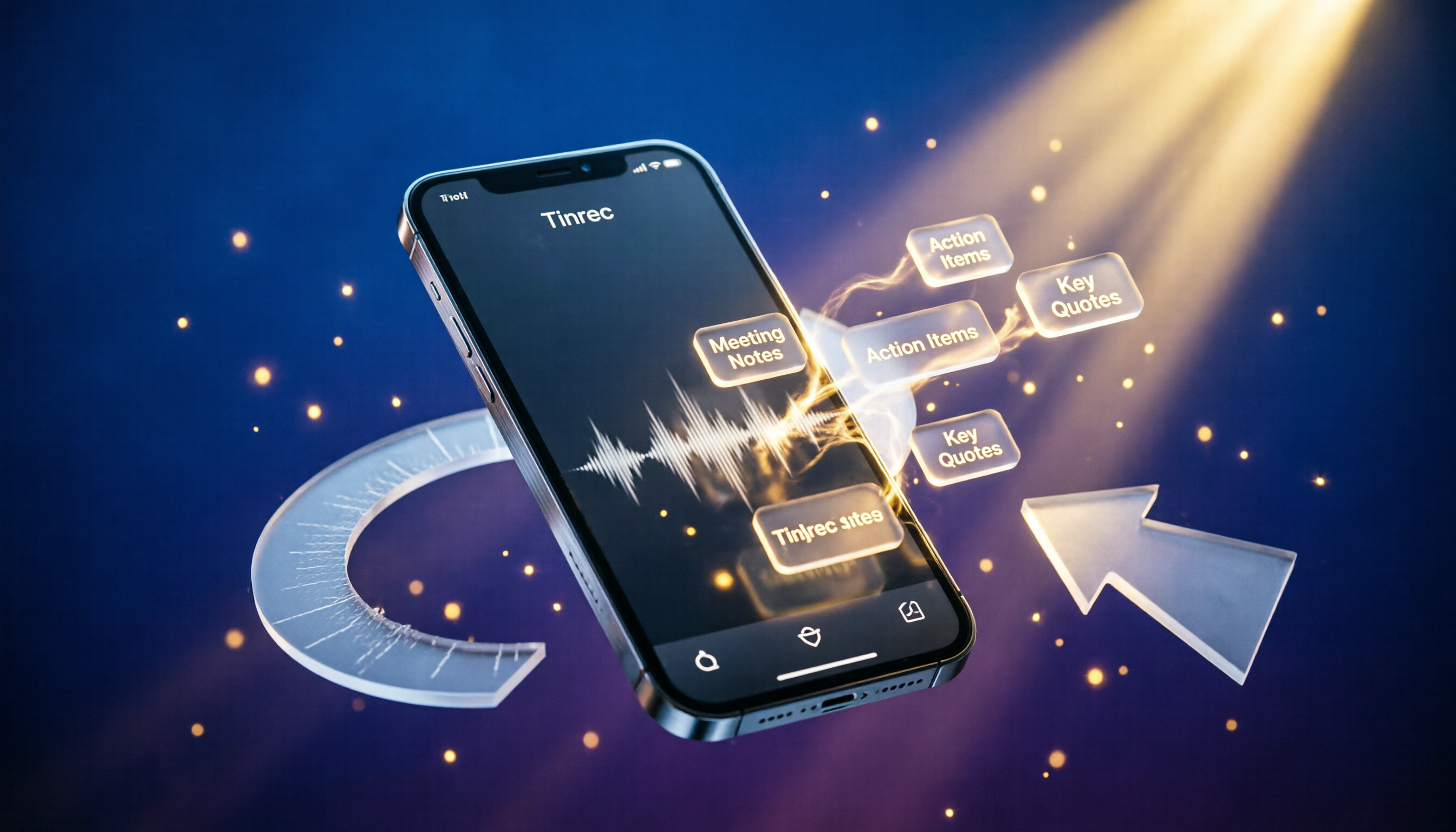
2026 Voice Recorder App Buying Guide: 5 Key Selection Criteria and Hands-On AI Test
Looking for a reliable voice recorder app? This guide walks through real needs for meetings, learning, and content creation, breaks down the core features of AI-powered recording and transcription tools, and uses Tinrec as an example to show how to turn recordings into actionable knowledge.

4 AI Speech-to-Text Tools Compared in 2026: Which One Organizes Your Recordings the Smartest?
Meeting, class, and interview recordings pile up. Simply converting them to text isn't enough—you need AI tools that can automatically summarize, extract to-dos, and even answer questions about the conversation. This hands-on comparison of four speech-to-text services—Tinrec, Otter.ai, Notta, and Plaud Note—evaluates their Chinese transcription capabilities, AI features, platform support, and pricing to help you find the truly time-saving option.

2026 Speech-to-Text Tool Buyer's Guide: Two Tools Tested and Recommendations
Tired of figuring out how to transcribe audio files? Google Docs' built-in voice typing is free but has many limitations. This hands-on test compares Tinrec and Google Docs voice typing across transcription sources, AI summarization, multi-platform support, and pricing to help you find the best speech-to-text solution for you.
Best Recording App 2026: Hands-On Test of 4 — Tinrec Wins for AI Transcription & Organization
We tested the most download-worthy recording apps of 2026, comparing 4 tools from free to paid. In our hands-on review, Tinrec's AI transcription, summarization, and Q&A features proved the most practical. Whether for meeting notes, lecture notes, or content creation, it turns recordings into searchable material.

Which iPhone Voice-to-Text App Is Best? We Tested 4 in 2026 – This Cross-Platform AI Query Tool Is the Most Convenient
We tested four voice-to-text tools: iPhone's built-in Voice Memos, Yating, Otter.ai, and Tinrec. We compared language support, AI summarization, cross-platform use, and free plans to help you find the right fit.

Free Speech-to-Text Apps in 2026: 5 Options at a Glance
Can't keep up with lecture notes? This article rounds up the 5 free speech-to-text apps most used by college students, from fully free options to the best value picks, to help you easily handle class recordings and meeting minutes.

2026 MP3-to-Text Tools Tested and Compared: Which AI Saves You the Most Time?
Converting MP3 recordings to text is only the first step. The real key is getting AI to summarize, highlight key points, and even answer questions. I tested four tools to find out which one works best for organizing Chinese content.

2026 Meeting Recording & Transcription Tools: 2 Hands-On Reviews & Legal Recording Tips
Is it illegal to record a meeting? This article unpacks the legal boundaries of recording for self-protection, then compares two meeting recording/organizing tools—Tinrec and PLAUD Note—across recording methods, multi-source input, AI organization, and price, helping you choose the best fit.