

Turn recordings into transcripts and summaries in minutes
Upload audio or video for multilingual transcription, AI notes, and action items
Why Do You Need Audio-to-Text Transcription?
"Can Gemini turn audio files into transcripts?" That's the first question many people ask, and the answer is yes—but it's only the first step. When you have a one-hour meeting or a two-hour lecture recording, converting speech into text is just the beginning. You also need to quickly capture key points, generate action items, and even search the content later.
Honestly, manual transcription is painful. Fortunately, several tools now offer decent free plans, so you don't have to spend money from the start. This article rounds up 5 audio-to-text transcription tools, from bare-bones transcription to full AI-powered workflow assistants, to save you the time of comparing them yourself.
Option 1: Tinrec — The Most Complete AI Audio & Video Organizer
If I had to recommend just one tool, I'd start with Tinrec. It doesn't just convert speech to text; it acts like your personal audio-video data organizer.
Key Features
- Multi-source input: Whether it's real-time recording, uploading audio files, or pasting links to online videos from YouTube or Xiaohongshu, Tinrec can handle them all. Compared with services that only process meetings or files, its scene coverage is truly broad.
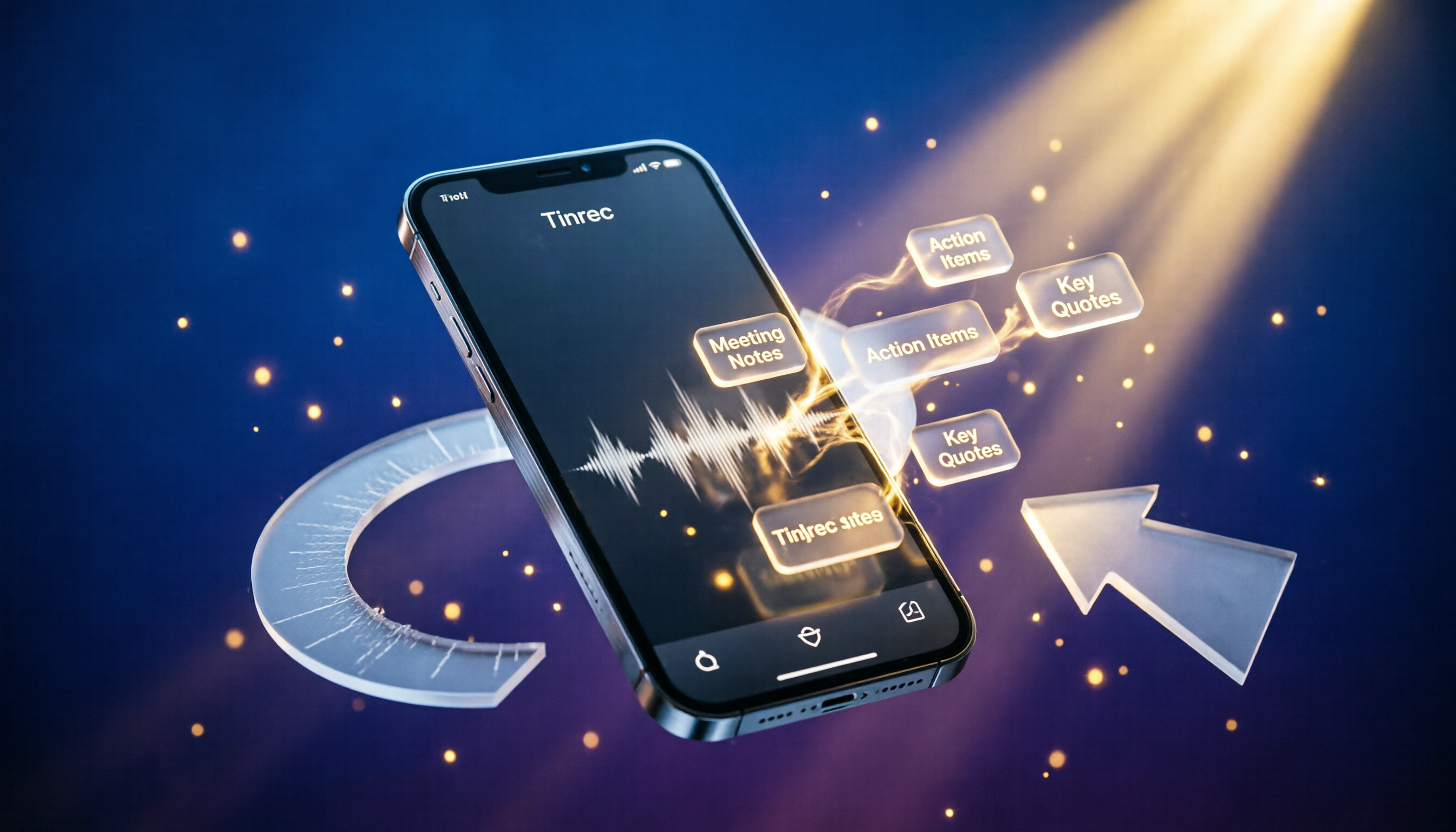
- More than just a transcript: After converting the audio, Tinrec automatically generates AI summaries, chapters, and action items—you can even ask questions directly about the content. For example, "What was the budget the client mentioned earlier?" It will give you the answer without needing to search back.
- Great Chinese support: Transcription works smoothly in Traditional Chinese and supports mixed Chinese-English content. If you often handle Chinese interviews, courses, or meetings, this is a big plus.
- Flexible export options: You can export to tools like Notion or Google Docs, or generate meeting minutes and reports. It turns recordings into truly usable documents.
Free plan: Tinrec offers a monthly base transcription allowance so you can try real-time recording, file imports, and link parsing. It's perfect for testing the waters. If your usage grows, there are weekly cards, Pro monthly cards, and annual cards to choose from, with transparent pricing.
Who it's for: People who frequently need to organize meetings, courses, interviews, or online videos; users who want to continue with summaries, Q&A, and exports after transcription; and anyone tired of plain transcripts.
Option 2: Google Gemini — No Installation Needed, Just Upload an Audio File to Get a Transcript
Yes, Gemini now supports uploading audio files like MP3, M4A, and WAV, and it can generate a full transcript in about a minute—completely free. It's very convenient when you need to transcribe a recording on the spur of the moment.
Practical experience notes
- The mobile app version has a slightly higher transcription failure rate; the web version is more stable. We recommend starting with the web version.
- Although you can ask it to add timestamps or segments, the timeline is often inaccurate, so you'll still need to handle the final organization yourself.
- You can upload up to 10 files at a time; long recordings can be processed, and after transcription, you can ask follow-up questions in the chat for a summary.
Free plan: Completely free, with no obvious limits on usage count or duration as of now. However, the functionality is limited to transcription and Q&A—there's no automatic summarization, action items, or exporting.
Who it's for: Users who occasionally need transcription and don't want to sign up for another service; those who are already comfortable with Gemini.
Option 3: Google NotebookLM — A Research Notebook That Can Also Produce Transcripts
NotebookLM is another AI note-taking tool from Google. With a free account, you can upload audio files and get a transcript. After transcription, you can keep talking to and asking questions about the content—it's like reading an audiobook.
Highlights
- It handles long recordings well—for example, a one-hour lecture. After transcription, you can ask it directly what the key points are.
- The initial transcript usually keeps colloquial language; you can give it instructions to polish it into a smoother version.
Free plan: Completely free, but there may be limits on file size and number of uploads. It leans more toward knowledge management than being a dedicated meeting-notes tool.
Stop organizing recordings by hand
Upload audio or video and automatically get a transcript, summary, and action items
Who it's for: Those who want to turn recordings into a searchable note database for ongoing reference; students and researchers organizing lecture or interview material.
Option 4: Otter.ai — An Automated Meeting Notes Assistant
Otter.ai is well known in the English meeting-notes community. It automatically joins meetings, identifies different speakers, generates real-time summaries, and offers robust team collaboration features.
Free plan: 300 minutes of transcription per month, with support for importing audio and video files (10 per month). However, Chinese transcription is not its strong suit.
Who it's for: Business professionals who primarily hold English meetings and need team-shared meeting notes. Chinese users may want to check whether its recognition quality suits their needs.
Option 5: Notta — Multilingual Transcription and Translation
Notta's strengths lie in transcription, translation, and subtitle generation. It supports 104 languages and has strong visibility in the Asian market. You can transcribe meetings in real time, upload files, and get AI summaries.
Free plan: 120 minutes of transcription per month; once the allowance is used up, you'll need to upgrade. The Pro plan offers 1,800 minutes per month.
Who it's for: Users who need large amounts of transcription or frequently create cross-language subtitles. Compared with Tinrec, it focuses more on pure transcription and offers fewer interactive follow-up features.
With So Many Options, How Should You Choose?
- The most complete AI organization (transcription + summary + Q&A + export) → Tinrec. It's currently the only choice that covers both multi-source input and rich post-processing, and it's the most friendly for Chinese-language content.
- Occasionally transcribe a recording and don't want to install anything → Gemini. It's free and straightforward, but don't expect perfect timestamps or automatic analysis and summaries.
- Build a long-term recording database for notes → NotebookLM, suitable for those who need in-depth research.
- Hold English meetings with your team and need collaboration → Otter.ai, it has the most mature meeting bot features.
- Transcribe many files and need translation → Notta, it offers more transcription minutes and supports multiple languages.
3 Things to Know Before Using Audio-to-Text Tools
- Audio quality determines transcription accuracy: No matter the tool, background noise, accents, and multiple speakers can affect accuracy. If your recording quality is poor, denoising it before uploading will make a big difference.
- Free plans have limits: Except for Gemini, which is currently nearly fully open, other services either stop transcription or reduce features once your free allowance runs out. For example, Tinrec's free version lets you try real-time recording and link parsing, but for heavy usage, you'll want to choose a paid plan that fits your needs.
- Double-check AI summaries: For important decisions, numbers, or names, always go back and listen to the original recording or review the transcript. Tinrec's AI Q&A and action items are convenient, but treat them as an assistant, not the final reviewer.
Summary
Gemini has certainly lowered the barrier for turning recordings into transcripts. But if your needs go beyond just "getting the text," and you want to organize, search, and produce structured notes or reports, Tinrec offers a more complete solution. It not only saves you time from manual transcription but also makes your recordings truly valuable. If you're interested, you can start with the free version.
Frequently Asked Questions
What's the difference between Gemini and Tinrec?
Gemini offers free basic transcription, but lacks automatic summaries, action items, chapters, or export features. Tinrec, on the other hand, is more like a workspace that connects everything from transcription to follow-up organization, Q&A, and export.
Does it cost money to use Gemini for transcription?
Not currently. Google hasn't charged for this feature, but there's no clear monthly usage cap. We recommend not uploading too many files at once.
How long of a recording can the free version of Tinrec transcribe?
You get a monthly base allowance; the official doesn't specify the exact number of minutes, but you can experience key features like real-time recording, file import, and link parsing. If your usage is high, consider the weekly card or Pro plan.
Is audio-to-text transcription accurate?
As long as the recording is clear and speech is standard, common tools can achieve recognition rates above 90%. However, multi-speaker conversations and background noise can still affect accuracy, so we recommend manually verifying important content.
Can I transcribe directly on my phone?
Yes. Tinrec has iOS/Android apps, and Gemini also has a mobile version for uploading audio files. However, testing shows that Gemini's web version is slightly more stable than its app.
References
- Can Gemini turn audio files into transcripts? 2026 Audio-to-Text Tool Comparison and Practical Guide - Tinrec Blog
- Gemini Can Also Turn Audio Recordings into Transcripts for Free: 20 Minutes of Content in 1 Minute - Computer King Ada
- Google Gemini Supports Uploading Audio Files; AI Transcribes Over 10,000 Characters of Speech in One Minute
- Works on Both Mobile and Web! A Quick Guide to Using Gemini's Audio Upload and Transcription Features | Sogi | LINE TODAY
- Using Gemini to Organize Transcripts Is Super Convenient | Hami Book City. Quick Read
Turn every recording into actionable outcomes
Get 60 free transcription minutes when you sign in. No credit card required.
Related Reading
You might also like

2026 Word Built-in Dictation vs Tinrec: A 4-Dimension Showdown – Who is the Speech-to-Text Savior for Traditional Chinese Users?
Can Word really do speech-to-text? Our testing found plenty of limitations. This article walks you through the issues with Word's dictation and compares Tinrec's AI organization features, so you'll know which one to choose.

3 Transcription Solutions Tested and Compared in 2026: How Chinese Users Can Save the Most Time
Still wondering how to turn recordings into text? This article tests three transcription solutions, from manual transcription to AI tools, and tells Chinese users how to choose the most time-saving option. Tinrec does more than just transcribe audio—it summarizes, extracts action items, and answers questions, making transcripts genuinely useful.

Tinrec vs Notta 2026: 5-Dimension Comparison – Which MP3-to-Text Tool Suits Taiwan Users Best?
We tested Tinrec and Notta's MP3-to-text performance, analyzing accuracy, post-processing, AI Q&A, free plans, and cross-platform support across 5 dimensions to help you find the best online speech-to-text tool.

2026 MP3 to Text Tools Compared: Save Time and Skip Overtime – A Must-Read for Hong Kong Office Workers
We tested two MP3 to text tools, Tinrec and Notta, analyzing Cantonese recognition, web video transcription, AI post-processing, and free plan features to help you choose the best recording-to-text solution for Hong Kong office workers—so you can finish meeting notes quickly and leave on time.

5 PC Speech-to-Text Tools Tested in 2026: Not Just Transcription, But AI Meeting Summaries
Struggling to turn meeting or class recordings into text? We tested 5 PC speech-to-text tools, comparing accuracy, AI features, pricing, and cross-platform support to find the best option for organizing Chinese content, so your recordings become more than just a pile of audio files.
2026 Voice Recorder App Buying Guide: 5 Key Selection Criteria and Hands-On AI Test
Looking for a reliable voice recorder app? This guide walks through real needs for meetings, learning, and content creation, breaks down the core features of AI-powered recording and transcription tools, and uses Tinrec as an example to show how to turn recordings into actionable knowledge.

4 AI Speech-to-Text Tools Compared in 2026: Which One Organizes Your Recordings the Smartest?
Meeting, class, and interview recordings pile up. Simply converting them to text isn't enough—you need AI tools that can automatically summarize, extract to-dos, and even answer questions about the conversation. This hands-on comparison of four speech-to-text services—Tinrec, Otter.ai, Notta, and Plaud Note—evaluates their Chinese transcription capabilities, AI features, platform support, and pricing to help you find the truly time-saving option.

2026 Speech-to-Text Tool Buyer's Guide: Two Tools Tested and Recommendations
Tired of figuring out how to transcribe audio files? Google Docs' built-in voice typing is free but has many limitations. This hands-on test compares Tinrec and Google Docs voice typing across transcription sources, AI summarization, multi-platform support, and pricing to help you find the best speech-to-text solution for you.

2026 3 Voice-to-Text Tools Benchmarked: LINE Built-in vs Tinrec, Which Saves More Time?
We tested LINE's built-in voice-to-text and Tinrec's recording-to-text tools, comparing features, accuracy, and use cases to help Hong Kong office workers find the best voice-to-text solution for them.