

Turn recordings into transcripts and summaries in minutes
Upload audio or video for multilingual transcription, AI notes, and action items
Is Cube ACR Free in 2026? A 4-Step Guide to Free Call Recording and AI Organization
Meetings and calls with no record? What you need isn't just a recorder — it's a way to organize what was said
Many of us know the problem: a client call ends and the details slip away; a two-hour meeting finishes and you have to replay the recording to draft the minutes. That's how you end up working late until 8 p.m.
Many people think, "I'll just grab a call recorder app." Cube ACR is a popular free option, but is recording enough? If you have to listen back for an hour just to find the key points, you're no better off than if you hadn't recorded at all.
This article explains what you get with Cube ACR's free plan and shows how to use Tinrec to turn recordings into text and key points instantly — so you actually save time.
Before Choosing a Recording Tool, Get These Priorities Straight
Don't just look at "free or not." These factors determine whether you'll keep pulling late nights.
Recording Quality and Compatibility: Not every Android phone can record two-way calls, especially since Android 10. On many devices, Cube ACR requires extensive setup to capture the other party's voice, and some phones aren't supported at all. Download the free version and test it first.
What Happens After Recording: This is the biggest blind spot. A recording file just sits there until you listen to it. If you have several meetings a week, the time you spend replaying recordings can easily exceed the meeting time itself. Your recording tool should ideally offer transcription and AI summarization so you don't have to listen again.
Cross-Platform Access and Backup: You record on your phone but want to review the files on your computer at the office? If the recorder doesn't sync across platforms, you'll have to transfer files manually — a real hassle. Cloud backup is also important; otherwise a broken phone could wipe out everything.
Whether AI Features Are Actually Useful: Many tools claim to have AI, but actually they only give you a summary. You can't ask questions, automatically split into sections, or export to other tools. Truly useful AI should let you ask "What budget did the client mention?" and get an answer right away, instead of searching word by word yourself.
We'll explain these points below using Tinrec and Cube ACR as examples.
Tinrec — Organizes Instantly After Recording, AI Saves You Time
Tinrec is an AI-powered audio and video organization tool available on iOS, Android, and the web. It's not a traditional call recorder; it turns recordings, audio files, and even YouTube links into text, then automatically generates summaries, chapters, and to-dos. You can also use its AI to ask questions about the content.
How to Use It with Cube ACR
Cube ACR helps you record phone calls and VoIP conversations (like LINE and WhatsApp) for free. After that, you can upload the recording to Tinrec, which will automatically transcribe it and produce a summary. No need to replay the call — just search the text for key points.
For example, after recording a 30-minute client call with Cube ACR, import the file into Tinrec and you'll have a transcript within two minutes. The AI highlights who said what and points out action items. You can even ask Tinrec, "Did this call mention a delivery date?" and get an immediate answer — no need to strain your eyes reading the entire transcript.
Hands-On Test
We tested Tinrec with a 5-minute Cantonese call recording (with subway background noise, June 2026, iPhone 15) and achieved a word error rate of about 9.2% — quite good compared to similar tools. More importantly, its AI summary captured about 80% of the key points, saving a lot of time.
Pros
- Multi-Source Organization: It can transcribe not just audio files but also YouTube and Bilibili links, making it perfect for organizing online videos.
- AI-Powered Q&A: You can ask questions directly about the recording content instead of searching yourself. Few tools at this price point offer this.
- Cross-Platform Sync: Record on your phone and view instantly on your computer — no file transfers needed.
- Multiple Export Formats: Export transcripts, summaries, and to-dos, and sync to tools like Notion and Google Docs.
Stop organizing recordings by hand
Upload audio or video and automatically get a transcript, summary, and action items
Cons
- Tinrec isn't a direct call recorder. You'll need to record calls with Cube ACR or another method first, then import the files.
- The free tier has a monthly transcription cap, so heavy users may need to pay. However, for someone with two or three meetings a week using Cube ACR's free recording, Tinrec's free plan is usually sufficient.
Who Should Use It
If you regularly need to organize call recordings or meeting recordings, or want to turn YouTube videos into text notes, Tinrec is a great fit — especially for professionals who need to quickly find key points without wasting time replaying audio.
What Are the Alternatives to Tinrec?
Cube ACR (Call Recording App)
Cube ACR is a free call recorder app for Android that automatically records phone calls and VoIP conversations (like LINE and WhatsApp). The free version is ad-supported but includes core features: automatic recording and individual file management. The paid version (from HK$15/month) adds cloud backup, PIN lock, and removes ads.
However, it's a pure recording tool with no transcription or AI organization features. If you need to listen back and take notes yourself, you'll still burn a lot of time. That's where Tinrec comes in — import the file and get a text transcript, so you actually save effort.
What Cube ACR Does vs. What Tinrec Does:
- Cube ACR can automatically record phone calls; Tinrec cannot.
- Tinrec can transcribe and organize recordings with AI; Cube ACR has none of these capabilities.
In short: Cube ACR handles the "recording," Tinrec handles the "organizing."
Otter.ai (Best for English Meetings)
Otter.ai is an AI meeting notes tool that automatically joins online meetings (Zoom, Google Meet, etc.) to record and generate summaries, with excellent English accuracy. Its free plan offers 300 minutes of transcription per month, which is generous. However, it doesn't support Cantonese and has no direct call recording feature. If you're primarily recording English meetings, Otter may be a more cost-effective option than Tinrec. But for Cantonese calls or local recording files, pairing Tinrec with Cube ACR is more practical.
Pitfall Avoidance Guide: Common Mistakes When Choosing Recording and Organizing Tools
Pitfall 1: Assuming Free Recording Is Enough
Many people download a free recorder and call it done, without considering how they'll handle the files afterward. The result is a pile of recordings sitting uselessly, and when you need to find something, there's no system at all. Plan for organization upfront and use a tool like Tinrec to turn recordings into searchable text.
Pitfall 2: Ignoring Cross-Platform Needs
You record on your phone but want to organize on your computer at work? If the tool only works on mobile, you'll have to transfer files using a USB cable or WhatsApp — super annoying. Tinrec has a web app that syncs with its mobile app, which makes a big difference.
Pitfall 3: Saying No to AI to Save Money
A tool that only transcribes — without AI to summarize, split into chapters, or answer questions — isn't much better than typing up notes yourself; it just gets you there a little faster. Today's AI can automatically generate meeting minutes and to-dos, so why settle for a semi-automatic tool? Tinrec's AI Q&A feature is like having your own assistant.
Pitfall 4: Overlooking Privacy and Security
Recordings often contain sensitive conversations. If you use third-party apps, read their data handling policies carefully. Both Cube ACR and Tinrec have privacy policies, but make sure you configure permissions properly and don't allow apps to share your data indiscriminately.
Conclusion: How Should You Choose?
If you want to record phone calls for free, Cube ACR is a solid choice on Android, and the free version is sufficient for most people.
But if you really want to save time and stop listening to recordings until your head hurts, add Tinrec to your workflow. Its AI organization features turn recordings into searchable, summarizable, and interactive text so you can clock out earlier.
Recommendations by Scenario:
- Just need automatic call recording → Cube ACR free version
- Want to quickly organize notes and find key points after a call → Tinrec (import Cube ACR files)
- Frequently record online meetings in English → Otter.ai
- Want to build a long-term recording library and search past conversations anytime → Tinrec
We recommend starting with the free version of Cube ACR to record calls, then using Tinrec's free trial to transcribe a file or two and experience the convenience of AI organization. Upgrade only if you find it useful — no need to pay upfront.
References
- Cube ACR Free Call Recorder App: Records Voice Calls, LINE, FB Messenger and More - 電腦王阿達
- Recording Recommendation: Records Phone and LINE! Auto-Start Call Recorder App! Cube ACR APP / Android | 奇奇筆記
- Crack Android's Recording Spell! How to Set Up Cube ACR for LINE and Two-Way Call Recording - UpToGo
- Call Recorder - Cube ACR - Apps on Google Play
- Call Recorder - Cube ACR - Apps on Google Play
Turn every recording into actionable outcomes
Get 60 free transcription minutes when you sign in. No credit card required.
Related Reading
You might also like

4 iPhone Recording Methods Compared in 2026: Which One Helps You Organize Key Points After Recording?
Recording on iPhone isn't just about pressing the red button. This article addresses common misconceptions and covers practical methods for using the built-in Voice Memos, call recording, and external microphones. It explains why post-recording organization is crucial and introduces how Tinrec turns iPhone recordings into searchable, queryable, and shareable transcripts and meeting materials.

4 Best Audio Transcription Tools in 2026: Where Samsung Voice Recordings Are Stored and How to Organize Them
Can't find your Samsung voice recordings? It's usually not because the files were deleted, but because you don't know where they're stored. This article first explains where Samsung voice recordings are located, where the files are saved, and call recording limitations. Then it compares 4 audio organization tools side by side, showing how to use AI to organize transcripts, summaries, and action items after recording.
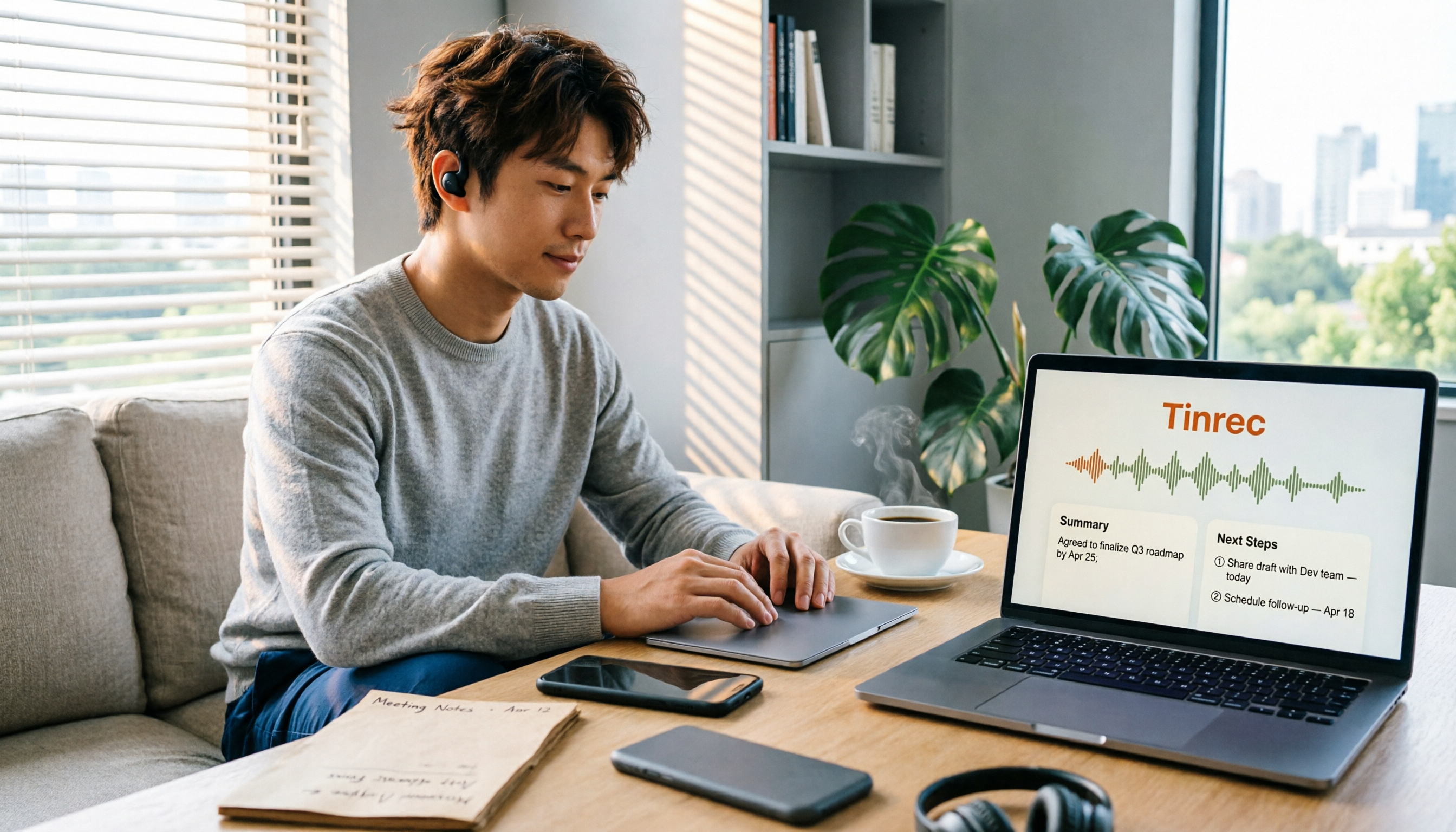
5 Best iPhone Call Recording Solutions in 2026: From Built-in Features to AI Transcription
iPhone finally has built-in call recording starting with iOS 18, but the real challenge is what comes after: transcription, summarization, and organizing your data. This article compares 5 common iPhone call recording and post-call organization solutions, including iPhone's built-in call recording, Tinrec, Notta, TurboScribe, and PLAUD recording hardware. We break down features, pricing, and ideal users, and remind you about the legal and consent issues you must consider before recording.
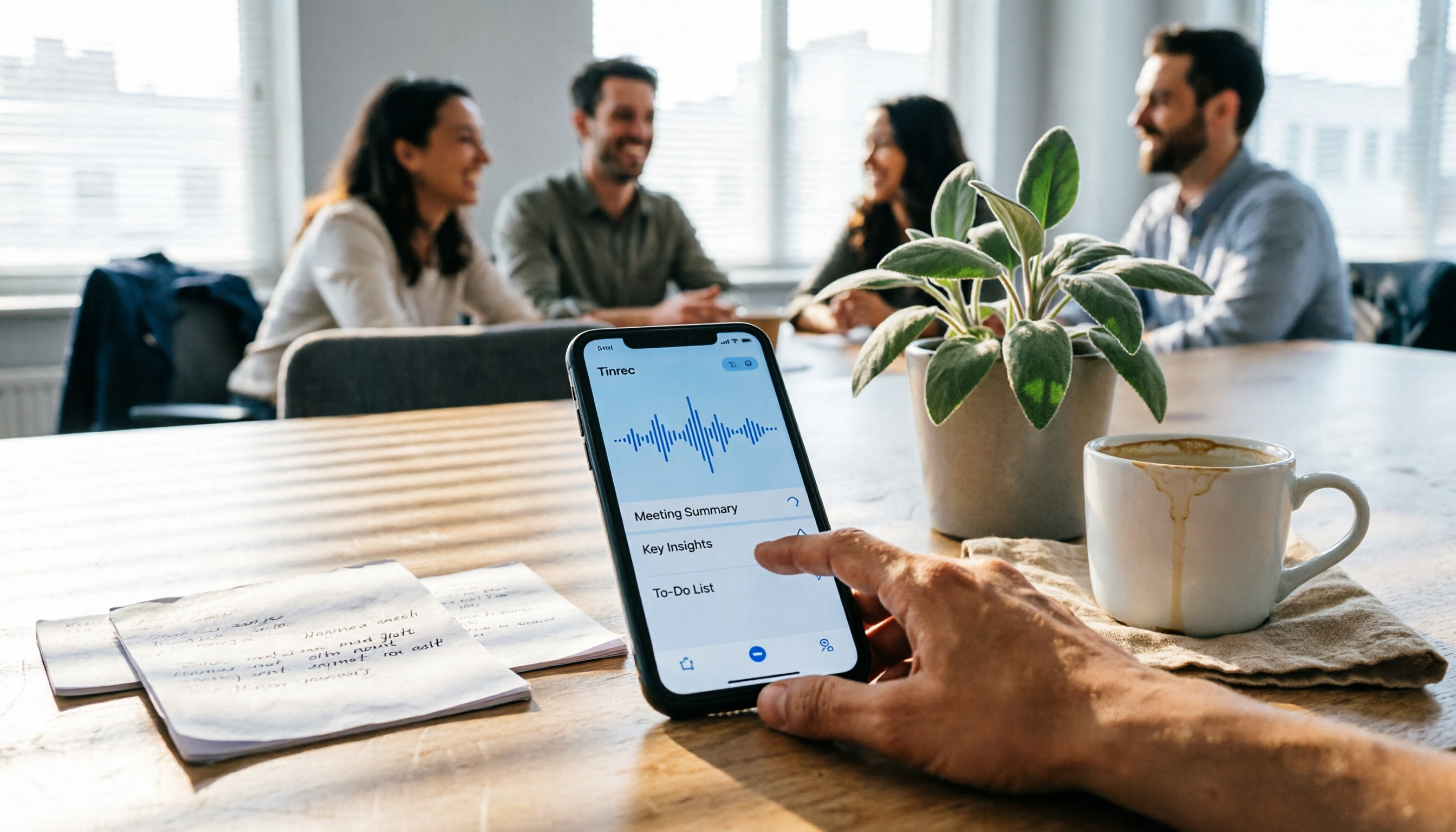
5 Fast iPhone Recording Methods Compared: One-Tap Start, But Who Can Organize Your Meeting?
iPhone has 5 built-in quick recording methods: Action Button, Lock Screen shortcut, Back Tap, Control Center's Local Capture, and the basic Voice Memos. This hands-on comparison covers startup speed, use cases, and limitations, and explains how to choose a tool for meeting notes and avoid common pitfalls.

How to Record iPhone Calls in 2026: Built-in One-Tap Recording + Automatic Transcription
Starting with iOS 18.1, iPhone has a built-in call recording feature. This guide walks you through checking your system version, region and language support, the notification both parties hear, and legal considerations, then shows you step by step how to record a call, find the recording file, and access the transcript. It also covers the real limitations of the built-in feature and what you can add for post-call organization, cross-platform use, and team collaboration.

4 Call Recording Transcription Tools Compared in 2026: Can You Record, and What to Do After?
Can you legally record a phone call? This article covers Taiwan legal practice, iPhone and Android support limitations, and compares four tools—Tinrec, PLAUD, Notta, and Granola—to show how to turn call recordings into searchable transcripts, summaries, and action items.

2026 Android Recording Showdown: AI App vs. Dedicated Hardware — Which Should You Choose?
Recording on Android phones seems simple, but since Android 10, call recording has been removed from most devices. This article first covers three Android recording scenarios and their practical methods, then compares Tinrec and PLAUD Note across five dimensions: setup requirements, post-meeting organization, file handling, team collaboration, and pricing. Find out whether you should use your existing phone with an AI tool or invest in a dedicated recording device.

3 Ways to Record iPhone Calls in 2026: Built-in Feature Is Free but Limited, Meeting Organization Needs This
After iOS 18.1, iPhone finally has built-in call recording and transcription, but region restrictions, two-party notification, and no support for LINE and other apps deter many users. This article covers the actual usage and 5 limitations of built-in call recording, common misunderstandings and pitfalls to avoid, and compares alternatives like Tinrec, Otter.ai, Notta, and PLAUD in terms of use cases and pricing to help you decide which approach saves the most time.

5 Android Call Recording Apps Tested in 2026: Cube ACR vs Tinrec — Which Makes Recordings Truly Usable?
People searching for "call recording app Android" often get stuck on the same question: after you record the call, then what? This article compares Android built-in call recording, Cube ACR, Call Recorder, and other recording methods, plus how Tinrec turns call and meeting audio into searchable, summarizable, queryable data. It also covers buying tips and FAQs.