
Turn recordings into transcripts and summaries in minutes
Upload audio or video for multilingual transcription, AI notes, and action items
Tinrec vs youtube-transcript.ai in 2026: 4-Dimension Face-Off – Which Is Better for YouTube Transcripts?
Tinrec vs youtube-transcript.ai | Quick Overview
There are two main ways to get the text content of YouTube videos today: one is to use a simple free tool to grab the subtitles directly, and the other is to hand it to an AI audio/video organization platform that not only converts speech to text but also helps you understand the key points.
youtube-transcript.ai is a lightweight tool built specifically for YouTube—just paste a link and you can fetch a transcript in one click. Tinrec, on the other hand, is more comprehensive: it not only handles web videos but also transcribes meetings, lectures, and recordings, and automatically generates summaries, to-dos, and even lets you search content through Q&A.
| Item | youtube-transcript.ai | Tinrec |
|---|---|---|
| Positioning | YouTube subtitle extraction tool | AI audio/video organization platform |
| Supported sources | YouTube URLs only | Public links from YouTube, TikTok, Bilibili, etc., audio file uploads, and live recording |
| Output | Plain-text transcript (no punctuation or formatting) | Transcript + AI summary, chapters, to-dos, Q&A, and multiple export formats |
| Price | 100% free, no registration required | Free tier with monthly basic quota; Pro pricing available on official website |
Below, we look at four key dimensions to see which one suits you better.
Dimension 1: Transcription Source Coverage
youtube-transcript.ai only handles YouTube videos, and it can only extract a transcript if the video has uploaded subtitles or auto-generated captions. If the creator didn’t enable subtitles or the system couldn’t generate them due to poor audio quality, this tool is completely useless.
Tinrec, by contrast, treats web videos as audio sources and transcribes the soundtrack directly, completely unaffected by caption availability. It supports not only YouTube but also public video links from TikTok, Bilibili, Xiaohongshu (RED), and more. You can also upload your own meeting audio or lecture recordings, letting you centralize all kinds of audio/video content.
→ Verdict: Tinrec clearly wins here. It supports more sources and isn't constrained by missing subtitles.
Dimension 2: Post-Transcription Organization
youtube-transcript.ai’s advantage is speed: paste a link and you get text within seconds. But what you get is a “wall of plain text”—no punctuation, no paragraph breaks, no highlights. You have to read through everything and summarize it yourself.
Tinrec gives you more than just text. It automatically generates an AI summary so you can grasp the video's key points in 30 seconds; it splits long videos into sections with a chapter feature; and it can extract action items and keywords. The most useful feature is AI Q&A: you can type a question directly in the transcript panel such as “Does this video mention any XX tips?” and it will search the content for the answer, so you don’t have to scroll through everything yourself.
→ Verdict: Tinrec wins by a large margin. The time saved is on another level—simply getting text vs. having the content explained to you.
Dimension 3: Chinese Content Experience
youtube-transcript.ai simply pulls the original subtitles from YouTube. Traditional Chinese text may mix in Hong Kong-style expressions or simplified Chinese characters, and there is almost no punctuation, which makes reading awkward. Sometimes the auto-captions also contain obvious sentence-segmentation errors.
Stop organizing recordings by hand
Upload audio or video and automatically get a transcript, summary, and action items
Tinrec's transcription engine is specially tuned for Chinese meetings, lectures, and interviews. Its wording is closer to Taiwanese language conventions, it automatically adds commas and periods, and it breaks paragraphs according to meaning. In tests with tech videos mixing Chinese and English, its sentence segmentation and proper-noun recognition are far better than simply extracting subtitles.
→ Verdict: Tinrec clearly wins. For Taiwanese users who care about reading fluency, the difference in experience is significant.
Dimension 4: Long-Term Value
youtube-transcript.ai is a one-off tool. Once you get the transcript for a session, the job is done—there’s no history and nothing to review. If you want to go back to the same video later, you have to paste the link again.
Tinrec stores everything you transcribe in your account, turning it into a searchable audio/video database. An online course you transcribed three months ago can still be pulled up today with a keyword search, and you can ask AI about key points. The more learning and work materials you accumulate, the more valuable this capability becomes.
→ Verdict: Tinrec wins. If you're not just getting a transcript once and moving on, investing in Tinrec makes more sense in the long run.
What Unique Advantages Does Each Offer?
Tinrec’s Unique Advantages
- AI post-processing: Beyond summaries and Q&A, it can generate meeting notes, reports, and tables, and even export one-click to Notion or Google Docs, so data flows directly into your workflow.
- Multi-device support: Works on mobile apps and web browsers. Record on your phone during a meeting, then organize on your computer after class, with seamless switching.
- Privacy & security: Audio and transcriptions are stored encrypted, giving you more peace of mind when handling sensitive meetings or research interviews.
youtube-transcript.ai’s Unique Advantages
- Completely free with zero barriers: No registration, no usage limits. Open the browser on your computer or phone and start using it right away—perfect for occasional quick needs.
Summary: Which One Should You Choose?
- If you occasionally need YouTube video transcripts and the videos all have captions → youtube-transcript.ai is free and fast, getting the job done in seconds.
- If you need to handle videos without subtitles, or your sources go beyond YouTube → Tinrec, which isn’t limited by captions and supports cross-platform use.
- If you don’t want to read through an entire wall of text yourself, and want summaries or Q&A → Tinrec’s AI organization features directly save you time.
- If you care about Chinese reading quality and don’t want to manually add punctuation → Tinrec.
- If you want to turn transcribed text into an accumulating knowledge base → Tinrec offers greater long-term value.
In a nutshell: for most users who need more than just text—they need to understand the content—Tinrec is the more complete choice. We recommend starting with the free version and testing it with your own videos.
FAQ
Q1: Can youtube-transcript.ai still work if the video has no captions?
No. It relies entirely on YouTube’s auto-generated or manually uploaded captions. If the video has no captions, no text can be retrieved. Tinrec, by contrast, transcribes the audio track directly, so it can generate a transcript even without captions.
Q2: How many videos can I transcribe with Tinrec’s free version?
The free tier includes a basic monthly transcription quota. Check the official website for the exact number of minutes. It’s usually enough to try out several videos of regular length.
Q3: Does using Tinrec to extract YouTube transcripts violate copyright?
Please follow platform policies and copyright law when using transcribed text. We recommend using it for personal study, note-taking, and other fair use purposes.
Q4: Is Tinrec’s AI summary accurate?
The AI summary captures the key points, but it may miss details or misjudge importance. For important content, we recommend cross-checking with the original text or listening back to confirm.
Q5: Can I copy the text from Tinrec directly into note-taking software?
Yes. You can copy the full text or export it in formats like TXT, PDF, and Word, and easily paste it into tools like Notion or OneNote.
References
- Complete Guide to Getting YouTube Video Transcripts: Editable Chinese Version | Subanana
- How to Get YouTube Video Transcripts: 3 Free Methods (Complete 2026 Guide)
- Transcribe YouTube Videos to Text | TurboScribe
- Get a Transcript for Videos Without Subtitles in 4 Minutes: Free Tool Test Tutorial - YouTube
- YouTube Transcript Generator | Free One-Click Text Conversion, No Login Needed - WayinVideo
Turn every recording into actionable outcomes
Get 60 free transcription minutes when you sign in. No credit card required.
Related Reading
You might also like

4 Image-to-Text Apps Tested for 2026: Which One Saves the Most Time on Meeting Screenshots and Transcripts?
How to choose an image-to-text app? This article starts with common misconceptions, outlines 4 key buying factors and pitfalls, explains when to use OCR tools versus audio transcription tools, and tests Tinrec's practical uses and limitations for meeting transcripts, AI summary Q&A, cross-device export, and team knowledge retention.
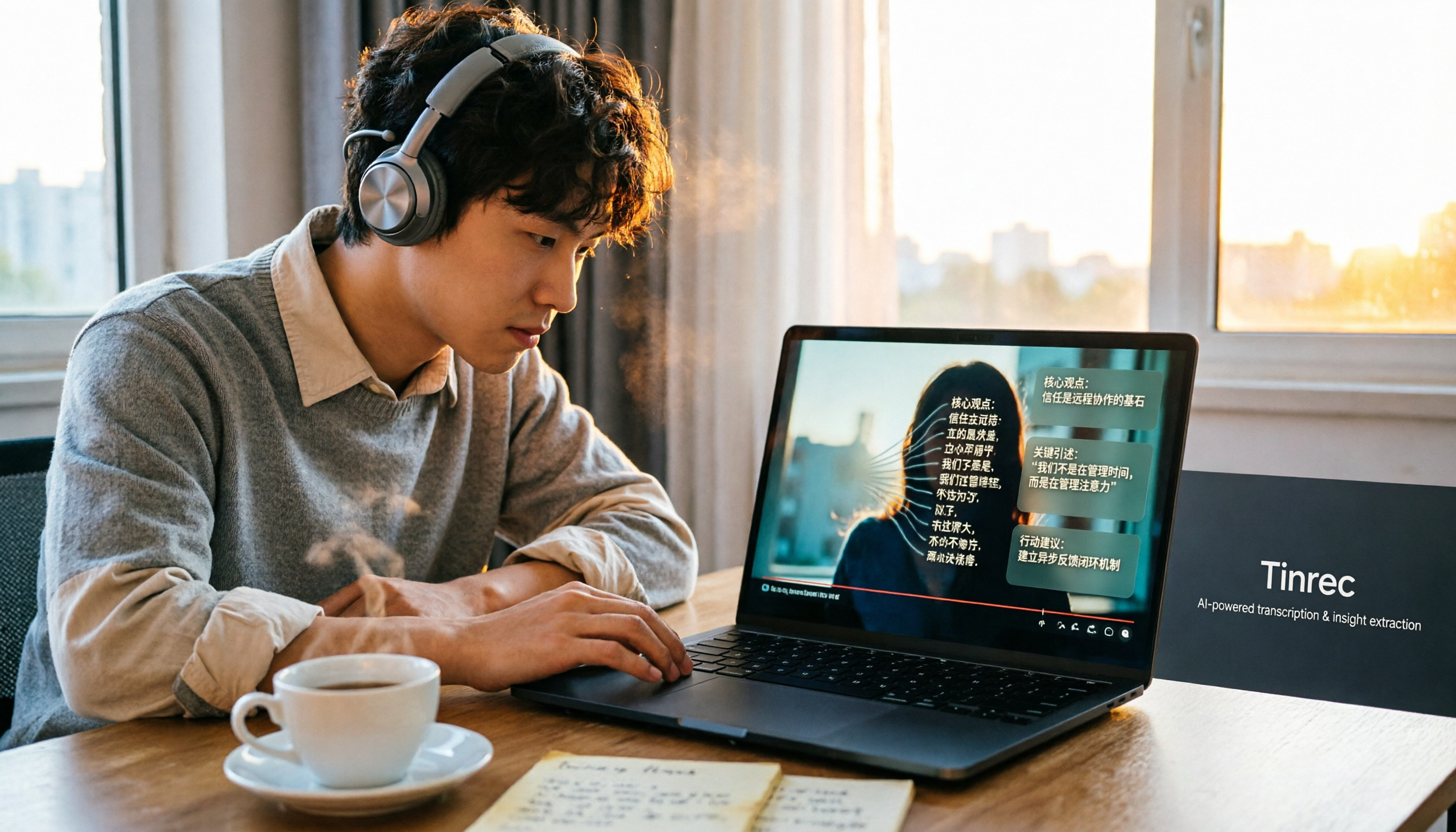
How to Convert Bilibili Videos to Text in 2026: 5 Methods + AI Summaries and Transcript Export
Bilibili's official CC subtitles cover less than 10% of videos, so turning videos into searchable, quotable text often means doing it yourself. This guide covers 5 ways to convert Bilibili videos into transcripts, from AI summaries and conversational queries to free tools, and explains who each method suits and how to choose.

4 Transcription Software Compared in 2026: Which Saves the Most Time on Chinese Meeting Transcripts?
How to choose transcription software in 2026? We tested and compared Tinrec, Notta, Otter.ai, and TurboScribe, covering Chinese recognition, meeting capture methods, post-meeting organization, free tiers, and pricing. We've compiled key selection points and pitfalls to help you find the most time-saving solution for meeting transcripts.
5 Best Text-to-Speech Tools with Realistic Human Voices in 2026: Which Free AI Voiceover Sounds Most Natural?
We tested MyEdit, Luvvoice, Vidnoz, Google Cloud TTS, and iMyFone VoxBox to compare accent naturalness, language support, free tiers, commercial use considerations, and best use cases—helping you find the closest thing to a real human voiceover.

Free Text-to-Speech Options in 2026: 5 Tools Compared
People searching for "text-to-speech" often want free TTS tools. But did you know many actually need speech-to-text—turning meeting and interview recordings into searchable, organized transcripts? This article takes a decision-focused approach to distinguish TTS from STT, and uses Tinrec as an example to show how an AI meeting notes tool turns voice into actionable team data.

Which AI Meeting Minutes Tool Is Best? 2026 Hands-On Test of 5 Options—This One Excels for Chinese Meetings
Tired of spending extra time organizing meeting notes after the meeting ends? This article starts with the key question of whether a tool can capture meeting audio, explains what AI-generated meeting minutes can do—summaries, action items, Q&A, and team knowledge retention—and uses Tinrec as an example to demonstrate bot-free recording, real-time translation, and post-meeting organization. It concludes with 5 purchasing considerations and FAQs.

5 Best Online Speech-to-Text Tools in 2026: Which One Saves the Most Time on Chinese Transcripts?
How do you choose an online speech-to-text tool? This article starts with the decision point of whether you're transcribing a file or a live meeting, breaks down core capabilities like real-time transcription, bot-free meeting recording, AI summaries, action item extraction, and team knowledge retention, and uses Tinrec as the main hands-on example. It covers 5 key buying considerations and FAQs to help you decide if the free version is enough or if the team plan is worth it.

How to Remove YouTube Watermarks in 2026: 3 Tested Methods + Online Extraction Without Watermarks
Downloading YouTube videos but stuck with a watermark on the screen? This article starts from real-world frustrations and tests three approaches: online extraction, cropping, masking, and blurring. It explains the image quality trade-offs and copyright restrictions of each, and compares which tool to use for two needs: 'just a clean file' versus 'reusable content organization.' It also includes a practical workflow for converting audio to transcripts and team collaboration practices.

4 iPhone Transcription Apps Tested in 2026: Is Apple's Built-in Transcript Enough?
Is the built-in Voice Memos transcript on iPhone enough? Based on real meeting scenarios, this article compares Apple's built-in tools, Notta, PLAUD, and Tinrec, highlighting key considerations and pitfalls for choosing a transcription solution, including transcripts, summaries, action items, and team collaboration.