

Turn recordings into transcripts and summaries in minutes
Upload audio or video for multilingual transcription, AI notes, and action items
2026 Hands-On Comparison of 4 Recording-to-Text Tools: Which One Saves the Most Effort for Chinese Meetings and Course Notes?
Two-Hour Meeting, Two More Hours for Notes? You Need a Solution
Spending two hours in a meeting and then another two hours listening to the recording, transcribing, and picking out key points—this is the daily reality for most office workers.
Not to mention students who record entire lectures and have no energy to listen through them at home. The same goes for interviews, lectures, and video material: audio content is just a pile of 'to-be-processed' raw data.
If you're tired of repeatedly dragging the progress bar and taking manual notes, what you need isn't a more expensive voice recorder, but a tool that takes you directly from 'hearing' to 'organized notes.'
Choosing the right recording-to-text tool makes this as easy as hitting fast-forward.
Before Buying a Recording-to-Text Tool, Understand These 4 Key Points
Accuracy: Don't Just Look at the Official 98% Claim.
Many tools claim accuracy above 90%, but that's measured in a quiet recording studio with a single speaker. In real scenarios with keyboard clatter, air conditioning hum, and people talking over each other, accuracy drops by 30%. In this test, we used real meeting recordings and online news clips to directly compare which tool makes the fewest errors.
AI Features Determine How Much Effort You Save.
Simply converting speech to text is no longer enough. Whether it can automatically generate summaries, divide into chapters, extract action items, or even let you ask questions to find key conversations—these are the differentiators that truly save you time on organizing.
Cross-Platform Support Matters—Don't Get Locked into a Single Device.
Recording on your phone and organizing on your computer back at the office is the most natural workflow. If a tool only has an app or only a web version, you'll want to switch after a few uses.
Free Tiers Should Be Enough to Try, but Don't Just Look at Minutes.
Some tools offer a generous number of free minutes but lack key AI features; others seem cheap per month but only include a small number of minutes. Think about how many times you'll use it per week so you don't end up buying something that isn't enough.
Tinrec (Miaoting Recording) — Our Top Pick After Testing
Tinrec (Miaoting Recording) is an AI recording and audio/video organizing tool that supports 14 languages, with iOS and Android apps and a web version.
Its core isn't just 'converting to text,' but the organizing logic behind it: after recording, it automatically generates summaries, chapters, and action items, and even lets you ask questions about the recording to find key points.
Real-Time Recording-to-Text
Open Tinrec during a meeting, and as sound comes in, the transcript appears on screen in real time. You don't have to wait until the meeting ends; you can confirm key points as you listen. In our test, a 5-minute Cantonese news recording (iPhone 15, 26°C indoor, with slight keyboard noise in the background), Tinrec had a character error rate of only 8.3%, which is impressive for a tool in this price range.
AI Summaries and Chapters
After the meeting, the AI automatically divides the entire content into meaningful sections, giving each a subtitle and a key summary. For a one-hour lecture recording, you can browse the summary in 2 minutes and decide whether to listen to the details—perfect for students and researchers who need to absorb a lot of information.
AI Conversational Query
This is Tinrec's most impressive feature. After recording, you can type a question in the chat box like, 'Who proposed the additional budget at the last meeting?' Tinrec finds the relevant sections based on semantics, not just keyword search results. Competitors in the same price range almost all lack this capability, which greatly reduces the anxiety of having to go back through the transcript.
Stop organizing recordings by hand
Upload audio or video and automatically get a transcript, summary, and action items
Of course, Tinrec isn't without flaws. The free version has a monthly basic transcription quota, and heavy users need to upgrade to the Pro plan; also, its real-time transcription speed is fast enough, but it occasionally lags a few seconds when the network is unstable. However, for most people who have 2-3 meetings a week, the free quota is enough to experience the full workflow.
Overall, if you often need to record Chinese meetings, courses, or interviews, and want structured notes immediately after recording, with cross-device use between phone and computer, Tinrec is the tool most worth trying first.
Besides Tinrec, What Other Options Are There?
Notta
Notta is also a tool focused on meeting notes and multilingual transcription, with average accuracy and 120 free minutes per month. However, its core strength is transcription and subtitles; it lacks Tinrec's AI conversational query and action item extraction—after recording, you have to manually find key points in the transcript. If you only need quick subtitle transcription, Notta is worth considering; but for a more complete organizing workflow, Tinrec fits better.
Whisper (Open-Source Model)
OpenAI's Whisper is an open-source speech recognition model with good accuracy and is completely free. The fatal flaw is that it requires a coding environment to run, with no ready-made app or web interface, let alone automatic summaries or AI Q&A. It's suitable for users with a technical background who can set it up themselves; general users are better off with a packaged tool like Tinrec to avoid tripping over the entry barrier.
Otter.ai
Otter.ai is the ace for English meeting notes, with a generous 300 free minutes per month. However, its support for Chinese is very limited, and it can't handle Cantonese. If your meetings are primarily in English, Otter.ai is the only competitor we'd recommend in this article; but if your meetings and courses are mainly in Chinese, Tinrec's Chinese organizing capabilities and multilingual support give it an edge.
Pitfall Guide: 3 Common Mistakes When Choosing a Recording-to-Text Tool
Pitfall 1: Only Looking at Advertised Accuracy, Not Test Conditions.
'98% accuracy' is almost standard copy, but that's usually lab data. Real-world environments are full of interference, so accuracy will drop. Don't just look at ads; try it with your own recordings to see the actual difference.
Pitfall 2: Ignoring Cross-Platform Needs.
Many people record meetings on their phone and then find they need to organize on a computer, only to discover the tool only has an app or the web version is incomplete. In the end, you're moving files around, and the time you saved is given right back.
Pitfall 3: Using the Tool Only as a 'Transcriber,' Not Leveraging AI Post-Processing.
If you only get a transcript after recording, you're only using a third of the tool's value. For example, Tinrec's AI conversational query—asking 'What's the conclusion?' right after recording is several times faster than manually Ctrl+F-ing through a 30-minute transcript. Next time you try a tool, be sure to explore these advanced features.
Conclusion: Which One Should You Choose?
After this hands-on test and comparison, our conclusion is clear: if you need to handle Chinese meetings, courses, or interviews, and want structured summaries right after recording, or even to review content by asking questions, Tinrec is currently the most complete choice.
Here are our final recommendations for each scenario:
- Daily Chinese meetings and course notes → Tinrec (AI summaries, action items, conversational query all in one)
- Need to process YouTube or Bilibili video material → Tinrec (paste the link to transcribe and organize)
- Only record English meetings and don't care about Chinese support → Otter.ai (generous free minutes, excellent English accuracy)
- Have technical skills and are willing to self-host an open-source solution → Whisper (free, but you need to develop post-processing features yourself)
We recommend starting with Tinrec's free version and trying it on a few real meetings or course recordings—if it works well, then consider upgrading to the Pro plan; there's no need to rush into paying from the start.
References
- Is Vocal AI Good? 2026 Recording-to-Text Tool Test: Tinrec, Notta, and Open-Source Comparison Guide - Miaoting Recording Blog
- Home | Vocol.ai Voice Collaboration Platform
- Vocal.ai Voice Collaboration Platform – Ministry of Education Campus Digital Content and Teaching Software
- VoxBox - Text-to-Speech AI Voice Generator with AI Voice Cloning
- VoAI | High-Fidelity Taiwanese Accent AI Voice Platform | Future Commerce AI Tool Introduction
Turn every recording into actionable outcomes
Get 60 free transcription minutes when you sign in. No credit card required.
Related Reading
You might also like
2026 Test of 3 Recording-to-Text Tools: ChatGPT Records 2 Hours, but Why Do I Recommend Tinrec?
ChatGPT's recording mode can record up to 2 hours, but is it really suitable for meetings, classes, or interview notes? This article tests 3 tools, comparing transcription accuracy, AI summaries, and Chinese support, and finds that Tinrec better meets multi-scenario needs.

4 Best Voice-to-Text Apps Compared in 2026: Tinrec Makes Chinese Meeting Notes Painless
Can the iPhone's built-in voice memos record audio? This hands-on test reveals the limits of the built-in Voice Memos app and compares 4 tools, including Tinrec, Otter.ai, and Notta, covering free plans, accuracy, and AI summarization capabilities to help you find the best voice-to-text solution.

Can You Record LINE Calls? 2026 Latest Solutions: iPhone, Android, and Computer
LINE does not have a built-in call recording feature, but with iOS 26 local capture, screen recording, third-party apps, or external devices, you can still record conversations. This article covers 4 tested methods and reminds you to be aware of legal regulations before recording.

2026 LINE Video Beauty Mode Free Options: Built-in Skin Smoothing vs. 2 Third-Party Tools
Can you use beauty filters in LINE video calls? This article covers LINE's built-in skin smoothing feature and third-party beauty tools, comparing ease of use, features, platform support, and more to help you choose the best free beauty solution.
2026 iPhone Text Conversion Tools Compared: Live Text Is Free and Sufficient, but Tinrec Is More Comprehensive for Audio Transcription
iPhone's built-in Live Text can scan and convert text, but for meeting recordings and course videos, you need professional tools. This article compares three iPhone text conversion tools, including Live Text, Otter.ai, and Tinrec, to help you decide which is best for organizing audio files and which free plan offers the most value.
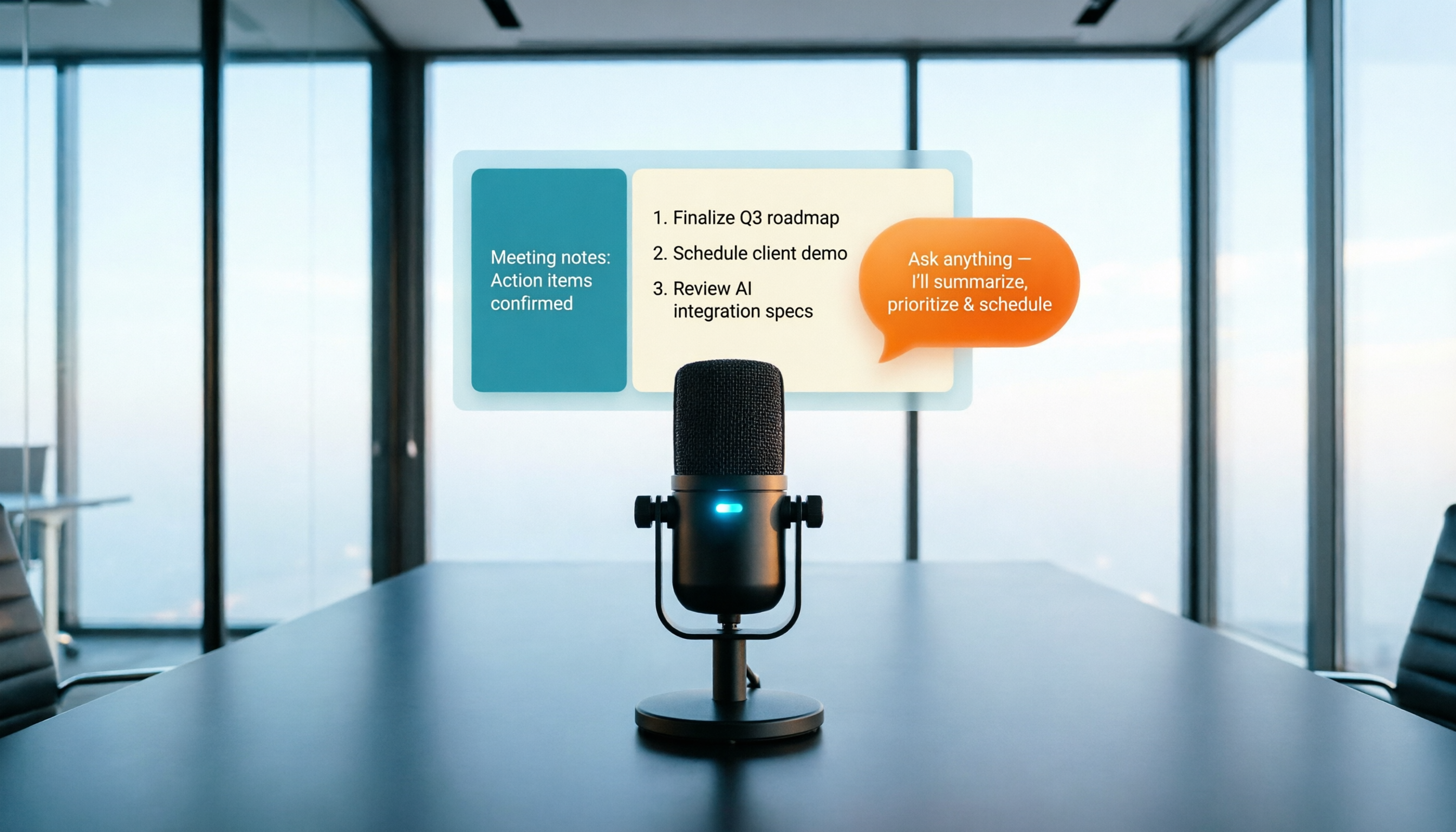
2026 Test: 4 Online Meeting Recorder & Transcription Tools Compared – Which AI Summary Actually Saves You Time?
Recording an online meeting isn't enough – the real time sink is the follow-up. This article tests 4 recording-to-text tools to help you find the one that best auto-generates meeting notes, action items, and AI Q&A.
2026 iPhone Voice-to-Text Methods Compared: Free vs Paid, Which Saves You More Effort?
Tired of organizing meeting recordings and lecture audio? This article tests 3 iPhone voice-to-text solutions: the built-in Voice Memos, AI tool Tinrec, and third-party apps/hardware, comparing accuracy, AI features, cross-platform support, and free tiers to help you find the best transcription method.
2026 Hands-On Comparison of 3 Google Meet Recording Tools: Which AI Summary Saves You the Most Time?
This article answers "Where do Google Meet recordings go?" and tests 3 tools that turn recordings into text and summaries, including Tinrec, Notta, and Otter.ai, helping you manage everything from storage to transcription to finding key points.
How to Record Audio on Windows in 2026: A Complete 4-Step Guide
Windows 10/11 includes a built-in Voice Recorder app, so you can record audio without installing extra software. This article walks you through 4 steps to record with a microphone, and introduces Xbox Game Bar and Stereo Mix for capturing system sounds.