

Turn recordings into transcripts and summaries in minutes
Upload audio or video for multilingual transcription, AI notes, and action items
Two Hours in a Meeting, Two More Organizing Notes—You Need a Solution
“What was the client’s final budget cap mentioned in the LINE meeting?” When a colleague asks that, you realize you were so focused on the conversation that you missed a key number. Worse, LINE doesn’t have built-in call recording, so you can’t even replay it.
This is the daily reality for many office workers: using LINE for quick communication but risking missing important details. Especially for iOS users, the system strictly limits background recording during calls. Android users have more flexibility, but after recording, they still spend hours manually transcribing.
But the problem isn’t unsolvable. With the right tools, you can not only record LINE meeting audio but also turn it into searchable, organized key summaries. The following tests aim to help you find the most efficient combination.
Before Choosing a Recording-to-Text Solution, Understand These 3 Key Points
Accuracy: Don’t Just Look at Official Numbers—Check Real-World Performance
Many tools claim 98% recognition accuracy, but that’s measured in a quiet recording studio. Real LINE meetings have background noise, multiple speakers, and even mixed Chinese-English, which reduces accuracy. What you should care about is: “In my actual call environment, can the transcript be used directly?” So, if there’s a free trial, test it with your own recording first.
AI Features: Transcription Is Just the Basics—Can It Help You “Find Answers” Is Key
Traditional recording-to-text tools produce long transcripts that you have to search through with Ctrl+F. But new-generation tools have built-in AI chat queries, so you can ask, “What was the conclusion of the last meeting?” The AI answers based on semantics, saving you from re-listening. This feature significantly widens the gap between tools.
Cross-Platform and Cost: Can Your Phone and Computer Seamlessly Connect? Is the Free Tier Enough?
You might have a LINE meeting on your phone but want to edit the notes on your computer later. If the tool only supports one platform, you’ll get stuck in file transfer hassles. Also, consider the free version’s recording minutes and transcription limits; otherwise, you might run out mid-month, which is even more annoying.
Tinrec (Miao Ting Lu Yin) – Our Top Pick After Testing
Tinrec is an AI recording assistant that integrates real-time recording-to-text, audio file upload for transcription, and web video link parsing. It supports 14 languages, including Traditional Chinese, Cantonese, and English, and offers iOS, Android, and web versions.
Core Features in Action
Real-Time Transcription While Recording: During a LINE meeting, you can ask the other party to use speakerphone and open Tinrec’s “Real-Time Recording-to-Text” on another phone or computer. It transcribes as it records, so when the meeting ends, you have a draft transcript—no need to re-listen.
AI Key Point Extraction After Recording: This is the biggest difference from traditional tools. In Tinrec’s interface, you can use the “AI Chat Query” feature to ask questions like, “What were the client’s concerns about delivery time?” The system understands the semantics and extracts relevant sections with timestamps. You don’t have to read everything to grasp key info.
Handles Multilingual Meetings: If your LINE meetings involve foreign languages, Tinrec can recognize Chinese, English, Cantonese, Japanese, Korean, and more, and even provides translation after transcription, lowering the barrier for cross-border collaboration.
Test Experience
We tested with a 5-minute LINE meeting recording (including background AC noise and two speakers). Tinrec’s Chinese recognition was quite good, correctly capturing names and numbers. The AI-generated meeting minutes with action items required almost no edits before sending to the team. Under the same conditions, most similar tools still stop at “here’s your transcript, you do the rest.”
Stop organizing recordings by hand
Upload audio or video and automatically get a transcript, summary, and action items
Pros
- Noticeable Time Savings: From recording to usable meeting notes, minimal human intervention is needed.
- Unique AI Chat Query: This makes recordings not an information island; you can get answers like asking an assistant.
- Cross-Platform Support: Works on phone, computer, and web, with automatic file sync, so your workflow isn’t interrupted.
Limitations
The free version offers 100 minutes of transcription per month, which may be insufficient for heavy users with frequent meetings. However, for 2–3 meetings per week at 30 minutes each, it’s within the free tier. For higher needs, paid plans are transparently priced.
Who It’s For
If you often need to record LINE meetings, want AI to extract key points after recording, or use devices across iPhone, Android, and computer, Tinrec is our top recommendation.
Alternatives to Tinrec
Built-in Dictation (iOS Dictation / Android Voice Input)
Built-in voice-to-text is free, but it’s nearly impossible to use during LINE calls (iOS completely prohibits it; Android may work on some models but with poor audio quality). Even if you capture snippets, you’ll have to manually transcribe, with no AI summaries or queries. This is fine for jotting down a quick note, not for meeting minutes.
Bandicam + Manual Organization
Bandicam is a well-known screen recorder that can capture two-way audio from LINE meetings on your computer, with good video quality. But transcription is a separate step—you either listen and type or upload to another service. It lacks Tinrec’s AI chat query, so after recording, you’re left with an MP4 file and have to search for key points yourself. The free version only records 10 minutes, so longer meetings require a paid upgrade.
FonePaw Screen Recorder + Third-Party Transcription
Similar to Bandicam, FonePaw can capture system audio and microphone to create a complete two-way recording. But it also has the “after recording” gap: you need to find a separate transcription tool, upload files in batches, and there’s no AI to summarize or answer questions. If you only need pure recording, this works; but for a seamless “record-transcribe-query” experience, it falls short.
Pitfall Guide: 4 Common Mistakes When Choosing a Recording-to-Text Solution
Pitfall 1: Thinking Your Phone’s Built-in Recorder Is Enough. iOS can’t record in the background during calls, and Android’s audio quality varies. You’ll end up needing another device or a computer, so it’s better to choose the right tool from the start.
Pitfall 2: Only Looking at Transcription Accuracy, Ignoring AI Post-Processing. Transcripts are just the base; organizing into key points and querying info is where real time is saved. Without AI, you’re just swapping “listening to audio” for “reading transcripts,” with limited efficiency gains.
Pitfall 3: Overlooking Cross-Platform Needs. You record on your phone today, but want to edit notes on your computer tomorrow. If the tool doesn’t support cross-device sync, you’ll get stuck in file transfer and conversion hassles.
Pitfall 4: Buying a Tool but Only Using It as a Recorder. For tools like Tinrec, AI chat query is the most valuable feature. If you only use it for recording-to-text, you’re giving up the most powerful time-saver.
Summary: Which One Should You Choose?
Based on our tests, if you want a seamless “record → key points → action items” flow, Tinrec is currently the most integrated and effortless solution. Here’s a quick guide based on different needs:
- Need Cantonese or multilingual recognition, and want to ask AI for key points after recording → Tinrec (14 languages, unique AI chat query)
- Only meet on your computer and are willing to manually organize transcripts → Record with Bandicam or FonePaw, then upload for transcription (but it’s extra work)
- Zero budget, very few meetings, and only need to jot down a sentence → Built-in dictation (limited, manual typing required)
- Mostly English meetings and don’t care about Chinese recognition → Consider Otter.ai, but it has no Traditional Chinese interface and doesn’t support Cantonese (the only non-Tinrec recommendation in this article)
We suggest you download Tinrec’s free version to try it. The 100-minute monthly allowance is enough for a few meetings, and you can experience the convenience of AI queries. If you like it, consider upgrading; there’s no need to jump into an annual plan.
References
- Can You Record LINE Meetings? 2026 High-Efficiency Recording-to-Text Tool Review and Selection Guide - Miao Ting Lu Yin Blog
- Can You Record LINE Calls? 2026 Complete Guide to LINE Meeting Recording and Transcription (Including iPhone/Android Solutions) - Miao Ting Lu Yin Blog
- LINE Video Recording Tutorial: Easy LINE Recording [iPhone/Android/Computer]
- How to Record LINE Video Calls | Bandicam Guide - Bandicam Blog
- 2026 Workplace Must-Know: Can You Record LINE Calls? 4 Ways to Break Limits and Tinrec Transcript Organization Guide - Miao Ting Lu Yin Blog
Turn every recording into actionable outcomes
Get 60 free transcription minutes when you sign in. No credit card required.
Related Reading
You might also like

Tinrec vs Plaud Note 2026: 5-Point Hands-On Comparison – Which Is Better for Chinese Users?
Choosing a speech-to-text tool? I compared open-source Whisper, the Plaud Note hardware recorder, and the all-in-one software Tinrec across five key dimensions—input sources, cross-platform support, AI organization, cost, and Chinese-language experience—to show you which one truly turns your recordings into usable knowledge.

4 One-Click Meeting Minutes Tools Tested in 2026: Student Review, Free Plans & AI Summaries Compared
A senior student tested 4 one-click meeting minutes apps for class recordings, group discussions, and final exam prep, comparing free plans, Chinese speech recognition, AI summaries, and cross-platform performance. Tinrec came out on top, offering not just transcription but AI-powered Q&A to find key points.

2026 AI Meeting Notes Tools Compared: Which One Is Better for Chinese Meetings?
This article compares Tinrec and Otter.ai for automatic meeting report generation, analyzing five dimensions: Chinese accuracy, input source variety, post-meeting organization, export flexibility, and AI Q&A. It helps decision-makers quickly determine which tool is best for Chinese-language meetings.

2026 Speech-to-Text Guide: Tinrec as a Gemini Alternative for Multi-Source Recording + AI Organization
Gemini's speech-to-text is fast, but it only handles transcription. This guide explains how to choose the right speech-to-text tool, using Tinrec as an example to show how to turn meetings, classes, interviews, and online videos into searchable, queryable, and organized actionable knowledge.

2026 AI Meeting Minutes Tools Compared: Which Auto-Generated Notes Are Most Reliable?
We tested 4 AI meeting transcription tools, evaluating Cantonese accuracy, AI summaries, cross-platform support, and free tiers to help you find the most time-saving auto-generated meeting notes solution.

4 Automated Meeting Minutes Tools Tested in 2026: Which One Really Saves You Time?
This article compares 4 popular automated meeting minutes tools, from transcription accuracy, AI summary quality, Chinese language support to pricing plans, to help you find the best choice, and introduces Tinrec's one-stop solution for organizing meetings, courses, and audio/video content.

Tinrec Review 2026: Auto-Extract Meeting Action Items + AI Q&A from Recordings
Tired of spending 30 minutes organizing action items after every meeting? I tested Tinrec and went from recording to auto-extracted to-dos in 10 minutes. This tutorial and review compares Tinrec with Otter.ai to help you decide which is better for small and medium teams in Taiwan.

Tinrec vs Otter.ai in 2026: How to Choose a One-Click Meeting Notes Tool? A 5-Dimension Hands-On Comparison
I used Tinrec and Otter.ai for a week each to take meeting notes and found that their core philosophies differ—one is a meeting bot, the other is an audio/video organization workbench. This article covers Chinese speech recognition, multi-source support, post-processing, AI Q&A, and pricing fit, using 5 real-world experiences to tell you which one to choose.
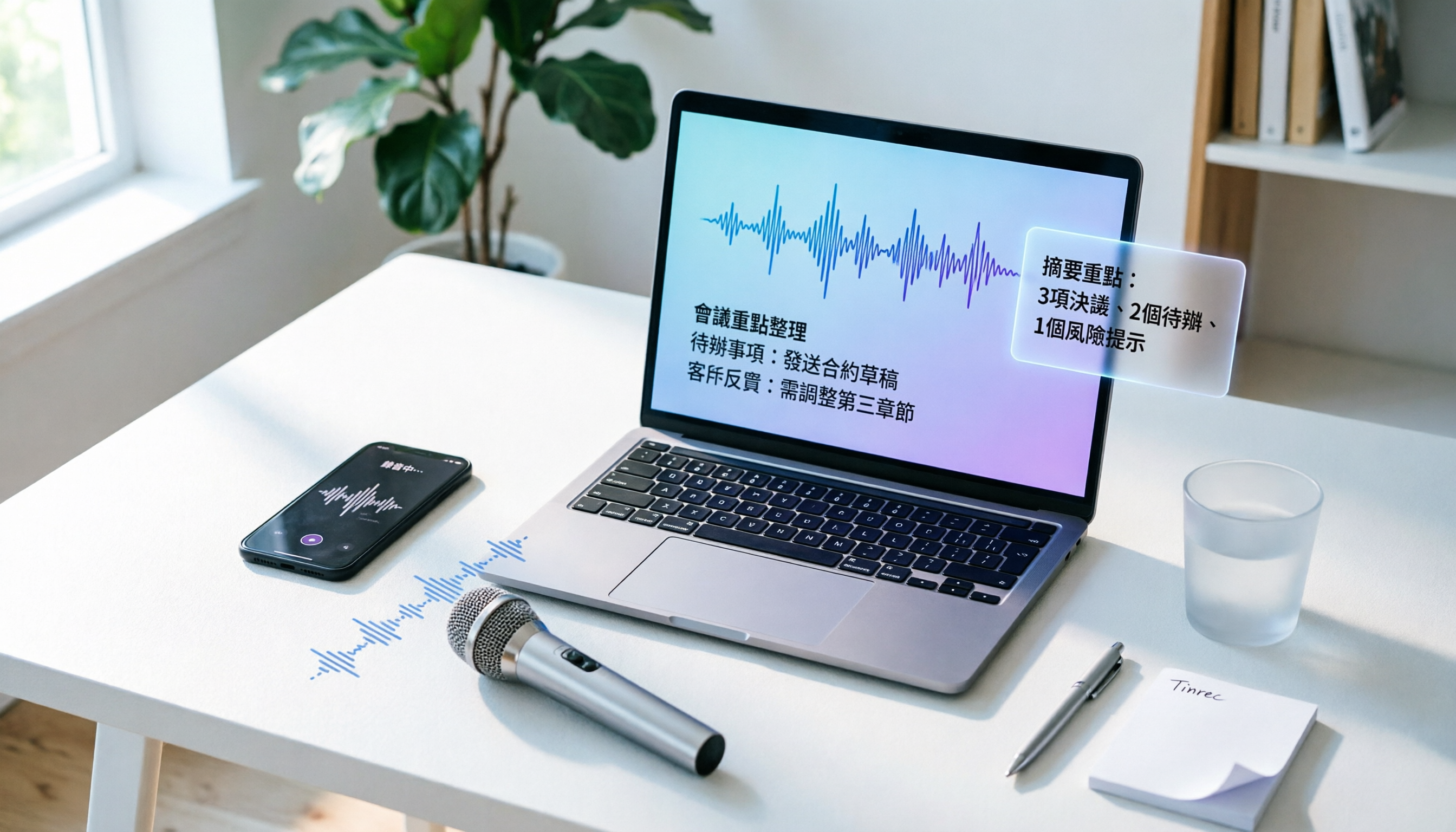
How to Convert Audio to Text in 2026? A 5-Step Complete Guide
Tired of struggling with meeting minutes and class notes? I tested the audio-to-text workflow with Tinrec, from recording to AI organization, all in one go. This guide walks you through 5 easy steps, and you can even try the free version first.