
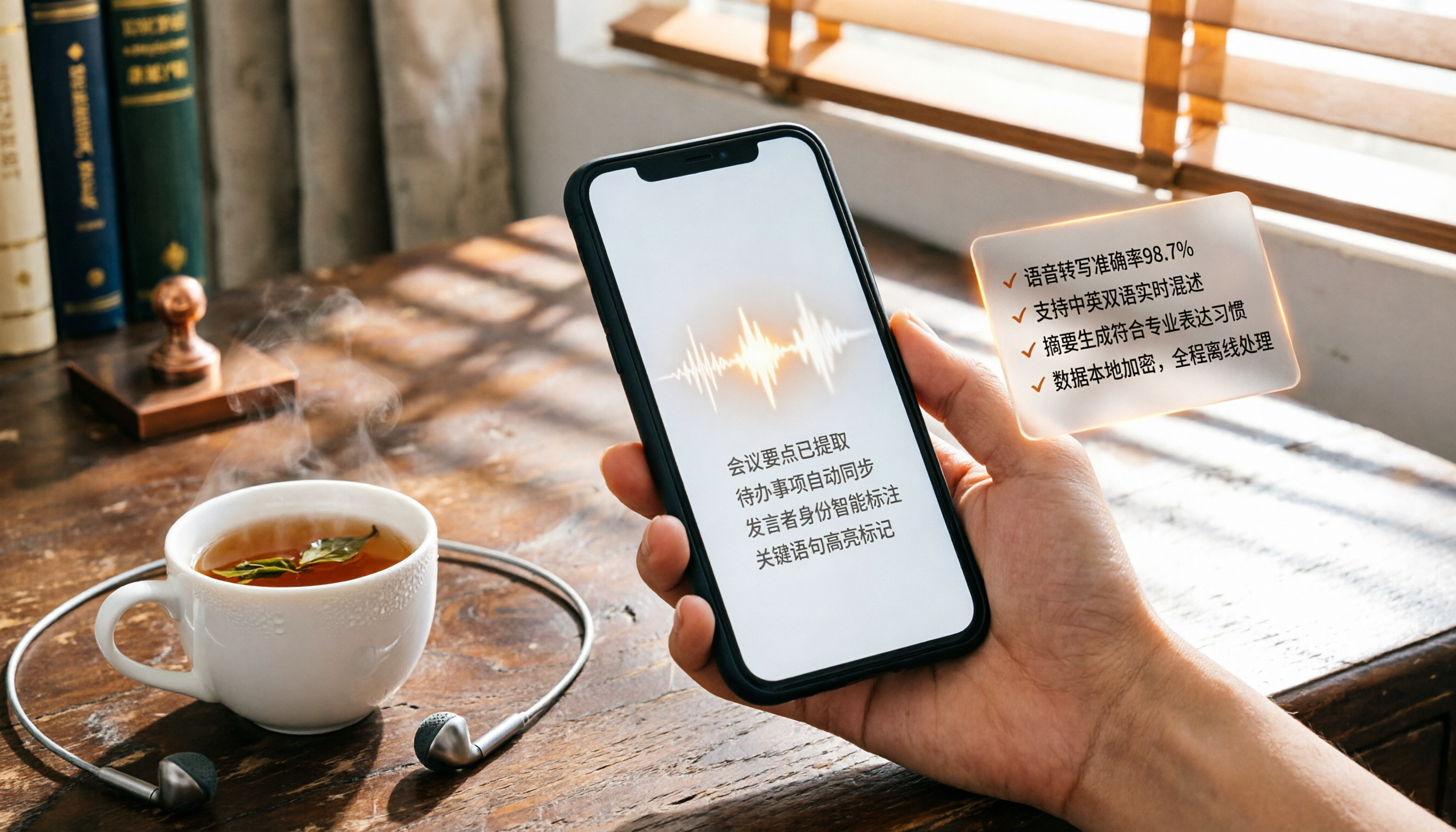
Turn recordings into transcripts and summaries in minutes
Upload audio or video for multilingual transcription, AI notes, and action items
Recently, while coaching an executive, he opened LINE to show me his chat list: it was full of unread voice messages marked in red, all progress updates and problem discussions from clients and colleagues.
"I can't listen to these voice messages in the office, and I often forget when I get home. The more they pile up, the more stressed I feel," he said.
He's not alone in this struggle. LINE has become an extension of work, but voice messages are like a black hole, locking important information inside sound.
What we need isn't more fragmented time to listen, but a method to automatically turn voice content into text—or even directly extract key points.
This article is a summary of my hands-on testing of two mainstream solutions. I'll explain which scenarios each fits best, and for real-world LINE voice message organization, which one truly turns sound into usable data.
Your First Choice for LINE Voice-to-Text Might Not Be a Tool
Many people ask, "Can LINE voice messages be converted to text?" The answer is yes, and there's more than one way.
The most direct method is LINE's built-in voice input: tap the microphone on the keyboard and speak to type. But this only handles "what you're currently typing"—it can't convert "voice messages sent by others."
iPhone users can also rely on "Shortcuts" scripts to send received voice messages to the dictation feature for transcription. I used this method two years ago, and it works, but it involves many steps, and accuracy heavily depends on ambient noise. The output often requires manual correction, making it suitable only for occasional one-off messages.
For larger-scale voice organization needs—like receiving a dozen client voice reports daily, or wanting to transcribe a one-hour online meeting recording—you'll need professional tools.
I Tested Two Tools: Notta and Tinrec
There are many voice-to-text tools on the market. I chose Notta and Tinrec for comparison because both support Chinese, offer cross-platform capabilities, and are widely discussed among users in Taiwan.
Notta is a well-known transcription tool, with strengths in real-time transcription, multilingual translation, and team plans. Tinrec is newer, positioned as an "AI recording and audio/video organization workbench," emphasizing not just transcription but also organization, summarization, Q&A, and downstream applications.
Next, I'll compare my actual experiences with both across three real-world scenarios: "daily voice replies," "voice message transcription," and "long recording organization."
(Screenshot placeholder: LINE chat with a pile of voice messages, red dots densely packed)
Scenario 1: Daily Voice Replies—Built-in Input Works Great
If you're just too lazy to type and want to reply by speaking, LINE's built-in voice input is sufficient—no extra tools needed.
Open the chat, look for the microphone icon above the keyboard, tap it, and speak. Text will appear in the input field. Both Android and iPhone have this, though the microphone location may differ.
This method doesn't involve Notta or Tinrec—they're not input methods and don't handle "what you're typing."
However, when you need to process "voice messages sent to you," the built-in input won't help.
Scenario 2: Transcribing Received Voice Messages—This Is the Key Battlefield
There's a client voice message, three minutes long, containing delivery dates, specification changes, and two pending items.
I first tried the iPhone Shortcuts script. It did transcribe the text, but several proper nouns were wrong, a segment of numbers was missing, and the overall text was choppy and hard to follow.
(Screenshot placeholder: Text from Shortcuts, with errors circled in red)
So I saved the same voice message as an audio file and uploaded it to both Notta and Tinrec.
Stop organizing recordings by hand
Upload audio or video and automatically get a transcript, summary, and action items
Notta transcribed quickly, completing within a minute. The transcript was generally fluent, but for phone-quality audio with slight background noise, there were some word misrecognitions. The key point: Notta gave me a transcript. If I wanted a summary or action items, I had to read the entire thing myself.
Tinrec processed the same audio file with similar transcription time, and accuracy felt comparable to Notta, with each having its strengths. But the difference was that after transcription, it automatically generated a summary, key sections, and a to-do list. I didn't have to read from start to finish; I could directly see the summary and know the client mentioned three things, and the to-do list already had "confirm delivery date" and "respond to spec change proposal."
That's what I really need: not more text, but direct information organization.
→ In this scenario, Tinrec clearly wins with its organization capabilities.
Scenario 3: Long Recording Organization—From One-Hour Meetings to Searchable Data
Another common pain point is long recordings, such as project meetings or online courses. I tested with a 50-minute project discussion recording.
Notta transcribed steadily and also provided an AI summary. However, its summary was more like "key excerpts," without breaking content into structured chapters. To find a specific topic discussion, I still had to search by keywords.
Tinrec went further with "chapter organization," automatically splitting the recording into thematic sections, like a book's table of contents. I could jump directly to the "budget discussion" section and see the transcript and a mini-summary for that segment. What impressed me even more was the AI Q&A feature: I asked, "What was the conclusion of the last meeting?" and it pulled relevant sections from the recording, summarizing three key points.
(Screenshot placeholder: Tinrec interface, with chapter list on the left and AI Q&A box on the right)
This turns recordings from "listen once and forget" into "a database you can repeatedly query."
→ For long recordings, Tinrec offers more flexibility for later use.
What Are the Unique Advantages of Each?
After testing, these two tools actually cater to different needs:
Tinrec's Unique Advantages
- Not Just Transcription, but Organization: Automatic summaries, chapters, and to-dos, ideal for those who need to quickly grasp key points.
- AI Q&A Like a Consultant: You can ask questions about historical recordings and pull out specific information without searching through everything.
- Covers Online Videos: Paste a YouTube or Bilibili link to transcribe, convenient for content creators.
- Continue Processing After Export: Export to Notion, Google Docs, or have AI generate further reports—it doesn't end at transcription.
Notta's Unique Advantages
- Comprehensive Team Collaboration Plans: If you need department-wide use and unified management of transcription data, Notta's Business plan is more mature.
- Extensive Multilingual Translation: If you need translation into multiple languages, Notta offers broader translation support.
Summary: Which One Should You Choose?
Back to the original question: "Can LINE voice messages be converted to text?"
The answer is yes, and there are many methods. But if you need to organize not just what you say, but voice messages from others, meeting recordings, or even online videos, here's my recommendation:
- If you need "to turn voice into immediately actionable data"—like summaries, to-dos, or a searchable history → Tinrec is more suitable.
- If you only occasionally handle a few voice messages and want minimal steps → iPhone Shortcuts or LINE's built-in voice input is enough.
- If you need a team-shared, multilingual transcription platform → Notta has an advantage in team plans.
Most individual users or small teams don't lack transcription itself, but rather the organization after transcription. Tinrec excels at "keeping recordings usable," which I find most valuable when consulting for businesses.
Here's how you can start:
- Download Tinrec's free version and test it with your own voice messages.
- Try the "AI Summary" and "To-Do Extraction" features to feel the difference from sound to action.
- If you frequently have large volumes of recordings, then evaluate whether the Pro plan suits you.
Transform yourself from passively listening to voice messages into actively organizing knowledge.
References
- LINE Voice Message to Text iPhone Tutorial: Simple One-Tap Voice-to-Text - Mr. Mad
- No Need to Type Hard, Voice-to-Text Saves Effort! 5 Must-Learn LINE Tips | 50+
- How to Convert LINE Voice to Text? Step-by-Step Guide You'll Get at a Glance! | Good Learning Orange | Orange Generation
- Enhance LINE Experience with Voice-to-Text Technology
- Can LINE Voice Be Converted to Text? 2026 Efficient Recording-to-Text Tool Recommendations and Hands-On Comparison - Tinrec Blog
Turn every recording into actionable outcomes
Get 60 free transcription minutes when you sign in. No credit card required.
Related Reading
You might also like

2026 Video-to-Text Tool Comparison: Which Is Better for Student Note-Taking?
An information systems student tests Tinrec and TurboScribe, comparing video-to-text conversion, AI summarization, free plans, and Chinese recognition to help you choose the best tool for recording lectures and organizing notes.

2026 Free WeChat Voice Forwarding Solutions: 1 Tool to See at a Glance
Can't forward WeChat voice messages directly? This article introduces a free tool, Tinrec, that helps you convert voice content to text or recordings, making it easy to share with others.

2026 Guide: Built-in Screen Recording on Windows 10/11 – No Installation Needed
Discover how to record your screen for free using Windows 10/11's built-in Xbox Game Bar. Simple steps, low resource usage, perfect for gaming, online meetings, and tutorials.

Tinrec vs Windows Built-in Voice Recorder: A 5-Dimension Test to Find the Best Tool for Workplace Recording and Transcription
Can you record audio directly on your computer? Yes, Windows has a built-in voice recorder, but it's basic and time-consuming to organize afterward. Starting from the pain points of a mid-level manager, this article compares Tinrec and Windows' built-in recorder across five dimensions: recording sources, transcription and organization, AI Q&A, output and collaboration, and pricing. It helps you find the best recording and transcription solution for meetings, learning, and interviews.

Can ChatGPT Transcribe Voice to Text in 2026? 4-Step Tutorial + More Professional Alternatives
ChatGPT's built-in voice input can transcribe speech to text, but it's basic and can't handle audio files or provide AI summaries or Q&A. This article walks you through 4 steps to use ChatGPT for voice-to-text and compares it with a more professional AI recording tool, Tinrec, to help you decide which is better for meetings, learning, and content organization.

Best iPhone Recording Apps in 2026: 3 Tested, and This One Is Best for Chinese Users
Wondering how to record audio on your iPhone? This article tests three recording tools (iPhone's built-in Voice Memos, PLAUD Note, and Tinrec), comparing recording quality, organization features, and price, and ultimately recommends the best AI recording and organization tool for Chinese users.

2026 Tested: 4 Best Audio-to-Text Tools Compared – Which One Really Turns Recordings into Usable Data?
Transcribing audio isn't just about getting a verbatim transcript—it's about turning content into searchable, summarizable data. This article tests four tools and offers a methodology for choosing and using them, so your recordings truly work for you.

Tinrec vs Yating Transcript 2026: 5-Dimension Comparison for Audio Transcription
Want to turn recordings into transcripts but can't decide between Tinrec and Yating Transcript? This article compares them across 5 key dimensions—transcription accuracy, AI organization features, input sources, free plans, and cross-platform support—to help you find the best free AI transcription tool for your needs.

2026 AI Transcription Tools Compared: Which One Does More Than Just Convert Speech to Text?
Yating Transcription focuses on localized transcription but lacks in organization. This article compares Yating Transcription and Tinrec in AI summarization, action item extraction, and knowledge organization to help you find a transcription tool that truly saves work time.