

Turn recordings into transcripts and summaries in minutes
Upload audio or video for multilingual transcription, AI notes, and action items
Tinrec is an AI-powered recording and audio/video organization tool. It doesn't just record; it transforms audio content into searchable, summarizable, and exportable knowledge. It supports iOS, Android, and web versions, with a free plan offering monthly transcription credits, making it ideal for professionals and students who attend meetings, classes, interviews, or need to organize online videos.
What Can the Recording Feature Do for You?
Many people think recording on an iPhone just means opening Voice Memos and hitting the button, but modern recording tools can do much more than "save an audio file." Take Tinrec, for example: right after recording, it does several things for you:
- Real-time transcription: Watch the transcript appear as you record in meetings, so you never miss key points.
- Automatic summaries: For a two-hour meeting, AI tells you what was discussed and what conclusions were reached.
- Action item extraction: Automatically pulls out who needs to do what and by when from the recording.
- Turn videos into material: Paste a YouTube link, and the video content is transcribed, allowing you to ask AI for details.
In short, it doesn't just help you "record"—it helps you "understand" what was recorded.
What Core Capabilities Should You Look for in a Recording Tool?
Choosing a recording app isn't just about whether it can record; the post-recording organization capabilities are what save you time. Here are the core features I found genuinely useful after testing Tinrec:
- Multiple input sources: Besides live recording on your phone, you can upload audio or video files, or even paste links to online videos. No matter where your content is, you can organize it all in one place.
- AI summaries and chapters: Long recordings are automatically segmented into sections with titles, like a book's table of contents. Meeting notes are no longer a giant wall of text.
- Action item extraction: Tinrec identifies "commitments" or "assignments" from conversations and automatically generates a to-do list—super useful in project meetings.
- Cross-platform sync and export: You can export organized content to Word, PDF, TXT, or save directly to Notion or Google Drive. No need for manual copy-paste.
- AI Q&A: After recording, you can type questions like "Who mentioned the budget?" or "What were the client's requirements?" and Tinrec answers based on the recording—something traditional recording apps can't do at all.
Real-World Use Cases
Meeting Notes: From 2 Hours of Conversation to 5 Minutes of Key Points
In the past, I'd type while listening in meetings, but my fingers couldn't keep up. With Tinrec recording in the background, summaries and action items are generated by the time the meeting ends. You just review for accuracy and send it to colleagues.
Stop organizing recordings by hand
Upload audio or video and automatically get a transcript, summary, and action items
Classes and Lectures: Turning Audio into Structured Notes
Record a full lecture, and Tinrec automatically creates chapters with clear key points for each section. For exam review, you don't need to re-listen to 3 hours—just read the text version and summary.
Content Creation: Quickly Extract Material from Podcasts to YouTube Videos
Want to write an article but your inspiration is in interview recordings or videos? Drop the audio into Tinrec, get the transcript and summary, then use AI Q&A to dig out quotable lines—your writing speed will increase significantly.
3 Things to Consider When Choosing a Recording Tool
- Don't just record; organize: The iPhone's built-in Voice Memos records well but lacks transcription and organization features, leaving you to figure out how to process the audio later. Tinrec, on the other hand, is a one-stop solution from recording to organization.
- Chinese recognition and summary quality: Among the three tools we tested, PLAUD Note requires additional hardware, which isn't convenient for those who just want to use their phone. Tinrec's Chinese summaries are more natural and less stiff than literal translations.
- Flexibility for downstream use: If you need to integrate recording results into other tools (like Notion for project tracking), export and sync capabilities are crucial. Tinrec supports multiple formats and third-party services, making it much more practical than apps that only save audio files.
Frequently Asked Questions
I only record quick memos for myself. Do I need a tool like Tinrec?
If it's just a few seconds of voice reminder, iPhone's Voice Memos is sufficient. But if recordings exceed 10 minutes or you want to search for "that point we discussed last time," Tinrec will save you a lot of time re-listening and typing.
Does Tinrec's free version have many limitations?
The free plan includes a fixed monthly transcription quota, enough for occasional meeting or class recordings. If you find yourself using it weekly, consider a paid plan. You can download and try it first before deciding.
How accurate is the transcription? Will there be many errors?
We tested in a quiet meeting room and a typical coffee shop, and Chinese recognition performed well. Of course, in noisy environments or with multiple people talking simultaneously, errors may occur, but Tinrec provides the transcript alongside the original audio, so you can always listen and correct.
Can I use Tinrec to record LINE or Zoom calls?
iOS doesn't allow apps to directly record calls, but you can use a computer to join the meeting and use Tinrec's web or desktop version to record system audio, indirectly capturing online calls. For detailed setup, refer to the official tutorial.
Conclusion
Recording on an iPhone is easy, but to truly make use of what you've recorded, you need an AI assistant that can transcribe, highlight key points, and even answer questions. After comparing three tools, we found that Tinrec is the best choice for general users in terms of Chinese clarity, multiple input sources, and post-recording organization. If you often have the problem of "recording a lot but never having time to re-listen," give Tinrec a try and turn your audio files into truly usable data.
References
- Record audio in Voice Memos on iPhone - Apple Support (Taiwan)
- iPhone Recording Made Easy: One-Tap Quick Self-Protection at Critical Moments
- Voice Memos App - App Store
- How to Record Phone Calls on iPhone? 5 Methods Revealed!
- Complete Guide to iPhone Recording: Beyond Voice Memos, This Tool Can Even Record LINE and Zoom Calls!
Turn every recording into actionable outcomes
Get 60 free transcription minutes when you sign in. No credit card required.
Related Reading
You might also like
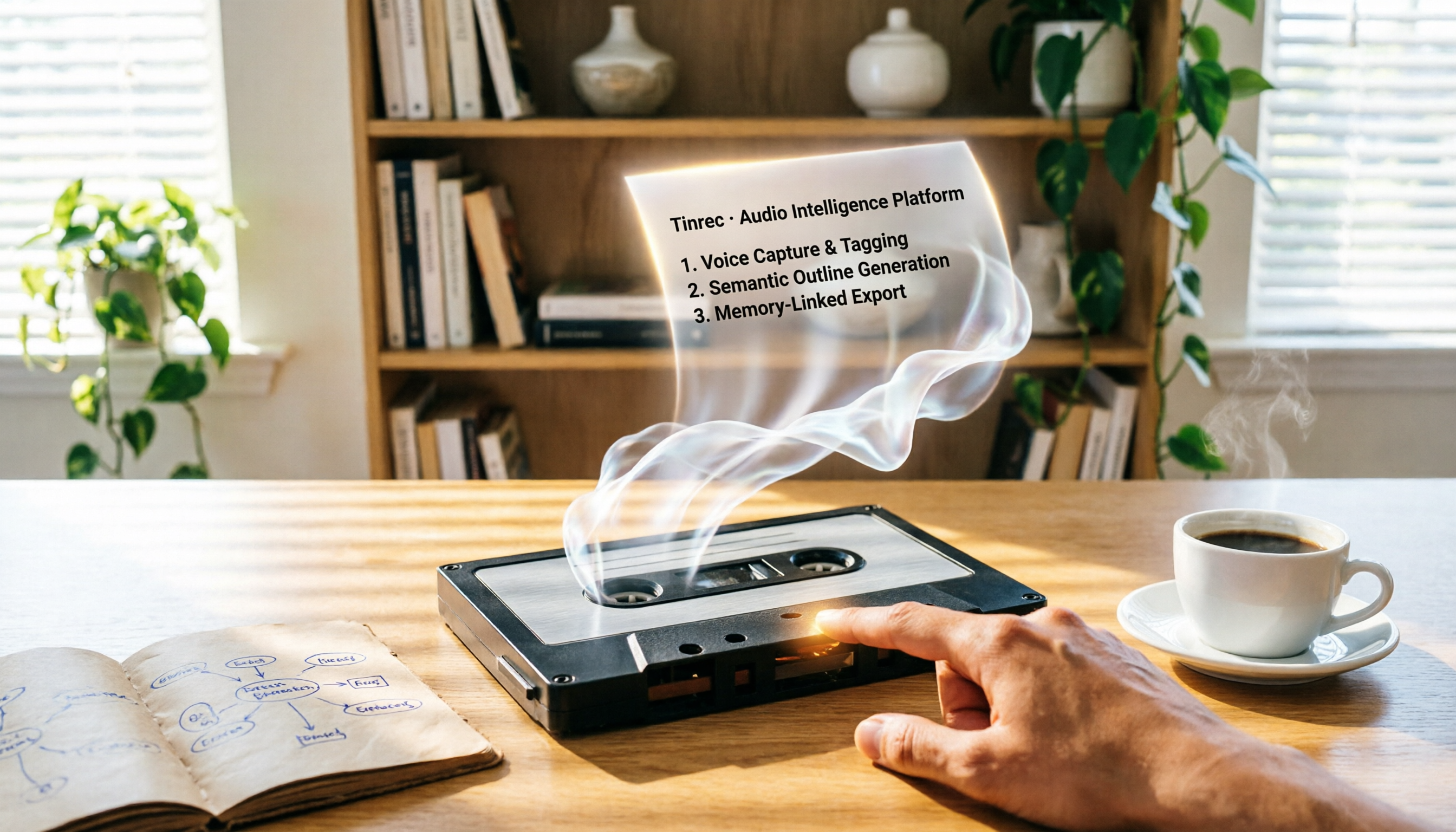
2026 Review: 5 AI Recording Tools for Repurposing Content—Quick Tips for Generating Presentation Outlines
Can you really turn recordings into presentation outlines? I tested Tinrec, Audiopen, Notta, Canva AI, and NotebookLM, and the results were surprising. Whether you need to extract key points from meeting recordings, course audio, or YouTube videos, this guide will help you find the best fit.

Which AI Transcription Tool Is Best? 2026 Hands-On Test of 5 Tools, This One Is the Most Complete
Want to quickly transcribe meeting recordings, course audio, interviews, or online videos into text and key points? This article reviews 5 AI transcription tools, comparing features, pricing, and ideal use cases to help you find the best fit.
5 Best AI Recording & Transcription Tools Tested in 2026: Which One Is the Ultimate Knowledge Workstation?
Tired of spending hours organizing meeting recordings, course audio, or online videos? This article tests five tools—Tinrec, Otter.ai, Notta, TurboScribe, and PLAUD Note—comparing accuracy, post-processing capabilities, Chinese support, and value for money to help you find the best AI recording and transcription solution.

2026 Free Text-to-Speech Solutions: 4 Options Compared
Want to turn articles, meeting notes, and study notes into audio content? This article rounds up 4 free text-to-speech solutions, including ChatGPT Read Aloud and Ondoku, and recommends pairing them with Tinrec to first convert audio/video into high-quality text, making it easy to create your own audiobooks.

Can Word Support Voice Input in 2026? 6 Steps to Switch to Tinrec for Better Efficiency
Wondering if Word supports voice input? This guide explores the limitations of Word's built-in dictation and shows you how to use Tinrec for more accurate speech-to-text, AI summaries, and multi-source organization. Try the free version today.

2026 Video-to-Text Tool Comparison: Which Is Better for Student Note-Taking?
An information systems student tests Tinrec and TurboScribe, comparing video-to-text conversion, AI summarization, free plans, and Chinese recognition to help you choose the best tool for recording lectures and organizing notes.
2026 Free WeChat Voice Forwarding Solutions: 1 Tool to See at a Glance
Can't forward WeChat voice messages directly? This article introduces a free tool, Tinrec, that helps you convert voice content to text or recordings, making it easy to share with others.

2026 Guide: Built-in Screen Recording on Windows 10/11 – No Installation Needed
Discover how to record your screen for free using Windows 10/11's built-in Xbox Game Bar. Simple steps, low resource usage, perfect for gaming, online meetings, and tutorials.

Tinrec vs Windows Built-in Voice Recorder: A 5-Dimension Test to Find the Best Tool for Workplace Recording and Transcription
Can you record audio directly on your computer? Yes, Windows has a built-in voice recorder, but it's basic and time-consuming to organize afterward. Starting from the pain points of a mid-level manager, this article compares Tinrec and Windows' built-in recorder across five dimensions: recording sources, transcription and organization, AI Q&A, output and collaboration, and pricing. It helps you find the best recording and transcription solution for meetings, learning, and interviews.