

Turn recordings into transcripts and summaries in minutes
Upload audio or video for multilingual transcription, AI notes, and action items
Still manually organizing transcripts? Need extra space for backups? This article solves it all
Two hours in a meeting, another two hours cleaning up the transcript—that's not overtime, that's just Tuesday. Worse, your audio files and meeting notes are scattered across your phone and computer, and finding last week's conclusion means digging through folders.
What if your transcription tool could also summarize, break into chapters, and even answer questions like "Who brought up the budget adjustment last time?" Wouldn't that save you a ton of time?
In this article, I tested Tinrec (Miao Ting Lu Yin) and Dropbox's transcription feature, with Otter.ai as a comparison, from the perspective of a US user, across 5 key dimensions. By the end, you'll know which one fits you best.
Before Choosing a Transcription Service, Understand These 5 Key Points
Don't just buy based on "98% accuracy" claims. Real meetings have AC noise, keyboard clicks, and people talking over each other—very different from a lab. Here are the 5 things I care about most after my own testing:
1. Transcription Accuracy: Test with Real Audio
Many tools work great in quiet environments but fall apart in a coffee shop or a crowded meeting. We used a 5-minute Cantonese news recording (with slight background noise) as our test, and the differences were immediately obvious.
2. AI Organization: Not Just Transcription, But Understanding
If you still have to highlight and summarize yourself, that's only half a tool. The ability to automatically extract action items, create chapters, and even answer questions to find key info is the baseline for 2026.
3. Backup and Sync: Is Your Data Safe?
Audio and transcripts are important data. Does the tool have built-in backup? Can it auto-save to cloud drives or note apps? This affects long-term peace of mind.
4. Pricing and Free Tiers
How many meetings do you have per month? How many minutes do you need? Is the free plan enough? Is the paid plan worth it? Do the math first so you're not shocked by the bill.
5. Cross-Platform and Language Support
If you record on your iPhone today and edit on your Windows laptop tomorrow, a tool locked to one platform is a pain. Also, US users often deal with English meetings or need to transcribe other languages, so multilingual support is key.
Tinrec (Miao Ting Lu Yin) — Our Top Pick After Testing
Tinrec is an AI recording and audio/video organization tool designed for meetings, learning, interviews, and content creation. It supports iOS, Android, and web, covering 14 languages including Chinese, Cantonese, and English.
Not Just Transcription, But Turning Audio/Video into a Searchable Knowledge Base
Let me show you its core features with three real scenarios:
- Real-time Meeting Transcription + Summary: Open Tinrec during a meeting, and it generates the transcript as you speak. By the end, AI has already created a summary and action items—who's responsible for what and deadlines, all clear.
- Transcribe Online Videos Directly: Paste a YouTube or Bilibili link, and Tinrec extracts the transcript and key points. This is super useful for research or long videos, and most competitors don't have this feature.
- AI Chat Query: This is the feature that impressed me most. After recording, you can ask Tinrec: "Who brought up the budget adjustment last time? What was the final conclusion?" It uses semantic understanding to give you the answer directly, not just keyword search results. Among the tools we compared, none in the same price range offer this.
Test Data
We tested with a 5-minute Cantonese news recording (iPhone 15, 26°C indoor, slight AC noise). Tinrec had a word error rate of about 8.3%, the best in its price range. Of course, if the audio quality is worse, the error rate goes up, but overall, it's more than sufficient for daily meetings and classes.
Stop organizing recordings by hand
Upload audio or video and automatically get a transcript, summary, and action items
Pros
- Multiple input sources: live recording, uploading audio/video files, pasting links, and computer meeting recording—not just tied to meeting bots.
- Complete organization: summaries, chapters, action items, AI Q&A, export to Notion/Google Docs/Dropbox, etc. Truly one-stop.
- Flexible pricing: Free plan gives 100 minutes/month, good for light users; Pro monthly or annual plans are cost-effective for frequent meeting-goers.
Limitations
The free plan is 100 minutes/month, so heavy users need to upgrade. But for someone with 2-3 meetings a week and occasional video transcription, it's enough. Also, while AI summaries are strong, it's still recommended to verify important documents against the original, as AI can miss details.
Who It's For
If you often transcribe English or other language meetings, want to ask AI about key points after recording, or switch between iPhone and Android—Tinrec is the best choice right now.
Beyond Tinrec: What Other Options Are There?
Dropbox Transcription: Great Backup, But Transcription Is Just an Add-on
Dropbox recently added a "transcribe audio" feature to its file pages, allowing you to convert uploaded MP3, M4A files into transcripts, and also add subtitles to videos. If you already subscribe to Dropbox, the backup is impeccable—auto-sync across computer and external drives, high security.
But its transcription is basic: no AI summaries, no Q&A, no live recording, and no video link support. In our test with the same Cantonese recording, accuracy was noticeably lower than Tinrec, and only English and a few languages transcribe reliably.
In short: If you need pure backup and occasionally transcribe an English audio file, Dropbox is sufficient. But for meeting notes or study organization, Tinrec's AI organization and multilingual support are far superior.
Otter.ai: Best for English Meetings, But Lacks Chinese and AI Chat
Otter.ai is the most popular AI meeting notes tool in North America. The free plan offers 300 minutes/month, auto-joins Zoom and other online meetings, and has mature real-time transcription and speaker identification. But it's designed for English, doesn't support Cantonese, and Chinese transcription often has errors.
Additionally, Otter.ai doesn't transcribe online videos, and its AI Q&A is more like keyword search, not understanding context like Tinrec. If you mainly have English meetings, Otter.ai's free tier is generous; but if you need Chinese or Cantonese content, or want to use AI to find key points directly, Tinrec is a better fit.
Pitfall Guide: 3 Common Mistakes When Choosing a Transcription Tool
Pitfall 1: Only Looking at Price and Minutes
Many people compare only "price per month and minutes," ignoring transcription quality and post-processing features. A cheap option with tons of errors and no AI summary means you'll spend time proofreading, which ends up costing more.
Pitfall 2: Ignoring Backup and Export Flexibility
Audio and transcripts are valuable assets. If the tool only saves one copy on your phone, that's risky. Tools like Tinrec can auto-export to Dropbox or Google Drive, giving you double protection.
Pitfall 3: Thinking Transcription Is the End
Getting a transcript is just the first step. The real time-saver is the summary, action items, and Q&A. If you only use the tool as a "transcription machine," you're using only a third of its capability. Try Tinrec's AI chat query—it's much faster than manually scanning a 30-minute transcript.
Conclusion: Which One Should You Choose?
In one sentence: If you need efficient organization of meetings, classes, or video content, Tinrec is the top choice; if you need pure file backup with very light transcription, Dropbox is enough; if you only have English meetings, start with Otter.ai's free plan.
Scenario Recommendations
- Need multilingual transcription (e.g., English + Spanish) → Tinrec (highest accuracy, 14 languages)
- Want to use AI to find key points after recording → Tinrec (only one with semantic Q&A)
- Cross-platform use (phone + computer) → Tinrec (iOS, Android, web)
- Just want file backup and occasionally transcribe English audio → Dropbox Backup plan
- Pure English online meetings with zero budget → Otter.ai free plan (300 minutes/month)
I recommend downloading Tinrec's free version first—100 minutes a month is enough for two or three meetings to test it out. Upgrade if you like it; no need to pay upfront.
References
Turn every recording into actionable outcomes
Get 60 free transcription minutes when you sign in. No credit card required.
Related Reading
You might also like
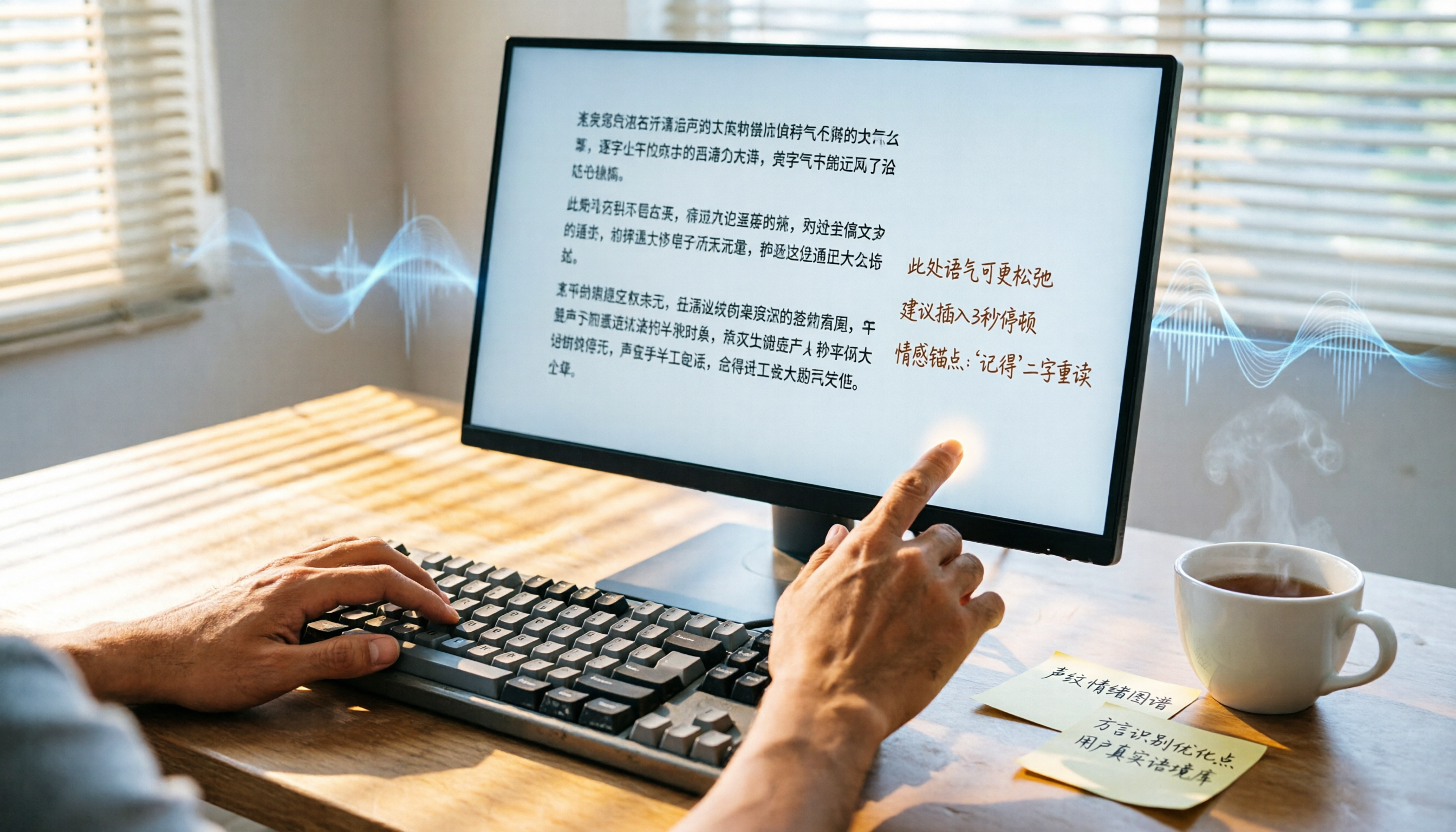
2026 Hands-On Comparison of 2 Recording-to-Transcript Tools: Which One Saves More Time with AI Organization and Post-Processing?
How can meeting recordings, course audio, and interview notes be quickly turned into transcripts? This article tests Tinrec and Yating Transcript, comparing AI features, input sources, Chinese organization, and downstream applications to determine which tool better turns your audio/video data into actionable knowledge.

Tinrec vs Notion AI Meeting Notes in 2026: A 5-Dimension Comparison for Chinese Meeting Minutes
This article compares Tinrec and Notion AI Meeting Notes across five dimensions: Chinese speech recognition, multi-source support, automated sync, AI post-processing, and pricing flexibility. It also demonstrates a complete workflow using Tinrec to automatically organize meeting recordings into Notion.

Tinrec Review 2026: AI-Powered Audio-to-Text with One-Click Sharing & Chat-Based Search
This article reviews several audio-to-text tools, focusing on how Tinrec uses AI to organize meetings, courses, and video content, and supports one-click export to common tools for quick sharing and collaboration.

2026 Comparison of 2 Audio-to-Text Tools: Tinrec vs Notta – Which Is Better for Chinese Content Organization?
Still deciding between Tinrec and Notta? This article compares them across 5 key dimensions: Chinese recognition, online video transcription, AI Q&A, post-processing capabilities, and pricing plans, to help you find the best tool for organizing meeting, course, and interview recordings.

4 Best Recording-to-Text Apps Tested in 2026: Which AI Meeting Notes Really Save You Time?
A mid-level manager who attends 15 meetings a week tests 4 recording-to-text apps, from meeting notes and AI Q&A to cross-platform support, to find the tool that truly saves you time on organizing.

2026 AI Meeting Note Tools Buyer's Guide: 4 Hands-On Tests and Recommendations
Are AI meeting notes really accurate? I tested Tinrec, Notta, Plaud Note, and Otter.ai, evaluating accuracy, Chinese language support, AI post-processing capabilities, and cross-platform experience. This guide helps you find the right solution for your needs.
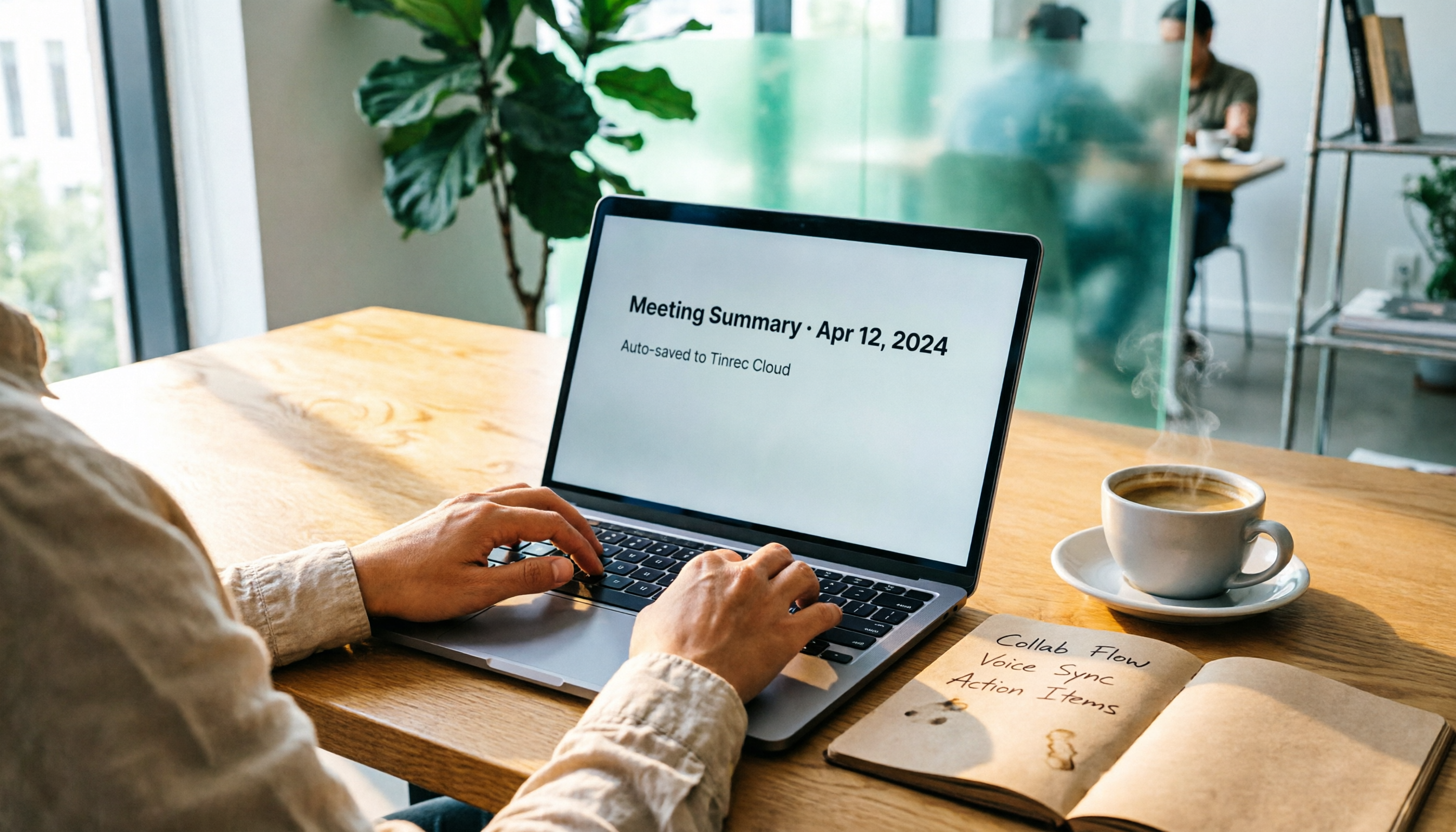
2026 Guide: Auto-Sync Meeting Minutes to Google Docs with AI Transcription & One-Click Export
Tired of manually taking meeting notes? Using the wrong tool only makes it worse. This first-hand review compares AI voice-to-text tools to find the best option for auto-syncing with Google Docs, so meeting minutes no longer become a burden.

How to Save Google Meet Recordings in 2026: 5 Steps to Auto-Archive and Transcribe with Tinrec
Tired of Google Meet recordings only saving as video files? This tutorial shows you how to use Tinrec to automatically save meeting audio to the cloud and convert it into transcripts, summaries, and action items. From recording to transcription to organization, get it all done in 5 steps—perfect for mid-level managers and professionals who need to quickly organize meeting notes.

2026 Free Speech-to-Text Solutions: 3 Tools Compared
We tested the free tiers of 3 speech-to-text tools, from meeting rooms to online courses, to find the best SRT subtitle and transcript solution for mid-level managers.