
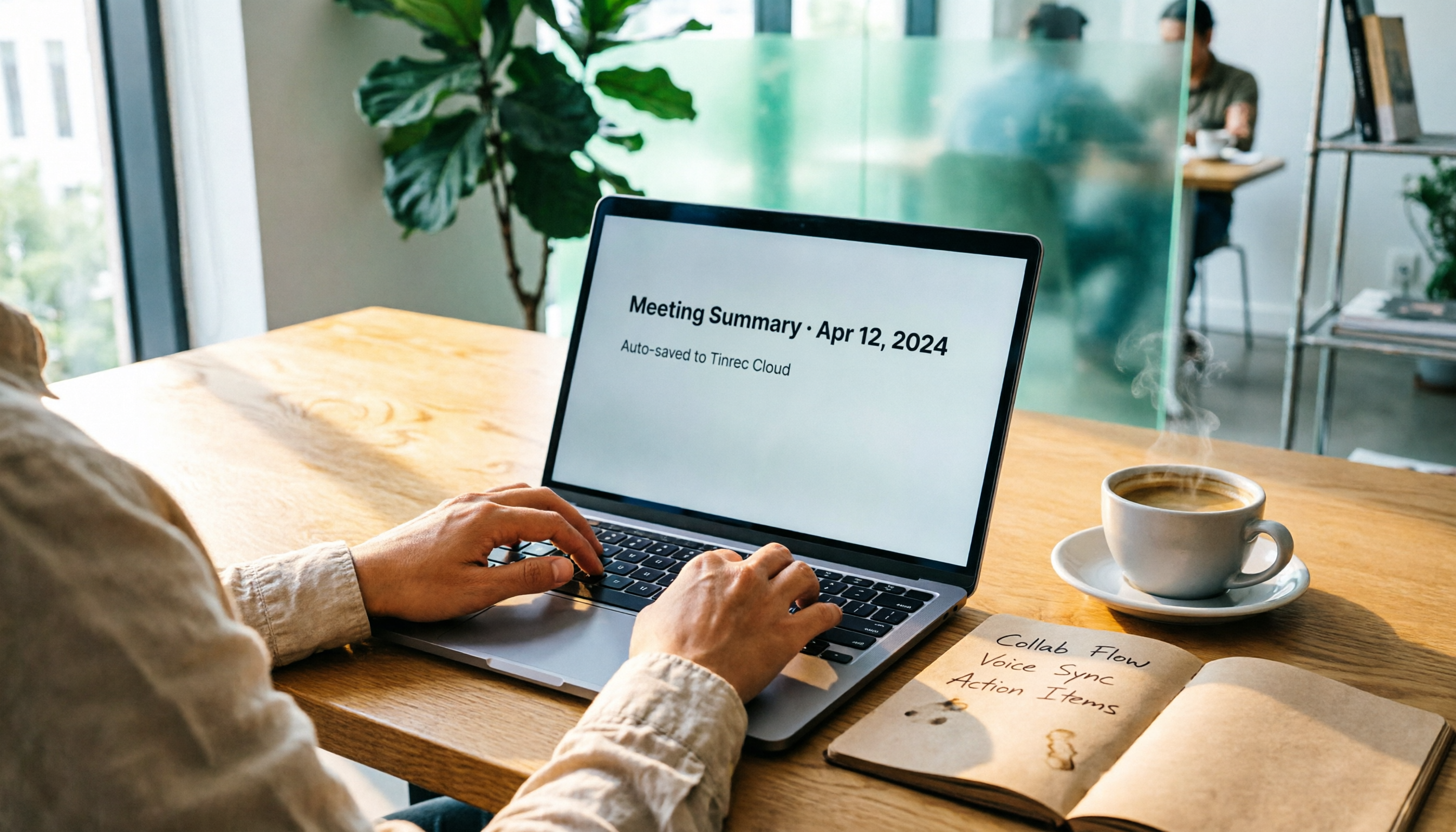
Turn recordings into transcripts and summaries in minutes
Upload audio or video for multilingual transcription, AI notes, and action items
What You Need Isn't Faster Typing, but a Tool That Organizes for You
I used to be that person frantically typing in Google Docs during every meeting.
When the meeting ended, my notes were so messy I couldn't even understand them, and I'd spend another hour reorganizing. Worse, if someone was absent, I'd have to manually send them the notes, wasting time on back-and-forth communication.
Eventually, I realized the real problem wasn't that I wasn't fast enough—it was the constant switching between "recording" and "note-taking" that drained my energy.
If there were a tool that could record and transcribe simultaneously, automatically generate meeting notes with summaries and action items when the meeting ends, and sync directly to Google Docs for the whole team—my workflow would be completely different.
(Screenshot: Messy handwritten meeting notes vs. auto-generated clean meeting notes, with an arrow pointing to the structured summary)
Before Choosing a Meeting Notes Tool, Understand These 4 Key Points
Many people only look at price and minutes, but that's not enough. From my testing experience, you should consider these four things first:
1. Post-transcription "organization" matters more than transcription itself You get a transcript of thousands of words, but you still have to read it all and turn it into notes. A good tool should automatically summarize, create sections, and extract action items after transcription, saving you the most time.
2. Real-world performance in Chinese and multilingual scenarios Official accuracy claims are tested in ideal environments. In real meeting rooms, there's background noise, accents, and jargon, and that's where differences between tools truly show. If you often deal with Cantonese or mixed Chinese-English, you definitely need to try it out.
3. Can it "one-click export" to your collaboration platform? Creating meeting notes isn't the end—you still need to put them where your team works. Whether it can export directly to Google Docs, Notion, or even auto-sync with formatting determines how smoothly collaboration goes.
4. Cross-scenario and cross-platform applicability You don't just meet in the office—you might need to organize recordings from phone lectures or YouTube interviews. Whether the tool supports web, mobile, and desktop, and whether it can import audio and video from different sources, affects whether you use one tool or are forced to use three.
(Screenshot: Four-panel diagram representing organization capability, Chinese scenarios, export options, and cross-platform icons)
Tinrec (秒听录音) — My Top Pick in Testing, Because It's More Than Just a Transcription Tool
I first used Tinrec to organize a client meeting recording that was mixed Chinese and English.
Opening the mobile app, text started appearing line by line as it recorded. When the meeting ended, it had already listed the summary, chapters, and action items—who's responsible for what, deadlines, all clear.
But what really made me keep this tool was the "Export to Google Docs" button.
Click it, and the entire meeting notes become a formatted Google Doc, with action items turned into checkboxes. I just share the link, and all colleagues can immediately see the latest notes—no more extra forwarding or formatting adjustments.
Later, I found out Tinrec doesn't just handle meeting recordings. I dropped a YouTube link of a seminar into it, and it still produced a full transcript and key summaries. Before, I'd have to scrub through the video to take notes; now I can quickly review the organized text.
If you need to find a specific discussion segment from past recordings, you don't have to listen from start to finish. I tried asking Tinrec directly: "What was the key reason for the budget adjustment mentioned last time?" It didn't just give keyword search results—it actually synthesized an answer from context. I've rarely seen this feature in similar tools.
Of course, there are caveats. The free version has a monthly transcription quota; if you meet two or three times a week, you'll likely run out. For heavy use, the Pro plan is better. Also, while it supports computer meeting recording, it doesn't "automatically join online meetings" like some meeting bots—you still need to start recording yourself on Google Meet or Zoom.
Stop organizing recordings by hand
Upload audio or video and automatically get a transcript, summary, and action items
Overall, if you often need to organize meetings, lectures, or online videos, and want results that sync directly to Google Docs for team collaboration, Tinrec is the most seamless and complete tool I've used so far.
(Screenshot: Tinrec interface, with arrow pointing to the "Export to Google Docs" button, showing the auto-generated meeting notes structure)
Beyond Tinrec: What Other Options Are There?
Otter.ai: Strong for English meetings, but not great for Chinese
Otter.ai is mature in English transcription and meeting bots, and it can export to Google Docs. But after testing a Chinese meeting recording, I found the Chinese transcription had fragmented chapters and summaries often missed key points. If you mainly have English meetings, it's worth considering; but if Chinese is common, Tinrec's understanding is clearly closer to our usage context.
Yating (雅婷逐字稿): A Taiwanese veteran, but lacks AI chat query
Yating's Chinese accuracy is decent and it supports exporting to multiple formats. Unfortunately, it "ends" after transcription—no AI chat query, so you can only manually search keywords. If you want to turn past meeting recordings into a queryable database, Tinrec's chat query is a feature I can't find elsewhere.
Notta: Similar features, but weaker post-processing
Notta's transcription and meeting notes capabilities are similar to Tinrec, and it also supports exporting to Google Docs, Notion, etc. But in my tests, its AI summary tends to be bullet-point lists, and it's harder to achieve the "directly generate a deliverable meeting summary" completeness that Tinrec offers. If you just need quick transcription, Notta is fine; but if you want to save final manual editing time, Tinrec's post-processing is more efficient.
Pitfall Guide: 3 Common Mistakes When Choosing a Meeting Notes Tool
Pitfall 1: Only looking at price and transcription minutes, ignoring "organization time"
Many tools advertise hundreds of free transcription minutes, but after getting the transcript, you still spend as much time reading and summarizing. What you should compare is "how much time from recording to a usable meeting note." Tools with complete post-processing like Tinrec can cut this from an hour to ten minutes.
Pitfall 2: Ignoring cross-platform and export needs
Some people record on an iPhone, organize on an Android tablet, and finally paste into Google Docs on a computer. If the tool doesn't support all devices or lacks one-click export, you waste time on file conversion and syncing. Tinrec's iOS, Android, and web sync, plus direct export to Google Docs, is a key reason I recommend it.
Pitfall 3: Using the tool only as a "voice recorder," not leveraging AI chat
If you only use these tools for one-off transcription, you're using only a third of their capability. Try asking the AI directly after recording: "What was the conclusion of this meeting?" "What three concerns did the client raise?" After doing this with Tinrec, I truly realized the value of a database that can be "used live," much faster than manual search.
Summary: Which One Should You Choose?
Honestly, each tool has its strengths. But if you're like me, aiming for "meeting notes that are immediately ready to put into Google Docs and easy for the team to understand," here's a recommended path:
- You need to handle meetings, lectures, and online videos, and use Chinese, Cantonese, or mixed Chinese-English → Tinrec is the broadest in coverage and most complete in Chinese organization.
- You don't want to do secondary editing after meetings, and want AI to generate deliverable notes → Tinrec's AI summary and action item extraction, combined with Google Docs export, offers the smoothest workflow.
- You need to find information from historical recordings anytime, without manual searching → Tinrec's AI chat query is almost nonexistent in similar tools.
- You only have English meetings, have zero budget, and are willing to manually adjust summaries → Otter.ai's generous free tier is one of the few exceptions to consider.
I suggest you download the free version of Tinrec to try it—it includes a monthly base quota, enough to record two or three meetings to experience the smoothness of auto-organization and export to Google Docs. If it truly helps your work, then consider upgrading; don't rush to pay upfront.
(Screenshot: Tinrec export to Google Docs result, showing meeting notes with title, summary, and action items neatly arranged)
References
- Google Docs One-Click Insert "Meeting Notes" Quick Note Feature: How to Enable and Tutorial
- Google Calendar Helps You Quickly Create and Share Meeting Notes
- Add meeting notes to Google Calendar events - Google Docs Editors Help
- Free Meeting Minutes Templates (Word, Google Docs, PDF) | HiNoter Blog
- Google Calendar Helps You Quickly Create and Share Meeting Notes, Saving Window-Switching Time! - Microfusion Technology - Medium
Turn every recording into actionable outcomes
Get 60 free transcription minutes when you sign in. No credit card required.
Related Reading
You might also like
2026 Hands-On Comparison of 2 Recording-to-Transcript Tools: Which One Saves More Time with AI Organization and Post-Processing?
How can meeting recordings, course audio, and interview notes be quickly turned into transcripts? This article tests Tinrec and Yating Transcript, comparing AI features, input sources, Chinese organization, and downstream applications to determine which tool better turns your audio/video data into actionable knowledge.

Tinrec vs Notion AI Meeting Notes in 2026: A 5-Dimension Comparison for Chinese Meeting Minutes
This article compares Tinrec and Notion AI Meeting Notes across five dimensions: Chinese speech recognition, multi-source support, automated sync, AI post-processing, and pricing flexibility. It also demonstrates a complete workflow using Tinrec to automatically organize meeting recordings into Notion.

Tinrec Review 2026: AI-Powered Audio-to-Text with One-Click Sharing & Chat-Based Search
This article reviews several audio-to-text tools, focusing on how Tinrec uses AI to organize meetings, courses, and video content, and supports one-click export to common tools for quick sharing and collaboration.

2026 Comparison of 2 Audio-to-Text Tools: Tinrec vs Notta – Which Is Better for Chinese Content Organization?
Still deciding between Tinrec and Notta? This article compares them across 5 key dimensions: Chinese recognition, online video transcription, AI Q&A, post-processing capabilities, and pricing plans, to help you find the best tool for organizing meeting, course, and interview recordings.

4 Best Recording-to-Text Apps Tested in 2026: Which AI Meeting Notes Really Save You Time?
A mid-level manager who attends 15 meetings a week tests 4 recording-to-text apps, from meeting notes and AI Q&A to cross-platform support, to find the tool that truly saves you time on organizing.

2026 AI Meeting Note Tools Buyer's Guide: 4 Hands-On Tests and Recommendations
Are AI meeting notes really accurate? I tested Tinrec, Notta, Plaud Note, and Otter.ai, evaluating accuracy, Chinese language support, AI post-processing capabilities, and cross-platform experience. This guide helps you find the right solution for your needs.

How to Save Google Meet Recordings in 2026: 5 Steps to Auto-Archive and Transcribe with Tinrec
Tired of Google Meet recordings only saving as video files? This tutorial shows you how to use Tinrec to automatically save meeting audio to the cloud and convert it into transcripts, summaries, and action items. From recording to transcription to organization, get it all done in 5 steps—perfect for mid-level managers and professionals who need to quickly organize meeting notes.

2026 Free Speech-to-Text Solutions: 3 Tools Compared
We tested the free tiers of 3 speech-to-text tools, from meeting rooms to online courses, to find the best SRT subtitle and transcript solution for mid-level managers.

Tinrec vs Dropbox 2026: 5-Dimension Comparison of Audio Transcription and Cloud Backup - Which Is the Best for Efficient Organization?
Need audio transcription but worried about file backup? Tinrec and Dropbox both transcribe audio, but they serve very different purposes. This article compares them across 5 key dimensions - accuracy, AI features, backup integration, pricing, and cross-platform support - to help you find the best solution for your needs.