

Turn recordings into transcripts and summaries in minutes
Upload audio or video for multilingual transcription, AI notes, and action items
Those Years, Time Stolen by Meeting Notes
I used to think recording was the best insurance.
Until last month, when I had to find a key requirement from a two-hour user interview. I dragged the progress bar back and forth, listened four times, and finally dug out that sentence amidst the background noise of a coffee machine.
What's more, during meetings, people switch between Cantonese and Mandarin. Most tools on the market either don't support Cantonese or turn "budget" into "fish balls," making the transcript feel like a puzzle game.
If you've experienced these issues, this article is for you.
I spent two weeks testing four tools with the same audio files, evaluating transcription quality, Chinese adaptability, AI post-processing capabilities, and cross-platform flexibility. Here's the bottom line: instead of chasing the "best tool," first understand your real needs.
Before Choosing an AI Meeting Note Tool, Understand These Four Key Points
Whether a tool is good isn't about how many features it has, but whether it solves your real pain points. These four dimensions determine whether you and the tool can work together long-term.
Accuracy: Don't Just Look at Official Numbers; See Where It Goes Wrong
Every company claims over 90% accuracy, but those numbers are usually measured in a quiet recording studio. Real meeting rooms have keyboard sounds, air conditioning, people talking over each other, and even background music—under these conditions, the gaps between tools truly emerge.
During testing, I deliberately chose a Chinese meeting recording with slight background noise. I found that some tools turned "market analysis" into "market installments"—similar in wording but completely wrong in meaning; others correctly interpreted based on context. Accuracy isn't just a percentage; it's about how well it handles proper nouns, mixed Chinese-English, and colloquial expressions.
AI Post-Processing: Transcript Is Just the Start; What Matters Is What You Can Do Next
Many people treat these tools as "recording-to-text converters" and stop once they get the transcript. But the real time-saver is whether AI can help you with the next steps: auto-summarization, extracting action items, turning discussions into structured notes, or even letting you ask questions in natural language like querying a database.
If you still have to manually highlight key points and write meeting minutes after recording, the tool is only doing half the job.
Cross-Platform and Input Sources: Your Content Isn't Just in Meeting Rooms
Besides live recording, you might need to process old audio files, online course videos, YouTube videos, or even podcasts. Whether a tool can seamlessly switch between phone, computer, and web, and support multiple audio/video sources, determines its practical scope.
In my experience, tools that only support a single platform or input source quickly get shelved.
Free Tiers and Paid Plans: Try It First, Then Decide Whether to Buy
Most tools have free versions, but restrictions vary: some limit minutes, others limit features. My advice: always run a real workflow with the free version first to confirm it fits your scenario before considering payment. Don't be lured by "unlimited minutes" or "ultra-low monthly fees"—features you won't use are a waste no matter how cheap.
Tinrec (秒听录音) — My Top Pick After Testing; It Pulled Me Out of "Listening Hell"
Among the four tools, Tinrec comes closest to my ideal of "turning audio/video into actionable knowledge." It's not just a transcription tool; it's a workspace centered on organization.
I first noticed it because it supports fourteen languages and emphasizes Chinese content scenarios. For someone who frequently handles mixed Chinese-English meetings and Cantonese interviews, this is a big plus.
In practice, it's like a personal editing assistant: when a meeting starts, place your phone on the table, and it transcribes in real time. Accuracy is reassuring in typical meeting environments—occasionally proper nouns need correction, but the overall context is clear, with no gibberish paragraphs. After the meeting, AI automatically generates summaries, chapters, and action items, even organizing "who should do what and by when."
But what really made me think "this is it" is its AI conversation query feature. In the past, to find a specific part of an interview, I had to rely on memory and search keywords in the transcript, often finding irrelevant sections. With Tinrec, I can directly ask: "Who mentioned budget adjustments in the last meeting?" It uses semantic understanding to give me the answer and the corresponding timestamp. Almost no other tool in this price range has this feature.
It also solved another pain point: cross-source organization. I can throw in recordings from physical meetings, uploaded course audio, and even YouTube lecture links, all into one database, with unified transcription, summarization, and querying. This turned it from a "meeting note tool" into my personal audio/video knowledge base.
Stop organizing recordings by hand
Upload audio or video and automatically get a transcript, summary, and action items
Of course, no tool is perfect. The free version has monthly minute limits; heavy users need to upgrade to the Pro plan. But for someone who has two or three meetings a week and occasionally organizes online courses, the free allowance is enough to fully experience the workflow. Also, it currently lacks an automatic bot to join online meetings; you need to manually start recording or upload files. But on the flip side, this gives me control during meetings, without worrying about a bot suddenly crashing in.
Overall, if you frequently handle Chinese content and want to go straight from recording to organization, rather than getting a cold transcript, Tinrec is a handy tool.
(Screenshot here: Tinrec workspace interface, with recording list on the left, AI summary and action items on the right, and an arrow pointing to the AI conversation query input box)
Beyond Tinrec: What Other Options Are There?
If you want to know how other mainstream tools perform, here are my honest impressions after testing. Each tool has its strengths, but the key is whether it matches your core needs.
Notta: Strong Pure Transcription, but You Still Have to Organize Yourself
Notta's Chinese transcription quality is indeed good, supporting 58 languages and automatic speaker identification, making it reliable for those who need precise transcripts. However, its post-processing capabilities are weaker—no AI conversation query like Tinrec, and summaries tend to be simple key-sentence extraction. If you only need clean text, Notta is a good choice; but if you expect to directly produce usable meeting minutes or to-do lists after recording, it will make you do extra work.
Plaud Note: Hardware-Enhanced Portable Recorder, but Relatively Closed Ecosystem
Plaud Note's physical recorder has excellent audio capture, and the card-like design is portable, suitable for those who don't like using their phone to record or value the ritual of recording. But its main limitation is that you need to purchase an additional device, and the software experience is primarily on the mobile app, with fewer web features. For someone like me who often organizes materials on a computer and works across devices, it feels restrictive. Additionally, its AI Q&A and post-processing are basic, not as deep as Tinrec's conversational capabilities around recording content.
Otter.ai: The Go-To for English Meetings, but Struggles with Chinese
Otter.ai is very mature in English transcription and meeting collaboration—automatic meeting joining, live captions, and team sharing are all smooth, and the free plan offers a generous 300 minutes per month. Unfortunately, its Chinese support is limited, let alone Cantonese. If your working language is primarily English, Otter.ai is a more cost-effective choice than Tinrec—this is the only scenario where I recommend a competitor. But if you need to handle Chinese content, it will make you frown frequently.
Pitfall Guide: Three Common Mistakes When Choosing AI Meeting Note Tools
Over the years, I've seen too many people buy the wrong tool and have to start over. Here are three pitfalls to avoid.
Pitfall 1: Only Looking at Officially Claimed Accuracy Rates
Many tools claim "98% accuracy," but that's under ideal conditions. Real meetings have noise, accents, and overlapping speech, so accuracy will drop. Instead of trusting ads, use the free version with your own audio files to see how it performs on your actual content.
Pitfall 2: Ignoring Post-Processing, Treating the Tool as a One-Time Converter
If you only use the tool as "speech-to-text," you're only using a third of its capabilities. Features like Tinrec's AI conversation query, auto-summarization, and action item extraction are what truly save you hours of organizing time. Asking "What was the meeting's conclusion?" right after recording is much faster than manually scanning a 30-minute transcript.
Pitfall 3: Getting Locked into Hardware or a Single Platform, Ignoring Cross-Source Needs
Some people buy a recorder, only to find they more often need to organize online meetings or web videos; others rely solely on a meeting platform's built-in transcription, leaving offline recordings unprocessable. Before choosing a tool, inventory your audio/video sources to ensure it covers most scenarios, or you'll quickly hit a bottleneck.
Summary: Which One Should You Choose?
Back to the original question: "Are AI meeting notes really accurate?" The answer is: with the right tool and the right usage, it can be more reliable than you think. The key isn't finding a perfect tool, but finding a partner that integrates with your existing workflow.
Based on your primary scenario, here are my recommendations:
- Chinese meetings, interviews, courses, and want to organize key points directly after recording → Tinrec (most complete AI post-processing, good Chinese adaptability)
- Need precise pure text transcription, don't care about subsequent organization → Notta (stable transcription quality)
- Prefer a portable recorder and only operate on mobile → Plaud Note (excellent hardware audio capture)
- Pure English meetings and need team collaboration features → Otter.ai (most mature English ecosystem)
My current workflow is this: all audio/video content goes into Tinrec first, which transcribes and generates initial summaries. Then I use the AI conversation feature to quickly locate key points, and finally export the organized content to Notion or Google Docs as official documents. Over the past month, the time I spend "listening to recordings" has dropped by at least 70%.
Your first step is simple: pick a tool that looks promising, and run a real workflow with the free version. By testing gradually, you'll find the organization system that works best for you.
References
- Meeting Ink - 2026 AI Meeting Note Tool Test: 8 Speech-to-Text and Summarization Speed Comparison | Meeting Ink - AI Meeting Notes Assistant, Automatic Transcription and Summarization
- AI Meeting Note Taker: Take Meeting Notes with AI Free Online - EaseMate AI
- 2026's Top AI Meeting Note Tools: Time-Saving Must-Haves for Meetings!
- AI Meeting Note Software Recommendations: 5 Apps Tested and Compared, Auto-Transcription Makes Meetings Easy!
- How to Use AI for Meeting Minutes? How to Organize Meeting Transcripts? | AI Speech-to-Text Tutorial | 104 Career Center
Turn every recording into actionable outcomes
Get 60 free transcription minutes when you sign in. No credit card required.
Related Reading
You might also like

How to Choose the Best Student Audio-to-Text Tool in 2026: 3 Steps to Find the Most Cost-Effective Solution
Struggling to pick the right audio-to-text tool for your studies? In this article, a productivity expert walks you through 3 steps to compare Tinrec and Otter.ai, helping you find the most budget-friendly solution for Chinese classroom recordings.

2026 Free Speech-to-Text Solutions Roundup: 5 Tools Compared
A 2026 roundup of free speech-to-text solutions, with hands-on testing of OneNote's built-in features and a comparison of 5 tools including Tinrec, to help you choose the best AI transcription option.

How to Choose a Speech-to-Text App in 2026: A 5-Step Comparison Guide
How do you choose a speech-to-text app? This article reviews the 7 most recommended tools in 2026, comparing free and paid plans, including Tinrec, Yating, Good Tape, MyEdit, and more. Follow our 5-step guide to find the best voice-to-text solution for your needs.
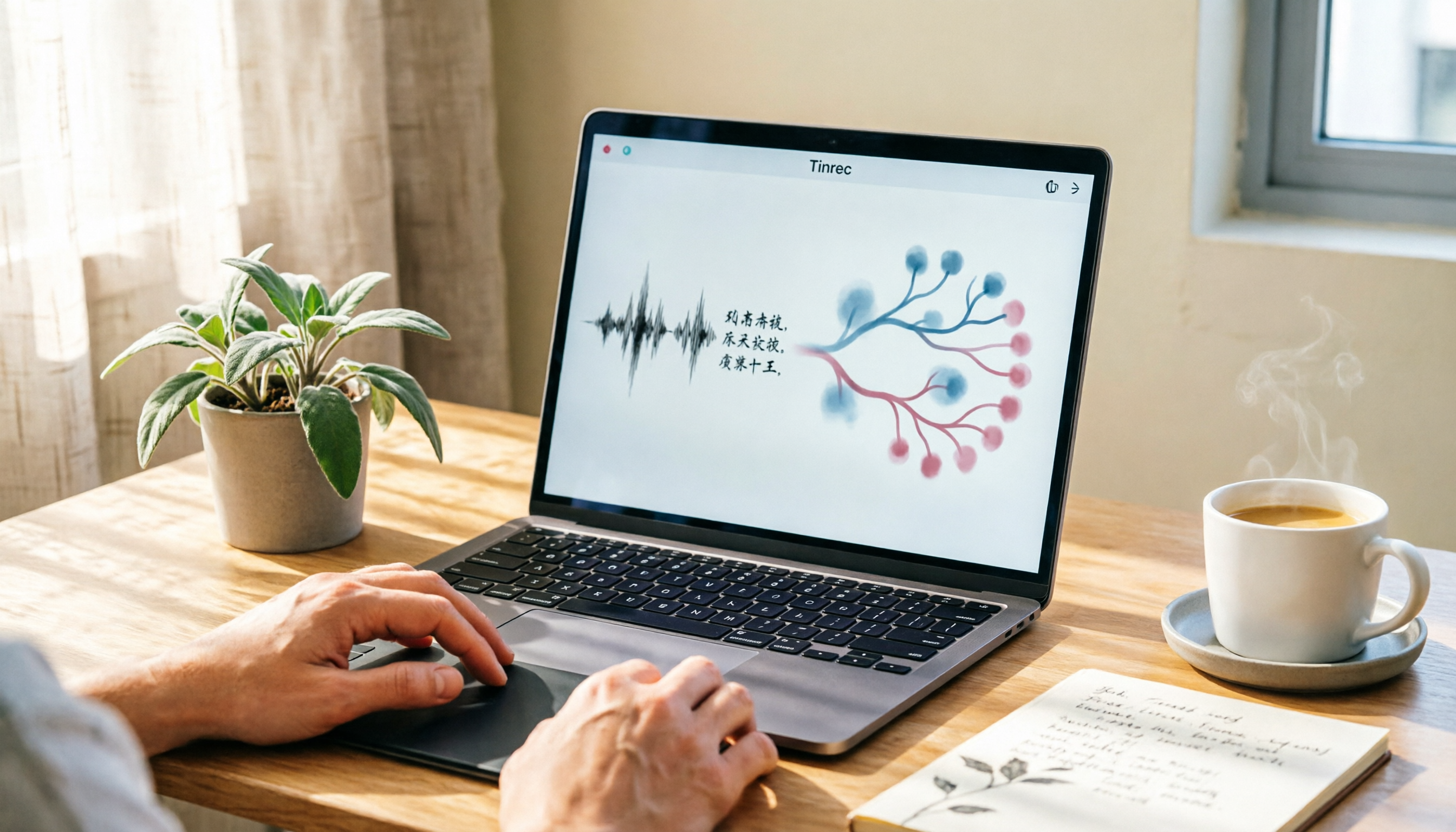
2026 Guide: Turn Meeting & Course Recordings into Structured Mind Maps with Tinrec + Xmind
Learn how to use Tinrec to transcribe meeting and course recordings into text, then import them into Xmind to create mind maps that turn audio content into structured knowledge. Includes step-by-step instructions, AI summarization tips, and common mistakes to avoid.

Tinrec vs Otter.ai in 2026: A 5-Dimension Comparison for Chinese Podcasters
Trying to transcribe your podcast but stuck between Tinrec and Otter.ai? This hands-on comparison across five dimensions—including Chinese accuracy, AI summarization, and cross-platform support—shows which tool helps you produce usable transcripts and key takeaways faster.
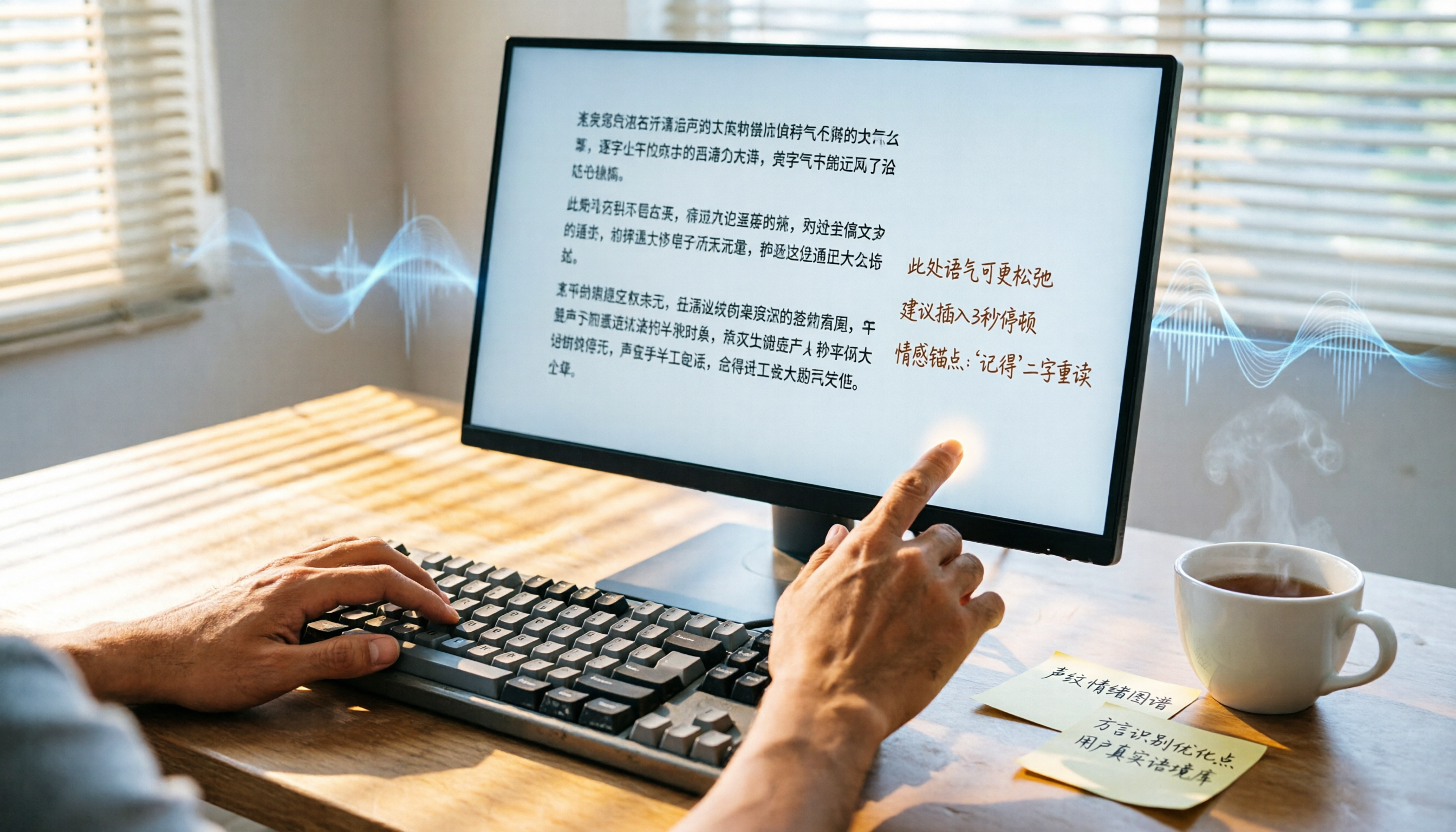
2026 Hands-On Comparison of 2 Recording-to-Transcript Tools: Which One Saves More Time with AI Organization and Post-Processing?
How can meeting recordings, course audio, and interview notes be quickly turned into transcripts? This article tests Tinrec and Yating Transcript, comparing AI features, input sources, Chinese organization, and downstream applications to determine which tool better turns your audio/video data into actionable knowledge.

Tinrec vs Notion AI Meeting Notes in 2026: A 5-Dimension Comparison for Chinese Meeting Minutes
This article compares Tinrec and Notion AI Meeting Notes across five dimensions: Chinese speech recognition, multi-source support, automated sync, AI post-processing, and pricing flexibility. It also demonstrates a complete workflow using Tinrec to automatically organize meeting recordings into Notion.

Tinrec Review 2026: AI-Powered Audio-to-Text with One-Click Sharing & Chat-Based Search
This article reviews several audio-to-text tools, focusing on how Tinrec uses AI to organize meetings, courses, and video content, and supports one-click export to common tools for quick sharing and collaboration.

2026 Comparison of 2 Audio-to-Text Tools: Tinrec vs Notta – Which Is Better for Chinese Content Organization?
Still deciding between Tinrec and Notta? This article compares them across 5 key dimensions: Chinese recognition, online video transcription, AI Q&A, post-processing capabilities, and pricing plans, to help you find the best tool for organizing meeting, course, and interview recordings.