

Turn recordings into transcripts and summaries in minutes
Upload audio or video for multilingual transcription, AI notes, and action items
What Can AI Meeting Management Do for You?
I attend about 15 meetings a week, from weekly check-ins and project status updates to cross-departmental coordination. The most painful part used to be not the meetings themselves, but what came after—because every meeting generated a pile of decisions and action items to sort through. I tried handwritten notes (too slow), recording and listening back (too time-consuming), and delegating to my team (they were busy too). It wasn't until I started using AI recording and organizing tools like Tinrec that I realized how much time AI meeting management could save me.
Scenario 1: Meeting minutes ready within 5 minutes of the meeting ending Previously, after a two-hour meeting, I might spend another hour organizing the minutes. Now with Tinrec, the moment the meeting ends, the AI has already generated a summary, conclusions, and action items—who's responsible for what and the deadlines are all clear at a glance. I just spend 5 minutes reviewing the key points and can send it straight to the team.
Scenario 2: Automatically track action items to avoid missing tasks In the past, when I assigned tasks verbally, I'd often ask two days later and the person would say they forgot. Now, action items discussed in meetings are automatically extracted by Tinrec. I can directly paste them into our team's task management tool, assign owners and deadlines. That way, no one can shirk responsibility.
Scenario 3: Search past meeting highlights anytime to prepare for boss's questions When my boss suddenly asks, "What was the conclusion of last meeting?" I used to flip through notes for ages. Now I just open Tinrec's historical recording library, use AI Q&A to search keywords, and find the relevant conversation and summary in seconds. This is especially useful for tracking decisions across quarters.
What Are the Core Capabilities of AI Meeting Management?
Real-time speech-to-text Tinrec supports simultaneous recording and transcription with less than 1 second of latency. During meetings, you can watch the text in real time to confirm nothing important is missed. Even in multi-person discussions, as long as the audio is clear, the recognition accuracy is quite good.
AI-structured summaries It's not just shortening the transcript into a paragraph. Tinrec automatically organizes meeting topics, discussion conclusions, action items, and responsible persons. This is even clearer than my own manual notes because the AI captures key decision points.
Automatic extraction of action items During meetings, phrases like "Can someone handle this?" often come up. Tinrec can identify such sentences and compile them into a to-do list, even with timestamps, making it easy to follow up later.
AI conversational search After transcription, you can ask Tinrec questions like you would with a search engine, for example, "Who mentioned the budget in last week's meeting?" or "What was the client's feedback on the new feature?" It answers based on semantic understanding, so you don't have to listen to the recording yourself.
Multi-format export Organized meeting notes can be exported to formats like Google Docs, Notion, and PDF, making it easy to archive or integrate with your company's existing collaboration tools.
Practical Use Cases
Weekly meetings Weekly meetings are long with many agenda items, and notes used to be incomplete. Now I use Tinrec for real-time recording and get the summary and action items right after the meeting to send to the whole team. My team members also have Tinrec installed, so they can each confirm their own tasks, significantly improving meeting efficiency.
Project status meetings Project meetings often require comparing with previous decisions. Tinrec's historical search lets me quickly pull up past meeting conclusions to check if progress is on track. The AI Q&A also helps me identify key risk points.
Stop organizing recordings by hand
Upload audio or video and automatically get a transcript, summary, and action items
One-on-one meetings During one-on-ones with my team, I don't want to be distracted by taking notes. Now I record the entire session, and Tinrec transcribes and summarizes the key points. After the meeting, I organize the notes and save them, which is also handy for reviewing before the next meeting.
Cross-departmental coordination meetings Cross-departmental meetings are prone to vague conclusions and disputes afterward. With Tinrec, I record and generate a summary, then send it to all attendees immediately. Having everything in writing reduces miscommunication.
4 Things to Watch When Choosing an AI Meeting Management Tool
1. Accuracy: Don't just rely on official claims; record a meeting yourself to test it. Tinrec has a decent recognition rate in typical meeting environments, but if the room is noisy or multiple people speak at once, there may be errors. It's still advisable to quickly review key sections.
2. AI organizing capability: Transcription is just the first step; the key is whether it can help you organize into structured summaries and action items afterward. Some tools only provide transcripts. Tinrec offers summaries, action items, and AI Q&A, saving me a lot of organizing time.
3. Language support: Confirm the tool's support for Traditional Chinese. Tinrec handles Chinese content well and also supports mixed Chinese-English conversations, making it suitable for the Taiwanese workplace environment.
4. Cross-platform and export: Confirm the tool supports the devices and collaboration software you commonly use. Tinrec has iOS, Android, and web versions, and results can be exported to Google Docs, Notion, etc., without having to re-copy and reformat.
Frequently Asked Questions
Q: Can AI meeting management tools completely replace manual note-taking? A: Not completely, but they can significantly reduce repetitive mechanical work. I recommend you still quickly review the AI-generated summary and verify important decisions against the transcript or recording to ensure there are no misunderstandings.
Q: How accurate is speech-to-text? A: In quiet environments with clear pronunciation, the recognition rate is high. However, accuracy drops in rooms with echo, overlapping speech, or specialized jargon. Tinrec performs well enough for my typical meeting scenarios, and I double-check important details.
Q: Is the free version sufficient? A: Tinrec offers a free version with a monthly transcription quota, suitable for occasional users. If you have more than 3 meetings a week, I recommend upgrading to the Pro plan. Over time, it costs less than a few cups of coffee a month.
Q: How long are meeting recordings stored, and are they secure? A: Tinrec stores recordings and transcripts in the cloud, accessible anytime. Regarding privacy, the official policy states that your data is not used for other purposes. I still recommend reading the privacy policy yourself.
Q: Can I record directly if I use Zoom or Teams for meetings? A: Tinrec supports system audio recording, so you can use Tinrec to record online meeting audio directly. Alternatively, you can record in-person meetings with your phone and upload the file. It's very flexible.
Summary
AI meeting management is not futuristic technology; it's a solution you can use now that genuinely saves time. I used to spend at least 5 hours a week organizing meeting notes. Now with Tinrec, it takes about 1 hour to review, and the extra time can be spent with family or on more important tasks. If you're tired of post-meeting cleanup, I recommend downloading the free version of Tinrec and trying it on a few meetings to experience how AI can help you organize notes. The monthly free quota is enough for several uses, and you can consider upgrading if you find it suitable.
References
- Meeting Minutes AI App - App Store
- Use AI to Improve Meeting Management Efficiency: Streamline Workflows and Implement Action Items – Meng Hua Technology
- 6-Step AI Meeting Minutes Organization: Use a Fixed Template to Turn Discussions into Clear Action Items – Featured Book Excerpt | Business Weekly
- Recently, many people have asked me if there's an AI tool for meeting notes. They still type manually and often can't multitask, which wastes time. My answer is always — SeaMeet. Why do I recommend it? Here are the key points: - Integrates with Google Meet, transcribes online meetings in real time, and provides instant summaries, super convenient. - No need to reorganize; after the meeting, it sends emails directly to all participants. - So easy to use that even middle-aged people who have never used AI tools can learn it in 10 minutes. - For in-person meetings
- Top AI Meeting Minutes Tools in 2026: Essential Tools for Saving Time and Effort in Meetings!
Turn every recording into actionable outcomes
Get 60 free transcription minutes when you sign in. No credit card required.
Related Reading
You might also like
2026 Meeting Minutes Automation Tools Compared: Tinrec vs Plaud Note – Which Offers Better Value?
How to choose a meeting minutes automation tool? We compared Tinrec and Plaud Note across five key dimensions: cost, input sources, Chinese transcription quality, AI post-processing, and cross-platform flexibility. This buying guide helps you find the best solution for your needs.

5 Best Meeting Minutes Automation Software Tested in 2026: Which AI Summarizer Saves You the Most Time?
We tested 5 meeting minutes tools, with Tinrec as the main focus, to show how meeting minutes automation software can save you 80% of your organizing time. From real-time transcripts to AI summaries and to-do lists, this guide covers key buying considerations and free plan differences.

2026 AI Workflow Automation: Tinrec Hands-On Review + 5 Tool Comparison
How can AI workflow automation boost efficiency? This article hands-on tests 5 transcription tools including Tinrec, offering buying tips and a full comparison to help you find the best AI recording assistant.

2026 Hands-On Comparison of 4 AI Transcription Tools: The Real Time-Saver Is AI Q&A
Meeting transcription is a core pain point in office automation. This hands-on comparison of four transcription tools—from transcription quality to AI summaries and conversational queries—helps you find the option that truly turns recordings into usable knowledge.
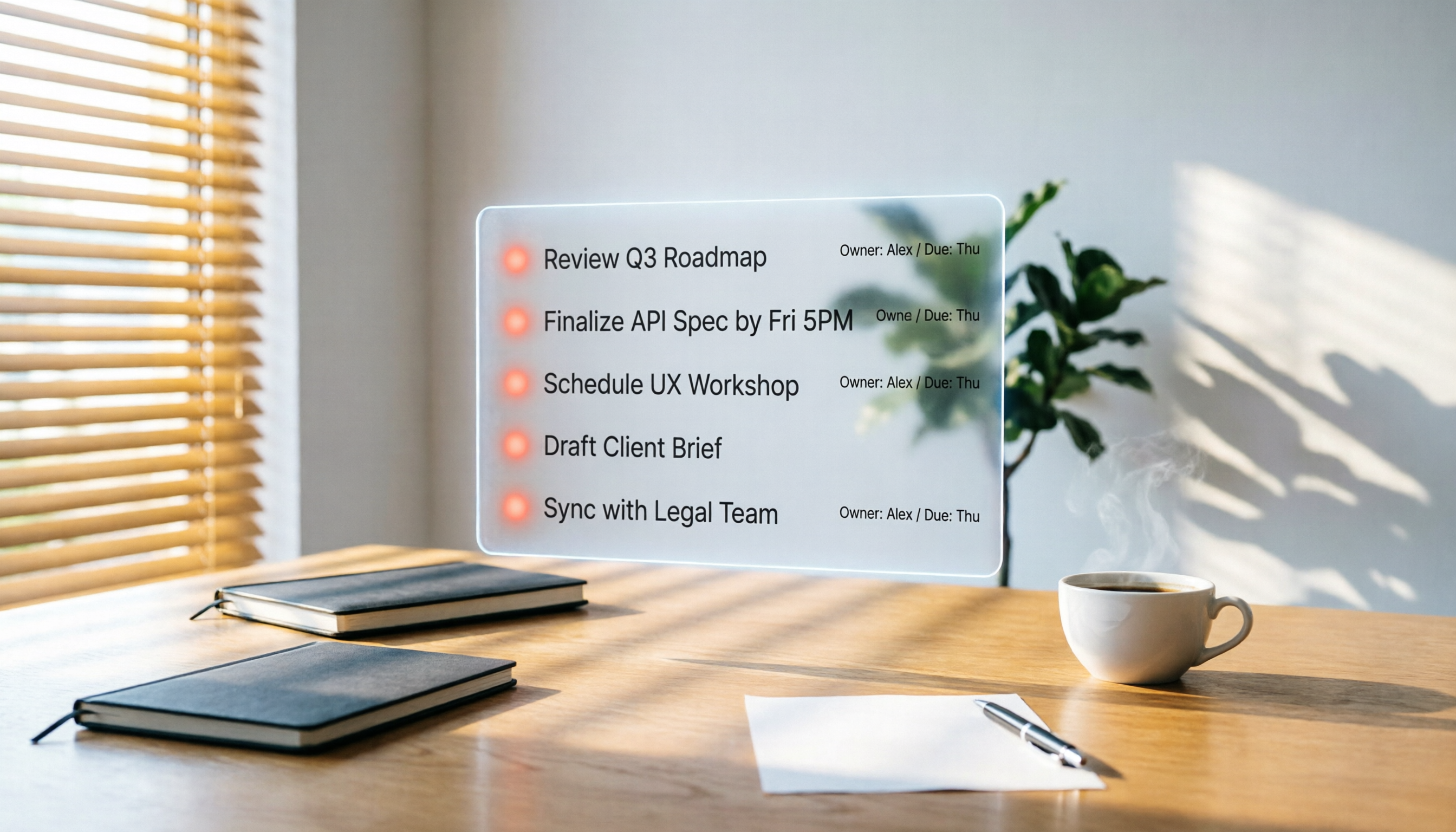
2026 Hands-On Comparison of 3 AI Meeting Workflow Tools: Beyond Transcription, Tinrec Turns Meetings into Action
Spending two hours in a meeting and another two hours writing up the notes? This article puts three AI meeting workflow tools—Tinrec, Otter.ai, and Fireflies.ai—to the test, comparing transcription accuracy, AI summaries, and post-meeting follow-up to reveal which one truly turns meeting discussions into an actionable to-do list.

2026 Hands-On Comparison of 3 AI Meeting Note Tools: Which One Is Best for Building an Automated Meeting SOP?
We tested 3 AI meeting note tools to find out which one is best for creating an automated meeting SOP, saving you up to 90% of your note-taking time.
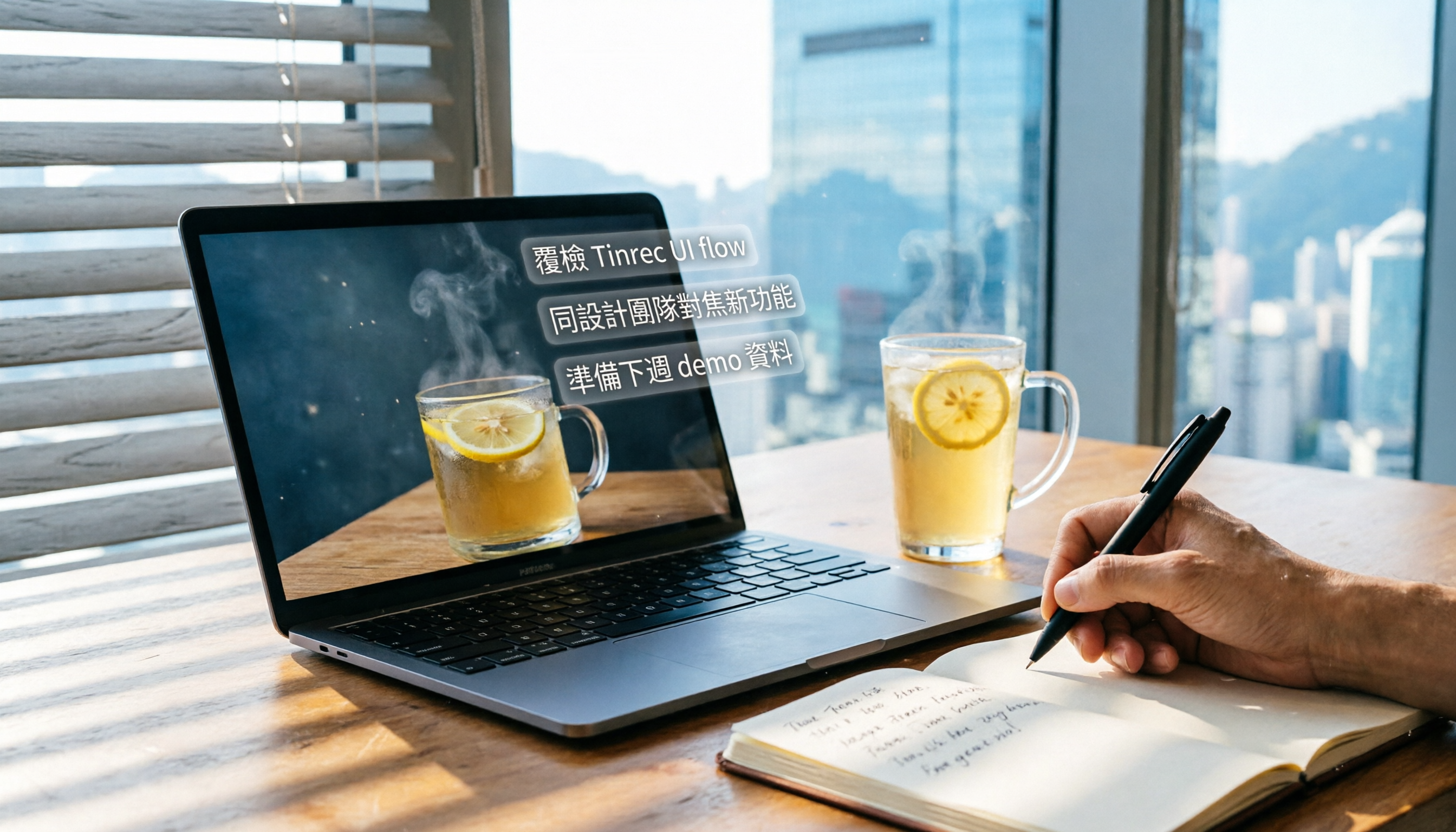
How to Auto-Generate To-Dos in 2026? 5 Steps to Manage with AI Tools
Tired of typing up to-do lists after meetings? This article tests multiple AI recording tools and shows you how to turn meeting recordings into action items in 5 steps, with a deep dive into Tinrec's Cantonese transcription and AI Q&A features to help Hong Kong office workers say goodbye to overtime.
5 Best AI Meeting Post-Processing Tools in 2026: Which One Saves You the Most Time?
As a mid-level manager attending 15 meetings a week, I tested 5 popular AI meeting post-processing tools, comparing accuracy, summary quality, and Chinese language support to help you find the one that saves you the most time on meeting notes.

5 AI Transcription Tools Tested in 2026: Which One Handles Chinese Best?
This article tests 5 AI transcription tools, from free plans to paid professional options, analyzing which is best for Chinese meetings, classes, interviews, and video organization, with a full comparison of features, pricing, and target users.