
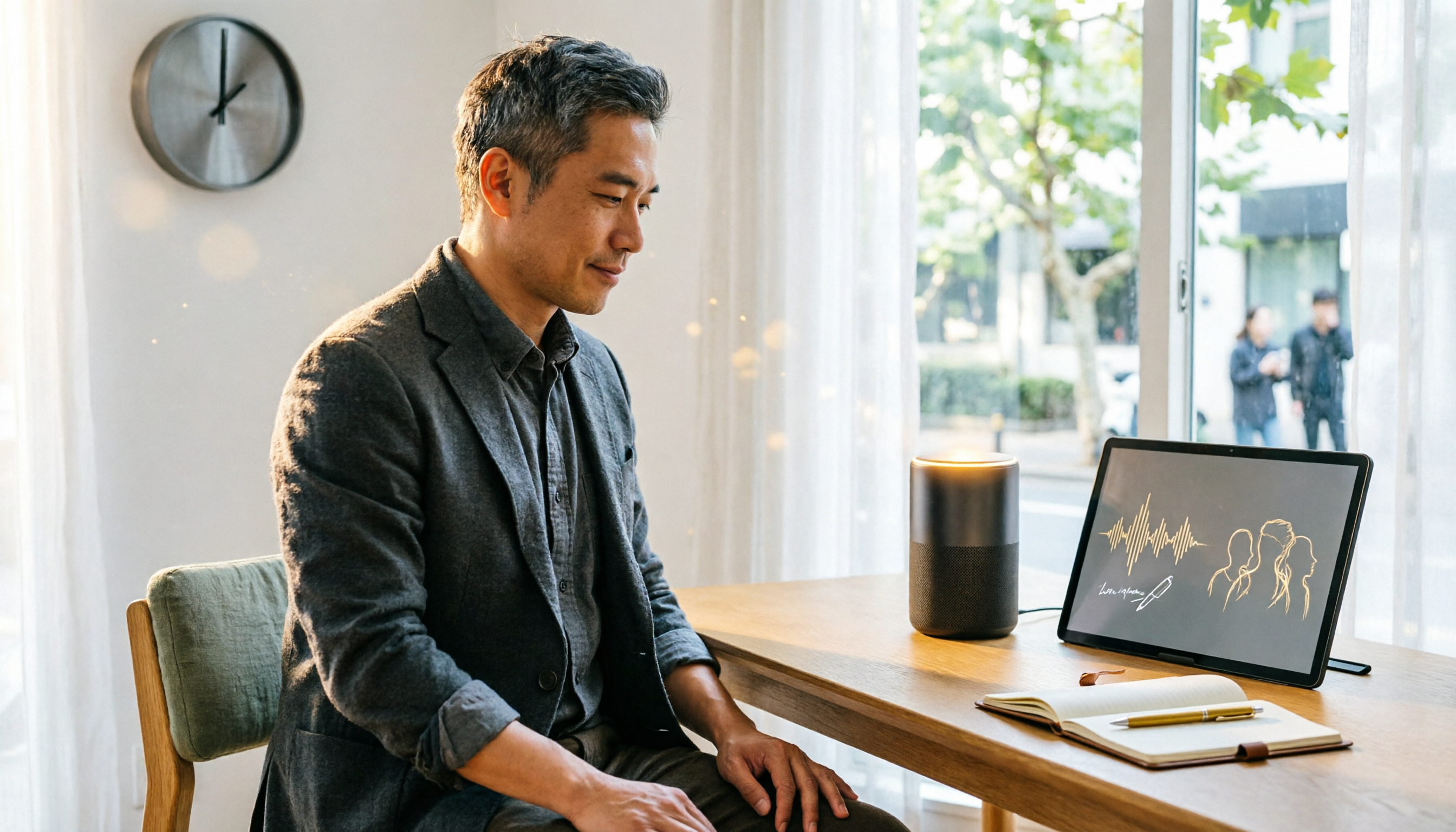
Turn recordings into transcripts and summaries in minutes
Upload audio or video for multilingual transcription, AI notes, and action items
I attend about 15 meetings a week—team meetings, project status updates, one-on-ones, and cross-departmental coordination. The most annoying part isn't the meetings themselves; it's the aftermath—every meeting leaves a pile of decisions and action items to organize, and just transcribing the recordings used to eat up half my workday. Then I started trying AI meeting post-processing tools, from Otter, Fireflies, Notta, to Tinrec, and found that not all of them are suited to the pace of Chinese meetings. Tinrec is the one that, so far, best turns my meeting recordings into usable meeting notes and to-do lists. In this article, I'll compare 5 mainstream AI meeting post-processing tools from a mid-level manager's perspective and explain why Tinrec is the best fit for professionals like me who are drowning in meetings.
What Can AI Meeting Post-Processing Tools Do for You?
- Scenario 1: Generate Meeting Notes Within 5 Minutes After the Meeting
Previously, after a two-hour meeting, you might spend another hour organizing. Now, with Tinrec, by the time the meeting ends, the AI has already generated a summary, conclusions, and action items—who's responsible for what and deadlines are all clear at a glance. - Scenario 2: Query Historical Decisions Across Meetings
When your boss asks about the budget decision from the last meeting, you don't need to flip through notes; just ask Tinrec via AI chat, "What was the budget cap discussed last time?" It will answer based on all past meeting recordings. - Scenario 3: Speaker Tracking in Multi-Person Meetings
Tinrec's automatic speaker diarization lets you see exactly who said what, which is especially useful in cross-departmental coordination—no more "I never said that."
Core Capabilities of AI Meeting Post-Processing Tools
- Real-Time Transcription: Tinrec supports transcription as you record with minimal latency, so you can follow along in text during the meeting to confirm key points.
- AI Semantic Summarization: It doesn't just condense the transcript into a paragraph; it structures the information—meeting topic, discussion conclusions, action items, and assignees are listed separately.
- Action Item Extraction: Automatically pulls action items from chaotic discussions, clearly stating who does what and by when.
- AI Chat Query: After transcription, you can ask Tinrec questions directly, such as "What risks did the client mention?" It answers based on semantic understanding.
- Multi-Format Export: Supports export to Notion, Google Docs, Email, etc., making it easy to integrate into your team's collaboration workflow.
Practical Use Cases
- Use Case 1: Weekly Meeting Notes
After each weekly meeting, Tinrec automatically generates a summary and action items, and I share them directly with the team—no more waiting for my meeting notes. - Use Case 2: Client Interviews
For phone interviews with clients, I use Tinrec to record and transcribe, then use AI Q&A to quickly identify the client's key needs. - Use Case 3: Online Courses
After a two-hour online course, I upload the recording to Tinrec, and it organizes chapter highlights and notes, doubling my review efficiency. - Use Case 4: Podcast Content Repurposing
When I want to turn a podcast episode's highlights into an article, I use Tinrec to transcribe and summarize, and I have a draft ready in half an hour.
Stop organizing recordings by hand
Upload audio or video and automatically get a transcript, summary, and action items
4 Things to Consider When Choosing an AI Meeting Post-Processing Tool
- Accuracy and Language Support: Don't just rely on official claims; real-world testing matters. I found Otter is strong in English but often makes errors with Chinese sentence segmentation and proper nouns; Notta handles Cantonese and Chinese well but is weaker in real-time collaboration. In my tests with Chinese meetings, Tinrec showed high accuracy and good tolerance for mixed Chinese-English content, better suiting the needs of Taiwanese workplaces.
- AI Post-Processing Capabilities: Transcription is just the first step; what matters is how much it helps you organize afterward. Some tools only provide transcripts, leaving you to read through everything yourself. Tinrec's AI summaries and action item extraction save you the time of secondary organization.
- Cross-Platform and Integration: Can you use it on your phone, computer, and web? Tinrec has iOS, Android, and web versions, so you can seamlessly switch between meeting rooms and remote work. It also exports to tools like Notion, unlike some tools with closed formats.
- Cost and Flexibility: Otter's free plan offers 300 minutes per month, but advanced features require an upgrade; Fireflies offers unlimited transcription but its team features are pricey. Tinrec offers a free version to try, and if you have a high meeting volume, the Pro monthly or annual plan is more cost-effective. It also supports weekly passes for short-term bursts, which is friendlier for temporary needs.
FAQ
- Q: Is the free version sufficient?
A: Tinrec's free version includes a basic monthly transcription allowance. If you have no more than 3 meetings a week, you can start with the free version. If you're like me and have meetings daily, I recommend upgrading to Pro. - Q: How accurate is the speech-to-text?
A: With clear recordings and standard Mandarin pronunciation, Tinrec's accuracy is satisfactory. However, background noise or heavy accents can affect accuracy, so it's advisable to verify important decisions against the original audio. - Q: Where are meeting recordings stored? Are they secure?
A: Tinrec stores recordings and text files encrypted in the cloud and offers granular permission settings to ensure only authorized users can access them. - Q: What formats can I export to?
A: It supports TXT, PDF, Word, SRT subtitles, and can also sync directly to Notion and Google Drive.
Conclusion
As a mid-level manager attending 15 meetings a week, AI meeting post-processing tools have indeed saved me a lot of organizing time. Each of these 5 tools has its strengths, but if you're like me—handling a high volume of Chinese meetings and wanting a single tool that handles transcription, summaries, action items, and cross-meeting queries—Tinrec is the most balanced choice. I recommend trying the free version on one meeting to experience how AI can help you organize your notes, then choose a paid plan based on your meeting frequency.
References
- 2026's Most Recommended AI Meeting Notes Tool: The Essential Meeting Companion for Saving Time and Effort!
- How to Use AI for Meeting Minutes? How to Organize Meeting Transcripts? | AI Speech-to-Text Tutorial | 104 Career Center
- After a Meeting, Do You Only Ask AI to Summarize Key Points? That's Just the Basic 1% Technique | Three-Level Meeting Notes Prompts to Turn AI into Your Strategic Analyst
- Meeting Ink - 2026 AI Meeting Notes Tool Test: Comparing 8 Speech-to-Text and Summarization Speeds | Meeting Ink - AI Meeting Notes Assistant: Automatic Transcription and Meeting Summary
- AI Meeting Notes in Notion | Capture Ideas, Summaries ...
Turn every recording into actionable outcomes
Get 60 free transcription minutes when you sign in. No credit card required.
Related Reading
You might also like

2026 Hands-On Comparison of 2 AI Meeting Loop Tools: From Recording to To-Dos, Which One Closes the Loop Better?
A meeting loop isn't just about transcription—it should also auto-summarize, extract action items, and export to your favorite tools. This hands-on comparison of Tinrec and Otter.ai evaluates their meeting loop capabilities, Chinese language support, input versatility, and post-processing features to help you pick the best AI meeting assistant.

2026 AI Meeting Notes Tools: Tinrec vs Otter.ai Comparison and Selection Guide
An in-depth comparison of Tinrec and Otter.ai across input sources, Chinese language processing, AI Q&A, pricing, and more, to help you choose the best AI meeting notes tool.

3 AI Meeting Post-Processing Tools Tested in 2026: Which One Turns Recordings into To-Dos Most Effortlessly?
Tired of spending hours after meetings transcribing and organizing notes? We tested 3 AI meeting post-processing tools, comparing automatic transcription, summaries, to-dos, and cross-platform capabilities to find the most time-saving solution for you.

2026 Hands-On Comparison of 4 AI Meeting Action Item Tools: Which One Ensures No Action Items Are Missed?
Ever left a meeting and forgotten who was supposed to do what? This article tests 4 AI meeting action item tools, from recognition accuracy and Chinese language support to downstream integrations, to help you pick the best meeting tracking assistant.
Best One-Click Meeting PPT Generator? 2026 Test: Tinrec Turns Meeting Recordings into PPT Content Instantly
Looking for a one-click meeting PPT generator? Tinrec Voice Recorder may not be a traditional PPT generator, but it uses AI to turn meeting recordings into summaries, action items, and structured content, making it the perfect source material for your meeting slides. This article tests how Tinrec helps you quickly produce meeting PPT content.

2026 Meeting Minutes Automation Tools Compared: Tinrec vs Plaud Note – Which Offers Better Value?
How to choose a meeting minutes automation tool? We compared Tinrec and Plaud Note across five key dimensions: cost, input sources, Chinese transcription quality, AI post-processing, and cross-platform flexibility. This buying guide helps you find the best solution for your needs.

5 Best Meeting Minutes Automation Software Tested in 2026: Which AI Summarizer Saves You the Most Time?
We tested 5 meeting minutes tools, with Tinrec as the main focus, to show how meeting minutes automation software can save you 80% of your organizing time. From real-time transcripts to AI summaries and to-do lists, this guide covers key buying considerations and free plan differences.

2026 AI Workflow Automation: Tinrec Hands-On Review + 5 Tool Comparison
How can AI workflow automation boost efficiency? This article hands-on tests 5 transcription tools including Tinrec, offering buying tips and a full comparison to help you find the best AI recording assistant.

2026 Hands-On Comparison of 4 AI Transcription Tools: The Real Time-Saver Is AI Q&A
Meeting transcription is a core pain point in office automation. This hands-on comparison of four transcription tools—from transcription quality to AI summaries and conversational queries—helps you find the option that truly turns recordings into usable knowledge.