
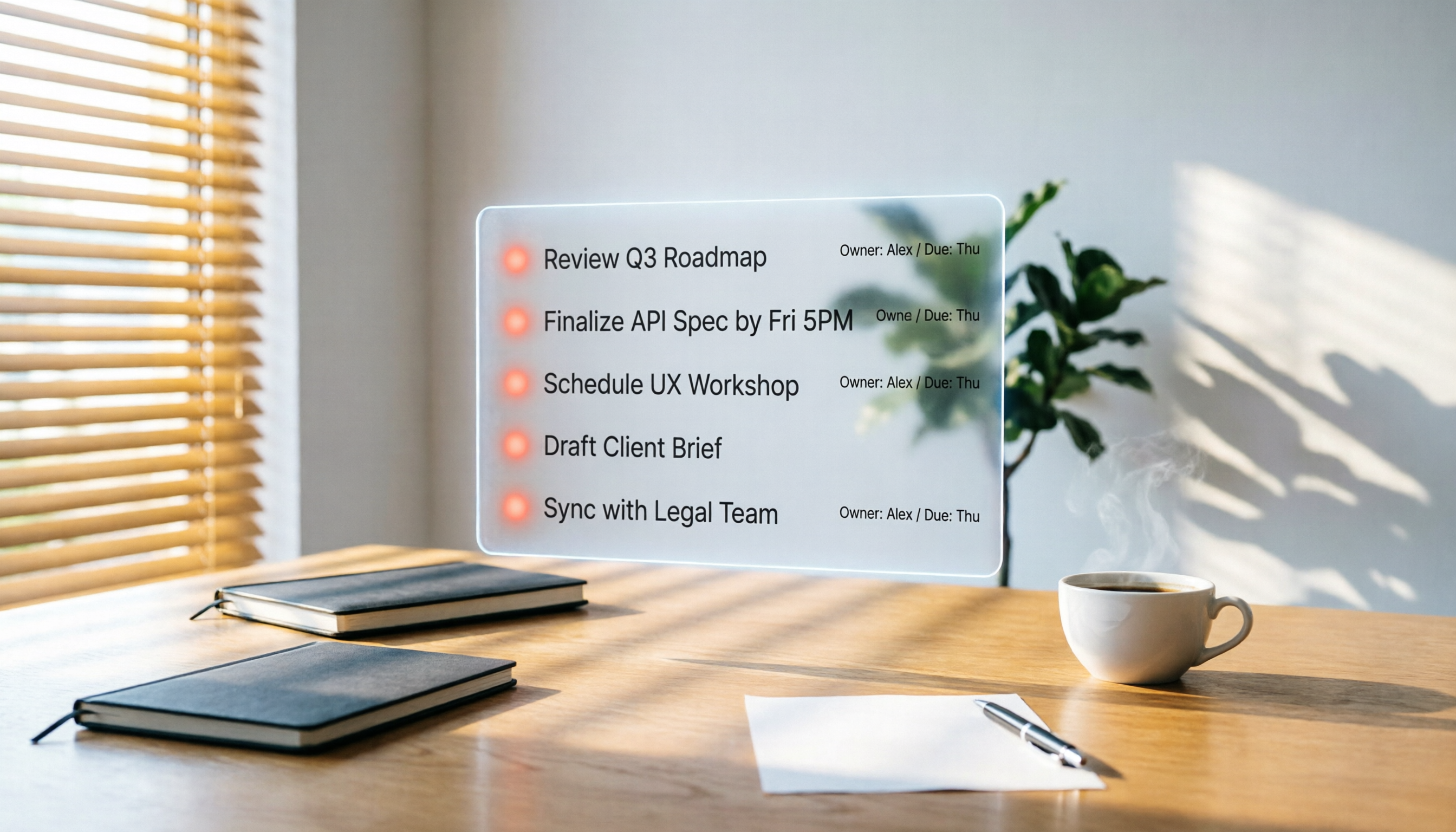
Turn recordings into transcripts and summaries in minutes
Upload audio or video for multilingual transcription, AI notes, and action items
2026 Hands-On Comparison of 3 AI Meeting Workflow Tools: Beyond Transcription, Tinrec Turns Meetings into Action
Here's what my calendar looked like last month: Monday product meeting, Wednesday cross-functional sync, Thursday client interview... at least five meetings a week, each an hour long.
But what really bothered me wasn't the meetings themselves—it was the two hours afterward: replaying recordings, transcribing verbatim, organizing key points, and then sifting through conversations to figure out who's responsible for what.
I used to think that as long as an AI meeting tool could quickly transcribe speech to text, that was enough.
But I soon realized that what really eats up time isn't the "recording"—it's the process of "turning that recording into action."
If you're dealing with the same pain point, this article is written for you.
What You Might Need Isn't a Better Recording Tool, but a Way to Turn Meetings into Action
I used to think the most exhausting part of a meeting was the meeting itself.
But I later discovered that the real grind is the "post-meeting cleanup": listening to recordings, transcribing, highlighting key points, assigning tasks, and finally syncing everything to your to-do list.
Especially in meetings with mixed Chinese-English content and lots of jargon, just understanding what's being said can drain half your energy.
Not to mention that some discussions sound clear in the moment, but three days later when you look at the notes, you can't figure out why that decision was made.
So I started looking for "AI meeting workflow" tools—not just a recording app, but something that reduces manual work across recording, transcription, summarization, to-dos, and follow-up questions.
Before Choosing an AI Meeting Workflow Tool, Understand These 3 Key Points
There are many tools on the market claiming to be AI-powered for meetings, but if you only look at "free transcription minutes" or "98% accuracy," you might end up with something that doesn't fit your needs.
From my hands-on testing, I've identified three truly important factors to consider:
1. Evaluate Accuracy in Real-World Scenarios
Many tools claim 98% accuracy, but that's based on data from quiet recording studios and standard accents.
Real meetings have keyboard clicks, air conditioning noise, remote background chatter, and even people talking over each other.
My test used a five-minute Cantonese meeting recording with slight keyboard noise in the background. Under these conditions, the differences between tools really show.
2. AI Processing Capability: Not Just Transcription, but Summaries, To-Dos, and Q&A
Getting a verbatim transcript is just the first step.
What matters more is: Can the AI understand that transcript? Can it automatically extract conclusions? Can it turn "John said he'd send the quote by next Friday" into a to-do item like "John | Send quote | Due next Friday"?
Even better, a month later, can I ask the AI: "What was the final consensus on that budget proposal?"
That's what truly saves time.
3. Cross-Platform and Export Integration
You might record on your phone, review notes on your computer, and manage tasks in a note-taking app.
If an AI meeting tool is locked to a single device or can't export results to tools you already use like Notion or Google Docs, it becomes another information silo.
Tinrec Instant Recording—Our Top Pick After Testing
Among the three tools I tested, what impressed me most about Tinrec wasn't how fast it transcribes, but that "it also handles the post-meeting cleanup for you".
More Than Transcription: A Bridge from Meeting to Action
Tinrec isn't just a recording-to-text app; it's more like an audio/video content organization workstation.
During a meeting, open Tinrec and it will display the transcript in real time as it records. As soon as the meeting ends, AI summaries, chapter highlights, and to-do items are automatically generated.
(Screenshot here: Tinrec's AI summary panel automatically generated after a meeting recording ends, with a red box highlighting the to-do list and an arrow pointing to the "Assign Task" button.)
This eliminated the entire afternoon I used to spend on "listen to recording → type out text → manually organize summary → type each item into a to-do list."
The AI Conversation Query That Impressed Me Most
After recording, you can ask Tinrec natural language questions directly: "Who mentioned competitor A's pricing in the last meeting?" "What was our consensus on the new feature?"
Stop organizing recordings by hand
Upload audio or video and automatically get a transcript, summary, and action items
It doesn't just search for keywords; it understands context and provides answers.
(Screenshot here: Tinrec's AI conversation interface, with the input "What was the conclusion of this meeting?" and below it, the AI's summarized conclusion with relevant section citations.)
Currently, competitors in the same price range rarely offer this feature, which means I no longer have to go through the entire transcript to find information after meetings.
Hands-On Experience: Running a Real Meeting Recording
I tested the same five-minute Cantonese meeting recording (with keyboard noise) on all three tools.
With Tinrec, I only needed to correct a couple of proper nouns, and the transcript was nearly perfect; the AI summary captured the key points and to-dos accurately, matching the actual conclusions from the meeting.
In comparison, the other tools required more manual corrections.
Pros
- Multiple Source Support: Not just live recording, but also uploading audio files, pasting YouTube or other online video links—so you can quickly organize an online course or a podcast episode.
- Flexible Export: You can export the organized summaries and to-dos to Notion, Google Docs, OneNote, etc., without leaving your existing workflow.
- Cross-Platform Use: Available on mobile, desktop, and web, so your meeting notes aren't stuck on one device.
Limitations
The free plan has a monthly transcription limit (currently 100 minutes), so heavy meeting users might need to upgrade.
But for most people who meet two to three times a week, this quota is enough to experience the full workflow.
Who Is It For?
If you frequently record meetings, classes, or interviews and want to use AI to organize key points and to-dos right after recording—and even ask follow-up questions a month later—Tinrec is currently the best fit for this workflow.
Beyond Tinrec: What Other Options Are There?
Of course, different people have different needs. Here are the other two tools I tested; each has its strengths and also scenarios where Tinrec might not be the best fit.
Otter.ai: Best for English Meetings, but Doesn't Support Cantonese
Otter.ai is very mature in English business meeting integration, with 300 free minutes per month on the free plan, making it great for people who frequently have English meetings.
But if you primarily record Cantonese or Chinese content, Otter.ai won't help—it currently doesn't support Cantonese transcription. Also, its AI conversation query feature isn't as intuitive as Tinrec's; you can't ask questions about historical meetings like querying a database.
Fireflies.ai: Strong for Team Collaboration, but a Bit Clunky for Individual Use
Fireflies.ai focuses on automatically joining online meetings, team storage, and collaboration, making it powerful in multi-person team scenarios.
However, when I used it personally, I found the interface and workflow are more geared toward team management. If you're an individual looking to quickly organize meeting notes, it can feel like there are too many steps. Plus, the free plan's team storage limits make long-term individual use inconvenient.
Pitfall Guide: 3 Common Mistakes When Choosing an AI Meeting Tool
Pitfall 1: Only Looking at Free Transcription Minutes
Many tools tout "300 free minutes," but if you need AI summaries and to-do extraction, those features might be behind a paywall.
Before choosing a tool, check what "the free plan can do in terms of organization"—that's more meaningful than just comparing minutes.
Pitfall 2: Chasing 99% Accuracy
In practice, 95% accuracy plus quick manual proofreading can already save you more than 80% of your time.
Instead of obsessing over a few percentage points, choose a tool that can automatically generate summaries, to-dos, and Q&A, because those are what truly save time.
Pitfall 3: Ignoring Cross-Platform and Export Capabilities
If your meeting notes can only stay in a mobile app, you'll still have to manually copy them when writing reports on your computer.
Make sure the tool can export results to your existing note-taking or task management tools so the meeting workflow can truly be closed-loop.
Summary: Which One Should You Choose?
To sum up this hands-on test, my conclusion is clear:
- If you need a tool that does more than transcribe—it turns meetings into action lists → Tinrec is the top choice.
- If your meetings are all in English and you don't have high team collaboration needs → Otter.ai's free quota is more cost-effective.
- If you're in a large team and need automatic meeting joining and collaboration management → Fireflies.ai might be a better fit.
But for most knowledge workers, the value of a meeting lies in the actions that follow.
Tinrec connects the entire process—"recording → transcription → summary → to-dos → follow-up questions"—so I don't have to switch between multiple tools.
I recommend downloading the free version of Tinrec and trying it at your next meeting: record, get your to-dos, and then export them directly to your task management tool.
You'll find that those two hours after a meeting can be spent on more important things.
References
Turn every recording into actionable outcomes
Get 60 free transcription minutes when you sign in. No credit card required.
Related Reading
You might also like

2026 Hands-On Comparison of 2 AI Meeting Loop Tools: From Recording to To-Dos, Which One Closes the Loop Better?
A meeting loop isn't just about transcription—it should also auto-summarize, extract action items, and export to your favorite tools. This hands-on comparison of Tinrec and Otter.ai evaluates their meeting loop capabilities, Chinese language support, input versatility, and post-processing features to help you pick the best AI meeting assistant.

2026 AI Meeting Notes Tools: Tinrec vs Otter.ai Comparison and Selection Guide
An in-depth comparison of Tinrec and Otter.ai across input sources, Chinese language processing, AI Q&A, pricing, and more, to help you choose the best AI meeting notes tool.

3 AI Meeting Post-Processing Tools Tested in 2026: Which One Turns Recordings into To-Dos Most Effortlessly?
Tired of spending hours after meetings transcribing and organizing notes? We tested 3 AI meeting post-processing tools, comparing automatic transcription, summaries, to-dos, and cross-platform capabilities to find the most time-saving solution for you.

2026 Hands-On Comparison of 4 AI Meeting Action Item Tools: Which One Ensures No Action Items Are Missed?
Ever left a meeting and forgotten who was supposed to do what? This article tests 4 AI meeting action item tools, from recognition accuracy and Chinese language support to downstream integrations, to help you pick the best meeting tracking assistant.
Best One-Click Meeting PPT Generator? 2026 Test: Tinrec Turns Meeting Recordings into PPT Content Instantly
Looking for a one-click meeting PPT generator? Tinrec Voice Recorder may not be a traditional PPT generator, but it uses AI to turn meeting recordings into summaries, action items, and structured content, making it the perfect source material for your meeting slides. This article tests how Tinrec helps you quickly produce meeting PPT content.
2026 Meeting Minutes Automation Tools Compared: Tinrec vs Plaud Note – Which Offers Better Value?
How to choose a meeting minutes automation tool? We compared Tinrec and Plaud Note across five key dimensions: cost, input sources, Chinese transcription quality, AI post-processing, and cross-platform flexibility. This buying guide helps you find the best solution for your needs.

5 Best Meeting Minutes Automation Software Tested in 2026: Which AI Summarizer Saves You the Most Time?
We tested 5 meeting minutes tools, with Tinrec as the main focus, to show how meeting minutes automation software can save you 80% of your organizing time. From real-time transcripts to AI summaries and to-do lists, this guide covers key buying considerations and free plan differences.

2026 AI Workflow Automation: Tinrec Hands-On Review + 5 Tool Comparison
How can AI workflow automation boost efficiency? This article hands-on tests 5 transcription tools including Tinrec, offering buying tips and a full comparison to help you find the best AI recording assistant.

2026 Hands-On Comparison of 4 AI Transcription Tools: The Real Time-Saver Is AI Q&A
Meeting transcription is a core pain point in office automation. This hands-on comparison of four transcription tools—from transcription quality to AI summaries and conversational queries—helps you find the option that truly turns recordings into usable knowledge.