
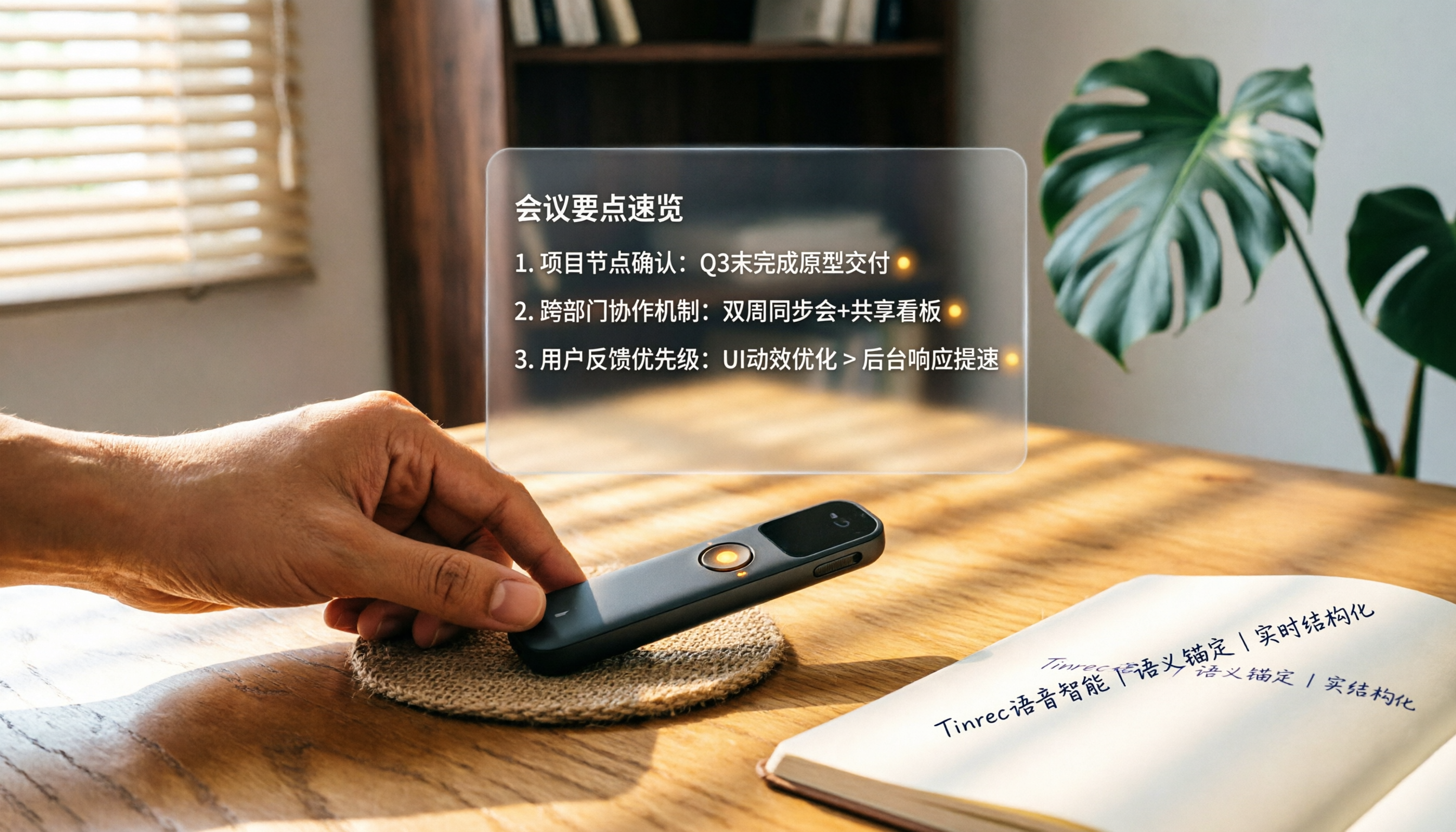
Turn recordings into transcripts and summaries in minutes
Upload audio or video for multilingual transcription, AI notes, and action items
What You Need Isn't Just a Recorder, but a Method to Make Recordings 'Come Alive'
Recently, while organizing meeting recordings from the first half of the year, I noticed something contradictory.
I have more and more audio files, but I actually go back and listen to less than 10% of them.
It's not because the recording quality is poor—modern phone recordings are already very clear. It's because after recording, I simply can't 'use' it.
A two-hour meeting means two hours of re-listening to find the key points. Not to mention some meetings are in English, some are full of jargon, and even if you get a transcript, it's like a sea of text.
I know many friends have the same problem: they bought a voice recorder, but in the end, they still rely on notebooks because the audio files just take up space.
So, this article isn't just a 'smart voice recorder recommendation list.' I want to take you back to basics: how to make recordings not just for documentation, but truly useful work material.
I'll walk you through 4 steps to rethink your approach to choosing a smart voice recorder, and share the tools I've actually used and ultimately kept.
Step 1: Don't Rush to Specs; Clarify What You Record Most
Many people's first move when choosing a recorder is comparing pickup distance and storage capacity.
But my experience is: first think about your typical recording scenarios, then work backward to what features you need.
Meeting notes: You need a tool that can handle multiple speakers and automatically organize action items afterward.
Classes or learning: You need a tool that can automatically split a two-hour recording into chapters and highlight key points for easy review.
Interviews or conversations: You need accurate transcripts, keyword search, and ideally the ability to mark important sections.
Online videos or podcasts: You need a feature that lets you paste a link and get text and summaries directly.
If you only occasionally record your own ideas, your phone's built-in recorder might be enough. But if you have two or more meetings or learning sessions a week, a 'thinking' smart voice recorder is a real time-saving investment.
Step 2: Understand the Three Truly Important Buying Criteria
Smart voice recorders on the market have impressive spec sheets, but three aspects directly affect your user experience.
1. Transcription 'Usability,' Not Lab Accuracy
Many products claim '98% accuracy.' But that's in a quiet recording studio. In real environments with air conditioning, keyboard clicks, and multiple speakers, accuracy drops.
When choosing, don't just look at advertised numbers. Instead, pay attention to: Does it support the main languages you care about? How well does it handle background noise? Will the transcript require more time to edit, or can you use it as-is?
2. AI Features Aren't a Bonus; They're 'Organizing Power'
Turning speech into text is just the first step. What really saves time is what happens after: Can it automatically generate summaries? Can it extract action items? Can you ask it questions like an assistant, such as 'Who mentioned the budget in the last meeting?'
Without these features, a recorder is just a digital voice recorder.
3. Can Your Data Accumulate Across Platforms and Scenarios?
If you record on your phone today and want to organize on your computer tomorrow, a tool that only supports one platform will be painful. Also, if you have old audio files or want to organize online videos, can the tool handle these different sources?
Cross-platform and multi-source support determine how freely you can build your own 'audio database' in the future.
Once you've got these three criteria down, let's move to the actual comparison.
Step 3: I Tested Three Mainstream Tools and Ended Up Keeping Tinrec
I'll admit, at first I hoped a hardware recorder could do everything.
So I bought the PLAUD Note. It's convenient for recording on the go, and the battery life is good. But here's the problem: I often need to organize YouTube seminar videos or MP3 recordings friends send me, and hardware can't handle these sources. If I only used PLAUD, I'd still need another tool to transcribe those online resources.
Stop organizing recordings by hand
Upload audio or video and automatically get a transcript, summary, and action items
Then I tried Otter.ai. The transcript quality for English meetings is indeed excellent, and it can automatically label speakers. But once I had a Chinese review meeting, the transcription was terrible—half the jargon was wrong. Otter's strength is English environments, with very limited support for Chinese speakers.
Finally, I switched to Tinrec (Miao Ting Lu Yin).
(Screenshot: Tinrec main screen showing three input options: real-time recording, file import, and web link)
What attracted me to Tinrec wasn't its claims, but that it actually covered all my use cases.
During meetings, I open Tinrec on my phone or computer, and it transcribes in real time. (Screenshot: Recording screen with real-time text, arrow pointing to the 'Mark Key Points' button)
As soon as the meeting ends, it automatically organizes a summary, chapters, and—most importantly—action items.
(Screenshot: Auto-generated summary page after a meeting, with three action items listed below)
This isn't rocket science, but it really makes things easier. Before, I'd spend an extra half hour writing meeting notes. Now Tinrec prepares a draft, and I just review and tweak.
When I need to organize an online video, I just paste the link, and Tinrec transcribes and summarizes it. This feature is rare among similar tools. For someone like me who often finds inspiration from lecture videos, it's incredibly helpful.
But what I use most is the AI chat query.
(Screenshot: Chat interface with Tinrec, input 'What new ideas did the marketing team propose in the last meeting?' with two replies below)
After recording, I don't need to re-listen. I can just ask, 'What are the key points of this lesson?' or 'What were the three concerns the client mentioned?' Tinrec answers based on the recording content.
I tried to find similar features on PLAUD and Otter, but PLAUD is hardware-focused, and Otter's AI chat is English-centric. Tinrec's understanding of Chinese questions is clearly more aligned with my needs.
It also has downsides. For example, the free version has a monthly transcription minute limit, so heavy users must upgrade. But for a typical work pace of 3-4 meetings a week, the Pro plan's quota is more than enough.
In short, Tinrec feels like more than just a recorder; it's an 'audio data organization hub.'
Step 4: Finally, Avoid These Three Pitfalls
Even if you've chosen a powerful tool, some habits can reduce its effectiveness.
Pitfall 1: Thinking You Can Do Nothing Once You Have an AI Recorder
AI can help you find key points, but the real context and decision background in a meeting still need your notes. Tinrec has a real-time marking feature; just tap as you listen, and you can quickly locate key moments later. Use this small action, and your organization efficiency will double.
Pitfall 2: Choosing 'Free' or 'Cheapest' Based Only on Price
Some tools have generous free tiers, but they might only support English or lack AI organization features. If you save a few dollars a month but spend ten extra hours manually organizing, it's actually more expensive.
Pitfall 3: Treating Transcription as the End, Not Building a Knowledge Base
Most people stop after getting the transcript. But Tinrec lets me store every meeting, lecture, and interview, and later use AI to ask questions retroactively. Over time, these recordings aren't just space-consuming files; they become a searchable personal knowledge base.
Conclusion: Which One Should You Choose?
Back to the original question: How do you choose a smart voice recorder in 2026?
If you mainly have English meetings and only need automatic transcripts and basic summaries, Otter.ai is still a great choice.
If you heavily rely on portable hardware recording and don't mind handling online videos separately, the PLAUD Note is also a good option.
But if you're like me and want one tool to handle meetings, classes, and online videos, and then use AI to find key points and generate action items—then
I suggest starting with Tinrec's free version.
After downloading, test it with a recording you find most troublesome. Check the transcription quality and try asking questions about the content.
You'll find that the value of a smart voice recorder isn't in the hardware, but in how you use the 'smart' part.
Finally, here's a quick-start guide:
- Download Tinrec and record a 5-minute practice meeting
- Try the 'real-time marking' feature and mark key points
- After recording, ask AI to generate a summary and action items
- Try asking questions like: 'What was the conclusion of this discussion?'
- Paste a YouTube link to test online video transcription
Test step by step, and you'll turn every recording into truly useful material.
References
- No More Confusion in Meetings and Classes! 2025 Voice Recorder Recommendations: 5 Picks (AI Smart/Long Battery/Covert) Buying Guide and Practical Tips
- Top 10 Voice Recorders Must-Buy Recommendations July 2026 - Yahoo Shopping Daily
- Voice Recorders - PChome 24h Shopping
- Professional IC Recorder Recommendations: 4 High-End Speech-to-Text Models, Chosen by Doctors and Lawyers
- Expert-Monitored Top 10 Voice Recorder Recommendations | mybest
Turn every recording into actionable outcomes
Get 60 free transcription minutes when you sign in. No credit card required.
Related Reading
You might also like
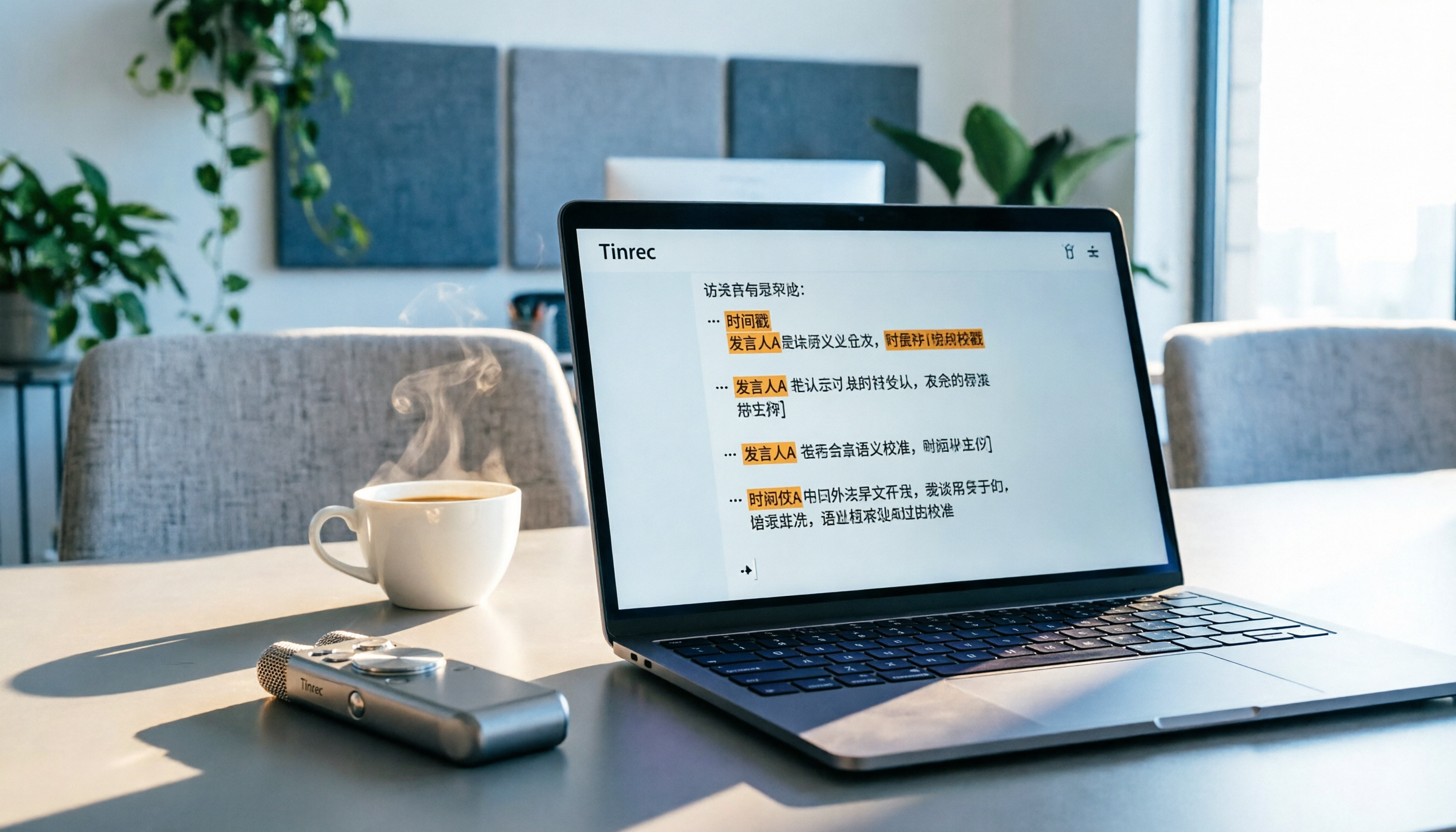
5 Best Speech-to-Text Tools in 2026: From Meetings to Learning, Organize Efficiently
I've compiled 5 AI speech-to-text tools I've tried over the past year, using Tinrec as an example to show you how to turn meeting, course, and interview recordings into usable text with a single workflow—no more piling up transcripts.
2026 Tested: 5 Recording Solutions Compared—Are Mobile Apps Really Better Than Voice Recorders?
Still debating whether to buy a voice recorder? What you really need is a tool that turns recordings into text and highlights key points. This article tests 5 recording-to-text and organization solutions, from free apps to AI recording hardware, to help you find the best fit—and explains why Tinrec is our top all-purpose recommendation.
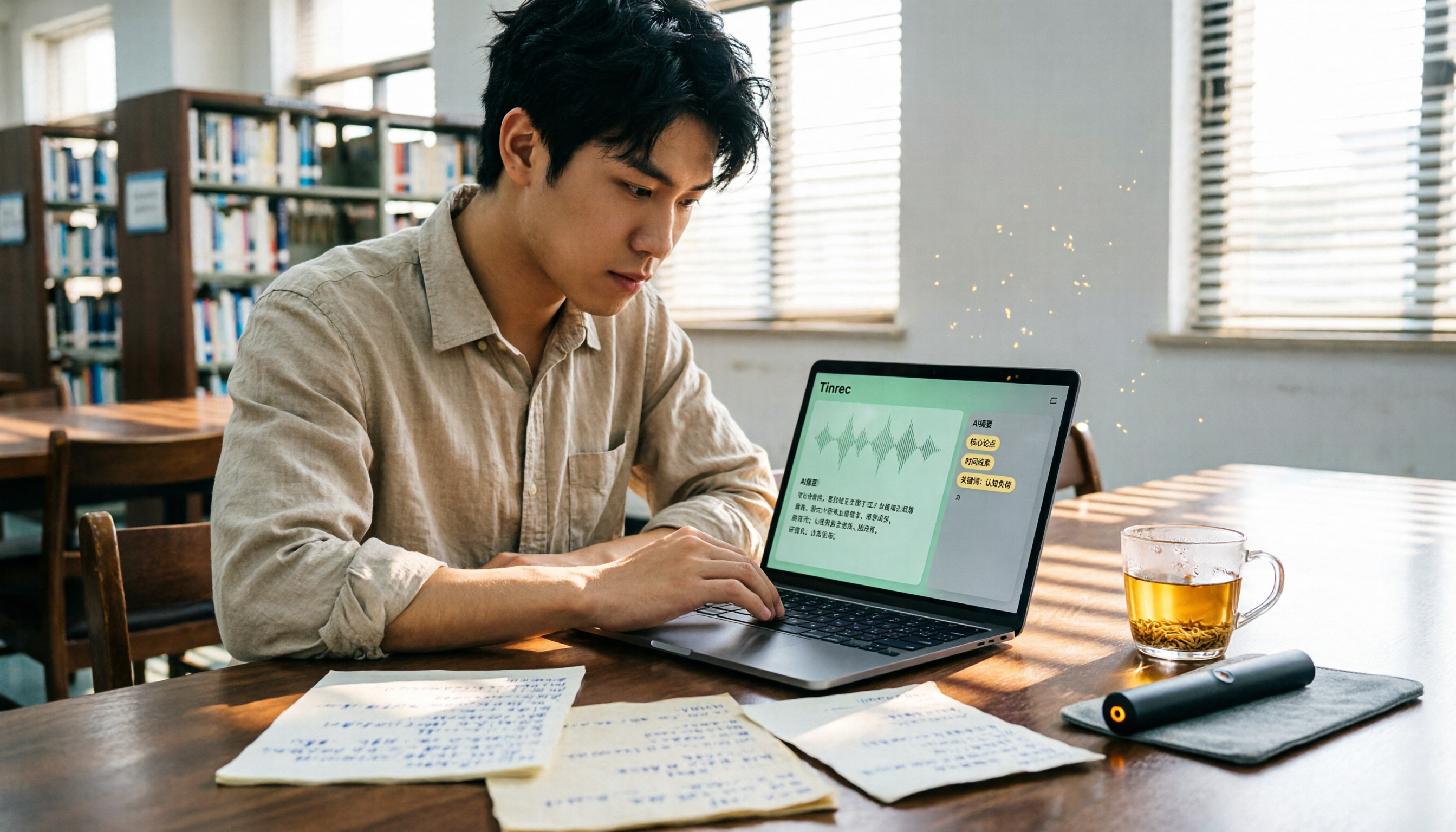
2026 Long-Battery Voice Recorder Free Options: 5 Picks Reviewed
Running out of battery on your voice recorder during class is a nightmare? We tested 5 recording and AI organization tools, from free apps to paid plans, from a student's perspective to tell you which is best for long recordings, comparing battery life, audio quality, and AI features.

Tinrec vs Otter.ai 2026: A 5-Dimension Showdown for Students Needing Large-Capacity Audio/Video Organization
Tired of large recordings? A senior student tests Tinrec and Otter.ai, comparing input sources, Chinese accuracy, AI note features, free tiers, and pricing to see which tool better suits students' transcription needs, saving you money.

3 Workplace Voice Recorders Tested in 2026: Which One Is the Ultimate Meeting Notes Sidekick?
How should you choose a voice recorder for the workplace? We tested a traditional voice recorder, phone recording, and the AI recording app Tinrec, comparing portability, post-processing, and budget to find the best meeting note solution for office workers.

Voice Recorder vs. Phone Recording in 2026: How to Choose? 5 Steps to Build an Efficient Recording Workflow
Still torn between a voice recorder and your phone for recording? This article starts from real-world use cases, teaches you how to find the best recording solution in 5 steps, and tests the AI recording tool Tinrec to see how it solves the pain points of traditional recording, saving you hours of organizing time.

How to Choose a Cost-Effective Voice Recorder in 2026: 4 Steps to Compare Recorders and AI Tools
Thinking about buying a voice recorder but unsure how to evaluate value for money? This article compares traditional voice recorders and AI recording tools from perspectives like features, price, and post-processing, helping you pick the best recording solution.

2026 Test: AI Software vs. Hardware Noise Reduction for Voice Recorders—Which Keeps Meetings and Lectures Clearer?
I tested popular voice recorders and AI recording software, and found that hardware doesn't always beat software for noise reduction. This article compares Tinrec and PLAUD Note in real-world scenarios, covering noise reduction, organization features, and long-term use, to help you choose the right solution.

2026 AI Voice-to-Text Tools: AI Conversation Search and Multi-Source Organization in One Go
Still manually transcribing meeting notes with a traditional voice recorder? In 2026, AI voice-to-text tools have evolved significantly—not only do they transcribe accurately, but they also auto-summarize, extract action items, and support AI Q&A. This article reviews 5 leading solutions from a buyer's perspective, helping you choose the right tool to save hours of organizing time.