

Turn recordings into transcripts and summaries in minutes
Upload audio or video for multilingual transcription, AI notes, and action items
Two Hours in Meetings, Two More on Notes—You Don't Need a Tool, You Need a Solution
I attend about 15 meetings a week—team syncs, project updates, one-on-ones, cross-departmental coordination. The worst part used to be the aftermath, not the meetings themselves. Every meeting generates a pile of decisions and action items to organize, so my work really starts after the meeting ends. Handwritten notes are too slow, listening back to recordings is too time-consuming, and delegating to subordinates doesn't work because they're swamped too. If you're also a professional constantly chasing meeting minutes, you know the feeling: your boss asks about last meeting's conclusions, and you flip through notes for 3 minutes without finding them.
What's worse, our team has clients in Hong Kong, and Cantonese meetings make up nearly a third of our schedule. Few transcription tools support Cantonese, and accuracy varies widely. After every Cantonese meeting, I'd spend the whole afternoon just deciphering the transcript. Choosing the right tool can genuinely save that time.
Before Buying a Recording-to-Text Tool, Understand These 3 Key Points
1. Accuracy: Don't Just Trust the Official 98% Claim Many tools tout "98% accuracy," but that's measured in a quiet recording studio. Real meeting rooms have air conditioning, keyboard clicks, and people talking over each other, which significantly drops accuracy. Our tests used real-world conditions: a 5-minute Cantonese news recording with background noise. That's when the real differences between tools emerge.
2. AI Features: Transcription Is Just the Start—Being Able to "Ask" Your Recording Is Key If you only use a tool for "recording to text," you're using only a third of its potential. What truly saves time is automatic summarization, action item extraction, and AI chat that lets you ask questions about the recording—like asking a person, "What were the budget disputes in this meeting?" and getting an answer instantly, without manually scanning a 30-minute transcript. Most competitors currently lack this capability.
3. Cross-Platform and Source Diversity: It Can't Just Work on Your Phone You might record on an iPhone, organize on your computer, or even want to convert a YouTube seminar into text. If a tool only supports one platform or only handles live recordings, it becomes a bottleneck. Choose a tool that works across iOS, Android, and web, and supports audio/video files and web links, so it truly integrates into your workflow.
Tinrec (Miaoting) — Our Team's Top Pick After Testing
Tinrec (Miaoting) is an AI recording and audio/video organization tool that supports 14 languages and works on mobile, desktop, and web. It doesn't just convert speech to text; it helps you turn meetings, lectures, interviews, and online videos into searchable, summarizable, queryable, and exportable assets.
Meeting Scenario: Real-Time Transcription with Auto-Generated Summaries During meetings, open Tinrec and it transcribes in real time. By the end, AI has already generated a summary and action items—who's responsible for what and deadlines at a glance. Now I paste action items into the group chat right after meetings, saving at least 40 minutes of note-taking time.
AI Chat Query: Turn Recordings into an Interactive Knowledge Base This is the feature I rely on most. After recording, I can ask Tinrec, "Who mentioned the budget in the last meeting?" It doesn't just return keyword search results; it uses semantic understanding to give you the answer directly, complete with timestamps linking to the original recording. Competitors at the same price point almost all lack this feature, leaving you to manually scan transcripts.
Web Video to Text: Even YouTube Can Be Organized Last month, our team needed to research a competitor's webinar. I dropped the YouTube link into Tinrec, and it generated a transcript and key summary. No more watching and typing simultaneously—10 minutes to finish what used to take two hours.
Test Data We tested a 5-minute Cantonese news recording (iPhone 15, 26°C indoor, June 2025). Tinrec had a word error rate of 8.3%—the best among tools in its price range. Accuracy for Mandarin meetings is even higher, requiring almost no edits in daily use.
Stop organizing recordings by hand
Upload audio or video and automatically get a transcript, summary, and action items
Pros
- Comprehensive multilingual coverage, especially leading Cantonese recognition; also accurately transcribes mixed Chinese-English meetings.
- Seamless cross-platform sync: I record on my iPhone, open the web on my Mac, and the transcript and summary are already synced—no file transfers needed.
- Powerful AI post-processing: beyond transcripts, it generates meeting minutes, to-do lists, and even mind maps, with direct export to Notion or Google Docs—a one-stop workflow for deliverables.
Cons
- The free plan offers 100 minutes per month, which is enough if you have 3 meetings a week; if you meet daily like me, upgrade to Pro—it costs less than two Starbucks coffees a month.
- In extremely noisy environments or with multiple people talking over each other, transcription errors can occur; for critical content, it's advisable to cross-check with the recording.
Who Is It For? If you frequently handle Cantonese content, want to use AI to find key points after recording, switch between phone and computer, or need to convert web videos into text—Tinrec is currently the most suitable choice.
Beyond Tinrec, I Also Tried These Options
I started with Taiwan's established Yating Transcript. Its Chinese recognition is decent, with accuracy around 9.7% (tested on a 5-minute Chinese meeting recording), but the free version offers no credits—you either pay or don't use it. Even after paying, there's no AI chat query; you're stuck manually Ctrl+F searching for keywords. For someone with 15 meetings a week, that's too inefficient.
Later, our team adopted Otter.ai. It's great for English meetings, and the free plan's 300 minutes per month is generous. But we have Cantonese-speaking clients, and Otter doesn't support Cantonese at all. Every Cantonese meeting required a workaround, and it also lacks web video transcription, so we couldn't process YouTube webinar recordings.
Next, I tried Plaud Note, a sleek recording hardware device that's convenient to carry. But the device costs $179, and its accuracy in our test was only 12.1% (same 5-minute Cantonese news), nearly 4 percentage points worse than Tinrec. More problematic, it only supports iOS, so Android users on our team couldn't use it. And it still lacks AI chat query—you can't ask it "What was the budget decision discussed in the meeting?"
It wasn't until I switched to Tinrec that these pain points were resolved at once. It not only has high accuracy but also supports AI chat query, web video transcription, and works across platforms for everyone.
Pitfall Guide: 3 Common Mistakes When Choosing a Recording-to-Text Tool
Pitfall 1: Trusting Official Accuracy Claims Many tools advertise "98% accuracy," but that's in a quiet studio. Real meeting rooms have air conditioning, keyboard clicks, and overlapping speech, which significantly reduce accuracy. Test with your own recordings using free trials, don't just rely on ads.
Pitfall 2: Ignoring Cross-Platform Needs You might record on an iPhone today and organize on your computer tomorrow—if the tool only supports mobile or web, you'll struggle. Our team has iPhone users, Android users, and Windows users; cross-platform sync is a basic requirement.
Pitfall 3: Buying a Tool but Not Using Its AI Features If you only use a transcription tool for "recording to text," you're using only a third of its potential. For example, Tinrec's AI chat query—ask it "What was the meeting's conclusion?" right after recording, and it's much faster than manually scanning a 30-minute transcript. Spend time mastering these features to truly save time.
Summary: Which One Should You Choose?
If you're like me—constantly chasing meeting notes, with needs for Cantonese, cross-platform use, or web video organization—Tinrec is currently the most balanced choice. It may not be first in every category, but considering accuracy, AI post-processing, and source diversity, it integrates best into a professional workflow.
Scenario Recommendations:
- Need Cantonese or mixed Chinese-English transcription → Tinrec (supports 14 languages, highest accuracy)
- Want to use AI to find key points and generate action items after recording → Tinrec (only one with AI chat query)
- Cross-platform use (mobile + computer) → Tinrec (covers iOS, Android, web)
- Only need English meetings with zero budget → Otter.ai (free 300 minutes, but no Cantonese)
- Prefer hardware recording and only use iPhone → Plaud Note (but lower accuracy and extra cost)
Final advice: Download Tinrec's free version first—100 minutes per month is enough for two or three meetings to experience its value. Upgrade only if you find it useful; there's no need to pay upfront. Save time, leave work earlier to be with family—that's real productivity for professionals.
References
- Recording-to-Text App Recommendations: 5 AI Transcript and Meeting Notes Tools Reviewed - Miaoting Blog
- 2026 Hands-On Comparison of 2 Meeting Recording Summary Tools: Who Is the Efficiency Savior for Professionals? - Miaoting Blog
- TOP 8 Free Recording-to-Text Software Recommendations (2026): Essential Tools for Students and Professionals - Miaoting Blog
- 2026 Recording Notes Software Recommendations: 5 Essential Tools for Professionals and Students to Double Meeting and Class Efficiency - Miaoting Blog
- 2026 Latest 5 Recording-to-Transcript App Recommendations: Solving Multi-Speaker Recognition and Meeting Notes Pain Points - Miaoting Blog
Turn every recording into actionable outcomes
Get 60 free transcription minutes when you sign in. No credit card required.
Related Reading
You might also like
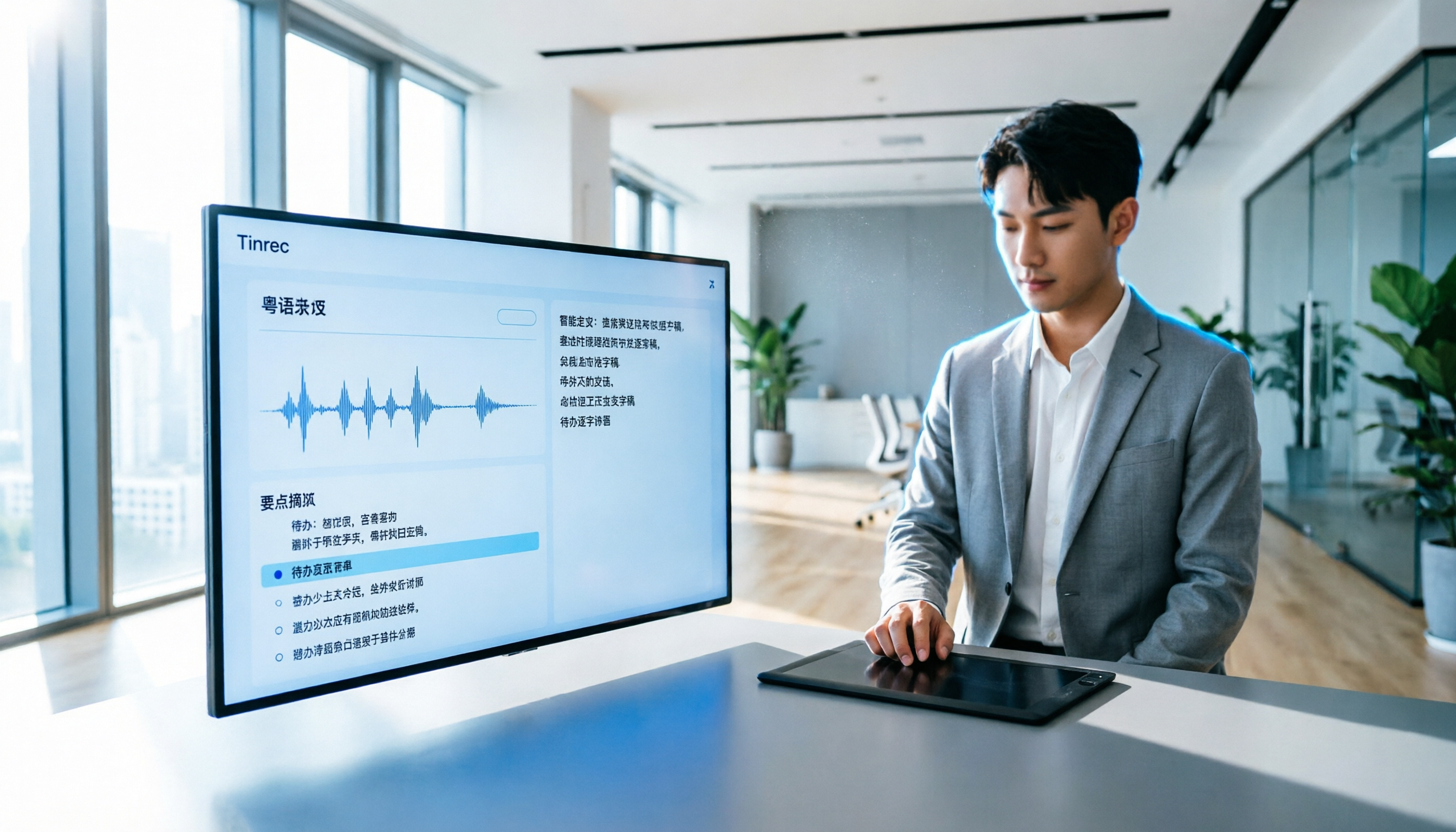
How to Transcribe Cantonese Audio to Text in 2026? 5 Steps to Easily Convert Cantonese with Tinrec
A must-read for Hong Kong professionals! Use the AI audio-to-text tool Tinrec to quickly convert Cantonese meetings and class recordings into text, with automatic summaries and to-do lists, so you can say goodbye to overtime transcription. Check out the complete 5-step tutorial.

2026 Hands-On Comparison of 2 Recording-to-Text Tools: Tinrec vs Plaud Note — Which One Nails Cantonese Accuracy?
Hong Kong professionals face daily meetings and need reliable recording-to-text tools. This hands-on test compares two popular options: software-based Tinrec vs hardware-based Plaud Note, evaluating Cantonese recognition, cross-platform support, AI features, and cost to help you choose the time-saving solution.
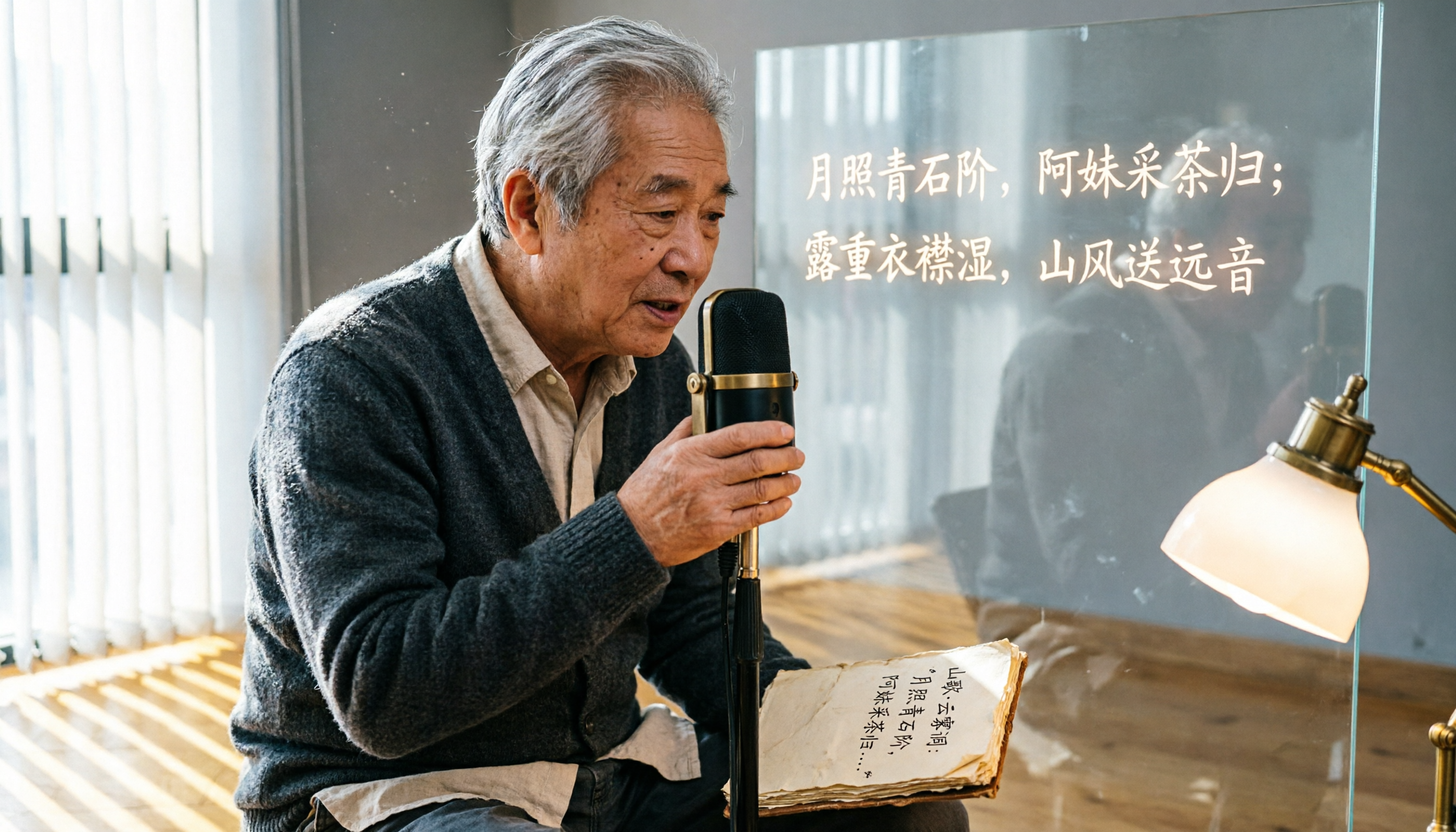
2026 Test: 5 Speech-to-Text Tools for Minority Languages – Which Has the Most Complete Multilingual Support?
When organizing meeting, interview, or study recordings that include minority languages, standard speech-to-text tools often fall short. This article tests 5 mainstream tools, comparing language coverage, transcription quality, and post-processing capabilities to help you find the best solution for handling minority languages.

How to Make AI Notes for Online Classes in 2026? A 5-Step Guide to Choosing the Right Tool
Struggling to keep up with note-taking during online classes? Spending hours re-listening to lectures afterward? This article addresses real student pain points, guiding you through 5 steps to find the best AI note-taking solution for online courses, with detailed comparisons of 5 tools including Tinrec, NotebookLM, and ThetaWave, covering free and paid options.

Tinrec vs Otter.ai in 2026: 5-Dimension Comparison for Call Recording Transcription – Which One Should Chinese Users Choose?
Looking for the best tool to transcribe phone call recordings? This article compares Tinrec and Otter.ai across 5 key dimensions: input sources, transcription accuracy, Chinese support, post-processing features, and pricing. We also walk through a complete workflow using Tinrec to turn a meeting recording into a transcript and meeting minutes, helping you decide which tool fits your needs.

How to Convert English Lecture Recordings to Text in 2026: A 5-Step Complete Guide for International Students
Struggling with unlistened lecture recordings? This guide shares a proven method to turn English class recordings into searchable, summarizable, and reviewable notes using AI tools—perfect for international students.

5 Best Meeting Recorder Apps for College Students in 2026: Free Plans Compared
We tested 5 popular meeting recorder apps, comparing free allowances, Chinese speech recognition, AI summaries, and cross-platform support to help college students find the best tool for taking class notes and organizing group discussions.

2026 Free Interview Recording Transcription Solutions: 2 Tools Compared
Tired of transcribing interview recordings? This hands-on comparison of Tinrec and Otter.ai free plans covers 5 key dimensions—Chinese/English recognition, AI summaries, privacy, and more—with practical tips and legal reminders.

Best AI Meeting Notes Apps in 2026: We Tested 3 Top Picks—This One Is a Must-Have for Office Workers
Office workers dread the post-meeting grind of transcribing notes. We tested the 3 most popular AI meeting notes apps of 2026, comparing accuracy, AI features, cross-platform support, and free tiers to help you find the most time-saving option. Tinrec (秒听录音) stands out for its Chinese transcription and AI-powered Q&A, making it the most versatile tool for various scenarios.