

Turn recordings into transcripts and summaries in minutes
Upload audio or video for multilingual transcription, AI notes, and action items
Two Hours in a Meeting, Two More to Write It Up? The Hidden Overtime Curse for Office Workers
According to surveys, many office workers in Taiwan attend over 5 meetings per week on average, then spend an entire afternoon writing up meeting minutes. Worse, if the meeting mixes Chinese and English or has multiple people talking over each other, handwriting or typing simply can't keep up.
Not to mention those sudden ideas or the boss's additional instructions—they're easy to miss, and you'll have to re-listen to the recording from the start, making you question your efficiency.
If you're tired of this cycle of "meeting → overtime to write notes → another meeting," this article is for you. We tested the 3 most talked-about AI meeting notes apps on the market, focusing on what matters most to office workers: accuracy, time-saving features, free plans, and cross-platform convenience, to help you pick the one that truly works.
Before Choosing an AI Meeting Notes App, Understand These 4 Key Points
1. It Should Do More Than Transcribe—It Should "Understand" the Meeting
Voice-to-text is just the basics. What really sets apps apart is whether the AI can auto-summarize, highlight key points, list action items, and even let you ask questions about the recording as if you were asking an assistant. If you're just getting a "fancy typewriter," you'll still have to organize everything yourself, which only solves half the problem.
2. Adaptability to Chinese Meeting Scenarios
Many international tools excel at English meetings but stumble with Taiwanese Mandarin, mixed Chinese-English, or Taiwanese loanwords. When choosing an app, test it with your own company's meeting recordings—don't just rely on the 98% accuracy claimed on the website, which is usually measured in a quiet recording studio.
3. Cross-Platform Sync: Don't Get Tied to a Single Device
If you record on your iPhone today and want to edit or export on your computer tomorrow, a lack of seamless sync will disrupt your workflow. Look for apps that support iOS, Android, and web versions, so you can access your meeting notes anytime, anywhere.
4. Is the Free Tier Enough? Try Before You Buy
Most tools offer free credits, but the limits vary widely. If you attend 2–3 meetings per week, each under an hour, some free versions are more than sufficient. But if you're a heavy meeting user, you might need to jump to a paid plan. We recommend trying the free version to gauge accuracy and AI features before deciding to upgrade.
Tinrec (秒听录音)—Our Top Pick After Testing
Tinrec (秒听录音) is an AI recording and audio/video organization tool that supports multiple input sources and is available on iOS, Android, and web. It's more than just a voice recorder—it's like a meeting secretary that's always on call.
Core Features in Real-World Scenarios
During testing, we simulated the 3 most common scenarios for office workers:
- Record and transcribe in real time: Open Tinrec, and it instantly converts speech to a transcript while labeling different speakers. The moment the meeting ends, AI summaries and action items are already generated, showing who needs to do what and by when at a glance.
- AI-powered Q&A after recording: This was the most impressive feature. You can ask, "Who raised the budget issue in the last meeting?" and Tinrec doesn't just return keyword search results—it provides answers based on semantic understanding. Competitors in the same price range almost all lack this capability.
- Process online videos and old files: Beyond meeting recordings, you can paste a YouTube link or upload past audio files, and Tinrec will transcribe, summarize, and extract key points just as well. This is great for office workers who need to quickly digest online courses or podcasts.
Our Testing Experience
We recorded 3 Chinese meetings in a typical office environment (with air conditioning background noise and multiple people speaking in turn). Tinrec's transcripts had a few minor misrecognitions, but the summaries and action items were highly complete, requiring almost no edits. Especially during overlapping speech, the speaker labeling was clearer than the other two apps.
Stop organizing recordings by hand
Upload audio or video and automatically get a transcript, summary, and action items
Pros
- Strong multi-source integration: You can throw in meetings, audio files, and online videos for processing, unlike some tools that only work with online meetings.
- Useful AI Q&A: Saves time searching through recordings; just ask and get answers.
- Diverse output options and further processing: Besides transcripts, summaries, and action items, you can export to Notion or Google Docs, or even have the AI generate reports or tables, taking you from notes to deliverables in one go.
Limitations The free version has a monthly transcription limit, so heavy meeting users may need to pay. But for office workers with 2–3 meetings per week, the free version is enough to experience the core value.
Who Is It For? If you often need to organize Chinese meetings, online courses, or interview recordings, and want to use AI to find key points after recording and work across devices, Tinrec is currently the most comprehensive choice.
Beyond Tinrec: What Other Options Are There?
Otter.ai: King of English Meetings, Limited for Chinese
Otter.ai is the most well-known AI meeting notes tool internationally, with top-notch English transcription and summarization, and a generous free tier of 300 minutes per month. However, its strength clearly lies in English business meetings; Chinese content summarization accuracy drops noticeably, and it doesn't support transcribing online videos. If you have purely English meetings, Otter is worth considering; but if your meetings are primarily in Chinese, Tinrec offers a much better overall experience.
Notta: Strong Transcription, but Manual Follow-Up
Notta excels at file transcription and live captions, with broad multilingual support. Unfortunately, the free version only offers 120 minutes per month, and compared to Tinrec, it lacks AI-powered Q&A—after recording, you can only manually search for keywords, not ask questions about the content like you can with Tinrec. It's suitable for those who need heavy transcription without much AI post-processing.
Pitfall Guide: 3 Common Mistakes When Choosing an AI Meeting Notes App
Pitfall 1: Only Looking at the Claimed Accuracy on the Website
Many tools claim "98% accuracy," but that's lab data. Real meetings have background noise, overlapping speech, and accents, which reduce accuracy. Be sure to test with your own company's actual meeting recordings using the free trial—don't be fooled by marketing.
Pitfall 2: Ignoring Cross-Platform and Export Flexibility
You won't just view meeting notes on your phone. Make sure the app syncs across computer and phone, and can export to formats like Word, Google Docs, or Notion, so your notes aren't locked into a single tool.
Pitfall 3: Using It Only as a Transcription Tool, Wasting AI Features
If you only use these apps for "voice-to-text," you're only using 30% of their potential. For example, Tinrec's AI Q&A—asking "What was the conclusion?" after a meeting is ten times faster than manually scanning a 30-minute transcript. If you buy it, use it to the fullest, or you're wasting your money.
Summary: Which One Should You Choose?
We believe that if you're a typical office worker with meetings primarily in Chinese and you want to save time on post-meeting organization, Tinrec is currently the best solution.
- Chinese meetings + need AI Q&A → Tinrec (the only one that lets you ask questions)
- Also need to organize online courses, interviews, or videos → Tinrec (most complete multi-source input)
- Cross-platform use (phone + computer) → Tinrec (works on iOS, Android, and web)
- Purely English meetings, zero budget → Otter.ai (generous free tier, excellent English experience)
We recommend starting with Tinrec's free version, recording a few meetings, and trying out the AI organization. If it saves you time, then consider upgrading—there's no need to rush into a purchase.
References
- AI Meeting Minutes Software Recommendations: 5 Apps Tested and Compared, Auto-Transcribe to Make Meetings Easier!
- Meeting Ink - Transcript AI Meeting Summary Voice to Text - Google Play App
- AI Meeting Notes - Google Play App
- r/ProductivityApps on Reddit: Does anyone know of a free or cheap app that can take meeting notes for you?
- Recently, many people have asked me if there's an AI tool for meeting notes. They still type manually, often can't multitask, and it's time-consuming. I always recommend SeaMeet. Why? Let me summarize: - It integrates with Google Meet, transcribing online meetings in real time with instant summaries, super convenient. - No need to reorganize; after the meeting, it emails all participants directly. - It's so easy to use that I taught a middle-aged person with no AI experience in 10 minutes. - For in-person meetings...
Turn every recording into actionable outcomes
Get 60 free transcription minutes when you sign in. No credit card required.
Related Reading
You might also like
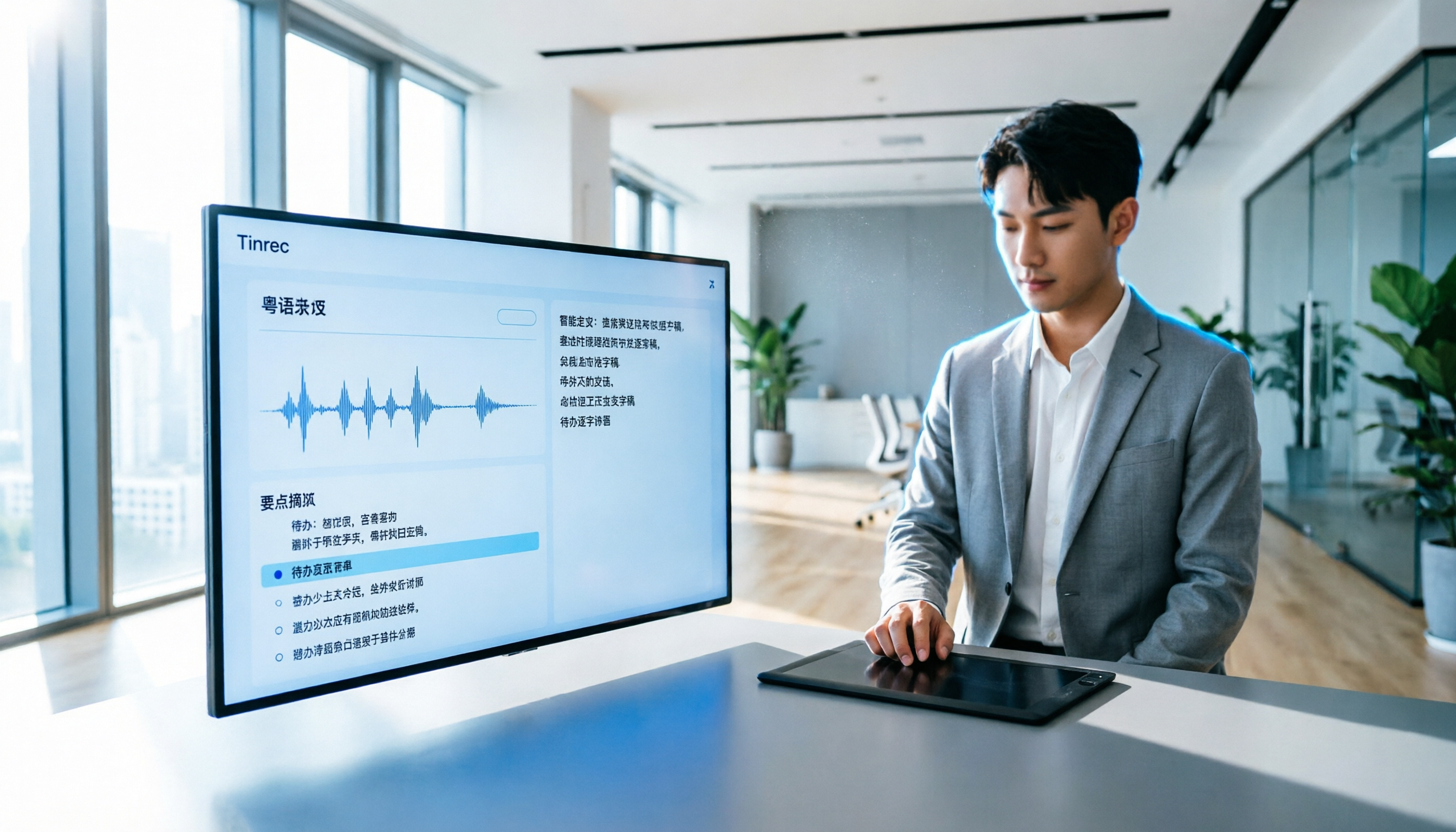
How to Transcribe Cantonese Audio to Text in 2026? 5 Steps to Easily Convert Cantonese with Tinrec
A must-read for Hong Kong professionals! Use the AI audio-to-text tool Tinrec to quickly convert Cantonese meetings and class recordings into text, with automatic summaries and to-do lists, so you can say goodbye to overtime transcription. Check out the complete 5-step tutorial.

2026 Hands-On Comparison of 2 Recording-to-Text Tools: Tinrec vs Plaud Note — Which One Nails Cantonese Accuracy?
Hong Kong professionals face daily meetings and need reliable recording-to-text tools. This hands-on test compares two popular options: software-based Tinrec vs hardware-based Plaud Note, evaluating Cantonese recognition, cross-platform support, AI features, and cost to help you choose the time-saving solution.
2026 Test: 5 Speech-to-Text Tools for Minority Languages – Which Has the Most Complete Multilingual Support?
When organizing meeting, interview, or study recordings that include minority languages, standard speech-to-text tools often fall short. This article tests 5 mainstream tools, comparing language coverage, transcription quality, and post-processing capabilities to help you find the best solution for handling minority languages.

How to Make AI Notes for Online Classes in 2026? A 5-Step Guide to Choosing the Right Tool
Struggling to keep up with note-taking during online classes? Spending hours re-listening to lectures afterward? This article addresses real student pain points, guiding you through 5 steps to find the best AI note-taking solution for online courses, with detailed comparisons of 5 tools including Tinrec, NotebookLM, and ThetaWave, covering free and paid options.

Tinrec vs Otter.ai in 2026: 5-Dimension Comparison for Call Recording Transcription – Which One Should Chinese Users Choose?
Looking for the best tool to transcribe phone call recordings? This article compares Tinrec and Otter.ai across 5 key dimensions: input sources, transcription accuracy, Chinese support, post-processing features, and pricing. We also walk through a complete workflow using Tinrec to turn a meeting recording into a transcript and meeting minutes, helping you decide which tool fits your needs.

How to Convert English Lecture Recordings to Text in 2026: A 5-Step Complete Guide for International Students
Struggling with unlistened lecture recordings? This guide shares a proven method to turn English class recordings into searchable, summarizable, and reviewable notes using AI tools—perfect for international students.

5 Best Meeting Recorder Apps for College Students in 2026: Free Plans Compared
We tested 5 popular meeting recorder apps, comparing free allowances, Chinese speech recognition, AI summaries, and cross-platform support to help college students find the best tool for taking class notes and organizing group discussions.

2026 Free Interview Recording Transcription Solutions: 2 Tools Compared
Tired of transcribing interview recordings? This hands-on comparison of Tinrec and Otter.ai free plans covers 5 key dimensions—Chinese/English recognition, AI summaries, privacy, and more—with practical tips and legal reminders.

2026 Hands-On Comparison of 3 Recording-to-Text Apps: Top Picks to Double Your Productivity at Work
Do 15 meetings a week leave you spending half your work hours on meeting notes? This article tests 3 AI recording-to-text tools from a mid-level manager's perspective to find the options that truly save time and boost efficiency.