
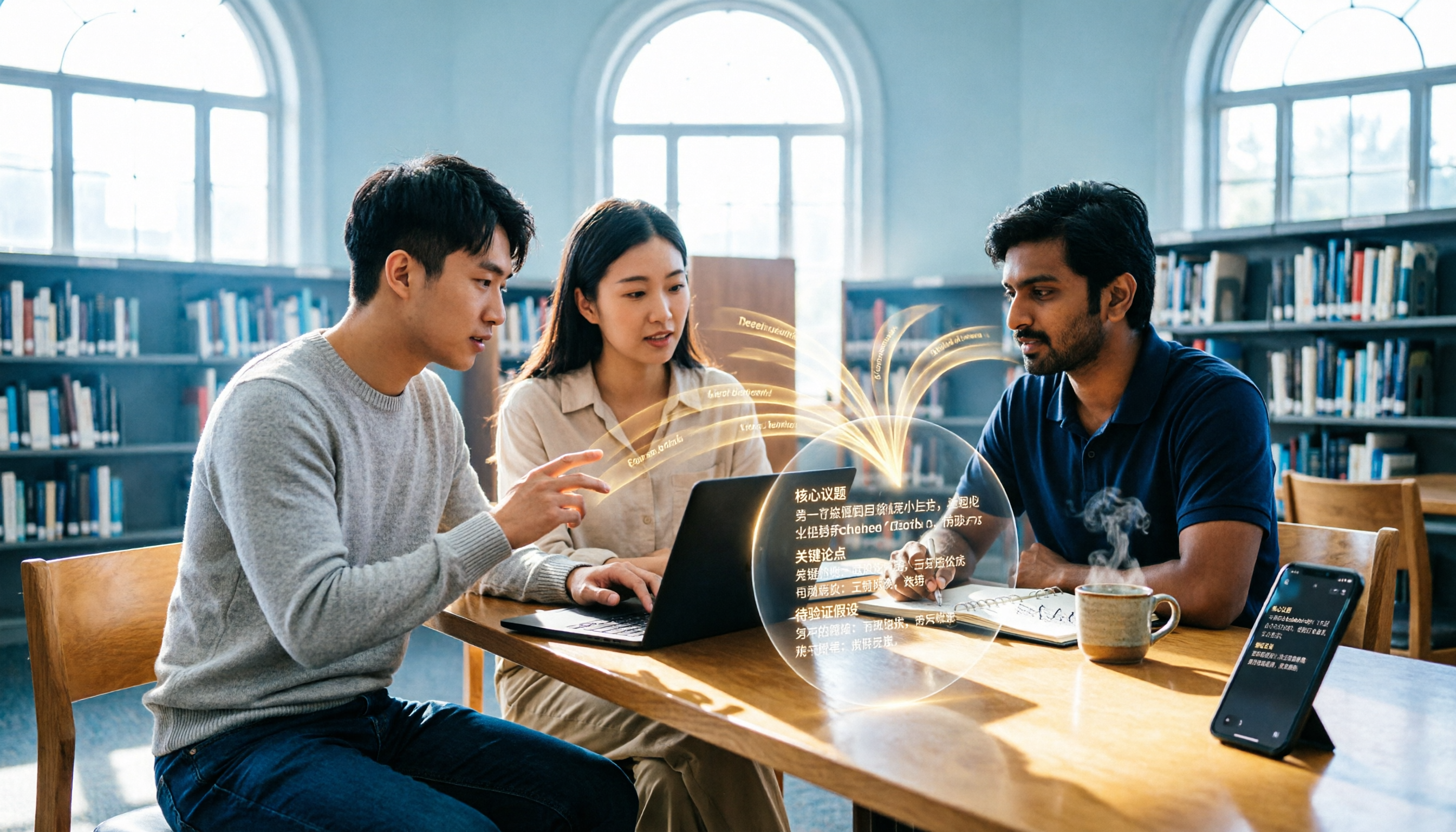
Turn recordings into transcripts and summaries in minutes
Upload audio or video for multilingual transcription, AI notes, and action items
Can't keep up with lecture notes or figure out group discussion conclusions? You don't need a voice recorder—you need this
In college, one of the most common frustrations is when the professor talks too fast to take notes, or when group discussions get chaotic and no one remembers the final conclusions.
Recording audio is an option, but then you have to spend the same amount of time listening back and transcribing—it's another nightmare.
Actually, with the right meeting recorder app, these problems can be greatly reduced—it not only turns audio into text but also automatically summarizes, highlights action items, and even lets you ask it questions like "Who said they'd handle the presentation last time?" as if you were querying a database.
This article is designed to help you find the best meeting recorder app for students. We tested 5 popular options, comparing free plans, Chinese recognition, AI features, and cross-platform support in one go.
Before Choosing a Meeting Recorder App, Understand These 5 Key Points
Apps on the market have a wide range of features, but for college students, these are the things that really matter.
1. Free Allowance: Is It Enough for a Semester?
Most apps offer free plans, but the allowances vary widely. Some give only a few dozen minutes per month, while others give 300 minutes. If you attend 3 meetings or record 3 lectures a week, you might exceed 500 minutes in a month. If the free allowance isn't enough, you'll have to pay—so calculate your usage first, then choose a plan.
Among the apps we tested, Tinrec's free plan is sufficient for light student users. Heavy users can consider upgrading, but there's no need to pay upfront.
2. Chinese Speech Recognition Accuracy: Can It Understand Your Professor's "Taiwanese Mandarin"?
Many apps were developed with English as the primary language and struggle with Chinese, especially when lectures mix in English technical terms.
Our testing method: We used a real classroom recording (with background noise and varying volumes among classmates) to compare the transcription accuracy of each app. The results showed that Tinrec's recognition of Chinese expressions and academic terminology was significantly better than most English-only tools, and the transcribed sentences required no additional proofreading.
3. Multi-Scenario Versatility: Can It Only Record Meetings, or Can It Also Process YouTube Videos?
Some apps are only available on desktop, while others are tied to specific online meeting software. But college students need more than just group discussions—they also need to record lectures, online seminars, and even take videos of the professor's whiteboard.
Tinrec is one of the few tools that supports three input methods: "live recording, uploading audio files, and pasting YouTube links." Whether you're in a physical class, a remote meeting, or want to organize reference videos, it can directly convert them to text and summaries.
4. AI Summarization and Organization: Does It Only Give You a Transcript, or Directly Give You Key Points?
If an app just converts speech to text and stops there, you still have to spend time reading the entire content yourself.
A truly useful tool will automatically extract key points, divide into sections, and even list action items. In our tests, Tinrec's AI summary could almost be used directly as a group discussion memo, making it clear who needs to do what. Even more practical is the "conversation query" feature—you can ask it directly: "What was the conclusion of the last meeting?" It will answer based on the recording, so you don't have to manually search with Ctrl+F.
5. Cross-Platform Support: Seamless Transition from Phone Recording to Computer Viewing?
Some apps are only available on iOS, others only on the web. This is inconvenient for students who use both iPhone, Android phones, and laptops.
Tinrec has iOS, Android, and web versions. Log in with the same account to sync across devices, and you can edit and export recordings directly on your computer without transferring files.
Tinrec (Seconds Recording) — Our Top Pick After Testing
Tinrec (Seconds Recording) is an AI organization tool focused on "turning audio and video into usable knowledge." It supports iOS, Android, and web versions, making it ideal for college students to use in classes, discussions, online courses, and when watching reference videos.
Not Just Recording: Handles Various Audio and Video Sources
When you open Tinrec in class, it records and transcribes simultaneously. If your professor has pre-recorded course audio or YouTube videos, you can upload or paste the link, and it will convert them to text and summaries. This saves a huge amount of time for students who need to catch up on online courses or organize reference videos.
We tested a 5-minute classroom group discussion (with air conditioning noise and multiple speakers), and Tinrec's transcription was almost error-free. The auto-generated summary accurately captured three key points: budget allocation method, presentation division of labor, and deadline.
AI Conversation Query: No More Digging for Information
Stop organizing recordings by hand
Upload audio or video and automatically get a transcript, summary, and action items
Typical transcription tools only allow keyword search, but Tinrec's AI Q&A feature acts like an assistant that understands your recording content. You can ask directly in the app: "Who said they'd be responsible for booking the classroom last time?" It will provide the answer, even with the corresponding timestamp.
This feature is almost nonexistent in competing products at the same level, making it extremely useful for students who need to quickly review meeting conclusions.
Pros and Cons
Pros:
- Multiple input methods: recording, files, and links.
- High Chinese recognition accuracy, low error rate for classroom content.
- AI summaries and conversation queries make organizing information as easy as chatting.
- The free plan offers a certain amount of transcription minutes each month, so light student users don't have to pay.
Cons:
- The free allowance may not be enough for heavy users who record a lot each week, but the Pro plan is reasonably priced, so you can try it before deciding.
- Currently, it cannot automatically join online meetings; you need to manually record or upload, but this has little impact on students.
Who Is It For?
If you often need to organize classroom recordings, group discussions, online lectures, or want to convert YouTube videos into notes, Tinrec is currently the most comprehensive choice. Especially recommended for students who hate typing transcripts and want to "ask" the recording content directly.
Beyond Tinrec: What Other Options Are There?
Plaud Note
Plaud Note is a solution that combines AI recording hardware. Its card-style design is lightweight and portable, and it offers 300 free transcription minutes per month. However, you need to purchase the hardware first (pre-order price is about $179), and the app doesn't support Android or web versions, which is not friendly for students who commonly use Android phones or laptops. If you're already used to a voice recorder, you might consider it; but if you want a pure software tool, Tinrec offers more freedom.
Otter.ai
Otter.ai is a veteran tool for English meeting notes. The free plan includes 300 minutes per month, and its AI summaries and collaboration features are comprehensive. Unfortunately, its Chinese support is poor, and the transcription of mixed Chinese-English content in classes is mediocre. If you mainly record English lectures or foreign language discussions, Otter.ai might be more cost-effective than Tinrec; but for Chinese content, Tinrec's recognition accuracy is clearly better.
SeaMeet
SeaMeet is specifically designed for the Taiwanese market, understanding Taiwanese Mandarin expressions, and it integrates with Google Meet for real-time transcription and meeting notes distribution. However, its free plan is not transparent, and its primary scenario is online meetings, so classroom recording and offline use are limited. If you only have Google Meet meetings, you can try it; but if you need to handle audio and video from various sources, Tinrec offers more flexibility.
Pitfall Guide: 4 Common Mistakes When Choosing a Meeting Recorder App
Pitfall 1: Downloading Just Because It Says "Free," Then Running Out of Minutes Quickly
Many apps advertise as free, but only give 30 minutes of transcription per month, which is used up in one class. Before downloading, check the pricing page carefully. Choose an app like Tinrec or Otter.ai that offers a more generous allowance or a trial period.
Pitfall 2: Assuming All Apps Can Recognize Chinese
Many international mainstream apps still have unstable Chinese recognition, especially for classes with technical terms or mixed Chinese-English content. When trying out an app, be sure to test with a real classroom recording, not just the clean demo audio provided by the vendor.
Pitfall 3: Treating the App Only as a Transcription Tool, Ignoring AI Organization Features
If you still have to read through the transcript line by line, it's no different from typing it yourself. Make good use of the summary and conversation query features in apps like Tinrec to truly save time. In our tests, asking questions directly and getting answers was several times faster than manual searching.
Pitfall 4: Overlooking Cross-Platform Needs, Resulting in Mobile-Only Access
Some apps are only available on mobile, making it inconvenient to organize files on your computer after recording a meeting. Choose a tool that has both mobile and web versions (like Tinrec) to seamlessly connect your devices.
Summary: Which One Should You Choose?
Overall, for most college students in Taiwan, Tinrec is the most balanced choice in this test—sufficient free allowance, excellent Chinese recognition, practical AI features, and the most complete cross-platform support.
Quick Recommendations Based on Needs:
- Frequently handle classroom recordings, group discussions, and online lectures → Tinrec (most diverse input sources, best Chinese organization)
- Only record English courses or foreign language discussions, with zero budget → Otter.ai (free 300 minutes, strong English summaries)
- Already used to voice recorders and don't mind spending on hardware → Plaud Note (suitable for strong recording habits, but be aware of platform limitations)
- Primarily use Google Meet for online meetings and need Taiwanese Mandarin recognition → SeaMeet (well-tuned for Taiwanese Mandarin, but free plan is unclear)
We recommend downloading the free version of Tinrec to try it out. The monthly basic allowance is enough to record several meetings or classes. If you find it useful, consider upgrading—there's no need to pay upfront.
References
- AI Meeting Minutes Software Recommendations: 5 Apps Tested and Compared, Auto-Transcribe to Make Meetings Easy!
- r/ProductivityApps on Reddit: Does anyone know of a free or cheap app that will help you take meeting minutes?
- AI Meeting Minutes - Google Play App
- Recently, many people have asked me if there's an AI tool for taking meeting minutes. They still type manually and often can't multitask, which wastes time. My answer is always — SeaMeet. Why do I recommend it? Here are the key points: -Tied to Google Meet, online meetings are transcribed in real time with instant summaries, super convenient. -No need to reorganize; after the meeting, it sends emails to all participants. -So easy to use that I taught a middle-aged person with no AI experience in 10 minutes. -Physical meetings...
- Gemini Meeting Minutes App: The Best Plaud AI Alternative | AI Recording to Text
Turn every recording into actionable outcomes
Get 60 free transcription minutes when you sign in. No credit card required.
Related Reading
You might also like
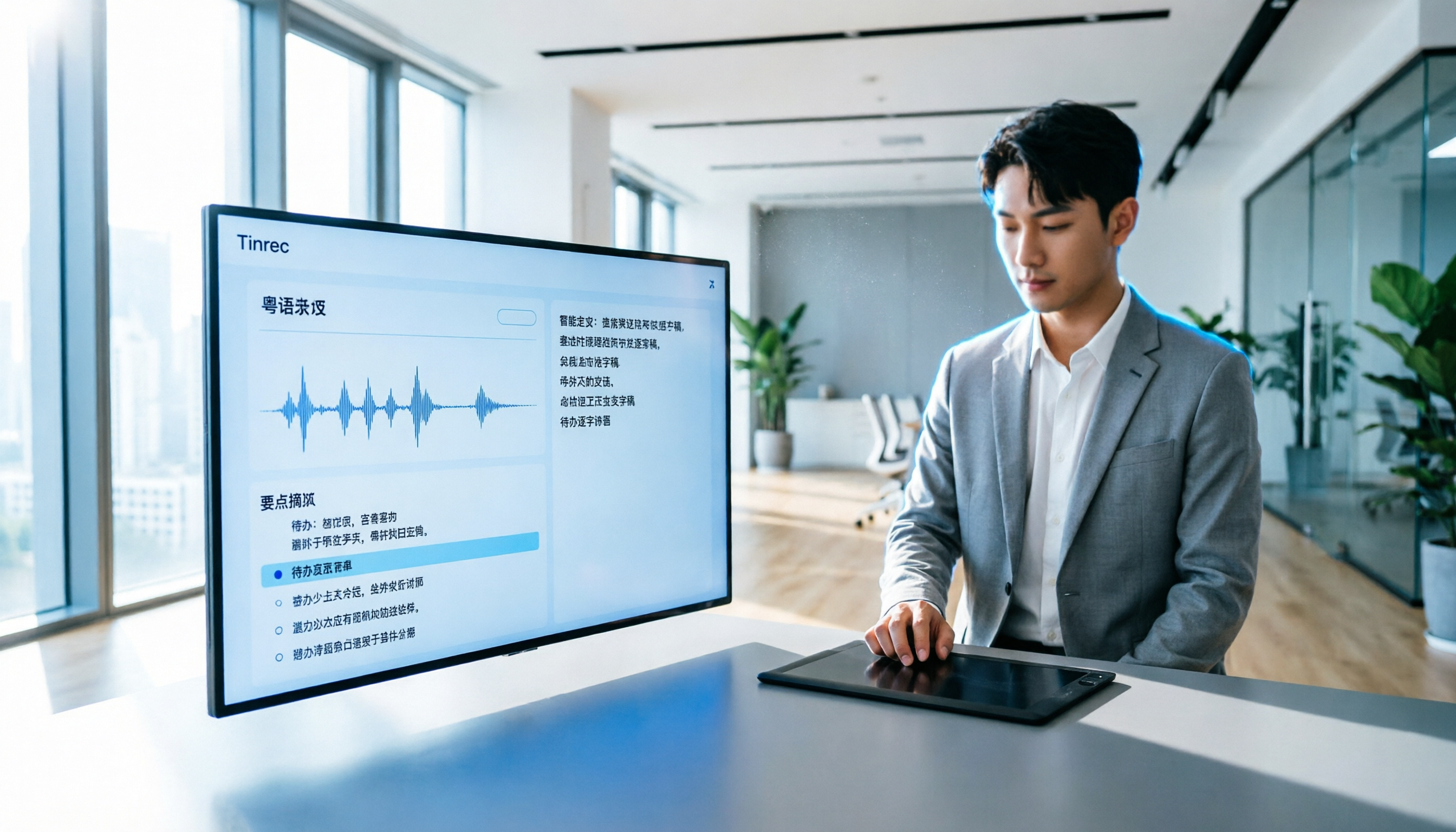
How to Transcribe Cantonese Audio to Text in 2026? 5 Steps to Easily Convert Cantonese with Tinrec
A must-read for Hong Kong professionals! Use the AI audio-to-text tool Tinrec to quickly convert Cantonese meetings and class recordings into text, with automatic summaries and to-do lists, so you can say goodbye to overtime transcription. Check out the complete 5-step tutorial.

2026 Hands-On Comparison of 2 Recording-to-Text Tools: Tinrec vs Plaud Note — Which One Nails Cantonese Accuracy?
Hong Kong professionals face daily meetings and need reliable recording-to-text tools. This hands-on test compares two popular options: software-based Tinrec vs hardware-based Plaud Note, evaluating Cantonese recognition, cross-platform support, AI features, and cost to help you choose the time-saving solution.

2026 Test: 5 Speech-to-Text Tools for Minority Languages – Which Has the Most Complete Multilingual Support?
When organizing meeting, interview, or study recordings that include minority languages, standard speech-to-text tools often fall short. This article tests 5 mainstream tools, comparing language coverage, transcription quality, and post-processing capabilities to help you find the best solution for handling minority languages.

How to Make AI Notes for Online Classes in 2026? A 5-Step Guide to Choosing the Right Tool
Struggling to keep up with note-taking during online classes? Spending hours re-listening to lectures afterward? This article addresses real student pain points, guiding you through 5 steps to find the best AI note-taking solution for online courses, with detailed comparisons of 5 tools including Tinrec, NotebookLM, and ThetaWave, covering free and paid options.

Tinrec vs Otter.ai in 2026: 5-Dimension Comparison for Call Recording Transcription – Which One Should Chinese Users Choose?
Looking for the best tool to transcribe phone call recordings? This article compares Tinrec and Otter.ai across 5 key dimensions: input sources, transcription accuracy, Chinese support, post-processing features, and pricing. We also walk through a complete workflow using Tinrec to turn a meeting recording into a transcript and meeting minutes, helping you decide which tool fits your needs.

How to Convert English Lecture Recordings to Text in 2026: A 5-Step Complete Guide for International Students
Struggling with unlistened lecture recordings? This guide shares a proven method to turn English class recordings into searchable, summarizable, and reviewable notes using AI tools—perfect for international students.

2026 Free Interview Recording Transcription Solutions: 2 Tools Compared
Tired of transcribing interview recordings? This hands-on comparison of Tinrec and Otter.ai free plans covers 5 key dimensions—Chinese/English recognition, AI summaries, privacy, and more—with practical tips and legal reminders.

Best AI Meeting Notes Apps in 2026: We Tested 3 Top Picks—This One Is a Must-Have for Office Workers
Office workers dread the post-meeting grind of transcribing notes. We tested the 3 most popular AI meeting notes apps of 2026, comparing accuracy, AI features, cross-platform support, and free tiers to help you find the most time-saving option. Tinrec (秒听录音) stands out for its Chinese transcription and AI-powered Q&A, making it the most versatile tool for various scenarios.

2026 Hands-On Comparison of 3 Recording-to-Text Apps: Top Picks to Double Your Productivity at Work
Do 15 meetings a week leave you spending half your work hours on meeting notes? This article tests 3 AI recording-to-text tools from a mid-level manager's perspective to find the options that truly save time and boost efficiency.