
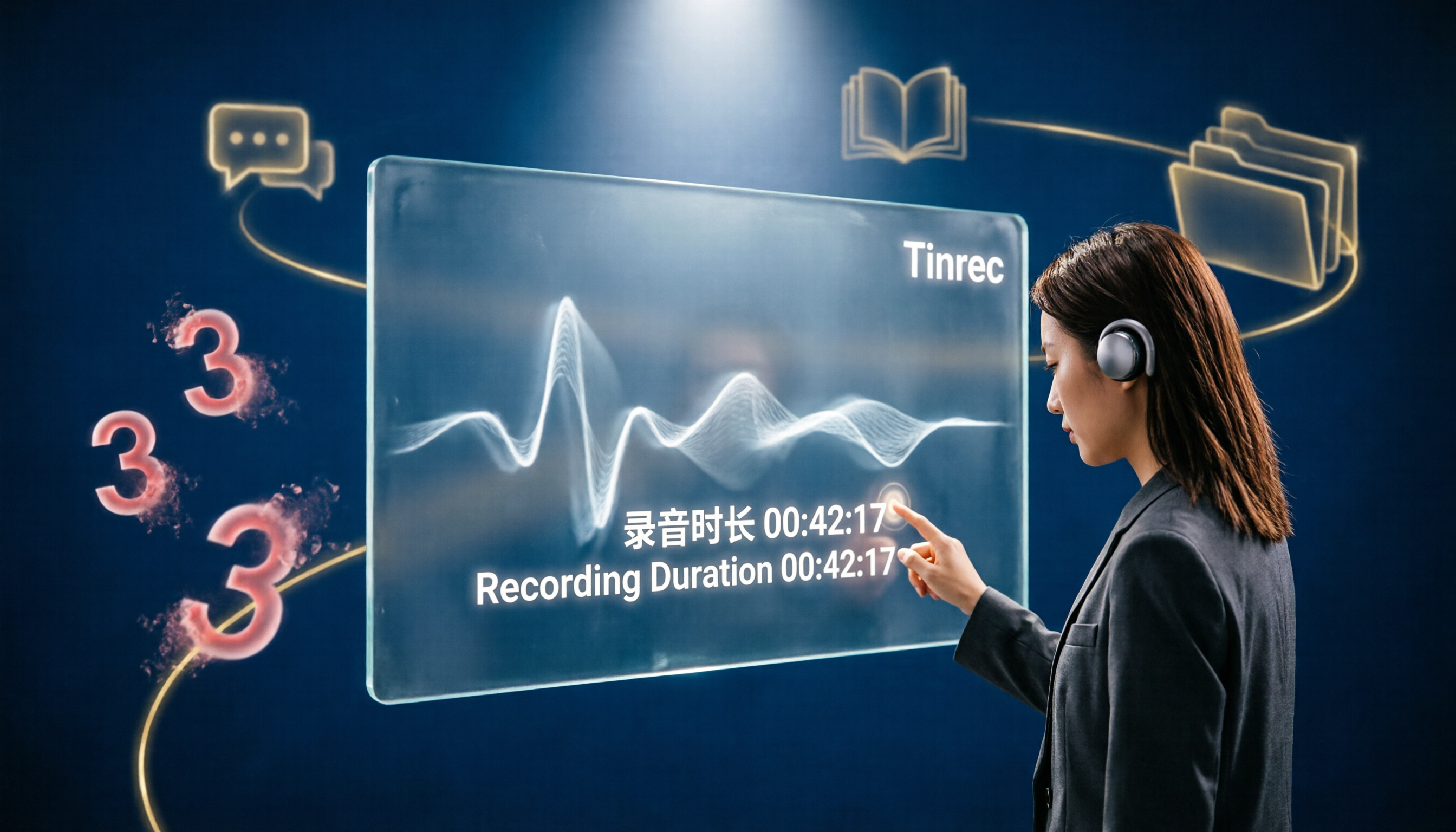
Turn recordings into transcripts and summaries in minutes
Upload audio or video for multilingual transcription, AI notes, and action items
What Can AI Recording Organization Do for You?
If you've ever searched for "Notta AI free plan," you probably need a tool that can transcribe meetings, courses, or interviews into text, and you'd like to try it for free first. But most people who actually use Notta's free plan quickly hit a wall: each recording can only be transcribed for up to 3 minutes.
For any normal meeting (which typically lasts at least 30 minutes), this is an insurmountable obstacle. As a result, you have to manually split recordings and restart, wasting even more time in the end.
But that doesn't mean there are no truly free options for AI recording organization. Take Tinrec, for example: its free version offers monthly base transcription credits without the odd per-recording length limit, so you can actually record an entire meeting or class in one go and let AI organize the key points for you.
Below, we'll focus on Tinrec to show you what such tools can really do for you and why it's a better alternative to Notta's free plan.
What Are Tinrec's Core Capabilities?
Tinrec is not just a "voice-to-text" tool; after transcription, it further helps you "understand" the content, which is the real time-saver. The following four core capabilities each directly address the pain points of Notta's free plan:
Real-Time Transcript, Text as You Speak
Tinrec supports real-time transcription with less than 1 second of latency, so during meetings you can watch the text to ensure no key points are missed. Unlike Notta's free version, you can only wait for a short text segment after recording, and that segment often leaves you feeling like "it stopped before getting to the point."
Structured AI Summaries, Not Just Condensed Nonsense
Notta's free version does have AI summaries, but they're limited (10 times per month) and constrained by the 3-minute recording length, resulting in fragmented and incomplete summaries. Tinrec's summaries are structured: meeting topics, discussion conclusions, action items, and responsible persons are all categorized and listed, so you can grasp the key points at a glance.
AI Chat Query, Ask Your Recording Like a Database
After transcription, you can directly ask Tinrec questions like "Who mentioned the budget in the meeting?" or "What were the main client feedback points?" It provides answers based on semantic understanding. This is a feature that even Notta's paid version may not fully offer, let alone the free plan.
Multiple Input Sources, Not Just Meeting Recordings
Notta's core scenario is meetings, but Tinrec handles a wider range: you can upload existing audio or video files, or even paste links to public videos like YouTube or Bilibili, and convert them to text and summaries with one click. This flexibility is very practical for those who need to organize course recordings, interview clips, or online learning materials.
Practical Use Cases
After looking at the features, let's see how Tinrec is used in real scenarios and why it's better suited for these than Notta's free plan.
Scenario 1: Meeting Notes After Weekly Meetings
Previously, after a 1-hour weekly meeting, you might spend another half hour organizing notes. Now with Tinrec, by the time the meeting ends, AI has already generated summaries, conclusions, and each person's action items. You just quickly review and send them to the team. If you used Notta's free version, you'd have to split the meeting into 20 segments to transcribe it all—just thinking about it is exhausting.
Scenario 2: Online Course Review
Want to review a 2-hour online course without rewatching the video? Paste the course video link into Tinrec, and it will transcribe the content and automatically split it into chapters and create a mind map. You can search for keywords to jump to key sections, making review far more efficient than handwritten notes. Notta's free plan can't even record a full class, so it can't handle this need.
Stop organizing recordings by hand
Upload audio or video and automatically get a transcript, summary, and action items
Scenario 3: Interview Organization
After interviewing an expert, you have a 40-minute audio file. Upload it to Tinrec, and within minutes you have a full transcript, plus you can use AI Q&A to quickly extract key points and direct quotes, saving you from repeatedly replaying the recording. Notta's free version only transcribes the first 3 minutes, cutting off before the opening remarks even end.
Scenario 4: Content Creation Material Extraction
Want to write an analysis of a YouTube video? Drop the video link into Tinrec, and it gives you the transcript, summary, and key timestamps, allowing you to extract quotes and organize viewpoints directly, significantly reducing research time. This type of functionality is completely impossible with Notta's free plan.
4 Points to Consider When Choosing an AI Recording Tool
If you're evaluating which tool to use, the following criteria can help you avoid pitfalls like Notta's free plan. For each point, we'll directly compare Tinrec's performance.
1. Practical Usability of the Free Version
Some tools' free plans are "all show and no go," like Notta, which gives you 120 minutes per month but only 3 minutes per recording, meaning you can never fully transcribe a normal-length meeting. Tinrec's free version has no such per-recording limit, so you can truly experience a full meeting or course transcription to see if the tool suits you.
2. Post-Transcription Organization Capabilities
The transcript is just the first step; the real time-saver is the subsequent summary, key point extraction, and to-do lists. Tinrec not only converts speech to text but also turns long content into structured notes and even lets you search key points via Q&A, providing a complete "organization" experience.
3. Input Source Flexibility
If you not only have meetings but also need to organize course recordings, interview files, or online videos, choose a tool like Tinrec that supports multiple input sources. Notta focuses on meetings and has lower support for other types of audio/video organization.
4. Quality of Chinese Content Processing
For Chinese users, it's essential to test the accuracy of Chinese transcription and the semantic understanding of Chinese in summaries and Q&A. Tinrec is clearly tuned for Chinese users in its product design, which makes a noticeable difference when processing Chinese meetings, courses, or interviews.
Frequently Asked Questions
Is Notta's Free Plan Really That Hard to Use?
If you only need to transcribe short recordings under 3 minutes, it works. But real meetings and courses almost always exceed that length, forcing you to manually split or give up, resulting in a poor experience.
Does Tinrec's Free Version Have Time Limits?
Tinrec offers monthly base transcription credits with no unreasonable per-recording length limits, allowing you to freely experience the full features. Please refer to the official website for actual credits.
Can I Transfer Existing Notta Recordings to Tinrec?
Absolutely. You can upload audio or video files downloaded from Notta to Tinrec, and they can be transcribed, summarized, and queried without any issues.
Is Tinrec Secure? Will My Recordings Be Used to Train AI?
Tinrec values user privacy, so you can use it with confidence. For specific privacy policies and data handling practices, please refer to the official website.
Conclusion
Notta AI's free plan may seem generous, but its practical limitations make it difficult to handle real scenarios. If you need a tool that truly helps you turn meetings, courses, interviews, or online videos into usable materials, Tinrec is a more practical alternative.
Its free version has no odd per-recording time limits, and it doesn't just transcribe; it also provides summaries, chapters, action items, and AI Q&A, turning audio and video content into searchable, reviewable knowledge.
If you have more than three meetings a week or have a pile of recordings and videos to organize, why not download Tinrec's free version and try it yourself—see how much time a full meeting transcription plus AI organization can save you.
References
- AI Note Taker | Free AI Meeting Transcription
- Notta Pricing: Compare Plans, Features & Costs
- Honest Notta AI Review (2026): I Tried Notta So You Don't Have To - tl;dv
- Notta Pricing: How Much Does Notta Really Cost in 2026
- What are the differences between "3-day free trial" and "Free Plan"? – Notta - Help Center
Turn every recording into actionable outcomes
Get 60 free transcription minutes when you sign in. No credit card required.
Related Reading
You might also like

How to Choose a Speech-to-Text Tool in 2026: A 5-Point Comparison of Free Tiers, Chinese Recognition, and Summarization
Choosing a speech-to-text tool isn't about which one is most accurate—it's about your usage volume, language needs, and post-processing workflow. This article compares five key aspects: free tier limits, Chinese and Taiwanese Hokkien recognition, timestamp proofreading, AI summarization, and import/export formats. With practical tips for meetings, classes, interviews, and content creation, it helps you make a confident choice between free and paid options.
2026 AI Transcription Complete Guide: How to Choose Tools Trending on PTT and Organize Class Recordings
Starting from campus scenarios, this guide breaks down the four most common mistakes when using AI to organize transcripts, explains the core capabilities of transcription AI, the practical workflow, and key purchasing considerations. It also uses Tinrec as an example to demonstrate the complete process from recording to key notes.

5 AI Transcription Tools Tested for 2026: How to Choose the Free Options Trending on Dcard
A roundup of the most discussed AI transcription tools on Dcard, starting from the decision point of 'who will read this transcript?' It explains the use cases, free limitations, and practical tips for NotebookLM, Buzz, Google AI Studio, Groq Cloud, iPhone Shortcuts, and Yating Transcription, helping you choose the right method before you start.

5 AI Meeting Transcription Tools Compared for 2026: How to Choose Based on Free Tiers, Chinese Recognition, and Summarization Features
How to choose an AI meeting transcription tool? First clarify whether data can be uploaded to the cloud, and whether you need subtitle files or meeting minutes, then compare the transcription and summarization capabilities of 5 common tools. This article covers practical workflows, key purchasing criteria, and 4 common pitfalls to help you find a truly time-saving approach.

How to Transcribe Meeting Audio with NotebookLM (2026): Upload Recordings, Get Transcripts & Auto-Generate Action Items
Tired of replaying meeting recordings to type transcripts? This guide focuses on NotebookLM, showing how to upload meeting audio, locate the auto-generated transcript, and use prompts to output timestamps and action items. It also covers five alternative methods—Gemini, EchoScript, MacWhisper, and iPhone Voice Memos—with selection advice.

2026 AI Tools Comparison: How to Avoid Wasted Effort in Meeting Transcript Organization
The most time-consuming part of meeting transcript organization is never converting speech to text, but turning chaotic discussions into actionable records. This article breaks down three common misconceptions, compares the actual workflows and limitations of tools like NotebookLM, Gemini, ChatGPT, and CLOVA Note, and provides a step-by-step process and pitfall checklist you can directly apply.
2026 Comparison of 5 Speech-to-Transcript Tools: Free Quotas and Chinese Recognition—Which Is Enough?
Starting from the most common pitfalls when choosing a transcription tool, this article compares five speech-to-transcript tools—Yating Transcription, cSubtitle, Atter App, Easemate AI Meeting Recorder, and NotebookLM—on language support, free quotas, and import/export differences, helping you choose the right tool based on your recording scenario.
5 Best AI Meeting Transcription Tools in 2026: Free Tiers, Chinese Accuracy, and Summaries Compared
Tired of spending two hours after every meeting replaying recordings and typing transcripts? This guide walks through the actual workflows of five AI meeting transcription tools in 2026, comparing free tiers, Chinese and mixed Chinese-English recognition, speaker identification, and summary and action-item generation. It also includes a pitfalls guide and scenario-based recommendations to help you find the one that's good enough for free.
7 Free Meeting Transcription Software Compared: Which Free Tier Is Most Generous in 2026?
We reviewed the free plans of 7 meeting transcription tools, from 300 minutes and 120 minutes per month to completely free AI note-taking tools. We explain each plan's limits, restrictions, and ideal users to help you avoid mistaking a 'free trial' for a 'free plan'.