
Turn recordings into transcripts and summaries in minutes
Upload audio or video for multilingual transcription, AI notes, and action items
Still adding subtitles manually? Stop wasting time—3 pain points that show why you need an AI subtitle tool
A 5-minute video, when transcribed manually, synced to the timeline, and formatted, takes at least half an hour. If it's an hour-long meeting recording, an engineer might have to work overtime just to produce a decent SRT file. Not to mention content with heavy accents, fast speech, or a mix of Chinese and English—that's a nightmare.
Moreover, subtitles you type yourself are prone to typos without proofreading, and the timecodes may not align properly. To produce polished and accurate subtitles, professional software has complex interfaces that not everyone can master right away.
If you've encountered these issues, this article is written for you. AI subtitle tools can already save you 80% of the grunt work. With the right tool, you can automatically generate usable subtitles from recordings or videos in minutes.
Before choosing an AI subtitle tool, understand these 3 key points
1. Accuracy: Don't just look at marketing numbers; check real-world conditions
Many tools claim "98% accuracy," but that's measured in a studio environment. Real-world scenarios often involve background noise, multiple speakers, or speaker accents. When choosing, be sure to test with content you typically record (meetings, lectures, interviews) to see the actual error rate. Especially for users in the U.S., pay attention to how well the tool handles different English accents and code-switching.
2. Output formats: Can you get a usable subtitle file directly?
Not every tool gives you standard subtitle files like SRT or VTT. Some only provide a transcript, leaving you to convert formats and sync timecodes yourself. Check whether the tool can export subtitle files with timecodes and whether it supports downstream platforms like YouTube or Premiere. If you can edit subtitles online and then download them, that's even more convenient.
3. Beyond subtitles: What else do you want to do after transcription?
If you only need to convert speech to text, most tools can do that. But modern AI subtitle tools go far beyond: auto-generating summaries, extracting key points, conversational querying of recording content, and even producing meeting minutes—these features can multiply the value of a subtitle file by 10. If you have long-term content organization needs, this dimension is crucial.
Tinrec (MiaoTing) — Our top pick after testing
Tinrec (MiaoTing) is an AI audio organization tool that supports transcription from recordings, files, and online videos, and is available on iOS, Android, and web. It doesn't just turn speech into text; it emphasizes "organization" and "usage" after transcription.
Using Tinrec for subtitle needs has been the smoothest workflow I've tried so far:
- Quick subtitle generation from any source: Whether it's live recording, uploading audio or video files, or pasting a public YouTube or Bilibili video URL, Tinrec generates a transcript in minutes with accurately aligned timecodes.
- One-click export of SRT subtitle files: After transcription, directly download an SRT file with timecodes, drop it into editing software or upload to YouTube—no need to manually adjust the timeline. You can also quickly edit the subtitle content online before exporting.
- Ask AI to find key points after recording: This is a feature most competitors lack. For example, after recording an English meeting, you can ask Tinrec: "What was the conclusion of this meeting?" It will answer directly based on the recording content, helping you quickly identify the most critical sentences in the subtitles. This is super useful when you need to cut highlight clips.
In our test, we uploaded a 5-minute meeting recording (with a slight background noise), and Tinrec generated highly readable subtitles with accurate timing and pacing. Only about 5-6 words needed minor adjustments, making it clear enough for YouTube.
Stop organizing recordings by hand
Upload audio or video and automatically get a transcript, summary, and action items
Pros
- Excellent Chinese recognition: Handles Taiwanese Mandarin and code-switching well, better understanding local needs than other international tools.
- Stable export quality: SRT files have reasonable sentence breaks and timecodes, requiring minimal fixes when imported into Premiere or Final Cut Pro.
- High post-transcription value: Besides subtitles, it can generate summaries, to-do items, or continue with AI Q&A to find content—not a "use and discard" tool.
Limitations
- The free plan includes a basic monthly transcription quota. If you need to process more than 3 meeting recordings or long videos per month, you may need to upgrade to a paid plan. But if you only occasionally create subtitles, the free plan is sufficient.
Who it's for
- Those who frequently generate subtitles from meetings, lectures, interviews, or online videos, and want to further organize content after subtitle generation. If you use multiple platforms (recording on phone, editing on computer), Tinrec is currently the most suitable choice.
Besides Tinrec, what other options are there?
Notta: A tool focused on transcription and meeting minutes, also supporting subtitle export. Notta's free plan offers 120 minutes per month, slightly more than Tinrec, suitable for high-intensity transcription needs in a short period. However, note that Notta lacks AI conversational querying; after recording, you have to search for keywords yourself to find names or key points, unlike Tinrec where you can directly "ask the recording."
TurboScribe: A cost-effective tool specializing in file transcription and subtitles. The free plan allows 3 files per day (each up to 30 minutes), and paid plans are affordable. If you often need to transcribe long files into subtitles in one go, TurboScribe's speed and batch processing are strong. However, it doesn't support live recording or online video links, and it also lacks AI Q&A—after transcription, you get a text file, and you'll have to read through it yourself to find key points.
Pitfall guide: 3 common mistakes when choosing an AI subtitle tool
Pitfall 1: Only looking at price, ignoring hidden "post-processing costs" Some tools are free or very cheap, but the subtitle files they produce are of poor quality—timecodes are off, sentence breaks are awkward, requiring extensive manual fixes. Calculated by hourly wage, the time spent far exceeds the cost of a good tool. When testing, run the full workflow "upload → transcribe → export SRT → import into editing software" to see how much work you actually save.
Pitfall 2: Assuming subtitles only need one language Many people only add Chinese subtitles now, but may need English or Japanese subtitles in the future. When choosing a tool, check if it supports multilingual transcription and translation. Tinrec is clearly optimized for Chinese, but its English transcription is also adequate, so you won't need to switch tools later.
Pitfall 3: Buying a tool but only using it for subtitles The most wasteful use of an AI tool is treating it as just a transcriber. Tinrec's AI Q&A, summaries, and to-do extraction can save you a lot of time on document organization. Next time you record a meeting, don't close the app right away—try asking it a few questions. You'll find that subtitles are just the beginning.
Summary: Which one should you choose?
If you're still undecided, just match your situation:
- Frequently transcribe Chinese content to subtitles and want search or Q&A afterward → Tinrec (excellent Chinese recognition, unique AI Q&A feature, most convenient across platforms)
- Only occasionally upload files for transcription, with a limited budget → TurboScribe (free quota is decent, paid plans are cheap, but only suitable for one-off transcription)
- Already used to Notta's interface and don't need AI Q&A → Notta (free 120 minutes is friendly for light users, but features are more limited)
What most people need is actually a "workbench that turns audio into various usable data," not just a tool for subtitles. We recommend trying Tinrec's free plan first—upload a recording you typically handle and experience the complete workflow from transcription to subtitle export and AI Q&A before deciding whether to pay. Choosing the right tool saves you not just time, but also the patience worn down by repetitive labor.
References
- AI Subtitle Generator - Online Auto Subtitles | FlexClip
- Online AI Recording/Video to Text and Chinese Subtitles - Free Trial - cSubtitle
- AI Subtitle Generator – 99% Accuracy, 60 Minutes Free Daily - WayinVideo
- 3 Video Subtitle Software/App Recommendations: AI Subtitle Generators for Quick Auto-Captions!
- Online Auto Subtitle Generator - 99.9% Accuracy - VEED.IO
Turn every recording into actionable outcomes
Get 60 free transcription minutes when you sign in. No credit card required.
Related Reading
You might also like

3 Apple Voice-to-Text Methods Compared: Is the Built-in Transcript Enough?
Your iPhone's built-in Voice Memos app can turn recordings into transcripts, but it requires specific models, iOS versions, and languages—and it only gives you text. This article covers 3 ways to transcribe Apple recordings, including step-by-step instructions, how to read transcript symbols, 4 common misconceptions, and the AI meeting tool Tinrec for when the built-in feature isn't enough. Find the method that saves you the most time.

Best Video Speech-to-Text Tools in 2026: 5 Tested, Tinrec Wins for Meeting Notes
Looking for the best video speech-to-text tool? The difference isn't just accuracy. We tested cSubtitle, VEED, Adobe Premiere, TurboScribe, and Tinrec, then compared Tinrec vs TurboScribe across five key dimensions to help you pick the right transcription solution for meetings and post-meeting organization.

Best Live Transcription Tools in 2026: 4 Tested, Tinrec Tops for Chinese Meetings
A mid-level manager who holds 15 meetings a week tested 4 live transcription tools. This article covers bot-free online meeting recording, real-time transcripts, post-meeting AI Q&A and action item extraction, plus 4 key buying factors, 3 alternative tools and their use cases, and 4 common pitfalls. Finally, it offers selection advice based on usage scenarios.
Tinrec vs Otter.ai 2026: Which AI Meeting Minutes Generator Is Better for Chinese-Speaking Teams?
Tinrec and Otter.ai are both popular AI meeting minutes generators, but they focus on very different strengths. This comparison covers six dimensions—meeting capture, Chinese-language experience, post-meeting outputs, audio retention, team governance, and pricing—to help you decide which one fits your team.

2026 Video Content Summarization AI Tools Comparison: Tinrec vs Granola for Hong Kong Professionals
Boss needs meeting highlights right after the meeting, but you only have a video file? This article compares Tinrec and Granola, two AI video content summarization tools, across six dimensions: video and audio import, Chinese language experience, post-meeting workflow, online meeting recording methods, team governance, and pricing. Find out which one suits Hong Kong office workers for handling meeting recordings, Chinese transcripts, and team knowledge retention.

2026 Comparison of 4 Online Video URL Parsing Tools: Beyond Downloading, Which One Turns Content into Usable Text?
Paste a video URL and you can parse and download it, but the real bottleneck is often not downloading—it's what comes after. Based on real-world use cases, this article compares four common approaches—Tinrec, CatchV, TopClipper, and JDownloader—explaining how to choose a video URL parsing tool, what pitfalls to watch for, and why most people ultimately need more than just an MP4 file: they need searchable, quotable transcripts and meeting summaries.

5 iPhone Speech-to-Text Methods Tested and Compared in 2026: Are Built-in Features Enough or Do You Need an App?
Starting from the most common misconceptions, we tested and compared iPhone Dictation, Voice Memos transcripts, iMessage voice message transcription, and Tinrec. Learn how to avoid device and version pitfalls and turn transcripts into usable meeting notes.
2026 AI Video-to-Text Tools Compared: Which Summaries Actually Save Time?
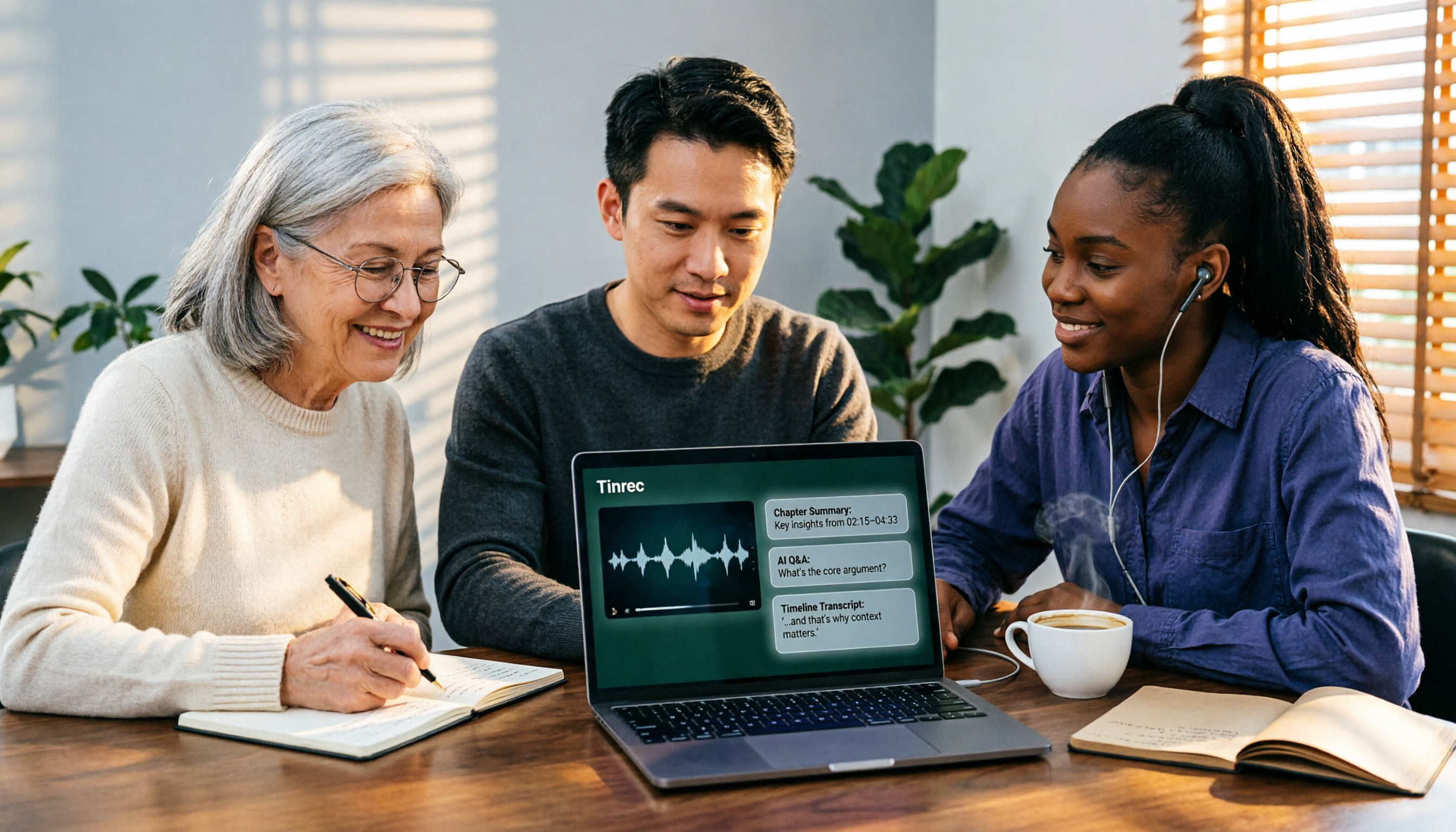
Watched the video but still have no notes? This article shares hands-on experience with four AI video-to-text and summarization tools in 2026, comparing accuracy, handling videos without captions, post-meeting organization, and team collaboration. It also tests Tinrec's performance in audio/video transcription, AI summaries and chapters, AI Q&A, and export workflows, ending with clear recommendations segmented by use case.

Tinrec vs Notta 2026: 5-Dimension Comparison — Which Is Better for Chinese Meeting Summaries?
Discovering you recorded an entire semester of lectures but never organized them before finals? This student-perspective comparison of Tinrec and Notta covers post-transcription processing, Chinese language performance, free tiers, and team collaboration, with a pitfalls guide and buying advice to help you find the best summarization tool for classes and group projects.