

Turn recordings into transcripts and summaries in minutes
Upload audio or video for multilingual transcription, AI notes, and action items
Tinrec vs Notta 2026: 5-Dimension Comparison — Which Is Better for Chinese Meeting Summaries?
Opening your folder before finals and realizing you recorded 30 hours of lectures — what you need isn't "recording," it's "summarization"
Last semester I took a three-credit elective. The professor spoke fast and flipped through slides even faster. I figured I'd just record it. By the end of the semester, I opened my phone and found 16 weeks of two-hour recordings. Listen from the beginning? Impossible.
Even worse was my graduation project. Our group met once a week, four people talking over each other, and after the meeting nobody remembered "who's submitting what next time." By the time we needed to write the proposal, all that was left in the LINE group chat were stickers.
Then there was the literature review for my thesis. My advisor sent 20 PDFs, each at least 20 pages. Just reading the abstracts took an entire weekend.
These three scenarios are really the same problem: you already have the content — what you're missing is a tool to turn it into key points. This article is my write-up after using these tools for a full semester and trying several options, telling you how to choose on a student budget.
Before Choosing a Summarization Tool, Understand These 4 Key Points
1. Does it "convert to text" or "help you organize"? Many tools stop at transcription. But a transcript won't automatically tell you "the three conclusions from this meeting." First figure out whether you need a typewriter or a teaching assistant who can pull out key points for you.
2. Performance with Chinese and mixed Chinese-English That's just how our classes are: the professor speaks Chinese, the slides are in English, and occasionally an abbreviation for a technical term pops up. If a tool can only handle clean, single-language content, you'll be pulling your hair out trying to organize it.
3. How free tiers are calculated — don't just look at minutes This is the easiest trap to fall into. Some tools' free versions give what looks like a lot of minutes, but the "single-session length" is capped; others lock half the features, with summaries requiring payment. Students have limited money, so what matters is "can my usage pattern this month fit within the free tier?"
4. Record on phone, organize on computer — where does the data live? Recording on your commute, organizing on your laptop back in the dorm — cross-platform support matters here. For group projects, there's one more thing to consider: is the data on your personal account, or can the whole group see it? I'll cover this more when I discuss the team version later.
Tinrec — The One I've Used for a Semester and Still Use
Tinrec is an AI meeting notes and collaboration tool for individuals and teams, supporting iOS, Android, and web, with online meetings handled by the desktop version.
I was introduced to it by an upperclassman and used it for a whole semester. What stood out most:
Classes and group discussions: live transcription while recording. Open the phone, hit record, and it transcribes as it records. I used to spend 40 minutes after class re-listening to recordings to fill in notes. Now the transcript is basically ready by the time the meeting ends — I just fill in the parts where the professor spoke too fast or I didn't understand. For foreign-language online lectures, you can switch between original text, translation, or bilingual view during recording.
Online meetings: no bot needs to join the room. Our project meetings with industry mentors were on Google Meet. Tinrec's desktop version directly captures the computer's system audio — no extra "meeting bot" account joining the meeting, and no need to ask the mentor to approve a stranger's account (same approach for Zoom, Microsoft Teams, and Webex). This is very practical for students who need to meet with external people.
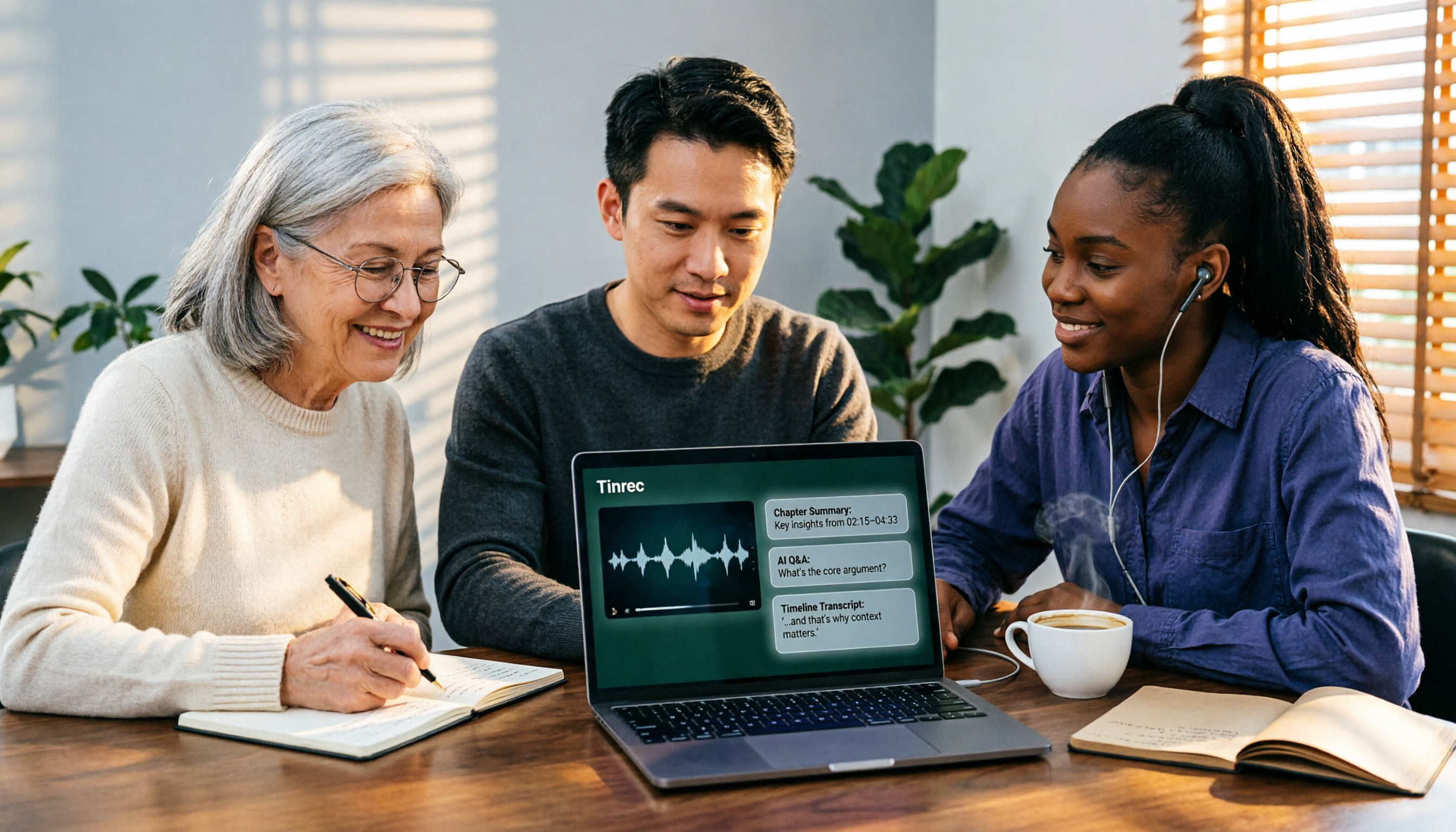
After recording is where it really matters: AI summary + action items + AI Q&A. This is where I feel it differs most from ordinary transcription tools. When the meeting ends, it automatically generates a summary, chapters, and action items — who's responsible for what, when it's due, all listed out. Even better is AI Q&A: I can directly ask it "What topic did we decide on in the last meeting?" or "What was that paper the upperclassman mentioned?" It doesn't dump a bunch of keywords on me — it gives direct answers. When I was looking back through materials at finals, this feature really saved me.
Take everything with you after organizing. Transcripts and summaries can be exported and dropped into Notion or Google Docs to continue writing reports. It can also generate reports, tables, and documents based on meeting content — essentially shortening the path from "meeting ends" to "proposal written."
3 reasons I think it's worth it:
- One recording gives you transcript, summary, and action items at the same time — saving you "re-listening" time, not just typing time.
- AI Q&A turns historical data into a searchable database — useful for finals, thesis writing, and looking back at commitments.
- Works on phone, web, and desktop — recording and organizing don't have to be tied to the same device.
Stop organizing recordings by hand
Upload audio or video and automatically get a transcript, summary, and action items
Honestly, its limitations:
- The free version provides a basic quota, good for trying it out. If you're like me and have several classes to record every week plus group meetings, you'll run out and need to upgrade. There's also a weekly pass (good for short sprints, like a week of intensive interviews or finals week) and Pro monthly/annual plans — for long-term use, the annual plan has a lower effective monthly cost. Actual prices and benefits are subject to the official purchase page.
- It's not magic: if the recording environment is noisy, multiple people talk over each other, or the entire session is full of difficult technical jargon, transcription can still make errors. For important content, I still go back and check the transcript timestamps against the recording.
Who it's for: Students or groups who need Chinese/mixed Chinese-English class and meeting notes, want to use AI to find key points right after recording, and switch between phone and computer. If a project group, club, or lab needs to manage meeting data together, there's a team version: 7-day trial with 1 free seat and 300 minutes of shared team import quota; monthly USD 29.80 per paid seat, annual USD 199 per paid seat (about USD 16.58/month); each paid seat gets 2,000 minutes of shared team import quota per month; real-time recording under active seats is currently not deducted by minutes. Team data belongs to the team — members leaving don't take data with them. For graduation project groups, this is much safer than storing everything in one person's account.
Besides Tinrec, What Other Options Are There?
Notta: A multi-platform transcription tool. Free version gives 120 minutes per month, but single-session content is capped at 3 minutes; Pro annual works out to about USD 8.17/month (1,800 minutes per month), Business annual about USD 16.67/seat/month, offering unlimited transcription, role permissions, and usage reports. Its strengths are transcription, subtitles, and translation; post-transcription processing is mainly subtitles and summaries. If what you want is to ask AI "What was the conclusion of this discussion?" right after recording, or turn an entire meeting into reports and tables, Tinrec's AI Q&A and Agent post-processing are more complete.
Granola: A no-bot meeting notes tool that takes a "handwritten notes + AI enhancement" approach. Basic is free, Business is USD 14/user/month, Enterprise is USD 35/user/month. It supports live transcription but cannot upload existing audio files and does not save meeting audio. If you're like me and like to keep class recordings for later reference at finals, Tinrec can retain audio, supports file import, and has AI Q&A — that's a big difference.
PLAUD Note / NotePin: Representatives of AI recording hardware. NotePin is USD 159, Note Pro is USD 189, Starter membership is 300 minutes per month. The value of hardware is portable recording and long battery life. But for students, spending money on hardware first and then using it for online meetings isn't cost-effective; Tinrec requires no extra device purchase, works on web, desktop, and phone, and handles online meetings directly.
Pitfalls Guide: The 4 Most Common Mistakes When Choosing a Summarization Tool
Pitfall 1: Only looking at free minutes, not single-session limits. Some tools give 120 minutes per month on the free version, but single-session content is capped at 3 minutes — meaning you can't record a two-hour class. Before choosing, always check the "single-session length" and "whether features are locked."
Pitfall 2: Treating "converting to text" as the end goal. A transcript at best saves you from re-listening, but what you need to submit is a report, meeting conclusions, or a to-do list. When choosing a tool, ask yourself: can it give you summaries and action items, or even let you find key points through Q&A?
Pitfall 3: Ignoring "whose account the data lives in." The most common tragedy in group projects: all meeting notes are on the group leader's phone, the leader graduates, and the data disappears with them. The point of a team version isn't "multiple people sharing one account" — it's an independent team space with roles and seat management. When a member leaves or is removed, they need to hand over their responsible resources to other active members. This is important for labs, clubs, and project groups.
Pitfall 4: Buying hardware first, only to realize you needed software. Voice recorders and AI recording hardware aren't bad, but if 80% of your meetings are on the computer, what you need is software that can handle system audio, not another device to carry around.
(Small reminder: remember to get participants' consent before recording and comply with local regulations.)
Conclusion: Which One Should You Actually Choose?
In one sentence: For Chinese meetings, for using AI to find key points right after recording, for group use — Tinrec is the one I've used for a semester and will keep using.
Scenario breakdown:
- Class recordings + group discussions with mixed Chinese-English → Tinrec (transcript, summary, and action items all in one)
- Want to use Q&A to grab key points right after recording, look back at finals → Tinrec (AI Q&A is my most-used feature)
- Record on phone, organize on computer, export to Notion → Tinrec (multi-platform + multi-format export)
- Project groups, labs needing shared meeting data, member and usage management → Tinrec team version
- Zero budget, and almost all your recordings are English meetings → Otter.ai (free version gives 300 minutes per month; the most mature for English meetings — this is the only scenario in this article where I recommend another brand)
My advice: start with Tinrec's free version and use it for a week or two to see if it's enough for your classes and group meetings. If it's really not enough, consider the weekly pass or Pro; if your group wants to use it together, try the team trial first to see if the shared space works smoothly. With tools like this, you'll know the answer after recording one class.
References
- Which web summarization app is good? Conclusion first: 2026 latest 8 AI tool recommendations - Tinrec Blog
- Top 10 Best AI YouTube Video Summarizer Tools
- 8 Useful AI Article Summary/Paper Key Points Tools
- 2026 Latest! Complete Guide to AI Summary Tools, Free Recommendation Ranking Top 6
- 5 Free AI Summary Generator Recommendations to Quickly Grasp Article and Paper Key Points - GenApe
Turn every recording into actionable outcomes
Get 60 free transcription minutes when you sign in. No credit card required.
Related Reading
You might also like

2026 Comparison of 4 Online Video URL Parsing Tools: Beyond Downloading, Which One Turns Content into Usable Text?
Paste a video URL and you can parse and download it, but the real bottleneck is often not downloading—it's what comes after. Based on real-world use cases, this article compares four common approaches—Tinrec, CatchV, TopClipper, and JDownloader—explaining how to choose a video URL parsing tool, what pitfalls to watch for, and why most people ultimately need more than just an MP4 file: they need searchable, quotable transcripts and meeting summaries.

5 iPhone Speech-to-Text Methods Tested and Compared in 2026: Are Built-in Features Enough or Do You Need an App?
Starting from the most common misconceptions, we tested and compared iPhone Dictation, Voice Memos transcripts, iMessage voice message transcription, and Tinrec. Learn how to avoid device and version pitfalls and turn transcripts into usable meeting notes.
2026 AI Video-to-Text Tools Compared: Which Summaries Actually Save Time?
Watched the video but still have no notes? This article shares hands-on experience with four AI video-to-text and summarization tools in 2026, comparing accuracy, handling videos without captions, post-meeting organization, and team collaboration. It also tests Tinrec's performance in audio/video transcription, AI summaries and chapters, AI Q&A, and export workflows, ending with clear recommendations segmented by use case.

2026 Short Video Learning Note Tools Compared: Why Tinrec Wins for Chinese Video Notes
As a mid-level manager juggling 15 meetings a week, I tested AI tools for turning short video tutorials into notes. This in-depth comparison of Tinrec and Otter.ai covers Chinese transcription, audio/video import, AI summaries, Q&A, export, and team collaboration, explaining why Tinrec is better suited for learners who want to turn tutorial videos into searchable notes.

3 Voice-to-Text Tools Tested for 2026: The Easiest Way to Convert WeChat Voice Messages on Apple Watch
Can you convert WeChat voice messages on Apple Watch to text? Yes, using watchOS built-in dictation. But dictation only handles quick replies; organizing meetings and long recordings requires a different tool. This article compares Tinrec, Notta, Otter.ai, and PLAUD in real tests, helping you understand key buying factors and common pitfalls to find the easiest voice-to-text solution.

2026 Free Online English-Chinese Translation Options: 4 Tools Compared
When you need English-Chinese translation, most people instinctively paste content into an online translator. But for long, multi-person meetings or interviews with mixed Chinese and English, sentence-by-sentence translation often falls short. This article reviews 4 common online English-Chinese translation options, explains their free quotas and use cases, and tests Tinrec's real-time translation, bilingual transcript, and post-meeting AI summary in a meeting scenario.

5 Smart Meeting Minutes Tools Tested for 2026: Which Handles Chinese Transcription and Free Quotas Best?
How to choose a smart meeting minutes tool in 2026? This article starts with common pitfalls and compares Tinrec, Notta, Otter.ai, and PLAUD Note in real tests. It covers 4 key buying factors, a pitfall guide, and scenario recommendations, while honestly explaining Tinrec's bot-free meeting recording, AI Q&A, team spaces, pricing, and usage limits.

3 Ways to Transcribe Voice to Text on iPhone in 2026: Built-in vs. Tinrec — Which Saves More Time?
Your iPhone can already turn speech into text, but the real time sink is organizing the transcript afterward. This guide covers the device and language requirements for Apple's built-in transcription, and explains how Tinrec fills the gap on iPhone with summaries, action items, AI Q&A, and team knowledge storage — so you can decide whether to stick with the built-in option or switch tools.

2026 Comparison of 4 Audio-to-Text Tools: Stop at Transcripts, Meeting Minutes Are Key
Most people get stuck with audio-to-text not because of the tool, but the method. This article addresses three common misconceptions, breaks the process into four stages: record, transcribe, organize, and act. Using Tinrec as an example, it explains the complete workflow from transcripts, AI summaries, action item extraction, AI Q&A, multi-format export to team spaces. It concludes with 5 purchasing checkpoints and a quick start checklist.