

Turn recordings into transcripts and summaries in minutes
Upload audio or video for multilingual transcription, AI notes, and action items
5 Smart Meeting Minutes Tools Tested for 2026: Which Handles Chinese Transcription and Free Quotas Best?
The Biggest Pitfall in Meeting Minutes: Treating a Transcript as Meeting Notes
Many people imagine that a smart meeting minutes tool will automatically produce a complete transcript after a meeting. So they convert a two-hour meeting into tens of thousands of words, save it to cloud storage, and then... no one ever opens it again.
In an article about writing meeting notes, Manager Today put it bluntly: useful notes are not a list of everything mentioned in the meeting, but rather for each discussion item, record the discussion result (Topic) and follow-up action (Next Step)—who is responsible, what to do, and when to complete it. And it's best to do this within 24 hours; delay too long and even you will forget the conclusions, and accuracy drops sharply.
Another common inefficient approach is the manual three-step process of record audio, upload to a transcription tool, then paste into an AI summarizer. This does produce minutes, but the waiting and copy-pasting in between often eats up the time you saved.
This article is not about which tool transcribes fastest, but which one can truly turn meetings into data you can look back on and use directly. Below are my findings after actual testing.
Before Choosing a Smart Meeting Minutes Tool, Understand These 4 Key Points
1. After transcription, what else can it do for you?
A tool that only gives you a transcript is essentially handing the organizing work right back to you. What's more worth looking at is whether it can automatically generate summaries, chapters, and action items, or even let you ask questions directly about the meeting content. This is the dividing line between recording and using.
2. How is the meeting recorded?
There are roughly three approaches: a meeting bot that joins as a participant, a desktop tool that directly captures system audio on your computer, and portable recording hardware. Bots are the most convenient but are visible to participants; desktop tools don't disrupt the meeting flow; hardware suits in-person and phone scenarios. Before choosing, think clearly about what kind of meetings you have most.
3. Real-world performance with Chinese and mixed Chinese-English
Meetings in Taiwan are rarely pure Chinese—phrases like "this spec needs to be confirmed next week" and "should we adjust the KPI" are common. Whether a tool can handle mixed Chinese-English and proper nouns varies greatly in practice. It's best to try it with a short recording of your own, not just look at the number of languages listed on the official website.
4. Do you need a personal tool or a team space?
For personal use, whether the free quota is sufficient is key. But if meeting data needs to be shared within a department, new hires need to access historical meetings, and data must remain after members leave, then you need to check whether the tool has team spaces, member permissions, and usage management.
Think through these four points, and you're less likely to buy something only to find it's not what you imagined.
Tinrec—Our Top Pick After Testing
Tinrec is an AI meeting notes and collaboration tool for individuals and teams, supporting web, desktop, and mobile. Its positioning is not just converting voice to text, but organizing meeting recordings into searchable, summarizable, queryable, and exportable data.
In actual use, a few things stood out to me.
No need to invite a bot during meetings. The Tinrec desktop version directly captures your computer's system audio, so when handling online meetings on Zoom, Google Meet, Microsoft Teams, Webex, etc., no additional meeting bot needs to join as a participant. This is very practical for external client meetings—no need to explain who that account is. The transcript is generated in real time during the meeting, and by the end, the summary, chapter highlights, and action items are already organized, so you can see at a glance who is responsible for what and when it's due.
The transcript is not the end; AI Q&A is. This is where I think Tinrec differs most from most transcription tools. After recording a meeting, you can ask it questions directly, such as "What were the client's concerns about the quote in the last meeting?" or "What exactly was decided in this meeting?" It doesn't dump a bunch of keyword search results on you; it gives answers directly based on the meeting content. The era of manually Ctrl+F-ing through transcripts after recording can actually end.
Meeting data stays. Besides transcripts, summaries, and action items, Tinrec can also generate mind maps, reports, tables, and documents, and export to common tools like Notion, Google Docs, OneNote, and Dropbox. That means meeting outputs can plug directly into your existing workflow without manual transfer.
Stop organizing recordings by hand
Upload audio or video and automatically get a transcript, summary, and action items
Multilingual and translation. During recording, you can view the original text, translation, or bilingual content, which helps with cross-language meetings. The team version also lets you maintain "team hotwords" to add internal product names and project codes, improving recognition of specialized terms.
The team version turns a personal tool into a team space. If you are a department or project team, the team version provides an independent team space: invite members via a join link, set owners/admins/regular members, assign or revoke seats, centrally store meeting data, and view usage trends, member rankings, and operation audit logs. When a member leaves or loses a seat, their team resources are transferred to other active members, so data doesn't leave with the person.
In our own tests, we used the same multi-person Chinese meeting recording (with mixed Chinese-English technical terms) and an online meeting clip with background noise, ran them through these tools, and compared transcript readability, summary structure, and completeness of action item extraction. Tinrec performed consistently in organizing Chinese and mixed Chinese-English content; summaries were divided by topic, and action items captured the responsible person and timing.
Pricing and limitations. The personal version has a free version to start with, plus weekly cards, Pro monthly, and Pro annual cards for different usage frequencies—occasional recording can use the free version, regular weekly meetings suit Pro, and those needing long-term accumulation of recording data can consider the annual card. The team version offers a 7-day trial for first-time eligible users, 1 free seat, and 300 minutes of team shared import quota; paid seats are USD 29.80/seat/month monthly, or USD 199/seat/year annually (about USD 16.58/month), with each paid seat providing 2,000 minutes of team shared import quota per month. Real-time recording under an active seat currently does not deduct minutes. Actual prices, currencies, and benefits are subject to the official purchase page.
Note that the free quota will be insufficient for heavy users; also, transcription quality is still affected by recording environment, accents, multiple people talking over each other, and specialized terms. For important content, it's recommended to cross-check with transcript timestamps and audio playback, and not to treat AI output as the sole basis.
Who is it for? If you hold meetings in Chinese or mixed Chinese-English, don't want a bot joining the meeting, want to use AI to ask key points directly after recording, or need a shared meeting database for your team—Tinrec is currently the closest choice to these needs.
Besides Tinrec, What Other Options Are There?
Notta. A multi-platform transcription tool supporting meeting notes, file import, translation, and team plans, with good multilingual capabilities. However, it lacks Tinrec's desktop bot-free recording, and its AI Q&A and post-meeting output workflow are simpler. Suitable for individual users focused on file transcription.
Otter.ai. A mature choice for English business meetings, with a Basic free version offering 300 minutes per month, quite sufficient for pure English meetings. But it is not strong in Chinese meeting support, and lacks Tinrec's bot-free desktop recording and team data accumulation design. If your meetings are almost all in English, you can consider it.
PLAUD Note/NotePin. A representative of AI recording hardware, suitable for portable recording, phone call recording, etc. Device price starts at USD 159, with additional monthly membership plans. Its value lies in the hardware form, but it requires purchasing extra equipment and cannot directly handle online meetings and historical files on a computer like Tinrec.
Pitfall Guide: The 4 Most Common Mistakes When Choosing Smart Meeting Minutes Tools
Pitfall 1: Only comparing free minutes. Free quota is important, but what really determines usability is whether it can automatically organize summaries and action items after transcription. No matter how many minutes, if you still have to rewrite the output yourself, you haven't saved time.
Pitfall 2: Ignoring how meetings are recorded. Some tools rely on a meeting bot joining, which requires explanation in external client meetings; some only support file upload and cannot handle live meetings. Think clearly about what kind of meetings you have most before choosing a tool.
Pitfall 3: Buying the team version without understanding roles and seats. This is the most easily misunderstood part. In the Tinrec team version, roles determine who can manage the team, members, and settings; seats determine whether members can record, upload, edit, and export. Active members without a seat can still view, play, and read team data, but cannot perform resource usage operations. It is not a fine-grained system for setting individual permissions per file; align this understanding with your team before purchasing.
Pitfall 4: Thinking AI minutes can completely replace manual confirmation. AI reduces the cost of manual recording, but for important numbers, commitments, and decisions, it's still recommended to cross-check with transcripts and recordings. Treat AI as a first draft, not the only draft.
Conclusion: Which One Should You Choose?
In one sentence: the value of meeting minutes is not in recording completely, but in driving things forward, and Tinrec is currently the most complete tool for this.
- Chinese or mixed Chinese-English meetings, wanting accurate and readable transcripts → Tinrec
- Not wanting a meeting bot to join online meetings → Tinrec (desktop captures system audio)
- Wanting to use AI to ask "what was the conclusion of this meeting" directly after recording → Tinrec (AI Q&A)
- Department needs to share meeting data, manage members and usage → Tinrec Team Version
- Almost only English meetings, zero budget → Otter.ai free version is worth considering
It's recommended to start with the Tinrec free version, run one or two of your own meetings through it, see if the quality of summaries and action items meets expectations, then decide whether to upgrade.
References
Turn every recording into actionable outcomes
Get 60 free transcription minutes when you sign in. No credit card required.
Related Reading
You might also like

2026 Comparison of 4 Online Video URL Parsing Tools: Beyond Downloading, Which One Turns Content into Usable Text?
Paste a video URL and you can parse and download it, but the real bottleneck is often not downloading—it's what comes after. Based on real-world use cases, this article compares four common approaches—Tinrec, CatchV, TopClipper, and JDownloader—explaining how to choose a video URL parsing tool, what pitfalls to watch for, and why most people ultimately need more than just an MP4 file: they need searchable, quotable transcripts and meeting summaries.

5 iPhone Speech-to-Text Methods Tested and Compared in 2026: Are Built-in Features Enough or Do You Need an App?
Starting from the most common misconceptions, we tested and compared iPhone Dictation, Voice Memos transcripts, iMessage voice message transcription, and Tinrec. Learn how to avoid device and version pitfalls and turn transcripts into usable meeting notes.
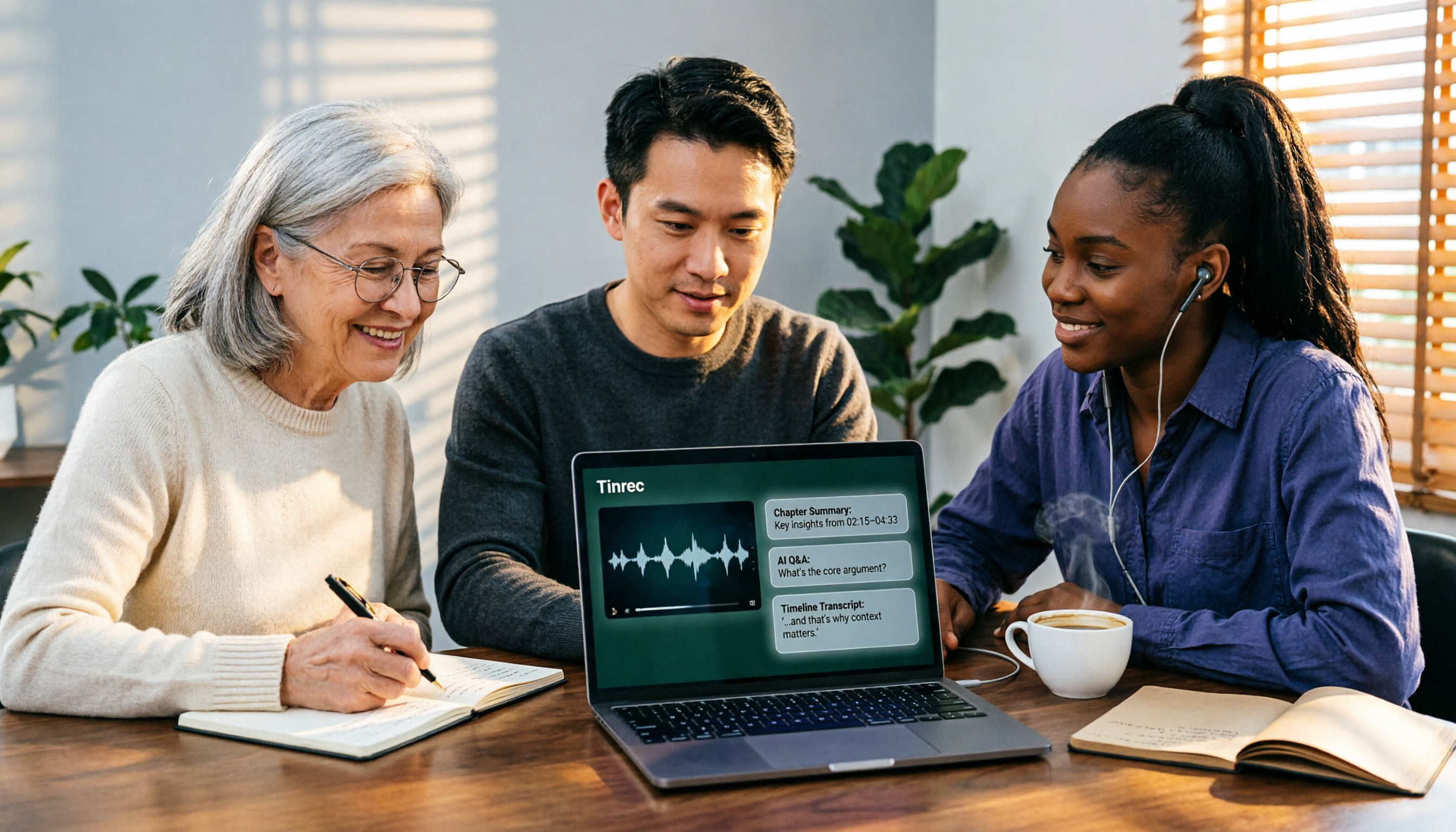
2026 AI Video-to-Text Tools Compared: Which Summaries Actually Save Time?
Watched the video but still have no notes? This article shares hands-on experience with four AI video-to-text and summarization tools in 2026, comparing accuracy, handling videos without captions, post-meeting organization, and team collaboration. It also tests Tinrec's performance in audio/video transcription, AI summaries and chapters, AI Q&A, and export workflows, ending with clear recommendations segmented by use case.

Tinrec vs Notta 2026: 5-Dimension Comparison — Which Is Better for Chinese Meeting Summaries?
Discovering you recorded an entire semester of lectures but never organized them before finals? This student-perspective comparison of Tinrec and Notta covers post-transcription processing, Chinese language performance, free tiers, and team collaboration, with a pitfalls guide and buying advice to help you find the best summarization tool for classes and group projects.
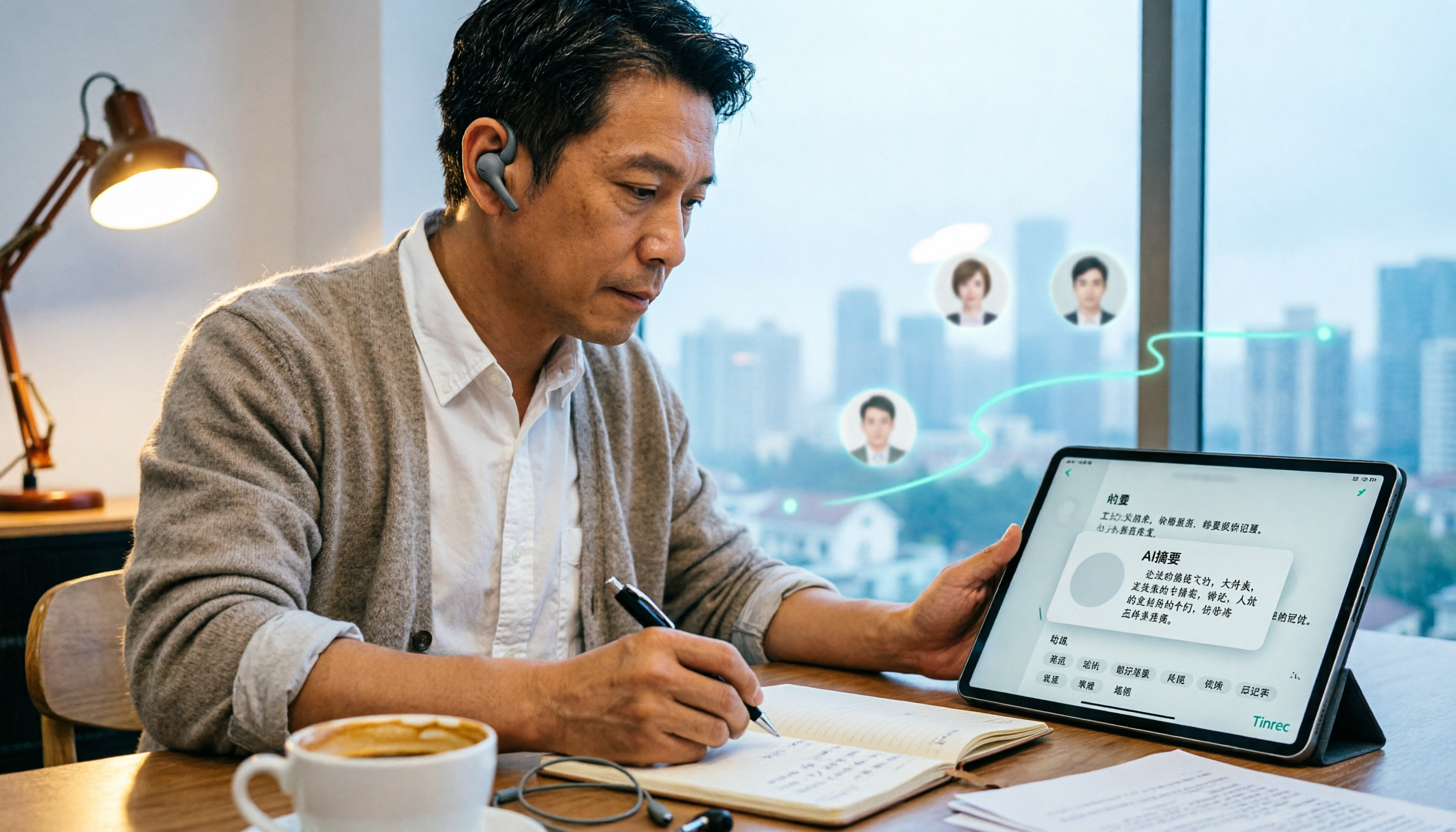
2026 Short Video Learning Note Tools Compared: Why Tinrec Wins for Chinese Video Notes
As a mid-level manager juggling 15 meetings a week, I tested AI tools for turning short video tutorials into notes. This in-depth comparison of Tinrec and Otter.ai covers Chinese transcription, audio/video import, AI summaries, Q&A, export, and team collaboration, explaining why Tinrec is better suited for learners who want to turn tutorial videos into searchable notes.

3 Voice-to-Text Tools Tested for 2026: The Easiest Way to Convert WeChat Voice Messages on Apple Watch
Can you convert WeChat voice messages on Apple Watch to text? Yes, using watchOS built-in dictation. But dictation only handles quick replies; organizing meetings and long recordings requires a different tool. This article compares Tinrec, Notta, Otter.ai, and PLAUD in real tests, helping you understand key buying factors and common pitfalls to find the easiest voice-to-text solution.

2026 Free Online English-Chinese Translation Options: 4 Tools Compared
When you need English-Chinese translation, most people instinctively paste content into an online translator. But for long, multi-person meetings or interviews with mixed Chinese and English, sentence-by-sentence translation often falls short. This article reviews 4 common online English-Chinese translation options, explains their free quotas and use cases, and tests Tinrec's real-time translation, bilingual transcript, and post-meeting AI summary in a meeting scenario.

3 Ways to Transcribe Voice to Text on iPhone in 2026: Built-in vs. Tinrec — Which Saves More Time?
Your iPhone can already turn speech into text, but the real time sink is organizing the transcript afterward. This guide covers the device and language requirements for Apple's built-in transcription, and explains how Tinrec fills the gap on iPhone with summaries, action items, AI Q&A, and team knowledge storage — so you can decide whether to stick with the built-in option or switch tools.

2026 Comparison of 4 Audio-to-Text Tools: Stop at Transcripts, Meeting Minutes Are Key
Most people get stuck with audio-to-text not because of the tool, but the method. This article addresses three common misconceptions, breaks the process into four stages: record, transcribe, organize, and act. Using Tinrec as an example, it explains the complete workflow from transcripts, AI summaries, action item extraction, AI Q&A, multi-format export to team spaces. It concludes with 5 purchasing checkpoints and a quick start checklist.