

Turn recordings into transcripts and summaries in minutes
Upload audio or video for multilingual transcription, AI notes, and action items
5 iPhone Speech-to-Text Methods Tested and Compared in 2026: Are Built-in Features Enough or Do You Need an App?
Common Misconception: Treating Dictation as Speech-to-Text—No Wonder You Keep Wasting Time
The first thing most people get wrong is treating iPhone Dictation as recording-to-text. Dictation handles what you say in the moment and turns it into typed text in real time; but that meeting recording you made last week? Dictation can't help you. To process existing audio files, you need the Voice Memos transcript feature, or a transcription tool that can import files.
The second misconception is thinking every iPhone has transcripts. Apple's recording transcripts require iPhone 12 or later, and Chinese (Traditional or Simplified) only appears after updating to iOS 18.4 or later—many people open Voice Memos and can't find transcripts, but it's simply the wrong device model or OS version.
The third misconception is the most costly: thinking that getting a transcript means the meeting notes are done. For a two-hour meeting, the transcript is a long, unfocused block of raw text. You still have to scan through it from the beginning to find out who's responsible for what and when it's due. This is why people aren't just comparing "how accurate is the transcription" anymore—they're comparing "can I use it directly after transcription."
Staying after meetings to organize notes, transcribing interviews line by line, wanting to copy key points from a class into your notes—if any of these sound like you, this article is for you.
Before Choosing a Speech-to-Text Solution, Understand These 5 Key Points
1. Do you need real-time input or post-processing? There are actually several paths on iPhone: Dictation, iMessage voice message auto-transcription, Voice Memos transcripts, and some people use Shortcuts to chain the workflow together. Dictation is good for replying to messages and taking notes; transcripts and file transcription are good for meetings, interviews, and classes. Mixing the two leads to the situation where "the feature exists but you can't use it."
2. Do the language and accent match? Built-in transcript language support depends on device model and OS version, and Chinese requires iOS 18.4 or later. If you frequently mix Chinese and English, or need Cantonese or multilingual meetings, pay special attention to the tool's language coverage.
3. What comes after the transcript? A tool that only gives you text is essentially throwing the organizing work right back at you. What's worth looking at is: does it have automatic summaries, chapters, action item extraction, and can you ask questions directly about the meeting content?
4. Does cross-device matter? You record on your phone today, and tomorrow you want to organize on your work computer—having to transfer files and convert formats is a hassle. Tools that support phone, computer, and web versions make a big difference in the long run.
5. Quota and data ownership. Is the free version's quota enough for your weekly use? Are recordings and transcripts kept in your personal account, or can they become shared team data? This is especially critical when you need to hand things off or look back.
Tinrec—Our Top Pick After Testing
To put it simply: Tinrec is an AI meeting notes and collaboration tool for individuals and teams, covering iOS, Android, and web, with a desktop version that can directly capture computer system audio.
Transcribe while recording, no need to invite a meeting bot. Open the desktop version, and Tinrec directly captures your computer's system audio, handling online meetings like Zoom, Google Meet, Microsoft Teams, and Webex without pulling an extra bot into the meeting room. For offline meetings or interviews, you can record in real time on your phone and get a transcript as you go.
More than just a transcript after recording. When the meeting ends, it automatically generates a summary, chapters, and action items—who's responsible for what and what's next, all at a glance. When cross-language communication is needed, you can view the original, translation, or bilingual content while recording; long meetings are broken into easy-to-browse sections, and mind maps can be generated to aid understanding when needed.
The most practical feature is AI chat query. After recording, you can directly ask it "Who mentioned the budget in the last meeting?" or "What did the client say about the delivery date?" It doesn't dump a bunch of keyword search results on you—it understands the meaning and answers directly. This isn't common among similar tools. Additionally, transcripts can be exported to Notion, Google Docs, OneNote, Dropbox, and other common tools for further processing, and can also generate reports, tables, and documents to directly continue with post-meeting deliverables.
Hands-on experience. We tried it with a meeting recording that mixed Chinese and English, and automatic paragraphing and punctuation were included, making organizing time noticeably shorter than typing it out yourself. But to be honest: transcription quality is affected by recording quality, background noise, accents, and multiple people talking over each other. For important content, we recommend checking against the transcript timestamps and original audio—don't treat AI as a secretary that never makes mistakes.
Stop organizing recordings by hand
Upload audio or video and automatically get a transcript, summary, and action items
Pros: First, bot-free recording of online meetings—you don't even need to change the meeting link; second, a complete organizing experience for Chinese and mixed Chinese-English meetings, with real-time translation support; third, after recording, summaries, Q&A, action items, and exports are all in one flow, not just a transcript thrown at you.
Limitations: The free version only provides a basic experience quota. If you have a lot of meetings, consider the Pro monthly or annual plan; there's also a weekly plan for short-term intensive use. Also, it doesn't focus on batch transcription of dozens of large files at once—if your need is purely bulk processing of many long audio files, think it through first.
If you need to share data with colleagues, the Tinrec team version centralizes meeting recordings, transcripts, summaries, action items, and member management in one team space: you can create multiple teams, invite members via join links, set owner/admin/member roles, and assign or revoke seats; admins can also view usage trends and details, manage team hotwords, and query and export audit logs. Team resources belong to the team—when a member leaves, is removed, or loses their seat, resources can be handed over to other active members and won't disappear with the personal account. The team version is currently USD 29.80 per paid seat per month, or USD 199 per paid seat per year (about USD 16.58 per month), with each paid seat providing 2,000 minutes of team shared import quota per month; eligible teams get a 7-day trial, 1 free seat, and 300 minutes of team shared import quota for the first time. Actual prices, currencies, and benefits are subject to the official purchase page.
Who it's for: If you frequently record Chinese or mixed Chinese-English meetings, want to use AI to find key points right after recording, and switch between phone and computer, Tinrec is the smoothest choice in this round of testing.
Besides Tinrec, What Other Options Are There?
Apple built-in (Voice Memos transcript + Dictation): Free, no installation needed—the most direct starting point for iPhone users. The limitation is that transcripts require iPhone 12 or later, and Chinese requires iOS 18.4 or later; after recording, you only get a transcript—no AI Q&A, no action item extraction, and no way to continue organizing on Android or computer. For very short meetings where you just need a text record, built-in is enough; but for meeting notes, it will still cost you a lot of time.
Otter.ai: A mature choice for English meetings, with a generous free tier. Its strengths are English meeting automation and extensive integrations, plus desktop capabilities. But Chinese and mixed Chinese-English meetings aren't its home turf; Tinrec is closer to the need for Chinese meetings, real-time bilingual transcript translation, and post-meeting workflows that turn transcripts into reports, tables, and documents.
PLAUD NotePin / Note Pro: The hardware representatives—portable recording and phone call recording have their value, with official prices around USD 159 and USD 189. But you have to buy a device first; Tinrec requires no extra hardware, works on phone, desktop, and web, and can handle online meetings playing on your computer and existing audio files. For office workers rushing through meetings every day, carrying one less thing is one less thing to worry about.
Pitfall Guide: The 4 Most Common Mistakes When Choosing a Speech-to-Text Solution
Pitfall 1: Using Dictation to process already-recorded audio. Dictation is real-time input—it only produces text when you speak into the phone. To process old files, use transcripts or file import.
Pitfall 2: Only looking at features, not device model and OS version. Built-in transcripts require iPhone 12 or later, and Chinese requires iOS 18.4 or later; confirm before switching phones or updating the OS—don't find out on the day you need it.
Pitfall 3: Treating the transcript as meeting notes. The transcript is raw material, not a finished product. When choosing a tool, look at "post-meeting output" too—summaries, action items, and AI Q&A are what really save you overtime hours.
Pitfall 4: Ignoring data ownership and handoff. Recordings stay on a personal phone, colleagues can't find them, and they're lost when the person leaves. If meeting content belongs to the team, pick a tool with team space, seats, and usage management so looking back or handing off later isn't a mess.
One final reminder: when recording and transcribing involve other people's conversations, remember to comply with local regulations and get participants' consent when necessary.
Conclusion: Which One Should You Actually Choose?
- Want no app installation, just short recording records → Apple built-in Voice Memos transcript (confirm device model and iOS version first).
- Frequently hold Chinese or mixed Chinese-English meetings, want to use AI to find key points right after recording → Tinrec (has AI chat query—this is its most obvious differentiator).
- Don't want to invite a meeting bot, but need to record Zoom, Meet, Teams meetings → Tinrec desktop version (directly captures system audio).
- Need to continue organizing on phone, computer, and web → Tinrec (cross-device, transcripts can be exported to common tools).
- Mainly record English meetings → Otter.ai is a reasonable exception to consider.
- Need to share meeting data with colleagues, manage members and usage → Tinrec team version (team space + roles/seats/audit).
After choosing a tool, we suggest trying it with your own meeting recording first: throw the same audio file in and see how accurate the transcript is and whether the summary captures the key points. The free version quota is usually enough for two or three tests—if it works for you, then consider upgrading. What you save isn't just a bit of typing time, but those one or two hours of overtime every day.
References
- View Voice Memos transcripts on iPhone - Apple Support (Taiwan)
- iPhone speech-to-text setup tips: 5 methods to achieve recording-to-text - Mr. Mad
- iPhone Voice Memos to text tutorial: built-in transcript without third-party apps - Mr. Mad
- iPhone voice recognition: Voice Memos, automatic punctuation and paragraphing - Let's Write
- 2026 speech-to-text iPhone tips: 4 built-in methods for easy conversion!
Turn every recording into actionable outcomes
Get 60 free transcription minutes when you sign in. No credit card required.
Related Reading
You might also like

2026 Comparison of 4 Online Video URL Parsing Tools: Beyond Downloading, Which One Turns Content into Usable Text?
Paste a video URL and you can parse and download it, but the real bottleneck is often not downloading—it's what comes after. Based on real-world use cases, this article compares four common approaches—Tinrec, CatchV, TopClipper, and JDownloader—explaining how to choose a video URL parsing tool, what pitfalls to watch for, and why most people ultimately need more than just an MP4 file: they need searchable, quotable transcripts and meeting summaries.
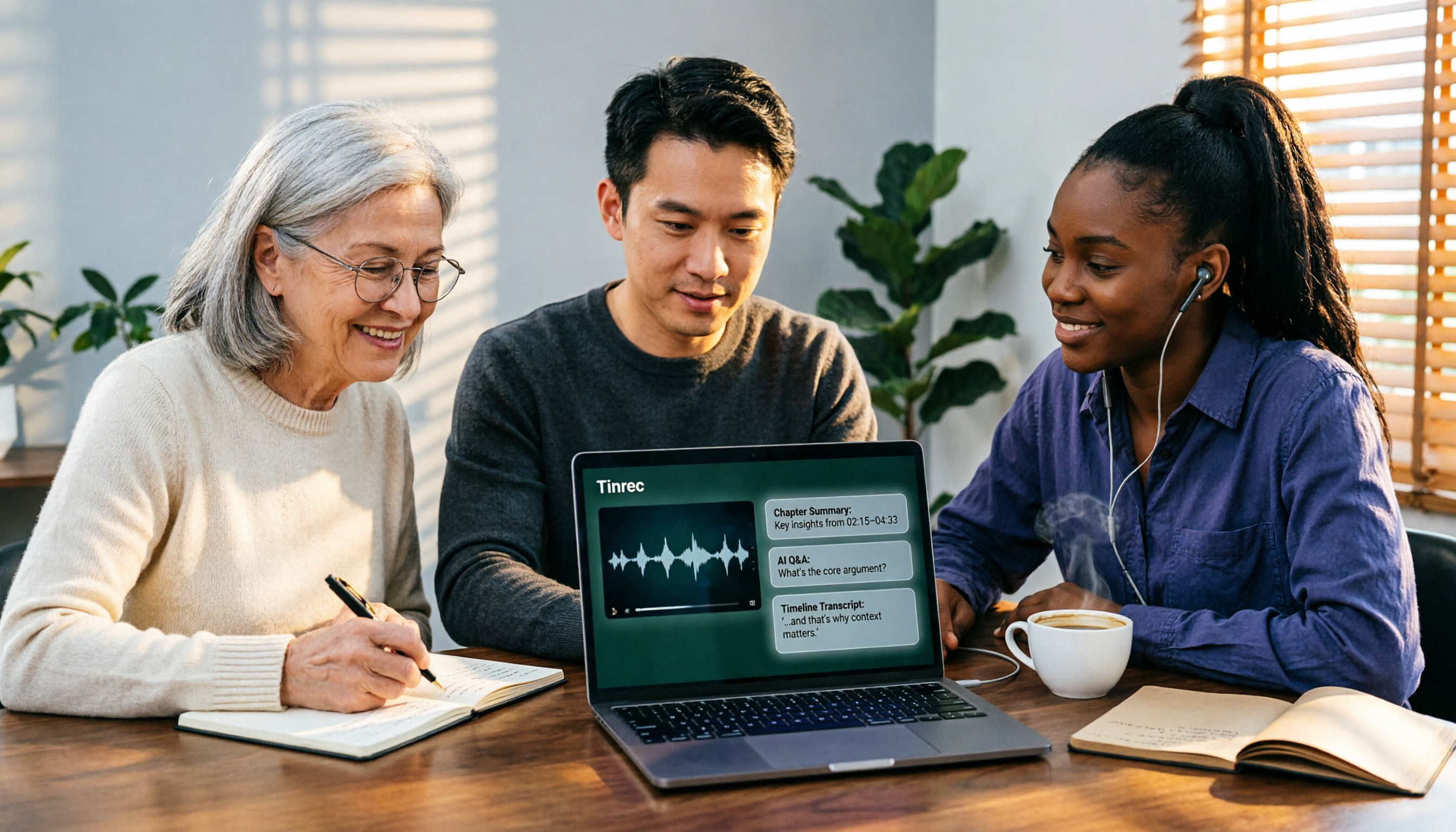
2026 AI Video-to-Text Tools Compared: Which Summaries Actually Save Time?
Watched the video but still have no notes? This article shares hands-on experience with four AI video-to-text and summarization tools in 2026, comparing accuracy, handling videos without captions, post-meeting organization, and team collaboration. It also tests Tinrec's performance in audio/video transcription, AI summaries and chapters, AI Q&A, and export workflows, ending with clear recommendations segmented by use case.

Tinrec vs Notta 2026: 5-Dimension Comparison — Which Is Better for Chinese Meeting Summaries?
Discovering you recorded an entire semester of lectures but never organized them before finals? This student-perspective comparison of Tinrec and Notta covers post-transcription processing, Chinese language performance, free tiers, and team collaboration, with a pitfalls guide and buying advice to help you find the best summarization tool for classes and group projects.
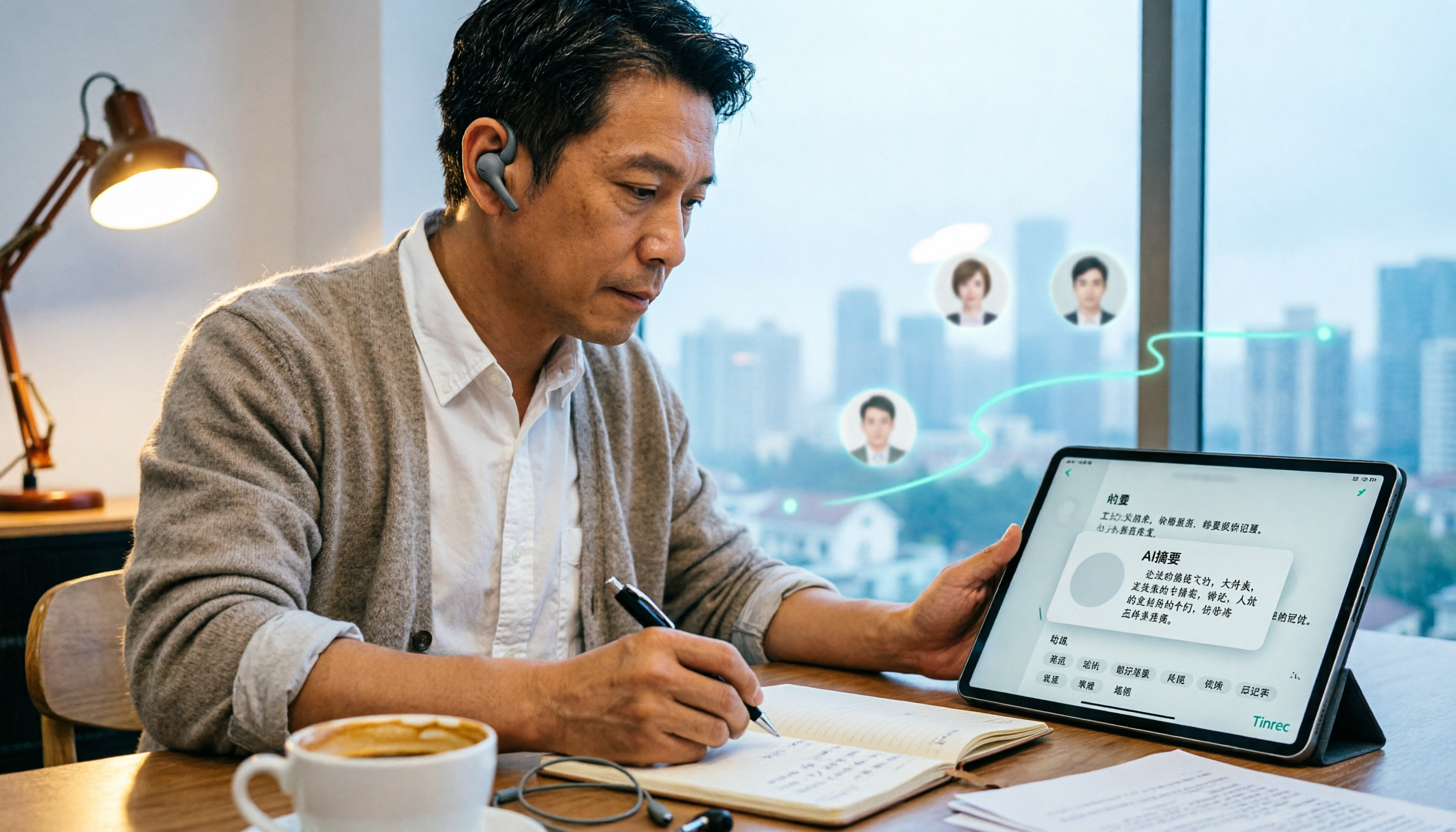
2026 Short Video Learning Note Tools Compared: Why Tinrec Wins for Chinese Video Notes
As a mid-level manager juggling 15 meetings a week, I tested AI tools for turning short video tutorials into notes. This in-depth comparison of Tinrec and Otter.ai covers Chinese transcription, audio/video import, AI summaries, Q&A, export, and team collaboration, explaining why Tinrec is better suited for learners who want to turn tutorial videos into searchable notes.

3 Voice-to-Text Tools Tested for 2026: The Easiest Way to Convert WeChat Voice Messages on Apple Watch
Can you convert WeChat voice messages on Apple Watch to text? Yes, using watchOS built-in dictation. But dictation only handles quick replies; organizing meetings and long recordings requires a different tool. This article compares Tinrec, Notta, Otter.ai, and PLAUD in real tests, helping you understand key buying factors and common pitfalls to find the easiest voice-to-text solution.

2026 Free Online English-Chinese Translation Options: 4 Tools Compared
When you need English-Chinese translation, most people instinctively paste content into an online translator. But for long, multi-person meetings or interviews with mixed Chinese and English, sentence-by-sentence translation often falls short. This article reviews 4 common online English-Chinese translation options, explains their free quotas and use cases, and tests Tinrec's real-time translation, bilingual transcript, and post-meeting AI summary in a meeting scenario.

5 Smart Meeting Minutes Tools Tested for 2026: Which Handles Chinese Transcription and Free Quotas Best?
How to choose a smart meeting minutes tool in 2026? This article starts with common pitfalls and compares Tinrec, Notta, Otter.ai, and PLAUD Note in real tests. It covers 4 key buying factors, a pitfall guide, and scenario recommendations, while honestly explaining Tinrec's bot-free meeting recording, AI Q&A, team spaces, pricing, and usage limits.

3 Ways to Transcribe Voice to Text on iPhone in 2026: Built-in vs. Tinrec — Which Saves More Time?
Your iPhone can already turn speech into text, but the real time sink is organizing the transcript afterward. This guide covers the device and language requirements for Apple's built-in transcription, and explains how Tinrec fills the gap on iPhone with summaries, action items, AI Q&A, and team knowledge storage — so you can decide whether to stick with the built-in option or switch tools.

2026 Comparison of 4 Audio-to-Text Tools: Stop at Transcripts, Meeting Minutes Are Key
Most people get stuck with audio-to-text not because of the tool, but the method. This article addresses three common misconceptions, breaks the process into four stages: record, transcribe, organize, and act. Using Tinrec as an example, it explains the complete workflow from transcripts, AI summaries, action item extraction, AI Q&A, multi-format export to team spaces. It concludes with 5 purchasing checkpoints and a quick start checklist.