

Turn recordings into transcripts and summaries in minutes
Upload audio or video for multilingual transcription, AI notes, and action items
2026 Comparison of 4 Online Video URL Parsing Tools: Beyond Downloading, Which One Turns Content into Usable Text?
Pasting a URL Is Satisfying—The Pain Comes in the Next Two Hours
It's 11 PM, and you've finally found that interview video related to your project. Copy the URL, paste it into a parsing tool, hit download, and ten seconds later a 500MB MP4 is sitting in your Downloads folder.
Then what? You still have to watch it from the beginning, pausing along the way, typing key points into a notepad line by line.
Online meetings are even more troublesome. After an hour-long Zoom or Google Meet call, there's no downloadable video file—just a few sentences you vaguely remember.
"Online video URL parsing" sounds like it's about how to download videos, but what most people actually get stuck on is what comes after: how to turn content into data that can be searched, quoted, and shared with others.
This article will first explain how to choose this type of tool, then compare four common approaches, and finally give you recommendations you can follow directly.
Before Choosing a Video URL Parsing Tool, Understand These 4 Key Points
1. Are you getting a file or content? A download tool gives you an MP4, and you still have to watch it yourself. A transcription tool gives you a transcript, summary, and action items that you can search and quote directly. Figure out which one you need first, so you don't end up downloading a bunch of videos you never open.
2. Can it handle sources that don't have a download button at all? Online meetings, courses that require login, and streaming platform content usually don't have a video URL you can grab directly. Being able to record online meetings and being able to parse public video URLs are actually two different capabilities that many people conflate.
3. After parsing, is there post-processing? Some tools only give you a transcript. Others can generate summaries, chapters, action items, mind maps, or even let you ask questions directly about the content. The latter usually saves far more time than the download itself.
4. Does your team need to share it? If meeting data is shared across departments, check whether the tool supports centralized storage, member and role management, and whether data disappears when members leave.
Tinrec—Our Top Pick After Testing
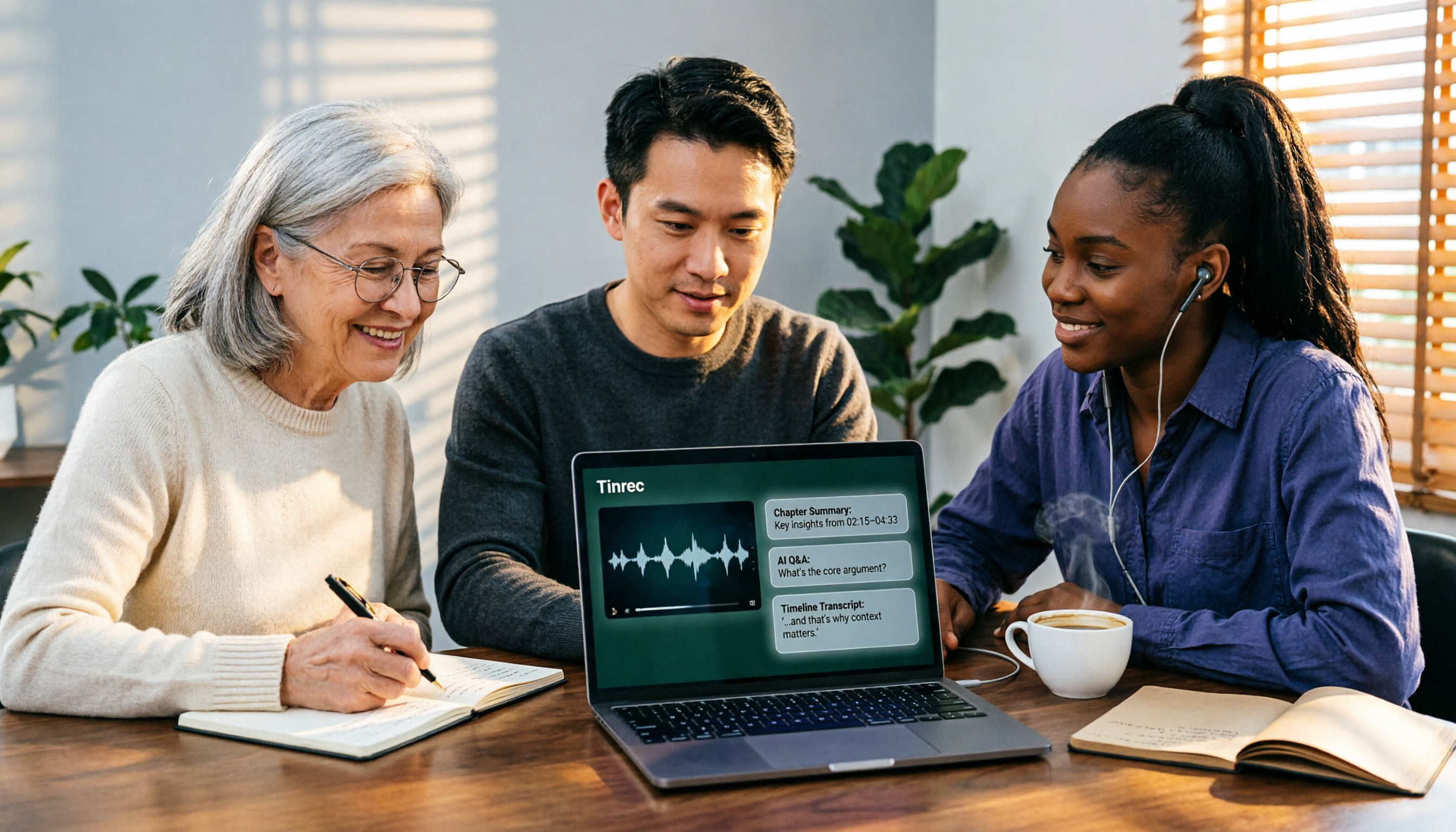
Tinrec is an AI meeting notes and collaboration tool for individuals and teams, available on web, desktop, and mobile. Its core value isn't grabbing videos—it's turning spoken content into data you can keep working with.
First, the part most relevant to this topic: Tinrec supports importing web links and can convert some public video content into transcripts and summaries. Note that this is a supplementary capability, not its main feature—it won't save videos as MP4 files, and it doesn't handle private or login-required content. If your goal is just to download video files, it's not for you. But if you want to know what was actually said in the video, this path is actually faster.
Its real home turf is meetings. Tinrec's desktop version captures your computer's system audio directly, handling Zoom, Google Meet, Microsoft Teams, Webex, and other online meetings without needing to invite a meeting bot as a participant. Open Tinrec during the meeting, and the transcript appears as you record. When the meeting ends, the summary, chapters, and action items are already organized—who's responsible for what and what the deadlines are, all clear at a glance.
It's after the meeting that it pulls ahead of ordinary transcription tools. You can ask questions directly about the meeting content—for example, "Who mentioned the budget in the last meeting?"—and it will give you an answer based on meaning, not just a list of keyword search results. When you need to deliver something, you can generate reports, tables, and documents, and export to Notion, Google Docs, OneNote, or Dropbox for further editing.
Our test was simple: we threw a public Chinese interview video link into Tinrec. The video had background music and two people interrupting each other. The resulting transcript was mostly readable, paragraphs were distinguishable, and proper nouns like names and product names needed some correction against the original. Keep in mind that actual performance depends on recording quality, noise, accents, overlapping speakers, and technical terminology. No tool can guarantee 100% accuracy, so for important content, it's best to replay and verify against timestamps.
Three things I found really useful:
Stop organizing recordings by hand
Upload audio or video and automatically get a transcript, summary, and action items
No hardware to buy, no bot to invite to meetings. Web, desktop, and mobile all work, and files recorded on your phone and meetings held on your computer end up in the same place.
Recording isn't the endpoint. Summaries, chapters, action items, AI Q&A, and multi-format export all connect together—essentially outsourcing the entire "meeting organization" process.
The team version keeps data within the team. Meeting data belongs to the team, and new members can see historical data. Admins can manage roles, seats, sharing permissions, usage, and audits. Roles determine who can manage the team; seats determine who can record, upload, edit, and export. These are separate—members with valid access but no seat can still view, play, and read team data. Eligible teams get a 7-day trial, 1 free seat, and 300 shared import minutes. Paid seats are USD 29.80/month or USD 199/year (about USD 16.58/month), with each paid seat providing 2,000 shared team import minutes per month. Real-time recording currently doesn't deduct minutes; web link imports use shared team import minutes. Prices and benefits are subject to the official purchase page.
The personal version has a free plan, weekly pass, Pro monthly, and Pro annual—choose based on your usage frequency. For occasional recording organization, start with the free plan. For short periods of intensive meetings or interviews, consider the weekly pass.
Limitations to be honest about: Web link import only handles some public video content and can't be used as a universal downloader. The free plan has basic limits, and heavy users will need to pay.
Who it's for: People who have several meetings a week, need Chinese transcripts, and want to use AI to find key points right after recording; and departments that want to consolidate meeting data scattered across individual devices into team assets.
Besides Tinrec, What Other Options Are There?
CatchV: An online web video parsing service. Paste a URL, and it finds the video link on that page and returns it. It doesn't store original files on its site and supports over 6,000 video sites including YouTube, Facebook, and Instagram. Suitable for people who just want to quickly get a public video link. However, it doesn't support private videos, and all you get is a link—transcripts, summaries, AI Q&A are completely absent.
TopClipper (iMyFone): A free online video downloader. Paste a link, parse it, choose format and quality, then save. Supports TikTok, YouTube, Twitter, Instagram, Vimeo. Low barrier to entry, sufficient for those who just want to save files. The downside is it also stops at the "file" level—you still have to listen and organize the content yourself, and there's no team space to accumulate anything.
JDownloader (with browser developer tools): A method shared on Reddit—use browser developer tools to find .mp4 or .m3u8 links in the Network tab, then paste them into JDownloader to download. It can even work on sites that require cookies. Suitable for hands-on users. But it's not a tool for the average office worker, has no content organization capability, and is useless for online meetings.
Pitfall Guide: The 4 Most Common Mistakes When Using Video URL Parsing Tools
Pitfall 1: Assuming you can download any video by pasting a URL. Private content, login-required courses, and streaming platform videos usually can't be parsed. When you see numbers like "supports 6,000+ sites," first confirm the one you need is included.
Pitfall 2: Only looking at video quality, not whether you can use it afterward. Many people spend half an hour comparing 720p vs. 1080p, only to never open the downloaded video for three months. If your goal is actually "knowing what was said in the video," you need transcription and summarization, not higher resolution.
Pitfall 3: Ignoring licensing and legal issues. Downloading doesn't mean you can reproduce or publicly distribute. Meeting recording has different notification and consent requirements in different regions. Check before recording—it's good for both you and the other party.
Pitfall 4: Treating video parsing and meeting notes as the same thing. Public videos have URLs you can paste; online meetings don't. To record online meetings, you need a desktop tool that captures system audio, not a URL-pasting parsing site. Keep these two separate, and you won't buy the wrong tool.
Conclusion: Which One Should You Choose?
If your need is "turning video content into usable text," Tinrec is currently the smoothest path: paste a public video link to get a transcript and summary, record online meetings with the desktop version without a bot, and after the meeting you have action items, Q&A, and export ready to go.
- Want to turn public videos, interviews, and courses into transcripts and summaries → Tinrec
- Need to record Zoom, Google Meet, Teams, Webex online meetings → Tinrec (desktop version, bot-free recording)
- Want to ask AI for key points right after recording and generate action items and reports → Tinrec
- Team needs to jointly store meeting and media data, manage members and seats → Tinrec Team
- Really just need to save videos as MP4 for offline viewing → CatchV, TopClipper, JDownloader all work
I suggest starting with Tinrec's free plan and running it on your most troublesome video or meeting to see if the transcript and summary are what you need. If it works for you, consider upgrading—no need to pay from the start.
References
- CatchV: Download Online Web Videos
- TopClipper | Free Online Web Video Downloader
- r/DataHoarder on Reddit: Some videos on web pages don't have a download button—how do I download them?
- [Network Outage Drill] Web Video Download Techniques: Quickly Grab Videos for Offline Playback
- Video Cyborg: Download All Videos on a Web Page or Convert to MP3 with One Click
Turn every recording into actionable outcomes
Get 60 free transcription minutes when you sign in. No credit card required.
Related Reading
You might also like

5 iPhone Speech-to-Text Methods Tested and Compared in 2026: Are Built-in Features Enough or Do You Need an App?
Starting from the most common misconceptions, we tested and compared iPhone Dictation, Voice Memos transcripts, iMessage voice message transcription, and Tinrec. Learn how to avoid device and version pitfalls and turn transcripts into usable meeting notes.
2026 AI Video-to-Text Tools Compared: Which Summaries Actually Save Time?
Watched the video but still have no notes? This article shares hands-on experience with four AI video-to-text and summarization tools in 2026, comparing accuracy, handling videos without captions, post-meeting organization, and team collaboration. It also tests Tinrec's performance in audio/video transcription, AI summaries and chapters, AI Q&A, and export workflows, ending with clear recommendations segmented by use case.

Tinrec vs Notta 2026: 5-Dimension Comparison — Which Is Better for Chinese Meeting Summaries?
Discovering you recorded an entire semester of lectures but never organized them before finals? This student-perspective comparison of Tinrec and Notta covers post-transcription processing, Chinese language performance, free tiers, and team collaboration, with a pitfalls guide and buying advice to help you find the best summarization tool for classes and group projects.

2026 Short Video Learning Note Tools Compared: Why Tinrec Wins for Chinese Video Notes
As a mid-level manager juggling 15 meetings a week, I tested AI tools for turning short video tutorials into notes. This in-depth comparison of Tinrec and Otter.ai covers Chinese transcription, audio/video import, AI summaries, Q&A, export, and team collaboration, explaining why Tinrec is better suited for learners who want to turn tutorial videos into searchable notes.

3 Voice-to-Text Tools Tested for 2026: The Easiest Way to Convert WeChat Voice Messages on Apple Watch
Can you convert WeChat voice messages on Apple Watch to text? Yes, using watchOS built-in dictation. But dictation only handles quick replies; organizing meetings and long recordings requires a different tool. This article compares Tinrec, Notta, Otter.ai, and PLAUD in real tests, helping you understand key buying factors and common pitfalls to find the easiest voice-to-text solution.

2026 Free Online English-Chinese Translation Options: 4 Tools Compared
When you need English-Chinese translation, most people instinctively paste content into an online translator. But for long, multi-person meetings or interviews with mixed Chinese and English, sentence-by-sentence translation often falls short. This article reviews 4 common online English-Chinese translation options, explains their free quotas and use cases, and tests Tinrec's real-time translation, bilingual transcript, and post-meeting AI summary in a meeting scenario.

5 Smart Meeting Minutes Tools Tested for 2026: Which Handles Chinese Transcription and Free Quotas Best?
How to choose a smart meeting minutes tool in 2026? This article starts with common pitfalls and compares Tinrec, Notta, Otter.ai, and PLAUD Note in real tests. It covers 4 key buying factors, a pitfall guide, and scenario recommendations, while honestly explaining Tinrec's bot-free meeting recording, AI Q&A, team spaces, pricing, and usage limits.

3 Ways to Transcribe Voice to Text on iPhone in 2026: Built-in vs. Tinrec — Which Saves More Time?
Your iPhone can already turn speech into text, but the real time sink is organizing the transcript afterward. This guide covers the device and language requirements for Apple's built-in transcription, and explains how Tinrec fills the gap on iPhone with summaries, action items, AI Q&A, and team knowledge storage — so you can decide whether to stick with the built-in option or switch tools.

2026 Comparison of 4 Audio-to-Text Tools: Stop at Transcripts, Meeting Minutes Are Key
Most people get stuck with audio-to-text not because of the tool, but the method. This article addresses three common misconceptions, breaks the process into four stages: record, transcribe, organize, and act. Using Tinrec as an example, it explains the complete workflow from transcripts, AI summaries, action item extraction, AI Q&A, multi-format export to team spaces. It concludes with 5 purchasing checkpoints and a quick start checklist.