

Turn recordings into transcripts and summaries in minutes
Upload audio or video for multilingual transcription, AI notes, and action items
2026 Comparison of 4 Audio-to-Text Tools: Stop at Transcripts, Meeting Minutes Are Key
"How do I convert audio to text?" I get asked this almost every month.
But most people asking don't lack the ability to use tools—they're using the wrong method.
The three most common misconceptions I see are:
The first misconception is treating the "transcript" as the end goal.
You spend time transcribing tens of thousands of words, but no one wants to read it twice. Because it's not segmented, has no highlights, and isn't searchable—you've just swapped "listening to the recording" for "reading a long document."
The second misconception is spending two weeks comparing tools but not two hours organizing your workflow.
The third misconception is expecting perfect results just by dropping in a file, then giving up on the whole method because of a few typos.
So my approach is to break "audio to text" into four stages: record it, transcribe it, organize it into data, and turn it into actionable next steps.
The tool is just a supporting player that connects these four things.
In my current workflow, Tinrec is the tool that ties these four stages together.
What Can Audio-to-Text Do for You?
Scenario 1: Get meeting minutes 5 minutes after a meeting
Previously, after a two-hour meeting, you might spend another hour recalling what was discussed. Now, with Tinrec as an example, as the meeting ends, AI has already organized the summary, chapter highlights, and action items. Who's responsible for what and what's next is clear at a glance.
Scenario 2: After an interview, the transcript is already there
The most tiring part of interviewing isn't the conversation—it's typing the transcript word by word afterward. Tinrec keeps the full transcript, so you can search keywords and jump to the exact spot where a speaker said something, without re-listening to the whole segment when quoting.
Scenario 3: Courses and lectures become searchable notes
Import audio or video files into Tinrec, and it converts them to text and automatically organizes key points. Three months later, when you want to find a concept, searching by keyword is much faster than flipping through notebooks.
Scenario 4: Cross-language meetings, understand as you go
Tinrec supports real-time translation. During recording, you can switch between original text, translation, or bilingual view. Cross-language meetings don't require waiting until after the meeting to understand—you can follow the discussion in real time.
What Are the Core Capabilities of Audio-to-Text?
Real-time transcription
Text appears as you record, not after. During meetings, you can check the text to confirm no key points are missed. If you notice the volume is too low or someone is too far from the mic, you can adjust positions immediately.
Bot-free online meeting recording
Tinrec's desktop version captures computer system audio to handle online meetings on Zoom, Google Meet, Microsoft Teams, Webex, etc., without inviting a bot account to join the meeting.
To be clear: you actively open Tinrec to start recording, rather than it automatically joining every meeting on your calendar. Different methods lead to different usage habits.
AI summaries and chapters
A good summary isn't condensing the transcript into one paragraph—it's structured organization. Tinrec breaks long meetings into chapters and highlights discussion points, letting you grasp a two-hour meeting in three minutes.
Action item extraction
The easiest thing to miss in meetings is "who should do what by when." Tinrec extracts action items from the discussion, so you can follow up right after the meeting instead of waiting for someone to remember.
AI Q&A
After transcription, you can ask questions directly about the meeting content, such as "What concerns did the client mention in this meeting?" It answers based on semantic understanding, not just keyword matching.
Multi-format export and further processing
Tinrec can export results to Notion, Google Docs, OneNote, Dropbox, etc., and further generate reports, tables, and meeting minutes, fitting back into your existing workflow.
Team space (Team version)
Stop organizing recordings by hand
Upload audio or video and automatically get a transcript, summary, and action items
Personal version data is managed under individual accounts. The Team version has an independent team space where meeting recordings, transcripts, action items, and related materials are stored centrally. New members can view historical meetings, and when members leave or lose their seats, the data doesn't go with them.
Practical Use Cases
Meeting minutes
Weekly meetings, review meetings, cross-department meetings—the biggest hassle is decisions scattered across different people's notes. With Tinrec recording, summaries, action items, and transcripts are all in one place. Before the next meeting, a quick search lets you review the last conclusions.
Class and lecture notes
Students or lifelong learners can import course recordings into Tinrec, get a transcript first, then use AI summaries to capture the main points. When reviewing, no need to re-listen to three hours—just read the chapter highlights.
Interviews and research
Research interviews, user interviews, expert interviews—transcripts are basic material. Tinrec keeps transcripts and supports search, letting you quickly find quotable passages when writing reports and easily verify original meaning.
Content creation and team collaboration
Podcasts, video scripts, meeting recordings can all be transcribed first and then processed. The Team version also centralizes materials in a team space, allowing editing, planning, and marketing to access together without sending files back and forth.
5 Things to Note When Choosing an Audio-to-Text Tool
1. Chinese recognition and technical terms
Chinese meetings often mix Chinese and English, industry jargon, and names. It's best to test with your own recording, not just rely on official claims. Tinrec covers Chinese and multilingual meeting scenarios. The Team version also offers team hotwords to maintain company-specific terms, making recognition more stable.
2. What you can do after transcription
Transcript is just the first step. Whether you can generate summaries, chapters, action items, and continue asking questions is key to saving time. Tinrec puts summaries, action items, AI Q&A, and export in one workflow.
3. How meetings are recorded
Some tools require a bot to join the meeting, while others capture system audio via desktop. Tinrec is the latter, no extra account appearing in the participant list.
4. Who holds the data
For personal use, data follows the account; for team use, consider data ownership. Tinrec Team version meeting resources belong to the team, with roles and seats distinguishing governance permissions and usage eligibility, plus an audio recycle bin for accidental deletions.
5. Quotas and pricing
Tinrec free version offers basic quota, suitable for trying out; short-term intensive use can consider weekly card; stable weekly demand suits Pro monthly card; long-term data accumulation suits annual card. Team version is priced per paid seat, each paid seat provides 2,000 minutes of team shared import quota per month. Real-time recording under active team plans currently does not deduct by minutes. Actual plans and prices are subject to the official purchase page.
FAQ
Q1: Can I trust the accuracy of audio-to-text?
With clear audio and common scenarios, AI transcription can already greatly reduce manual recording costs. But accuracy is affected by recording quality, noise, accents, overlapping speech, and technical terms. For important content, it's recommended to verify with transcript against recording playback.
Q2: Do I need to buy extra recording hardware?
No. Tinrec works on web, desktop, and mobile. Online meetings can also be handled directly via desktop version.
Q3: Do online meetings always require inviting a bot?
Not necessarily. Tinrec desktop version captures computer system audio, no extra bot needed to join the meeting, but you need to actively open Tinrec to start recording.
Q4: Can transcripts be taken to other tools?
Yes. Tinrec supports multiple export formats and can bring content to Notion, Google Docs, OneNote, Dropbox for continued use.
Q5: Can team members view meeting data together?
The Team version primarily shares via team space. Active members can view, play, and read team data; to record, upload, edit, or export, you need the corresponding seat.
Conclusion
The real value of audio-to-text isn't turning sound into words, but making meeting and interview content searchable, organized, and actionable.
If you handle meetings or interviews weekly, I'd suggest starting with a workflow, not comparing tools first.
Quick start:
- Record a meeting, or import an existing recording.
- Check if the transcript is segmented and punctuated.
- See if the AI summary lets you grasp key points in three minutes.
- Check if action items capture "who, what, when."
- Try asking a question about the meeting content.
- Finally, export the results to your existing workflow.
Test step by step, and you'll gradually turn this method into your own habit.
References
- Online AI speech, video, audio file auto-transcription - Free trial - cSubtitle
- Audio to text - Free speech to text tool
- Google AI Studio transcript tutorial, free AI audio to text tips - Mr. Mad
- Convert sound to transcript | Transcribe App & Web Editor
- SoundType AI ultra-accurate transcript, speech to text, AI dictation - Google Play App
Turn every recording into actionable outcomes
Get 60 free transcription minutes when you sign in. No credit card required.
Related Reading
You might also like

2026 Comparison of 4 Online Video URL Parsing Tools: Beyond Downloading, Which One Turns Content into Usable Text?
Paste a video URL and you can parse and download it, but the real bottleneck is often not downloading—it's what comes after. Based on real-world use cases, this article compares four common approaches—Tinrec, CatchV, TopClipper, and JDownloader—explaining how to choose a video URL parsing tool, what pitfalls to watch for, and why most people ultimately need more than just an MP4 file: they need searchable, quotable transcripts and meeting summaries.

5 iPhone Speech-to-Text Methods Tested and Compared in 2026: Are Built-in Features Enough or Do You Need an App?
Starting from the most common misconceptions, we tested and compared iPhone Dictation, Voice Memos transcripts, iMessage voice message transcription, and Tinrec. Learn how to avoid device and version pitfalls and turn transcripts into usable meeting notes.
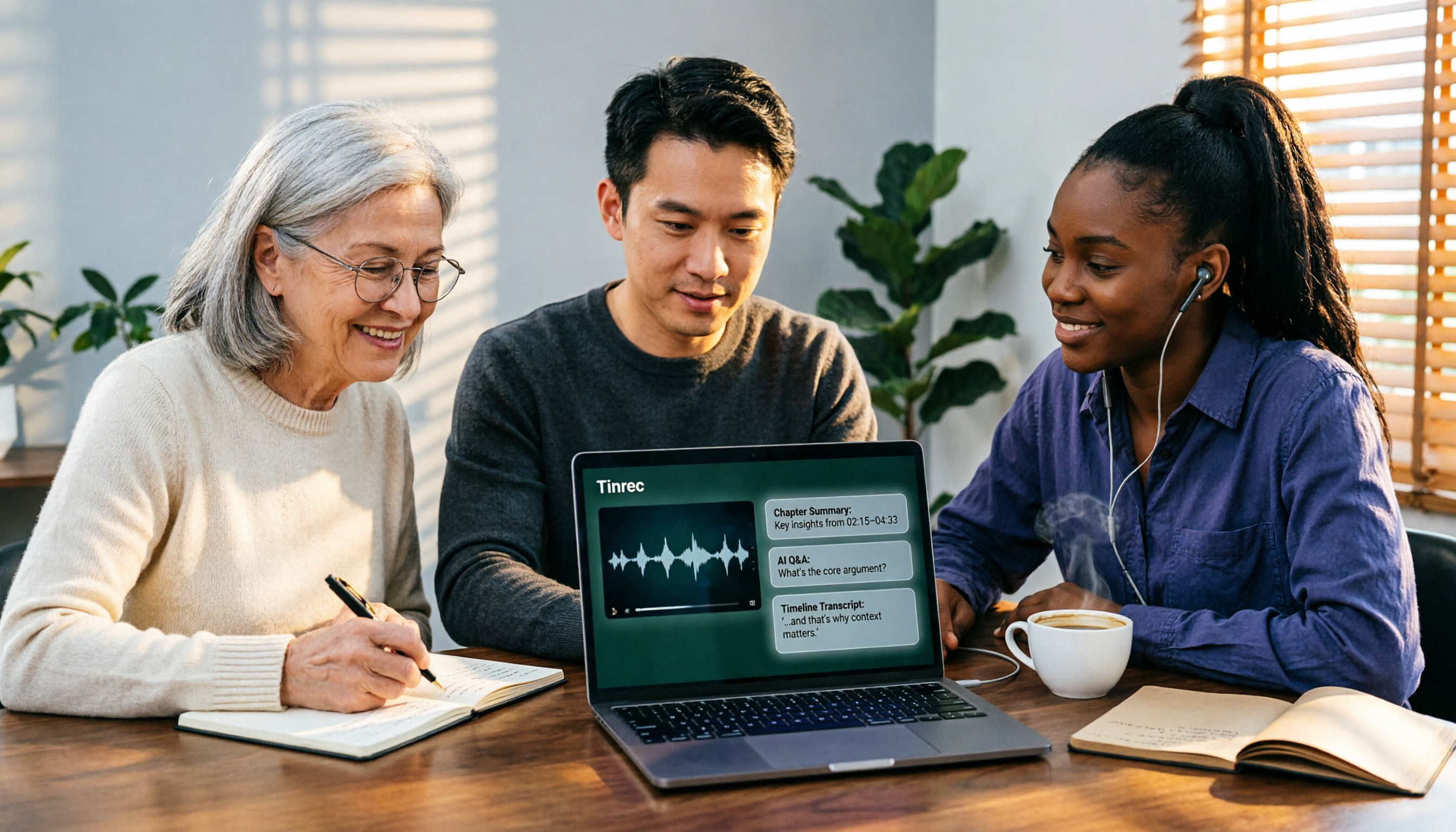
2026 AI Video-to-Text Tools Compared: Which Summaries Actually Save Time?
Watched the video but still have no notes? This article shares hands-on experience with four AI video-to-text and summarization tools in 2026, comparing accuracy, handling videos without captions, post-meeting organization, and team collaboration. It also tests Tinrec's performance in audio/video transcription, AI summaries and chapters, AI Q&A, and export workflows, ending with clear recommendations segmented by use case.

Tinrec vs Notta 2026: 5-Dimension Comparison — Which Is Better for Chinese Meeting Summaries?
Discovering you recorded an entire semester of lectures but never organized them before finals? This student-perspective comparison of Tinrec and Notta covers post-transcription processing, Chinese language performance, free tiers, and team collaboration, with a pitfalls guide and buying advice to help you find the best summarization tool for classes and group projects.
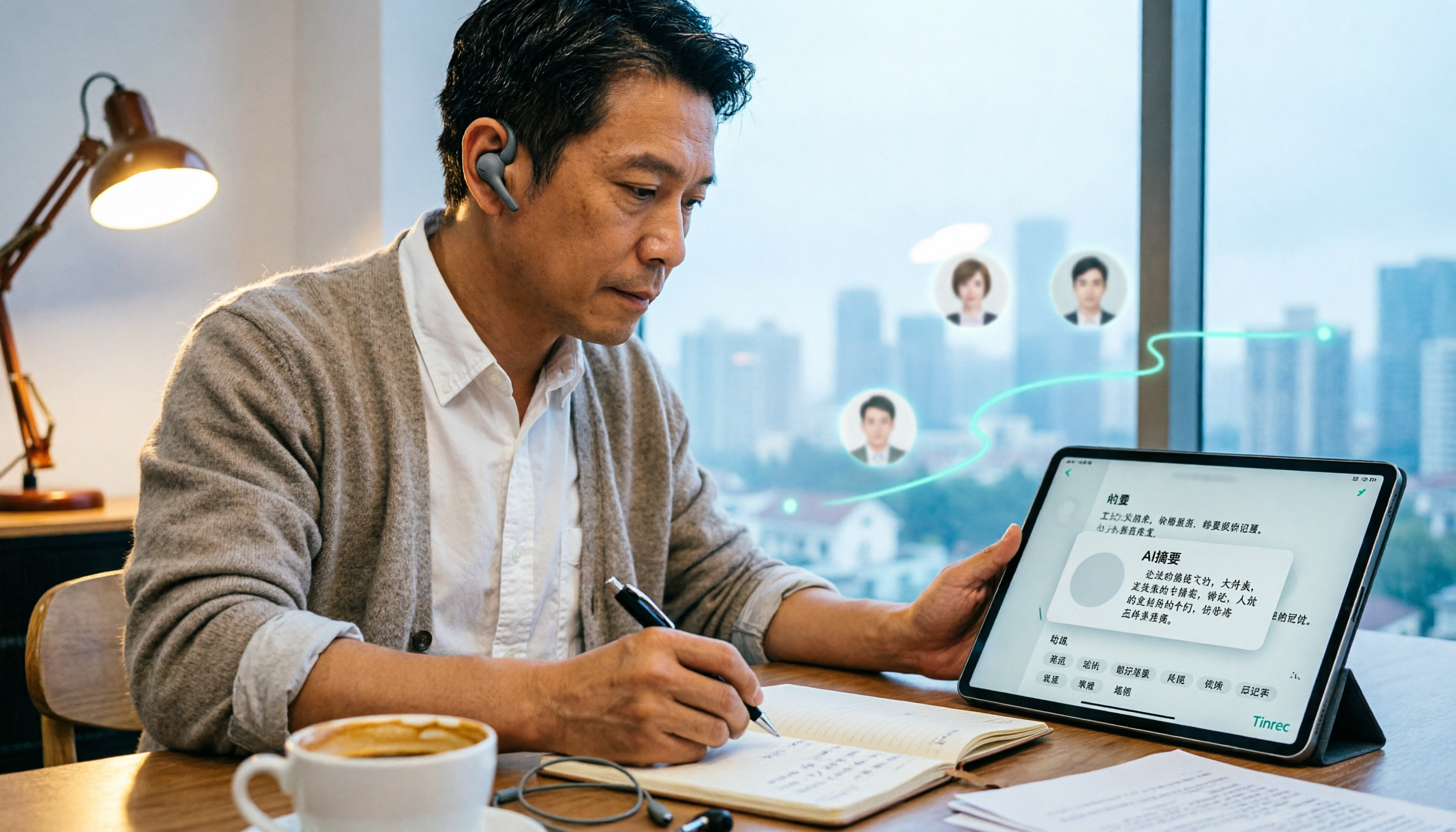
2026 Short Video Learning Note Tools Compared: Why Tinrec Wins for Chinese Video Notes
As a mid-level manager juggling 15 meetings a week, I tested AI tools for turning short video tutorials into notes. This in-depth comparison of Tinrec and Otter.ai covers Chinese transcription, audio/video import, AI summaries, Q&A, export, and team collaboration, explaining why Tinrec is better suited for learners who want to turn tutorial videos into searchable notes.

3 Voice-to-Text Tools Tested for 2026: The Easiest Way to Convert WeChat Voice Messages on Apple Watch
Can you convert WeChat voice messages on Apple Watch to text? Yes, using watchOS built-in dictation. But dictation only handles quick replies; organizing meetings and long recordings requires a different tool. This article compares Tinrec, Notta, Otter.ai, and PLAUD in real tests, helping you understand key buying factors and common pitfalls to find the easiest voice-to-text solution.

2026 Free Online English-Chinese Translation Options: 4 Tools Compared
When you need English-Chinese translation, most people instinctively paste content into an online translator. But for long, multi-person meetings or interviews with mixed Chinese and English, sentence-by-sentence translation often falls short. This article reviews 4 common online English-Chinese translation options, explains their free quotas and use cases, and tests Tinrec's real-time translation, bilingual transcript, and post-meeting AI summary in a meeting scenario.

5 Smart Meeting Minutes Tools Tested for 2026: Which Handles Chinese Transcription and Free Quotas Best?
How to choose a smart meeting minutes tool in 2026? This article starts with common pitfalls and compares Tinrec, Notta, Otter.ai, and PLAUD Note in real tests. It covers 4 key buying factors, a pitfall guide, and scenario recommendations, while honestly explaining Tinrec's bot-free meeting recording, AI Q&A, team spaces, pricing, and usage limits.

3 Ways to Transcribe Voice to Text on iPhone in 2026: Built-in vs. Tinrec — Which Saves More Time?
Your iPhone can already turn speech into text, but the real time sink is organizing the transcript afterward. This guide covers the device and language requirements for Apple's built-in transcription, and explains how Tinrec fills the gap on iPhone with summaries, action items, AI Q&A, and team knowledge storage — so you can decide whether to stick with the built-in option or switch tools.