

Turn recordings into transcripts and summaries in minutes
Upload audio or video for multilingual transcription, AI notes, and action items
3 Ways to Transcribe Voice to Text on iPhone in 2026: Built-in vs. Tinrec — Which Saves More Time?
Turning speech into text on your iPhone is easy these days. The real question is: if the built-in feature already generates a transcript, do I really need another app?
The answer depends on what you want after you hit stop. If all you need is a block of text, the built-in option is enough. But if you finish every meeting and still have to re-listen, pull out key points, and write action items yourself, picking the wrong tool will eat up all the time you thought you saved.
Below I've laid out the approaches I've tested, including the limitations to watch for with Apple's built-in method, and what Tinrec adds on iPhone.
What Can iPhone Voice-to-Text Do for You?
Scenario 1: Get meeting notes right after the meeting. A two-hour meeting used to mean another hour writing up notes. With Tinrec, the transcript is generated while the meeting is happening, and by the time it ends, the summary, conclusions, and action items are already organized — you can see who's responsible for what and when it's due at a glance.
Scenario 2: Turn class or lecture recordings into searchable notes. Tinrec breaks long recordings into chapters, so when you need to find a specific discussion, you don't have to fast-forward from the beginning.
Scenario 3: Interviews and client calls. Tinrec lets you ask questions directly about the recording content — for example, "What budget constraints did the client mention?" — without digging through the transcript yourself.
Scenario 4: Quick notes on the go. Record a snippet on your iPhone, then import the audio into Tinrec to get a transcript and key points.
3 Things to Check First with iPhone's Built-in Feature
Before deciding whether to install another tool, see how far your iPhone's built-in feature can take you.
First, device and OS version. Voice Memos automatic transcription requires iPhone 12 or later; for Traditional Chinese support, you need iOS 18.4 or later.
Second, language and region restrictions. Apple's support page lists supported languages including English (all variants), Spanish, Portuguese, Italian, French, German, Japanese, Korean, Simplified Chinese, and Traditional Chinese — and the feature isn't available in some countries or regions.
Third, short messages are fine, but long content is a struggle. iMessage on iOS 17 and later can transcribe voice messages, which is great for quick thoughts. But for meetings or interviews that run tens of minutes, the built-in feature mostly gives you just a transcript — summaries, action items, and follow-up questions are still on you.
Core Capabilities of Tinrec on iPhone
Live recording to text: You can record and get text on your phone simultaneously — ideal for impromptu meetings, on-site interviews, and quick notes. Timestamps are preserved in the transcript, making it easy to verify original wording.
Import audio and video files: Files recorded on your iPhone or meeting recordings from your computer can be imported into Tinrec for transcription, so you're not limited to a single source.
AI summaries, chapters, and action items: Instead of condensing the transcript into a paragraph, it structures the content — separating meeting topics, conclusions, and action items. Long meetings can be skimmed quickly using chapters.
AI Q&A and live translation: After transcription, you can ask questions directly about the content. For cross-language meetings, you can view the original, translation, or bilingual text during recording.
Export and further processing: Results can be taken to Notion, Google Docs, OneNote, Dropbox, and other tools for continued use, and can also generate reports, tables, and documents.
Team workspace: Meeting recordings, transcripts, summaries, and action items are centralized in one team space. New members can view historical data, and when team members change, the data stays with the team.
Real-World Use Cases
Weekly meetings: Record with Tinrec, then check the AI summary to confirm conclusions, open the action item list to assign work, and export the meeting notes to your team's existing document tools. No need to re-listen to the recording.
Stop organizing recordings by hand
Upload audio or video and automatically get a transcript, summary, and action items
Classes and lectures: Hand a two- or three-hour recording to Tinrec, use chapters to locate topics, then use AI Q&A to confirm which section mentioned a particular concept — cutting review time significantly.
Client interviews: After the interview, ask Tinrec about requirements, objections, and commitments, and compile them into a deliverable record to avoid missing verbal promises.
Team knowledge retention: If meeting data is scattered across individual phones and chat rooms, Tinrec's team plan provides a separate team space where meeting data belongs to the team, with management of members, roles, seats, usage, and audit logs. Eligible teams can try it free for 7 days, including 1 free seat and 300 minutes of shared team import quota.
5 Things to Consider When Choosing an iPhone Voice-to-Text Tool
How well it works on iPhone: Make sure the tool has a mobile app or web version. Tinrec offers both mobile and web, so you can record on the go.
What you can do after transcription: Tools that only give you a transcript leave the organizing work to you. Tinrec goes on to generate summaries, chapters, and action items, and supports AI Q&A.
Chinese and mixed Chinese-English performance: Chinese meetings often mix in English terms. Tinrec covers Chinese, Traditional Chinese, and multilingual scenarios, and offers team hotwords for specialized terminology. Note that accuracy is affected by recording quality, noise, accents, and multiple people speaking at once — avoid generalizing with fixed numbers.
Transparent quotas and pricing: Tinrec's personal plan includes a free version, weekly pass, Pro monthly, and annual plans, so you can choose based on usage frequency. The team plan is USD 29.80 per paid seat per month, or USD 199 per paid seat per year (about USD 16.58 per month), with each paid seat providing 2,000 minutes of shared team import quota per month. Actual prices, currencies, and promotions are subject to the official purchase page.
Audio retention and permissions: Tinrec retains audio, so important content can be replayed for verification. The team plan distinguishes roles and seats — members without a seat can still view, play, and read data, but cannot upload, edit, or export. Audio moved to the recycle bin can be restored before permanent deletion; the current retention period is 30 days.
FAQ
Q1: iPhone already does voice-to-text built-in — why use Tinrec?
The difference is what happens after transcription. The built-in feature gives you a transcript; Tinrec then organizes summaries, chapters, and action items, and also lets you ask questions about the content, translate, and export. It's suited for people who deal with meetings and interviews daily.
Q2: Does Tinrec support Traditional Chinese?
It supports Chinese, Traditional Chinese, and multilingual meeting scenarios, and offers live translation and team hotwords. Actual performance is still affected by recording quality, accents, noise, overlapping speakers, and specialized terminology.
Q3: My iPhone isn't an iPhone 12 or later — can I still use it?
The built-in Voice Memos transcription has device requirements. Tinrec is a standalone service with mobile and web versions. For actual compatible devices and OS versions, refer to the App Store and official pages.
Q4: What's the difference between the team plan and the personal plan?
Personal plan data is managed under your individual account. The team plan is a separate team space where data belongs to the team, with added capabilities like member invitations, role and seat management, shared benefits, usage analytics, audit logs, and an audio recycle bin.
Q5: Is the free version enough?
The free version lets you try recording, importing, summaries, and transcription with basic quota — good for testing one or two meetings. If you have steady weekly needs, consider Pro; if you need multi-person sharing and management, you'll need the team plan.
Q6: Are there legal issues with recording?
Recording and transcription involve local regulations. Check the relevant rules first, and obtain consent from participants when needed.
Conclusion
Whether iPhone can do voice-to-text has long been answered; the real difference is whether you end up with a transcript or a ready-to-use document.
If you have more than two or three meetings a week, try running one meeting through Tinrec's free version to see if AI turning your transcript into summaries and action items is the kind of time-saving you're looking for. If you need team data sharing, eligible teams can try the team plan free for 7 days, including 1 free seat and 300 minutes of shared team import quota. Actual benefits and pricing are subject to the official purchase page.
References
- View Voice Memos transcripts on iPhone - Apple Support (Taiwan)
- iPhone voice-to-text setup tips: 5 ways to transcribe recordings - Mr. Mad
- How to turn iPhone Voice Memos into text: built-in transcription without third-party apps - Mr. Mad
- A practical guide to voice-to-text on iPhone
- iPhone speech recognition: Voice Memos with automatic punctuation and paragraphing - Let's Write
Turn every recording into actionable outcomes
Get 60 free transcription minutes when you sign in. No credit card required.
Related Reading
You might also like

2026 Comparison of 4 Online Video URL Parsing Tools: Beyond Downloading, Which One Turns Content into Usable Text?
Paste a video URL and you can parse and download it, but the real bottleneck is often not downloading—it's what comes after. Based on real-world use cases, this article compares four common approaches—Tinrec, CatchV, TopClipper, and JDownloader—explaining how to choose a video URL parsing tool, what pitfalls to watch for, and why most people ultimately need more than just an MP4 file: they need searchable, quotable transcripts and meeting summaries.

5 iPhone Speech-to-Text Methods Tested and Compared in 2026: Are Built-in Features Enough or Do You Need an App?
Starting from the most common misconceptions, we tested and compared iPhone Dictation, Voice Memos transcripts, iMessage voice message transcription, and Tinrec. Learn how to avoid device and version pitfalls and turn transcripts into usable meeting notes.
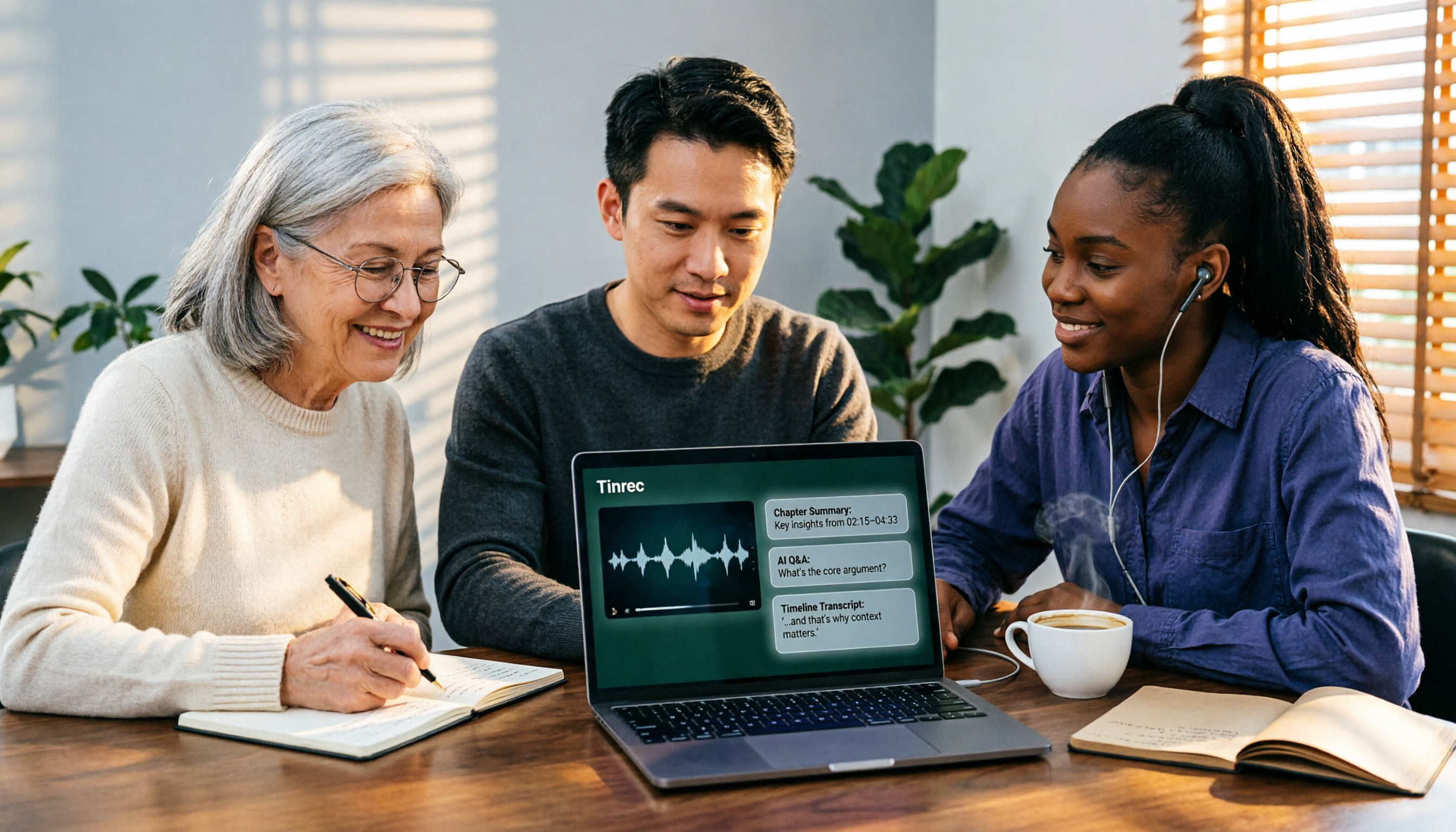
2026 AI Video-to-Text Tools Compared: Which Summaries Actually Save Time?
Watched the video but still have no notes? This article shares hands-on experience with four AI video-to-text and summarization tools in 2026, comparing accuracy, handling videos without captions, post-meeting organization, and team collaboration. It also tests Tinrec's performance in audio/video transcription, AI summaries and chapters, AI Q&A, and export workflows, ending with clear recommendations segmented by use case.

Tinrec vs Notta 2026: 5-Dimension Comparison — Which Is Better for Chinese Meeting Summaries?
Discovering you recorded an entire semester of lectures but never organized them before finals? This student-perspective comparison of Tinrec and Notta covers post-transcription processing, Chinese language performance, free tiers, and team collaboration, with a pitfalls guide and buying advice to help you find the best summarization tool for classes and group projects.
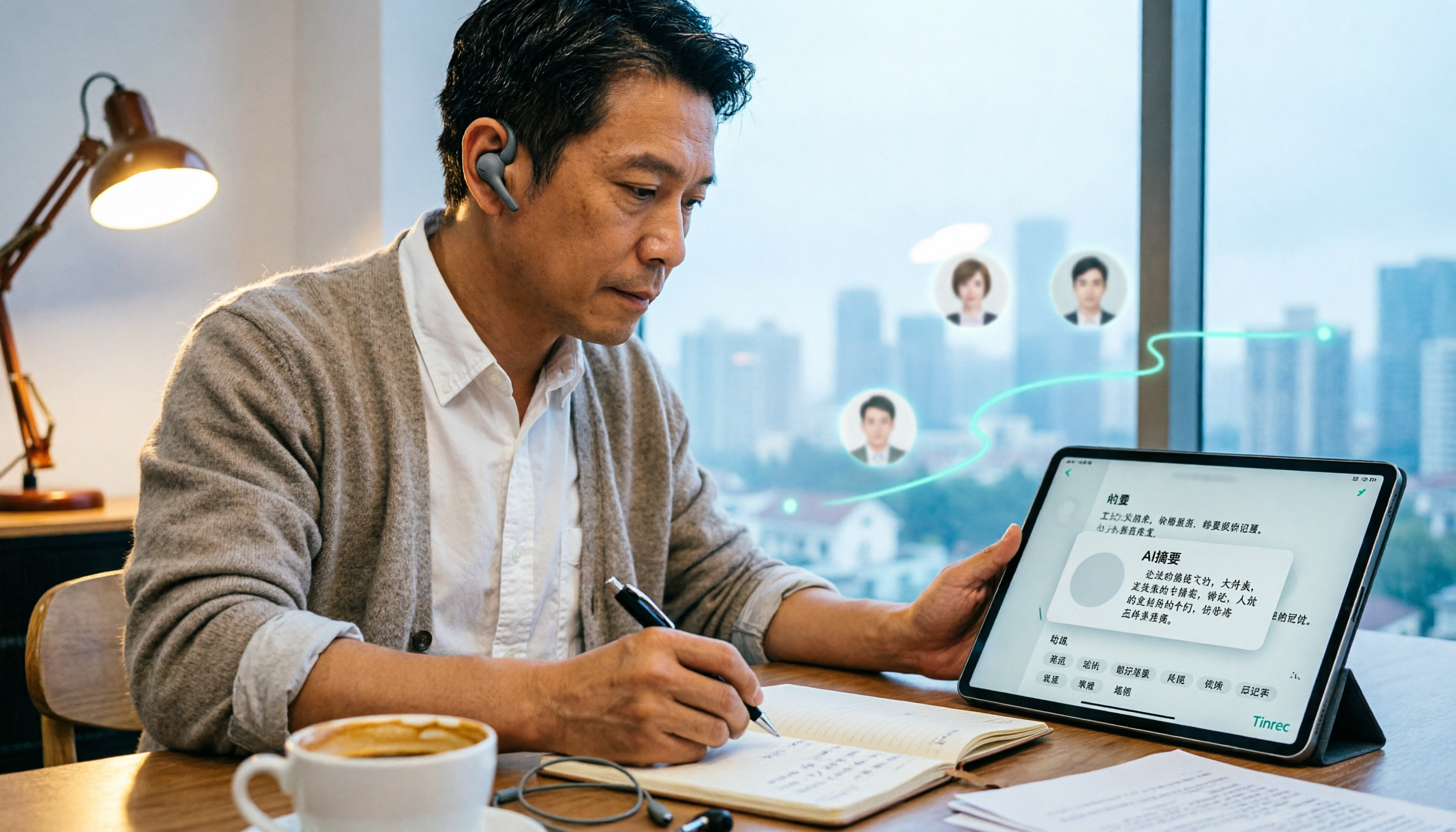
2026 Short Video Learning Note Tools Compared: Why Tinrec Wins for Chinese Video Notes
As a mid-level manager juggling 15 meetings a week, I tested AI tools for turning short video tutorials into notes. This in-depth comparison of Tinrec and Otter.ai covers Chinese transcription, audio/video import, AI summaries, Q&A, export, and team collaboration, explaining why Tinrec is better suited for learners who want to turn tutorial videos into searchable notes.

3 Voice-to-Text Tools Tested for 2026: The Easiest Way to Convert WeChat Voice Messages on Apple Watch
Can you convert WeChat voice messages on Apple Watch to text? Yes, using watchOS built-in dictation. But dictation only handles quick replies; organizing meetings and long recordings requires a different tool. This article compares Tinrec, Notta, Otter.ai, and PLAUD in real tests, helping you understand key buying factors and common pitfalls to find the easiest voice-to-text solution.

2026 Free Online English-Chinese Translation Options: 4 Tools Compared
When you need English-Chinese translation, most people instinctively paste content into an online translator. But for long, multi-person meetings or interviews with mixed Chinese and English, sentence-by-sentence translation often falls short. This article reviews 4 common online English-Chinese translation options, explains their free quotas and use cases, and tests Tinrec's real-time translation, bilingual transcript, and post-meeting AI summary in a meeting scenario.

5 Smart Meeting Minutes Tools Tested for 2026: Which Handles Chinese Transcription and Free Quotas Best?
How to choose a smart meeting minutes tool in 2026? This article starts with common pitfalls and compares Tinrec, Notta, Otter.ai, and PLAUD Note in real tests. It covers 4 key buying factors, a pitfall guide, and scenario recommendations, while honestly explaining Tinrec's bot-free meeting recording, AI Q&A, team spaces, pricing, and usage limits.

2026 Comparison of 4 Audio-to-Text Tools: Stop at Transcripts, Meeting Minutes Are Key
Most people get stuck with audio-to-text not because of the tool, but the method. This article addresses three common misconceptions, breaks the process into four stages: record, transcribe, organize, and act. Using Tinrec as an example, it explains the complete workflow from transcripts, AI summaries, action item extraction, AI Q&A, multi-format export to team spaces. It concludes with 5 purchasing checkpoints and a quick start checklist.