

Turn recordings into transcripts and summaries in minutes
Upload audio or video for multilingual transcription, AI notes, and action items
2026 Free Online English-Chinese Translation Options: 4 Tools Compared
"Just paste the meeting into a translation website?" — The most common misconception
When many people first encounter a meeting with mixed Chinese and English, their instinct is to copy the entire content into an online translator. The translation is understandable, but problems arise immediately: you don't know who said what, at which minute, and it's hard to trace back how a decision was discussed.
More commonly, the meeting includes English slides, Chinese discussion, and a bunch of technical terms. Translating sentence by sentence leaves the translation fragmented and the context scattered.
A more reasonable approach is actually the reverse: first let a tool convert the audio into a timestamped transcript, then translate, summarize, and extract action items from the same document. This way, "English-Chinese translation" gives you not just text in another language, but something you can refer back to and use in meetings.
This article reviews 4 common online English-Chinese translation options and includes insights from actual testing.
Before Choosing an English-Chinese Translation Tool, Understand These 4 Key Points
1. Does it translate "sentences" or "entire conversations"?
A pure translation tool takes text input and produces text output. A meeting scenario requires a timestamped transcript with speakers. Both look like "translation," but their capabilities differ greatly.
2. Does it preserve the original text alongside the translation?
In cross-language meetings, the biggest fear is not understanding the translation and having no way to verify. Tools that show original, translated, or bilingual content side by side let you determine whether a mistake was due to mishearing or mistranslation.
3. After translation, can it directly become summaries and action items?
Meeting translation is just an intermediate step. The real goal is "who does what, by when." If a tool only gives you the translation, you still have to organize everything yourself afterward.
4. How much is free, and who owns the data?
Free plans usually have minute or character limits. Also, meeting content often involves company information, so where data is stored and whether it can be centrally managed is more important to clarify than price.
Tinrec — Our Top Pick for English-Chinese Translation in Meetings After Testing
Tinrec is an AI meeting notes and collaboration tool for individuals and teams, available on iOS, Android, and web, with desktop version handling online meetings on computers. It doesn't just convert audio to text; it organizes the entire meeting into searchable, queryable, and reusable data.
Real-time translation and bilingual view are its most direct answer to "English-Chinese translation."
During recording, you can see original, translated, or bilingual content side by side. This is especially useful for mixed Chinese-English meetings—when speakers switch languages, you don't have to trace back who said what; the screen shows two aligned columns. Moreover, the translation is tied to the timestamped transcript, not a floating block of text.
No bot needed for online meetings.
Tinrec desktop captures system audio directly, handling meetings on Zoom, Google Meet, Microsoft Teams, Webex, etc., without a bot account appearing in the participant list. Just open Tinrec and start recording before the meeting.
The real differentiator is the post-meeting part.
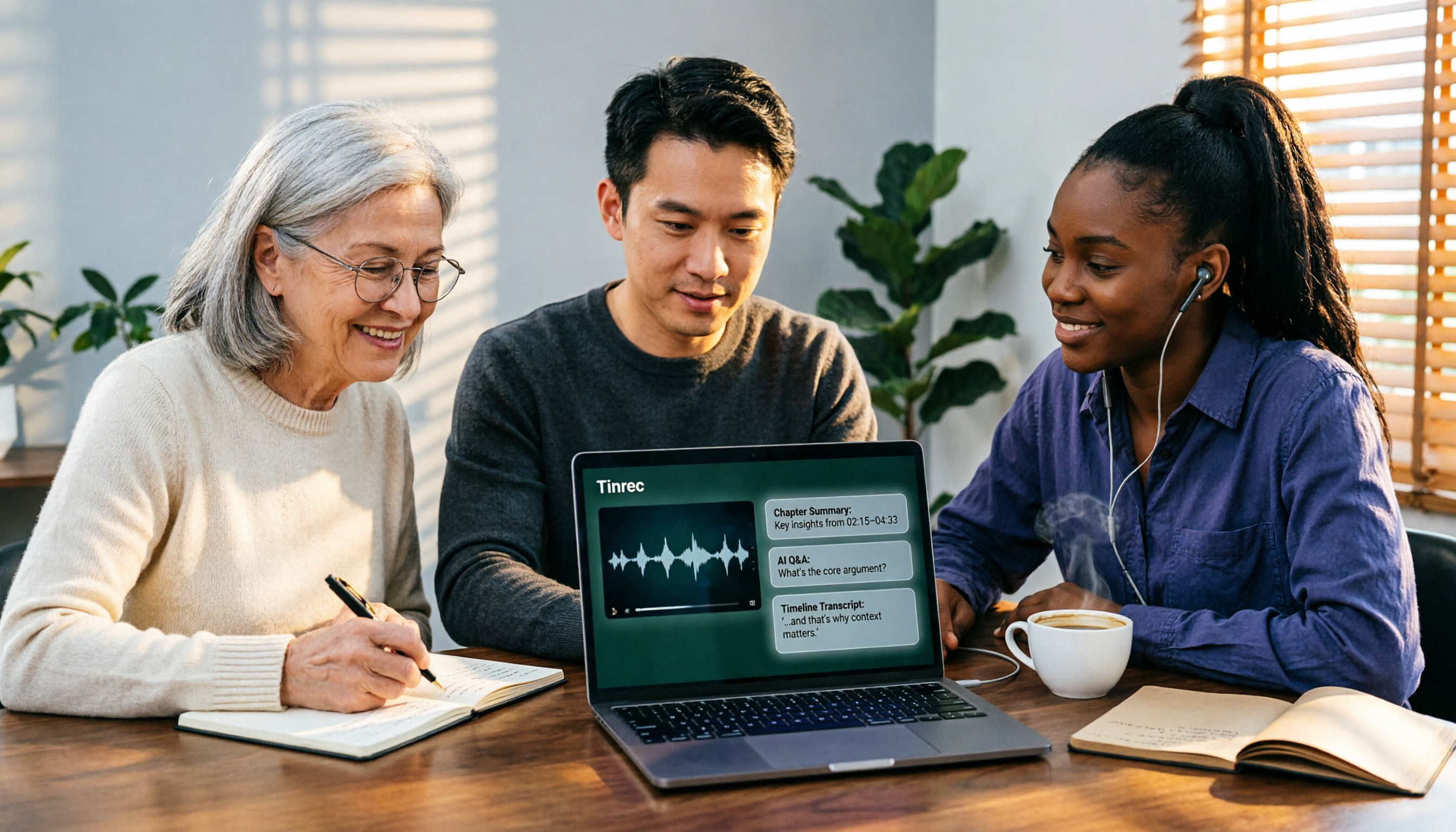
After the meeting, Tinrec generates AI summaries, chapters, key points, and action items. You can ask questions directly about the meeting content, such as "What is the budget cap the client mentioned?" It answers based on semantics, not just keyword search results. For deliverables, summaries, reports, and tables can be exported to Notion, Google Docs, OneNote, Dropbox, etc. for further processing; the team version also centralizes meeting data in a shared team space, so later members can access historical records.
Stop organizing recordings by hand
Upload audio or video and automatically get a transcript, summary, and action items
Limitations and pricing should be clear.
The personal version has a free plan, weekly pass, Pro monthly, and Pro annual. The free plan provides basic quota to experience recording, import, summary, and transcription; consider paid when usage increases. Team version is USD 29.80 per paid seat per month, or USD 199 per paid seat per year (about USD 16.58 per month). First eligible team trial is 7 days, 1 free seat, and 300 minutes of shared team import quota; each paid seat provides 2,000 minutes of shared team import quota per month. Actual prices and benefits are subject to the official purchase page.
Also, transcription and translation performance can be affected by recording quality, background noise, accents, multiple people speaking simultaneously, and technical terms. It's best not to imagine a fixed accuracy rate; for important content, verify with transcript timestamps and recording playback.
Who is it for?
If you frequently attend cross-language meetings, need bilingual transcripts, want to use AI to find key points after meetings, or switch between phone and computer, Tinrec is currently the most hassle-free choice.
Besides Tinrec, What Other English-Chinese Translation Tools Are There?
Google Translate
Free, instantly translates text, phrases, and web pages between English and over 100 other languages. Great for quick lookups or emergencies abroad. It handles one input and one output; it won't turn a 40-minute meeting into a timestamped transcript, nor does it offer summaries and action items—that's exactly what Tinrec adds.
DeepL
DeepL translator officially states it uses proprietary data trained by thousands of language experts and large language models for translation, with a long list of supported languages. Its text and document translation quality is well-regarded, suitable for translating formal documents. But its focus is translation itself: it doesn't retain meeting audio, has no transcript timeline, and lacks AI Q&A and action item extraction.
Youdao Translate
Offers online real-time translation for text, documents, and web pages. The official page mentions 80 million users of AI translation. Convenient for daily documents and web pages. Similarly, it doesn't handle meeting recordings or turn translation results into shareable, queryable team data.
Pitfall Guide: 4 Most Common Mistakes When Using English-Chinese Translation Tools
Pitfall 1: Pasting the entire meeting into a translation box.
The translation is fragmented, and you can't find context. The correct approach is to first convert to a timestamped transcript, then translate.
Pitfall 2: Only reading the translation without checking the original.
AI may mishear proper nouns or names. Tools like Tinrec preserve original text, translation comparison, and timestamps. For important conclusions, click back to the recording to confirm.
Pitfall 3: Treating translation as the end goal.
Translation is just an intermediate step; what you really need are summaries, decisions, and action items. If a tool only gives you the translation, you'll spend another round organizing after the meeting.
Pitfall 4: Assuming free means no limits.
Free plans vary in restrictions: some limit minutes, some characters, and may have single-session length limits. Check clearly before starting, so you don't run out mid-meeting.
Conclusion: Which One Should You Choose?
In short: if you need "English-Chinese translation in meetings," not just "translating a sentence," Tinrec is the closest fit among these four.
- Cross-language meetings needing real-time translation + bilingual transcript → Tinrec
- Mixed Chinese-English meetings needing post-meeting summaries, decisions, and action items → Tinrec
- Want to use AI to query meeting details after recording → Tinrec
- Want to turn historical meetings into searchable team data → Tinrec (Team version)
- Just need to look up a word or translate a web page → Google Translate
- Need to translate a formal document and care about quality → DeepL
Regarding "free," Tinrec personal version lets you start with the free plan's basic quota to try recording, import, summary, and transcription; Google Translate and Youdao Translate are completely free for instant translation. We suggest testing with one of your own meetings before deciding whether to upgrade.
References
Turn every recording into actionable outcomes
Get 60 free transcription minutes when you sign in. No credit card required.
Related Reading
You might also like

2026 Comparison of 4 Online Video URL Parsing Tools: Beyond Downloading, Which One Turns Content into Usable Text?
Paste a video URL and you can parse and download it, but the real bottleneck is often not downloading—it's what comes after. Based on real-world use cases, this article compares four common approaches—Tinrec, CatchV, TopClipper, and JDownloader—explaining how to choose a video URL parsing tool, what pitfalls to watch for, and why most people ultimately need more than just an MP4 file: they need searchable, quotable transcripts and meeting summaries.

5 iPhone Speech-to-Text Methods Tested and Compared in 2026: Are Built-in Features Enough or Do You Need an App?
Starting from the most common misconceptions, we tested and compared iPhone Dictation, Voice Memos transcripts, iMessage voice message transcription, and Tinrec. Learn how to avoid device and version pitfalls and turn transcripts into usable meeting notes.
2026 AI Video-to-Text Tools Compared: Which Summaries Actually Save Time?
Watched the video but still have no notes? This article shares hands-on experience with four AI video-to-text and summarization tools in 2026, comparing accuracy, handling videos without captions, post-meeting organization, and team collaboration. It also tests Tinrec's performance in audio/video transcription, AI summaries and chapters, AI Q&A, and export workflows, ending with clear recommendations segmented by use case.

Tinrec vs Notta 2026: 5-Dimension Comparison — Which Is Better for Chinese Meeting Summaries?
Discovering you recorded an entire semester of lectures but never organized them before finals? This student-perspective comparison of Tinrec and Notta covers post-transcription processing, Chinese language performance, free tiers, and team collaboration, with a pitfalls guide and buying advice to help you find the best summarization tool for classes and group projects.
2026 Short Video Learning Note Tools Compared: Why Tinrec Wins for Chinese Video Notes
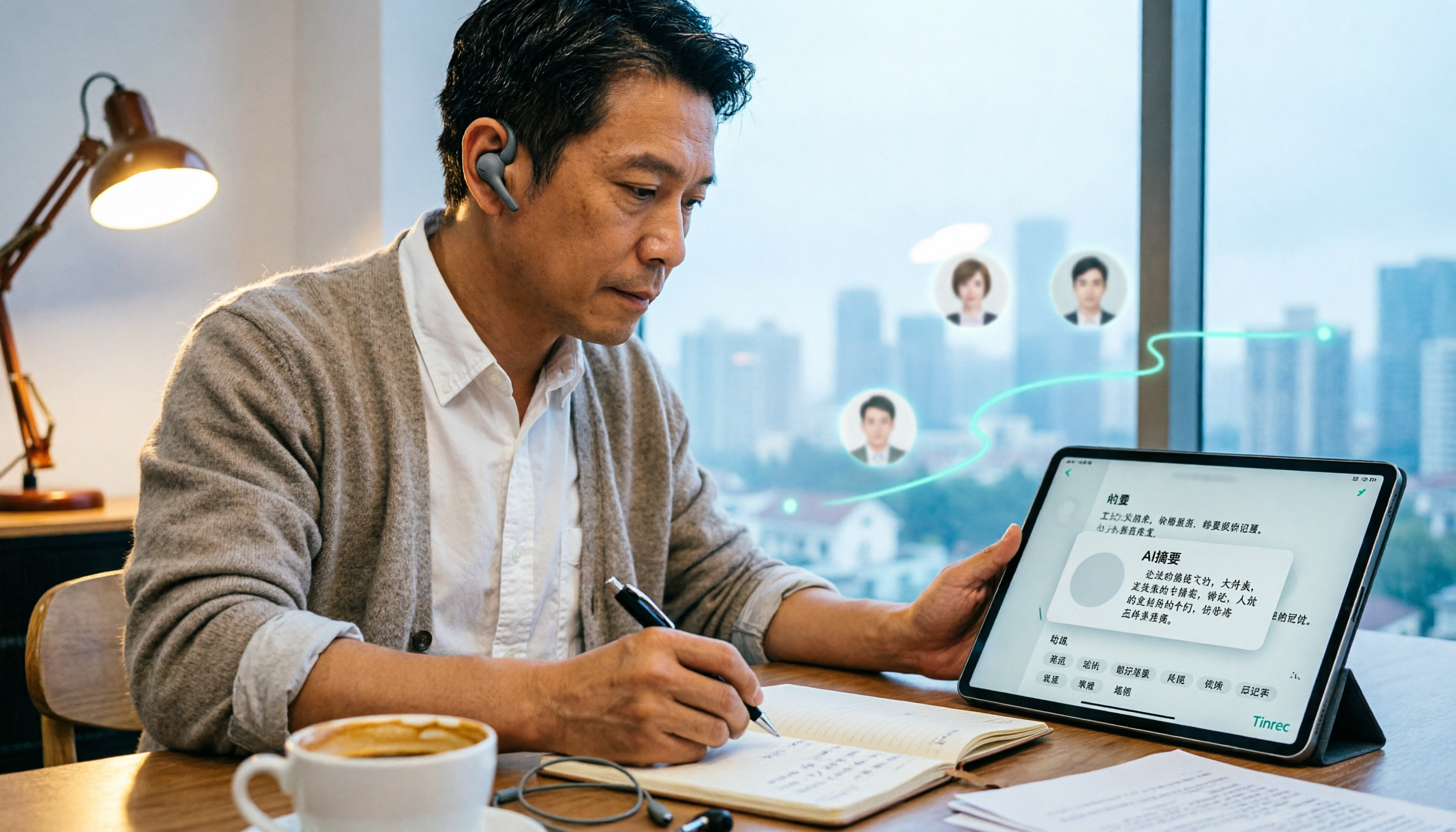
As a mid-level manager juggling 15 meetings a week, I tested AI tools for turning short video tutorials into notes. This in-depth comparison of Tinrec and Otter.ai covers Chinese transcription, audio/video import, AI summaries, Q&A, export, and team collaboration, explaining why Tinrec is better suited for learners who want to turn tutorial videos into searchable notes.

3 Voice-to-Text Tools Tested for 2026: The Easiest Way to Convert WeChat Voice Messages on Apple Watch
Can you convert WeChat voice messages on Apple Watch to text? Yes, using watchOS built-in dictation. But dictation only handles quick replies; organizing meetings and long recordings requires a different tool. This article compares Tinrec, Notta, Otter.ai, and PLAUD in real tests, helping you understand key buying factors and common pitfalls to find the easiest voice-to-text solution.

5 Smart Meeting Minutes Tools Tested for 2026: Which Handles Chinese Transcription and Free Quotas Best?
How to choose a smart meeting minutes tool in 2026? This article starts with common pitfalls and compares Tinrec, Notta, Otter.ai, and PLAUD Note in real tests. It covers 4 key buying factors, a pitfall guide, and scenario recommendations, while honestly explaining Tinrec's bot-free meeting recording, AI Q&A, team spaces, pricing, and usage limits.

3 Ways to Transcribe Voice to Text on iPhone in 2026: Built-in vs. Tinrec — Which Saves More Time?
Your iPhone can already turn speech into text, but the real time sink is organizing the transcript afterward. This guide covers the device and language requirements for Apple's built-in transcription, and explains how Tinrec fills the gap on iPhone with summaries, action items, AI Q&A, and team knowledge storage — so you can decide whether to stick with the built-in option or switch tools.

2026 Comparison of 4 Audio-to-Text Tools: Stop at Transcripts, Meeting Minutes Are Key
Most people get stuck with audio-to-text not because of the tool, but the method. This article addresses three common misconceptions, breaks the process into four stages: record, transcribe, organize, and act. Using Tinrec as an example, it explains the complete workflow from transcripts, AI summaries, action item extraction, AI Q&A, multi-format export to team spaces. It concludes with 5 purchasing checkpoints and a quick start checklist.