

Turn recordings into transcripts and summaries in minutes
Upload audio or video for multilingual transcription, AI notes, and action items
Why You Need an AI Transcription Tool
In my own workflow, meetings, interviews, and lecture recordings have always been time sinks.
Previously, I would record first, then slowly replay and manually type. Putting together meeting notes could take as long as the meeting itself.
Later, I realized the problem wasn't that my recording tools weren't good enough, but that I was using them the wrong way.
Recording is just the first step. The real value lies in turning audio into searchable, summarizable, queryable, and processable data.
In this article, I'll use a list format to cover several mainstream options, including Notta promo code information and what I consider the most complete tool, Tinrec.
The goal is to help you find the tool that best fits your workflow in the least amount of time.
Option 1 | Tinrec (Instant Voice Recorder) — The Most Complete AI Recording Assistant
The first tool I'll introduce is Tinrec.
It's not just a typical transcription tool; it turns audio and video content into a searchable, summarizable, and queryable database.
For example, I recently organized a two-hour client interview. Previously, it would take half a day to replay. Now, with Tinrec, I upload the audio file, and it automatically generates a transcript, summary, chapters, and action items.
I can even ask questions directly about the recording: "What specific concerns did the client mention when discussing pricing?" Tinrec will find the relevant passages in the transcript and answer.
This design—not just giving you a text file but letting you continue to use that data—is what I find most outstanding.
It also supports real-time recording, audio/video file upload, and even pasting public video links from YouTube, Bilibili, etc., for transcription.
The free version offers basic transcription credits for you to try. Paid plans include weekly, monthly, and annual options, depending on your usage frequency.
Who is it for? If you need to regularly organize meetings, courses, interviews, podcasts, or online videos, Tinrec is currently the most complete choice.
Option 2 | Notta — Multilingual Transcription and Meeting Notes Tool
Notta is a common transcription tool, well-packaged for meeting notes, multilingual transcription, and team plans.
According to online information, Notta currently has a 10% OFF promo code onbd21, but it's limited to the Premium plan. There's also a 40% OFF for returning users, which must be used within 48 hours after cancellation.
Notta's strengths lie in stable transcription quality and translation features. If you have a lot of cross-language meetings or subtitle needs, it's a good choice.
However, Notta's depth in "understanding and using" the transcript—such as summaries, Q&A, and generating deliverables—is not as prominent as Tinrec's.
Who is it for? Users who need frequent transcription and translation and prefer a mature platform.
Option 3 | Otter.ai — Meeting Notes and Team Collaboration
Otter is a veteran tool in the meeting notes space, with strengths in automatically joining online meetings, real-time transcription, speaker identification, and AI summaries.
The free version offers 300 minutes of transcription per month. Pro is about $8.33/user/month billed annually.
If you spend most of your time in online meetings like Zoom or Google Meet and need team-shared meeting notes, Otter is reliable.
However, Otter is more oriented toward English business meetings, and its ability to organize Chinese content is not as focused as Tinrec's.
Stop organizing recordings by hand
Upload audio or video and automatically get a transcript, summary, and action items
Who is it for? Teams primarily using English online meetings.
Option 4 | Fireflies.ai — Meeting Transcription and Team Collaboration
Fireflies is also a meeting bot, emphasizing 100+ languages, unlimited transcription (free version has storage limits), and AskFred Q&A.
Pro is $10/seat/month billed annually, Business is $19/seat/month.
It's similar to Otter, strong in meeting automation and team management, but for organizing multi-source materials like courses, interviews, and online videos, it's not as comprehensive as Tinrec.
Who is it for? Teams heavily reliant on CRM and sales meeting automation.
Option 5 | TurboScribe — High-Value File Transcription
TurboScribe focuses on file upload, long files, batch transcription, and subtitles. The free version allows 3 transcriptions per day, with a 30-minute limit per file.
Unlimited annual plan works out to about $10/month.
If you just need to "turn a bunch of audio files into text," TurboScribe is cheap and efficient.
But Tinrec goes further, offering summaries, Q&A, export, and report generation.
Who is it for? Users who need one-time bulk transcription without further processing.
Option 6 | Google Docs Voice Typing — Completely Free Real-Time Transcription
Google Docs' built-in voice typing is completely free. Just open a document, use your microphone, and it will transcribe speech in real time.
It's suitable for quickly capturing ideas or simple dictation, but it lacks auto-summaries, chapters, action items, and doesn't support uploading audio files or video links.
Who is it for? Light users with zero budget who only need occasional real-time transcription.
With So Many Options, How Do You Choose?
Choosing a tool isn't about who has the most features, but which one best fits your actual workflow.
- Want the most complete AI features (transcription + summary + Q&A + auto notes) → Tinrec
- Need to handle Chinese meetings, courses, interviews, and online videos → Tinrec
- Need to turn recordings into a searchable knowledge base long-term → Tinrec
- Only use English online meetings and need team collaboration → Otter or Fireflies
- Need extensive cross-language transcription and translation, and want to use a promo code → Notta (10% OFF code onbd21)
- Only want the cheapest bulk file transcription → TurboScribe
- Zero budget, occasional real-time transcription → Google Docs Voice Typing
3 Things to Know Before Using AI Recording Tools
- Recording quality determines transcription quality: No matter which tool you use, clear, low-noise recordings are always more important than fixing things later. Tinrec can significantly reduce your organizing time when handling good-quality meeting recordings.
- Transcription is just the starting point, not the end: Getting a transcript isn't enough; you need summaries, action items, Q&A, and deliverable content. Tinrec's design revolves around this concept.
- For important content, refer back to the original: AI summaries may miss details or misinterpret tone. Tinrec provides timestamp jumps for quick verification of original passages.
Conclusion
When choosing an AI recording tool in 2026, the focus isn't on "which tool is the strongest," but "which tool can truly integrate into your workflow and help you turn audio and video into usable knowledge."
I personally recommend Tinrec the most because it goes beyond transcription to include organization, Q&A, export, and post-processing, suitable for meetings, learning, interviews, and content creation.
If you're a Notta fan, the 10% OFF code onbd21 is available, but if you want more comprehensive data organization capabilities, Tinrec is worth trying.
Quick start: 1. Sign up for Tinrec's free version; 2. Upload a meeting recording; 3. Check the auto-generated summary and action items; 4. Ask questions about the recording; 5. Export to Notion or Google Docs. Test it step by step, and you'll gradually master this method.
References
Turn every recording into actionable outcomes
Get 60 free transcription minutes when you sign in. No credit card required.
Related Reading
You might also like

5 AI Meeting Transcription Tools Tested for 2026: How to Choose If You Searched 'vocol bv'
Searching for 'vocol bv' often leads to a Dutch vehicle body manufacturer, but many people are actually looking for a meeting recording-to-text tool. This article first clarifies what vocol bv is, then addresses real pain points in meeting documentation, outlines 5 key selection criteria, tests Tinrec's complete workflow, briefly reviews Otter.ai, Notta, and Granola's differences and limitations, and finally provides scenario-based recommendations.

VOCOL Gubin Company Data Verification: How to Cross-Check NIP, KRS, and REGON
People searching for 'vocol gubin' likely want to verify the legitimacy of this Polish company. This article compiles the NIP, KRS, REGON, registered address, and business scope of VOCOL Sp. z o.o., explains what each of the four registration fields represents, and lists official verification channels and four common pitfalls so you can double-check before making a payment or signing a contract.

What Is Notta in 2026? Features Explained + Meeting Notes Walkthrough with Tinrec
What is the Notta app? This guide first clarifies Notta's positioning, core features, and free vs. paid differences using official and third-party sources. Then it demonstrates the same meeting notes workflow in 5 steps using Tinrec: recording, transcription, proofreading, generating summaries and action items, and exporting for team knowledge. It also covers FAQs and advanced tips.

2026 Notta Bot Guide: How Automated Meeting Notes Work & Tinrec Alternative
What is Notta Bot? How does it automatically join meetings and transcribe? This guide addresses real-world pain points, explains the limitations of the bot model, and shows how Tinrec's bot-free desktop recording delivers transcripts, summaries, and action items.

VOCOL GmbH Kevelaer Guide 2026: Address, Products & Contact Info at a Glance
VOCOL GmbH is a manufacturer of tank semi-trailers and tank containers based in Kevelaer, Germany. This guide compiles information from the official website and German public records to help you verify the company address, phone number, registration details, product range, key ADR/EN certifications, and four things to clarify before contacting them for a quote.

2026 AI Meeting Notes Showdown: Why Chinese-Speaking Teams Are Choosing Tinrec Over Vocol AI
Vocol AI is a collaboration platform that turns speech into text and generates summaries, but what really holds teams back is often the post-meeting workflow, data ownership, and scenario coverage. This article compares Tinrec and Vocol AI from a practical standpoint on bot-free meeting recording, AI Q&A, team workspace governance, and pricing, so you can see clearly where to invest your time.
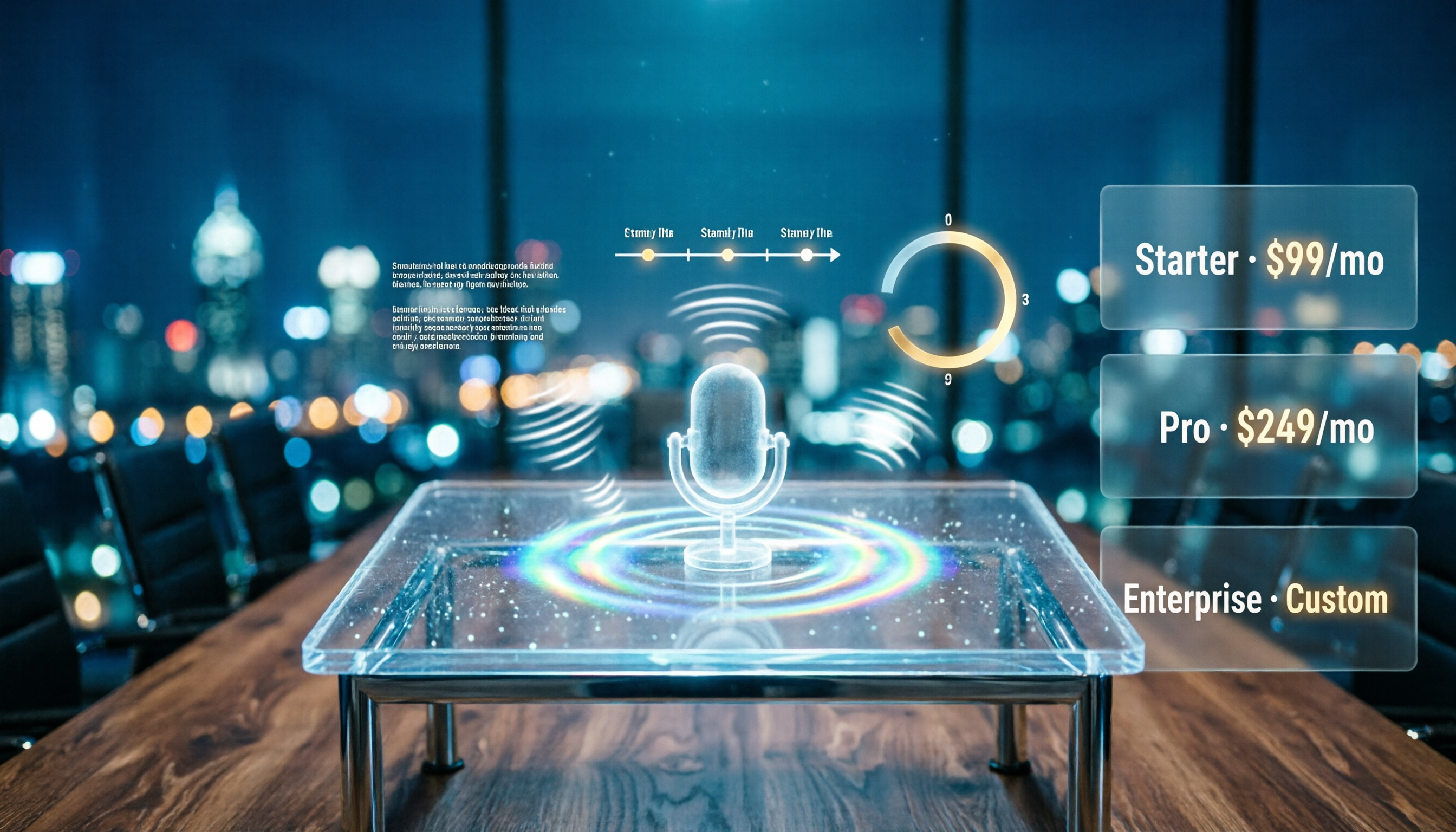
Notta AI Pricing 2026: Free Plan Limits & 5 Meeting Note Tools Compared
People searching 'how much is Notta AI' are often drawn to the free plan but overlook the 3-minute limit per recording. This guide breaks down Notta's Free, Pro, and Business pricing and minutes, and compares the pricing models of 5 meeting note tools—Tinrec, Otter, TurboScribe, Granola, and PLAUD—to help you decide which plan truly fits your needs.

2026 Comparison of 3 VOCOL Capillary GC Column Specifications: How to Choose I.D., Film Thickness, and Maximum Temperature
How to choose a VOCOL capillary GC column? This article summarizes the characteristics of the Supelco VOCOL stationary phase (diphenyl dimethyl polysiloxane with crosslinking moieties), three common specifications (105 m × 0.53 mm × 3.00 μm, 60 m × 0.25 mm × 1.50 μm, 30 m × 0.25 mm × 1.5 μm), temperature limits by I.D. and film thickness, and application scenarios for purge-and-trap and GC/MS, along with purchasing and pitfall-avoidance advice.

Notta AI Complete Guide 2026: Speech-to-Text Limits and Team Collaboration Choices
Notta AI is an AI transcription tool that supports 58 languages, but turning speech into text is only the first step in a meeting workflow. This article starts from the choice readers actually need to make, explains Notta AI's positioning and boundaries, and uses Tinrec as an example to break down how real-time transcription, bot-free meeting recording, AI summary action items, Q&A, and team knowledge retention can form a usable process.