

Turn recordings into transcripts and summaries in minutes
Upload audio or video for multilingual transcription, AI notes, and action items
The Pain Point: Mixed Chinese-English Recordings from Meetings, Classes, and Videos Are the Hardest to Organize
During meetings, when supervisors suddenly switch between Chinese and English, note-takers often scramble to keep up. In class recordings, teachers mix Chinese and English explanations, and when you get home to review key points, you have to replay the audio repeatedly. You want to extract key points from YouTube videos, but there are no subtitles and you don't want to listen through the entire video. The common pain point in these scenarios: your recordings are scattered across different sources, and after converting them to text, you still have to digest the content yourself.
What if there were a tool that could automatically transcribe, organize key points, and even let you ask questions directly? Wouldn't that save you a ton of time? This article tests four popular AI recording-to-text tools to show you which one is best for handling mixed Chinese-English content, online videos, and classroom or meeting recordings.
Before Choosing a Recording-to-Text Tool, Understand These 4 Key Points
1. Accuracy Depends on Real-World Testing, Not Advertised Numbers Many tools claim 98% accuracy, but that's an ideal figure from a quiet recording studio. In real environments with background noise, multiple speakers, and mixed Chinese-English, accuracy drops significantly. We recommend testing with your own recordings.
2. AI Q&A Makes a Big Difference If a tool only converts recordings to verbatim transcripts, you'll still have to find key points yourself. But with AI Q&A, you can ask directly, "What was the meeting conclusion?" or "Who mentioned the budget?" The tool gives you the answer directly, saving you a lot of time.
3. Diverse Input Sources Matter Some tools can only record live meetings, while others support uploading files or pasting online video links. If you often need to organize YouTube or Bilibili videos, make sure the tool supports online video transcription.
4. Support for Chinese and Mixed Chinese-English Content Not every tool is good at Chinese, let alone mixed Chinese-English. If your content often mixes Chinese and English, a tool that is Chinese-friendly and can handle mixed languages will be more practical.
Tinrec (秒听录音) — Our Top Pick After Testing
Tinrec is an AI recording and audio/video organization tool that supports iOS, Android, and web versions. It can not only record but also convert recordings, audio files, videos, and even online video links into text.
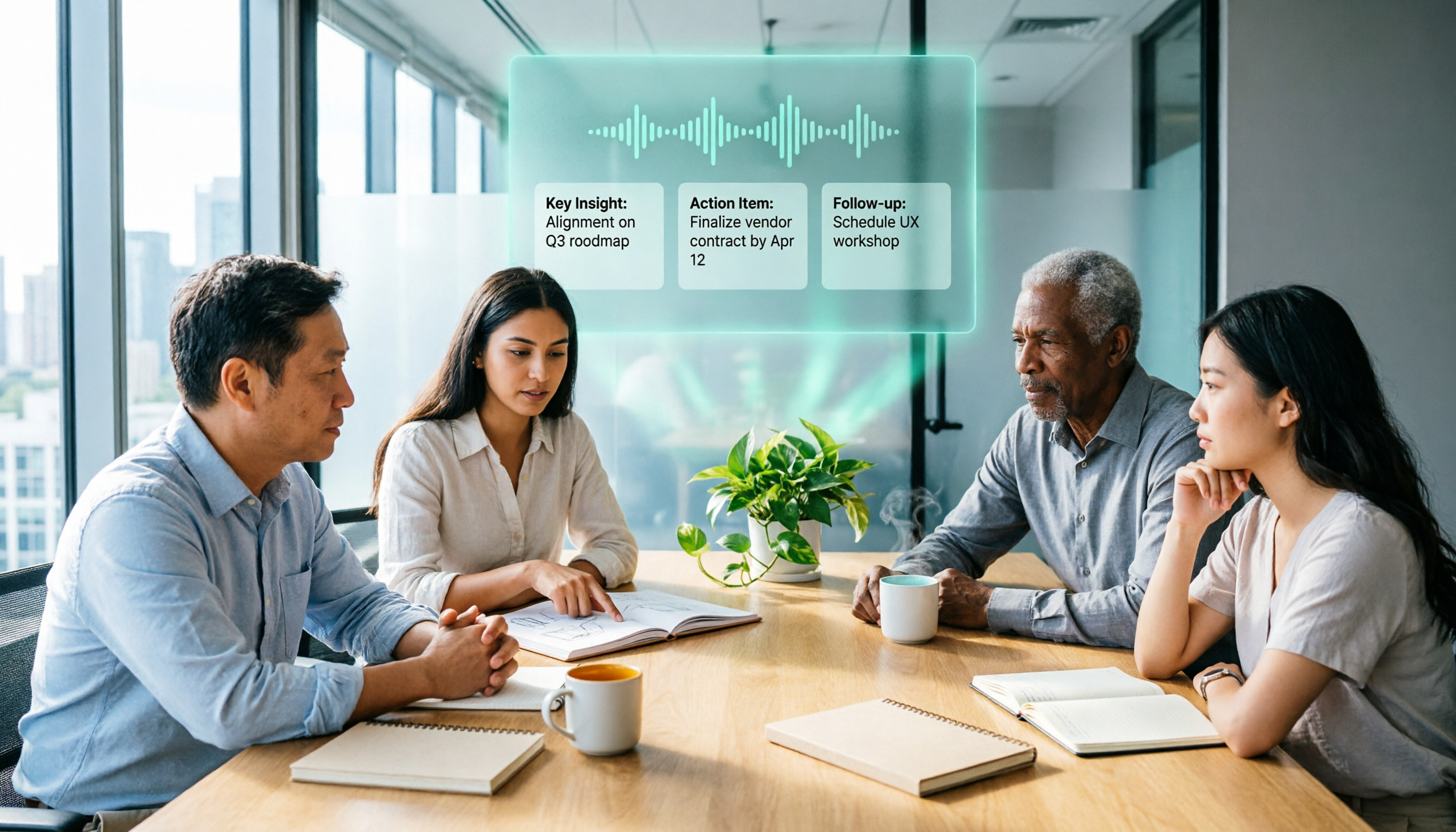
During meetings, open Tinrec and it will generate a live transcript as it records. When the meeting ends, the AI has already automatically generated a summary, chapters, and action items—who is responsible for what and deadlines are all clear at a glance.
What impressed me most is the AI Q&A feature. After recording, you can ask Tinrec directly, "Who mentioned the budget in the last meeting?" It doesn't just give you keyword search results; it understands semantics and tells you the answer directly. Among competitors at the same price point, this feature is rare.
Additionally, Tinrec supports pasting links from online videos like YouTube and Bilibili to directly convert them to text. This is very useful for content creators and students. You don't need to download the video separately; just paste the link and get the transcript and summary.
We tested a 5-minute mixed Chinese-English meeting recording (recorded on a phone with slight background noise). The transcript quality from Tinrec was quite good—both Chinese and English words were correctly recognized, and the AI summary captured the key points. Of course, if the recording quality is too poor, accuracy will still drop, but overall performance was satisfactory.
Pros:
Stop organizing recordings by hand
Upload audio or video and automatically get a transcript, summary, and action items
- Supports multiple input sources: live recording, file upload, and online video links.
- AI summary, chapters, action items, and Q&A—you can continue to organize and use the content after transcription.
- Excellent performance on Chinese and mixed Chinese-English content, suitable for users in Taiwan.
- The free version includes basic transcription quota, so you can try it before deciding to pay.
Limitations:
- The free version has a monthly quota limit; heavy users will need to upgrade to a paid plan.
- Not suitable for users who only need unlimited transcription and don't care about organization features.
If you often need to organize meetings, classes, interviews, or online videos, and want to ask questions and export key points after transcription, Tinrec is currently the most suitable choice.
Beyond Tinrec: What Other Options Are There?
Otter.ai Otter.ai is a well-known AI meeting notes tool. The free version offers 300 minutes of transcription per month, making it great for English online meetings. However, Otter's strength is English content; its recognition of Chinese and mixed Chinese-English is not as natural as Tinrec's. If you mainly record English meetings, Otter is a good choice; but if you need to handle Chinese or online videos, Tinrec is more comprehensive.
Notta Notta is a direct competitor, offering 120 minutes per month on the free plan, and paid plans include many minutes. Notta excels at transcription and subtitles, but it lacks Tinrec's AI Q&A and online video transcription features. If you only need quick transcription for subtitles, Notta is worth considering; but if you want to continue organizing and asking questions after transcription, Tinrec is superior.
Fireflies.ai Fireflies.ai focuses on unlimited transcription and team collaboration, making it suitable for teams with many meetings. However, its interface is geared toward meeting bots, which can be a bit complex for individual use, and its Chinese content organization is not as focused as Tinrec's. If you're an individual user looking to organize audio/video from multiple sources, Tinrec is lighter and more suitable.
Pitfall Guide: 4 Common Mistakes When Choosing a Recording-to-Text Tool
Pitfall 1: Only Looking at Official Accuracy Claims Many tools advertise 98% accuracy, but that's under ideal conditions. Real recordings have noise, accents, and mixed Chinese-English, which reduce accuracy. We recommend trying free trials with your own recordings instead of just looking at ads.
Pitfall 2: Ignoring Input Source Limitations Some tools can only record live meetings and cannot upload files or paste online video links. If you need to organize old recordings or YouTube videos, choosing the wrong tool can be painful. Tinrec supports multiple input sources, which is a big plus.
Pitfall 3: Buying a Tool but Only Using It for Transcription If you only use a transcription tool for converting recordings to text, you're wasting its AI features. Tinrec's AI Q&A lets you ask for key points directly, saving you time from scanning transcripts. Learning to use these features is key to truly improving efficiency.
Pitfall 4: Spending Extra Money on Hardware Some AI recording hardware (like PLAUD) is convenient, but if you already have a smartphone and computer, you don't need to buy additional devices. Tinrec's mobile app can record and transcribe, so you don't need to carry a separate voice recorder.
Summary: Which One Should You Choose?
If you need to handle mixed Chinese-English recordings, online videos, or classroom meetings, and want automatic key point organization and direct Q&A after transcription, Tinrec is currently the most balanced choice.
Scenario Recommendations:
- Mixed Chinese-English meetings or class recordings → Tinrec (excellent Chinese and mixed-language support)
- Need to organize YouTube videos → Tinrec (the only one supporting online video transcription)
- Want to use AI Q&A to find key points after transcription → Tinrec (AI Q&A feature)
- Only recording English online meetings → Otter.ai (specialized in English meetings, generous free quota)
- Only need quick transcription for subtitles, don't care about organization → Notta (strong transcription and subtitles)
We recommend downloading the Tinrec free version to try it out. It includes a basic monthly quota, enough to experience a few meetings or class transcriptions. If you find it useful, consider upgrading to a paid plan—no need to spend money upfront.
References
Turn every recording into actionable outcomes
Get 60 free transcription minutes when you sign in. No credit card required.
Related Reading
You might also like

3 AI Meeting Note Tools Tested: What to Know Before Paying Monthly for Notta Pro in 2026
Notta Pro costs about USD 13.99/month billed monthly, or about USD 8.17/month billed annually—a difference of over 40%. Switching from annual to monthly requires canceling and resubscribing. This article compares Tinrec, Notta, and Otter.ai across billing cycles, quota calculations, post-meeting workflows, and team seats, highlighting common pitfalls when switching from monthly to annual, adding features, and seat pricing.

2026 AI Meeting Recorder Comparison: Is Dcard's Favorite Meeting Ink Worth It?
Is Meeting Ink, the tool buzzing on Dcard, actually worth using? This article compares four AI meeting recorder tools using the same criteria, from language recognition and meeting recording methods to post-meeting summaries and team permissions. It also breaks down Tinrec's bot-free recording, AI follow-up questions, and team governance features to help you pick the one that truly saves time.

2026 AI Meeting Notes Tools Compared: Meeting Ink vs. Tinrec and More
This guide tackles three common misconceptions about choosing an AI meeting notes tool and compares Meeting Ink, Notta, Otter.ai, and Tinrec on audio capture methods, post-meeting organization, Chinese language support, and team collaboration. It concludes with recommendations based on different use cases.

How to Organize Worship Audio in 2026: Before Your Throne Transcript + AI Summary
Before Your Throne is a 12-minute worship EP released by Mattie Nottage in 2024. Starting from the real pain of organizing long audio files, this guide explains how to turn worship and sermon recordings into citable transcripts, summaries, and notes, and compares Tinrec, Otter.ai, TurboScribe, and Granola in terms of differences and use cases.

2026 AI Meeting Recorder Comparison: Notta vs. Tinrec — Which Handles Chinese Meetings Faster?
Tired of replaying recordings after meetings? This comparison puts Tinrec, Notta, Otter.ai, and Granola head-to-head, breaking down online meeting capture methods, Chinese and mixed-language recognition, post-meeting summaries and AI Q&A, plus free tiers and team licensing. Find out if Notta is enough or when to switch to Tinrec.

2025 Comparison of 3 Audio-to-Text Tools: Notta vs. Tinrec for Chinese Meeting Notes—Which Saves More Time?
When choosing a meeting notes tool in 2025, don't just look at how many minutes are included each month. This article starts from three decision points: how audio gets in, what can be produced after transcription, and whether team data remains when people change. It compares Notta, Tinrec, and Otter, and breaks down Tinrec's bot-free recording, AI Q&A, action item extraction, and team spaces to help you decide which one truly saves that hour after meetings.

2026 Free Voice Translation Guide: Tinrec Real-Time Bilingual Subtitles + Transcript Organization
A hands-on comparison of Vidnoz and Tinrec, two voice translation tools you can start using for free, broken down across five dimensions: real-time performance, post-meeting output, audio sources, free quota, and team collaboration, to help you decide which one fits your meeting notes and video dubbing needs.

Tinrec vs Notta in 2026: 5-Dimension Comparison — Which Chinese Meeting Transcription App Is Worth Downloading?
Before searching for 'Notta AI app download,' understand the real limits of the free tier and how online meetings are captured. This article compares Tinrec and Notta across 5 dimensions—meeting audio source, post-meeting organization, Chinese performance, team collaboration, and quota calculation—to help you decide which app to download.
2026 AI Meeting Recorder Comparison: 3 Tools Tested, and the Notta Alternative Worth Buying
Thinking about Notta or comparing AI meeting note tools? This guide starts with what to clarify before buying, breaks down 5 key criteria—live transcription, bot-free recording, summaries and action items, AI Q&A, and team seat governance—and uses Tinrec as the main hands-on example, with team pricing and FAQs to help you spend on features you'll actually use.